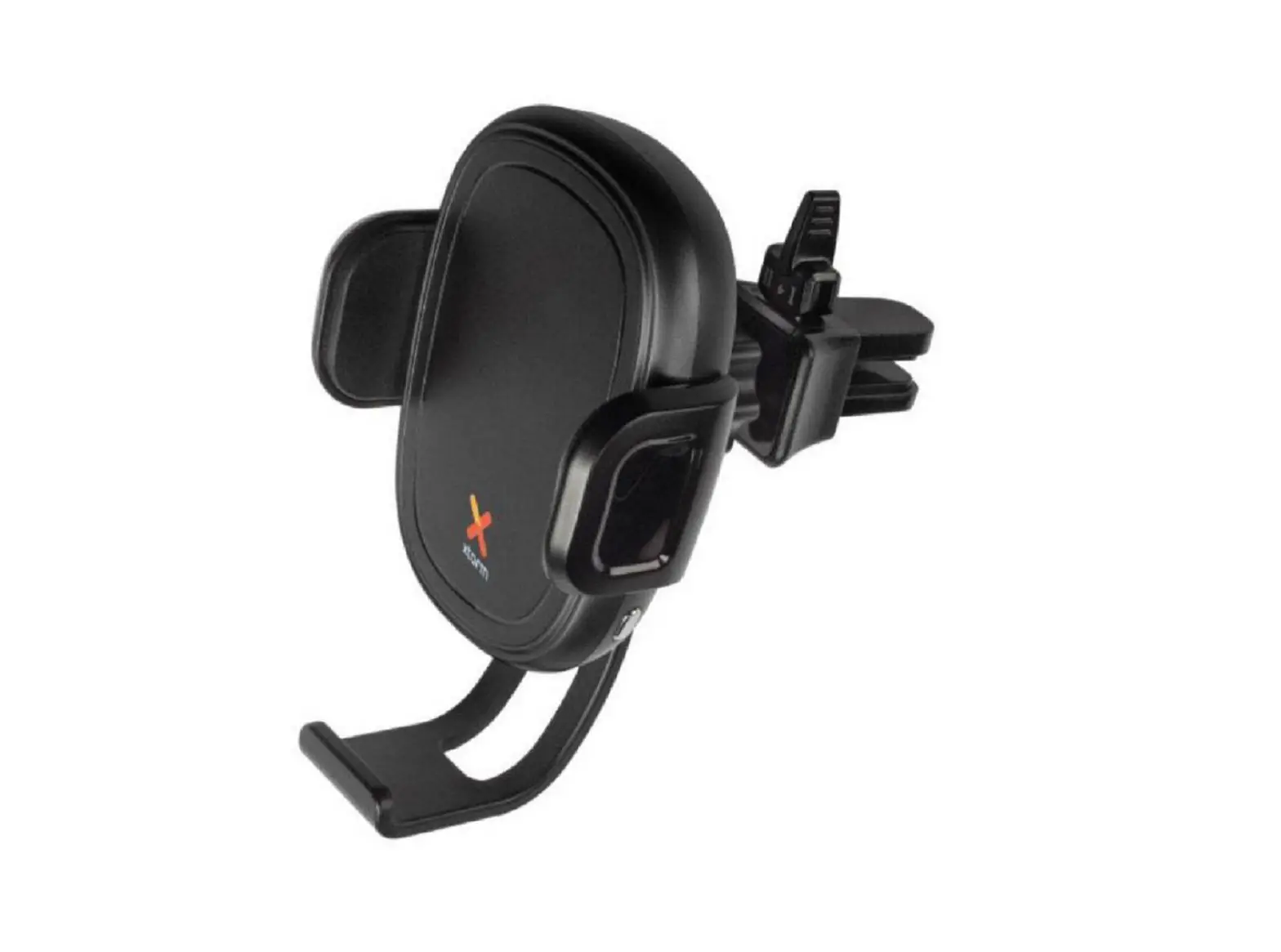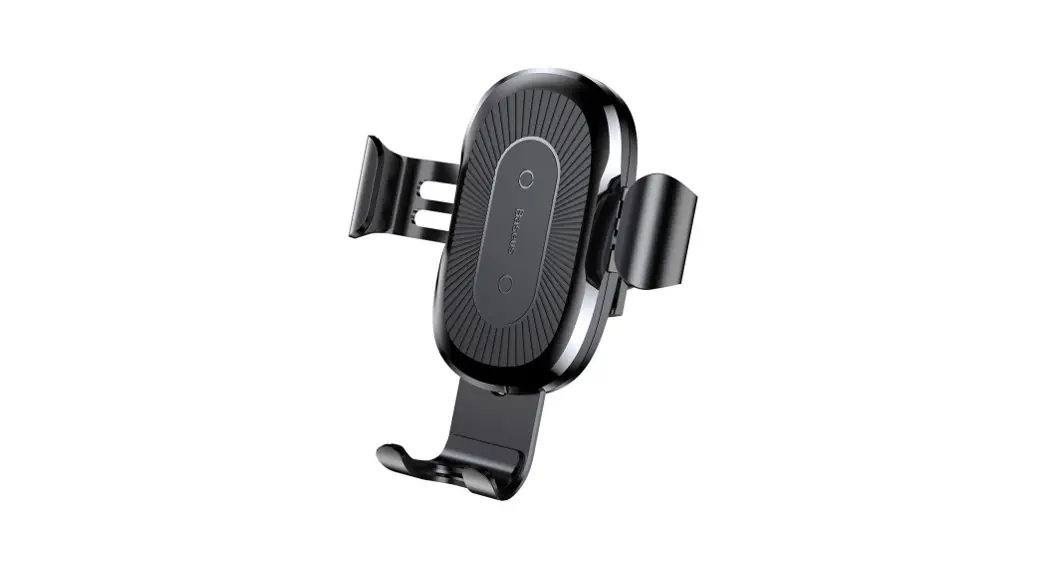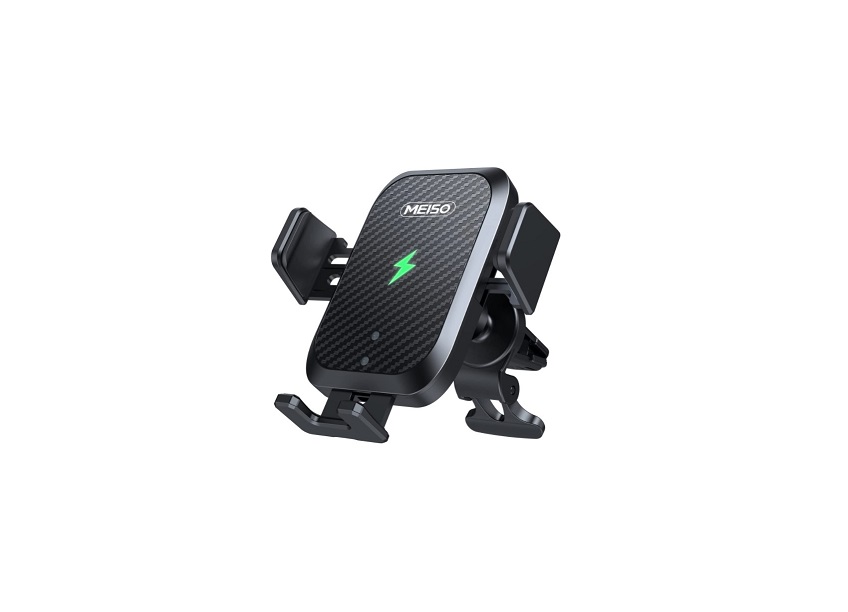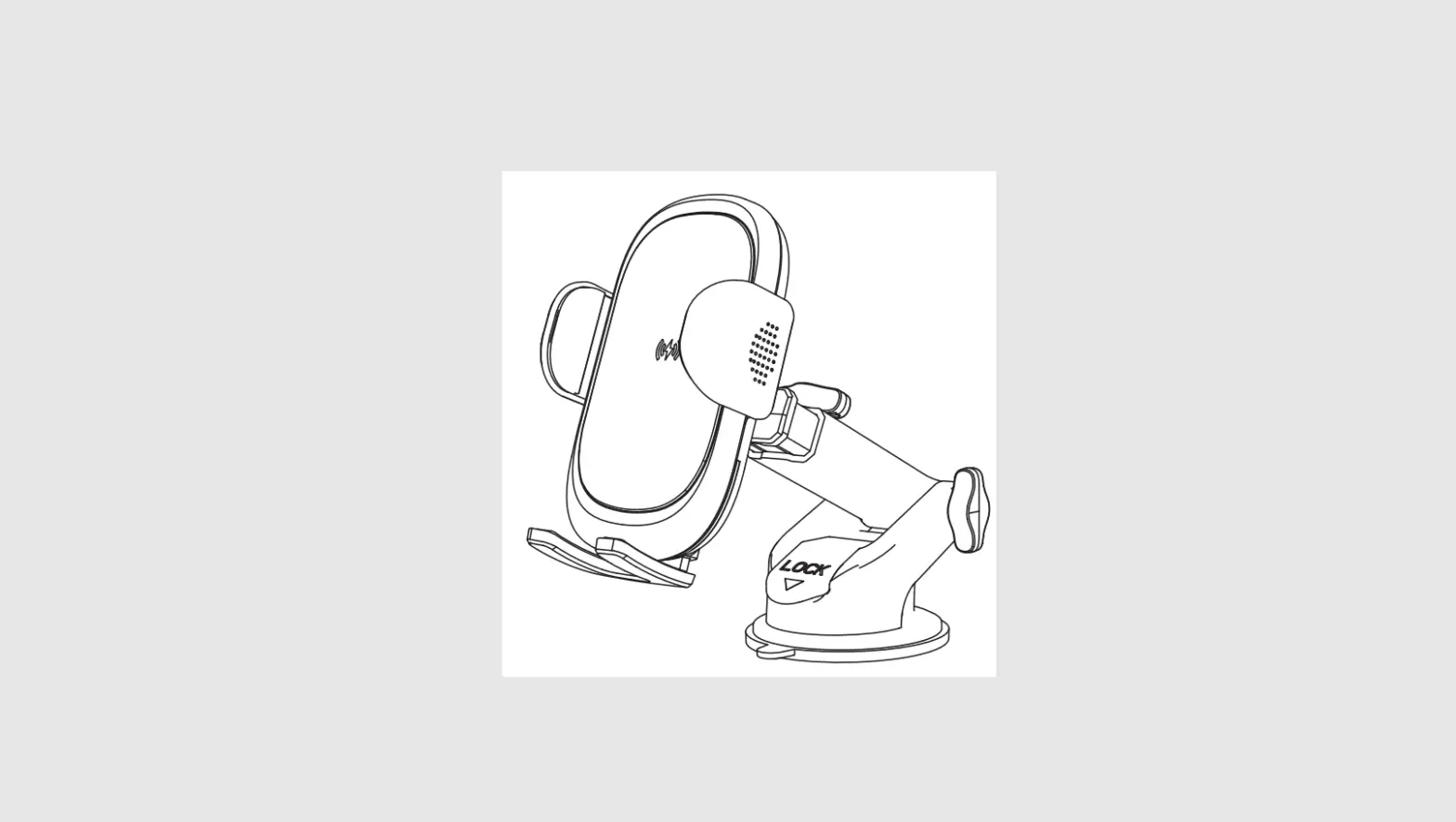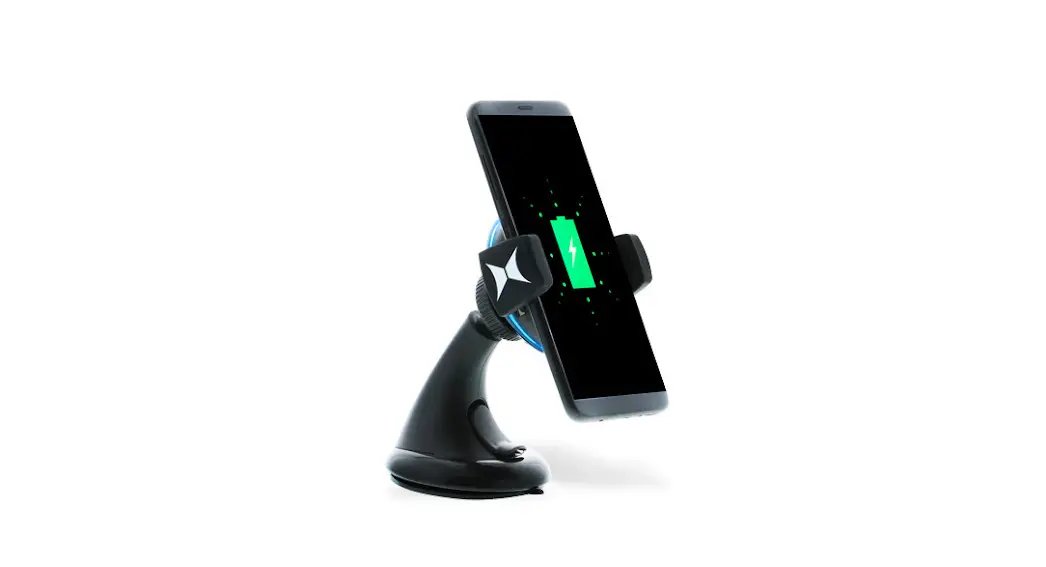

WIRELESS CHARGER CAR MOUNT
QUICK START GUIDE
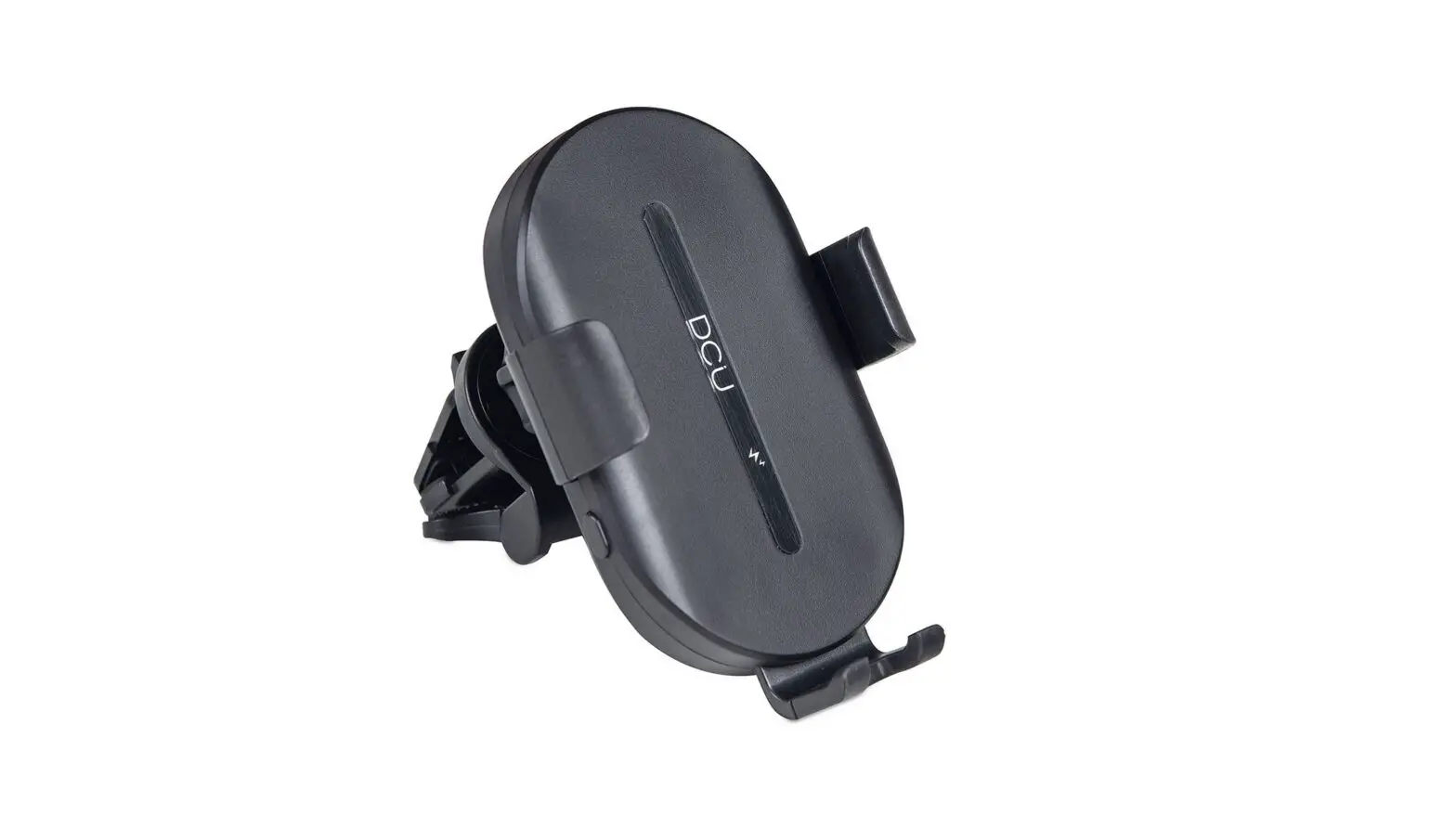
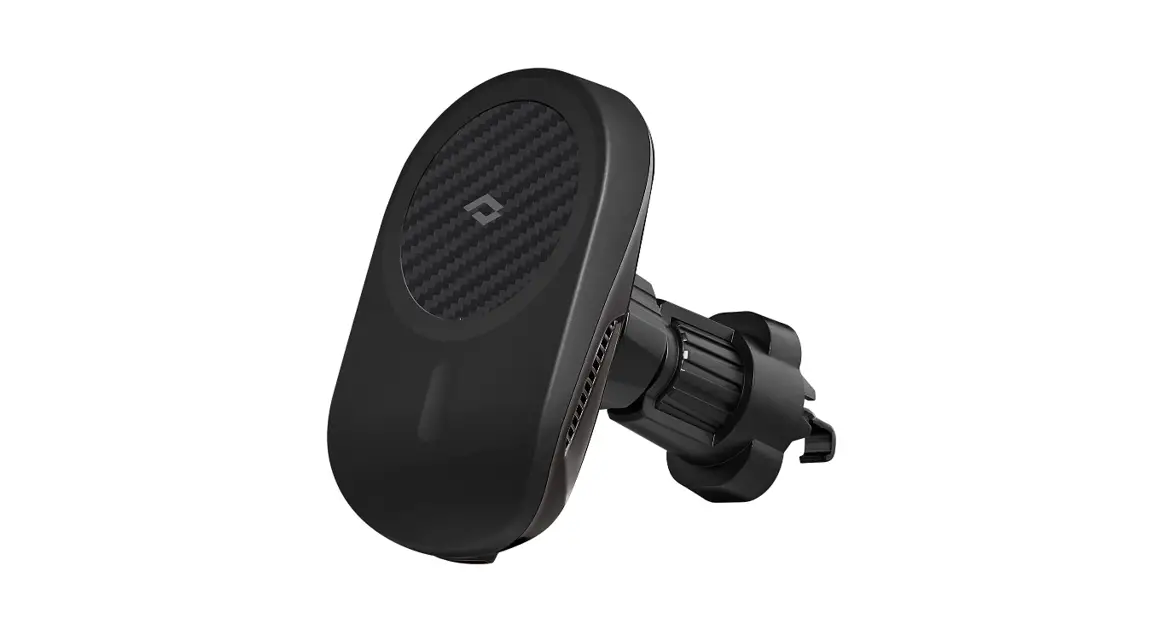
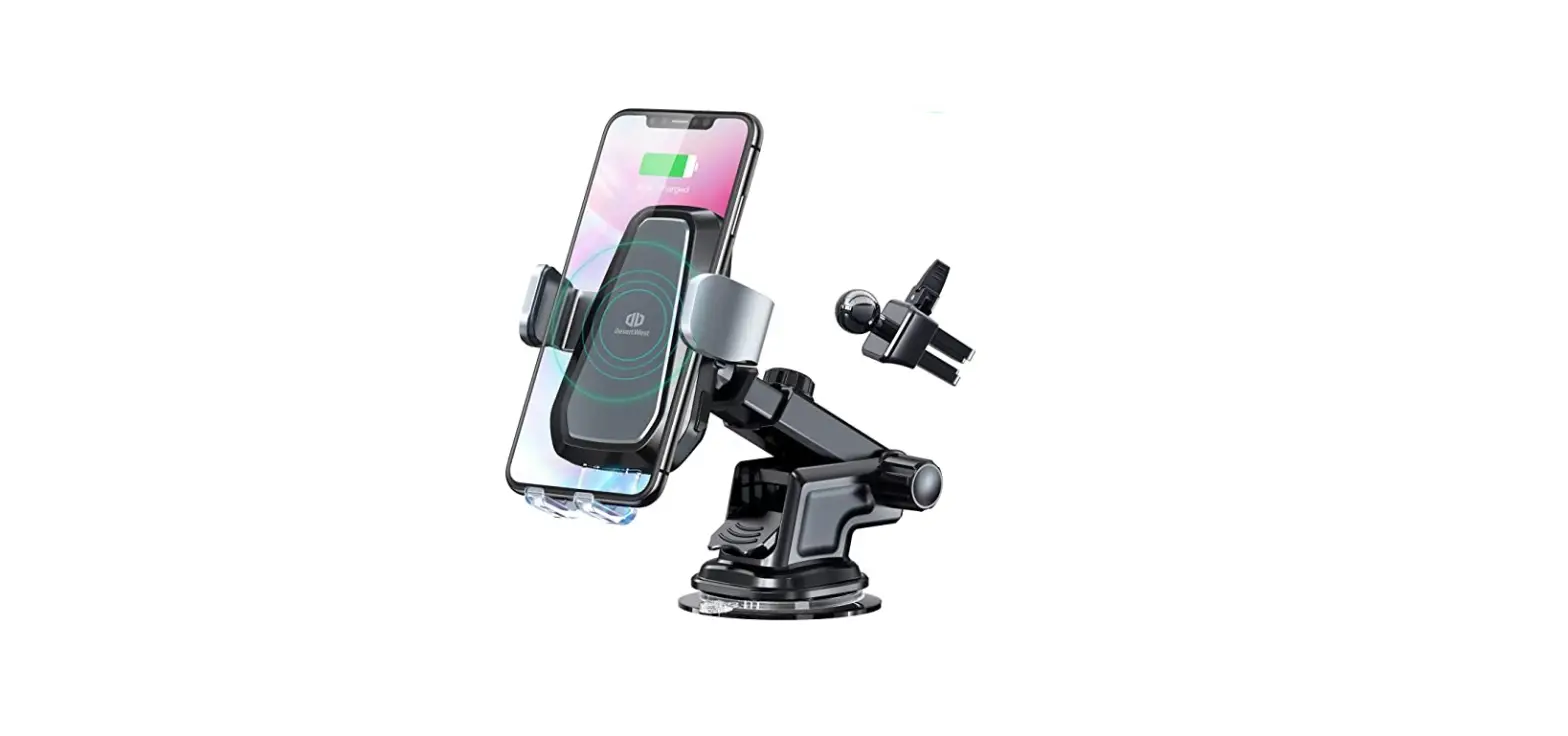
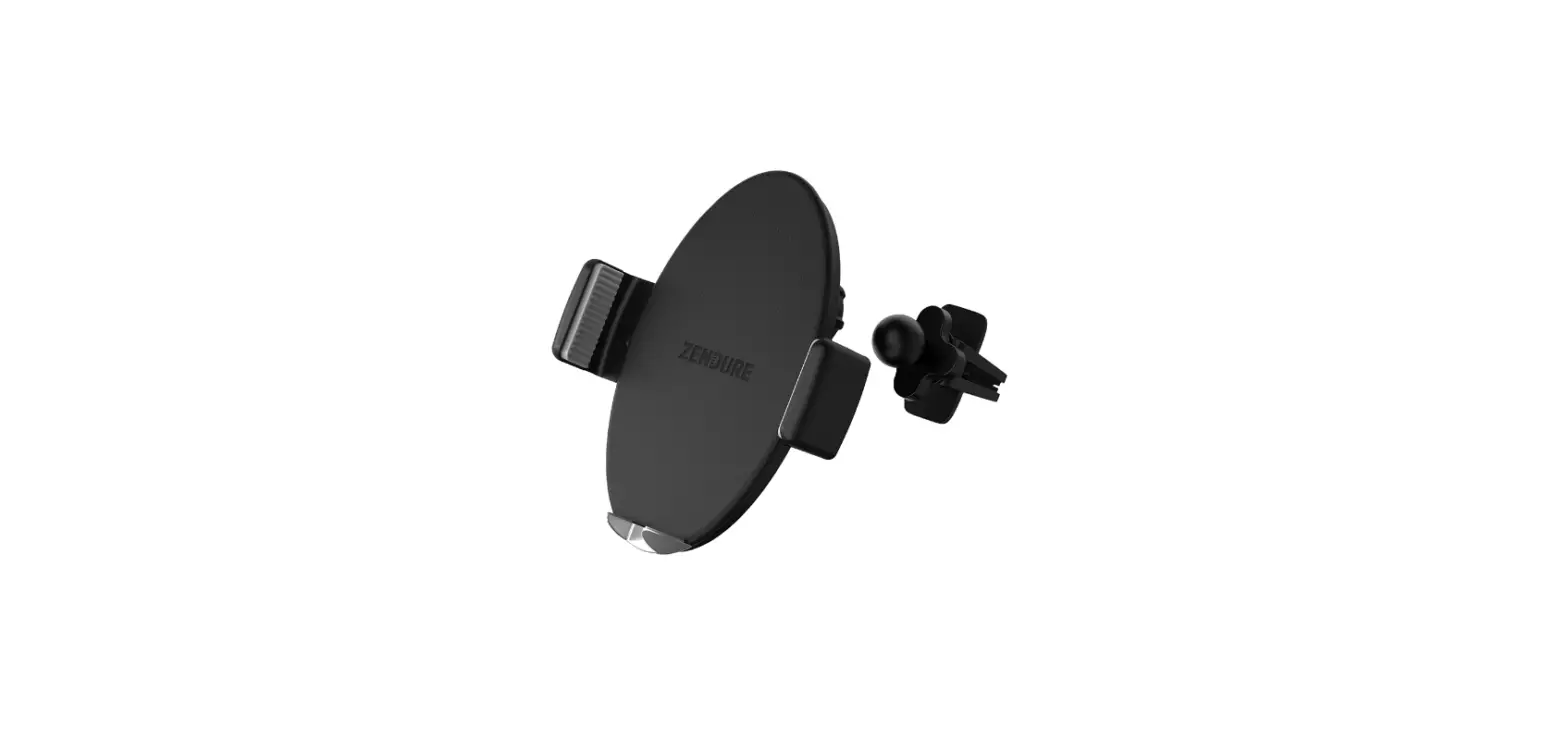
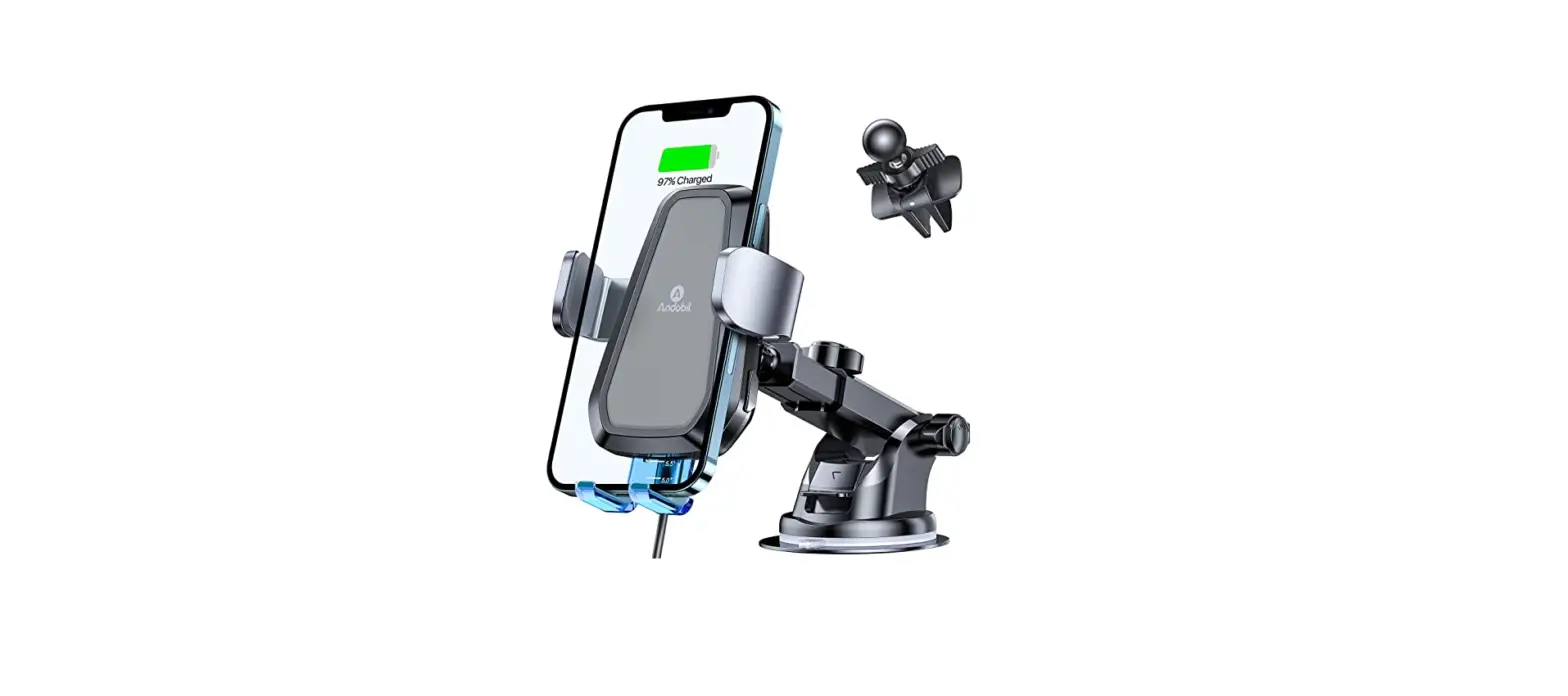
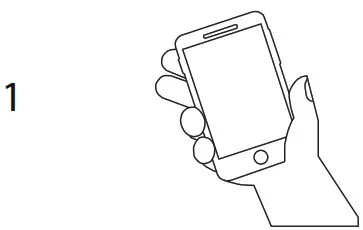 | Universal phone mount fits most phones. |
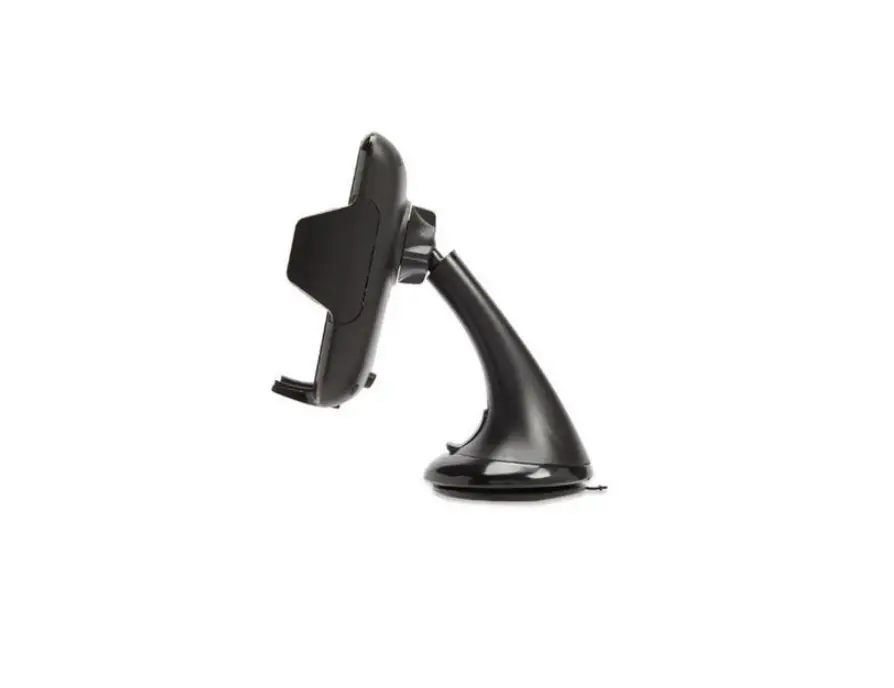
 | Wipe down surface with a clean cloth and press suction cup down with suction cup clamp up. Once firmly in place, press suction clamp down to close and secure. |
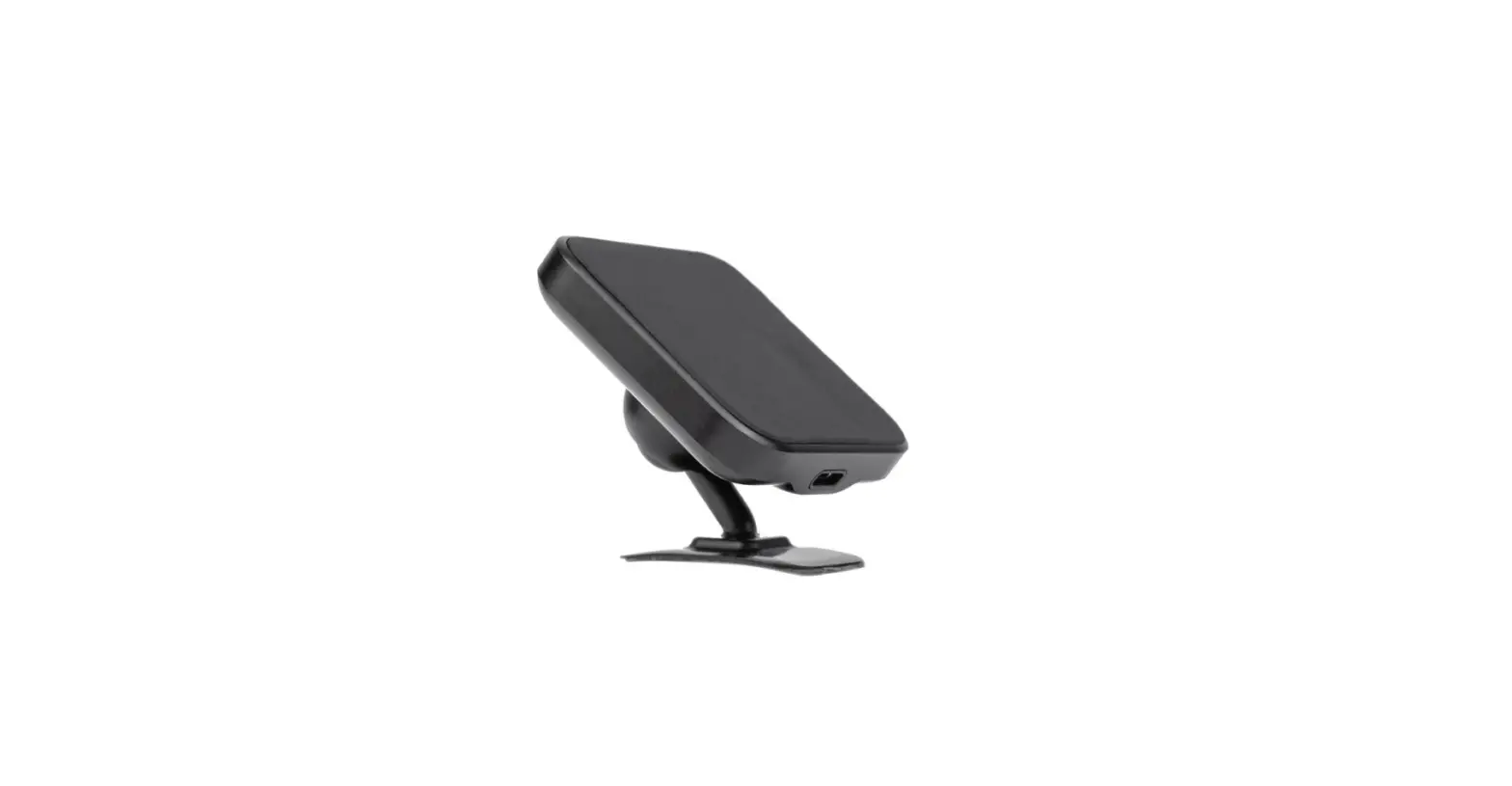
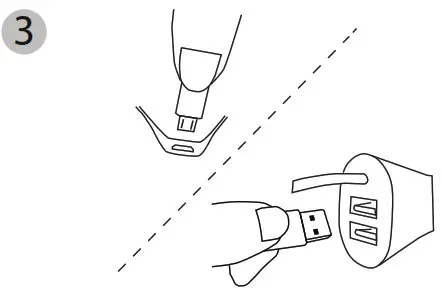 | Plug included Micro USB cable into mount and car charger USB port. (use 2.4A car charger for optimal charging performance) |
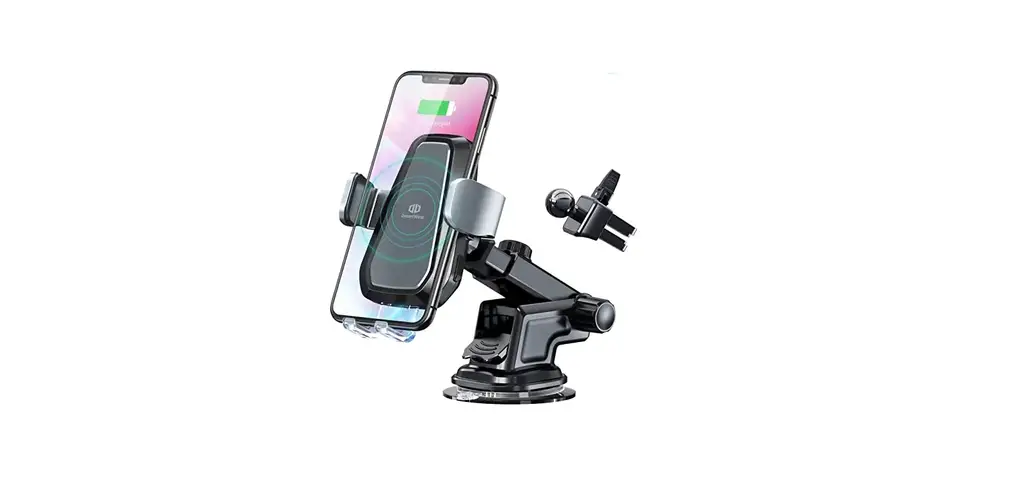
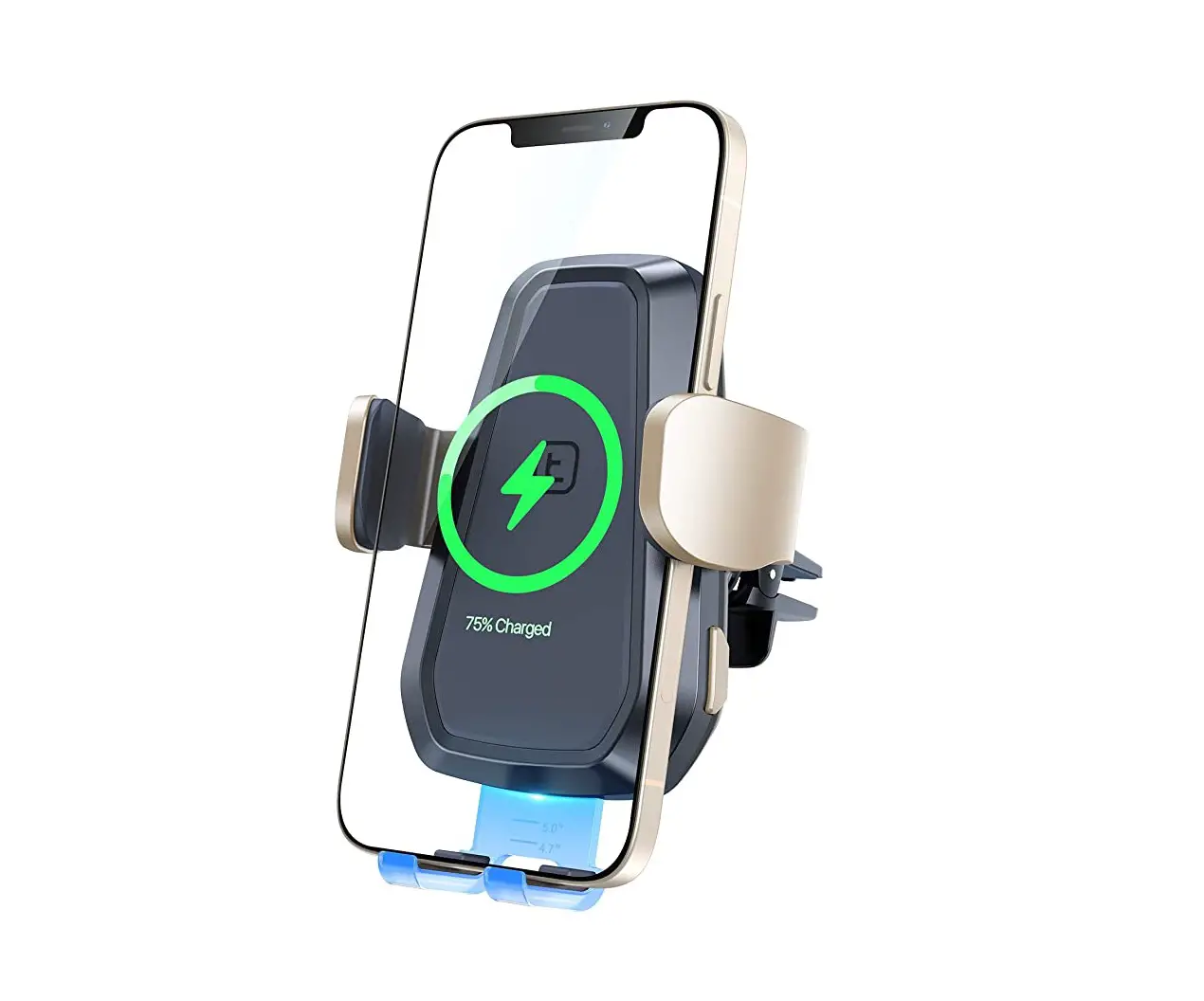
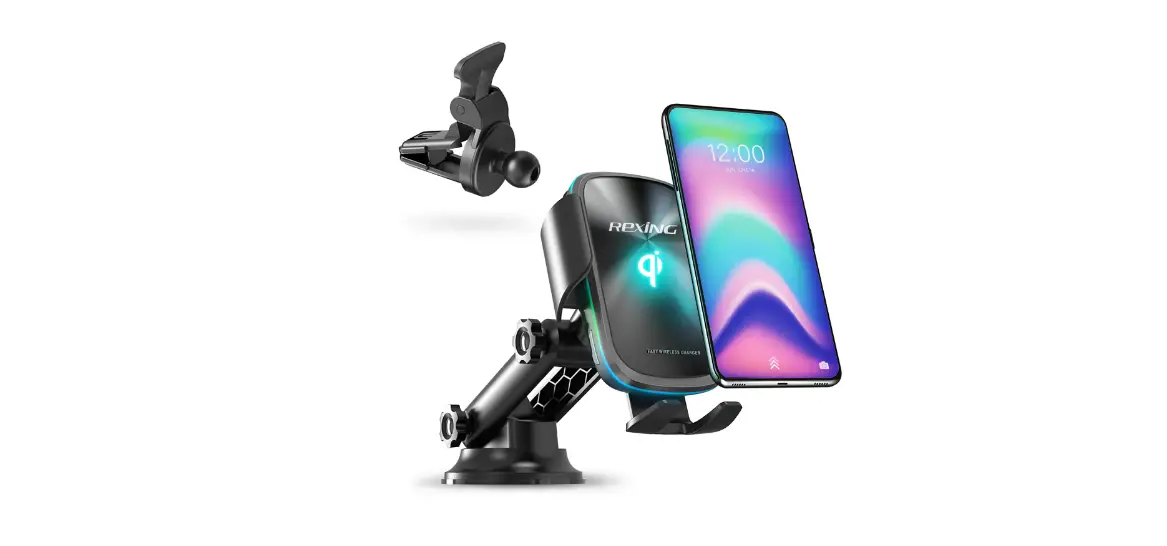
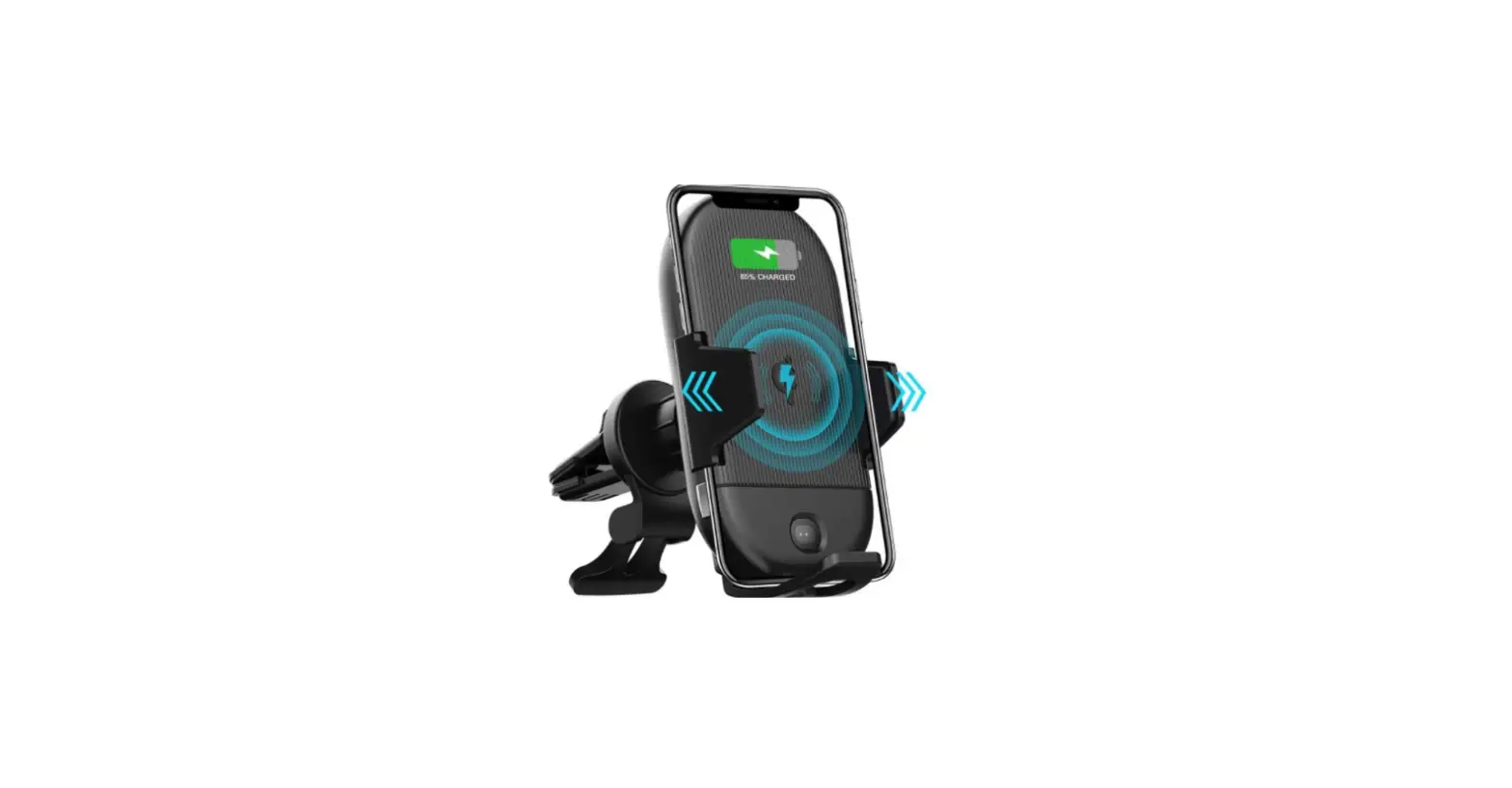
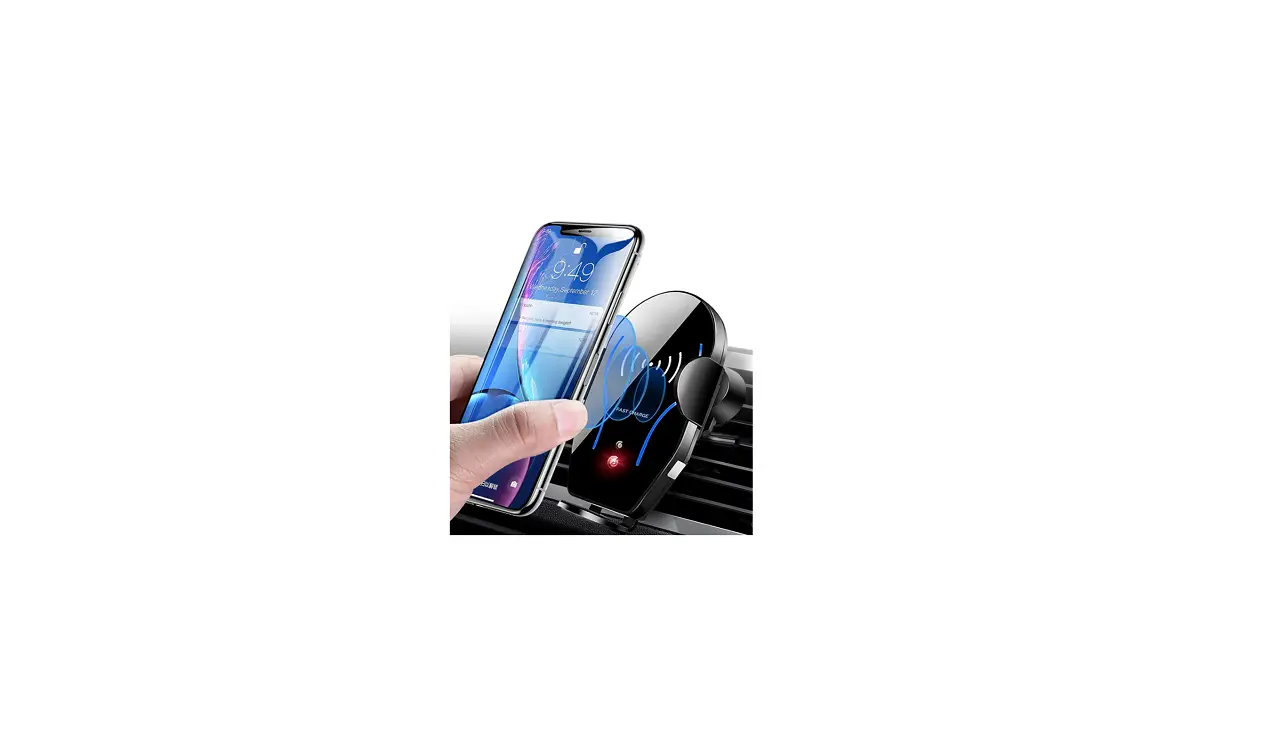
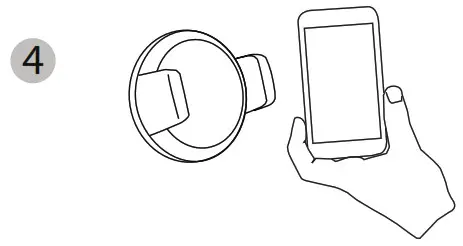 | Place QI enabled smartphone into mount by expanding spring-loaded adjustable arms so that the device fits firmly in the center. |
 | LED ring indicator will light up blue when charging and red when not charging. |
855-999-8041 www.XtremeCables.com