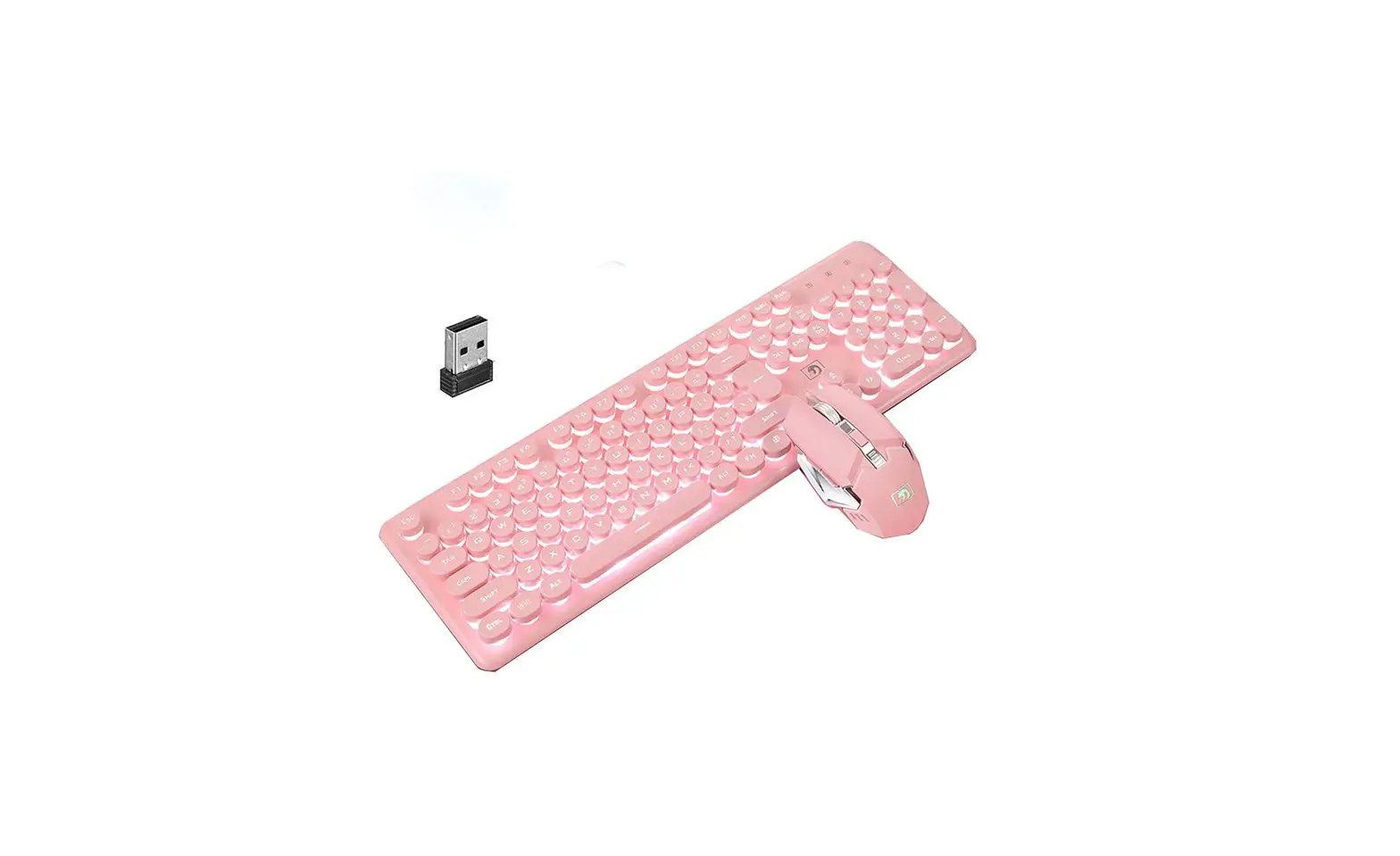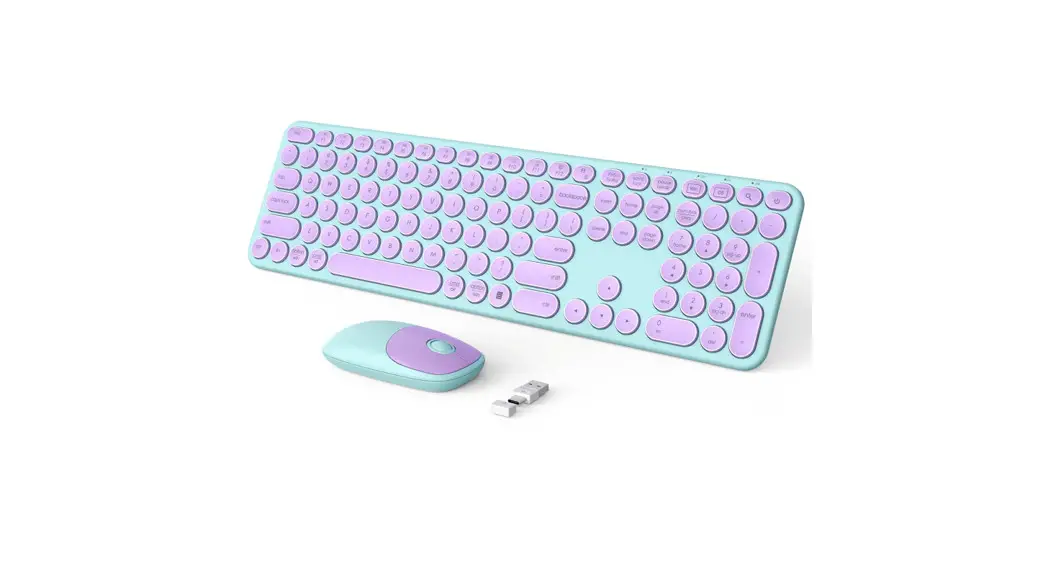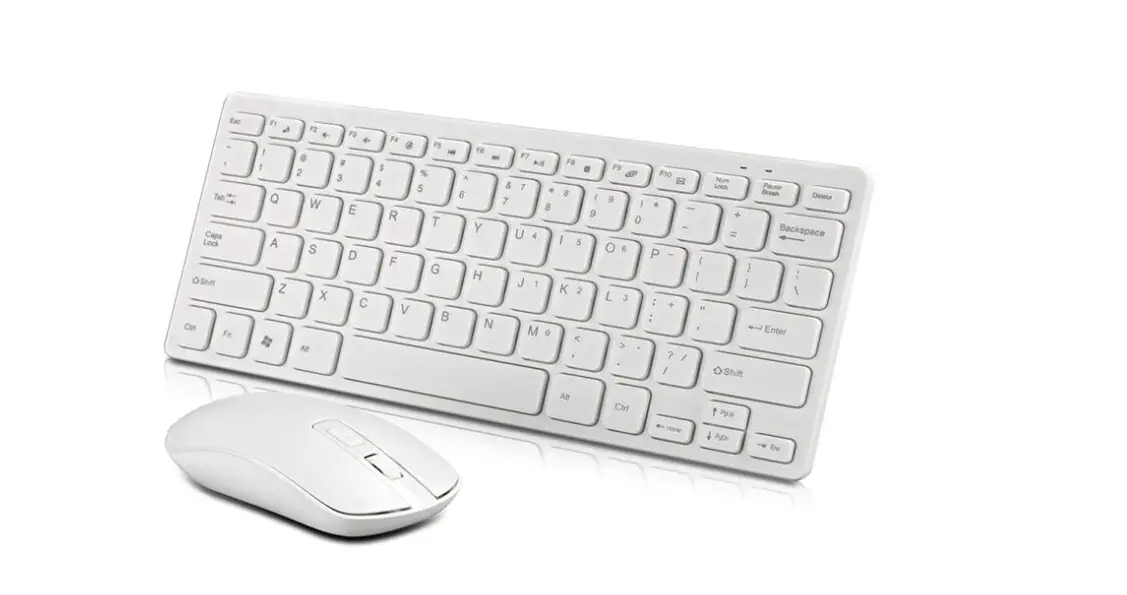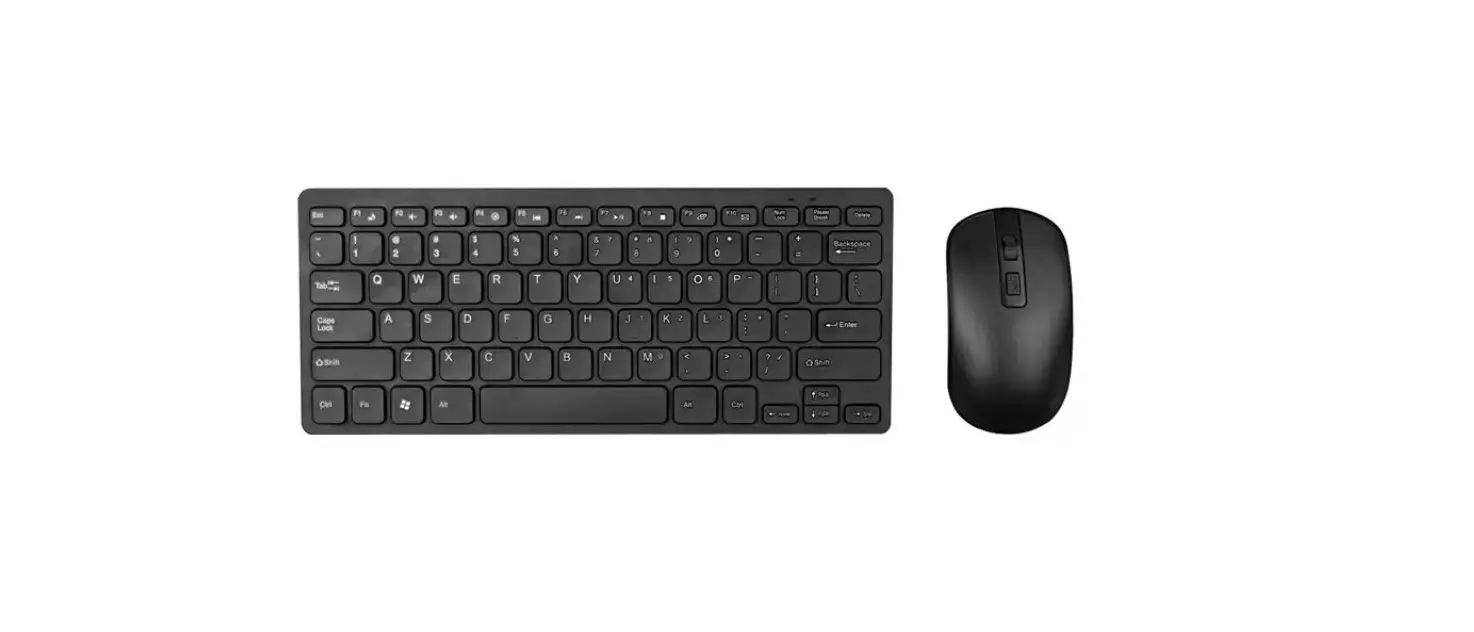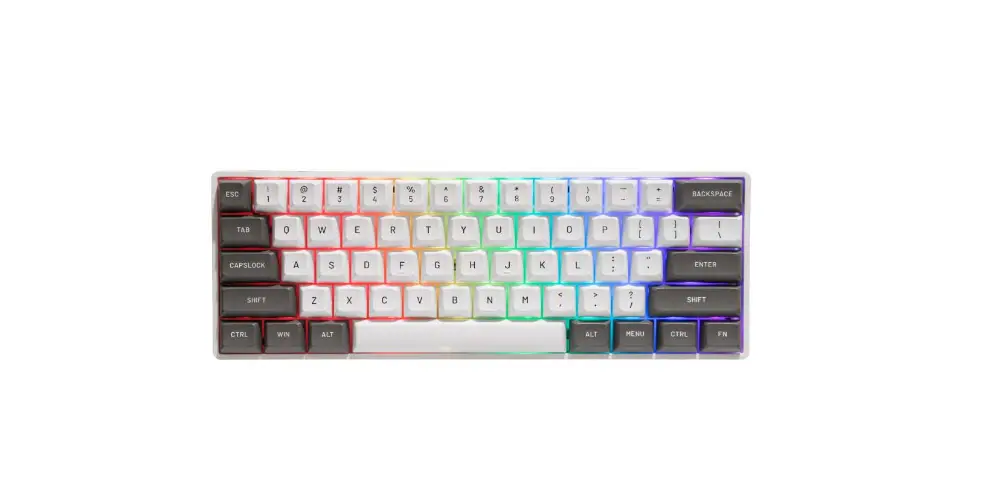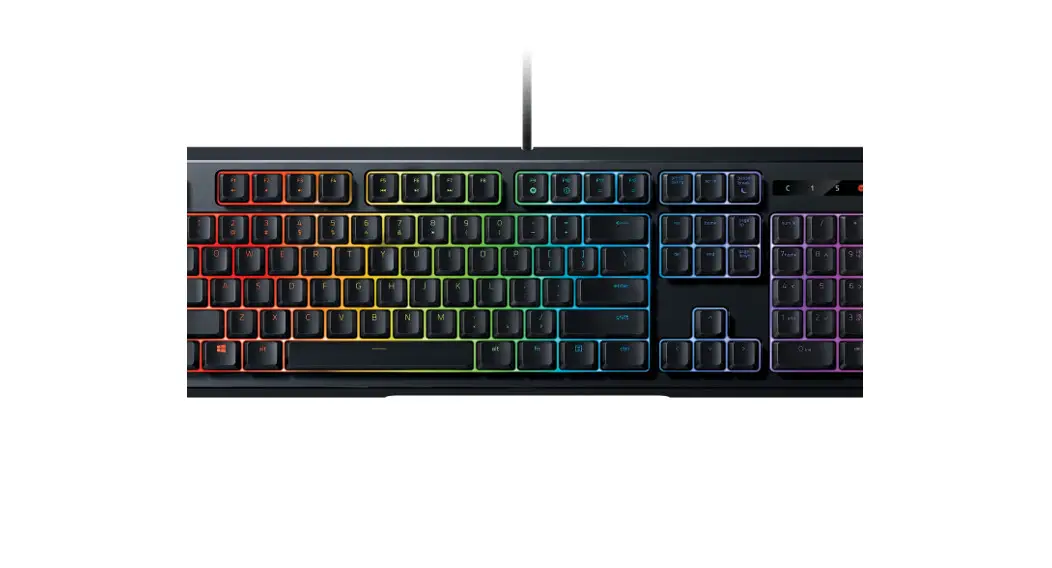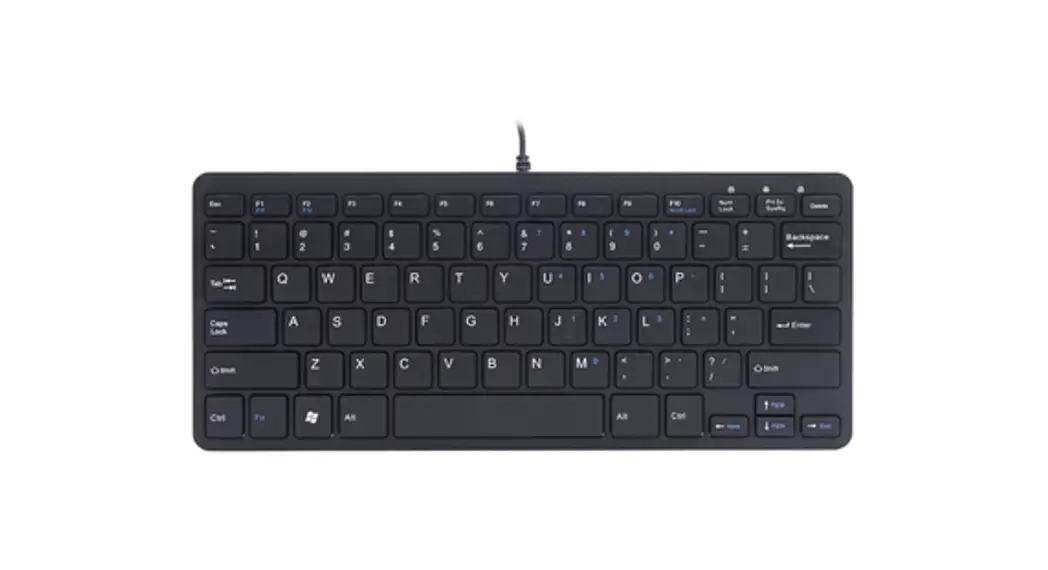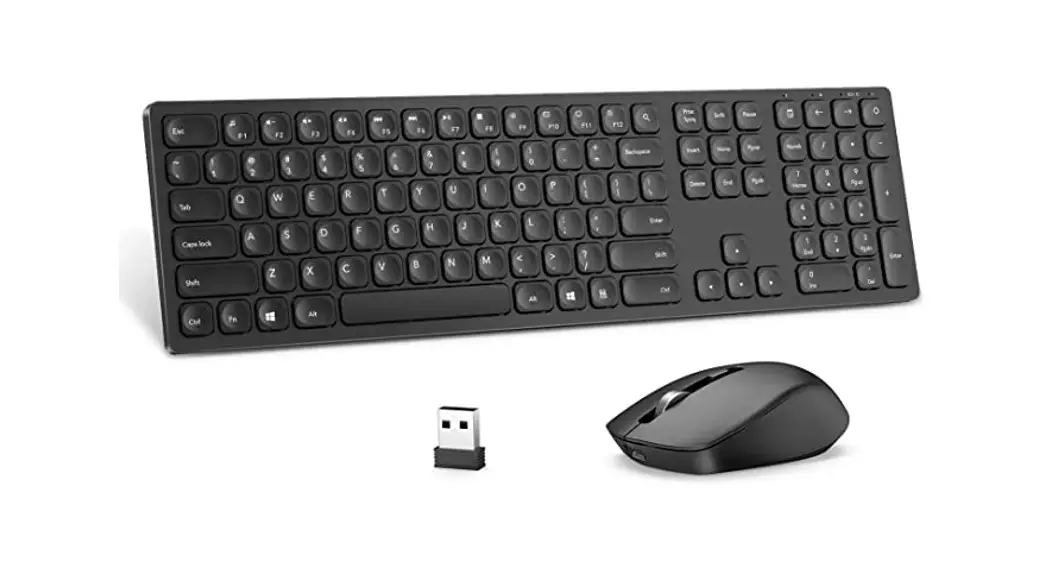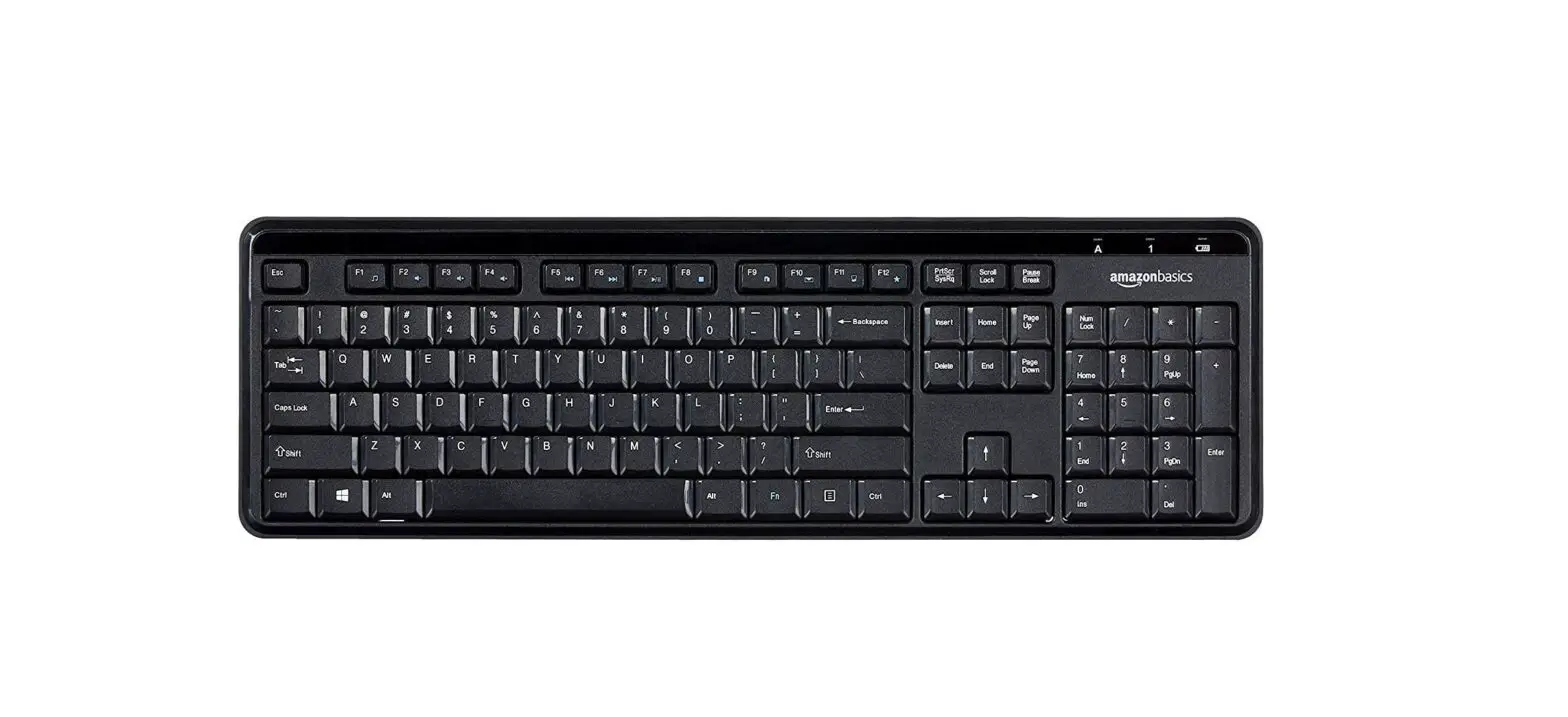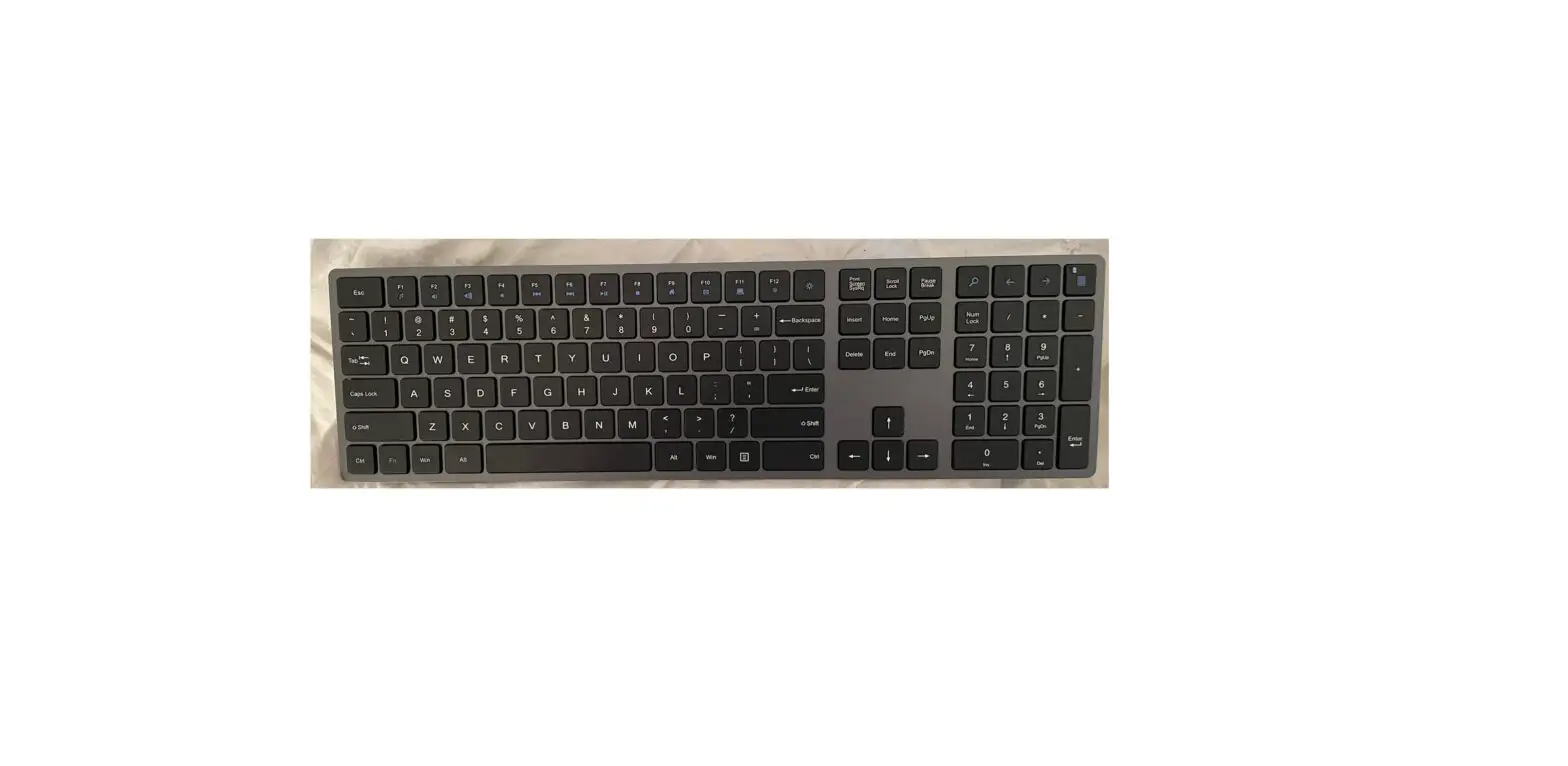

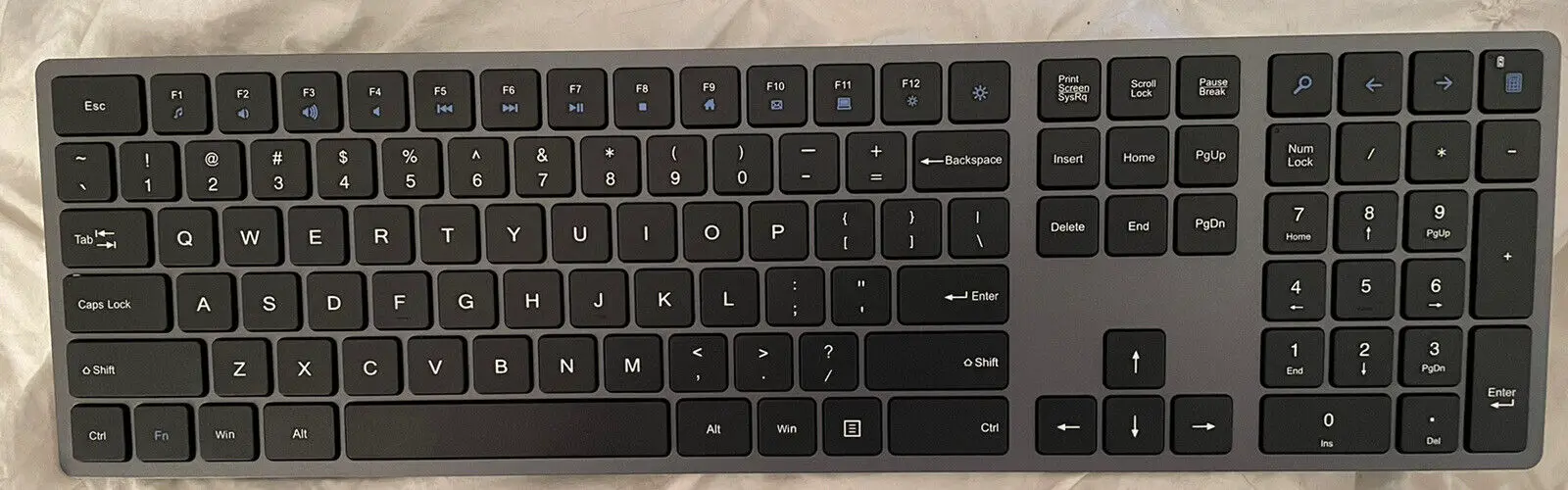
Dongguan Herun Electronic Technology RF9013 2.4g Keyboard
Product overview
- Compatible with USB1.1/2.0 specification, can assist USB-IF and WHQL
- High quality BK2425 RF, 16 channel adaptive frequency hopping, stable/low power consumption/strong anti-interference ability, no direction
- Ultra-low power design (working =0.7mA, Sleep =3uA)
- Support 8*18 matrix, and multi-language version
- Can support 18 standard multimedia functions
- Supports CAPS LOCK and NUM LOCK indicators, and synchronizes LED status with that of the host
- Built-in maintenance mode, easy to detect and repair defective products
- Support computer sleep wake up and their own sleep wake up
- Intelligent multi-stage power saving design
- Supports the Mouse/Keyboard mode
The code that Method 1: Combine key pair codes
Press “ESC” + “+/=” for 1 second at the same time, the keyboard enters the code matching mode (the low voltage indicator is on long), and the receiver is inserted for 20 seconds To code success, LED immediately off; The code ma tching fails. After 20 seconds, the keyboard exits the code matching mode an d the LED is off
Mode 2: Code key Code
Press the code key, the keyboard into the code mode (low voltage indicator light long on), insert the receiver within 20 seconds. The LED will be turned off immediately Destroyed The code matching fails. After 20 seconds, the keybo ard exits the code matching mode and the LED is off
Method 3: Software code matching
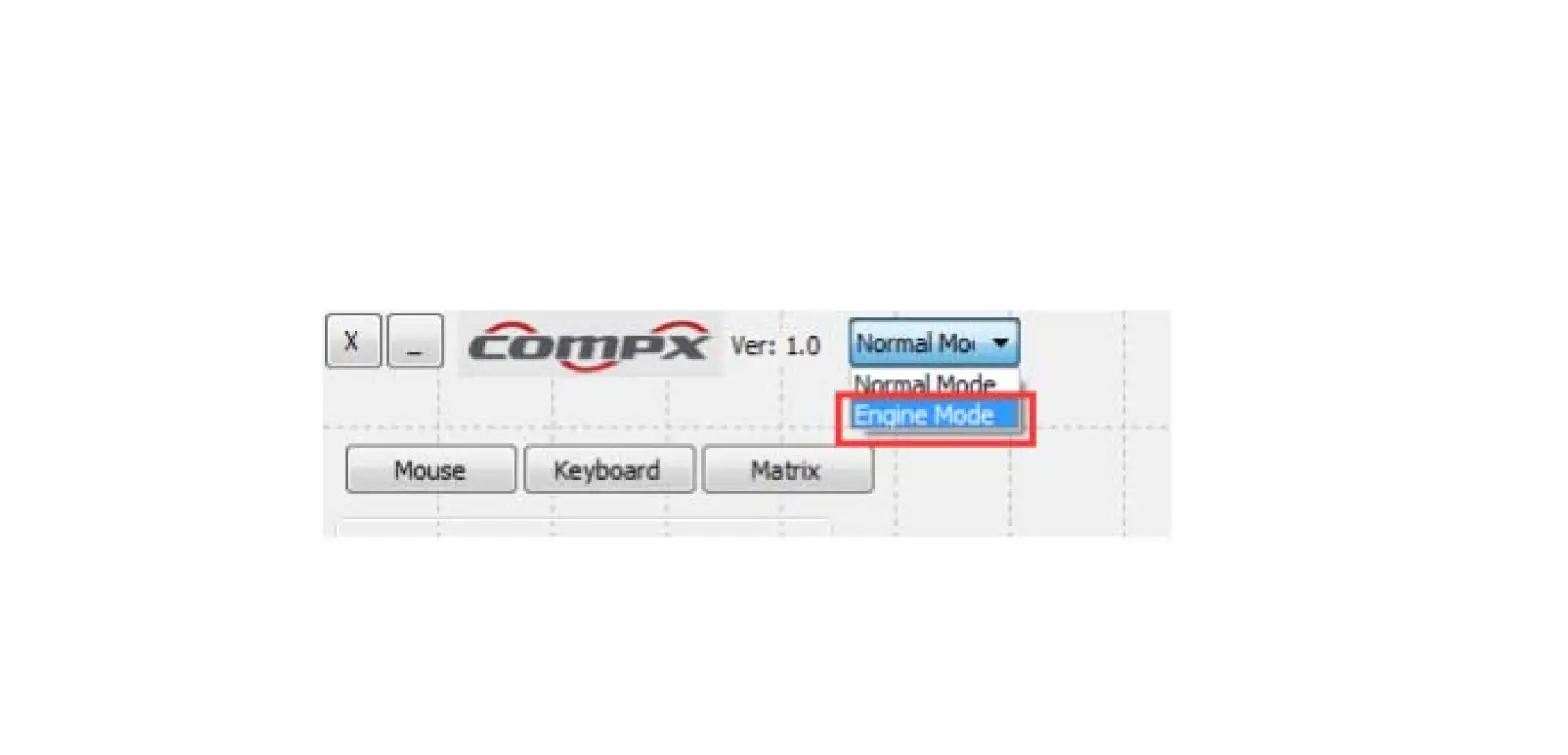
Open the code matching software, insert the receiver into the USB interface, automatic ally enter the code matching mode, press the keyboard code matchi ng key or “ESC” + within 20 seconds “+/=” key 1 second code, if the code is successful, the software display < Keyboard code matching success > O therwise, the code matching mode will be launched 20 seconds later.
Functional description
Low voltage LED lamp: used to indicate low voltage and code status; At the s ame time, it can be used to indicate the problem point of defective products during maintenance
- Code matching status indicator the keyboard enters the code matching mode, the low voltage LED is steady on, the code matching is successful, and the low voltage LED is off
- Low voltage status indicator when the battery is at low voltage, the low voltage LED flashes, the voltage is normal, and the low voltage LED goes out
Indication of abnormal function:
- Under normal circumstances power on, the indicator lights up for a while and then goes off
- The indicator light is off MCU does not work
- The indicator is steady on RF is not working or EEPROM is not working
** Numlock + Caps 2 LED states can be synchronized with the host When Numlock/Caps is enabled, the LED lights up and indicates 5 seconds. If there is a button within 5 seconds, re time 5 Seconds (off 5 seconds after release of the button), if there is a button after the light continues to light for 5 seconds
Note: the low pressure indicator flashes 5 times after reaching the set value. When pressed by a button, re time for 5 seconds until the battery runs out
Explanation current
- Power consumption of the whole machine (2 batteries, 3V)
- Operating current (with button pressed) 0.7mA
- Static current (press release) 3uA
Keyboard matrix application instructions
Large keyboard state
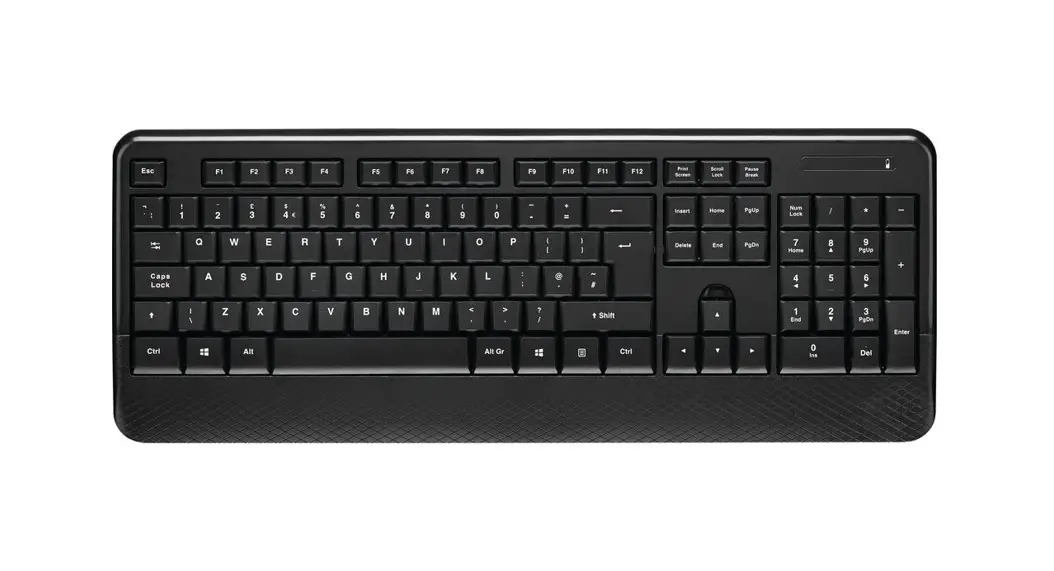
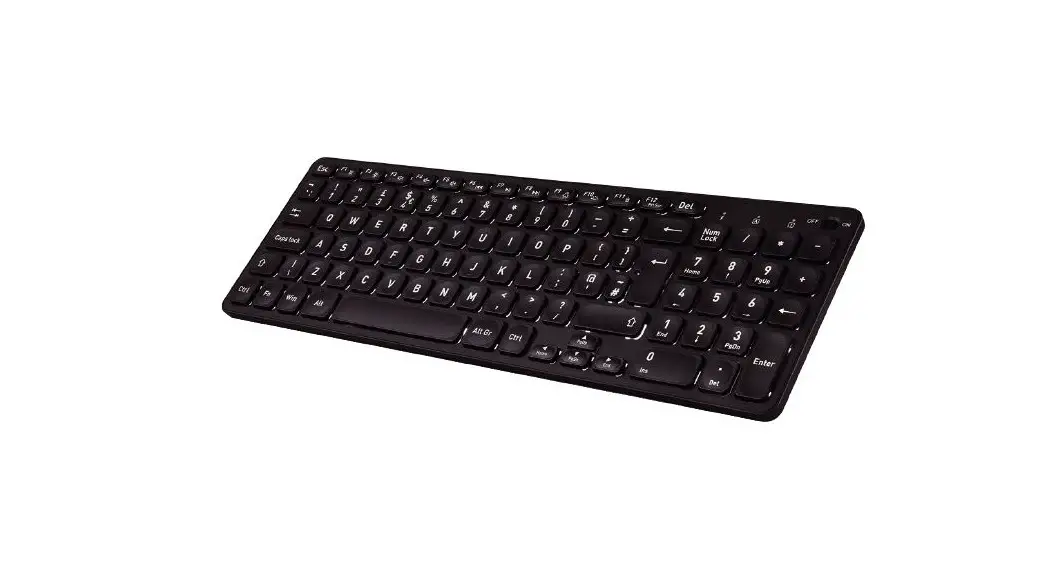
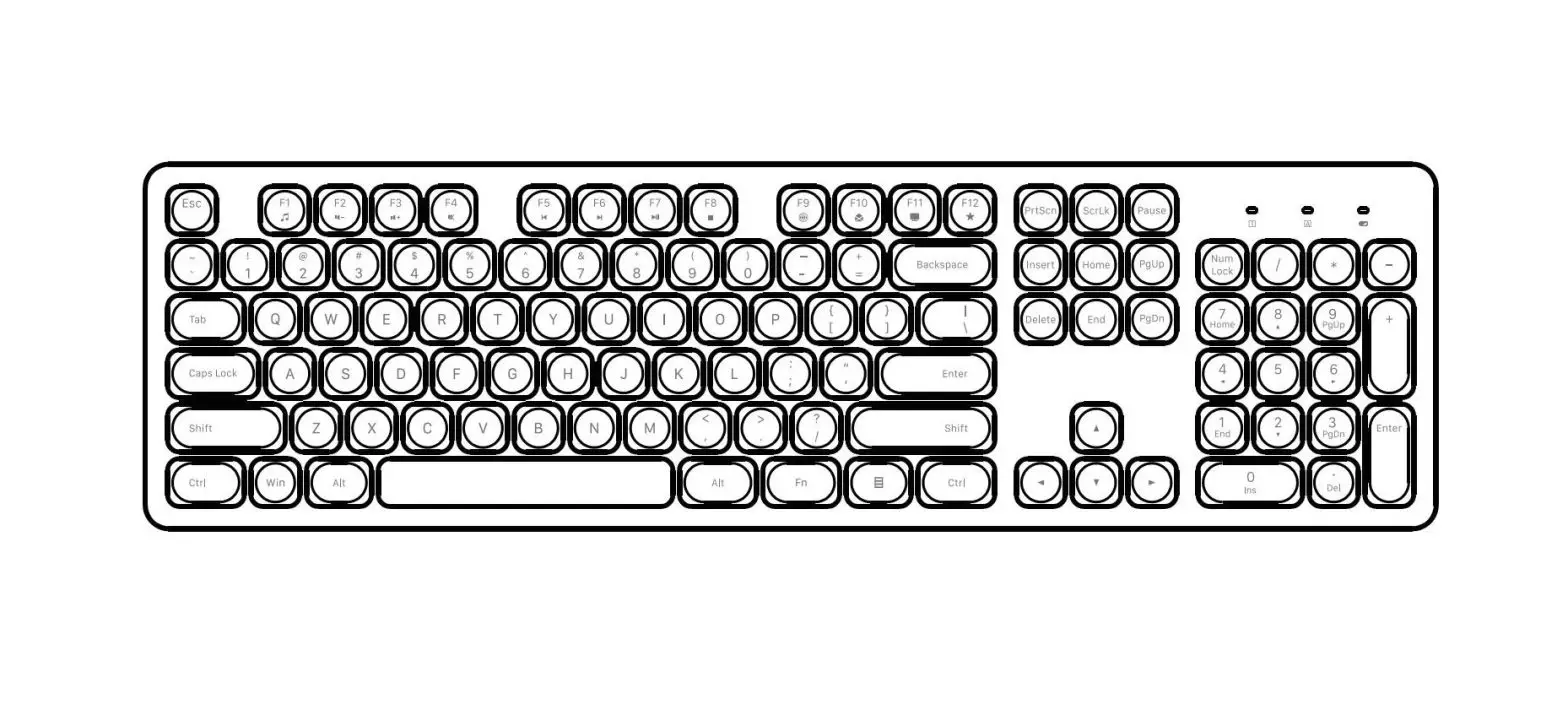
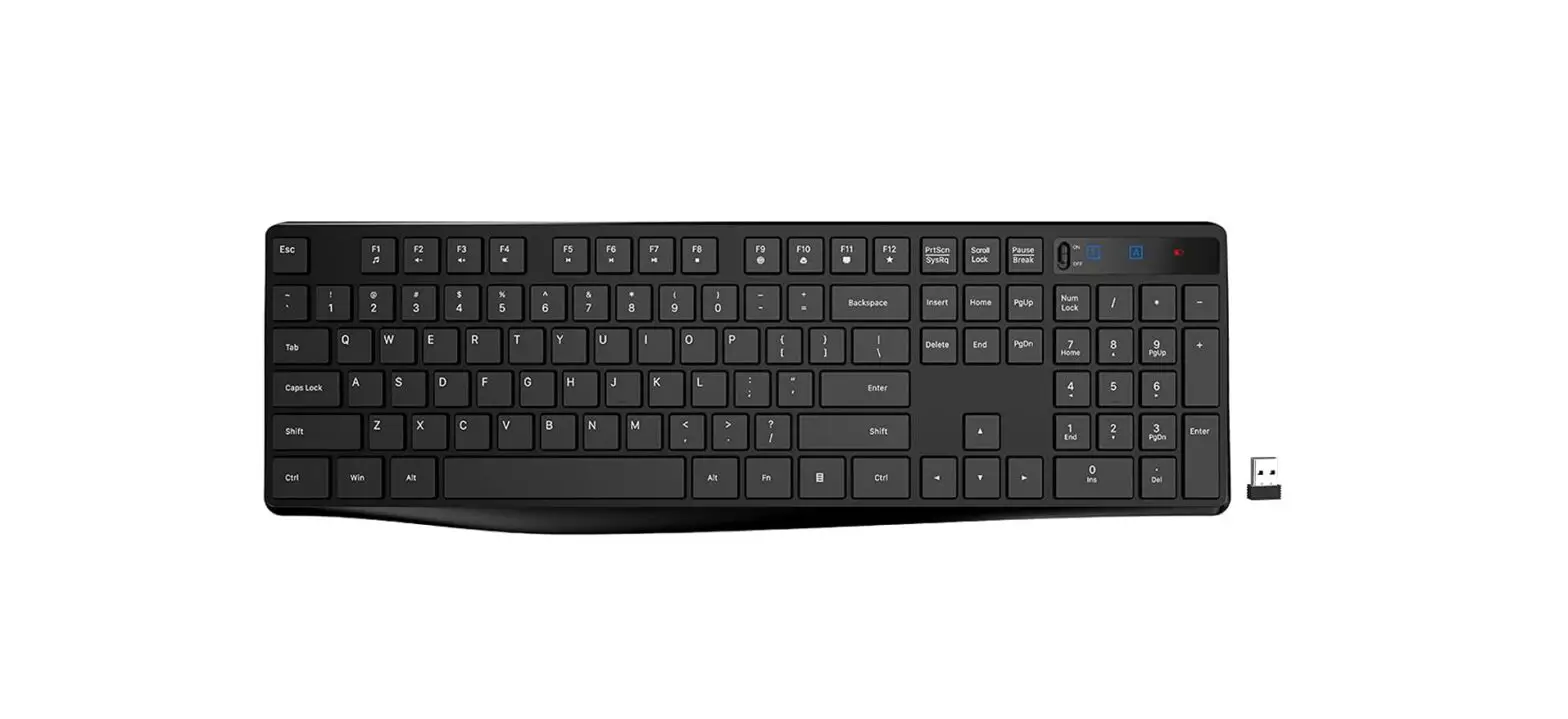
- 104/107 key large keyboard Matrix compatible with Yilong EMC83053, key arrangement see “keyboard Matrix” on the following page
- Fn + F1 F12 multimedia function description
Press and hold Fn, then press F1 F12, f1 F12 becomes multimedia function key
| Default | Hot key | Default | Hot key | Default | Hot key | Default | Hot key |
| F1 | Media | F4 | Mute | F7 | Play/Pause | F10 | |
| F2 | Volume- | F5 | PreTrack | F8 | CD Stop | F11 | My computer |
| F3 | Volume+ | F6 | NextTrack | F9 | web home | F12 | wwwFavorite |
| The keyboard Matrix | ||||||||
| R0 | R1 | R2 | R3 | R4 | R5 | R6 | R7 | |
| C0 | Pause | Power | usb dongle | Sleep | Ctrl-R | Wake up | Ctrl-L | F5 (pre track) |
| C1 | Q | Tab | A | Esc | Z | N-chg | `(~) | 1 (!) |
| C2 | W | Caps | S | K45 | X | Chg | F1 (media) | 2 (@) |
| C3 | E | F3 (vol+) | D | F4 (mute) | C | ROMA | F2 (vol-) | 3 (#) |
| C4 | R | T | F | G | V | B | 5 (%) | 4 ($) |
| C5 | U (4) | Y | J (1) | H | M (0 ) | N | 6(^) | 7 (&) (7) |
Electrical characteristics
Keyboard IC_ CX5177
| symbol | And the number | VDD | The state | The smallest plant | Typical values | The maximum | unit |
| VDD | Working voltage | 2.4 | 3.0 | 4.5 | V | ||
| IDD | Working current | 3V | standby | ≤3.0 | uA | ||
| Fosc | The system frequency | 3V | 1.0 | Mhz |
Receiver IC_ CX5167
| symbol | And the numbe | VDD | The state | The smallest plant | Typical values | The maximum | unit |
| VDD | Working voltage | 4.5 | 5.0 | 5.5 | v | ||
| IDD | Working current | 5V | work | ≤10.0 | mA | ||
| Fosc | The system frequency | 5V | 6.0 | MHZ |
2.4G RF IC _ BK2425
| symbol | And the numbe | VDD | The state | The smallest plant | Typical values | The maximum | unit |
| VDD | Working voltage | 1.9 | 3.0 | 3.7 | V |
| IDD | Working current | 3V | work | 23 | mA | ||
| standby | 3 | uA | |||||
| Fosc | The system frequency | 3V | 16.0000 | MHZ | |||
| Freq | Working frequency band | 2402 | 2480 | MHZ | |||
| Rx Sens | Reception sensitivity | -80 | -87 | dbm |
FCC Statement
This equipment has been tested and found to comply with the limits for a Class B digital device, pursuant to part 15 of the FCC Rules. These limits are designed to provide reasonable protection against harmful interference in a residential installation. This equipment generates, uses and can radiate radio frequency energy and, if not installed and used in accordance with the instructions, may cause harmful interference to radio communications. However, there is no guarantee that interference will not occur in a particular installation. If this equipment does cause harmful interference to radio or television reception, which can be determined by turning the equipment off and on, the user is encouraged to try to correct the interference by one or more of the following measures:
- Reorient or relocate the receiving antenna.
- Increase the separation between the equipment and receiver.
- Connect the equipment into an outlet on a circuit different from that to which the receiver is connected.
- Consult the dealer or an experienced radio/ TV technician for help.
This device complies with part 15 of the FCC Rules. Operation is subject to the following two conditions:
- This device may not cause harmful interference, and
- this device must accept any interference received, including interference that may cause undesired operation. Caution Any changes or modifications not expressly approved by the party responsible for compliance could void the user’s authority to operate the equipment.
FCC Radiation Exposure Statement The device has been evaluated to meet general RF exposure requirement. The device can be used in portable exposure condition without restriction