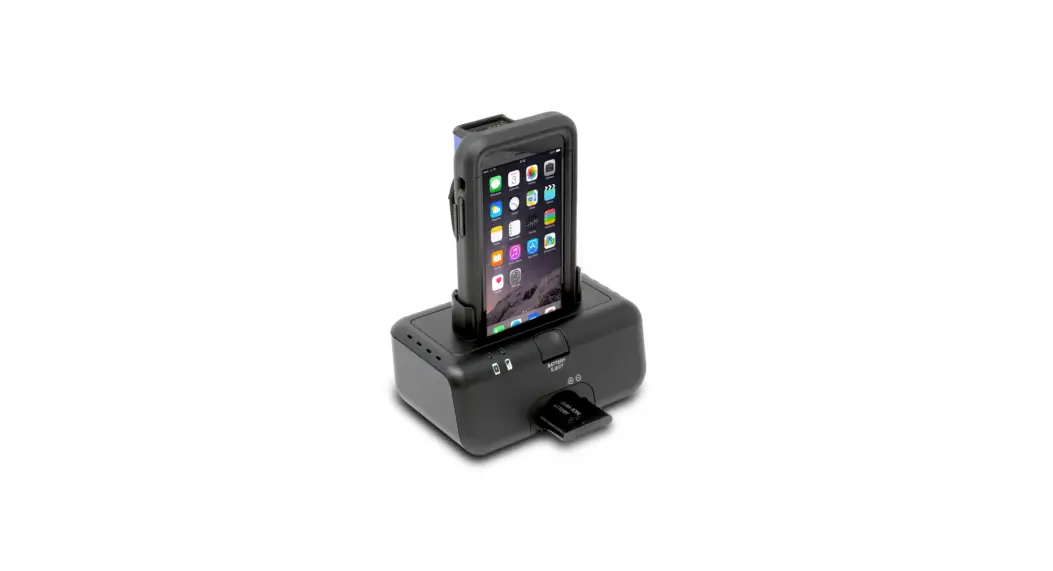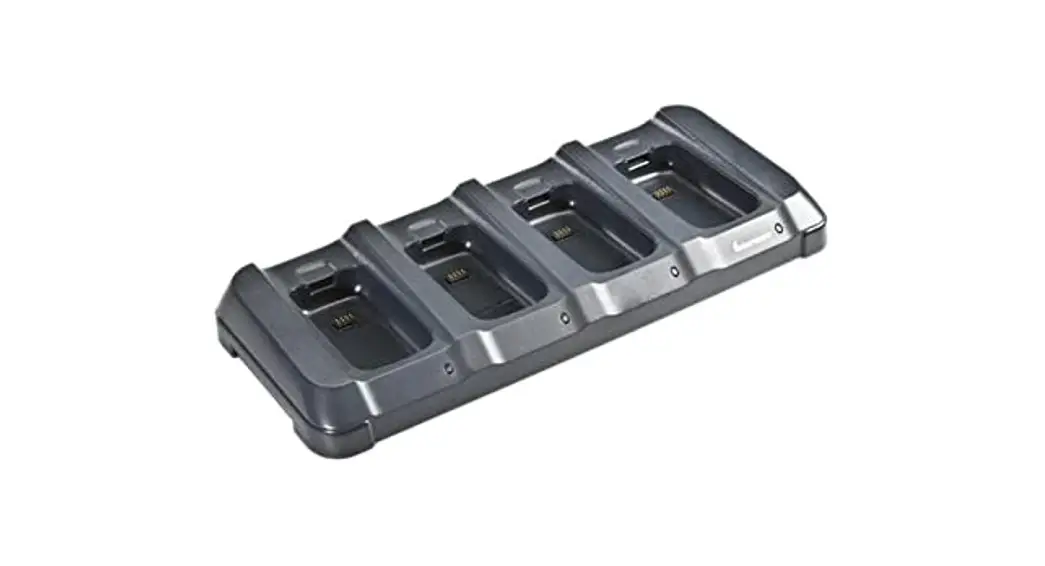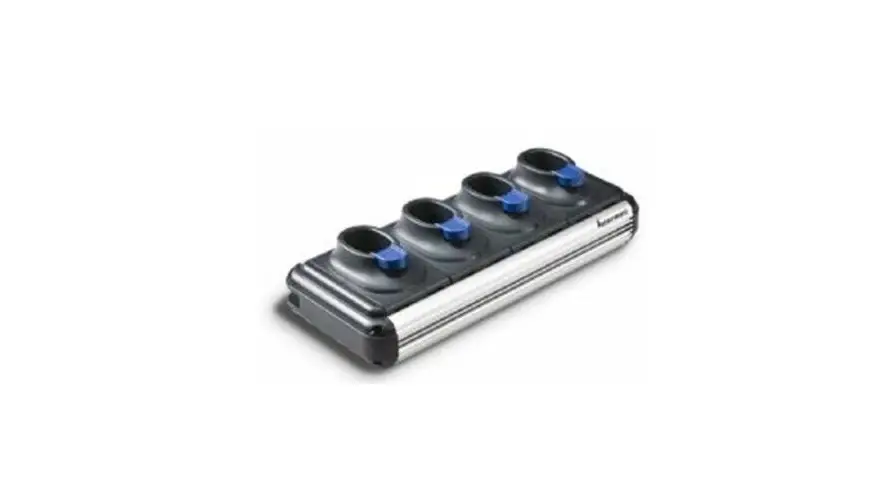
Intermec SR61 Multibay Battery Charger Instructions
Instructions
These instructions explain how to use and install these chargers:
| Model | Description | Part Number | Brackets | Bracket Screws |
| AC6 | 2-bay charger | 852-907-001 | 1 | 4 |
| AC7 | 4-bay charger | 852-908-001 | 1 | 4 |
| AC8 | 8-bay charger | 852-902-001 | 2 | 8 |
 See Compliance Insert for use restrictions associated with this product
What You Need
You need these items (sold and ordered separately):
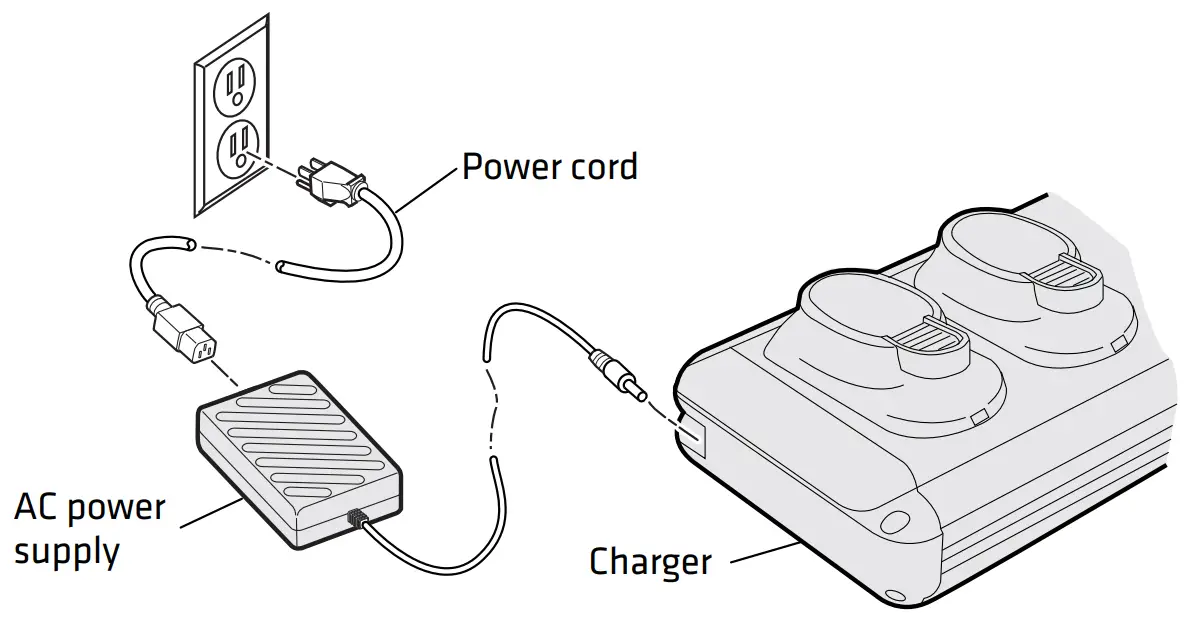
- An Intermec approved power supply
- Country-specific power cord
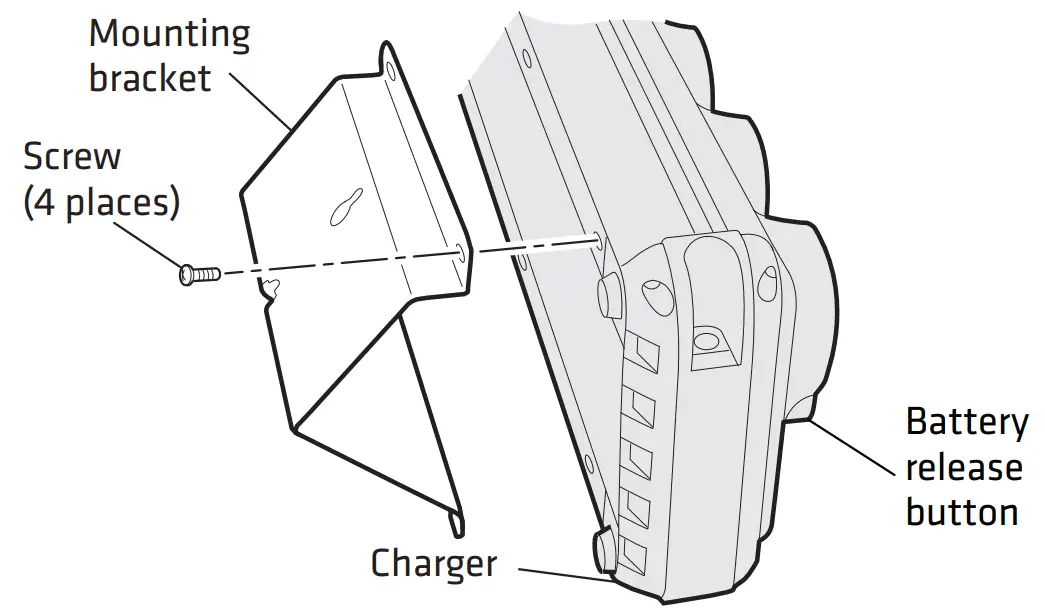
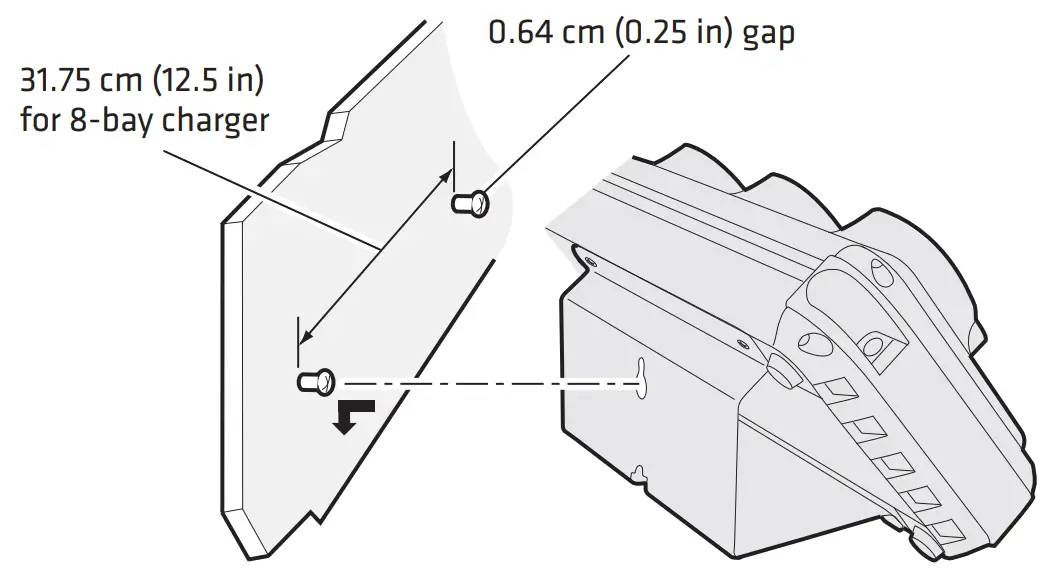
To mount the charger (optional), you also need mounting hardware appropriate for the thickness of the mounting surface.
Installing the Charger
Mounting the Charger (Optional)
Charging Batteries
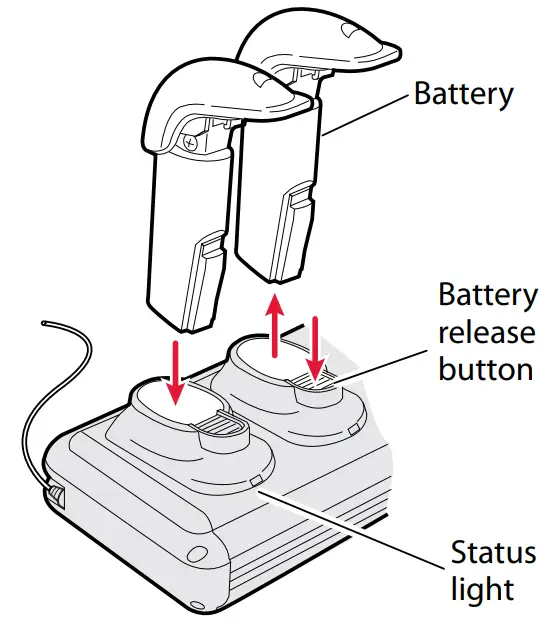
Understanding the Status Light
| Color | Description |
| Steady green | Battery is fully charged. |
| Slow flashing green | Battery is quick charging. Quick charging occurs for the first hour that the battery is in the charger. After 1 hour, the battery is charged to approximately 75% capacity. |
| Fast flashing green | Battery is charging. A fully discharged battery charges to 100% capacity in approximately 3 hours. |
| Flashing red | The battery temperature is too cold or too hot for the battery to charge. Make sure that the temperature is from 0°C to 35°C (32°F to 95°F). |
| Steady red | The battery is not charging, because the battery is faulty. Replace the battery. |
| No light | The charger is not operating. Make sure that the:
|
Specifications
Electrical requirements:
2-bay charger  12 V, 1.5 A
4-bay charger 12 V, 2.4 A
8-bay charger 12 V, 4.15 A
Operating temperature: 0°C to 35°C (32°F to 95°F)
Storage temperature: -30°C to 70°C (-22°F to 158°F)
Relative humidity: 0% to 95% non-condensing
Where to Find More Information
Go to the Intermec web site at www.intermec.com to find manuals as PDF files. If you have any problems, please visit our Product Support web site at intermec.custhelp.com or call 1-800-755-5505.

Worldwide Headquarters
6001 36th Avenue West
Everett, Washington 98203
U.S.A.
tel 425.348.2600
fax 425.355.9551
www.intermec.com

© 2010-2013 Intermec Technologies
Corporation. All rights reserved.