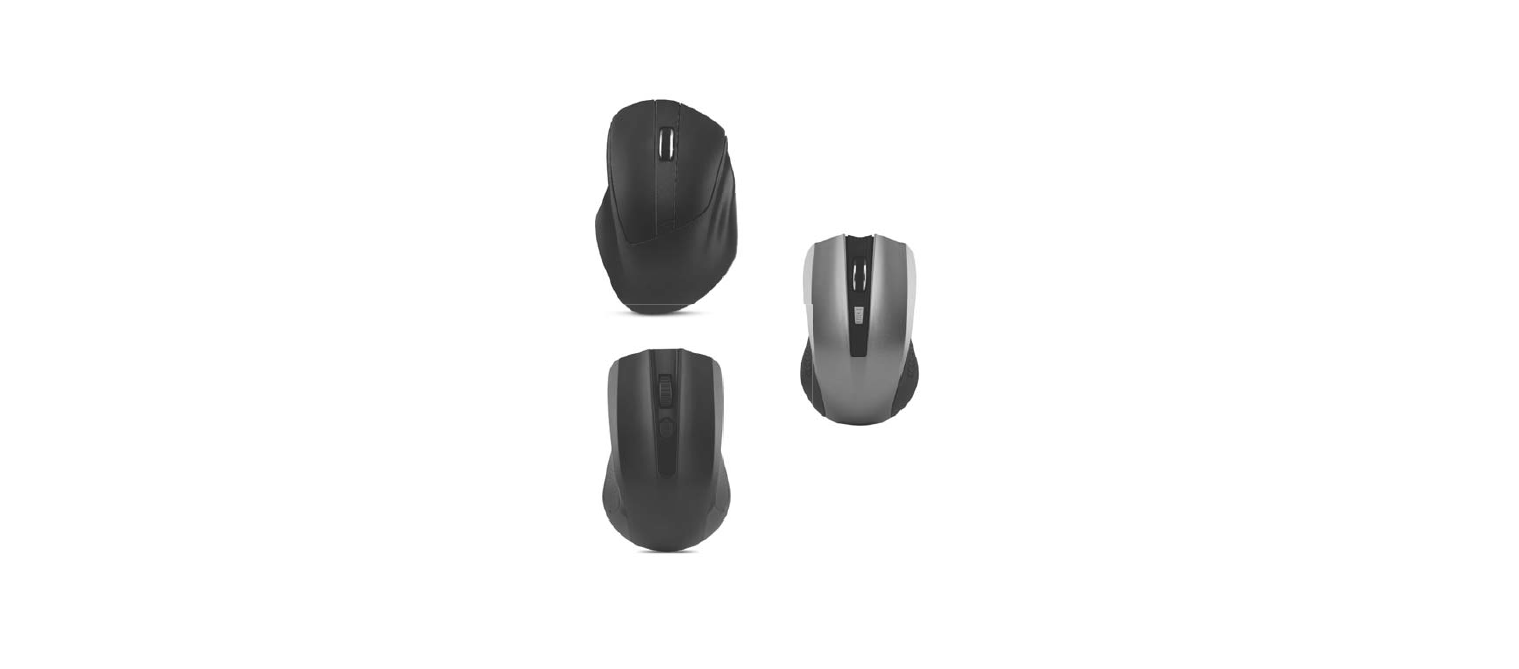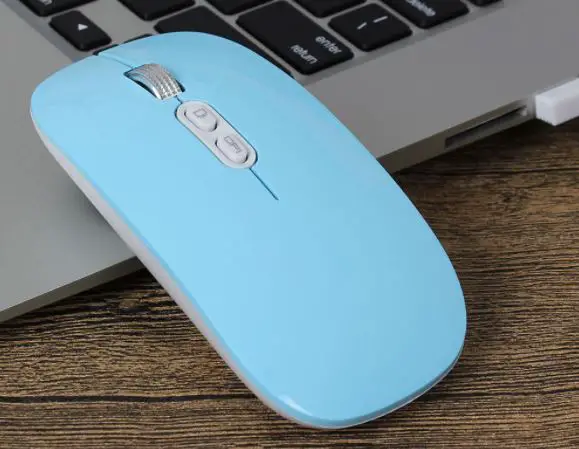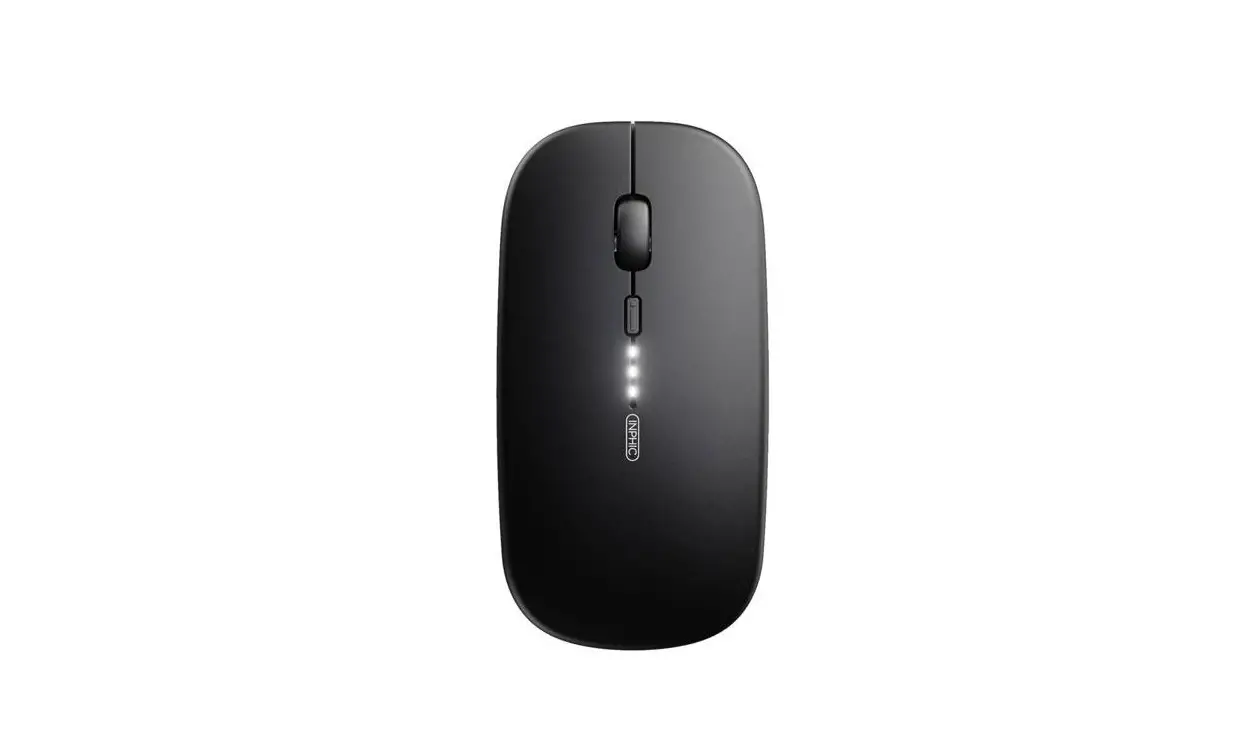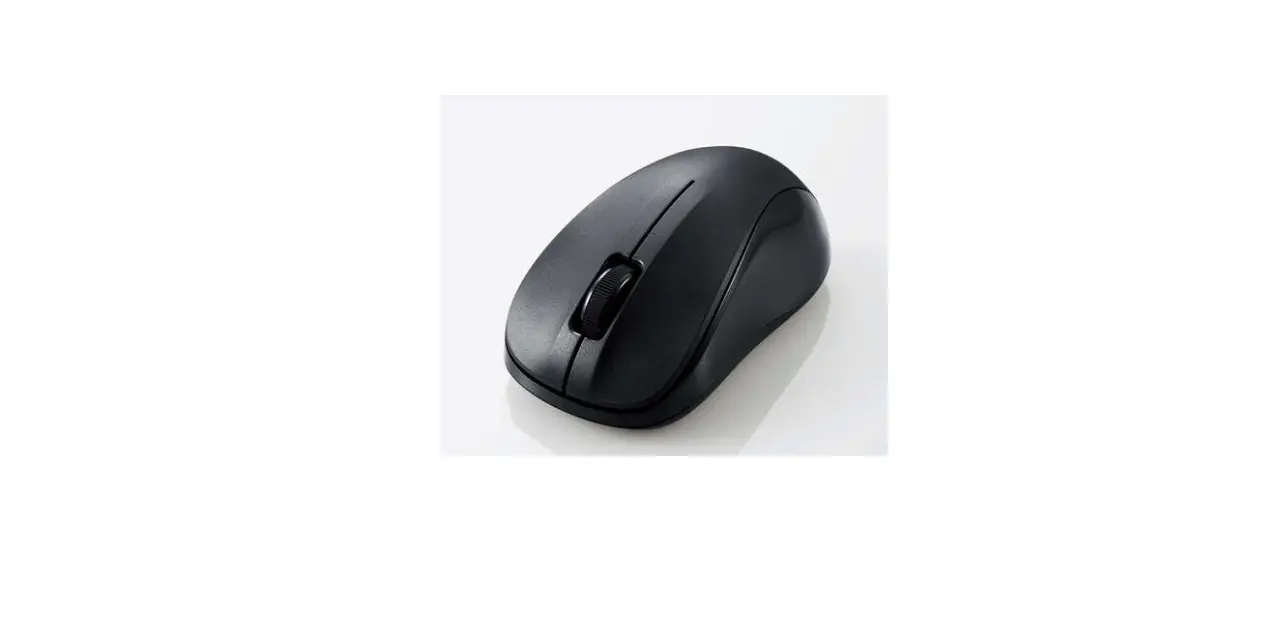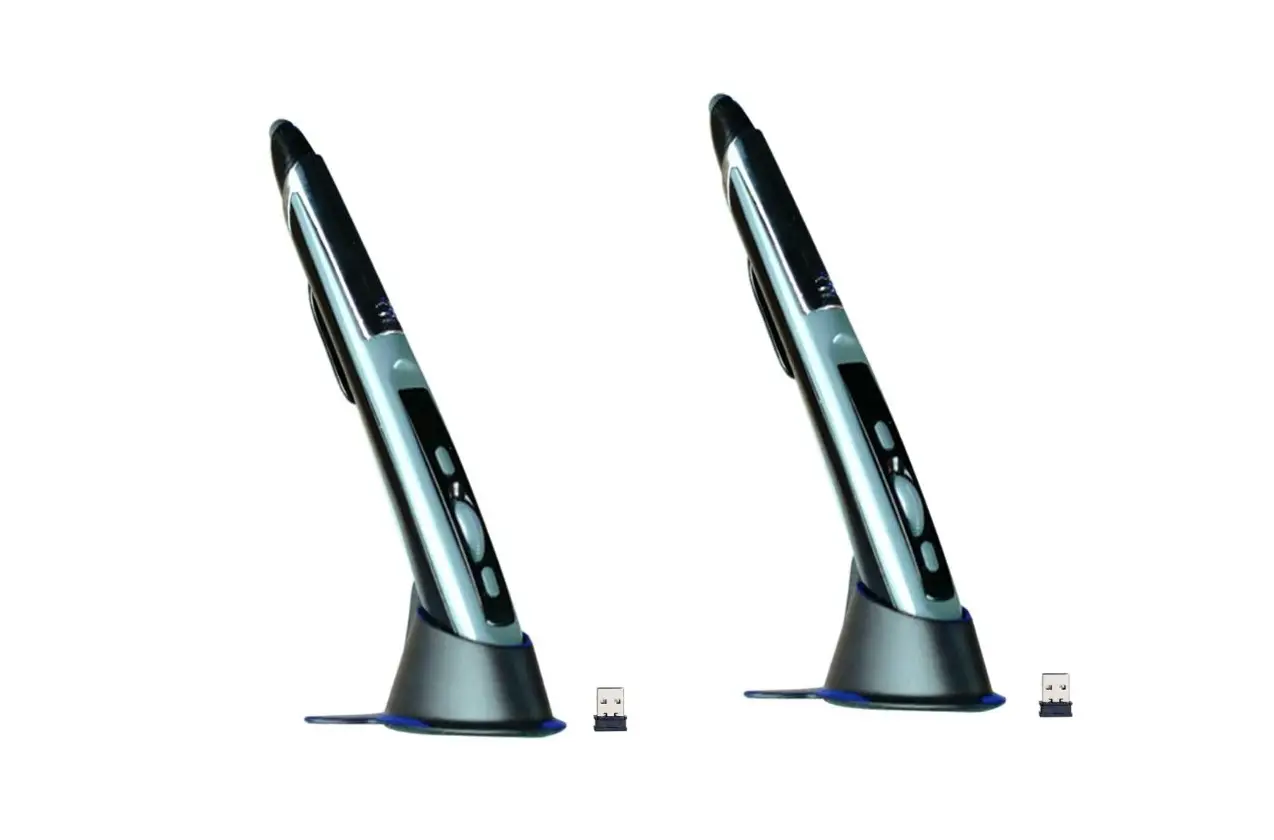
Pocket Mouse PM-1000 Wireless Mouse You Hold Like a Pen Instruction Manual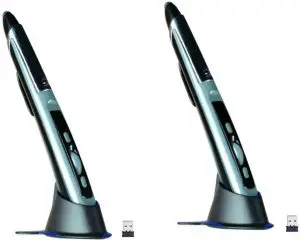
Product Overview
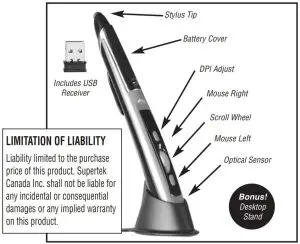
- 2.4GHz wireless connection
- Faster web browsing
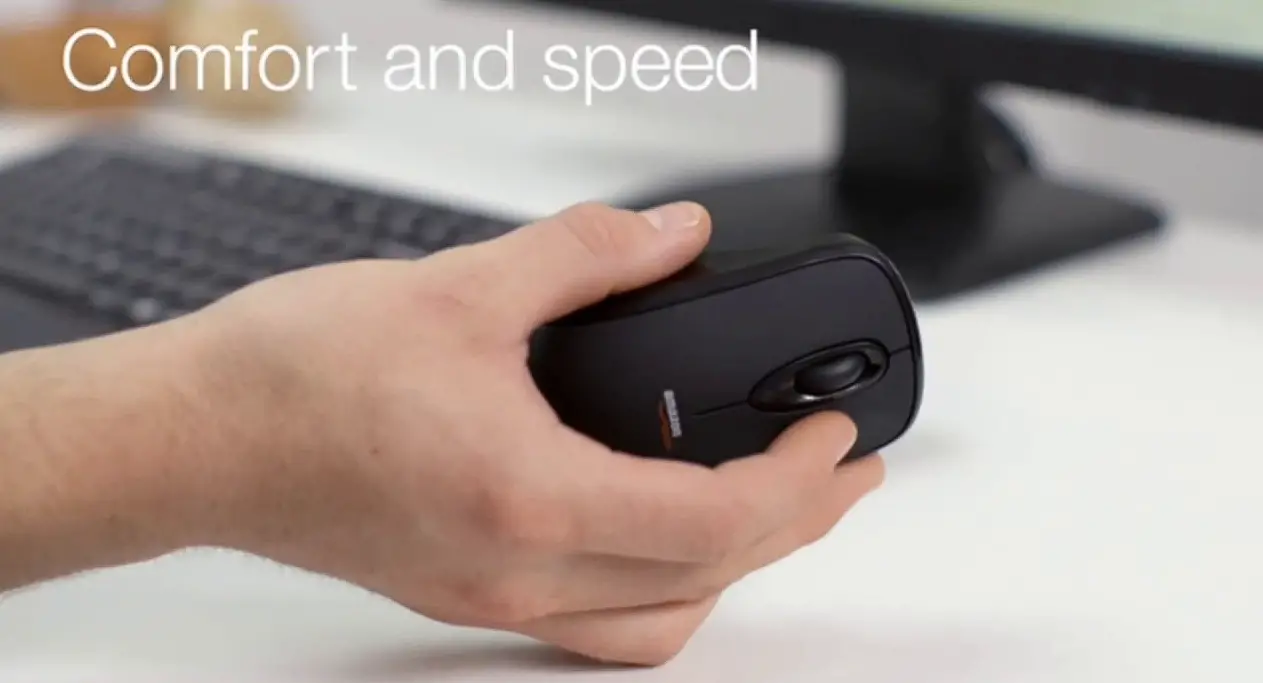
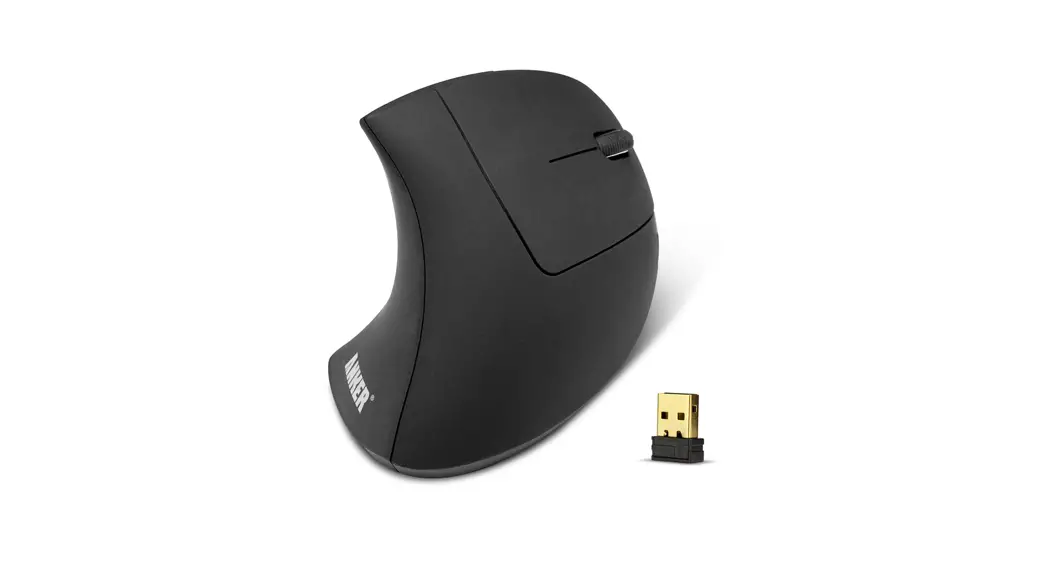
- Ergonomic pen shape
To Install Battery
- Locate the battery compartment cover on the top of the unit.
- Pull the battery compartment cover off.
- Insert 1 “AAA” battery (not included) and replace the battery compartment cover by pushing it gently until it clicks in place.
- Do not mix old and new batteries. Do not mix alkaline, standard or rechargeable batteries
Easy to Use with Any Device
- Plug the USB receiver in your computer’s USB port.
- Turn the Pocket Mouse on using the On/Off switch.
- Pocket Mouse and the USB receiver have already been paired so Pocket
Mouse is ready to use. - To use, simply slide Pocket Mouse over any horizontal or vertical surface to scroll, draw, write, click, web browse, and swipe with ease–up to 30 ft. away.
- Can also be used a stylus, simply flip over.
Adjustable DPI
- Choose either 800/1200/1600 DPI resolution.
Specifications
- Supports WinXP/Win7/Win8/Win10/Linux/MacOS
- Working voltage: DC 1.5V
- Working current: 7mA
- Standby current: <0.1 mA
- USB jack: USB 2.0
- Effective distance: 10m
- DPI: 800/1200/1600 (default is 1200 DPI)
Customer Support
Distributed by TV Supertek
Mont-Royal, QC H4T 1X2
www.supertek.ca/pocket-mouse
Customer service :
1-800-304-8354