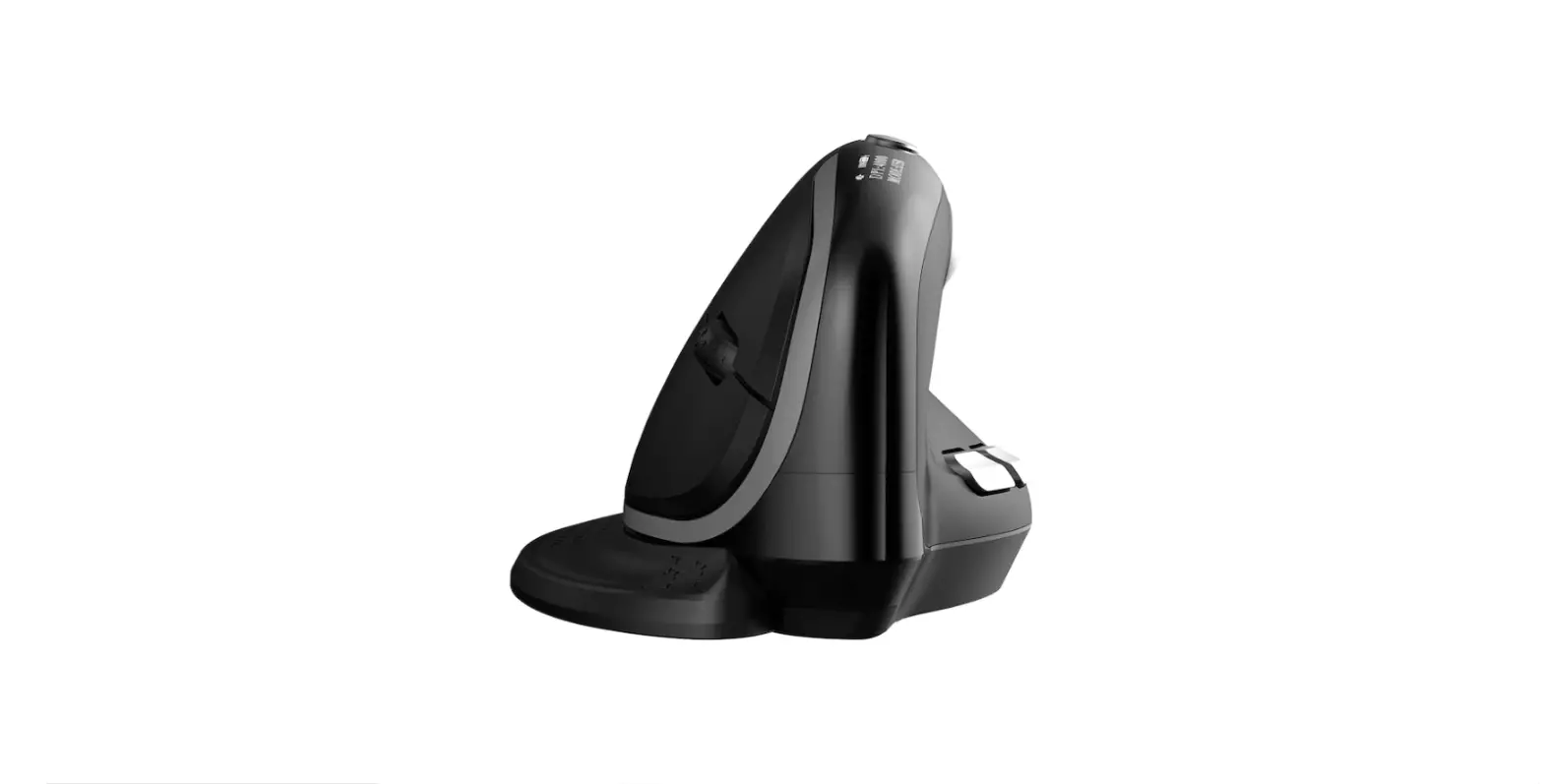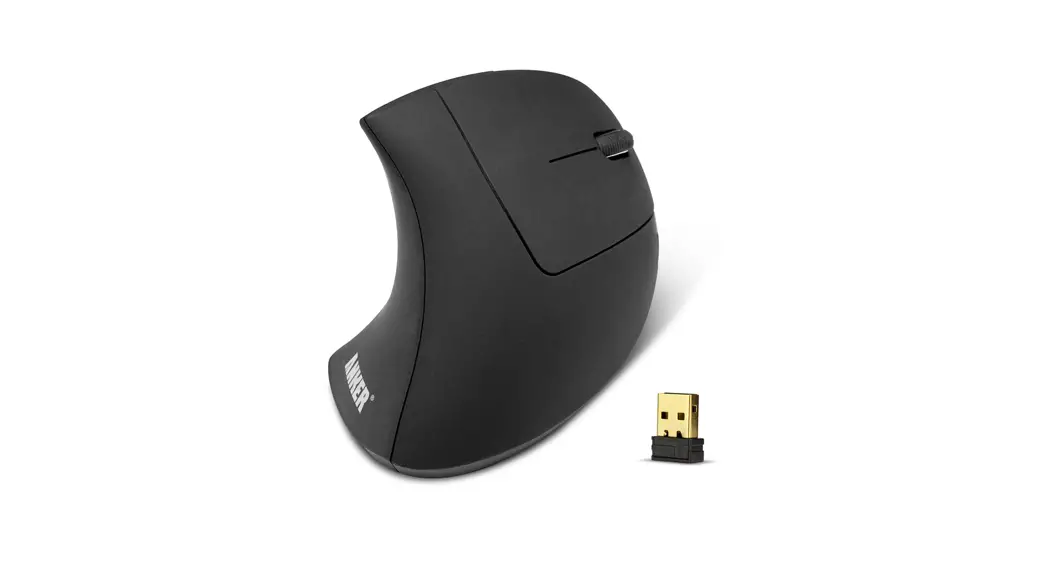

M502
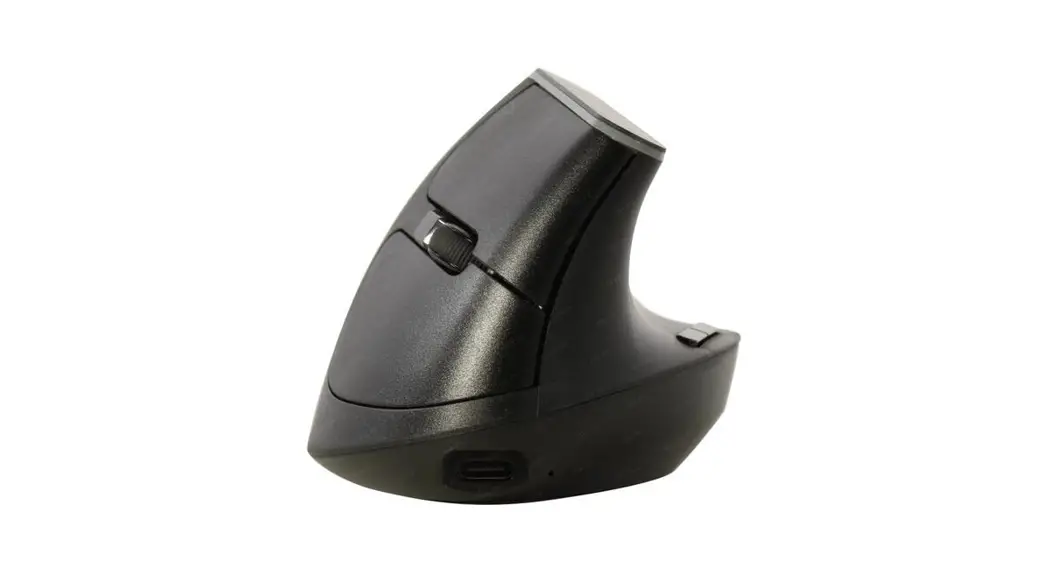
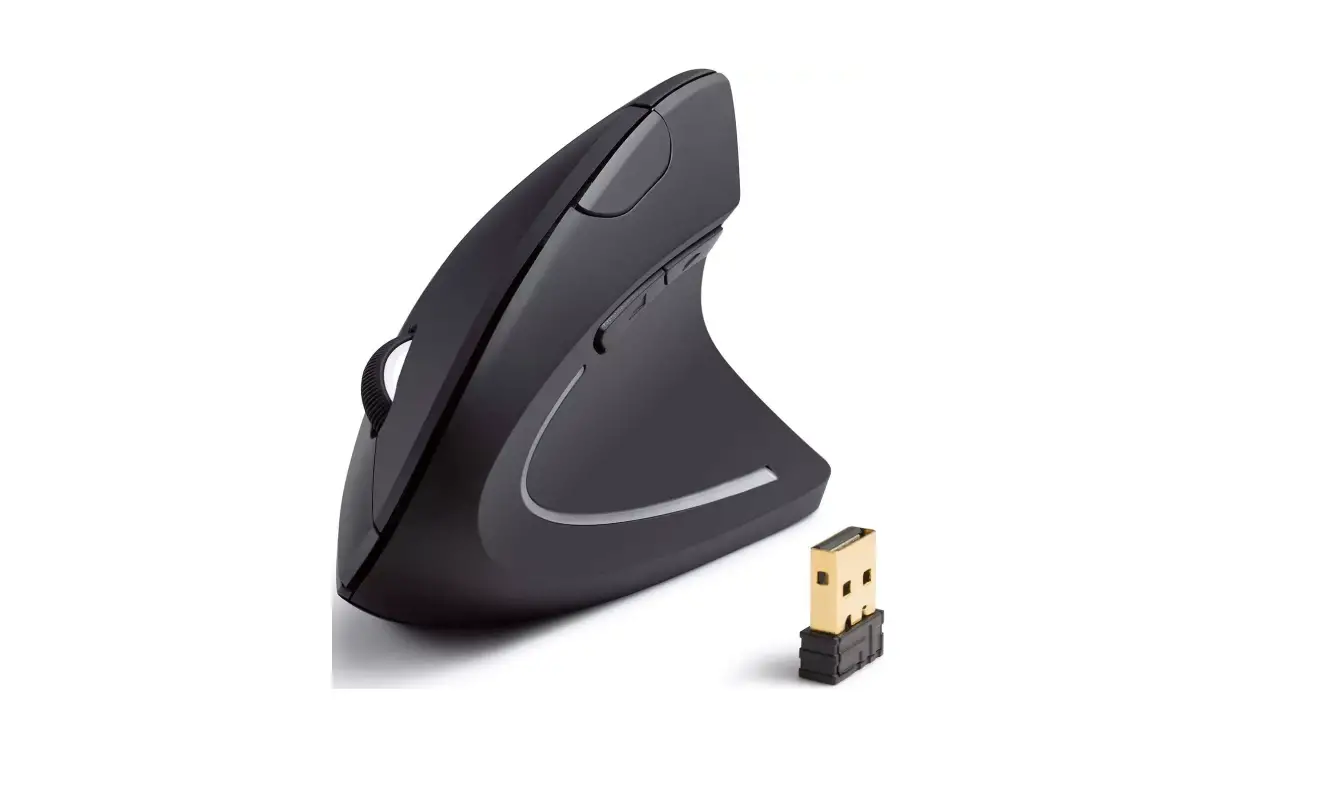
WIRELESS VERTICAL MOUSE
User Manual
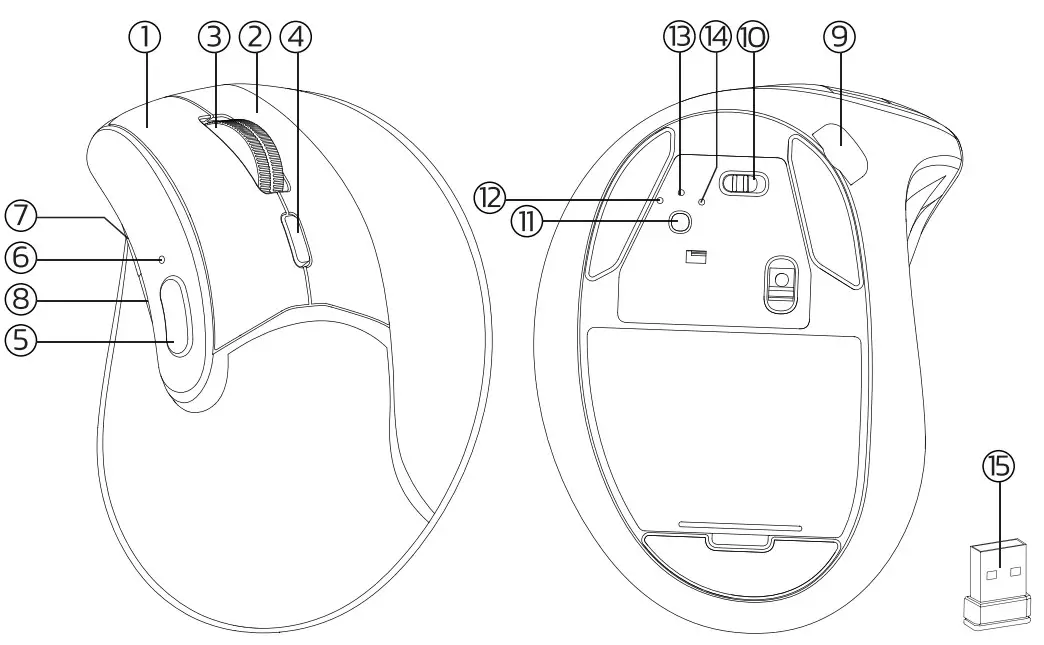
product Function
US/UK/CA
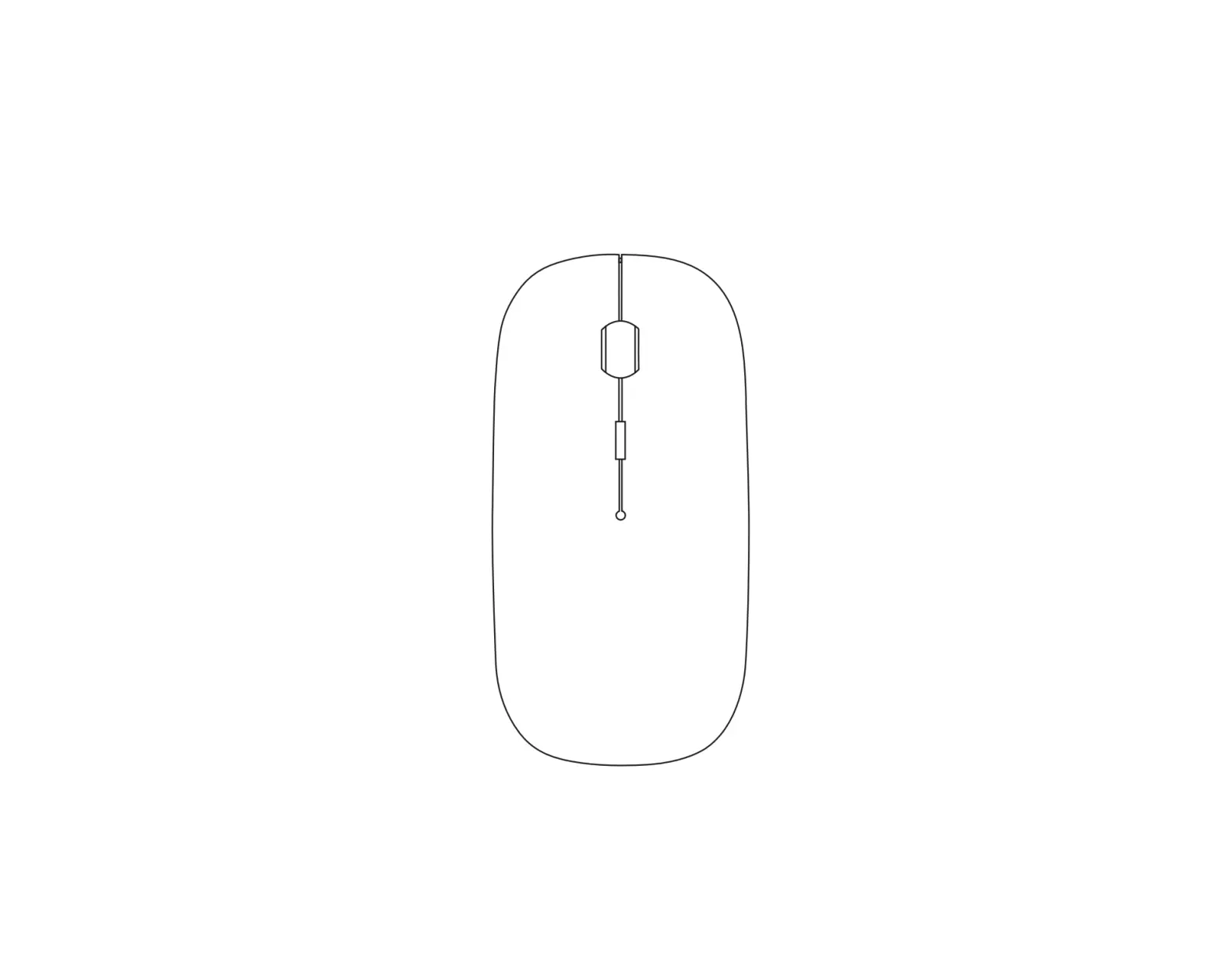
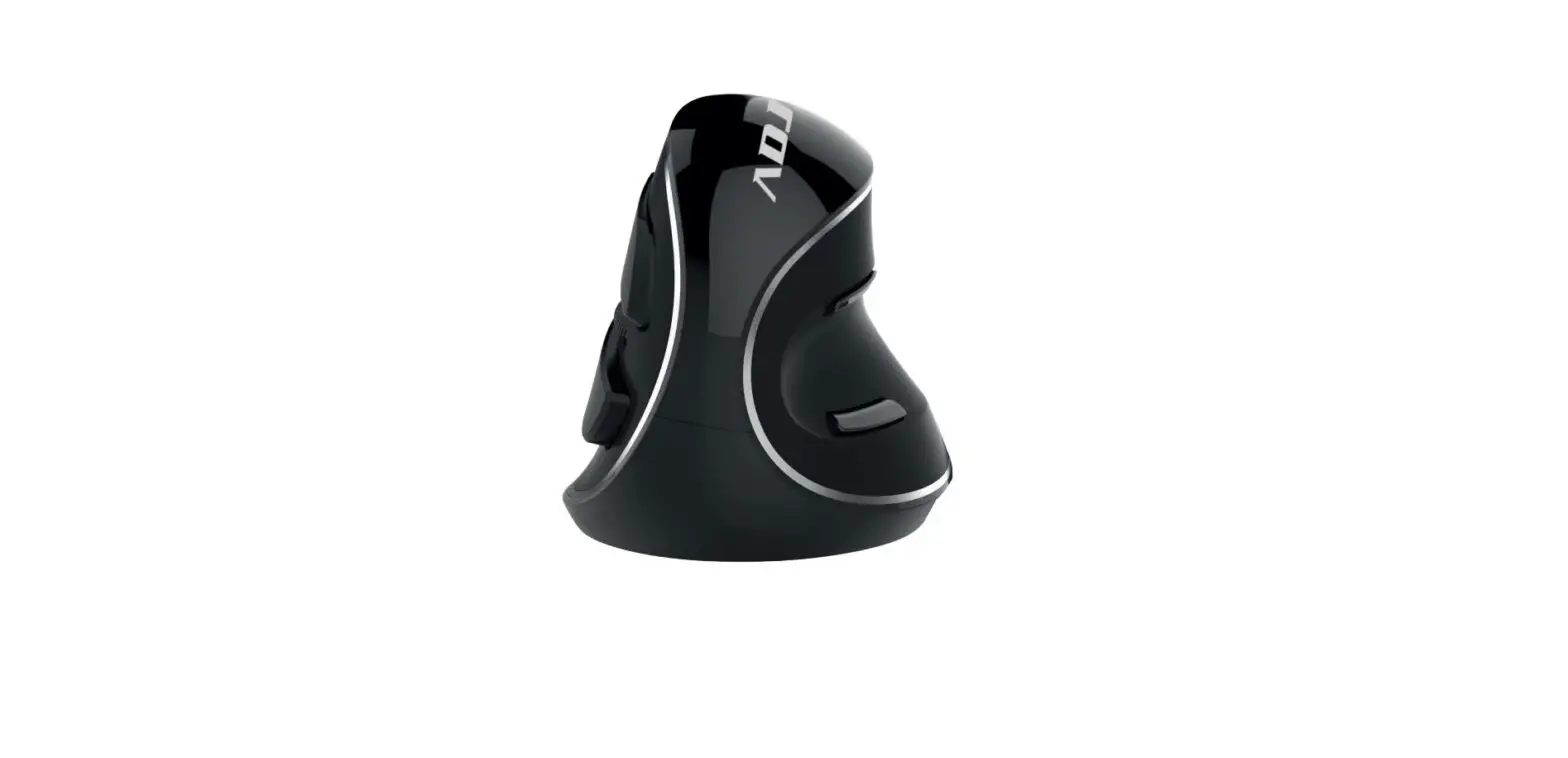
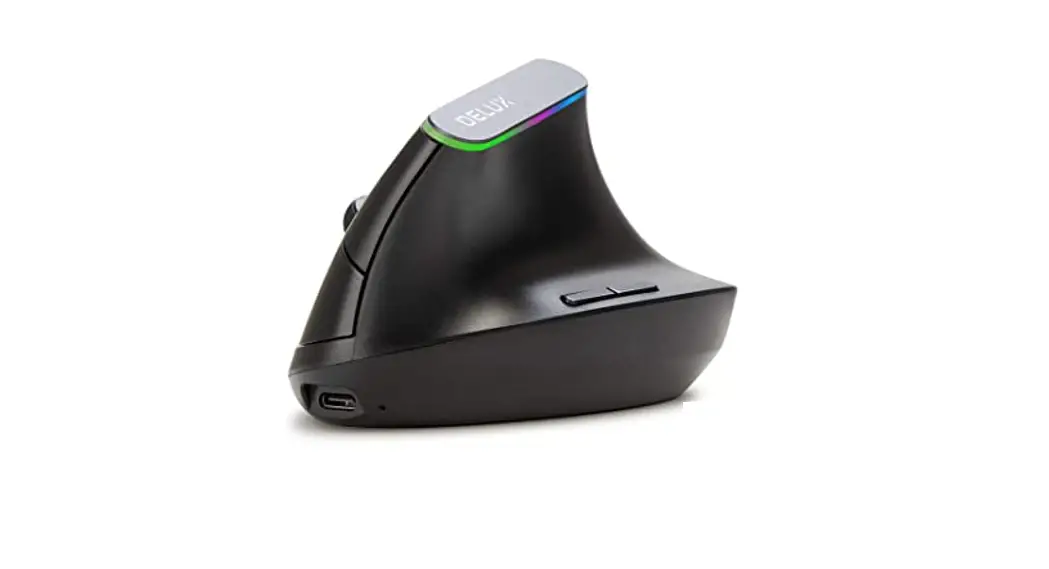
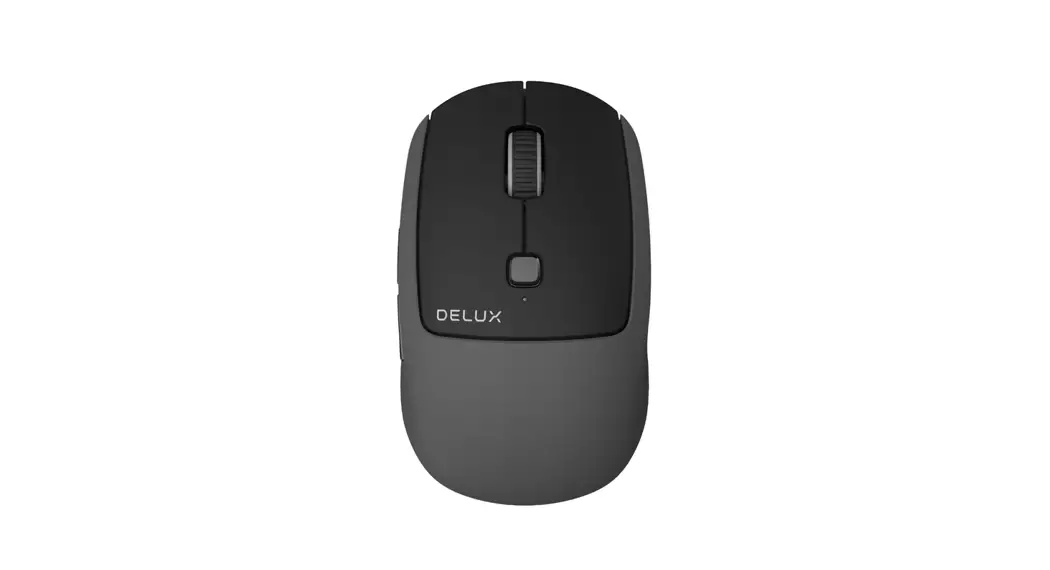
| Left Button Right Button Scroll Wheel DPI Button Desktop Button DPI/Channel Indicator Forward Button Back Button | Charging Port On/Off Mode Switch Button 2.4G Indicator Bluetooth 1 Indicator Bluetooth 2 Indicator USB Receiver |
Note: Bluetooth indicator/USB indicator flashes quickly on low battery.
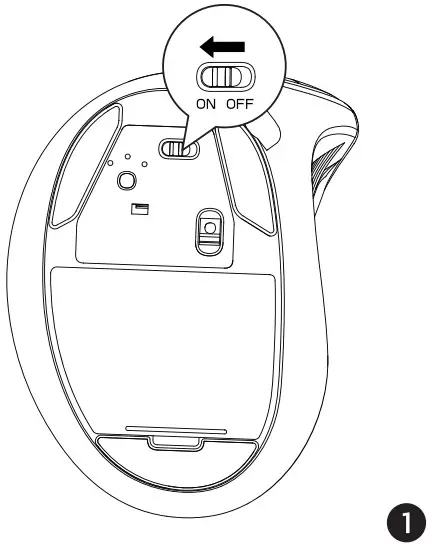
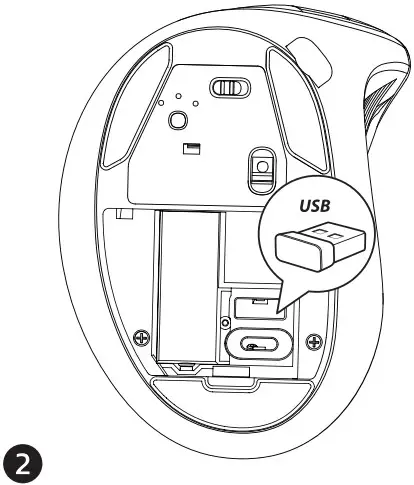
24G Connection
 |  |
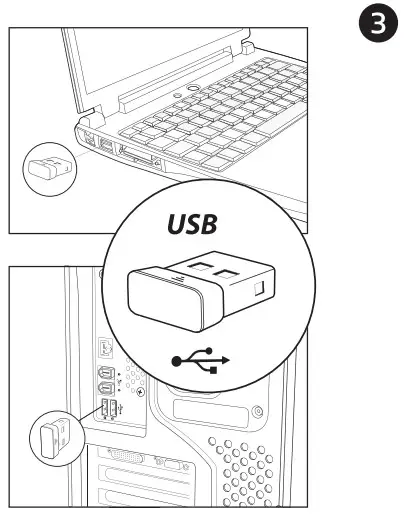 |  |
- Turn on the mouse.
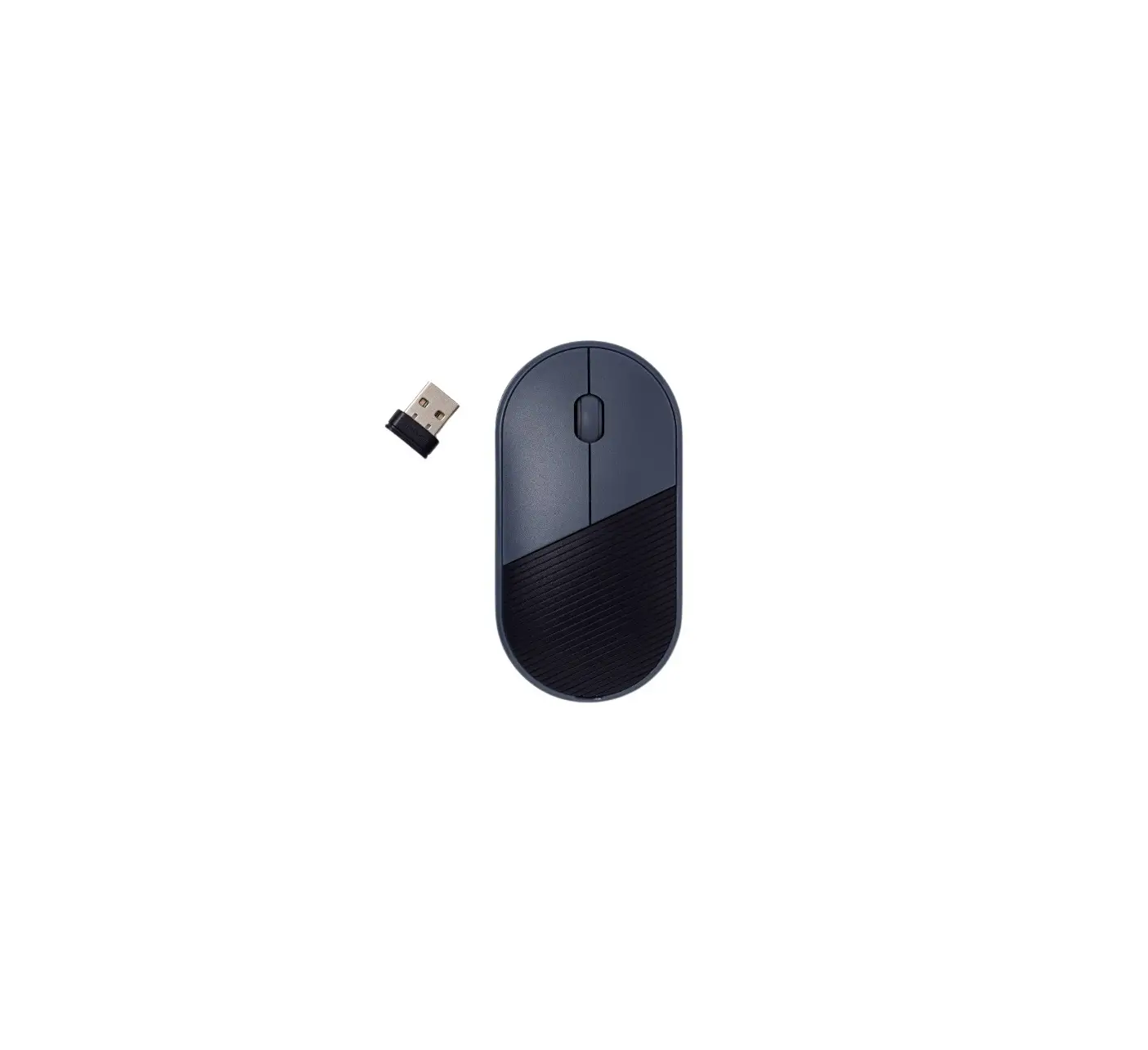
- Take out the USB receiver.
- Insert the USB receiver into the computer USB port.
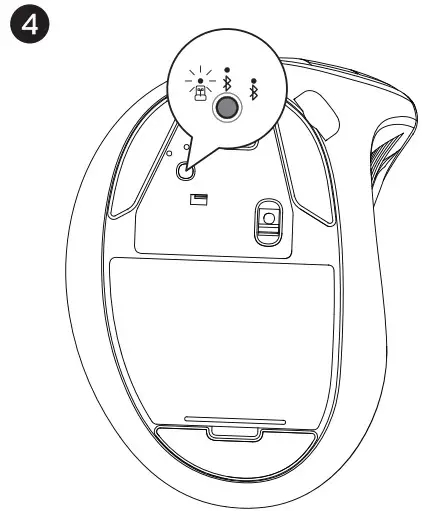
- Click the mode switch button to 2.4G mode then the first red LED will flash slowly.
Bluetooth Connection
Windows System(Take Windows 10 as an example) 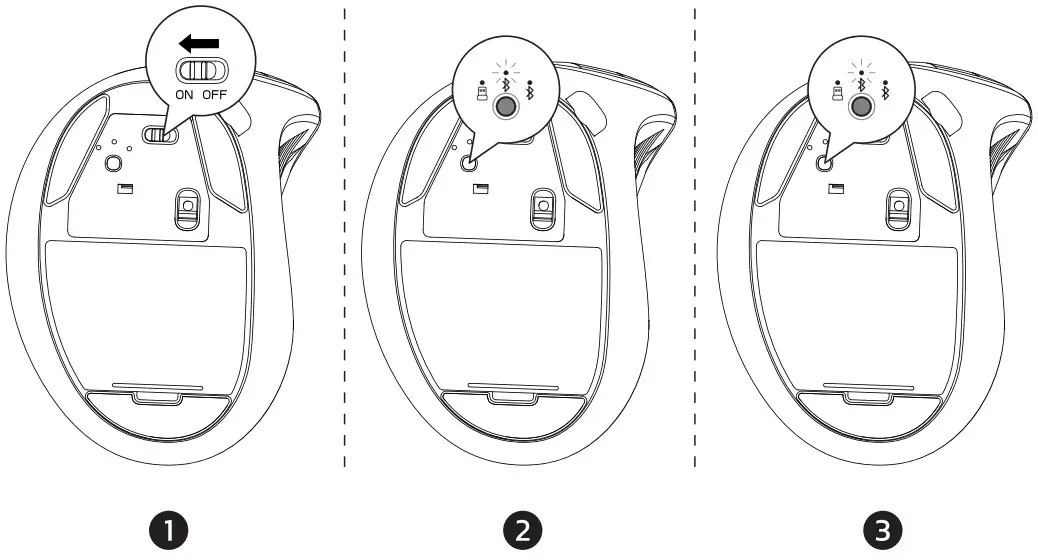
- Turn on the mouse.
- Press the switch button to switch to the second channel, then the blue LED will flash slowly.
- Long press the switch button for 3-5 seconds until the blue LED flashes quickly. The mouse will be in Bluetooth pairing mode.
- Click the “Bluetooth devices” button on the computer.

- Click the “Add or remove Bluetooth devices” button.
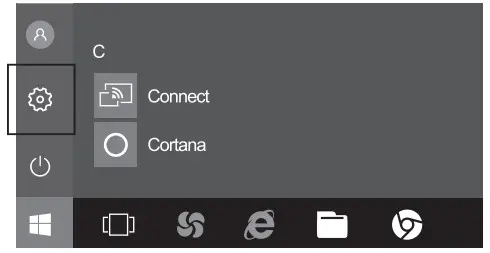
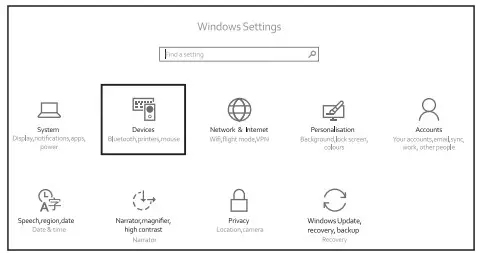 6. Search the Bluetooth “BT5.2 Mouse”, and click the Pairing button.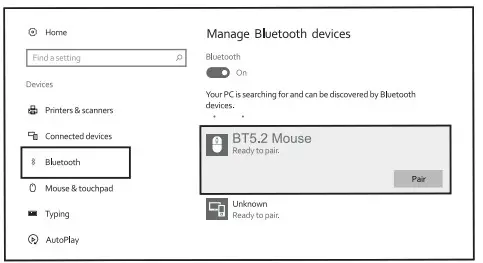
7. When the Bluetooth “BT5.2 Mouse” is connected, the mouse is ready to use.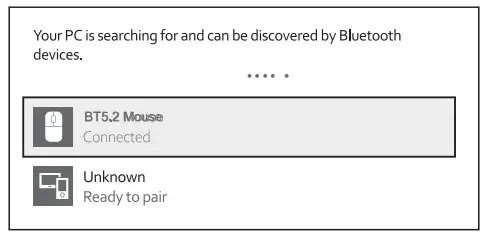
Mac OS System
Please operate the Bluetooth installation steps(1-3) before pairing.
1. Click the “system preferences” button on the Mac. 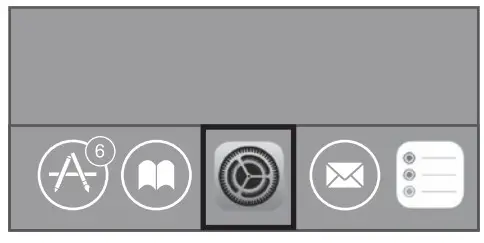
2. Click the Bluetooth button on the system preference folder.
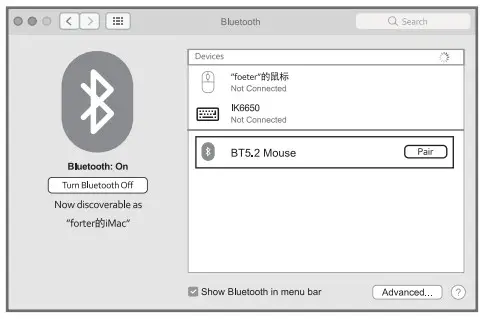
3. Search the Bluetooth “BT5.2 Mouse, and click the Pairing button. If installed completely, the mouse could be used normally.
 Mode Switch
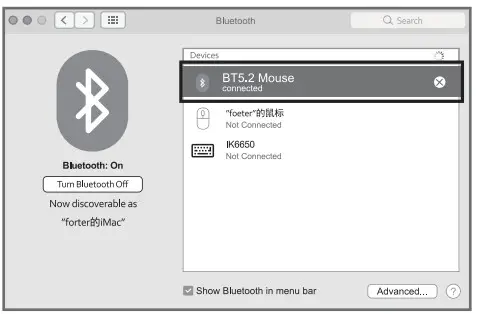 Mode Switch
When 2.4G or Bluetooth conned successfully, shortly press the switch button at the bottom of the mouse, and you could switch the modes easily. 
Package Include
lx Wireless Mouse
lx USB-C Cable
lx User Manual
Basic Parameters
| Chipset | I chip 1066 | |
| Engine | Optics | |
| Mouse Resolution | 1000/1600/2400 dpi | |
| Mouse Button Life | Over 3 million | |
| Mouse Size | 112.081’79.92’77 86mm | |
| Mouse Weight | 121g | |
| MG Transmission Parameters | ||
| Transmission distance | 10m | |
| Work voltage | 3.7V | |
| Work currency | 8.0±0.5mA | |
| Rate of return | 125Hz | |
| Bluetooth Transmission Parameters | ||
| Transmission distance | 10m | |
| Work voltage | 3.7V | |
| Work currency | 6.0:0.5mA | |
| Rate of return | 125Hz | |
| System needs | Bluetooth receiver device | |
| USB interface | Window® 8, Windows 10 or higher versions Mac OS X 10.10 or higher versions Android 4.3 or higher versions | |
FCC D
Any changes or modifications not expressly approved by the party responsible for compliance could void the user’s authority to operate the equipment This device complies with part 15 of the FCC Rules. Operation is subject to the following two conditions: (1) This device may not cause harmful interference, and (2) this device must accept any interference received, including interference that may cause undesired operation.
FCC Radiation Exposure Statement This equipment complies with FCC radiation exposure limits set forth for an uncontrolled environment.
Coned Disposal of This Product
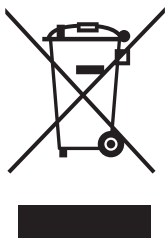 (Waste Electrical& Electronic Equipment) This Marking shown on the product or its literature indicates that it should not be disposed of with other household wastes at the end of its working life.
To prevent possible harm to the environment or human health from uncontrolled waste disposal, please separate this from other types of wastes and recycle it responsibly to promote the sustainable reuse of material resources Household users should contact either the retailer where they purchased this product or their local government office, for details of where and how they can take this item for environmentally safe recycling.
Business users should contact their supplier and die < the terms and conditions of the purchase contact This product should not be mixed with other commercial wastes for disposal
FCC Statement
This device complies with part 15 of the FCC Rules. Operation is subject to the following two conditions: (1) This device may not cause harmful interference, and (2) This device must accept any interference received, including interference that may cause undesired operation. Any changes or modifications not expressly approved by the party responsible for compliance could void the user’s authority to operate the equipment.
Note: This equipment has been tested and found to comply with the limits for a Class B digital device, pursuant to part 15 of the FCC Rules. These limits are designed to provide reasonable protection against harmful interference in a residential installation. This equipment generates uses and can radiate radio frequency energy and, if not installed and used in accordance with the instructions, may cause harmful interference to radio communications. However, there is no guarantee that interference will not occur in a particular installation. If this equipment does cause harmful interference to radio or television reception, which can be determined by turning the equipment off and on, the user is encouraged to try to correct the interference by one or more of the following measures: -Reorient or relocate the receiving antenna. -Increase the separation between the equipment and receiver -Connect the equipment into an outlet on a circuit different from that to which the receiver is connected. -Consult the dealer or an experienced radio/TV technician for help.
| EU | REP |
| UK | REP |
C&E Connection E-Commerce(DE) GmbH Zum Linnegraben 20, 65933, Frankfurt am Main.
Germany Email: [email protected]
Phone: +49(069) 27246648 CET PRODUCT SERVICE LTD.
Chase Business Centre, 39-41 Chase Side.
London N14 SBP United Kingdom Email: info.cetserviceogmail.com
Phone: +447419325266