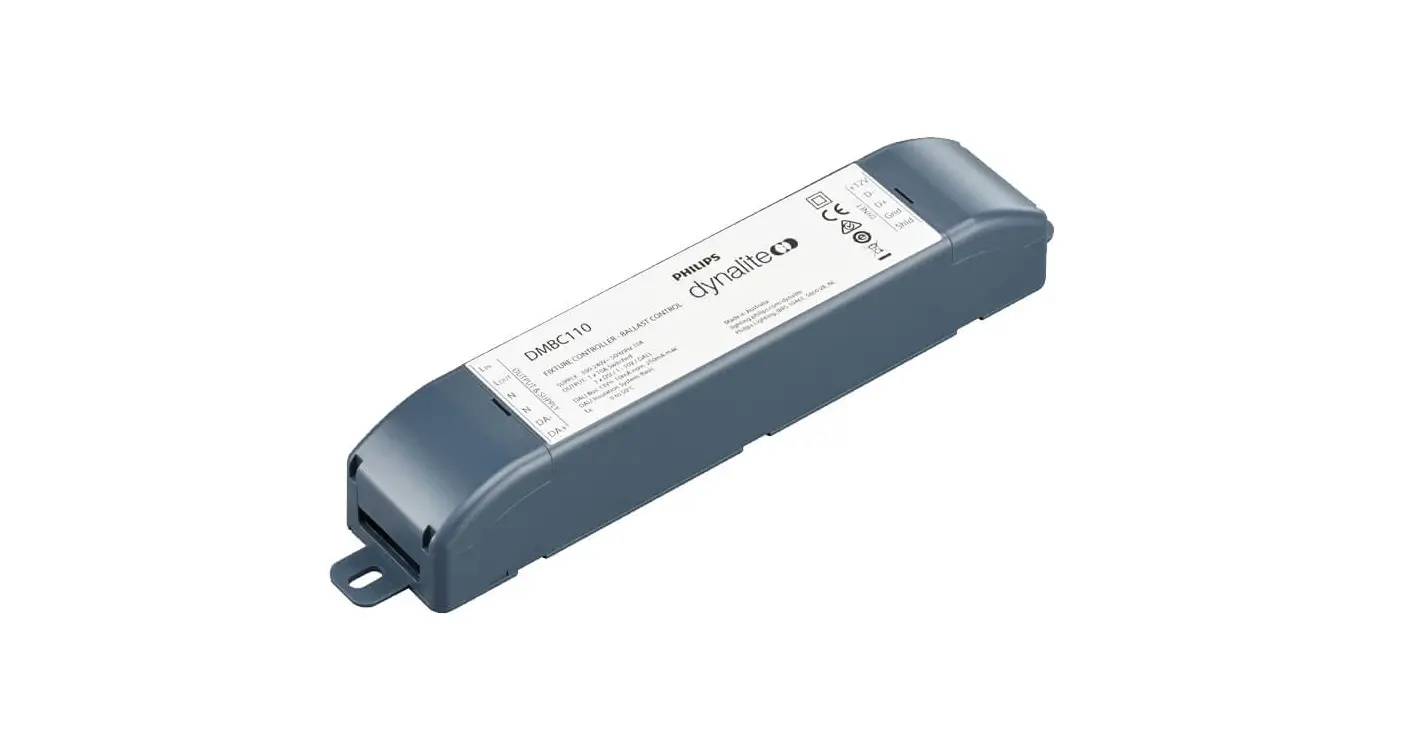

Aladdin AMS-FB350BI-DIM 350W Dimmer with DMX
THANK YOU FOR YOUR PURCHASE
START-UP GUIDE
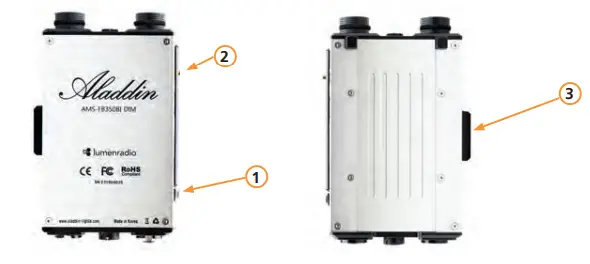
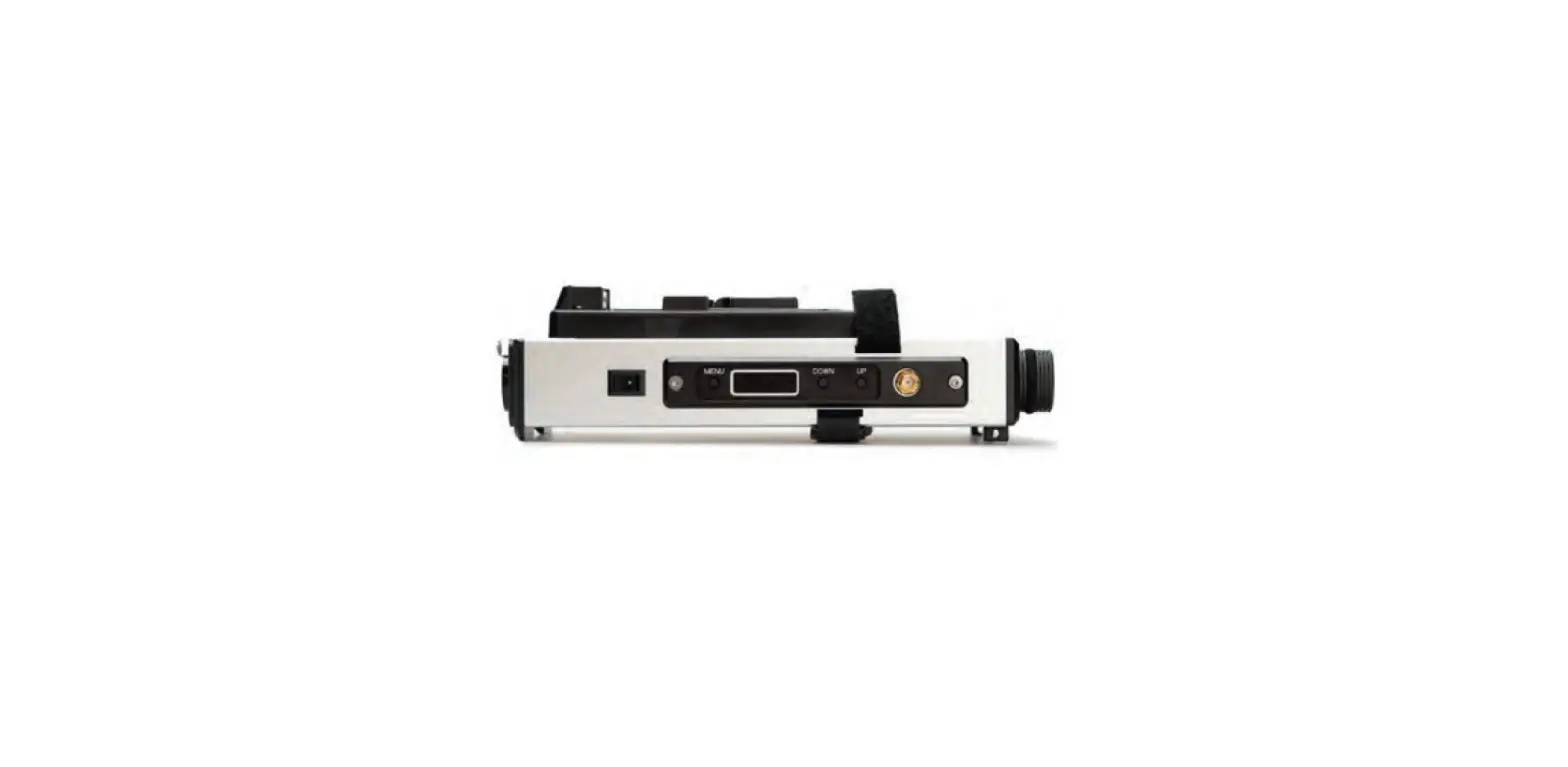
| 1 | ON / OFF switch |
| 2 | Antenna mount |
| 3 | Bracket with 3/8” thread |
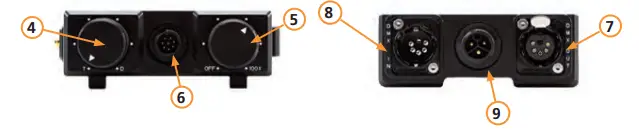
| 4 | Color temperature dial |
| 5 | Dimming dial |
| 6 | Panel connector socket |
| 7 | DMX output (5-pin) |
| 8 | DMX input (5-pin) |
| 9 | AC adapter input |
STATES
The OLED display shows you different informations about the states.
| OLED | STATE | |
|
T-D 3200K | 100% | Ordinary state shows the color temperature in the left corner and the dimming percentage in the right corner. |
| 3152K |
100% | While changing the color temperature the number enlarges. The dimming percentage appears in the right corner. |
| DMX512 5600K | 75.8% | When connected to a DMX console or Lumenradio the display shows the color and dimming values and the DMX512 text in |
| the top left part of the screen. | ||
| T-D 3200K | LOCK | When locked by the user the display shows a “LOCK” text. You can lock/unlock the dimmer by pushing the MENU button for 2 seconds. |
OPERATION
With the (MENU) button you can get into the menu and change settings. Navigate with the (MENU) and (UP / DOWN) buttons.
| OLED | OPERATION |
| DMX >0 0 1 CH | Set the DMX channel number by pushing the MENU button to change between the 3 columns and the UP / DOWN buttons to change the value (ranges from 1 – 512). |
| DMX Radio 512 | Choose the DMX method (DMX cable / Lumenradio). The dim- mer automatically restarts to save the settings. |
| RF Link YES Reset | To clear the link ID of the Lumenradio transmitter set this pa- rameter to YES. Then confirm by pressing MENU. |
| Sheet Type Fabric200 | Change the sheet type when using different panels (BI-FABRIC 2 (equals BI-FLEX 2) / BI-FABRIC 4 (equals BI-FLEX 4) / FABRIC-LI- TE 20). The dimmer automatically restarts to save the settings. |
POWER ADAPTER
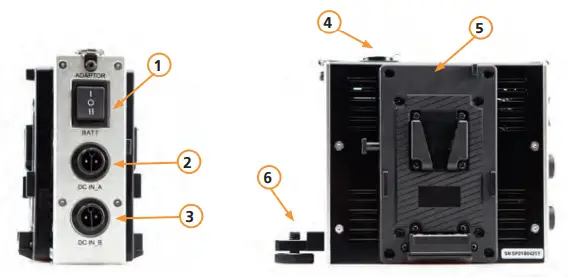
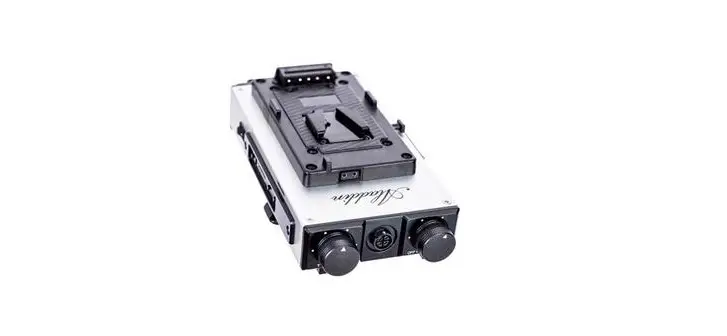
| 1 | Switch to select between AC adapter and batteries |
| 2 | DC in (A) |
| 3 | DC in (B) |
| 4 | DC socket to dimmer unit |
| 5 | V-Mount plate |
| 6 | Mount for dimmer |
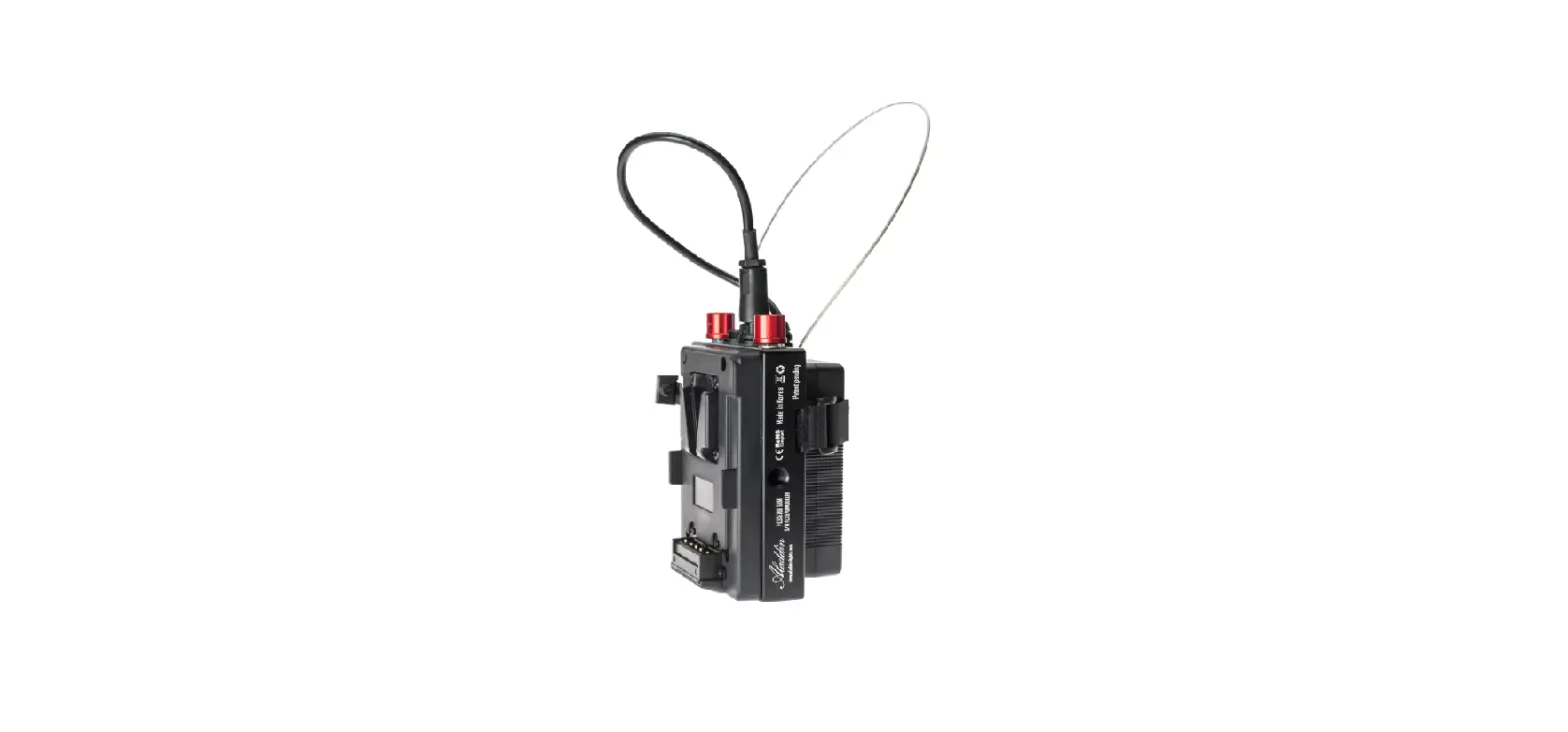
Connect the Power Adapter with the dimmer (4). You can mount the dimmer directly onto the power box (6). You can use two batteries or AC adapters to power the main dimmer unit. Just push the switch to the required position.
IMPORTANT CAUTIONS AND WARNINGS
- You must set the sheet type (see OPERATION) before connecting to a panel.
- Do not use near flammables and heaters.
- Do not expose the unit to direct sunlight for a long period (applies also for storing in a car).
- Do not damage the product with improper force or cause any impact with heavy objects.
- Keep out of reach of children.
- Use the product only within temperature range of -10°C – +40°C.
- When you have technical problems while using the product, stop using it immediately and contact your dealer / reseller.
WARRANTY
We provide a one year warranty period after the purchase. This warranty covers repairs or a replacement for faulty products within this period. After this warranty has been expired, you can still get repairs for your product which will be charged extra. Aladdin Lights reserves the right to refuse warranty service on products un-der disputable conditions.
WARRANTY EXCLUSIONS
In case of any of the below listed causes, the warranty does not apply, even if it is within the free warranty period.
- Product failure due to consumer negligence.
- Product failure due to usage of not compatible power sources.
- Product failure due to disassembly by not official resellers/distributors.
SELECTED OPTIONAL ACCESSORIES
TECHNICAL SPECIFICATIONS
| Article code | FBS350BIMADIM |
| Compatibility | FABRIC-LITE 35 |
| Dimmer | Dimming: (0.5%–100%) |
| Cooling | Passive cooling |
| Power input | 48V DC / 3-pin socket (for power adapter) |
| Power consumption | 350W |
| Dimensions | – |
| Weight | – |
| User interface | Graphic OLED (128×64) |
| Temperature range | -10°C – +40°C |
| DMX512 support | In (5-pin) and out (5-pin) / Lumenradio |
| DMX512 | 2 channels – White Bi-Color |
| Dimming range | 0.5% – 100% |
| Temperature range | 3000K – 6000K |
| IP-Rating | 21 |
 Modern Light Fixtures and Home Decor | Lights.com