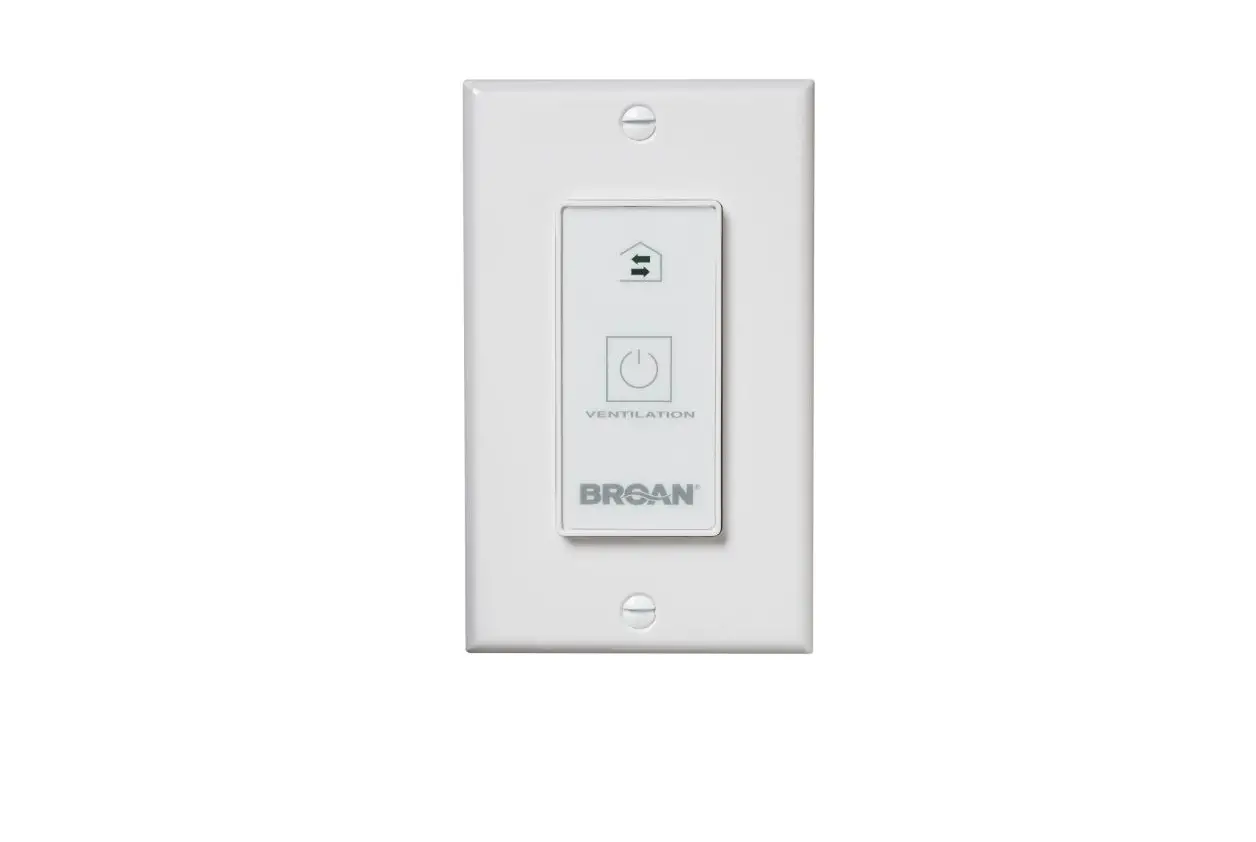
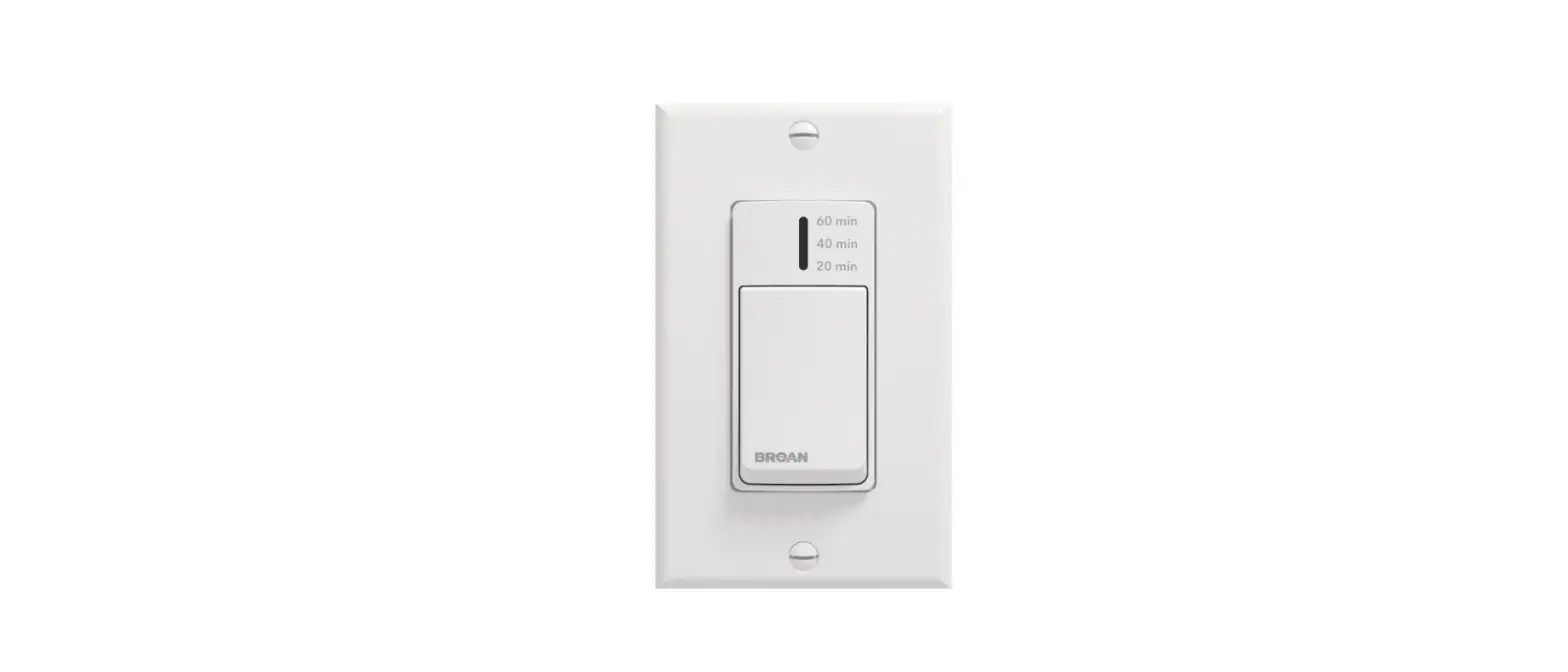
VBATHW 20/40/60 Minute Wall Control
Product Information:
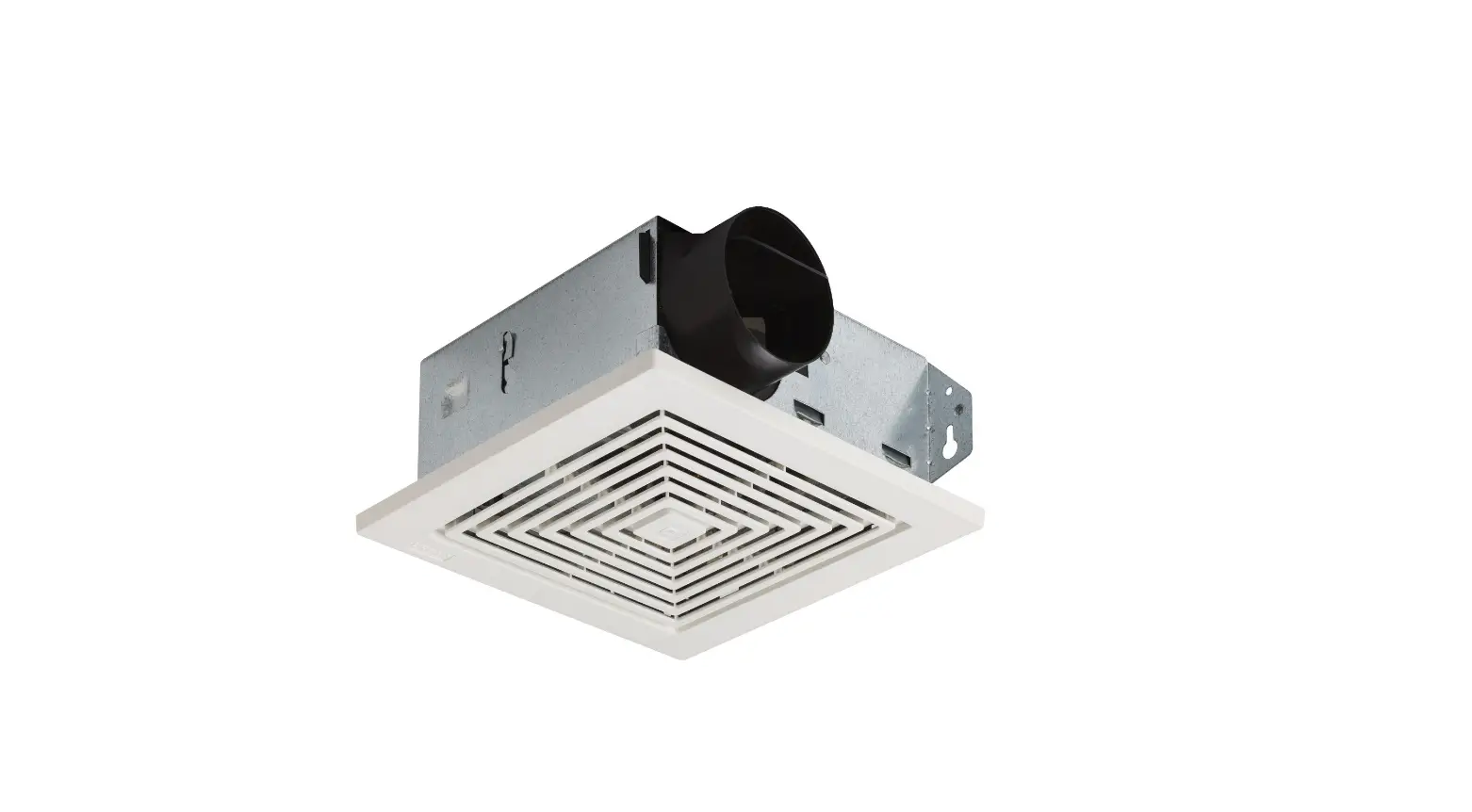
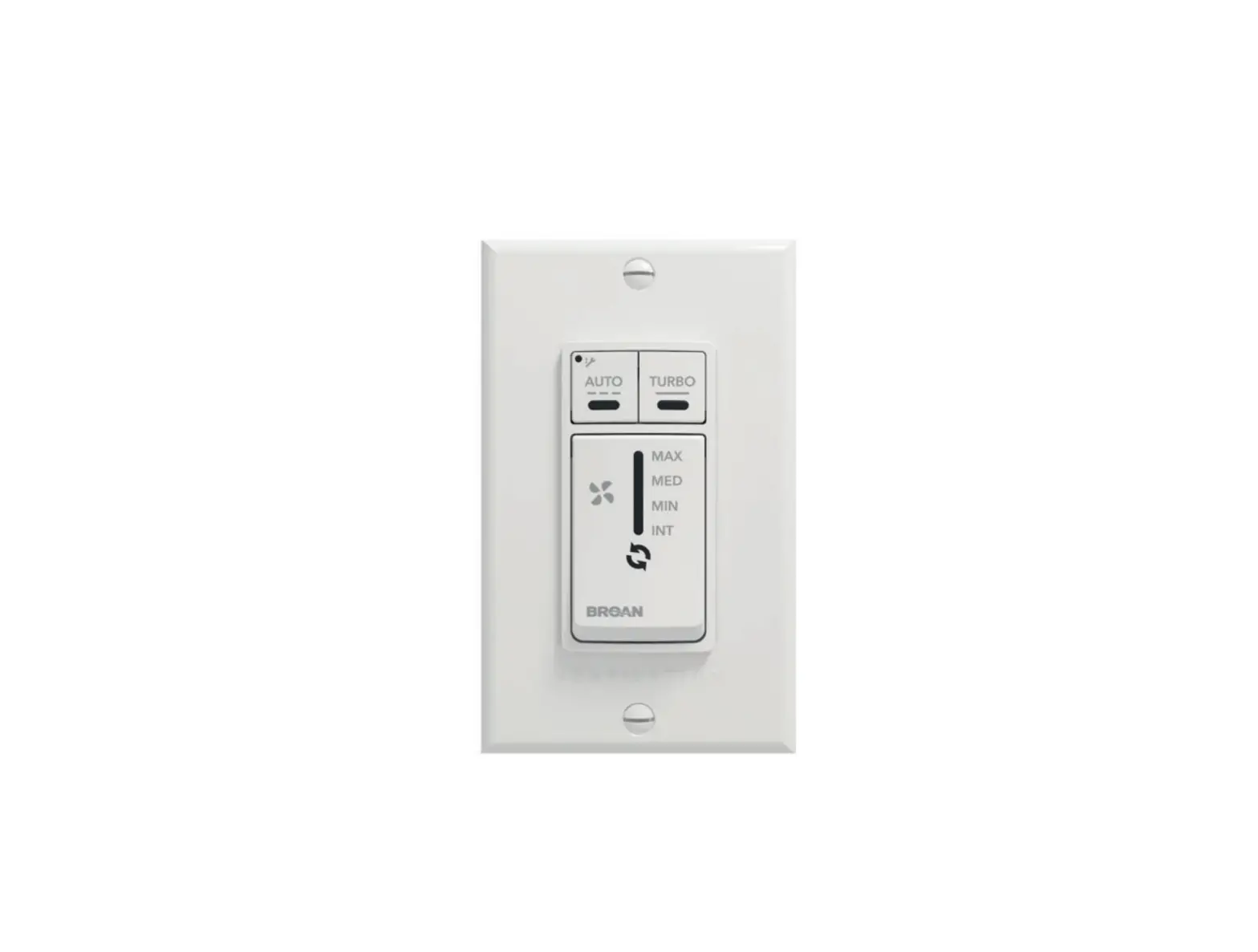
The 20-40-60 Control (Part No. VBATHW) is a wall control unit
used for the installation and operation of a ventilation unit. It
is designed to exchange air at different speeds and durations based
on user settings. The control features remote terminals, LED
indicators, and on-board terminals for easy installation and
connection to the ventilation unit.
Installation Instructions:
- Before starting the installation, ensure that the ventilation
unit is unplugged. - If the control is to be installed in an electric box, skip to
step 3. Otherwise, choose a convenient location for the control on
the wall. - Route a cable (type 22/4) from the ventilation unit to the
desired location on the wall. Use the provided illustration as a
guide. - Temporarily place the control over the hole and mark the
positions for mounting screws. - Remove the control and drill screw anchors at the marked
positions. - Strip the end of the cable to expose the 4 wires. Strip about
1/4 inch of each wire. - Connect the wires to the terminals on the control, regardless
of their color. Take note of which wire color is connected to each
terminal. - Mount the control securely to the wall using the mounting
screws. - Plug in the ventilation unit and test the wall control to
ensure proper functionality.
Product Usage:
To use the 20-40-60 Control, follow these steps:
- Depending on the type of fresh air system installed, perform
the electrical connection to the terminal connector of the unit as
per one of the four models illustrated in the installation manual
of the ventilation unit. - Refer to the notes taken during the installation process to
match the wire color with the right terminal and avoid
miswiring. - The control features an indicator that lights up based on the
selected duration. The system will exchange air at maximum speed
during this time.
For more detailed instructions and information, please refer to
the installation manual provided with the ventilation unit.
INSTALLATION AND USER GUIDE FOR 20-40-60 CONTROL (PART NO. VBATHW)
READ AND SAVE THESE INSTRUCTIONS
The illustrations in this document are generic; your control appearance may be slightly different from the ones shown.
! WARNING
Electrical wiring must be done by qualified personnel in accordance with all applicable codes and standards. Before connecting wires, unplug the unit or switch power off at service panel and lock service disconnecting means to prevent power from being switched on accidentally. Always wear safety glasses and gloves while performing these instructions.
INSTALLATION Unplug the ventilation unit. NOTE: If the control is to be installed in an electric box, go to step .
Remote 6 & 7 positions terminals
12V LED OVR Gnd
Cut a 27/8″ x 1¾” hole in a wall, at a
convenient location for the control. Route a cable (type 22/4) for the control from the unit to this hole. See figure at right.
VC0234
NOTE: The auxiliary wall control can be used with a 3-wire connection by removing the LED signals. This optional wiring will not allow an installation with more than 1 auxiliary wall control to properly synchronize their LEDs on an event requested from a peer. Only the auxiliary wall control having requested the timer event will have the LEDs updated accordingly.
Temporarily place the control over the
hole and mark both mounting screw
hole positions.
Ø 3/16″, typ.
Remote 10 positions terminal
Remove the control, drill both screw
holes (3/16″ Ø) in wall and insert the wall
anchors (included).
VC0210A
Strip the end of the cable to access the 4 wires (about 3″). Strip the
end of each wire (about 1/4″). Connect the wires to the terminals,
regardless of the wire color. Note which wire color has been
chosen for each terminal. See illustration below.
VC0238
Remote 4 & 6 positions terminals
12V LED OVR Gnd
VC0233
VC0237
On-board terminal
Mount the control to the wall.
VC0239
Plug the ventilation unit and test the wall control.
HOW TO USE THE CONTROL
VC0211
Depending on the type of fresh air system installed,
perform the electrical connection to the terminal connector of the unit as per one of the four models illustrated hereafter. For more details, refer to the installation manual of the ventilation unit.
NOTE: To avoid miswiring, refer to the notes taken at step
to match the wire color with the right terminal.
The main button works following this sequence: · Click 1 = 20 min · Click 2 = 40 min · Click 3 = 60 min · Click 4 = OFF · and so on
The indicator lights up as per the selected duration and the system exchanges air at MAX speed.
VC0190
23848 rev. 02
MANUAL DEL USUARIO Y DEL INSTALADOR PARA EL CONTROL 20-40-60 (NO DE PIEZA VBATHW)
LEA Y GUARDE ESTAS INSTRUCCIONES
Las ilustraciones en este documento son generales; su control puede tener un aspecto ligeramente diferente.
! ADVERTENCIA
El cableado eléctrico debe ser realizado por personal cualificado, de acuerdo con todos los códigos y normas aplicables. Antes de conectar los hilos, desenchufe el aparato o apague la alimentación en el tablero de servicio y bloquee los medios de desconexión para evitar que se conecte la corriente accidentalmente. Lleve siempre lentes y guantes de seguridad al ejecutar estas instrucciones.
INSTALACIÓN Desenchufar el aparato. NOTA: Si el control se monta en una caja eléctrica, pasar a la etapa .
Bornes remotos a 6 e 7 posiciones
12V LED OVR Gnd
Cortar un agujero de
27/8 pulg. x 1¾ pulg. en un lugar conveniente de la pared para el control mural. Llevar un cable (de tipo 22/4) para el control mural desde el aparato hasta el agujero. Ver la ilustración a la derecha.
Colocar temporalmente el control mural
en el agujero y marcar la ubicación de los orificios de los tornillos de montaje.
Ø 3/16″, typ.
VC0234
NOTA: Se puede utilizar el control mural auxiliar con una conexión a 3 cables eliminando los indicadores LED. Este cableado opcional no permitirá una instalación con más de un control mural auxiliar para sincronizar correctamente sus indicadores LED para un evento requerido por un par. Sólo el control mural auxiliar que ha requerido el evento temporizador tendrá sus indicadores LED actualizados en consecuencia.
Borne remoto a 10 posiciones
Retirar el control mural, taladrar dos
orificios (3/16 pulg. de diámetro) en la
pared e introducir los dispositivos de
sujeción para paredes incluidos.
VC0210A
Pelar el extremo del cable para acceder a los 4 hilos (cerca
de 3 pulg.). Pelar el extremo de cada hilo (cerca de 1/4 pulg.). Conectar los hilos a los terminales, independientemente del color de los hilos. Tomar nota del color del hilo que ha elegido para cada terminal. Ver la ilustración de abajo.
VC0238
Bornes remotos a 4 e 6 posiciones
12V
LED
VC0237
OVR
Gnd
Borne embarcado
VC0233
Montar el control mural en la pared.
VC0239
Enchufar el aparato de ventilación y probar el control mural.
CÓMO FUNCIONA EL CONTROL
VC0211
Dependiendo del tipo de aparato de ventilación instalado,
realizar la conexión eléctrica con el conector de terminales del aparato según uno de los cuatro modelos ilustrados a continuación. Para más detalles, consultar el manual de instalación del aparato de ventilación. NOTA: Para evitar un cableado incorrecto, consultar las notas
que tomó en la etapa sobre los colores de los hilos.
VC0190
El botón principal funciona de la siguiente manera: · Clic 1 = 20 min · Clic 2 = 40 min · Clic 3 = 60 min · Clic 4 = OFF · etcétera
El indicador se enciende según la duración elegida y la unidad distribuye aire a velocidad MAX.
23848 rev. 02