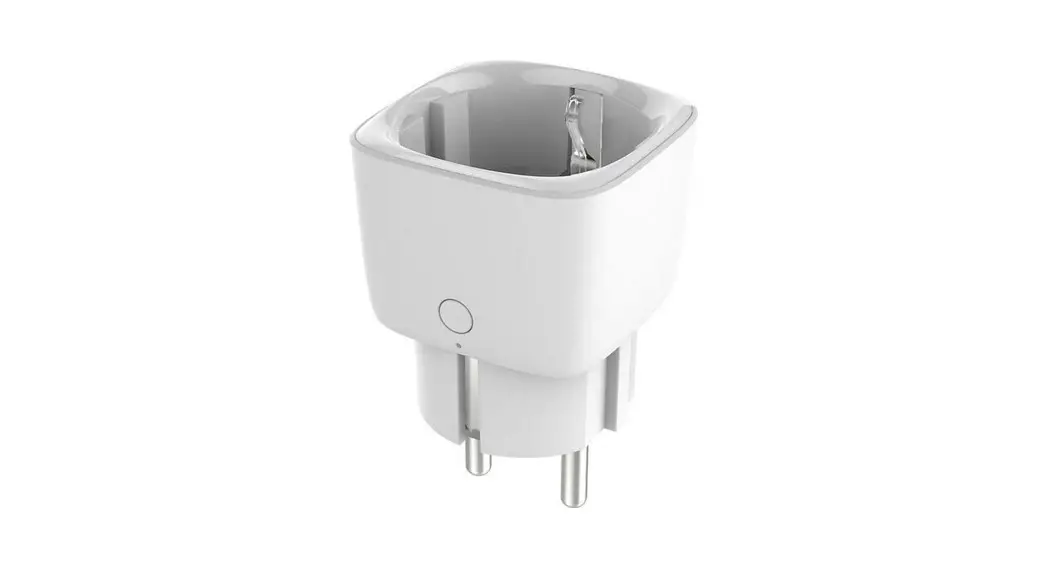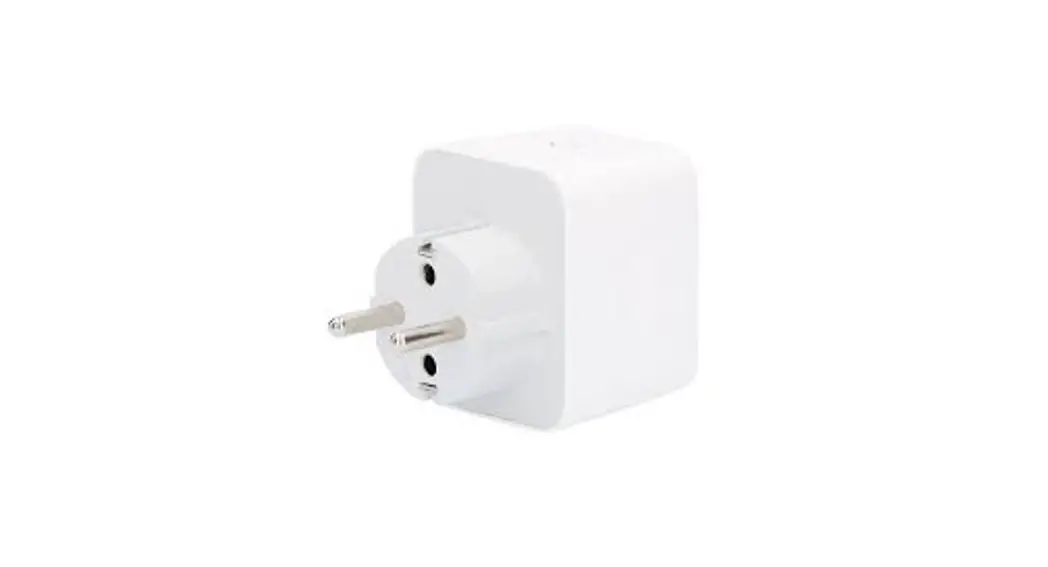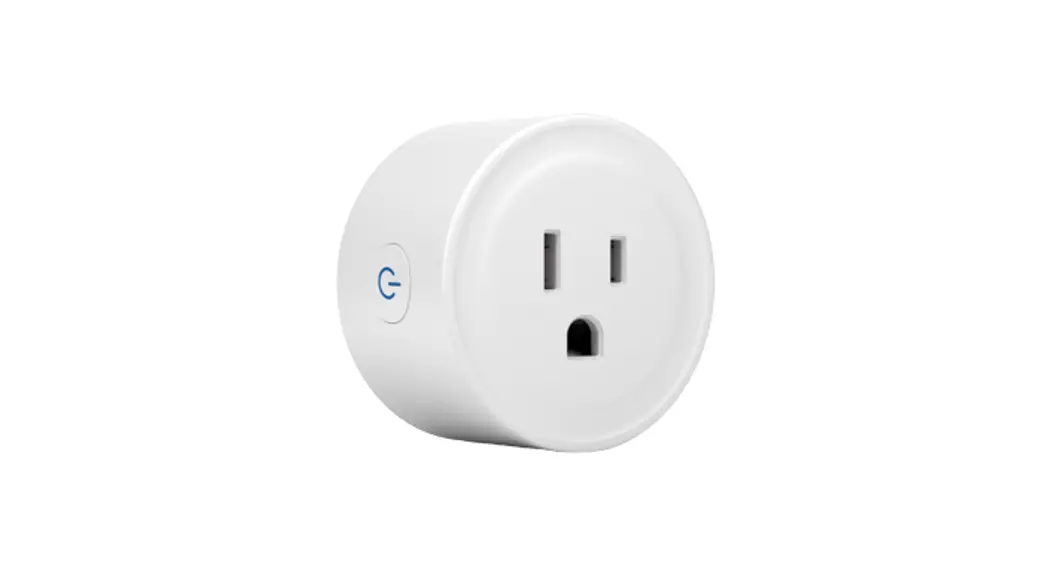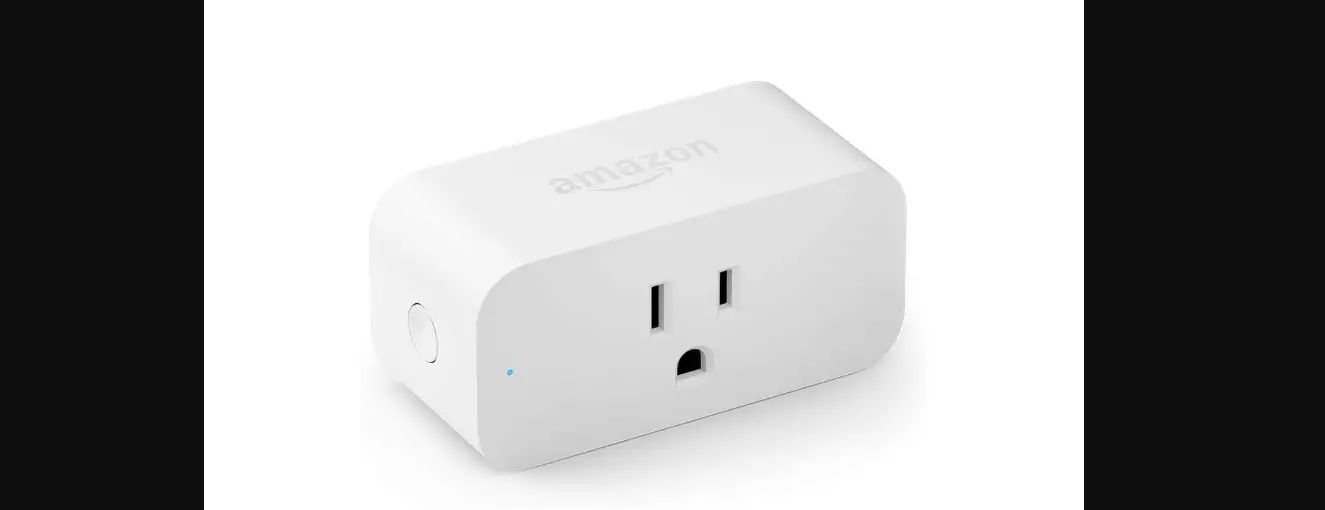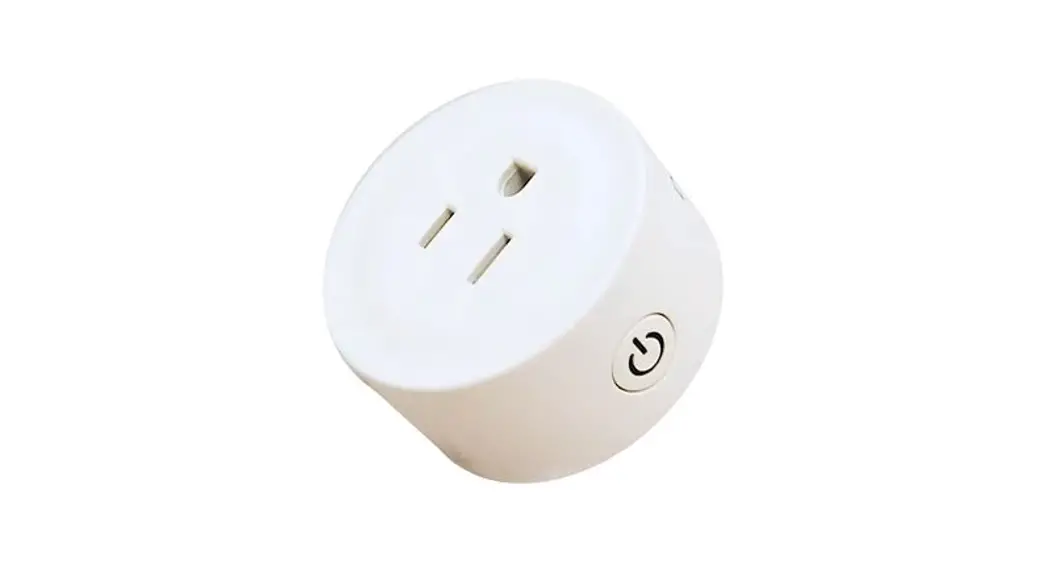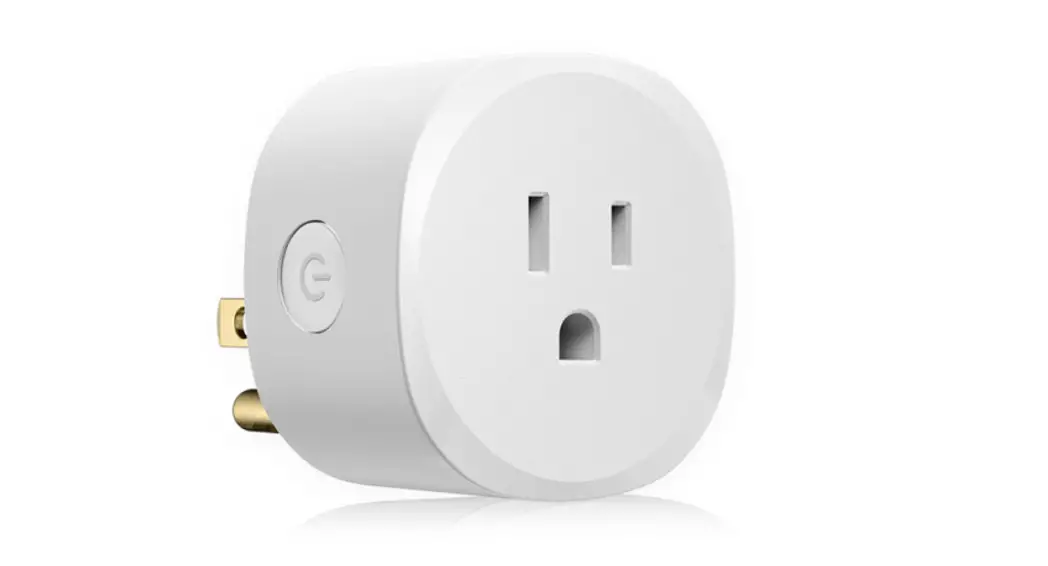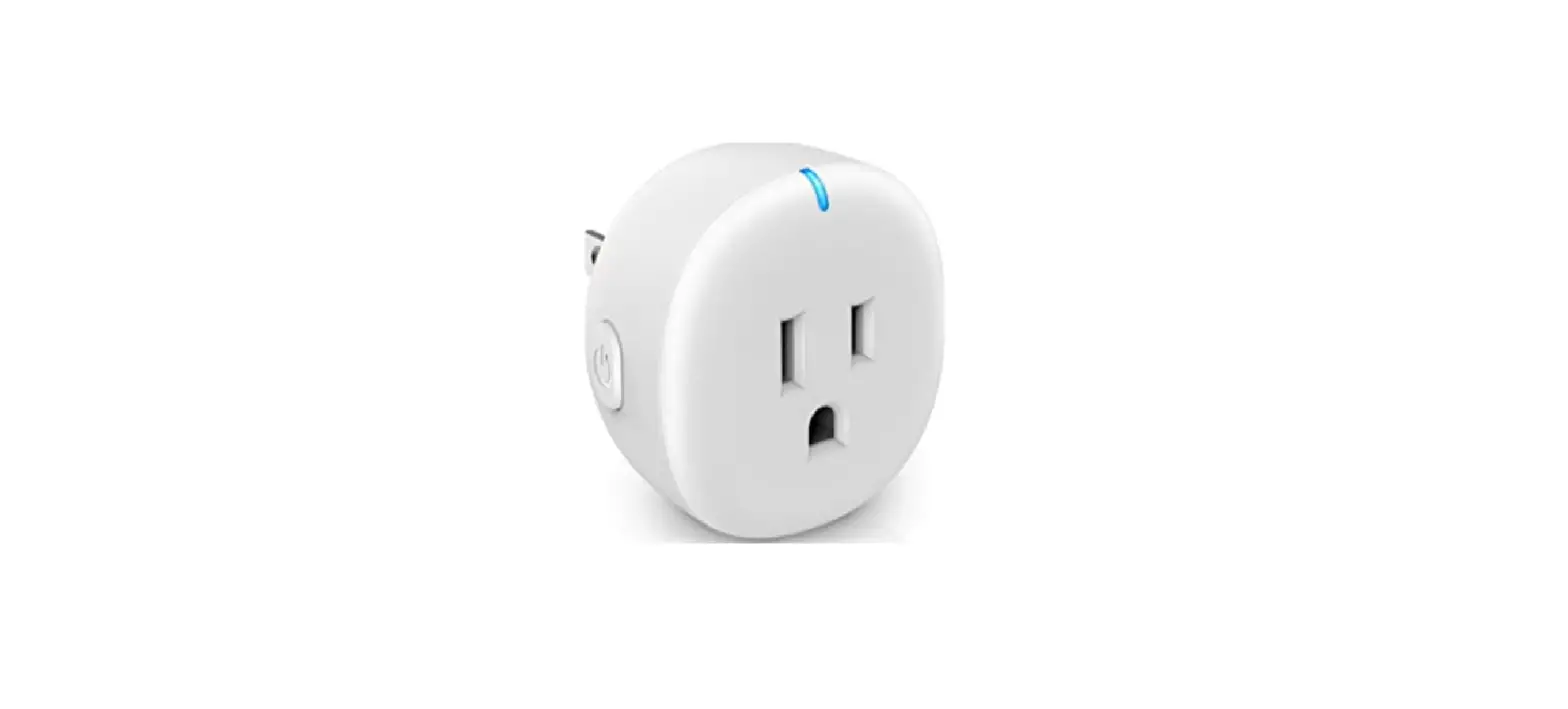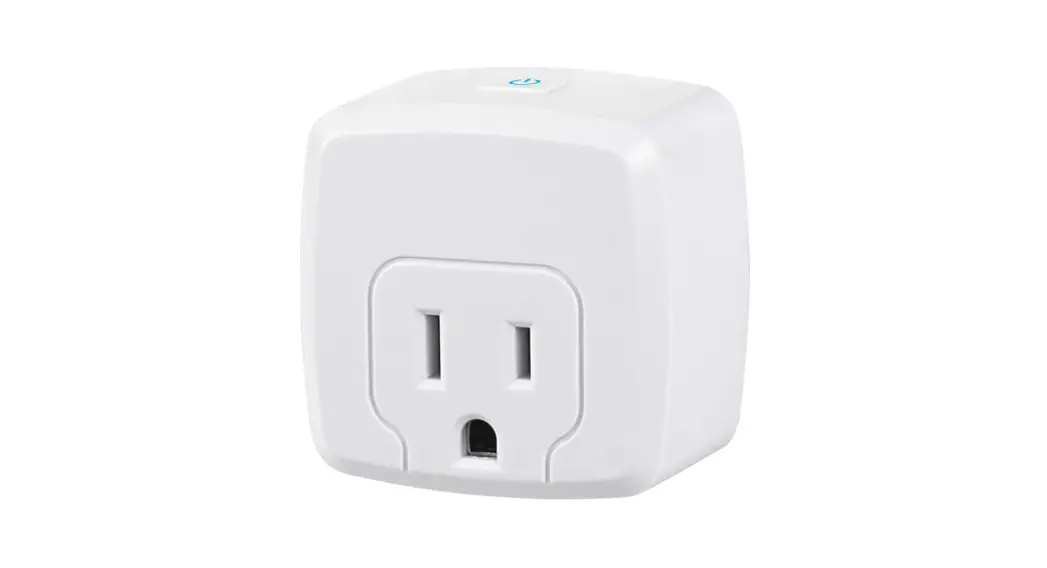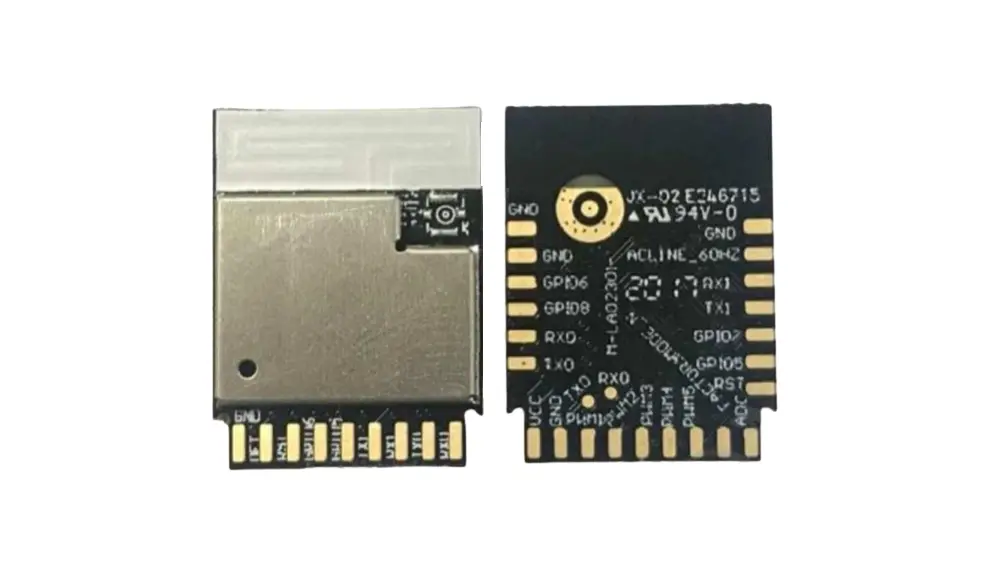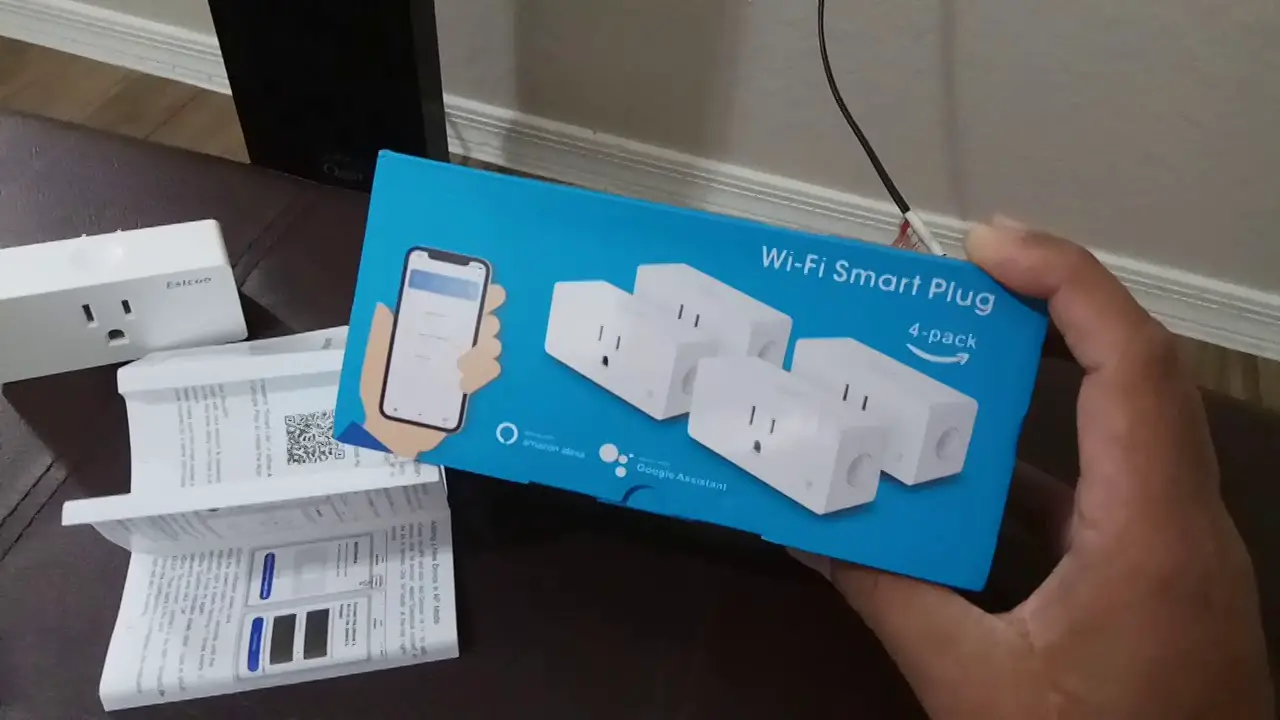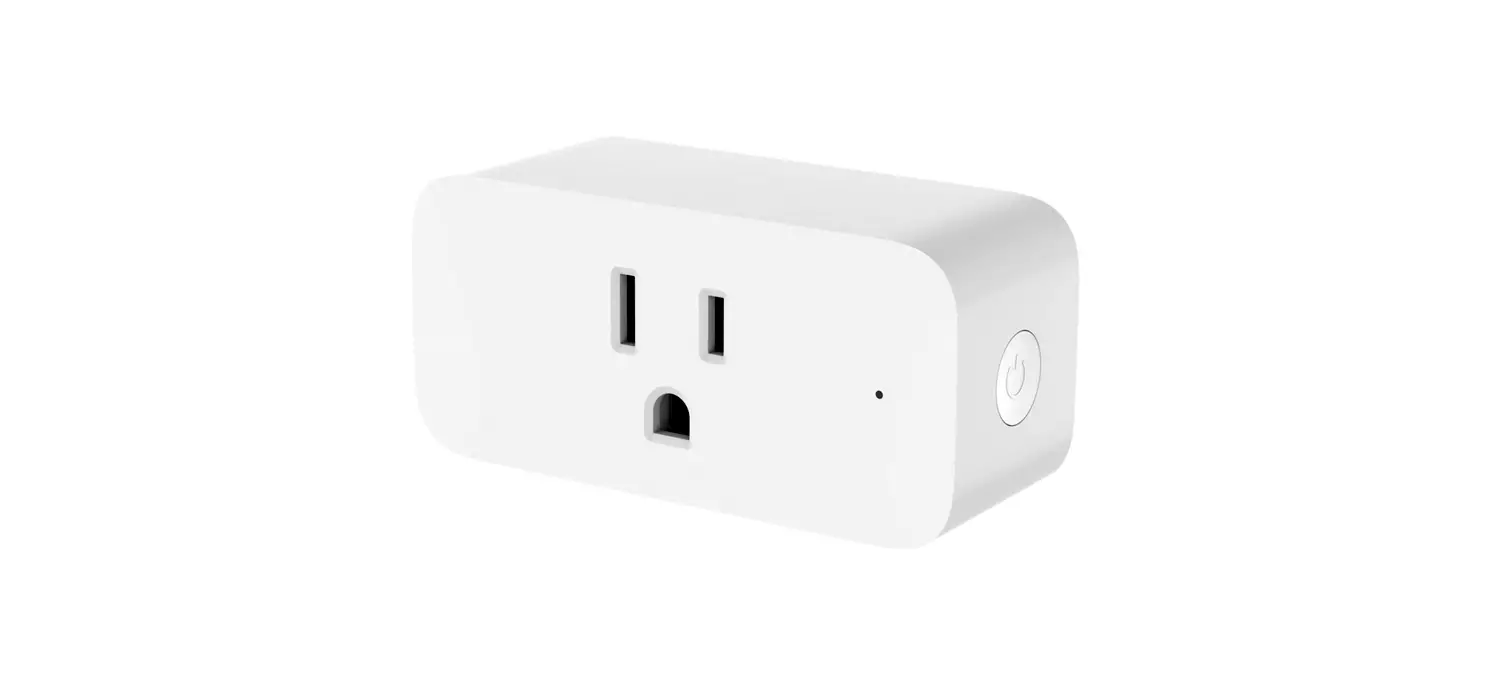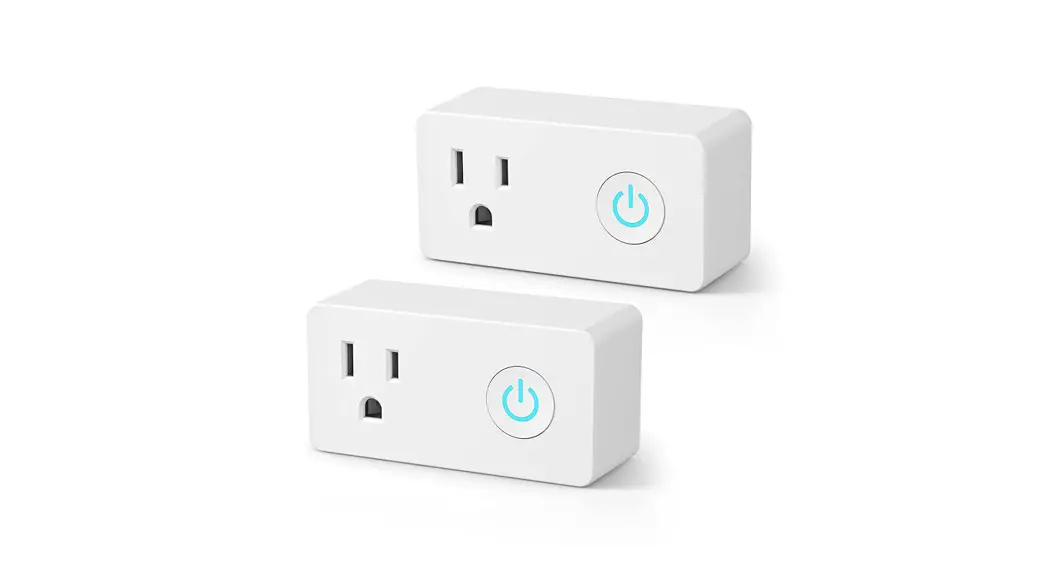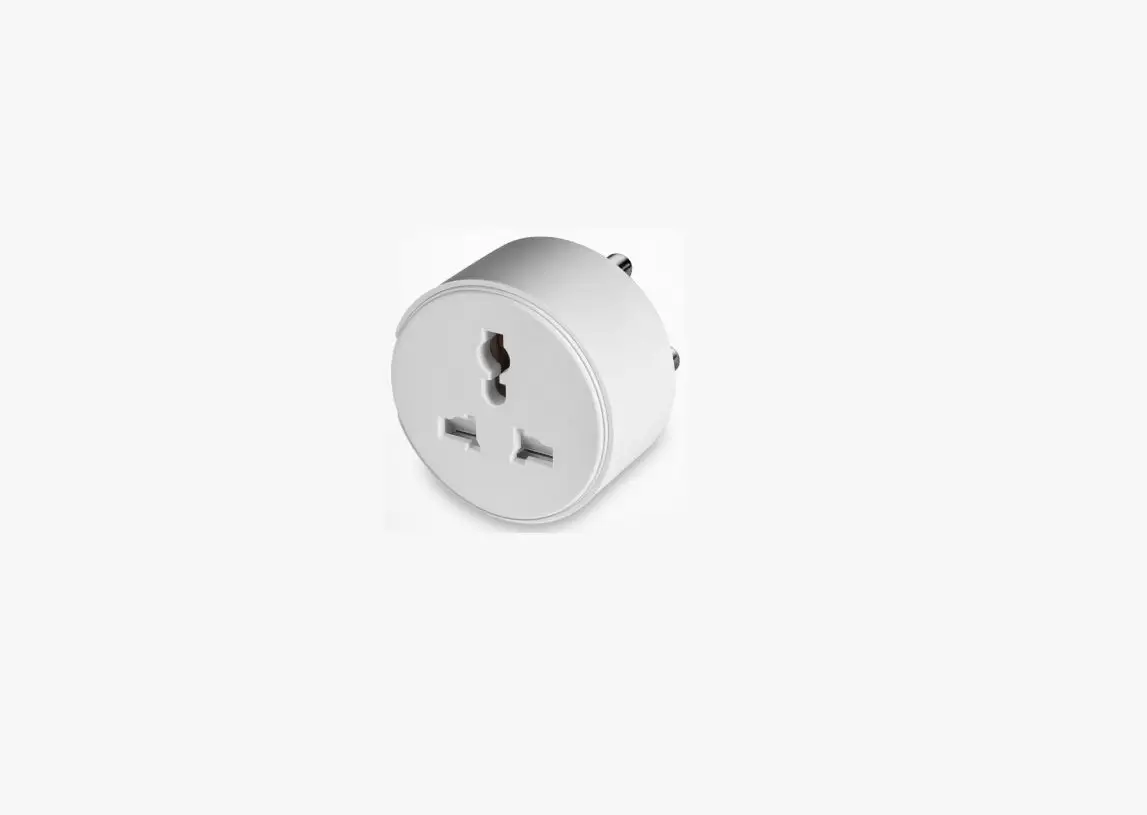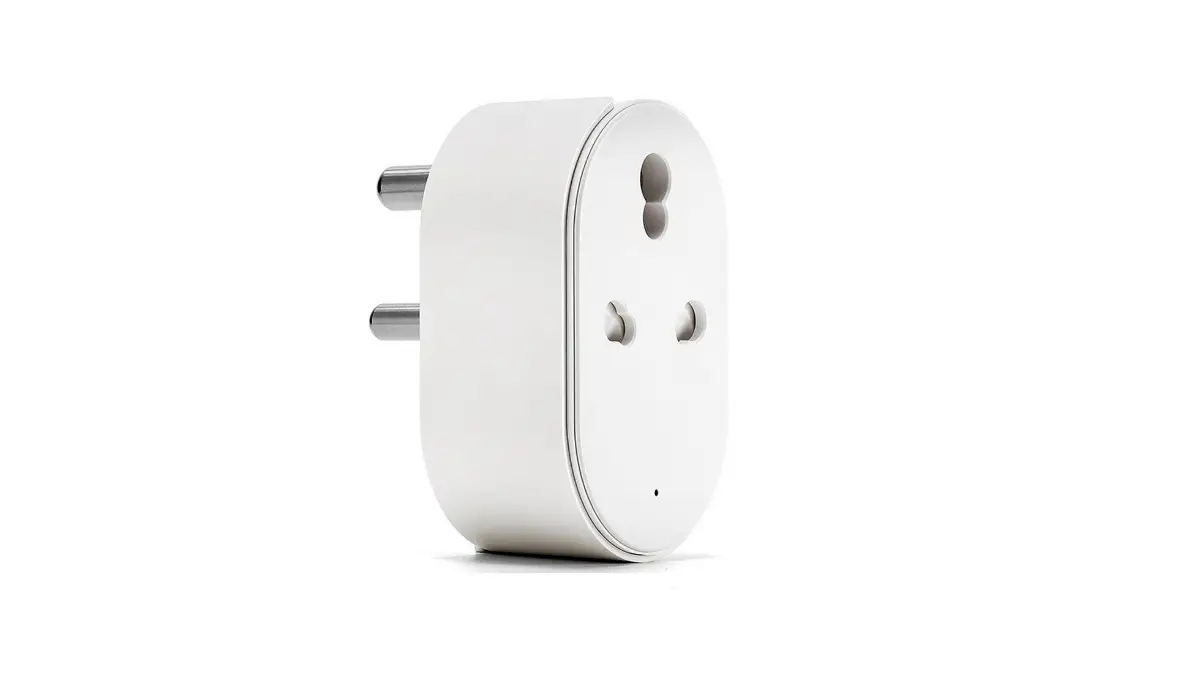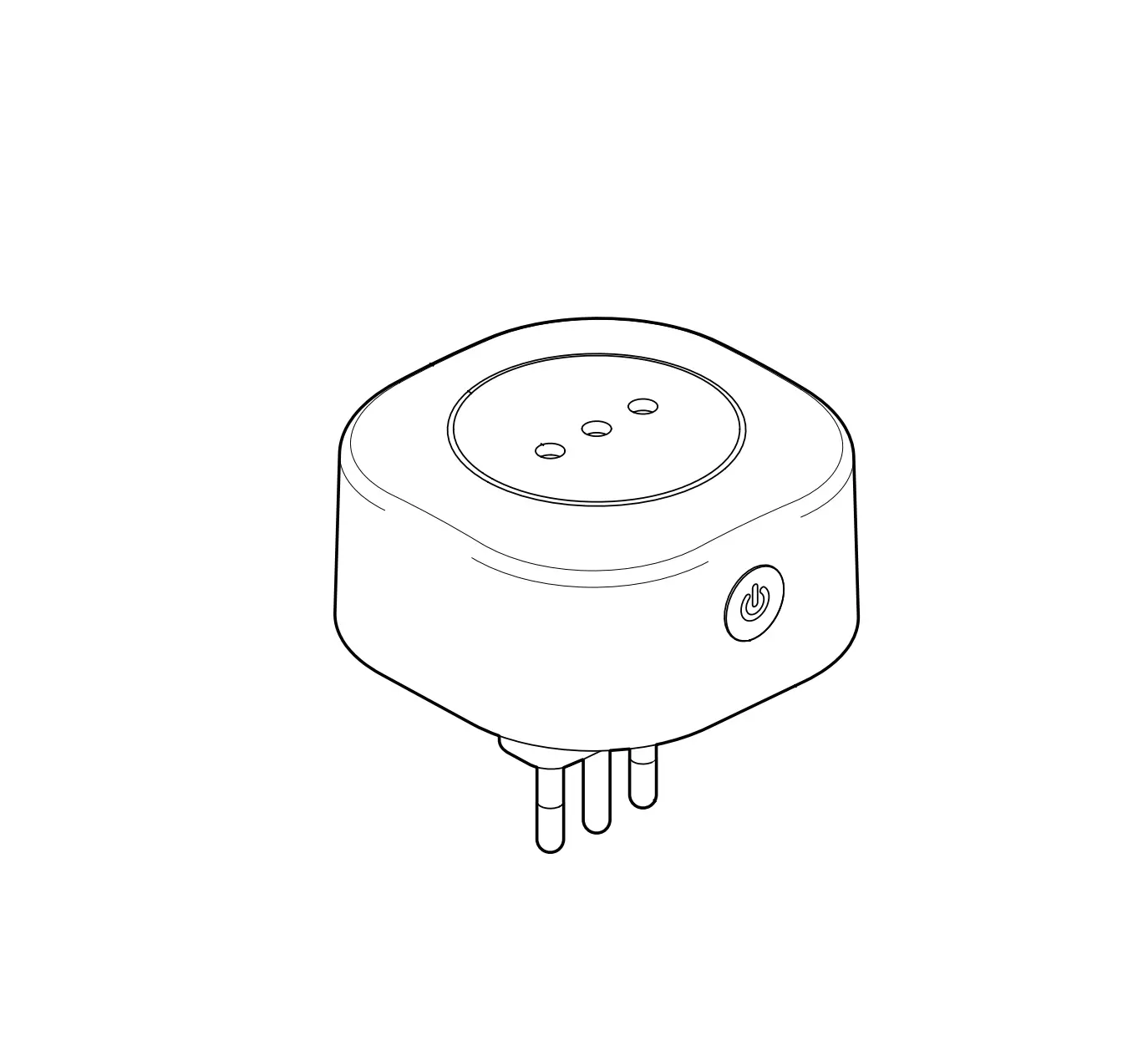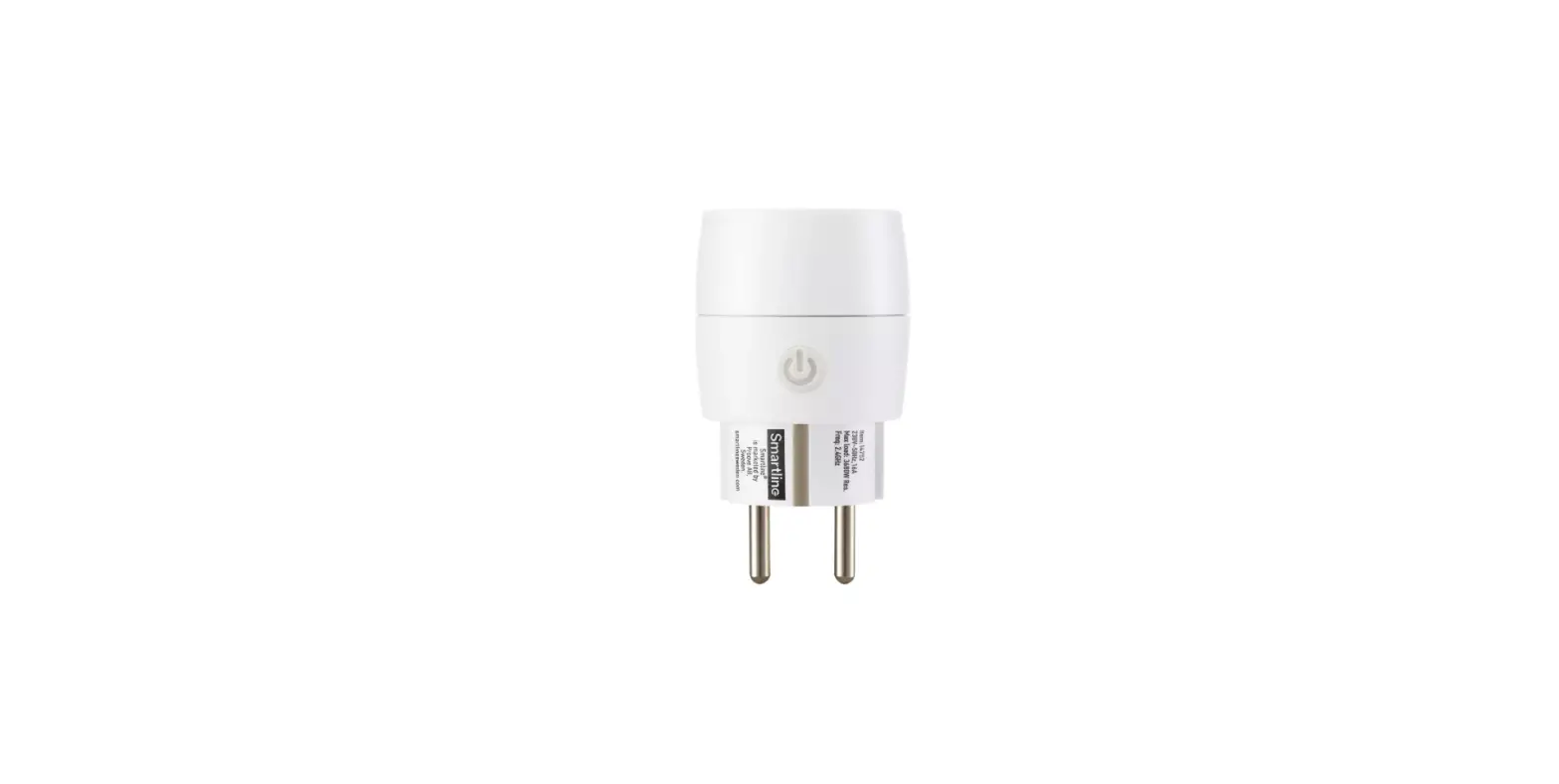

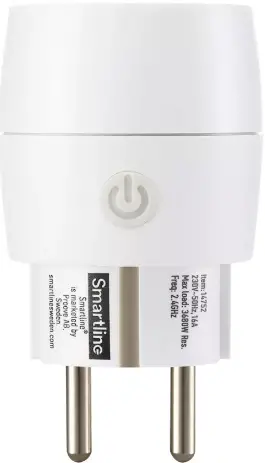
Smartline 14752 Bluetooth Smart Plug
INTRODUCTION
It is simple to use the Smartline Flow devices. Just follow the instructions in this quick guide and you will have it up and running in no time.
SIMPLE SETUP
Download
 Smartline Flow App
Before moving on to the next steps make sure your device has Bluetooth turned on.
INSTALLATION
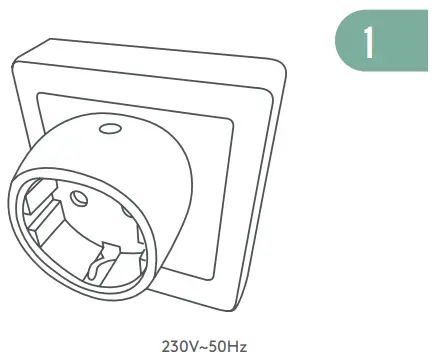
- Connect plug to a power outlet


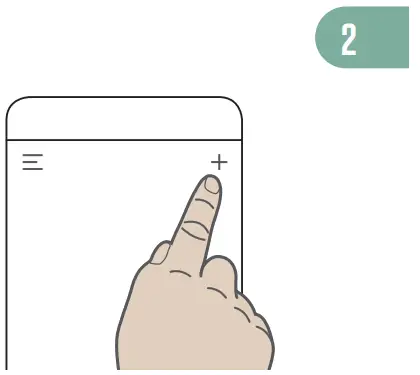
- Steps 4 & 5 on

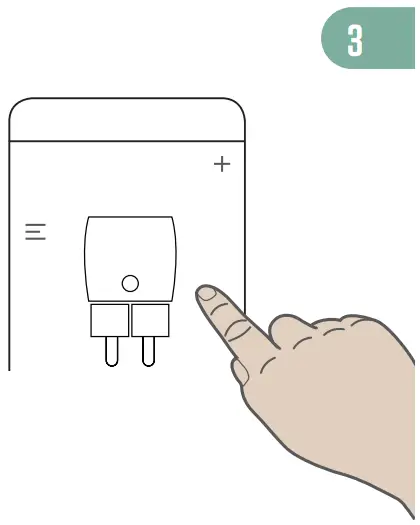
- Follow the instructions in the app

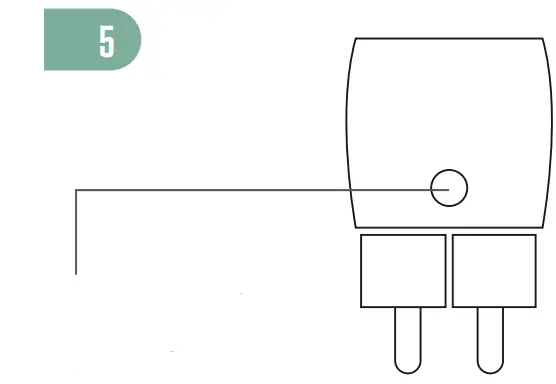
- On/O!/Reset
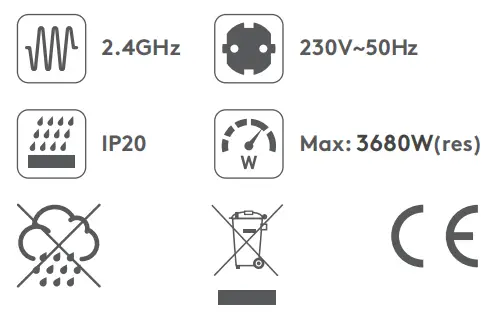
FEATURE
Get more information:
www.smartlinesweden.com
 Smartline - Smart belysning för alla | Smartline