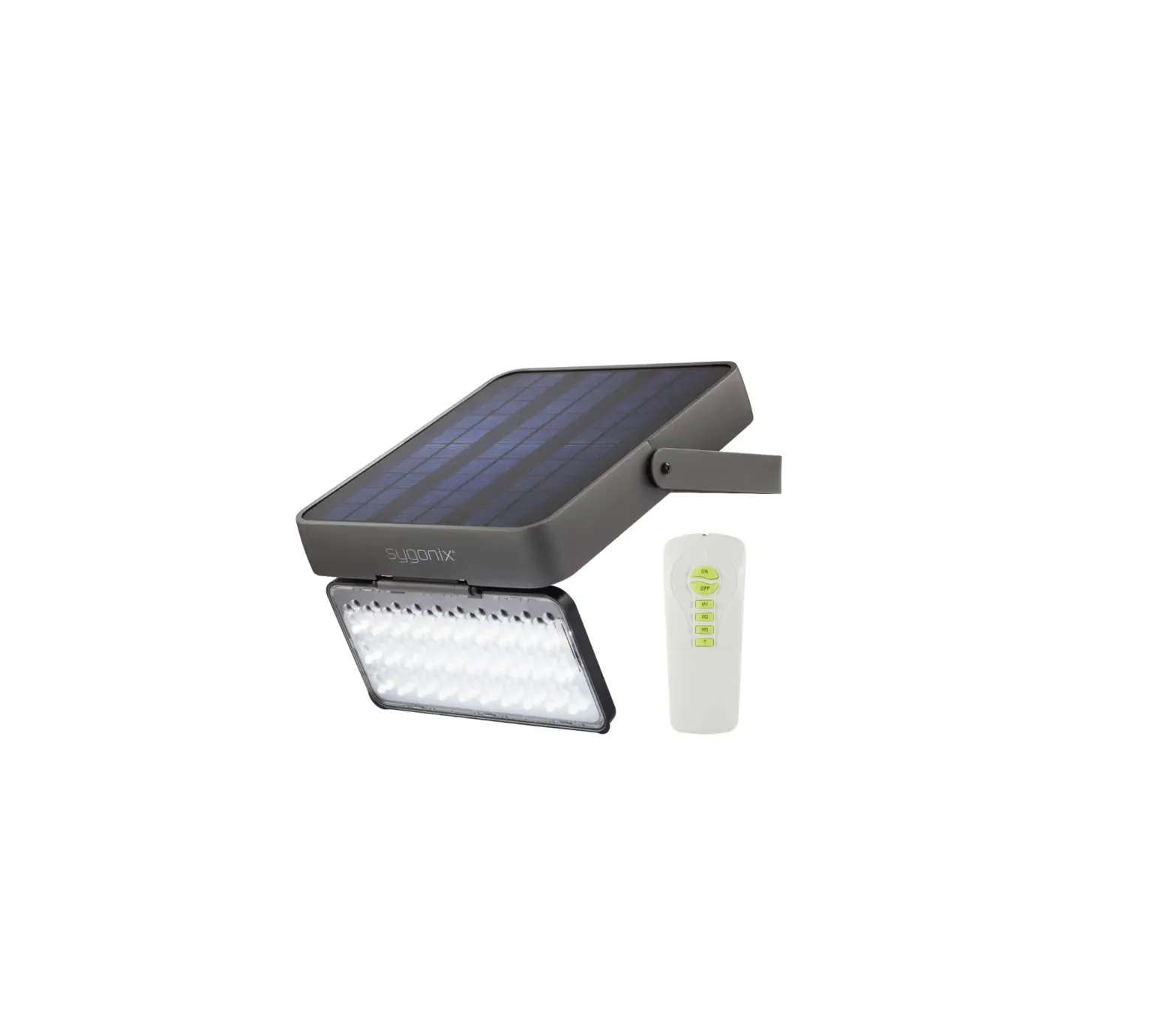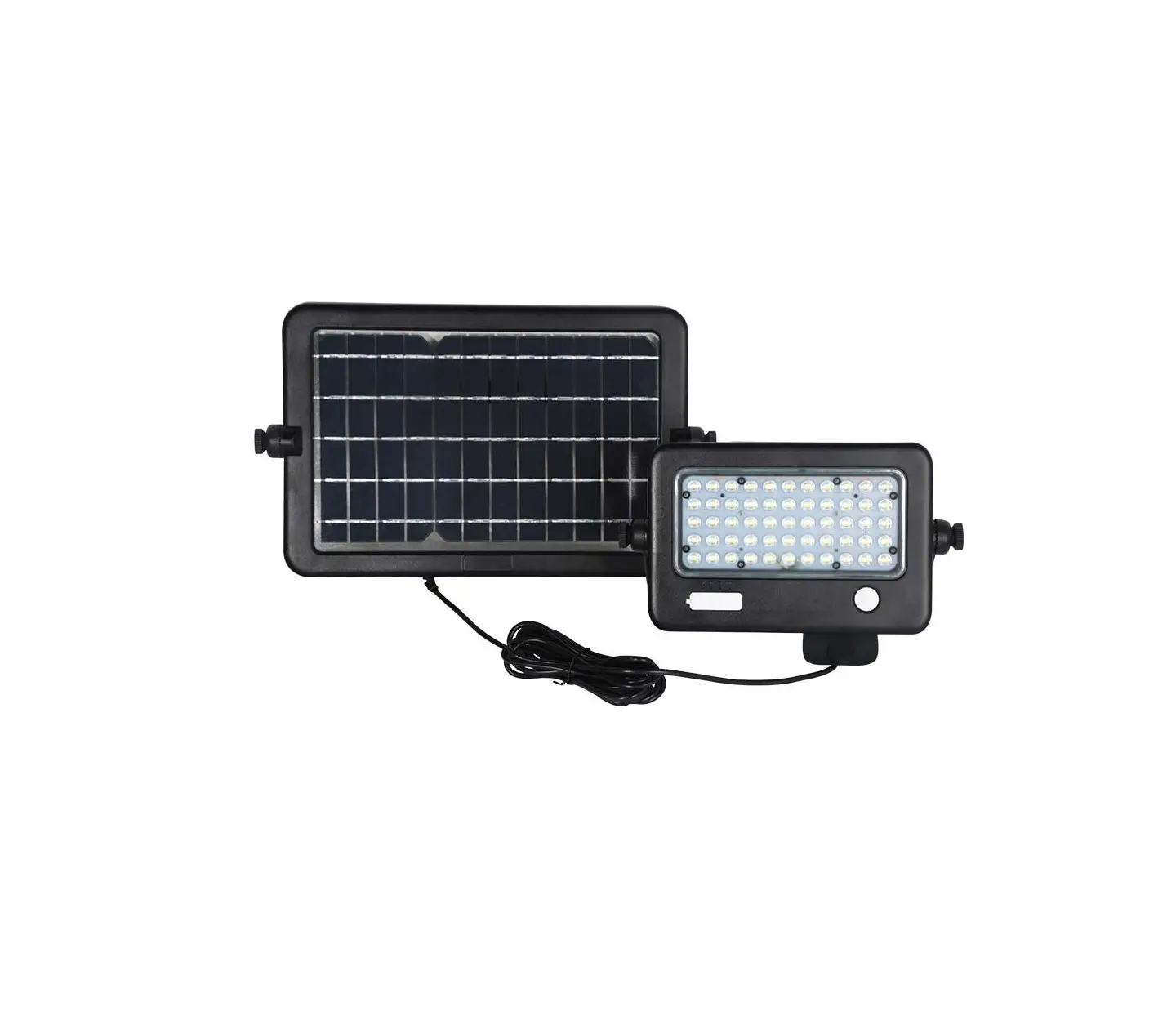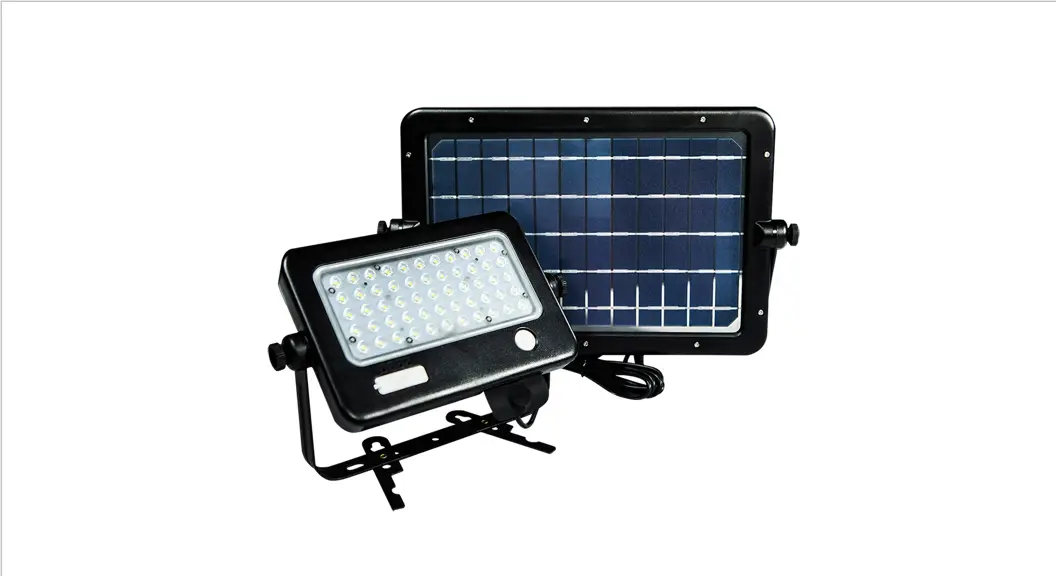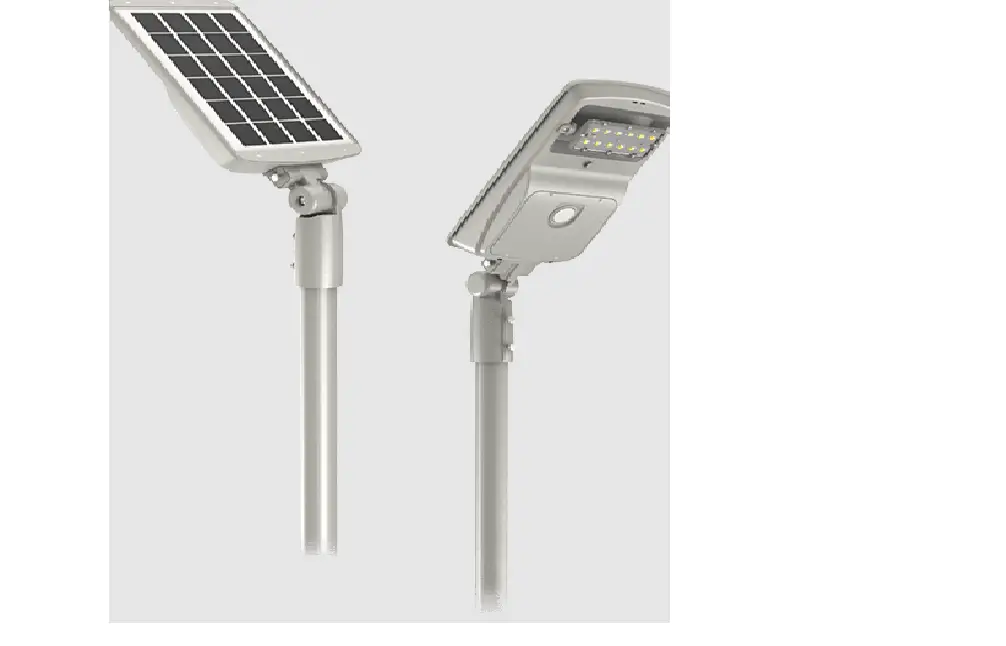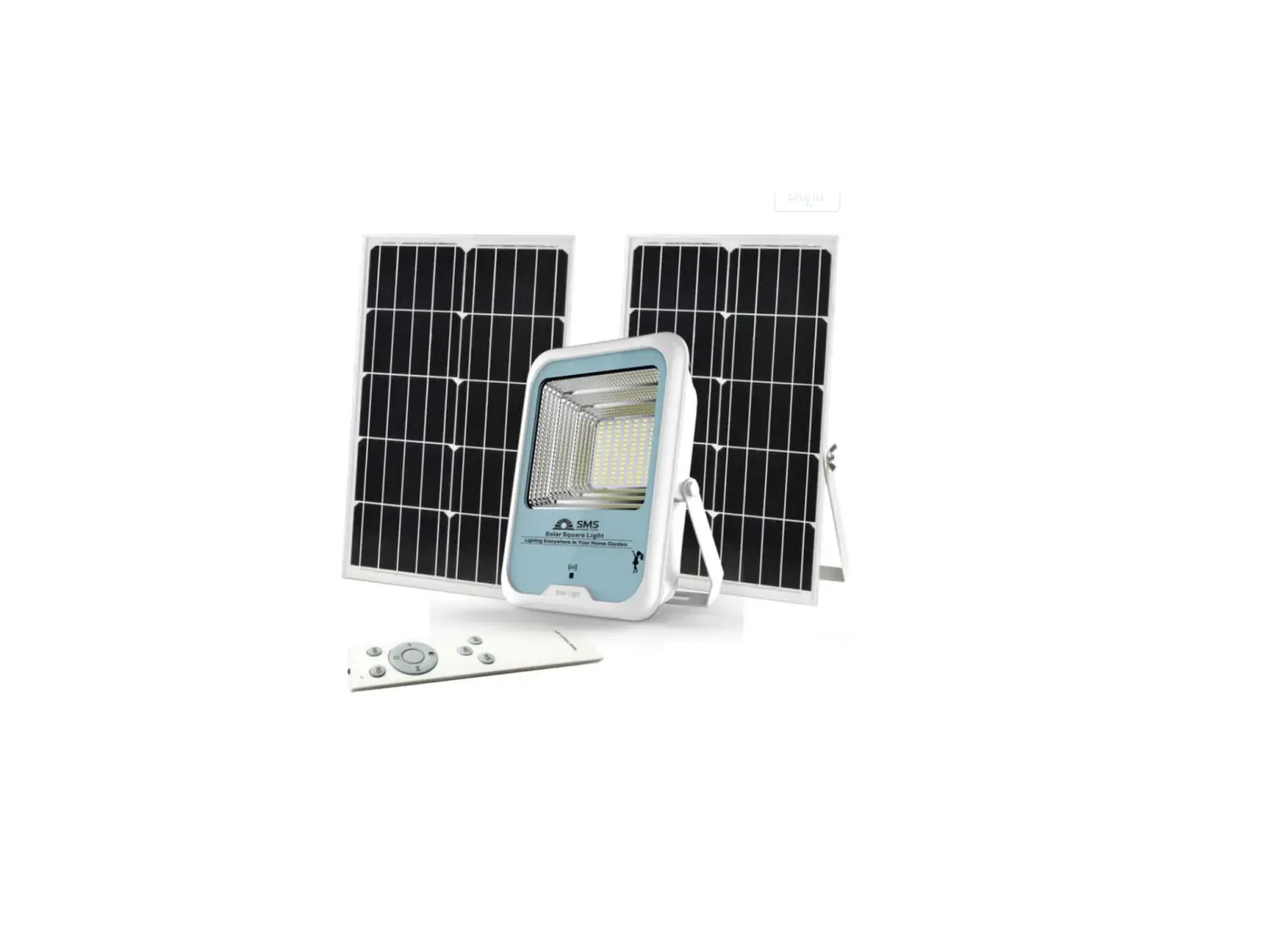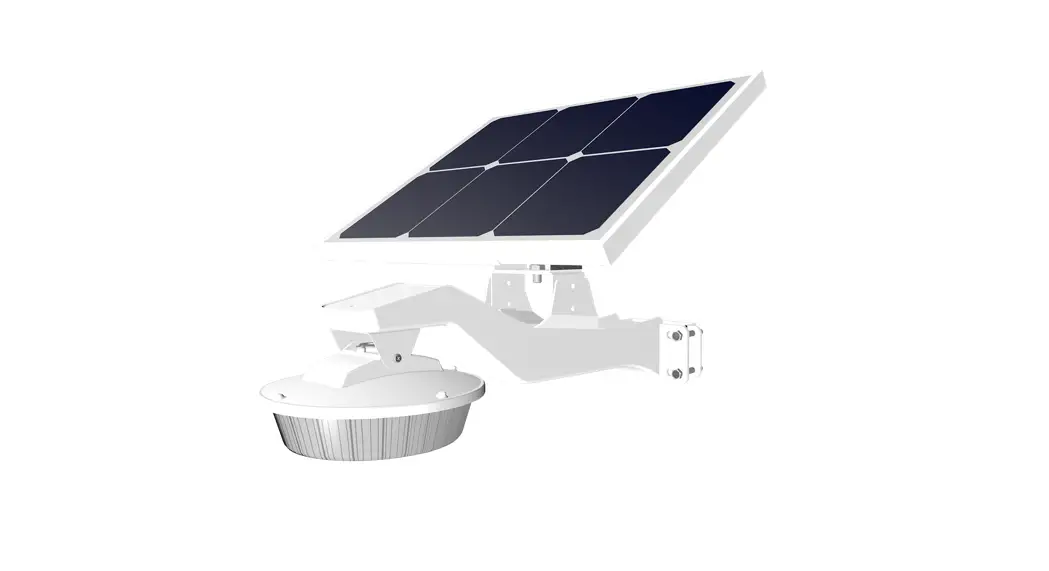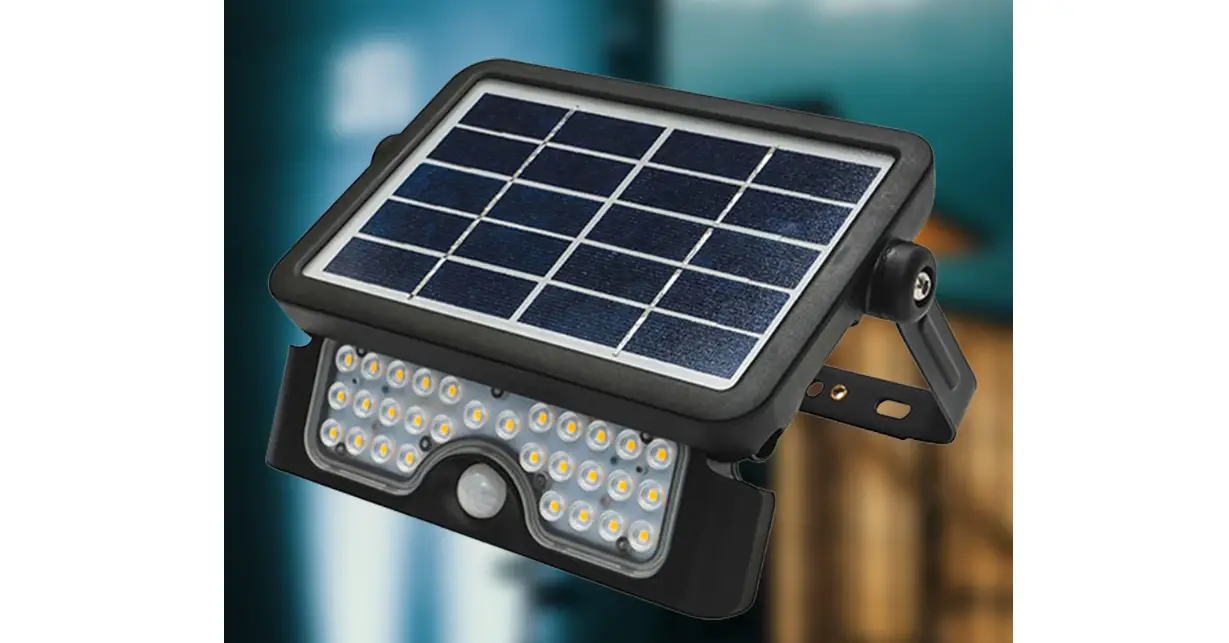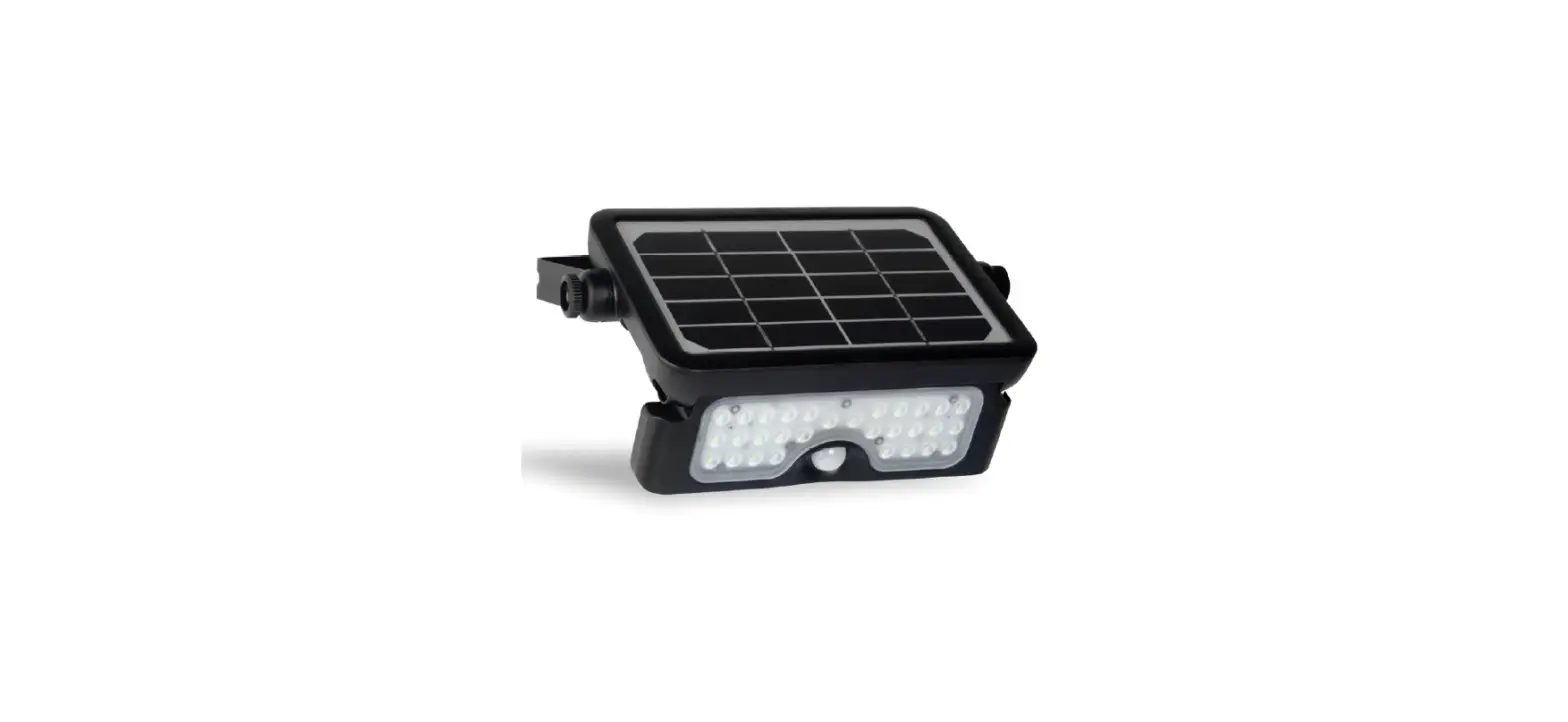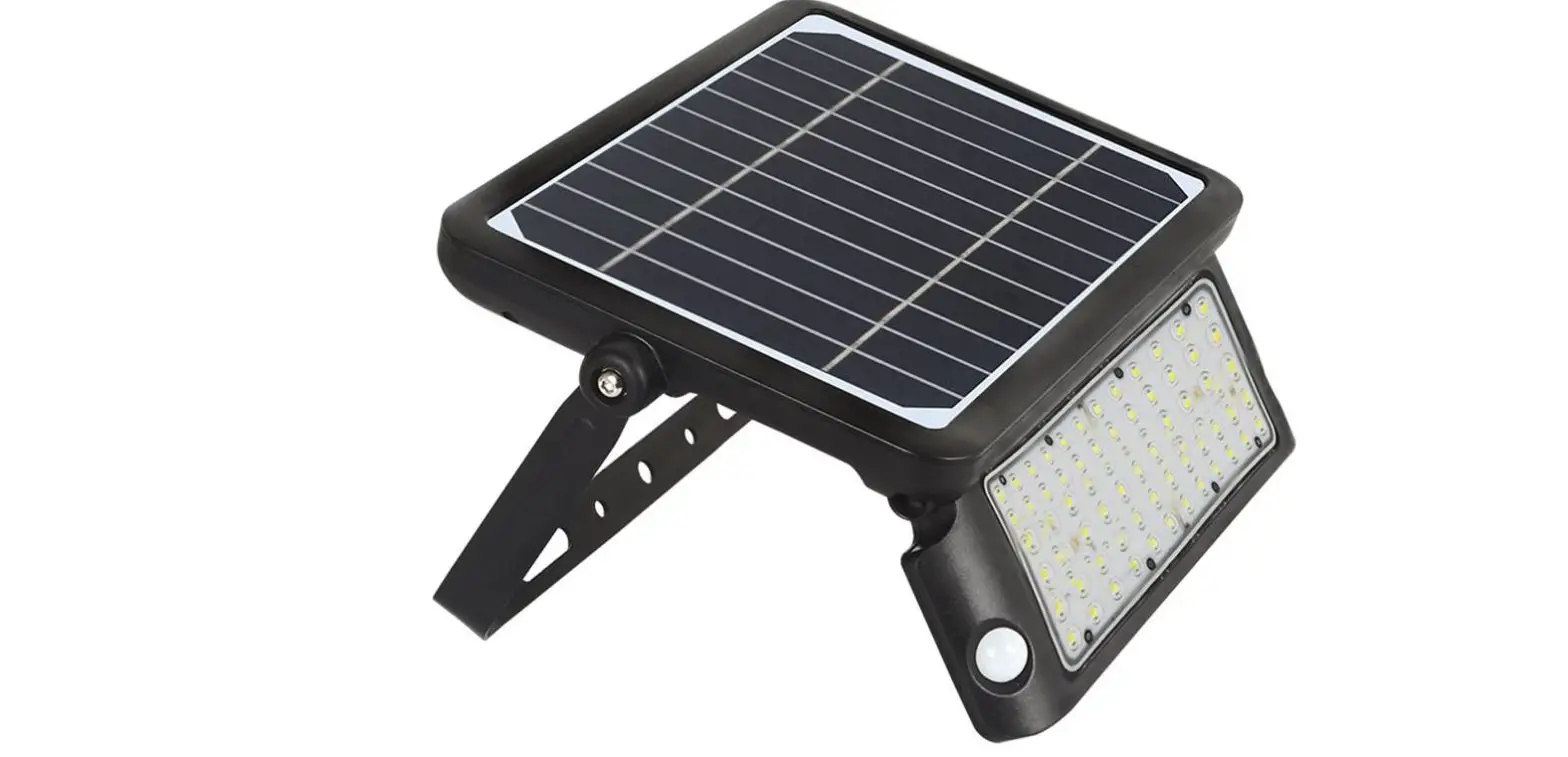

SOLTECH Solpad Solar LED Flood Light
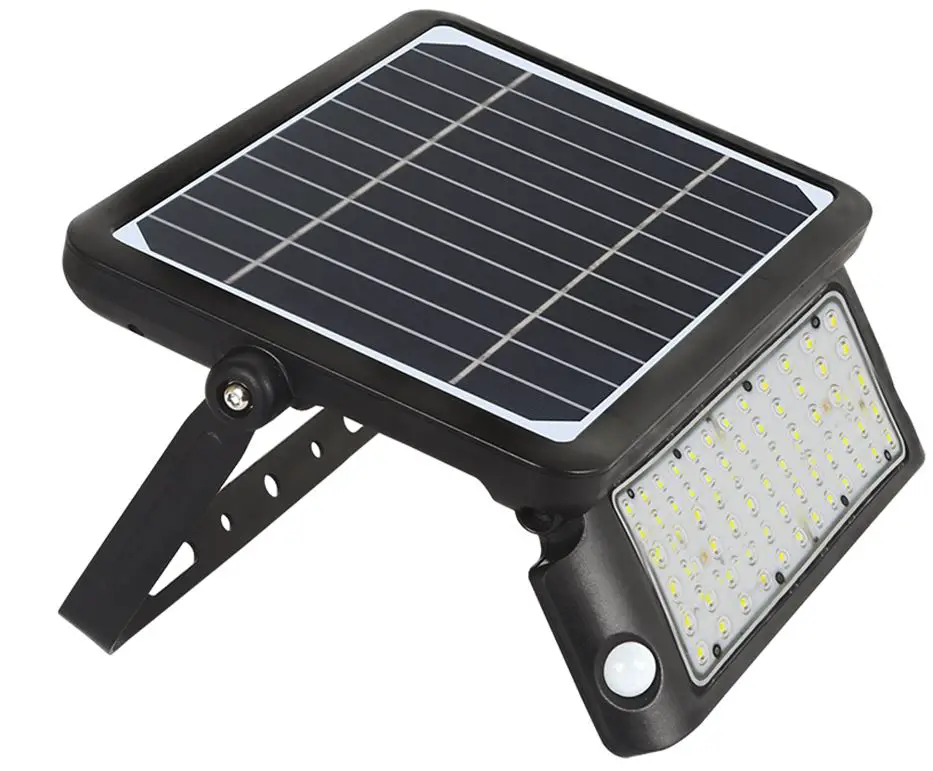
INTRODUCTION
- This is a solar-powered lamp, please install it in a location where it can get enough sunshine.
- Please note the duration of the light depends on sun intake & weather.
- The lamp will automatically turn on at dusk.
- Built-in IC with over-charge, over-discharge, and over-voltage protection
Warning
- The lamp is equipped with internal batteries. Non-professionals please do not disassemble the lamp.
- Please do not dispose the battery in household garbage to avoid explosion.
SPECIFICATIONS
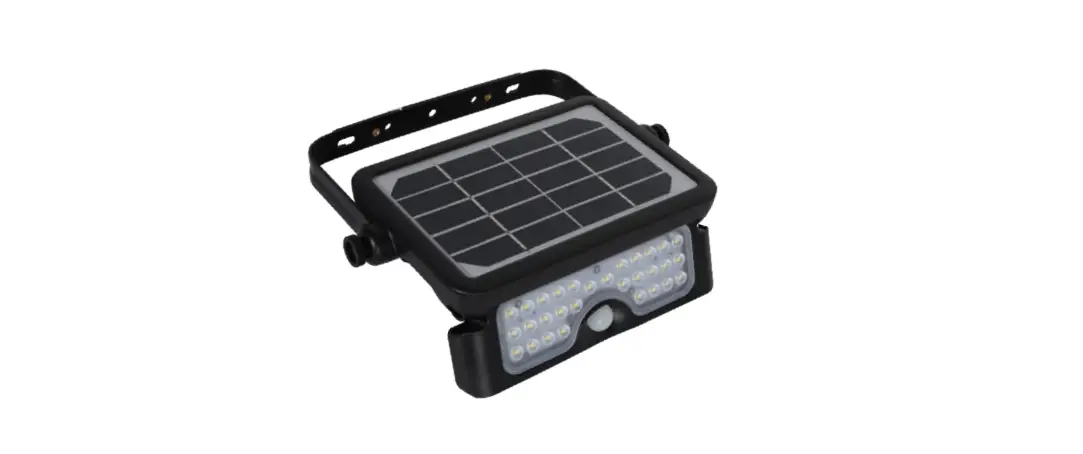
| POWER / LUMEN | 5W / 500LM |
| LED | SMD 2835 X 30PCS |
| LI-ION BATTERY | 3,000mAh / 3.7V |
| SOLAR PANEL | 2.3 Wp, Mono-crystalline Silicon |
| LIGHTING PANEL | 135° Adjustable |
| BRACKET | 360° Adjustable |
| WORKING MODE | 3 Different Modes |
| DETECTION ANGLE / AREA | 120° / 19.7ft |
| BEAM ANGLE | 90° |
| IP DEGREE | IP65 |
| WARRANTY | 3 YEARS |
| LIFESPAN | 35,000 hrs |
| INSTALLATION HEIGHT | ≤13.1 ft |
| PACKING | Solar Light X 1, Screw Bag X 1, User Manual X 1 |
INSTALLATION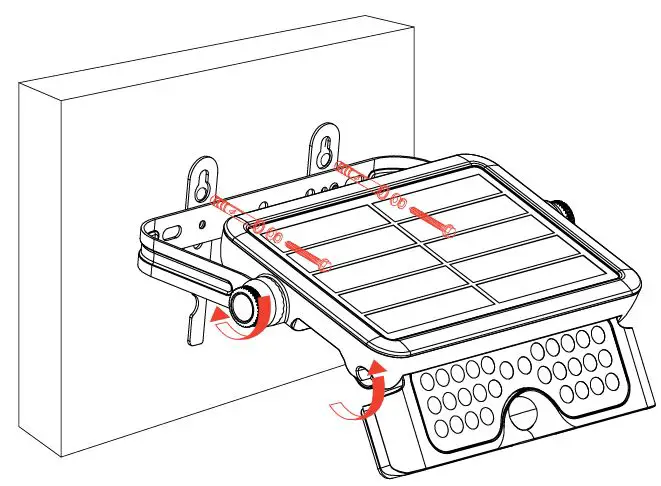
OPERATING MODES
Press the power button then program the operating mode. Charge for 6 hours to get 3-4 nights of light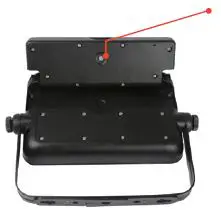
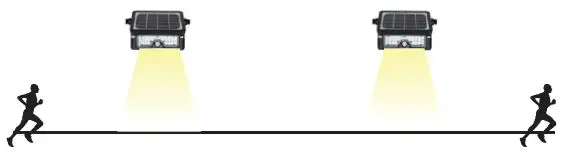
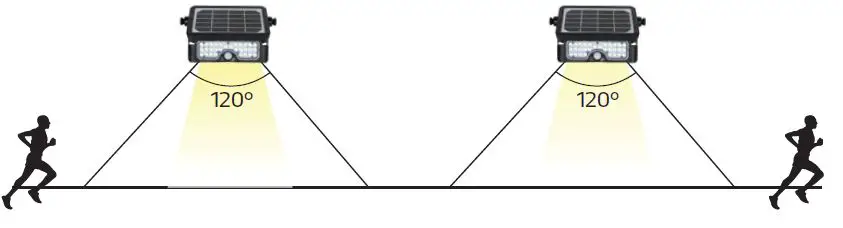
Power Button Press the ON/OFF button, the lamp will automatically turn to Sensor mode. If you press down on the button for 3 seconds, the lamp will flash one time and change to Constant Lighting mode. When battery capacity is above 30% Automatically turns on to full brightness (500LM) when motion is detected in the range <19.7ft then dims down in brightness after 20 seconds of no motion.
A: Wall Mounted
- Prepare lamp, accessories, and tools.
- Use the Allen wrench to loosen the bracket and adjust to the appropriate angle then screw tightly.
- Use the Allen wrench to loosen the light module then pull it out and adjust it to the appropriate lighting angle.
- Mount the lamp onto any wall surface or lamp post.
B: Stand On Flat Surface
- Prepare lamp, accessories, and tools.
- Use the Allen wrench to loosen the bracket



When battery capacity is below 30% Automatically turns on to full brightness (500LM) when motion is detected in the range <19.7ft, then turns off after 20 seconds of no motion.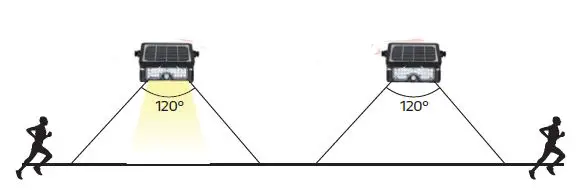

CONSTANT MODE
Press the On/Off button for 3 seconds to activate constant lighting mode. The light will flash one time to indicate the mode has been switched. Both motion and light sensors are disabled. The lamp will remain on constant lighting until the battery capacity reduces switching back to sensor mode.