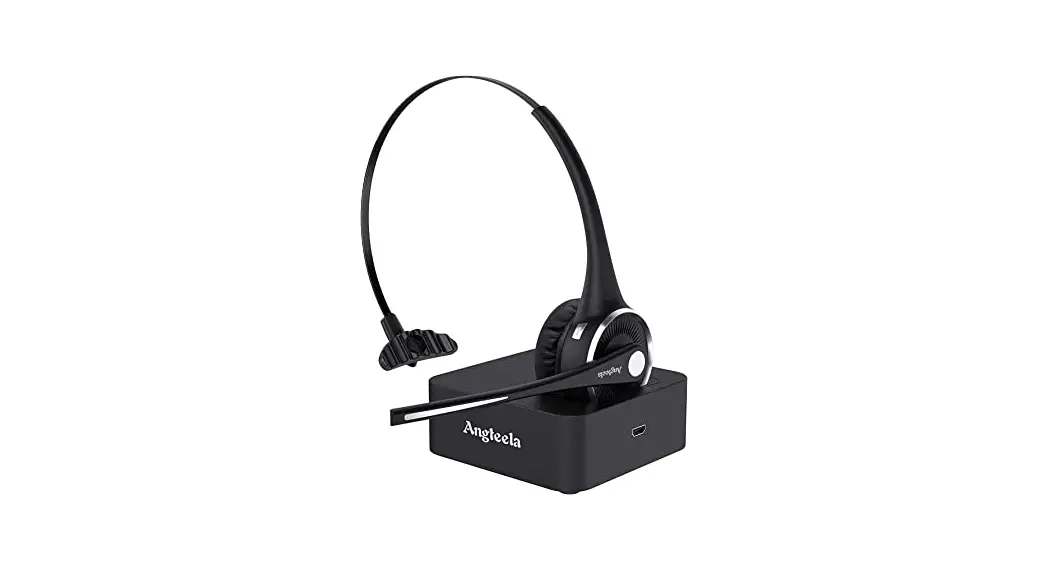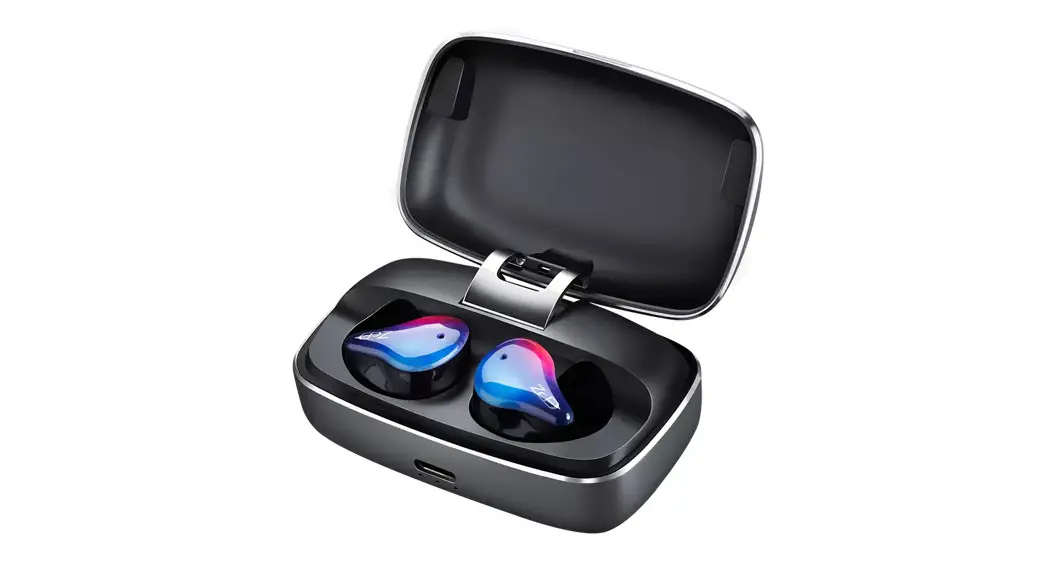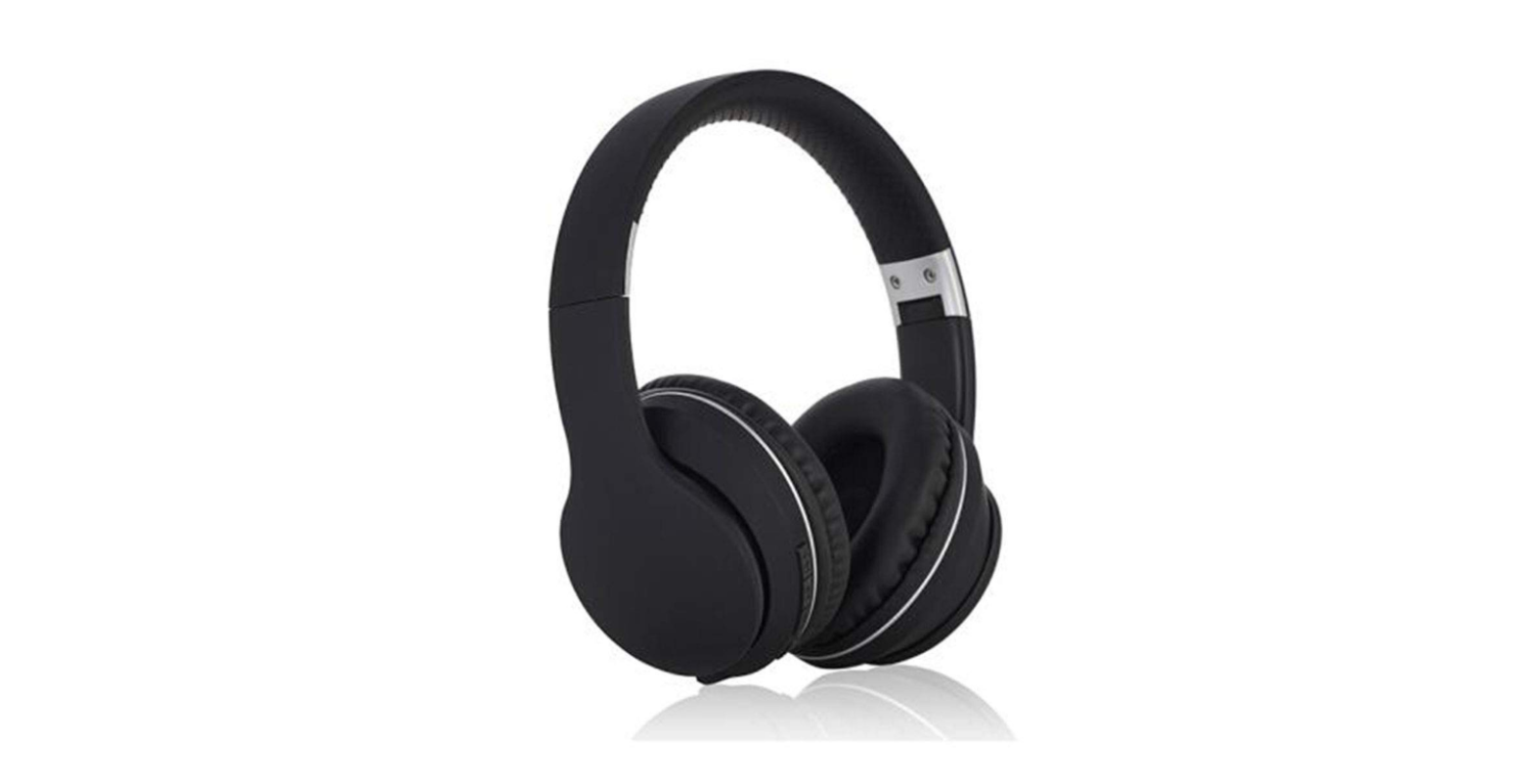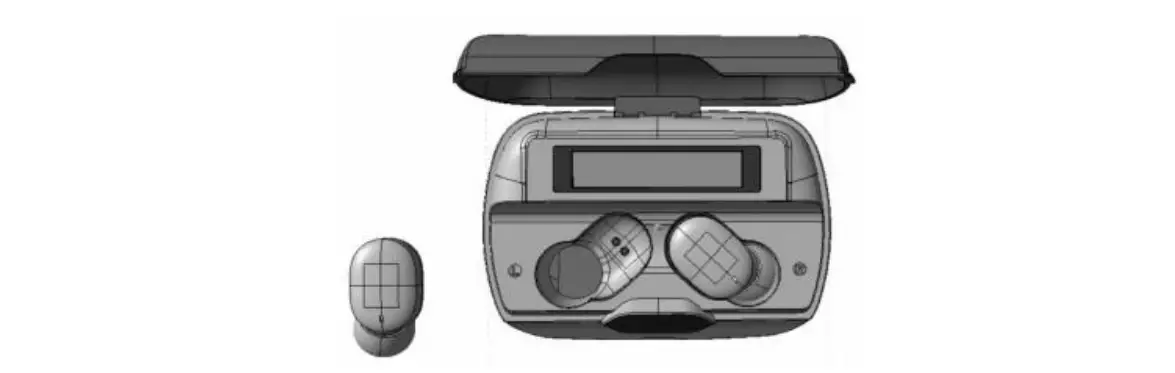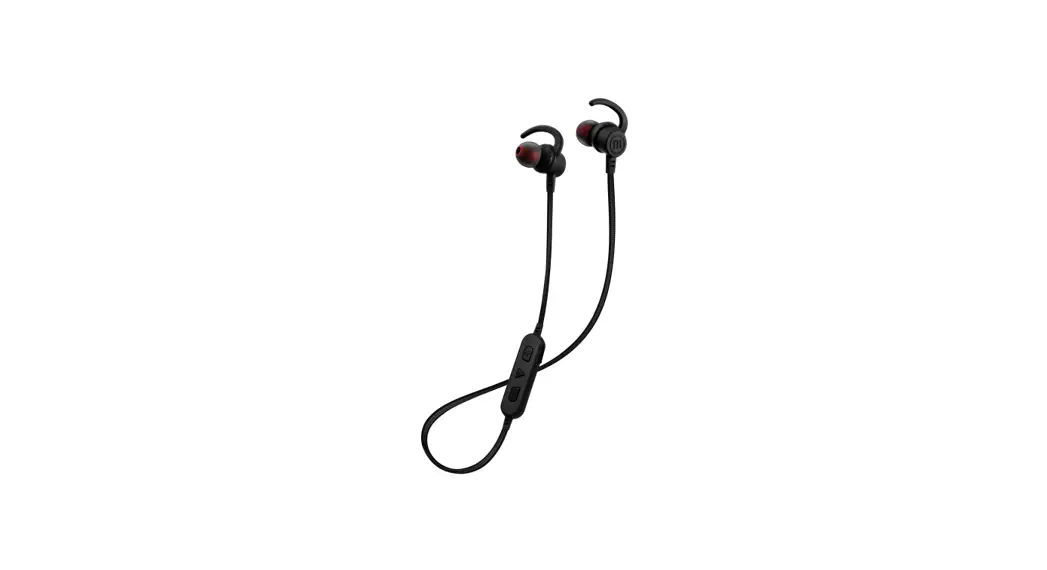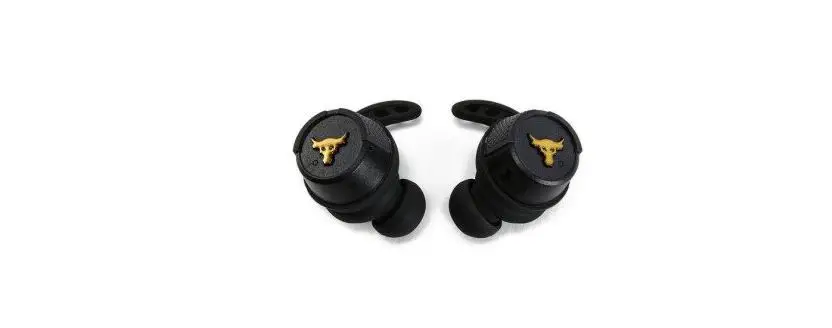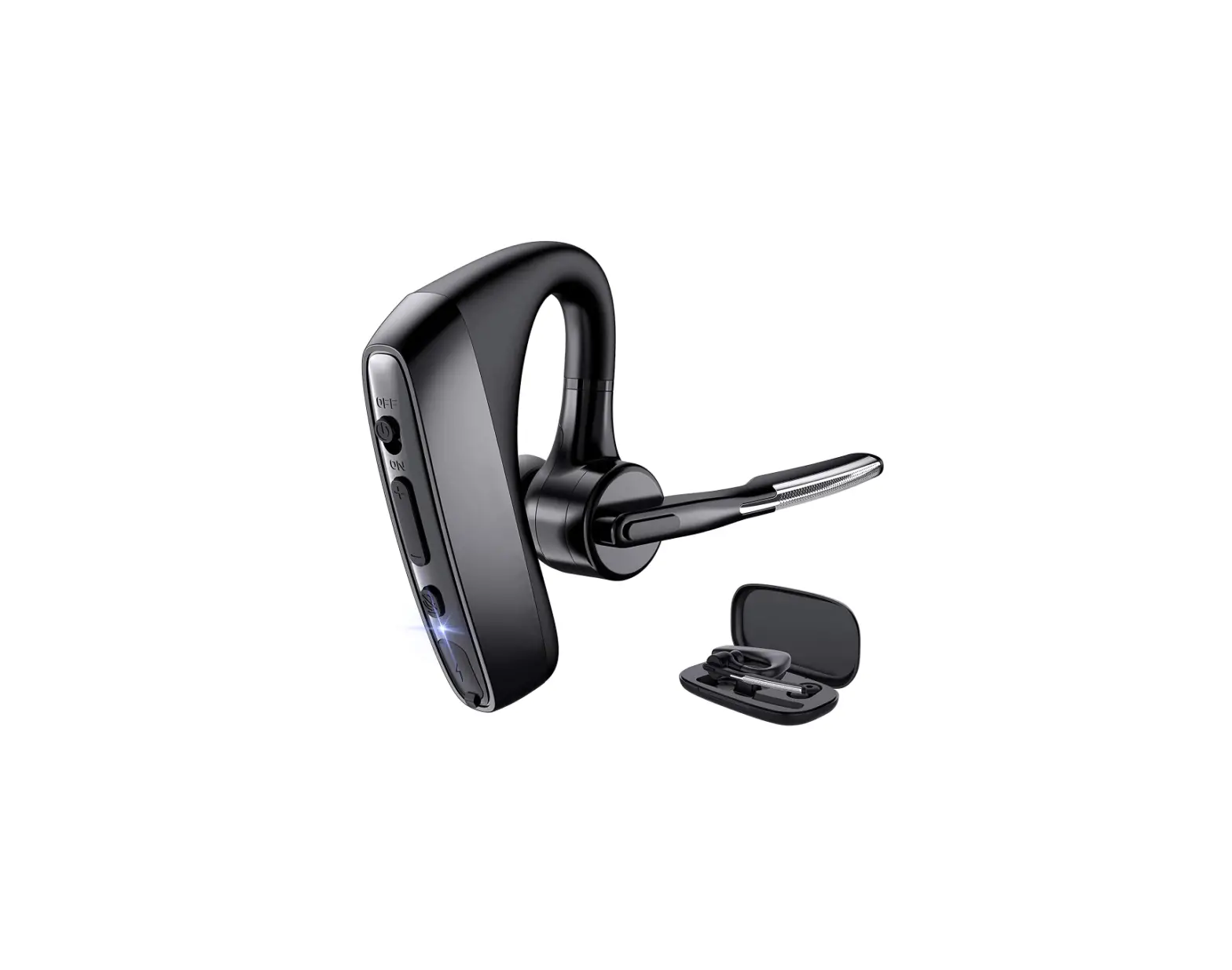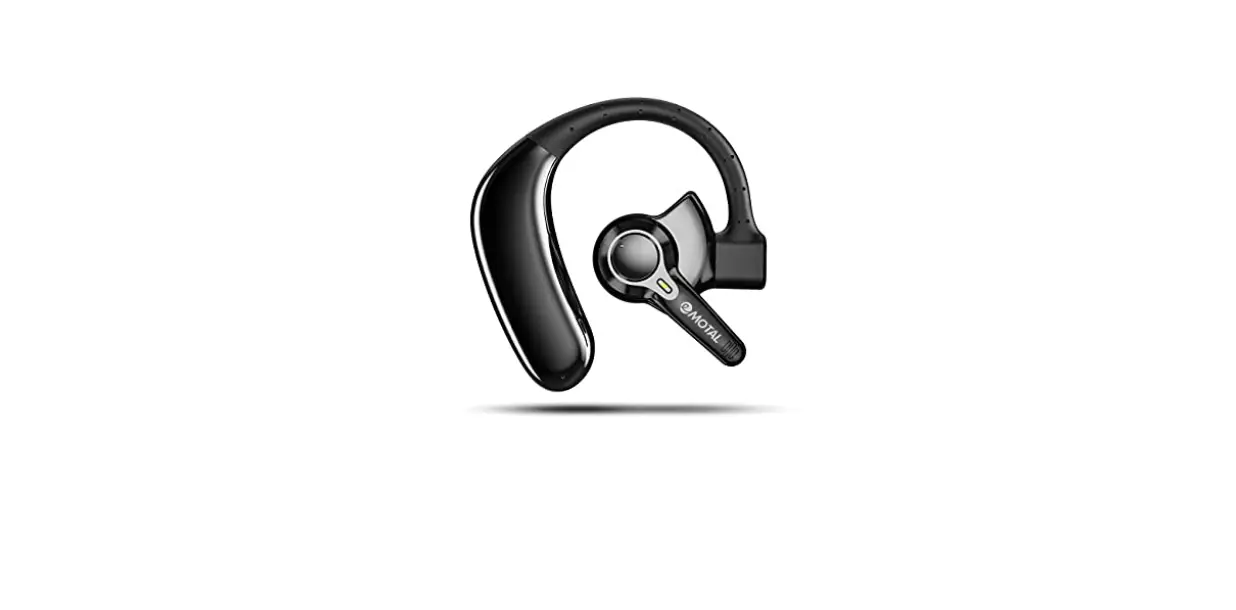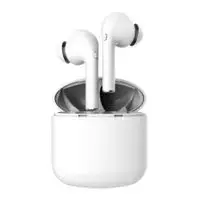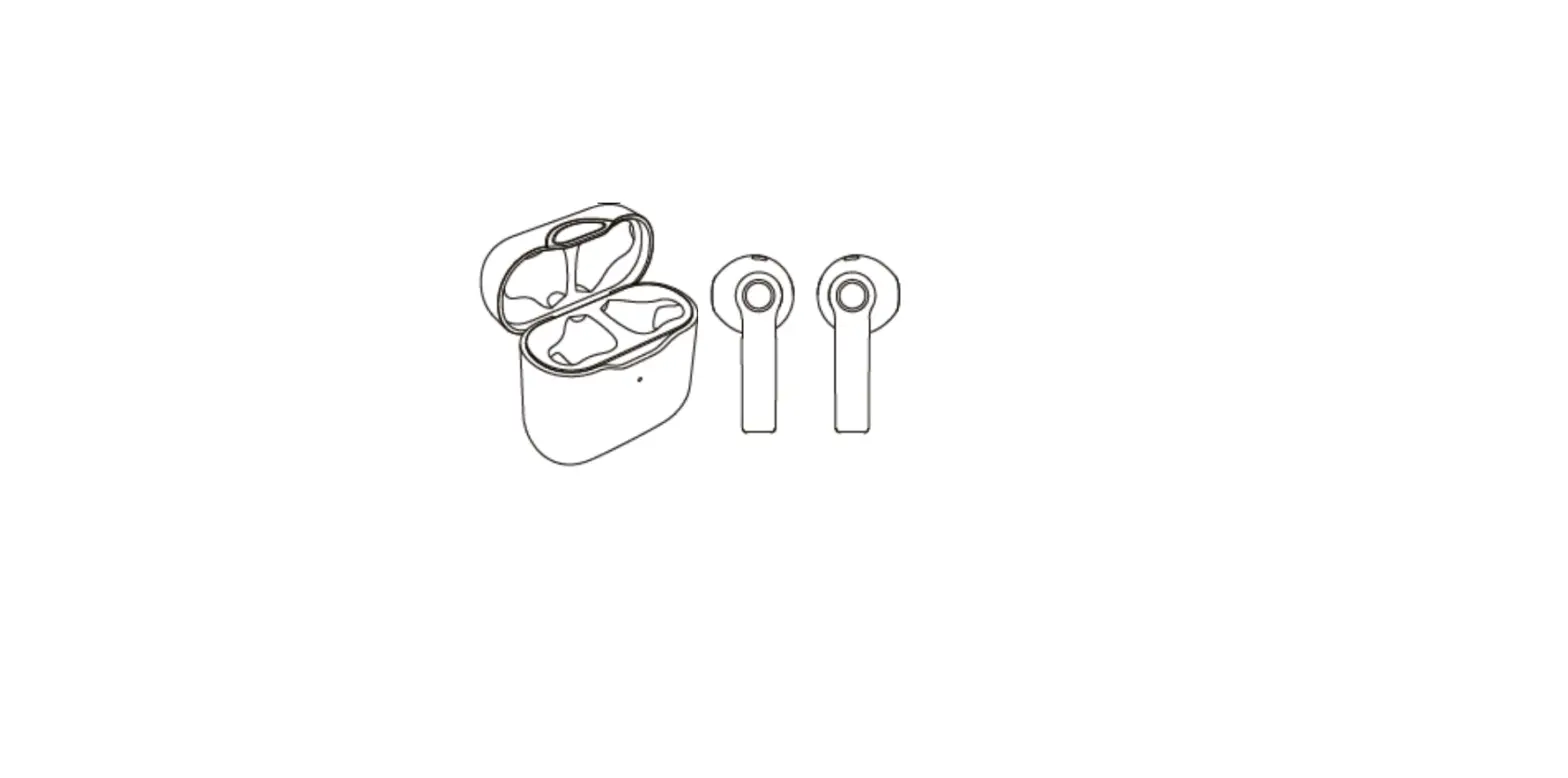

Abitraz E12 Bluetooth Headset
| Matching name | Air plus | |
| Boot up | In any state (except for the power failure of the charging box), turn on the headset of the charging box (one button power on matching, back connection) | |
| Boot up | Long press the multi-function key when the machine is turned off (one key to start the machine for pairing and back connection) | Voice prompt |
| Pair | In the off state, press and hold the multi-function key until the white and blue lights flash alternately (one key startup, pairing and back connection) | Voice prompt |
| Connecting mobile phone | Choose to connect to Bluetooth headset after pairing with mobile phone | Voice prompt |
| Apple voice | In standby mode, press and hold for 1 second to let go | |
| Re drawing | Nothing | |
| Answer | Press the multifunction key when calling | |
| Hang up | During a call, press the multifunction key once | |
| Refuse to accept | When calling, press and hold the multifunction key until the call is hung up | |
| Pause play back | Single click | |
| Last song | 3 consecutive hits | |
| Next song | double-click | |
| Shut down | When the headset is put back into the charging box and the cover is closed, it can be turned off and charged with a white light |
| Shut down | In standby mode, press and hold the multifunction key until the white light flashes | Voice prompt |
| Disconnect | Bluetooth headset is more than 10m away from the mobile phone or the mobile phone actively disconnects the Bluetooth headset. The red and blue flashes alternately | Voice prompt |
| Low power consumption | Low battery | Voice prompt |
| Charge | Close the top cover of the charging box to charge the headset. When charging, the Bluetooth will be on for a long time. When charging, the Bluetooth will be on for a long time. After 30 seconds, the charging box will sleep | Charging current 35mA |
| Electric quantity display | Apple mobile phone and Xiaomi mobile phone support the power display of Bluetooth headset on mobile phone | |
| Main and auxiliary machine separation | If any Bluetooth headset is put back into the charging box, the other Bluetooth headset will not be disconnected | |
| Clear headset pairing list | Bluetooth headset without any device (mobile phone or TWS) fast 3-click multifunction key |
First quick use
Turn on the charging box and flip the two Bluetooth headsets. The two headsets will flash (no matter what light they flash, don’t search for Bluetooth). After 3-10 seconds, one of them will flash in white and blue alternately and the other one will flash in blue slowly before the Bluetooth function can be turned on.And search for Bluetooth device, find Bluetooth headset, and then connect it,If Bluetooth is wrong or not working properly, please clear the Bluetooth list of mobile phone and follow the instructions again. Subsequent use:As long as two Bluetooth devices are turned on, they can automatically connect back to the mobile phone.
Charging attention
Close the charging box to charge the headphones. If the headphones or spring pins are in poor contact due to oil contamination, you can check whether the two headphones are on the white light when the charging box is half closed, or check whether the Bluetooth icon of the mobile phone is disconnected. Otherwise, you need to replace the Bluetooth headphones
| Bluetooth version: | 5.0 |
| Chip: | Blue news |
| Support: | A2DPdecoding |
| Receiving distance: | Within 10 meters |
| Battery capacity: | 3.7V/48mAh |
| Charging box capacity: | 500mAh |
| Charging box battery specification: | 902030 |
| Working voltage: | 3.7V(3.3-4.2V) |
| Charging time: | ≤2H |
| Standby connection time: | ≥100H |
| Music playing time: | ≥3 hours |
| Sensitivity of microphone: | -42±3DB |
| Horn specification: | 16Ω±15% |
| Working current: | ≤13mA(the higher the volume, the greater the current) |
| Static current: | ≤5uA |
| Transmit power | CLASS2,MAX4dbm |
| Receiver sensitivity | -90db |
| Working frequency(HZ) | 2.4gism band, 2.402-2.480ghz |
| Modulate way | GFSK, TT/4 DQPSK,8DPSK |
| BT software versions | 5 |
| BT HF software Verion | 5 |
| Bluetooth stereo | yes |
| AVRCP | 1. 5 |
| A2DP | 1. 3 |
| Frequency features | |
| speaker output frequency response range: (HZ) | 20~20KHZ |
| Distortion + noise T.H.D (DB) | ≤ 5% max, at rated power input 1000Hz 2.0V |
| Output sound pressure level (S.P.L) | 98±3DB meam value at khz AT 1m/1W 400 600 800 1000Hz |
| Sicrophone input frequency response range | 20~20KHZ |
| Signal to noise ration | 60DB or above |
| RF character | |
| Frequency range | 2.402-2.480GHZ |
| Transmitted power | -2 ~ -4DB |
| carrier frequency offset | -20~20KHZ |
| Communication distance (M) | No less than 10m in forward direction and 5m in reverse direction |
| Receiving sensitivity (DBM) | -80~-93DBM |
| received signal strength under 0.1% BER (bluetooth standard≥-20dBm) (DBM) | 3DBM |
FCC Statement
This equipment has been tested and found to comply with the limits for a Class B digital device, pursuant to part 15 of the FCC Rules. These limits are designed to provide reasonable protection against harmful interference in a residential installation. This equipment generates, uses and can radiate radio frequency energy and, if not installed and used in accordance with the instructions, may cause harmful interference to radio communications. However, there is no guarantee that interference will not occur in a particular installation.
If this equipment does cause harmful interference to radio or television reception, which can be determined by turning the equipment off and on, the user is encouraged to try to correct the interference by one or more of the following measures:
- Reorient or relocate the receiving antenna.
- Increase the separation between the equipment and receiver.
- Connect the equipment into an outlet on a circuit different from that to which the receiver is connected.
- Consult the dealer or an experienced radio/TV technician for help.
Caution: Any changes or modifications to this device not explicitly approved by manufacturer could void your authority to operate this equipment.
This device complies with part 15 of the FCC Rules. Operation is subject to the following two conditions:
- This device may not cause harmful interference,
- this device must accept any interference received, including interference that may cause undesired operation.
RF Exposure Information
The device has been evaluated to meet general RF exposure requirement. The device can be used
in portable exposure condition without restriction.