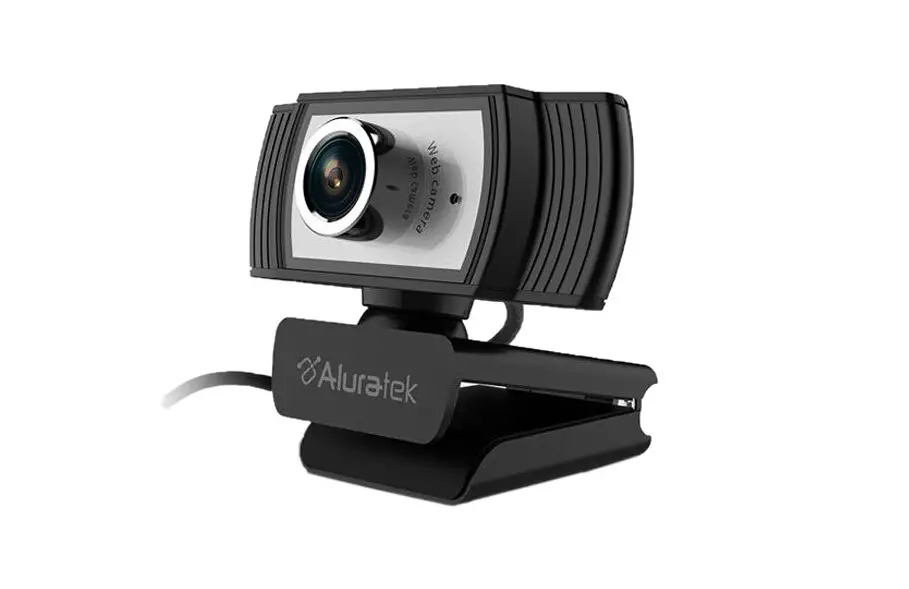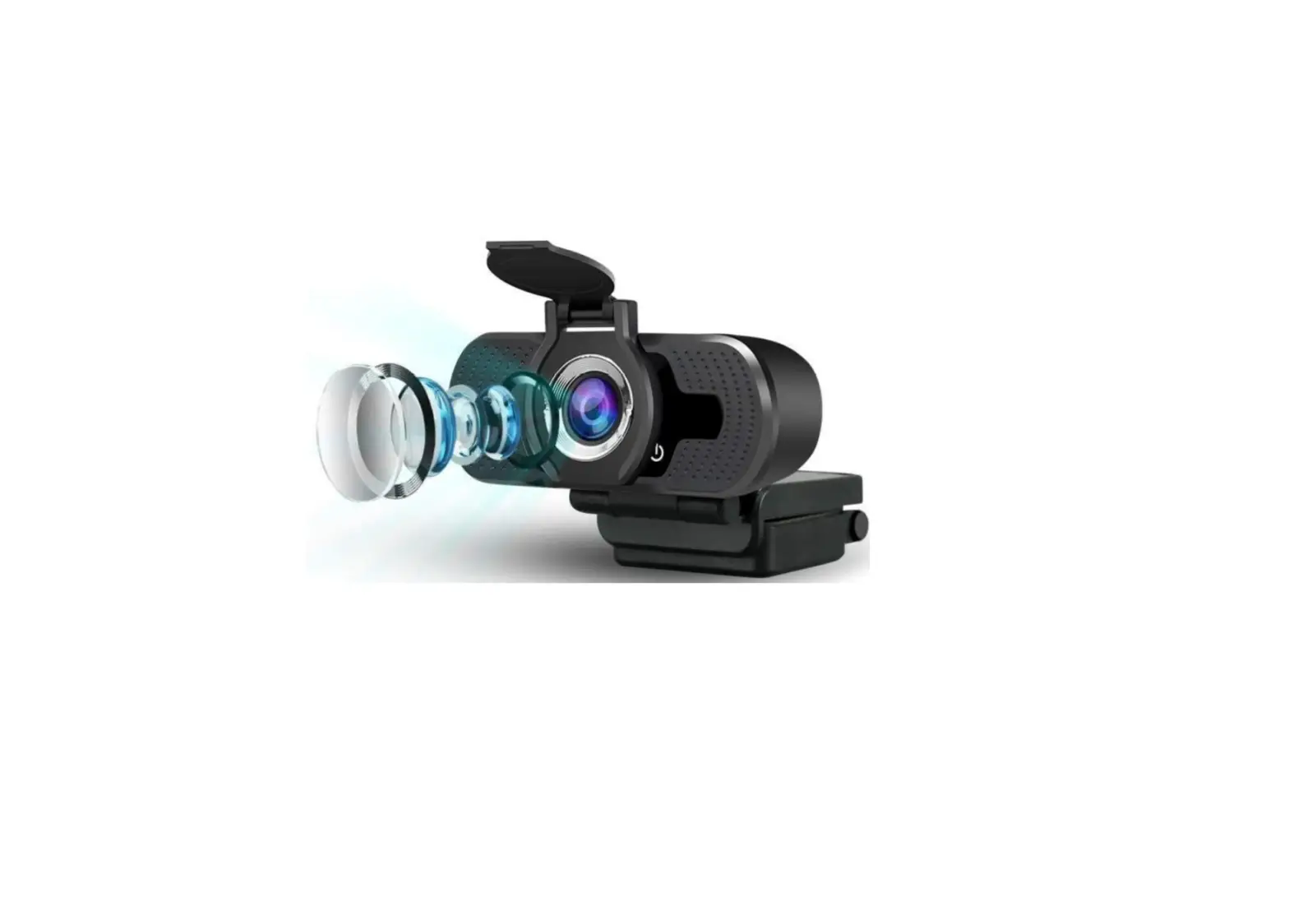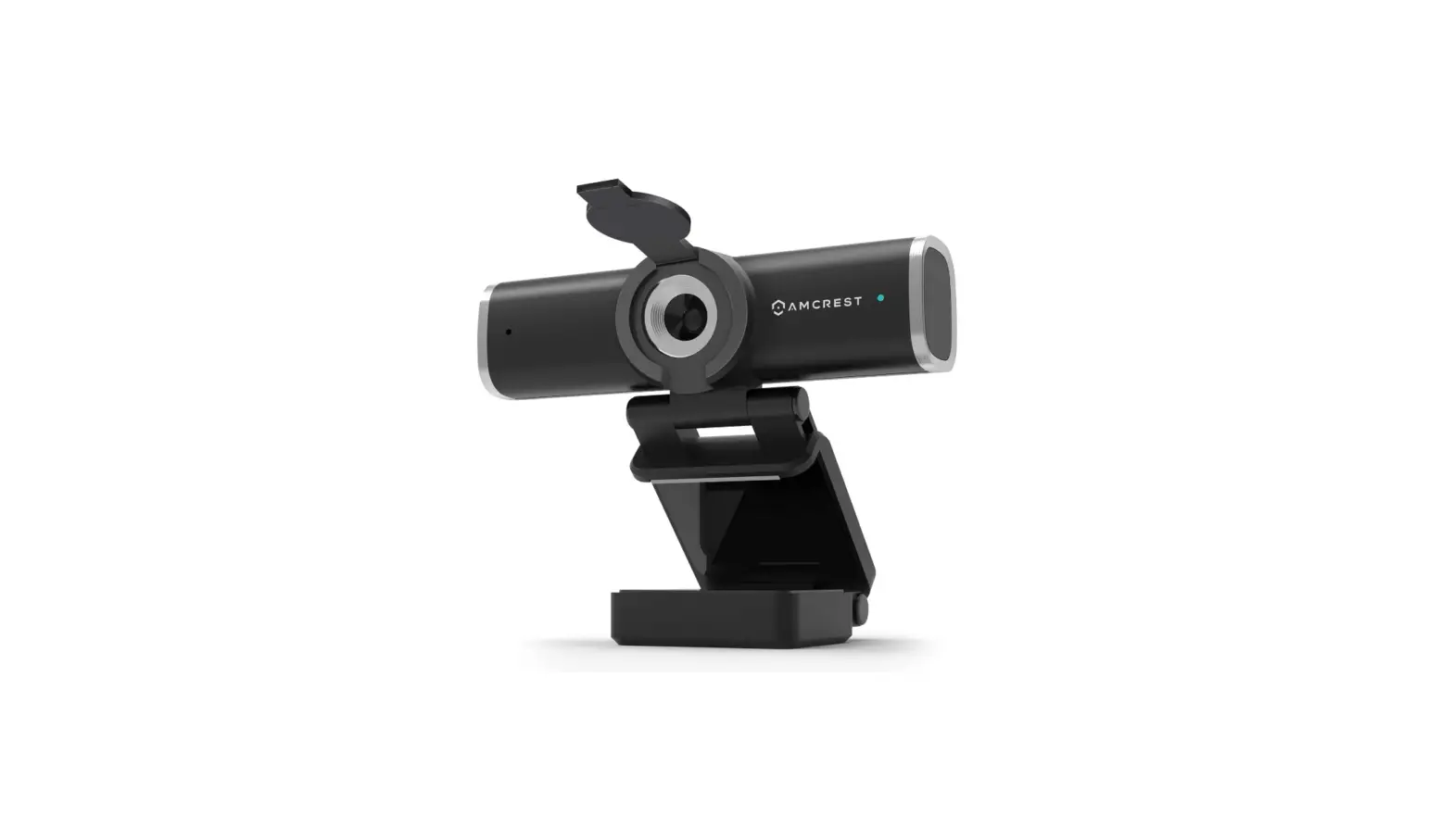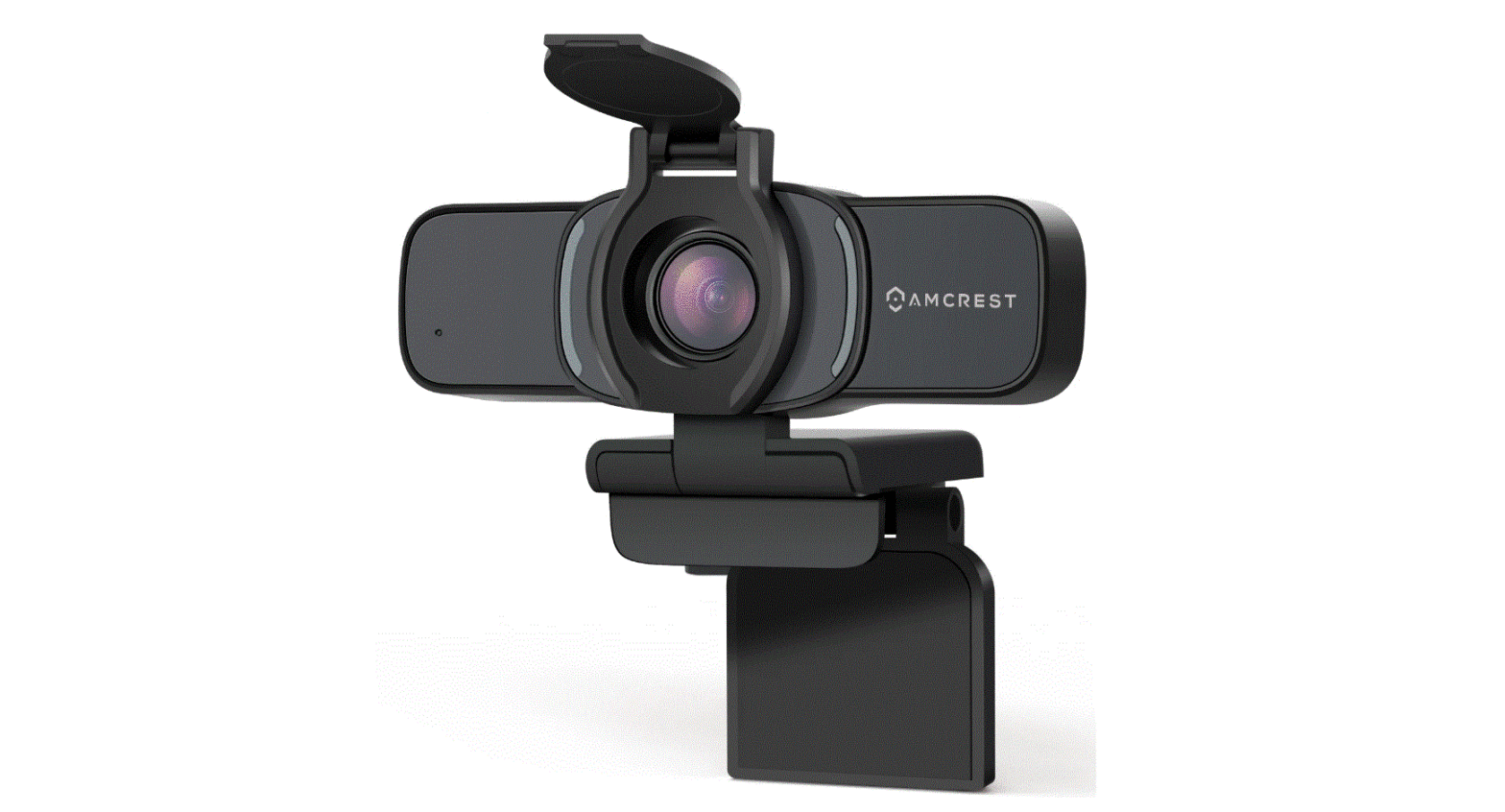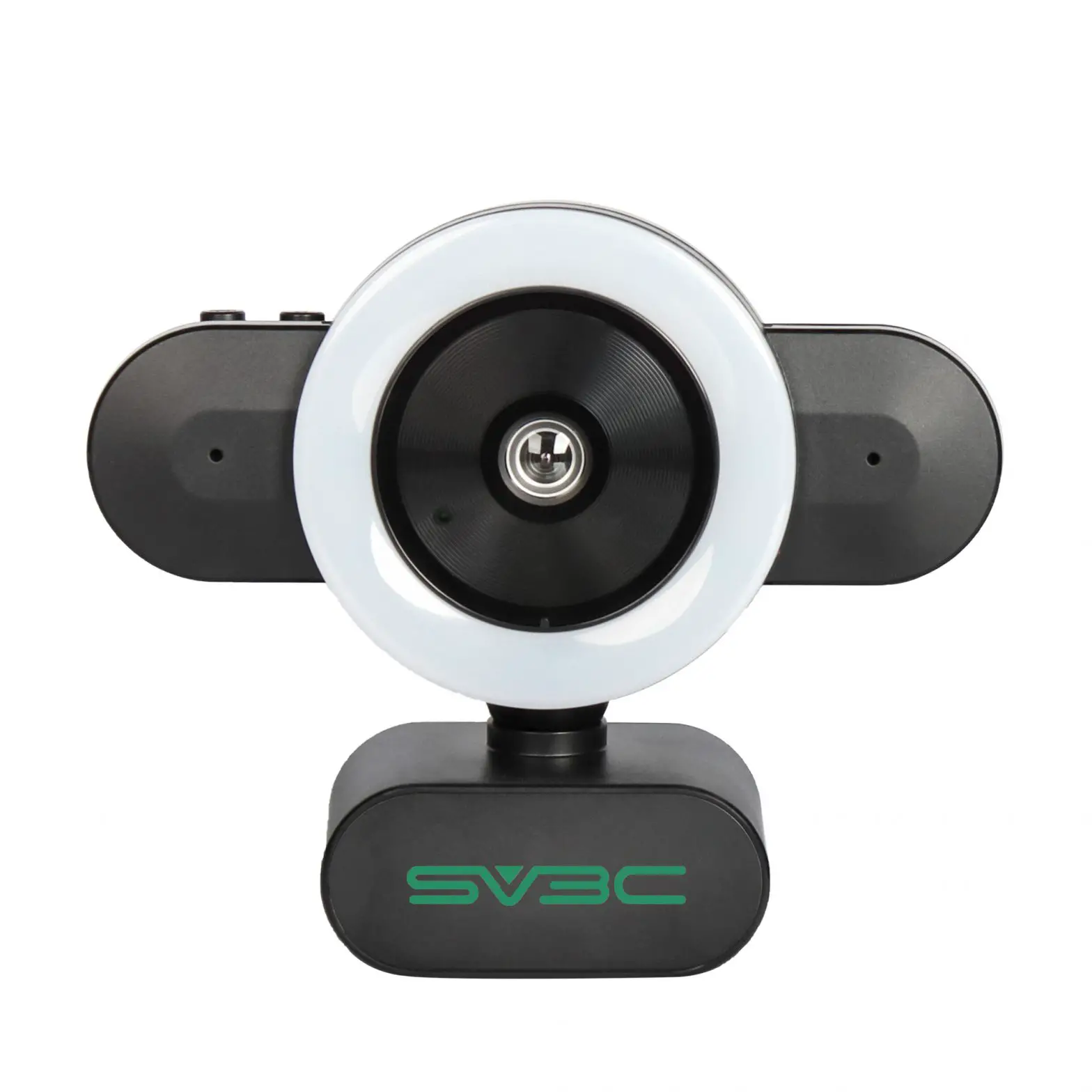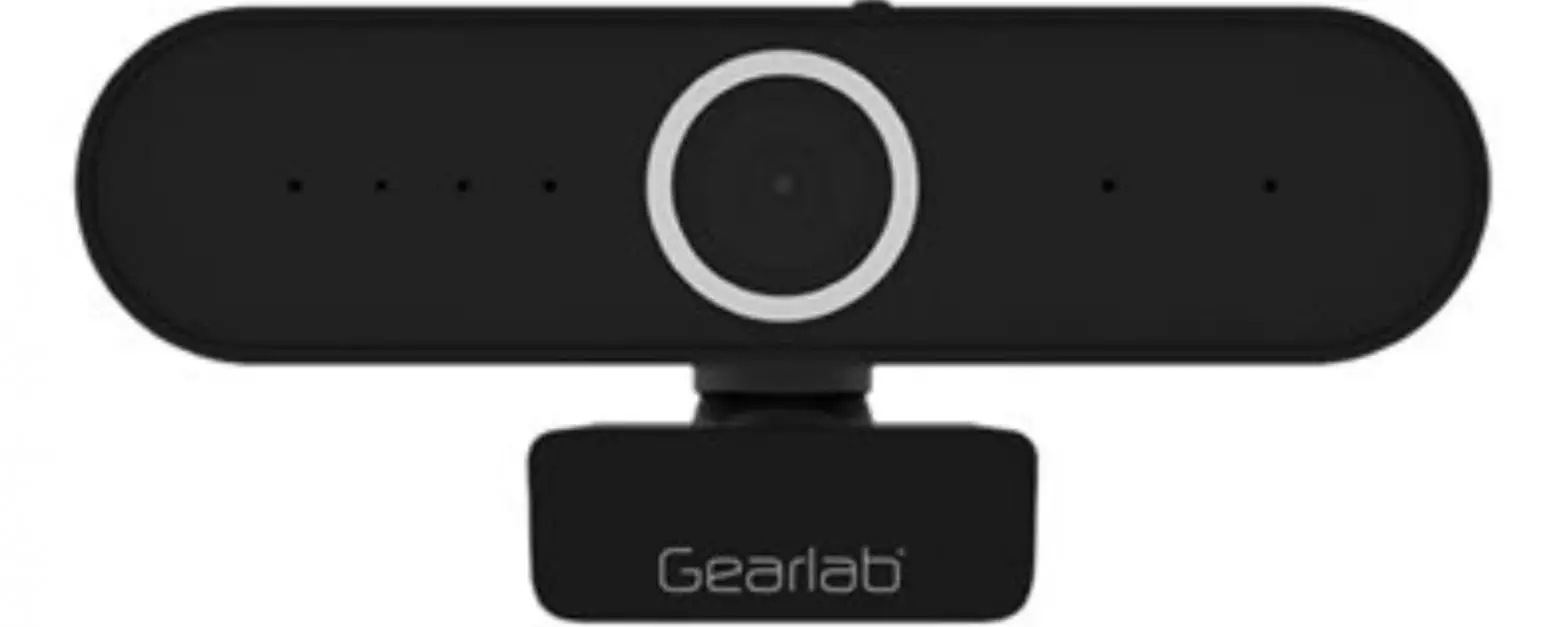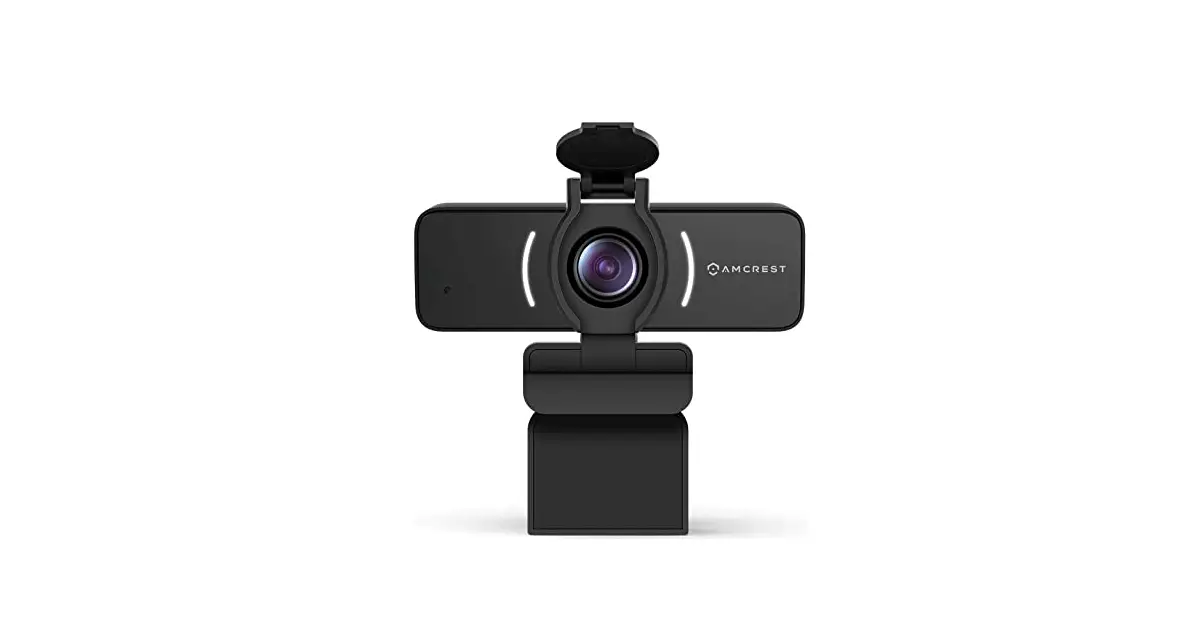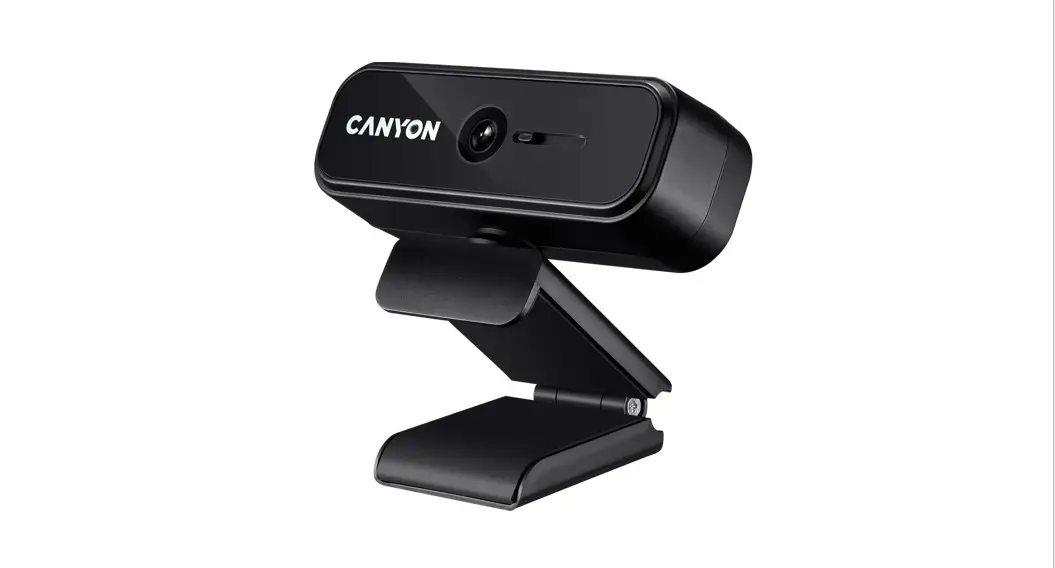
 2K VIDEO
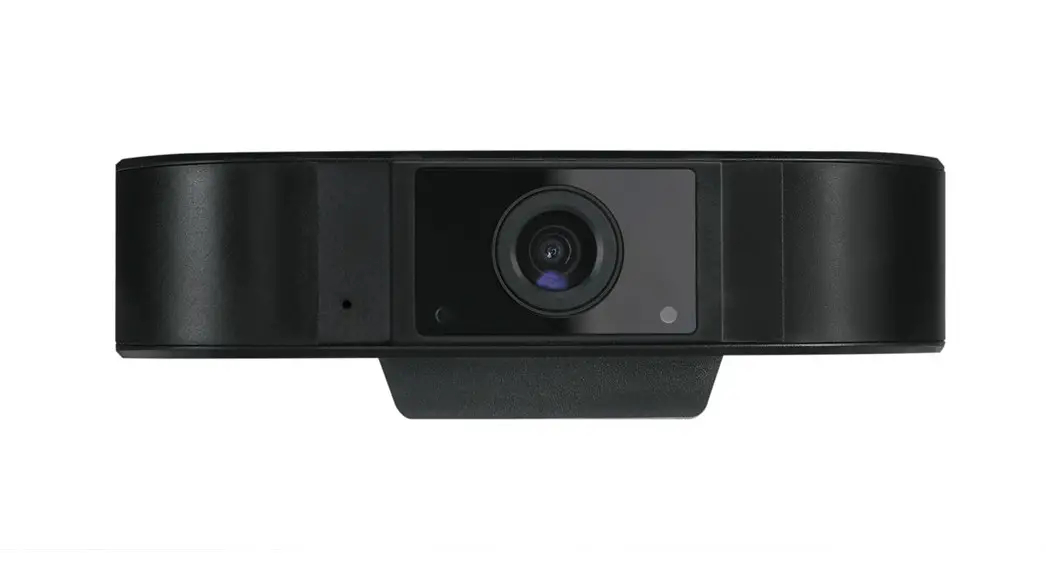
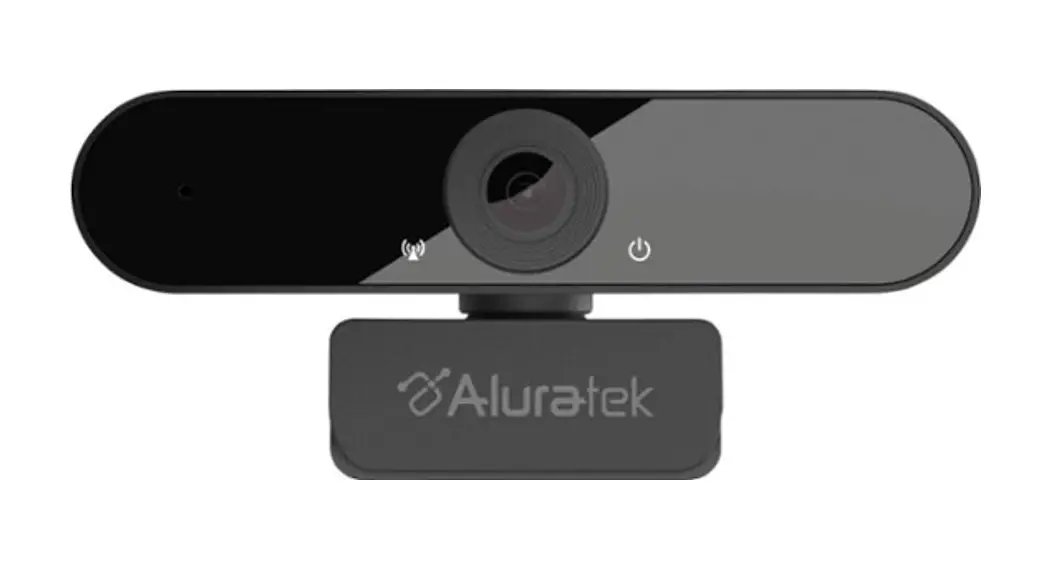
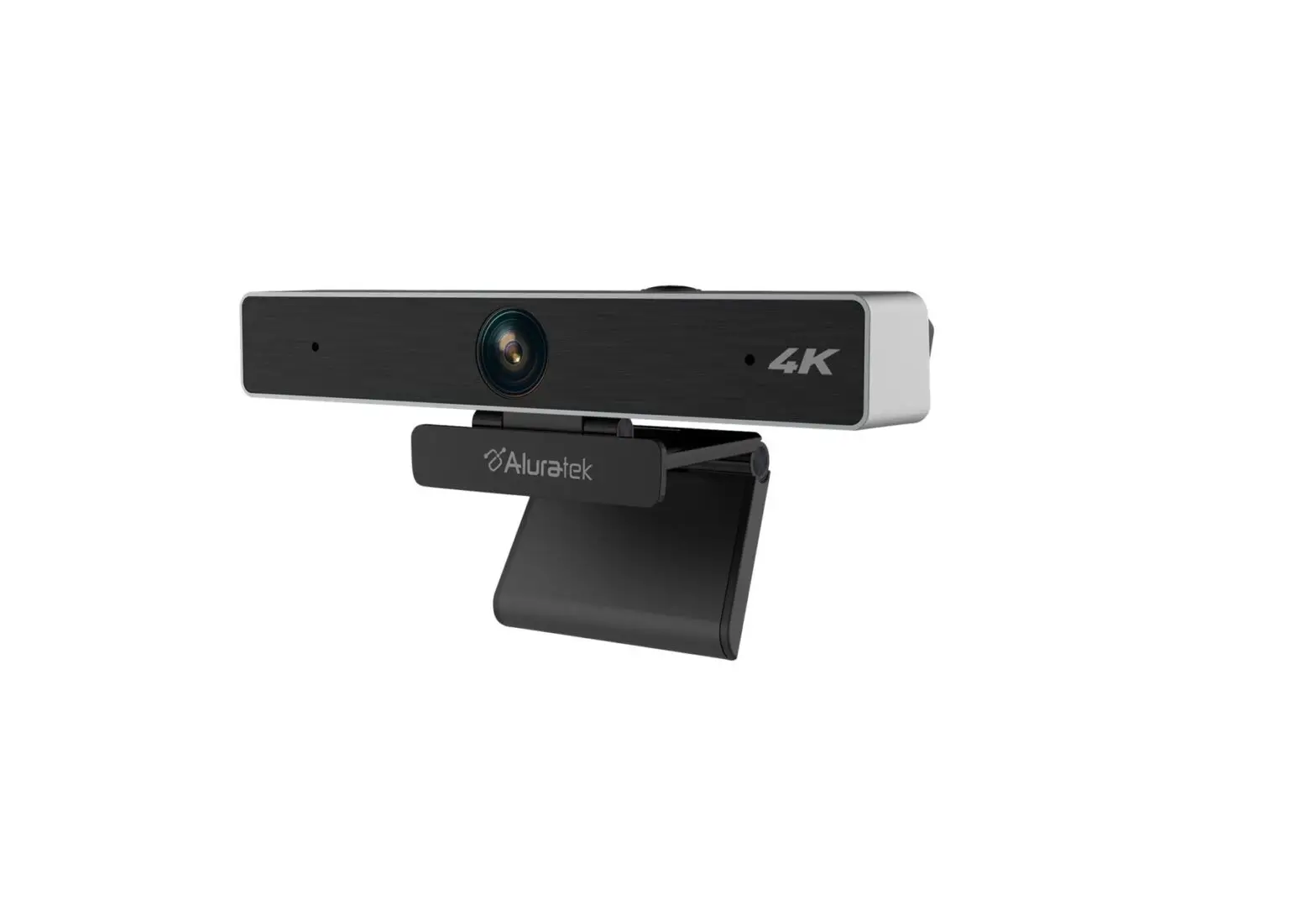
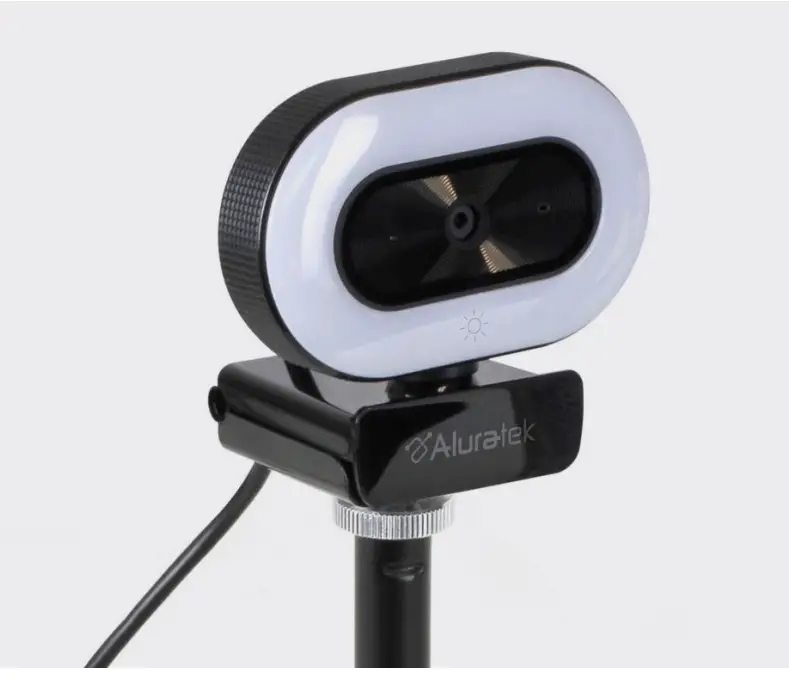
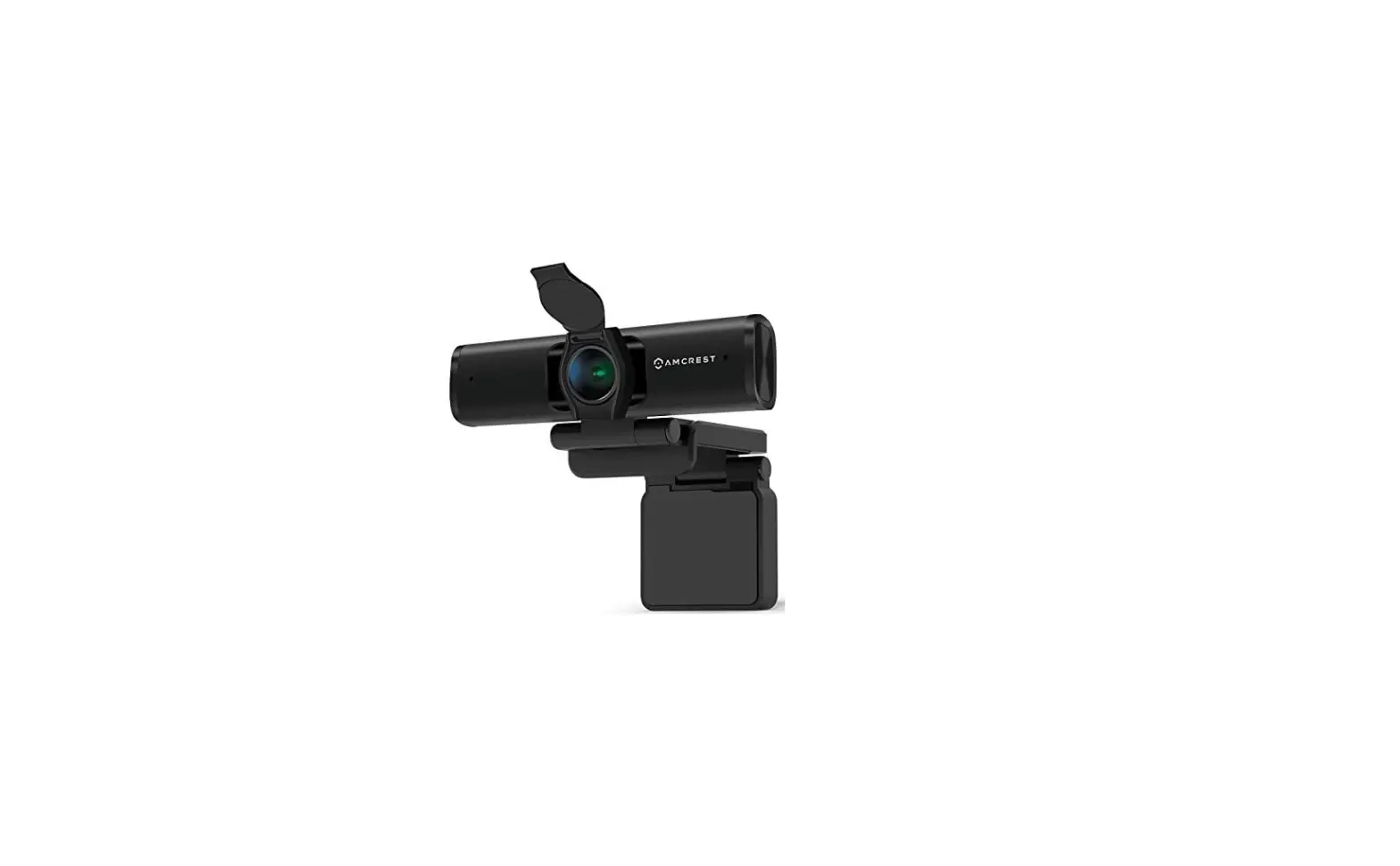
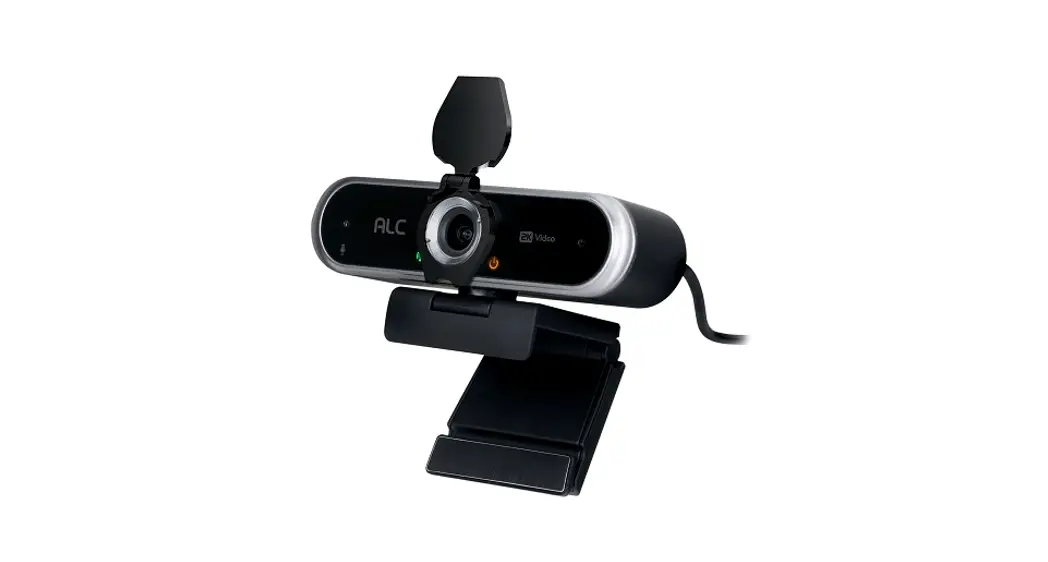
Web Camera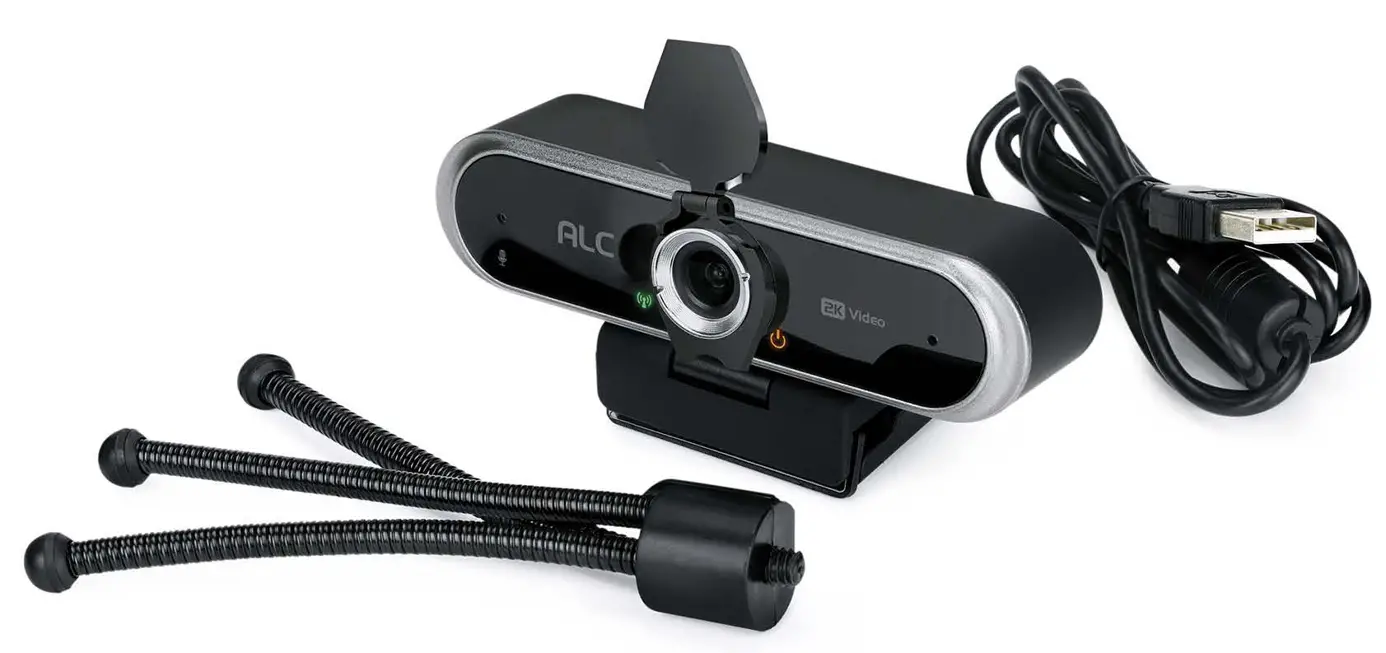 Model AWC10
Quick Start Guide
Getting Started
In the Box

Easy Installation
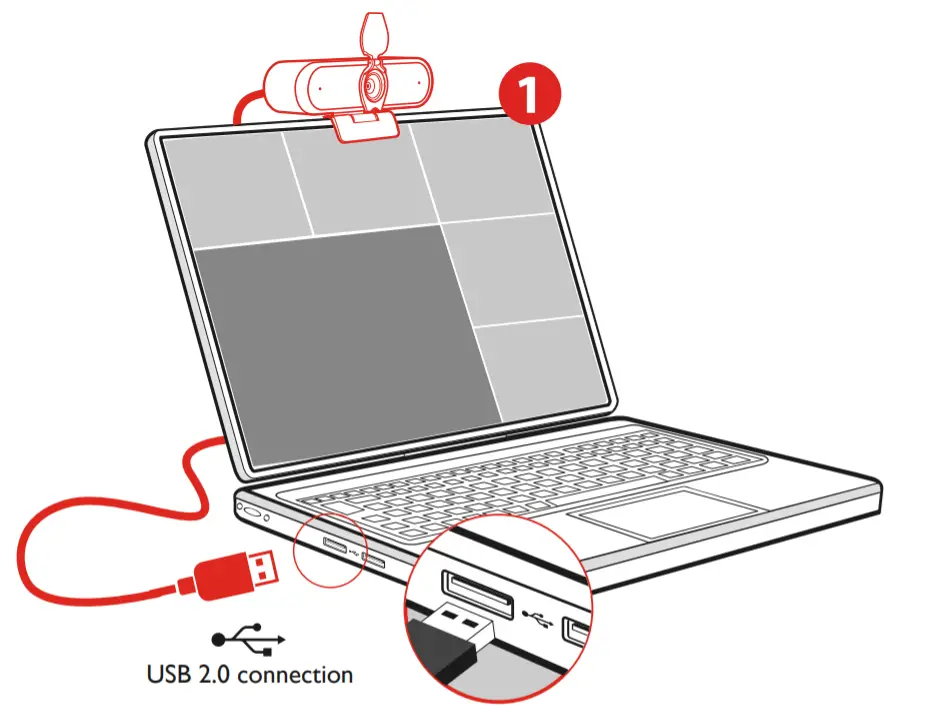 |   |
- Plug the cable from the back of the camera into the USB port of your laptop, or monitor.
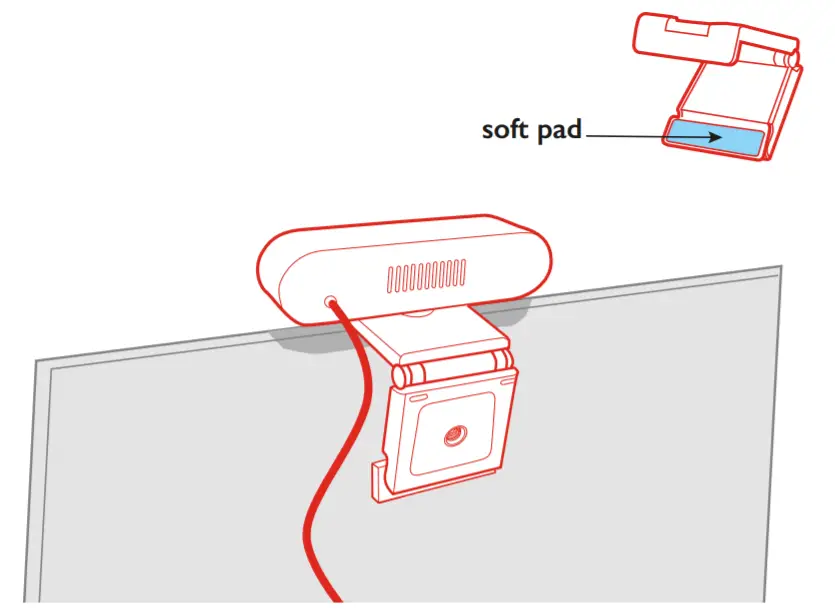
- Place front monitor mounts on the front edge of the monitor, or laptop screen.
Then, adjust the monitor mount backing as needed to the angle of the monitor.
Once positioned in place, the soft pad should rest against your monitor. - Plug & Play Installation
No need for software drivers or additional software installation, your camera supports all UVC standards, it will run by itself automatically. (Compatible with Mac OS 10.10 and higher, Windows 7, 8, 10, Chrome, and Android)
NOTE: On certain applications, you might have to select the camera.
If asked, choose the following: “UVC Camera“.
Then, your webcam should work automatically. - Flexible Tripod
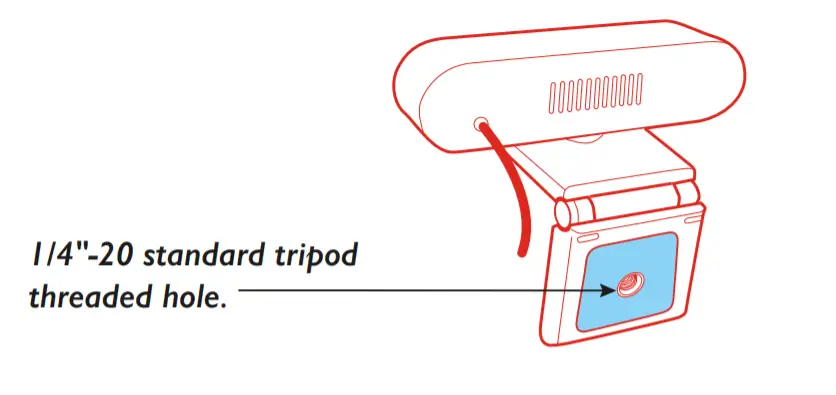
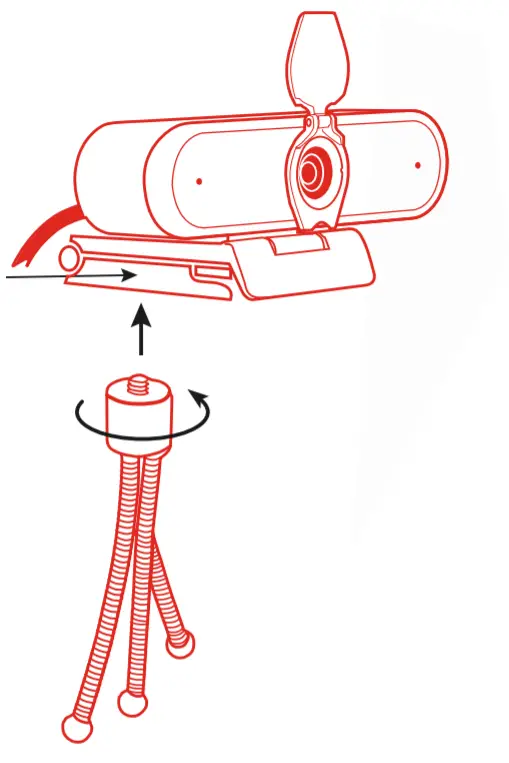
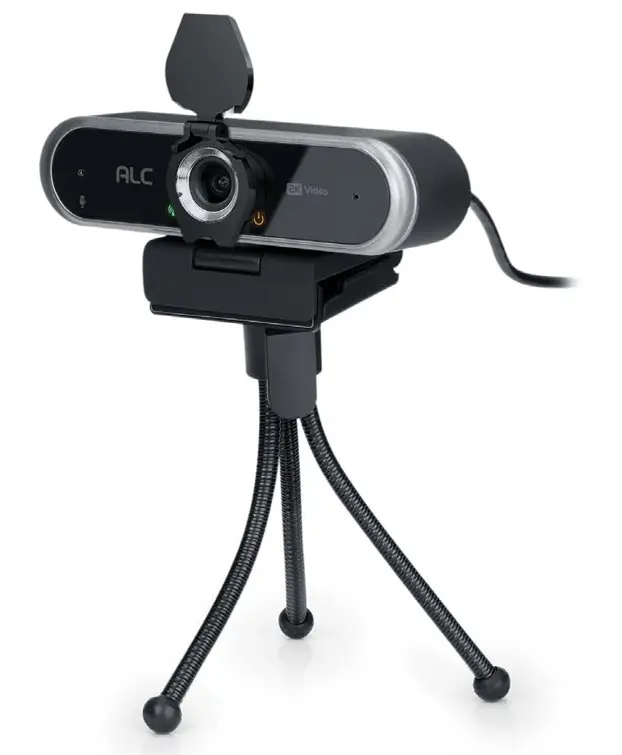
On the bottom of the monitor mount is a
Fold monitor mount flat against webcam.
Then, the screw tripod stands into the threaded hole in the clockwise direction.
SPECIFICATIONS
Web Camera | |
| Sensor | 4.0MP, 1/2.9″ CMOS |
| Supports | Windows 7, 8, 10; Chrome, Android, Mac OS 10.10, and higher |
Video | |
| Video Compression | H.265 |
| Max Resolution | 2560 x 1440px (2K HD) |
| Frame Rate | 30fps |
| Viewing Angle | 80° |
| Lens | 4.0mm |
| White Balance | Auto |
| Light Correction | Auto |
Audio | |
| Audio | Built-in microphone, voice pick up within 33 ft |
| Signal-Noise Ratio | > 50dB |
Operating Conditions | |
| Working Temperature | -4°F to + 131°F |
| Working Humidity | 10% – 90% non-condensing |
| Environmental Conditions | Indoor |
Power Supply/Camera Specs | |
| Length of USB cable | 4.5 ft (1.5m) |
| Power | DC5V/160mA (±6mA) from USB |
| Camera Size (Weight) | 4.5” x 1.1” x 1.2” (0.25 lbs.) |
ALC Cares About You!
If you need assistance, please contact
CUSTOMER SUPPORT at 1-844-767-8544
or visit ALCwireless.com for assistance.
MADE IN CHINA. Distributed by Atoms Labs LLC
©2021 Atoms Labs LLC, Flower Mound, TX.
All rights reserved. Mac OS is a registered trademark of Apple, Inc.
Windows is a registered trademark of Microsoft, Inc. Certain other product names,
brand names and company names may be trademarks or designations of their respective owners.
1-Year Limited Warranty
 https://www.alcwireless.com/warranty/
 HOME - ALC Wireless Security
 Warranty - ALC Wireless Security