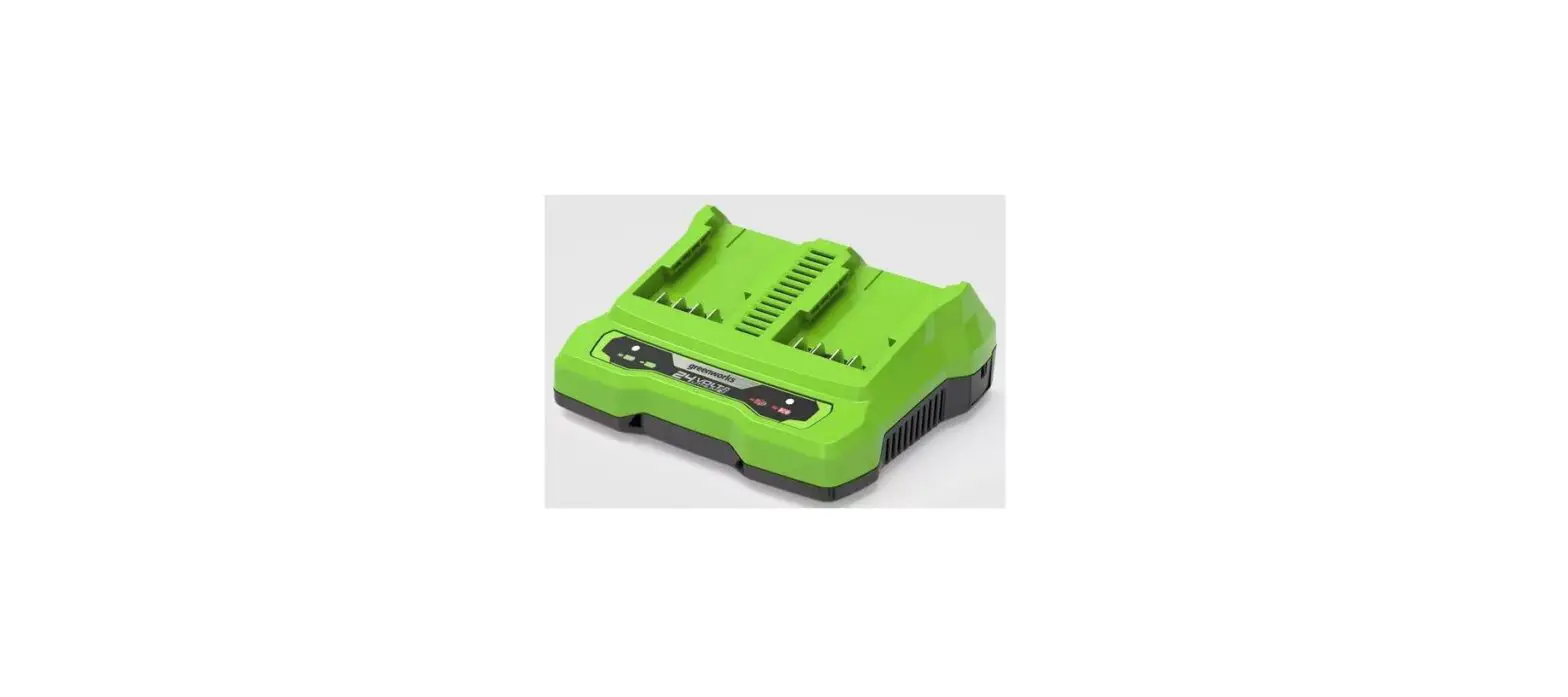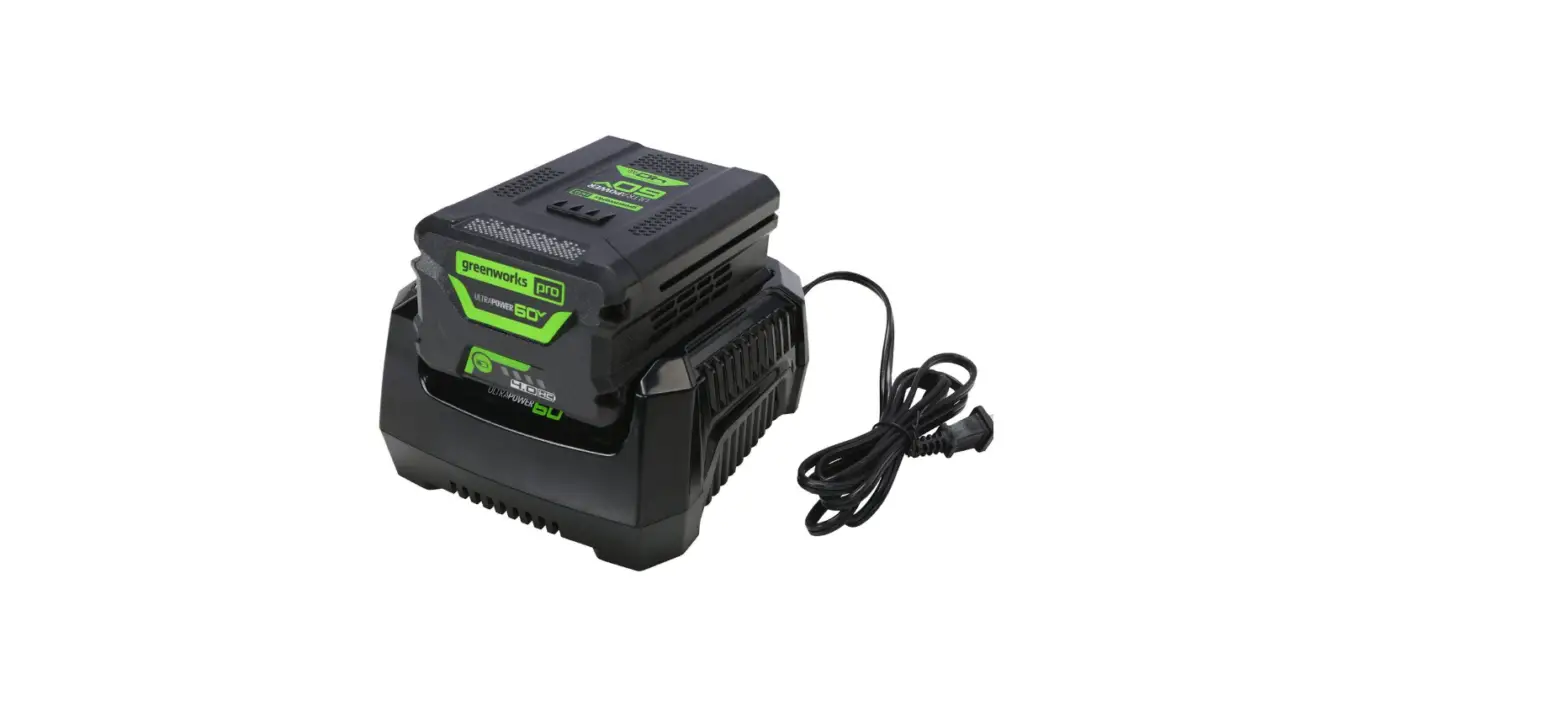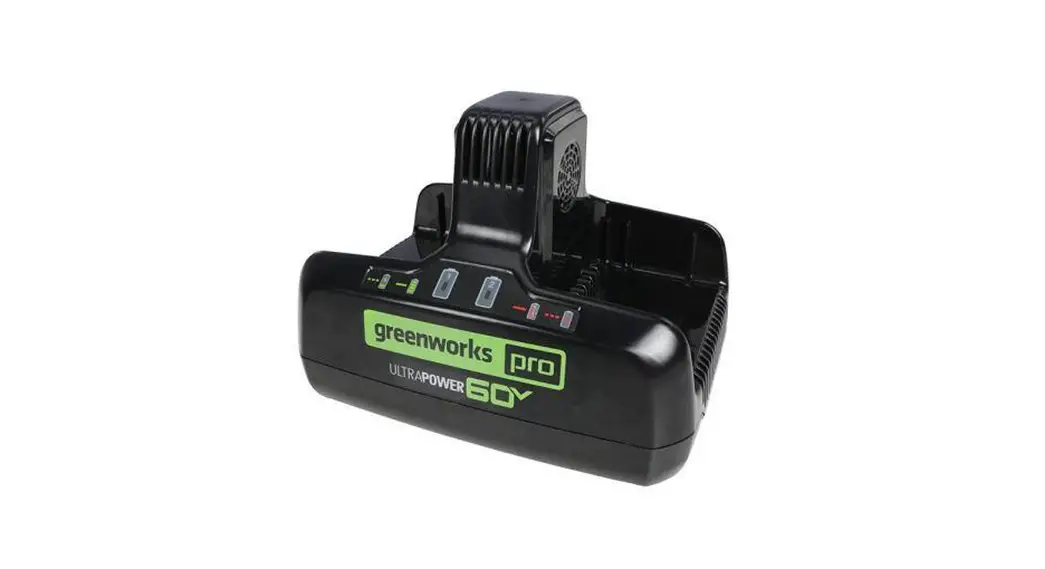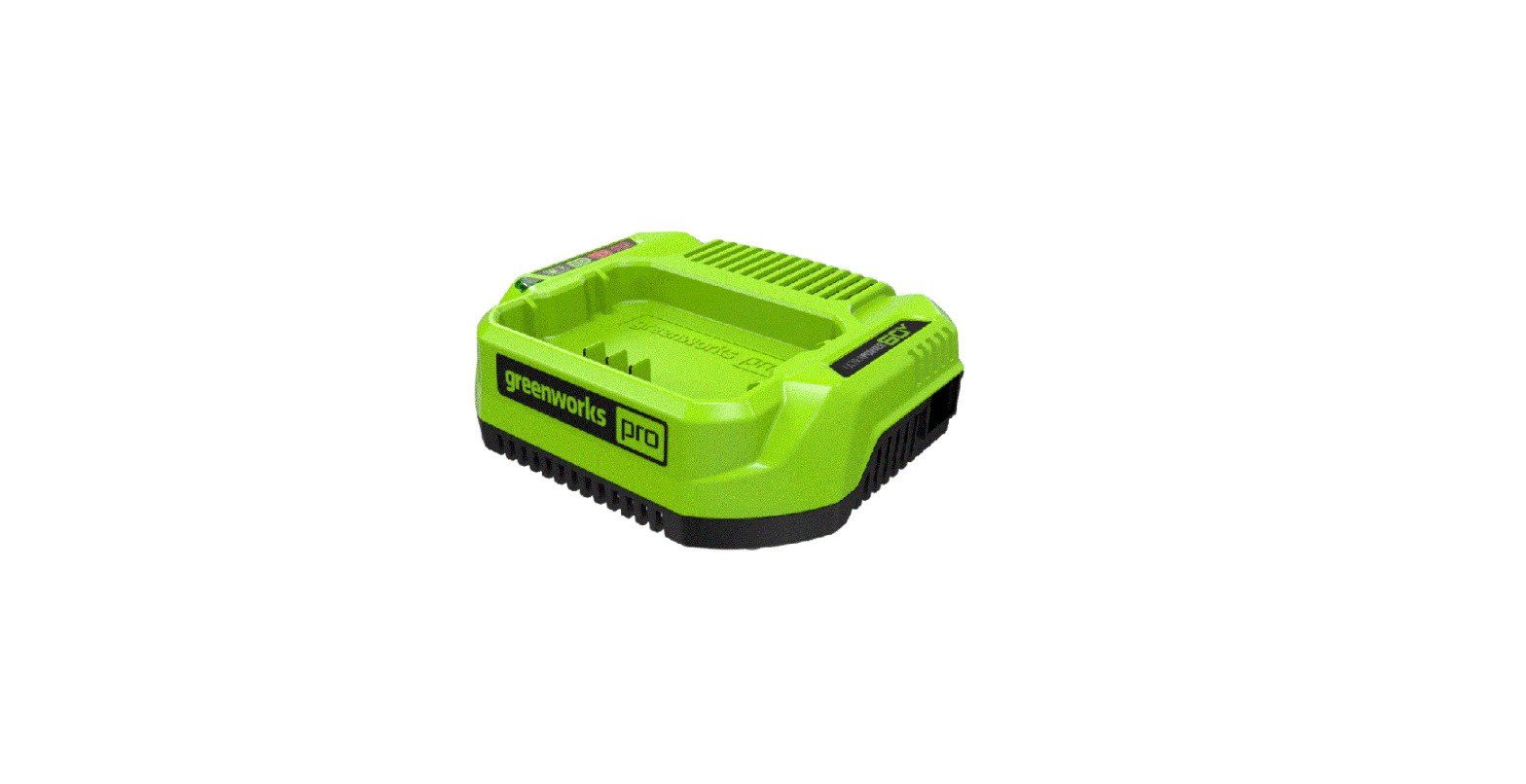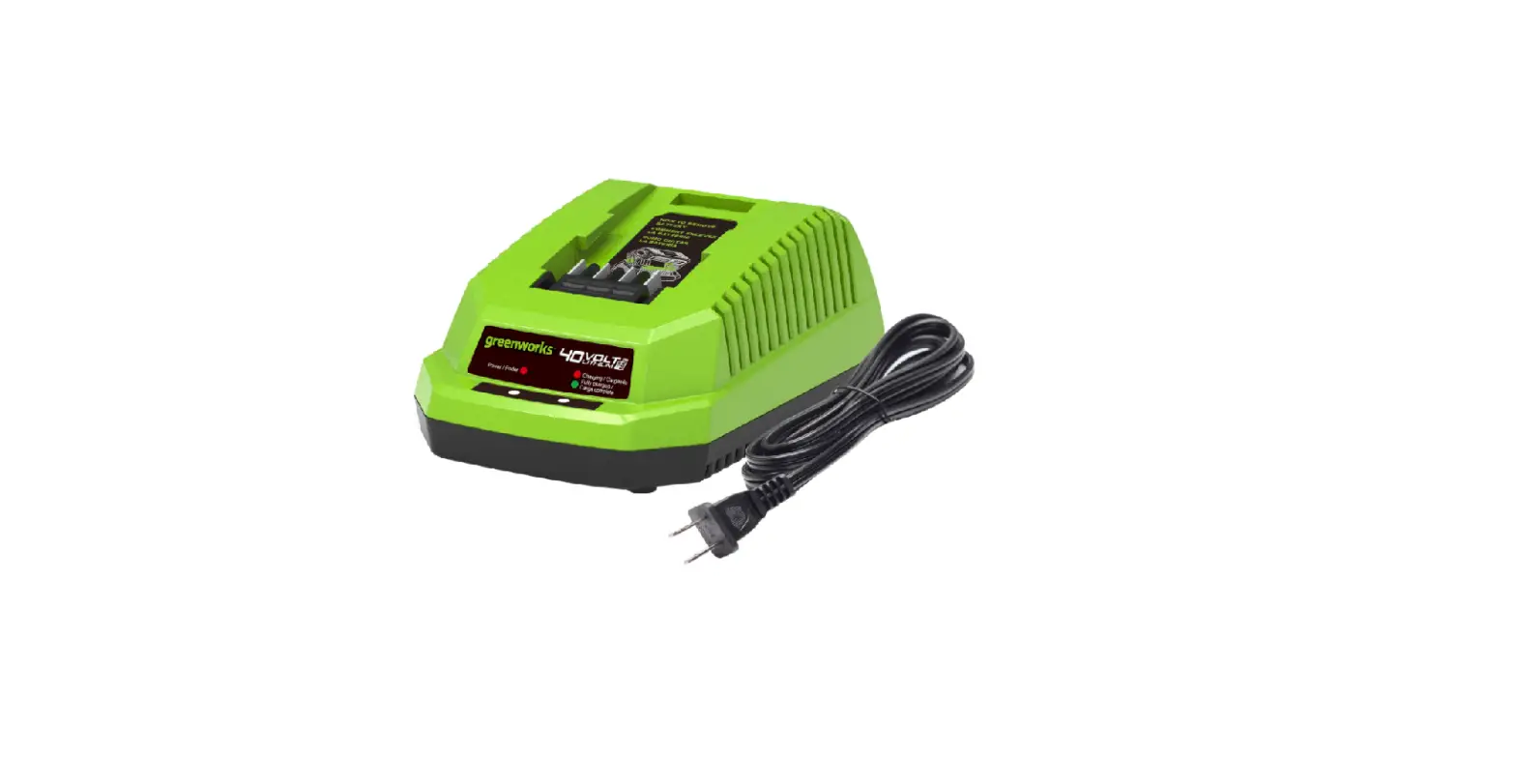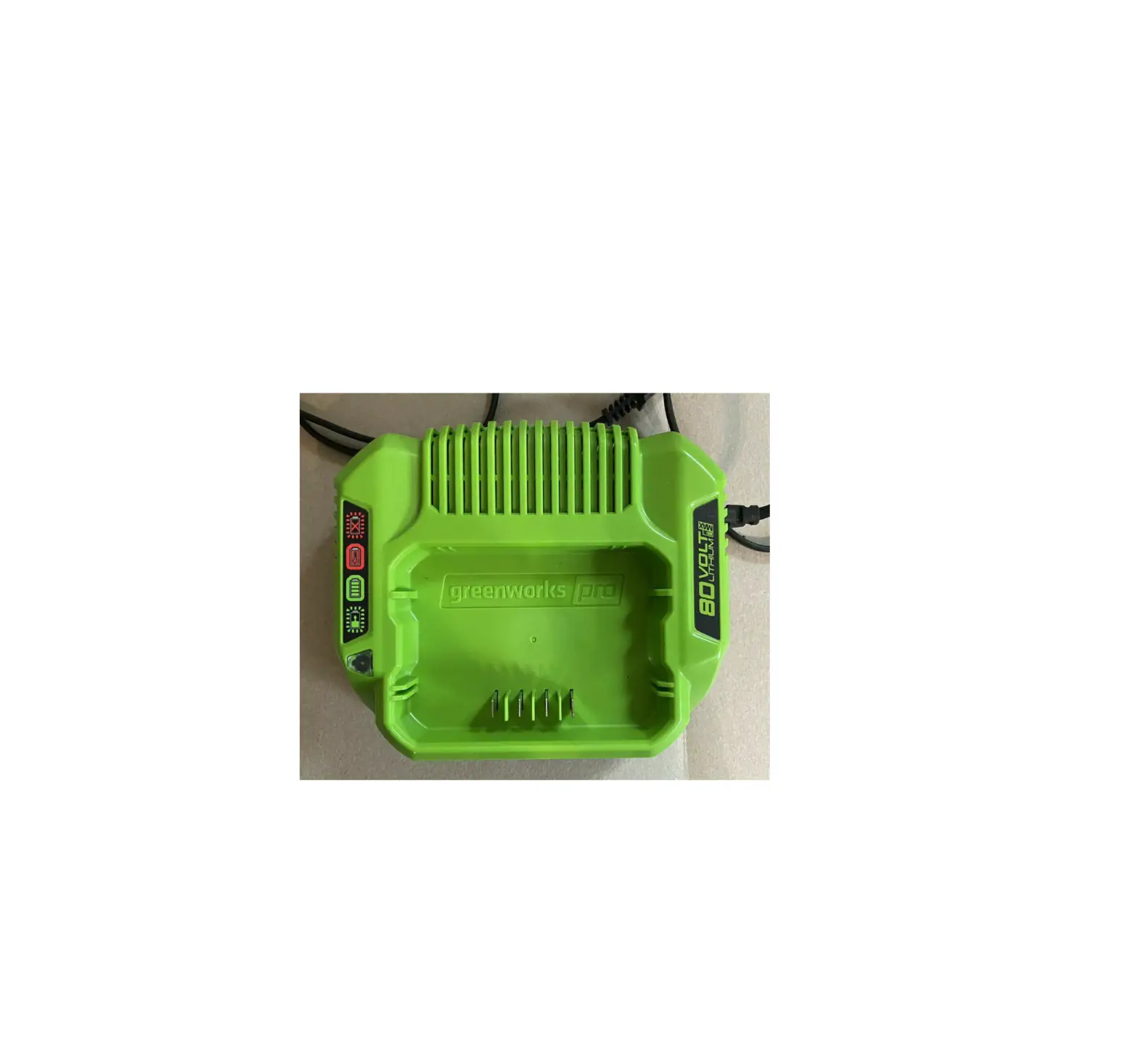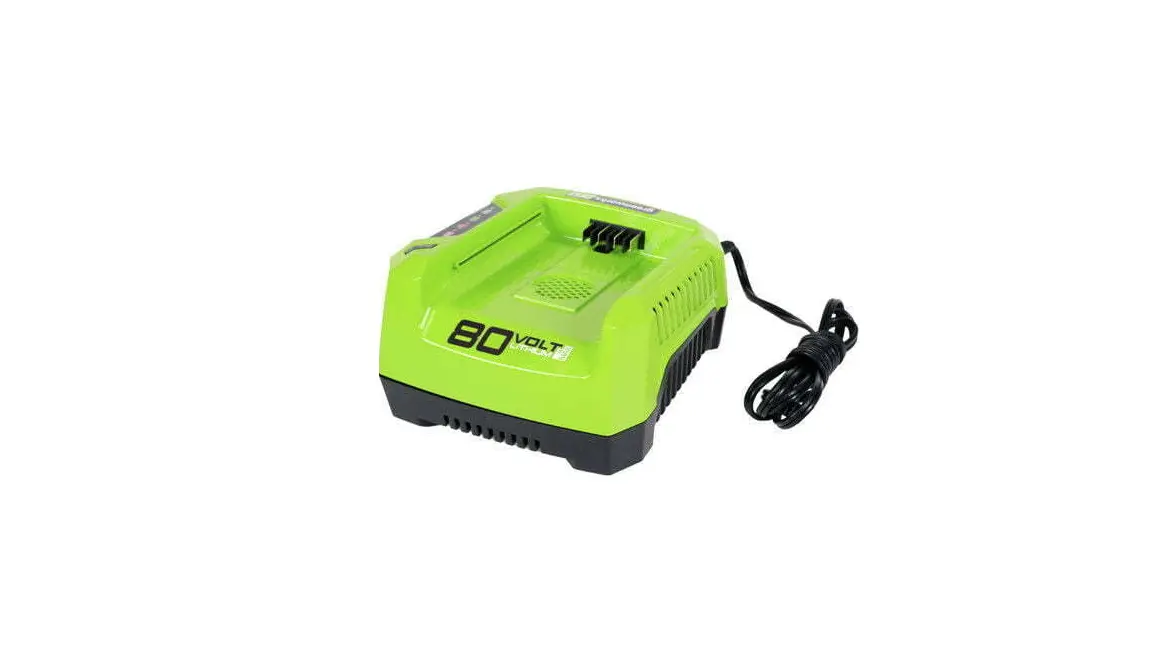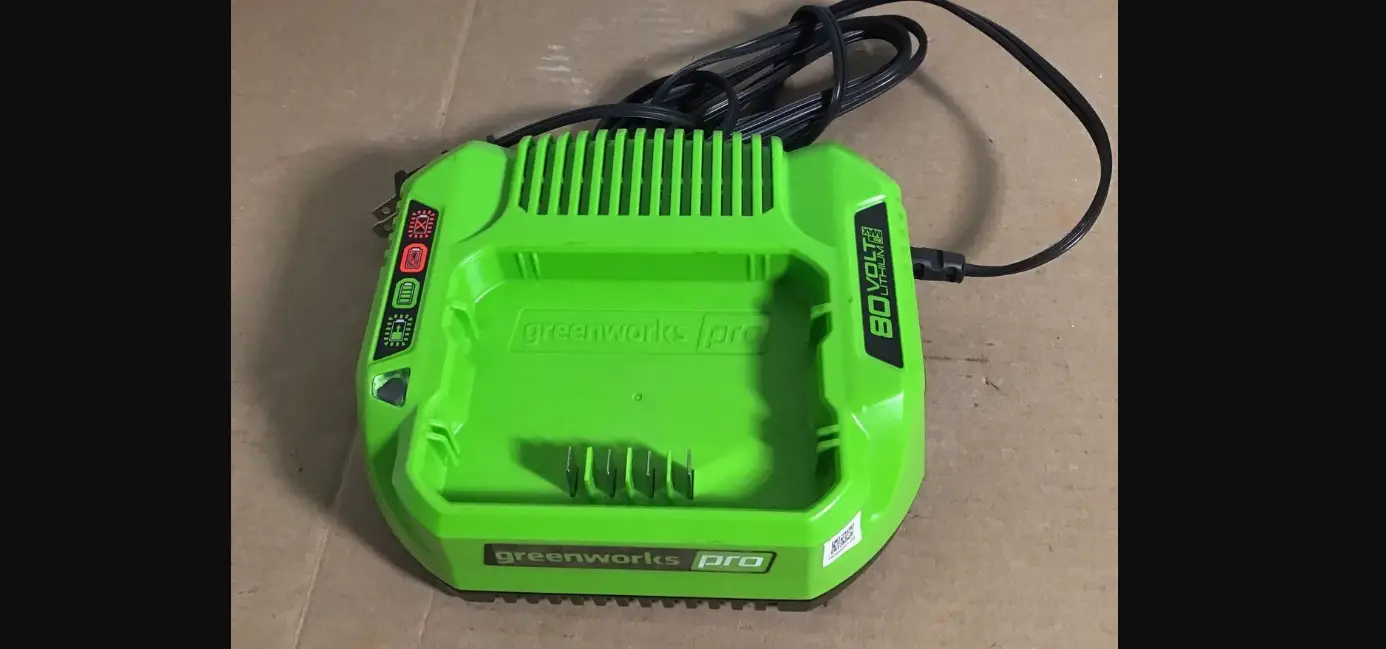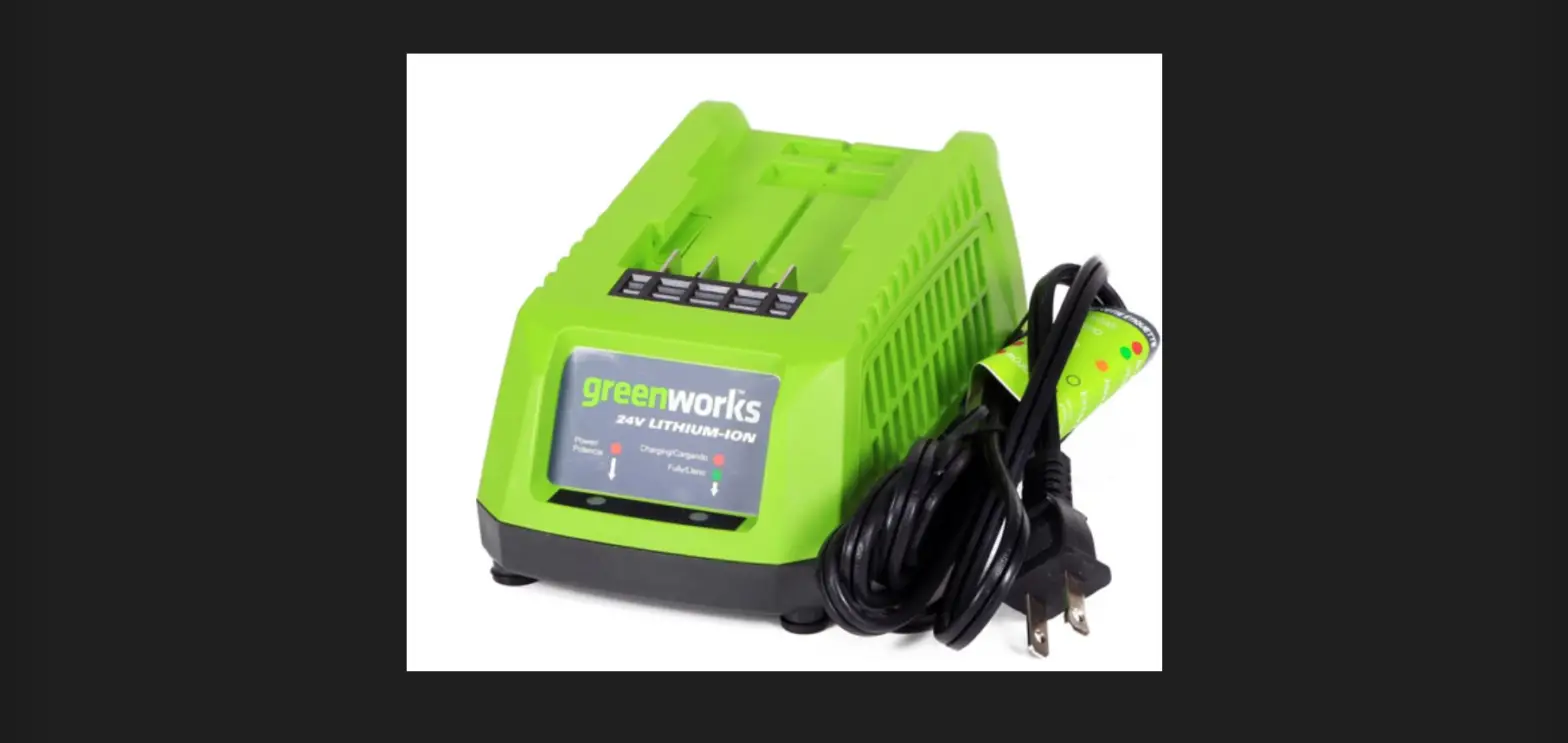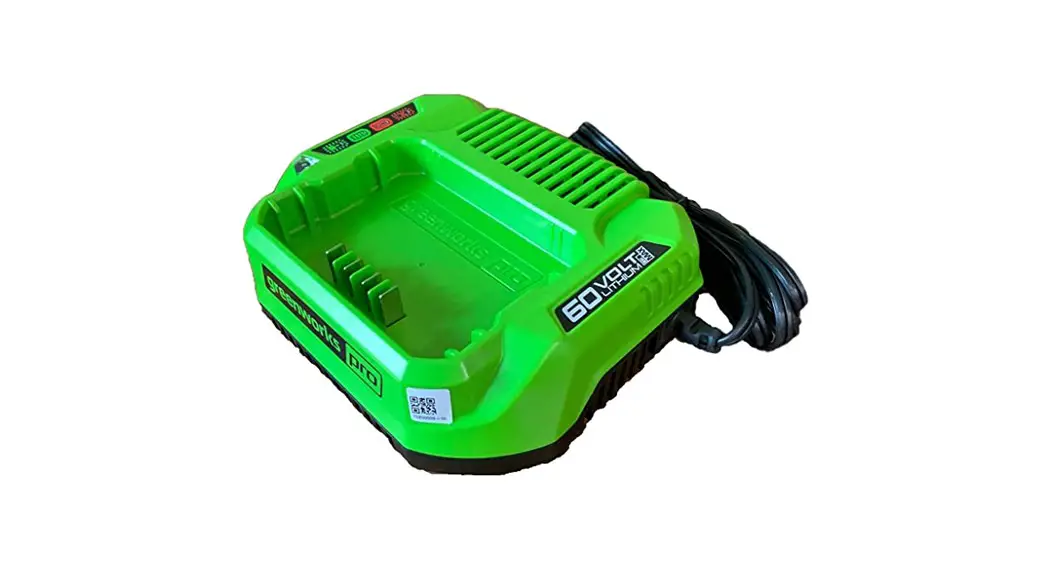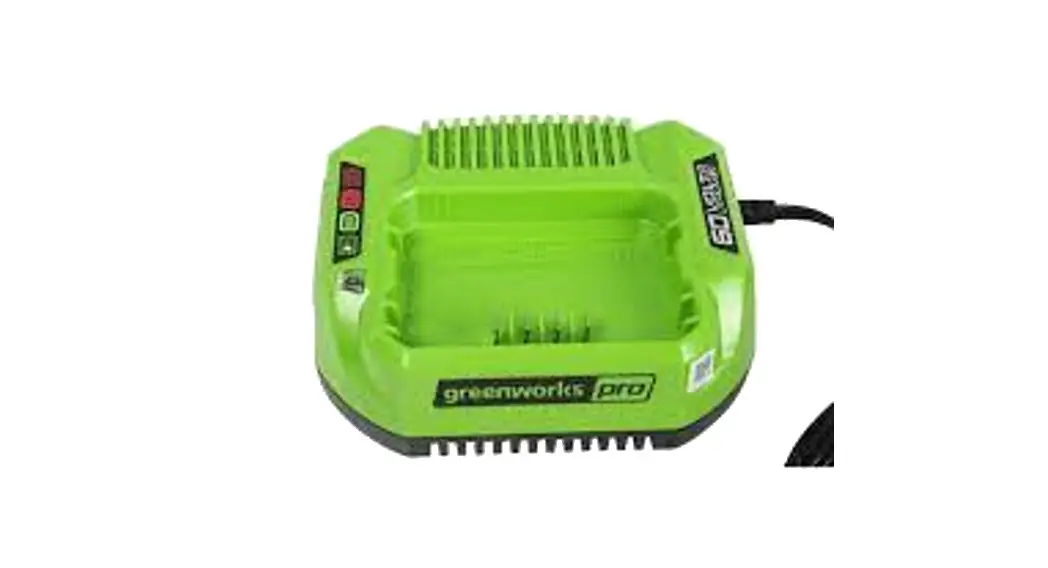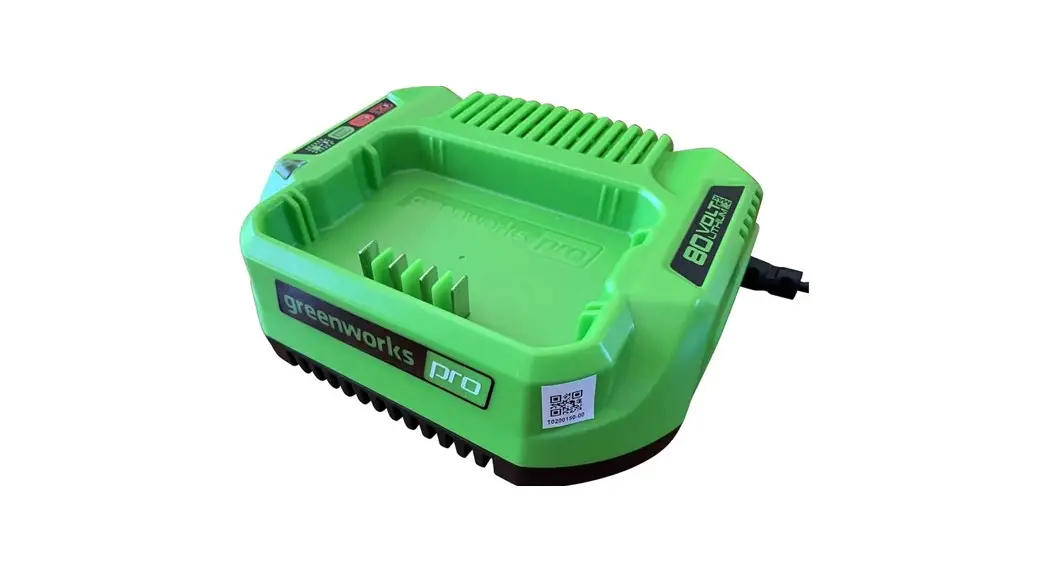
 GCH8020 Charger
CAB801/ 2901402/
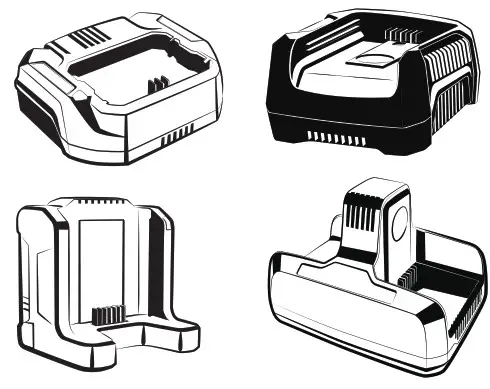
GCH8020/ CAB812
CHARGER
OPERATOR MANUAL
IMPORTANT SAFETY INSTRUCTIONS
- SAVE THESE INSTRUCTIONS.
- DANGER: TO REDUCE RISK OF FIRE OR ELECTRICAL SHOCK CAREFULLY OBEY THESE INSTRUCTIONS.
- Confirm the voltage available at each country location before using the charger.
- If the shape of the plug does not fit the power outlet, use an attachment plug adaptor of the proper configuration for the power outlet.
- DO NOT probe the charger with conductive materials.
- DO NOT allow liquid inside the charger.
- DO NOT try to use the charger for any other purpose than what is presented in this manual.
- Unplug the charger and remove the battery pack before cleaning.
- Do not try to connect two chargers together.
- Do not use the charger in the circumstances that the output polarity does not match the load polarity.
- For indoor use only.
- The cover may under no circumstances be opened. If the cover is damaged, the charger may no longer be used.
- Do not attempt to recharge non-rechargeable batteries.
 WARNING
To avoid risk of fire, electrical shock, or electrocution:
- Do not use a damp cloth or detergent on the battery or battery charger.
- Always remove the battery pack before cleaning, inspecting, or performing any maintenance on the tool.
SPECIAL RULES FOR CHARGER
This device complies with Part 15 of the FCC Rules.
Operation is subject to the following two conditions:
- This device may not cause harmful interference.
- This device must accept any interference received, including interference that may cause undesired operation.
CAUTION
Changes or modifications not expressly approved by the party responsible for compliance could void the user’s authority to operate the equipment. NOTE
NOTE
This equipment has been tested and found to comply with the limits for a Class B digital device, pursuant to Part 15 of the FCC Rules.
These limits are designed to provide reasonable protection against harmful interference in a residential installation.
This equipment generates, uses and can radiate radio frequency energy, and if not installed and used in accordance with the instructions, may cause harmful interference to radio or television reception. The reception can be determined by turning the equipment off and on. The user is encouraged to try to correct the interference by one or more of the following measures:
- Reorient or relocate the receiving antenna.
- Increase the separation between the equipment and the receiver.
- Connect the equipment into an outlet on a circuit different from that to which the receiver is connected.
- Consult the dealer or an experienced radio/TV technician for help.
PROPOSITION 65
WARNING
This product contains a chemical known to the state of California to cause cancer, birth defects or other reproductive harm. Some dust created by power sanding, sawing, grinding, drilling, and other construction activities contains chemicals known to cause cancer, birth defects or other reproductive harm. Some examples of these chemicals
are:
- Lead from lead-based paints;
- Crystalline silica from bricks and cement and other masonry products;
- Arsenic and chromium from chemically treated lumber.
Your risk of exposure to these chemicals varies depending on how often you do this type of work. To reduce your exposure to these chemicals, work in a well-ventilated area,
and work with approved safety equipment, such as dust masks that are specially designed to filter out microscopic particles.
Save these instructions.
SYMBOLS ON THE MACHINE
You may find the below symbols on the machine. Please study them and learn their definitions. Correct interpretation of these symbols allow you to operate the tool safely.
| Symbol | Explanation |
 | For indoor use only |
 | Before charging, read the instructions |
 | Fuse |
RECYCLE
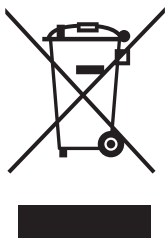 | Separate collection. You must not discard with usual household waste. If it is necessary to replace the machine, or if it is no more use to you, do not discard it with household waste. |
 | Separate collection of used machine and packaging let you recycle materials and use them again. Use of the recycled materials helps prevent environmental pollution and decreases the requirements for raw materials. |
 | At the end of their useful life, discard batteries with a precaution for our environment. The battery contains material that is dangerous to you and the environment. You must remove and discard these materials separately at a location that accepts lithium-ion batteries. |
OPERATION
6.1 CHARGE PROCEDURE NOTE
Before use charge the battery pack fully to make sure that the battery pack can get the maximum run time. This battery pack does not have a memory. You can charge it all the time.
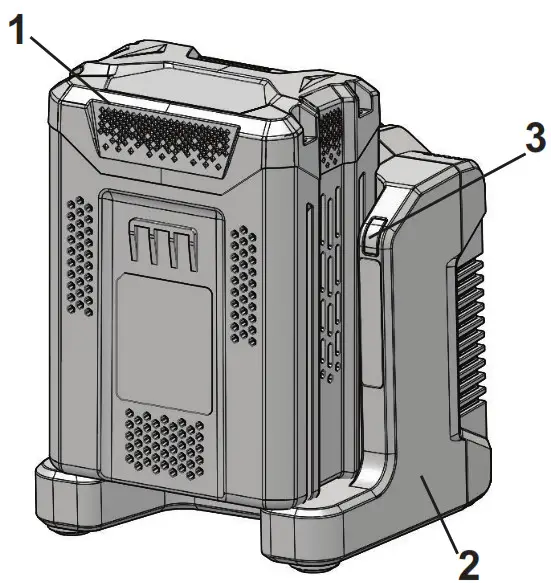
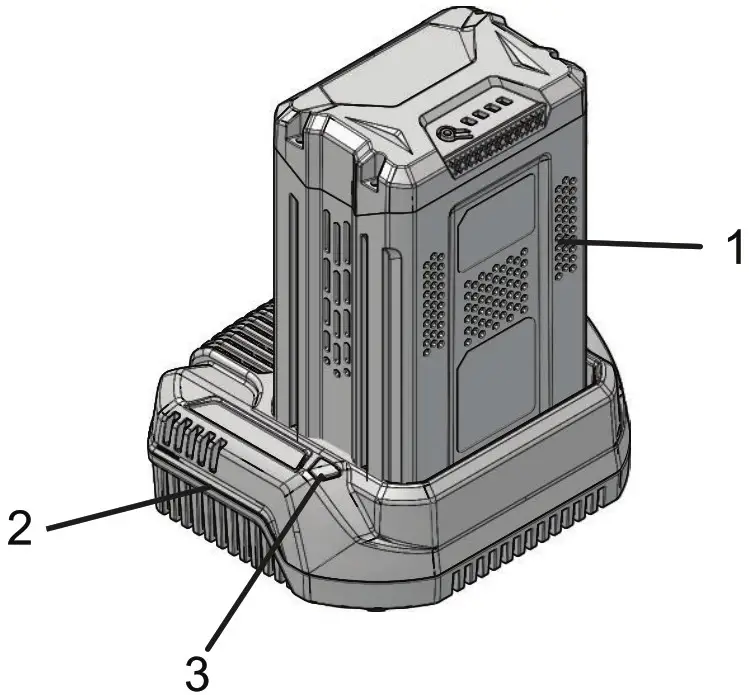
- Connect the plug of charger (2) to an AC power outlet.
- Put the battery pack (1) into the charger (2).
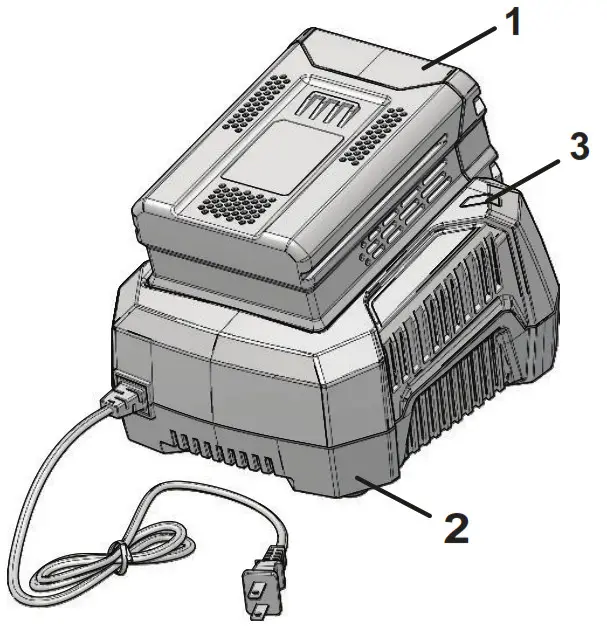 | 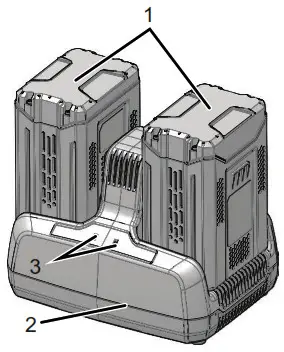 |
This is a diagnostic charger. The Charger LED Light (3) illuminates in a specified order to show the current battery status. They are as follows:
CHARGING PROCEDURE (LED INDICATOR)
| BATTERY IS CHARGING |  GREEN BLINKING GREEN BLINKING |
| FULLY CHARGED |  GREEN GREEN |
| BATTERY IS TOO WARM (REMOVE FOR APPROX. 30 MINUTES TO ALLOW TO COOL) | RED |
| DEFECTIVE BATTERY (REMOVE AND REPLACE WITH A NEW BATTERY) | RED BLINKING |
Incorrect Defect Note:
- Put the battery pack into the charger.
• If the status LED blinks RED, remove the battery pack from the charger for 1 minute. - Put the battery pack into the charger again.
• If the status LED blinks GREEN, the battery pack is good.
• If the status LED stays blinking RED, remove the battery pack and disconnect the charger. - Wait for 1 minute and put the battery pack into the charger again.
• If the status LED shows blinks GREEN, the battery pack is good.
• If the status LED stays blinking RED, the battery pack is defective and it is necessary to replace the battery pack.
Low voltage charging
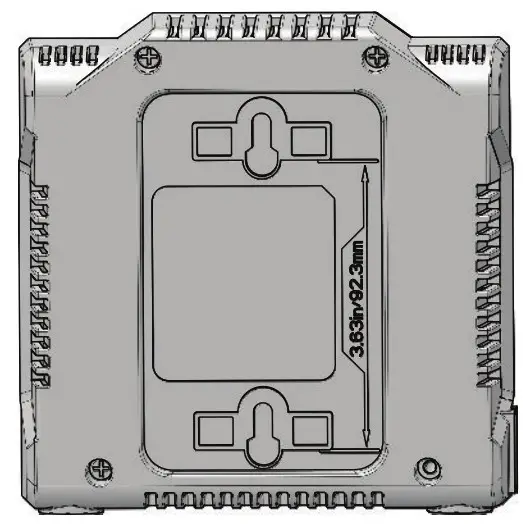
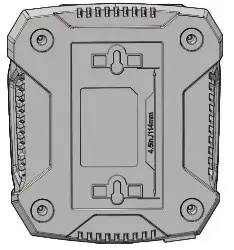
- It can take 20 hours to fully charge the battery if the battery stored with no little no charger for a long period of time.
 |  |
NOTE
If you do not use the battery pack and charger for a long time, please remove the battery from the charger and pull out the AC power plug.
MAINTENANCE
7.1 CLEAN THE MACHINE NOTE
Keep the air vent free of blockage, saw dust, and wood dust.
Do not spray, wash, or submerge in water.
- Clear the unwanted material out of the air vent with a vacuum.
- Clean housing and the plastic components with a soft, dry cloth.
IMPORTANT
Do not use strong solvents or detergents on the plastic housing or components.
7.2 STOW THE MACHINE
- Remove the battery pack before you store the charger or disconnect the charger.
TROUBLESHOOTING
| PROBLEM | POSSIBLE CAUSE | SOLUTION |
| Charger doesn’t work. Charger shows defective mode. (LED flashes Red) | Battery pack or charger is defective i there is a bad or the connection be-Veen the battery pack and charger. | Try to remove and reinsert the battery pack in the charger. |
| Trycharging a different battery pack. | ||
| Unplug the charger and wait until the red LED goes out, then reconnect the plug to the power supply. | ||
| Charger doesn’t work. Charger shows evaluation mode mode (LED indi- cates Red solid ON). | Battery pack is ei- too hot, or too Id. | Allow the battery pack to reach nor-mal temperature. Charging will be-gin when the battery pack returns to 3°C-47°C (37°F-117°F). |
TECHNICAL DATA
| Model | GCH8020 |
| Voltage | 80 V |
| Input | 120V AC 50/60Hz, 2.5A Max |
| Output | 80V DC 2A |
| Model | CAB801 |
| Voltage | 80 V |
| Input | 120 V AC 50/60Hz, 2.5A Max |
| Output | 80 V DC 2A |
| Model | 2901402 |
| Voltage | 80 V |
| Input | 120 V AC 50/60Hz, 5A Max |
| Output | 80 V DC 4A |
| Model | CAB812 |
| Voltage | 80V |
| Input | 120 V AC 50/60Hz, 10A Max |
| Output | 80 V DC 8A |
LIMITED WARRANTY

Greenworks hereby warranties this product, to the original purchaser with proof of purchase, for a period of four (4) years against defects in materials, parts or workmanship. Greenworks, at its own discretion will repair or replace any and all parts found to be defective, through normal use, free of charge to the customer. This warranty is valid only for units which have been used for personal use that have not been hired or rented for industrial/commercial use, and that have been maintained in accordance with the instructions in the owners’ manual supplied with the product from new.
ITEMS NOT COVERED BY WARRANTY:
- Any part that has become inoperative due to misuse, commercial use, abuse, neglect, accident, improper maintenance, or alteration; or
- The unit, if it has not been operated and/or maintained in accordance with the owner’s manual; or
- Normal wear;
- Routine maintenance items such as lubricants, blade sharpening;
- Normal deterioration of the exterior finish due to use or exposure.
HELPLINE:
Warranty service is available by calling our toll-free helpline, at 1-855-345-3934.
TRANSPORTATION CHARGES:
Transportation charges for the movement of any power equipment unit or attachment are the responsibility of the purchaser. It is the purchaser’s responsibility to pay transportation charges for any part submitted for replacement under this warranty unless such return is requested in writing by Greenworks.
| USA address: | Canadian address: |
| Greenworks Tools | Greenworks Tools Canada Inc. |
| P.O. Box 1238 | P.O. Box 93095, Newmarket, Ontario |
| Mooresville, NC 28115 | L3Y 8K3 |
 greenworkstools