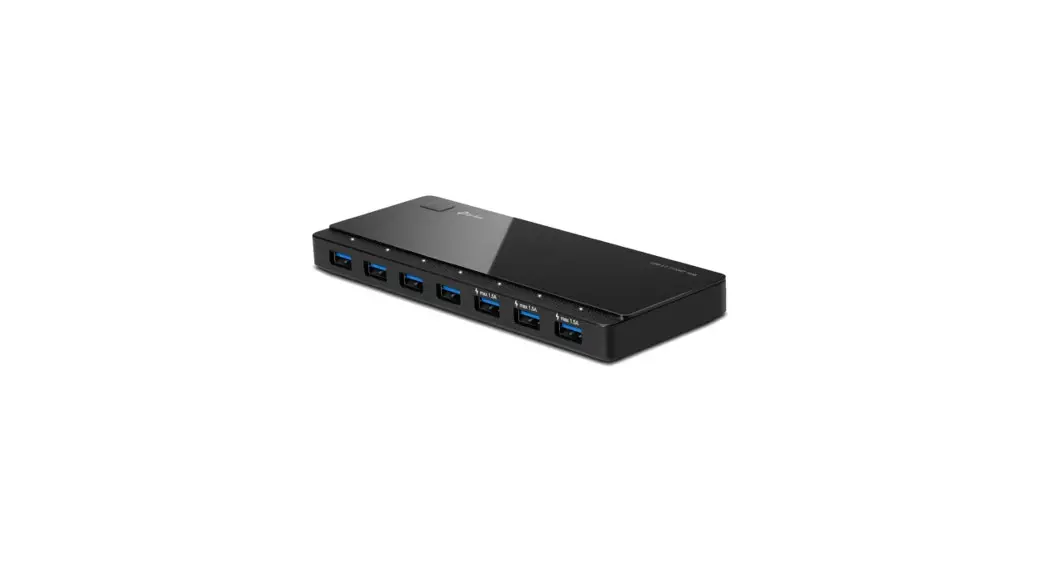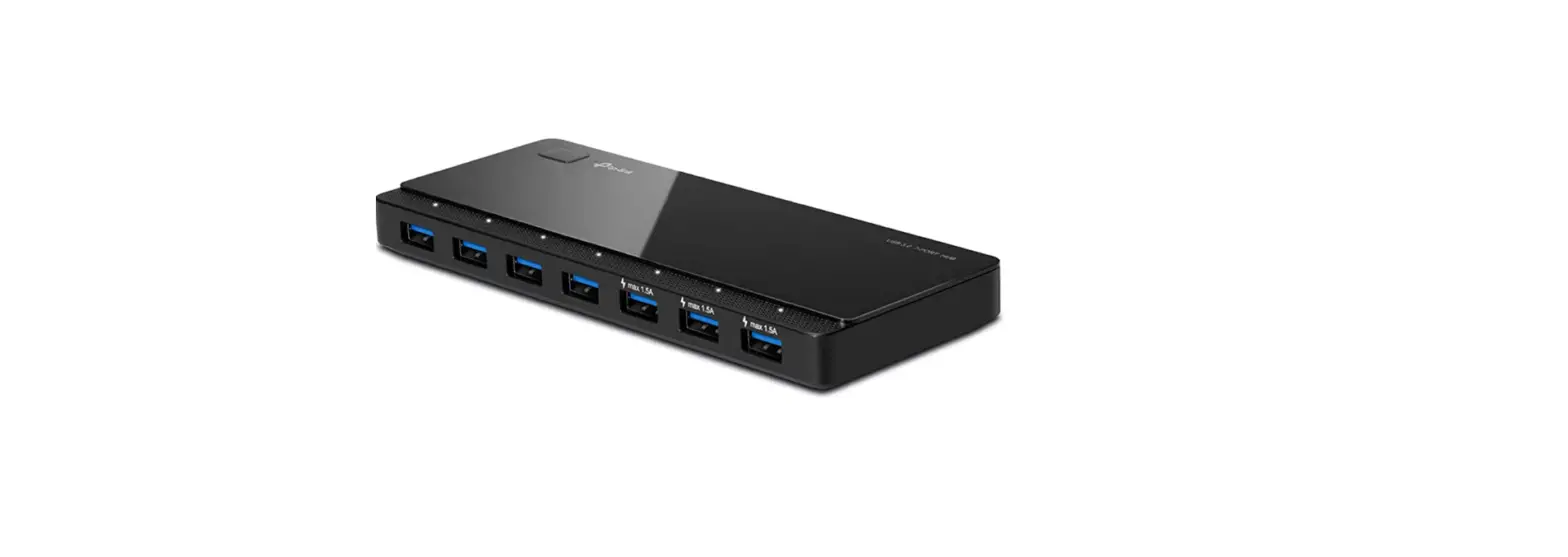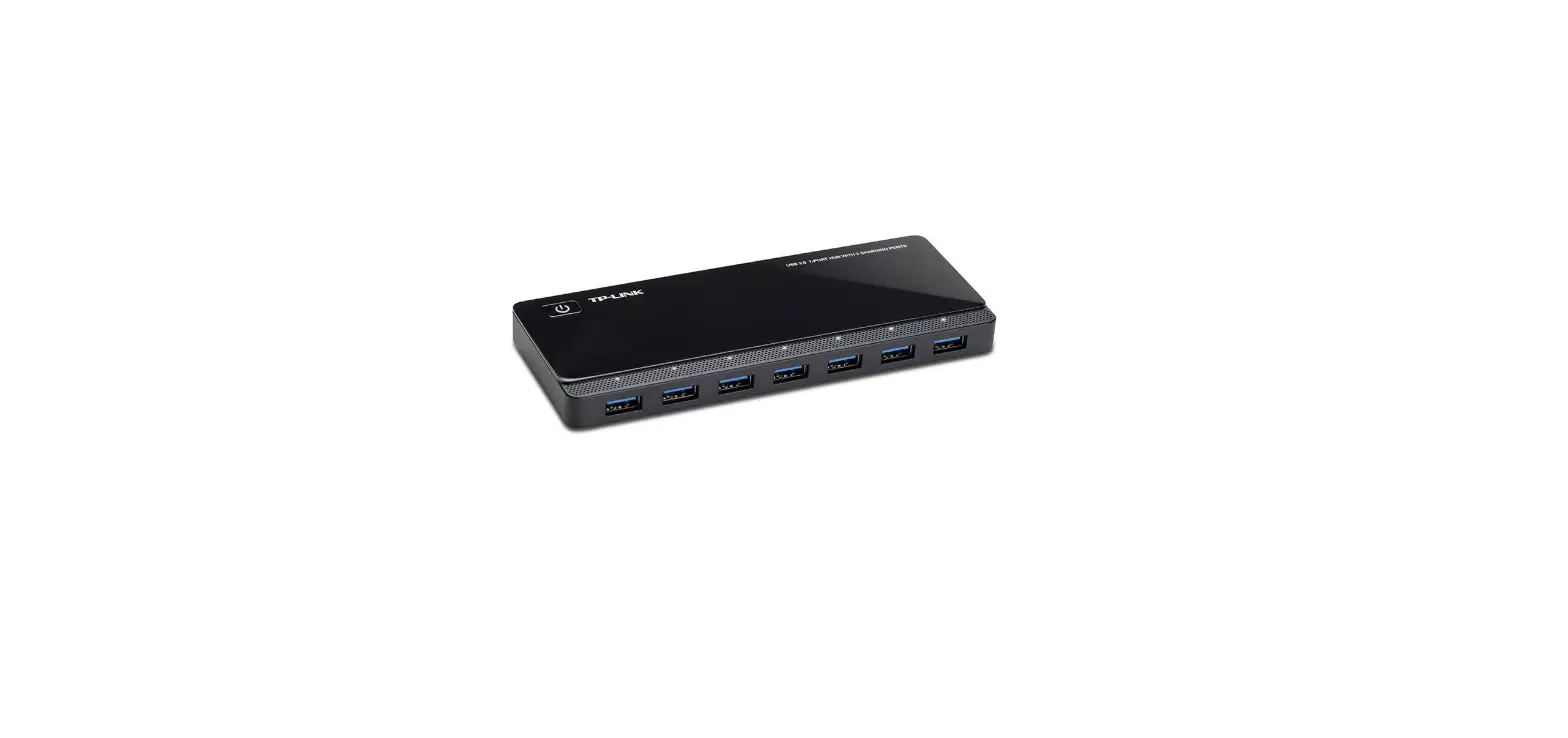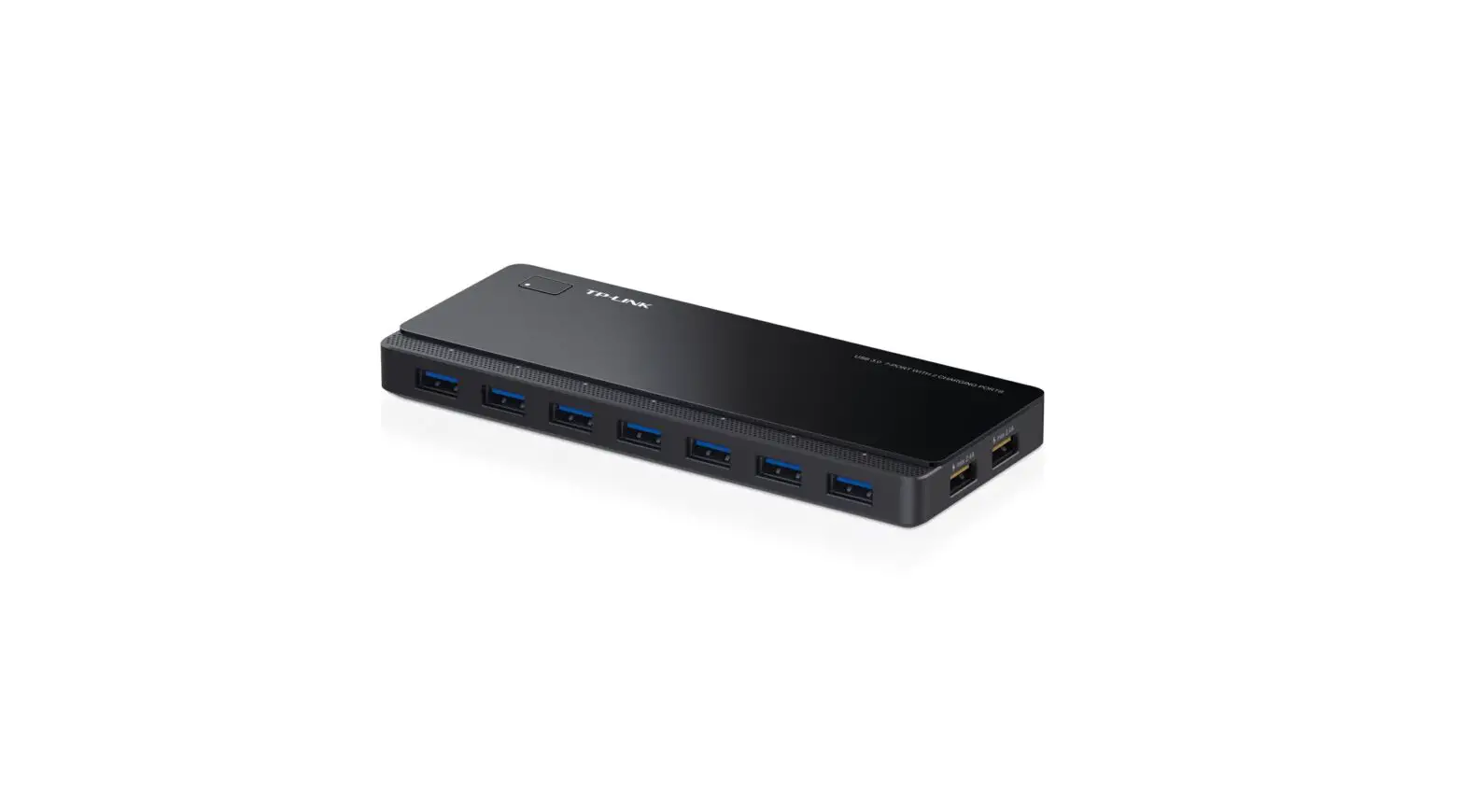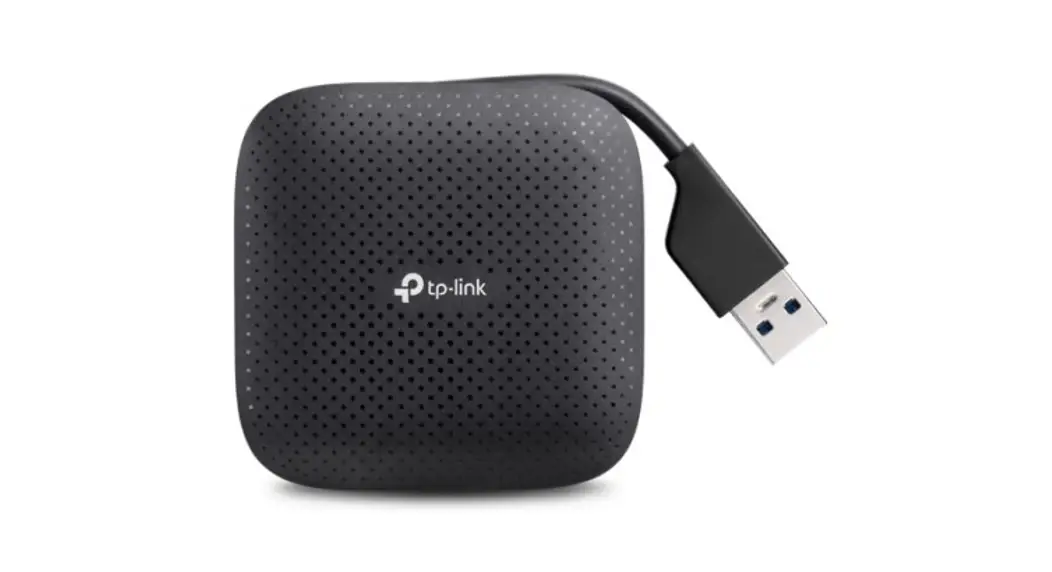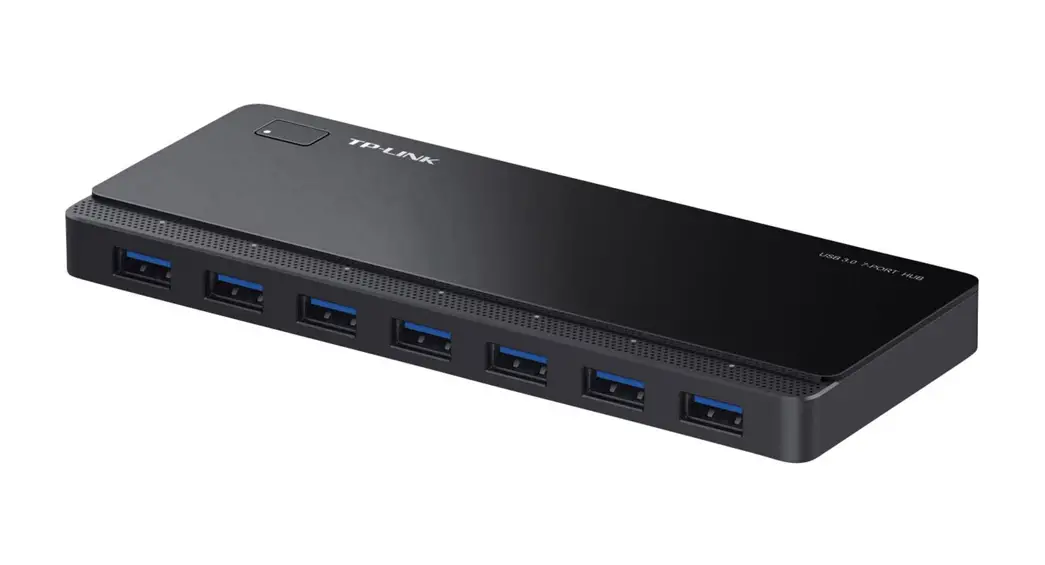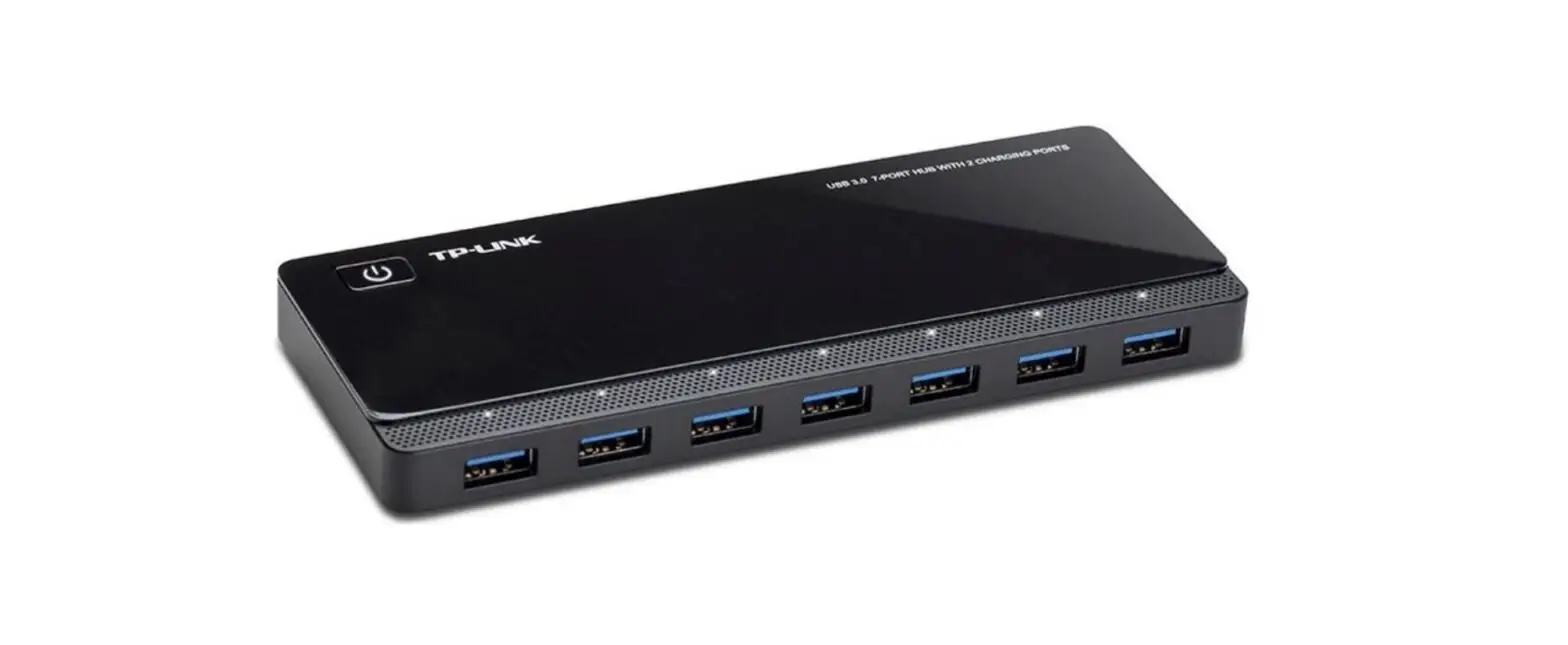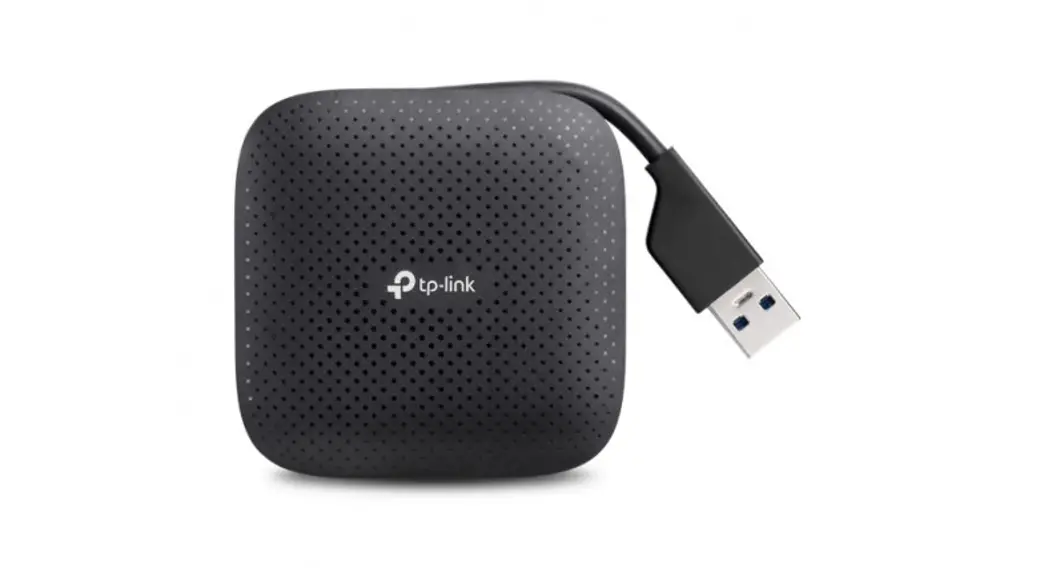

tp-link UH700 USB 3.0 7 Port Hub 
Meet Your Tapo Hub
Tapo is the easy way to turn your home into a smart home. At the center of it all is the Tapo Hub.
With superior ultra-low-power performance, Tapo Hub connects wirelessly with a wide range of Tapo accessories. So you can easily control and monitor your home from anywhere.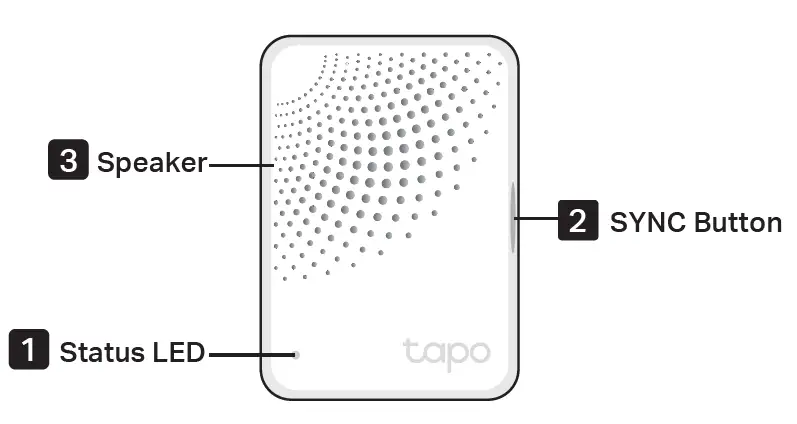
LED Status
- Solid blue
Starting up - Blinking orange
Connecting to Wi-Fi - Blinking blue slowly
Pairing with Tapo accessory - Blinking orange and blue
Ready for setup - Solid blue
Connected to Wi-Fi - Solid orange
Offline
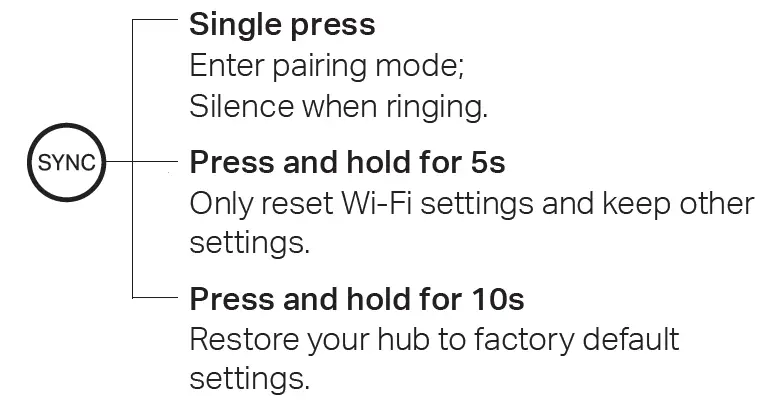
SYNC Button
Download Tapo App
Get the Tapo app from the App Store or Google Play.
Set Up Your Tapo Hub
Tap the button in the app and select Hubs. Follow the in-app instructions to complete the setup.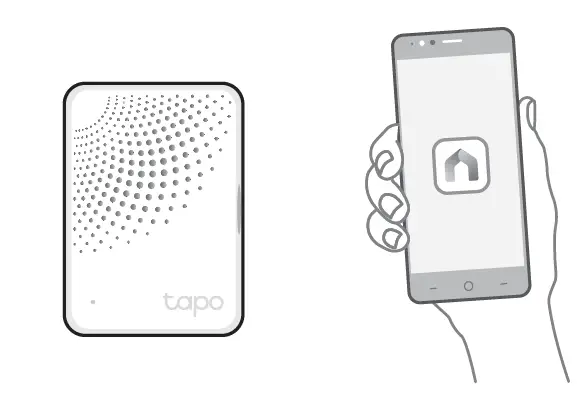
Add Tapo Accessories
After the Tapo hub is successfully added, connect your Tapo devices to your hub.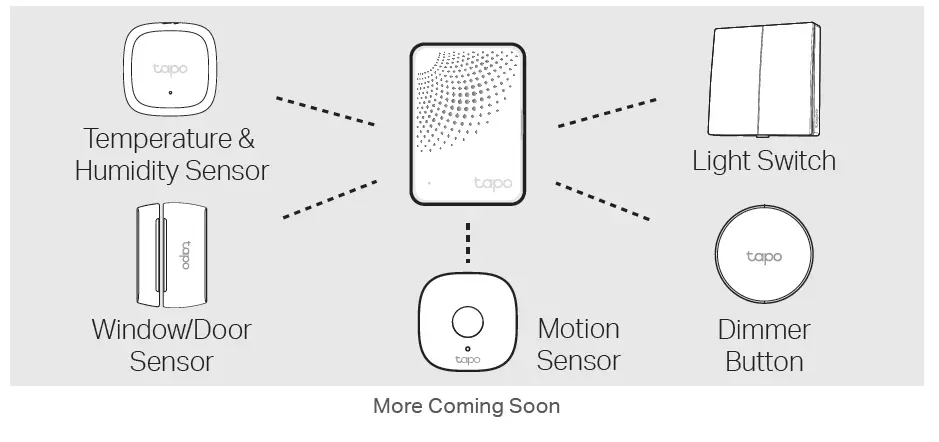
Support
For technical support, the user guide, FAQs, warranty and more, please visit https://www.tapo.com/support/

Safety Information
- Do not install in a socket facing downward.
- Keep the device away from water, fire, humidity or hot environments.
- Do not attempt to disassemble, repair, or modify the device. If you need service, please contact us.
- Do not use the device where wireless devices are not allowed.
- The socket-outlet shall be installed near the equipment and shall be easily accessible.
- Please read and follow the above safety information when operating the device.
- We cannot guarantee that no accidents or damage will occur due to improper use of the device. Please use this product with care and operate at your own risk.
- TP-Link hereby declares that the device is in compliance with the essential requirements and other relevant provisions of directives 2014/53/EU, 2009/125/EC, 2011/65/EU and (EU) 2015/863.
- The original EU declaration of conformity may be found at
https://www.tapo.com/en/support/ce/ - TP-Link hereby declares that the device is in compliance with the essential requirements and other relevant provisions of the Radio Equipment Regulations 2017.
- The original UK declaration of conformity may be found at
https://www.tapo.com/support/ukca/
For EU/UK Region:
Operating Frequency / Nominal Operating Frequency / Max Output Power:
2400MHz~2483.5MHz / 20dBm
863~865MHz / 863.35MHz / 25mW (e.r.p)
863~865MHz / 864.35MHz / 25mW (e.r.p)
868~868.6MHz / 868.35MHz / 25mW (e.r.p)
 Regulatory Compliance | Tapo