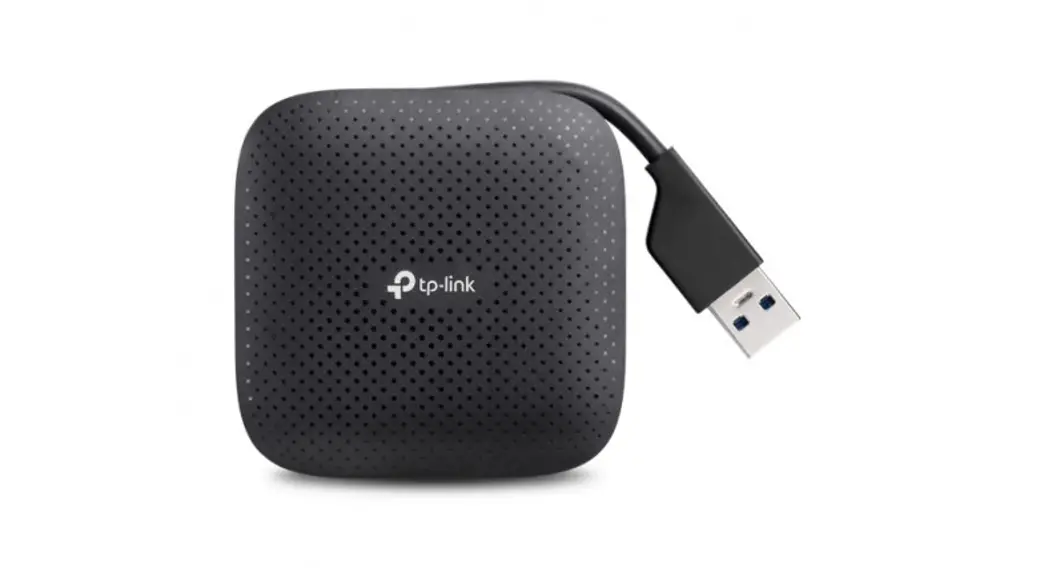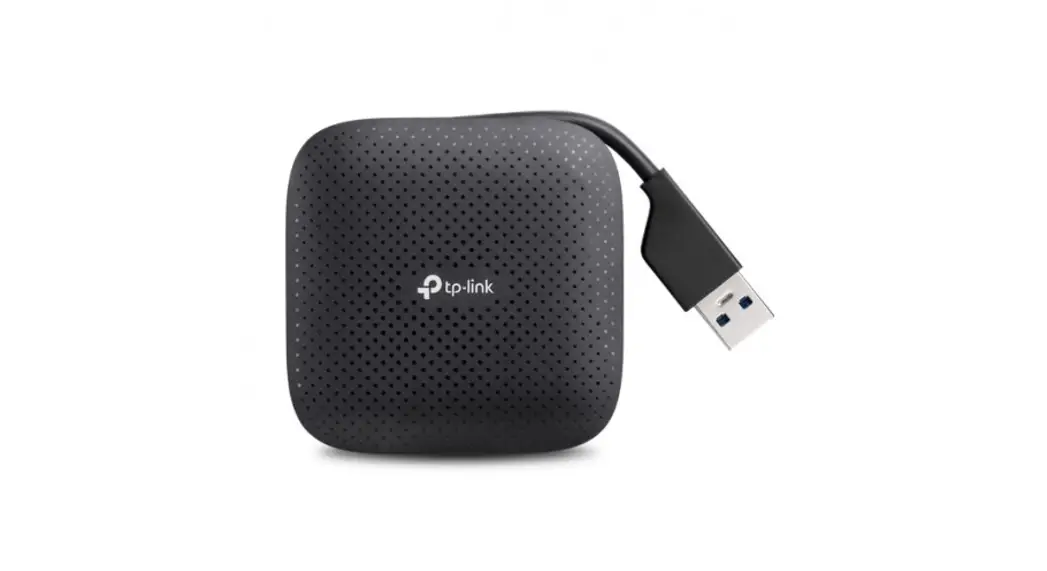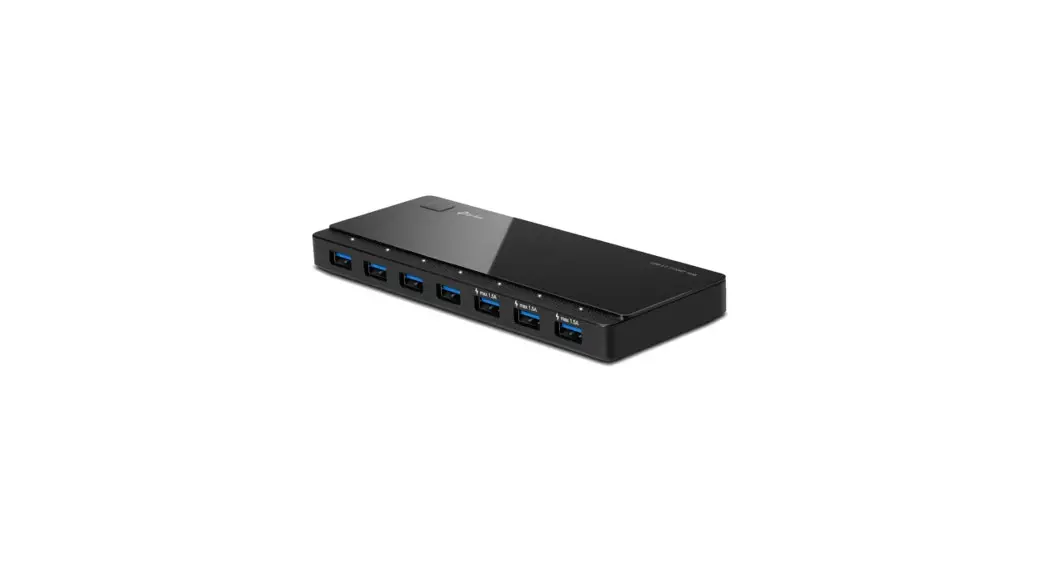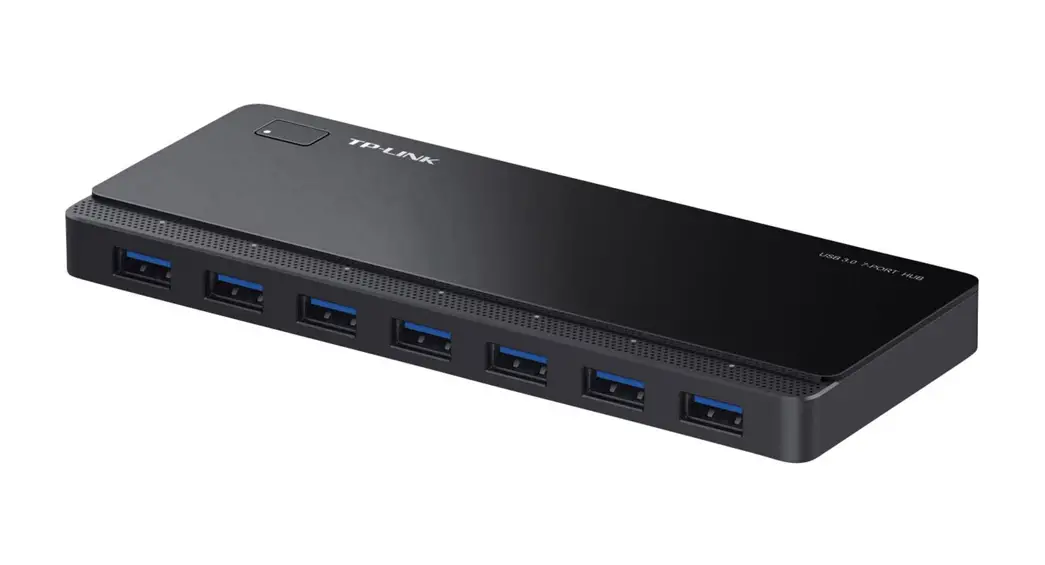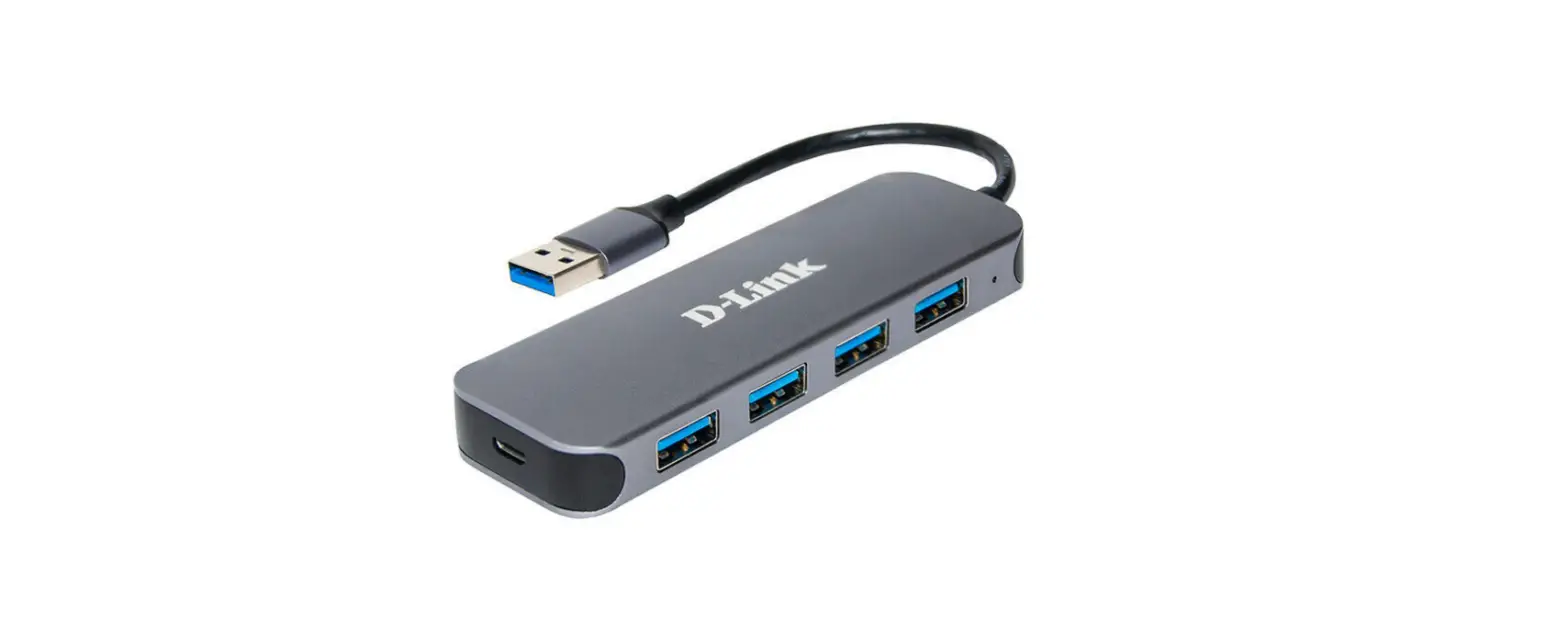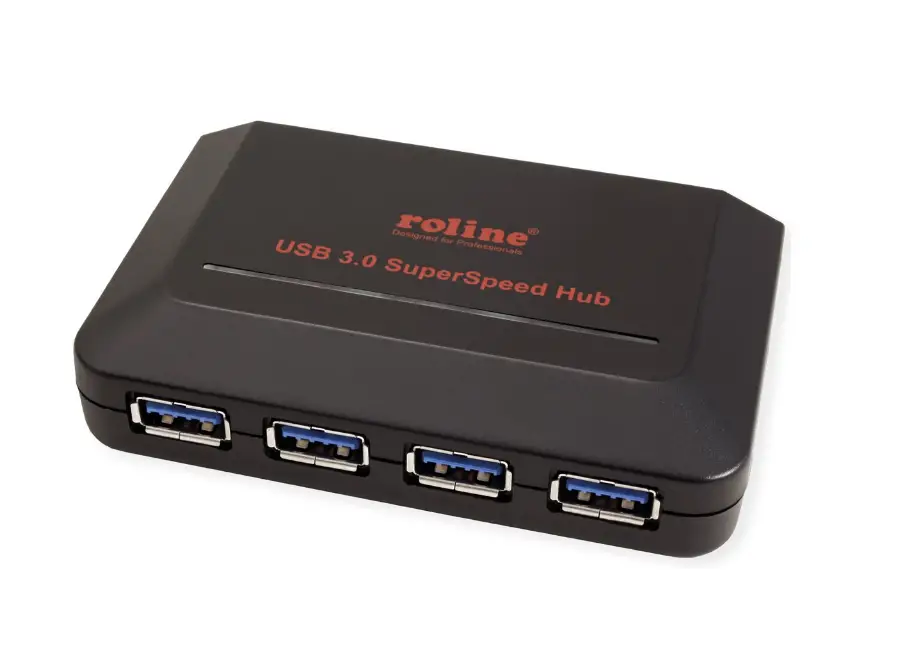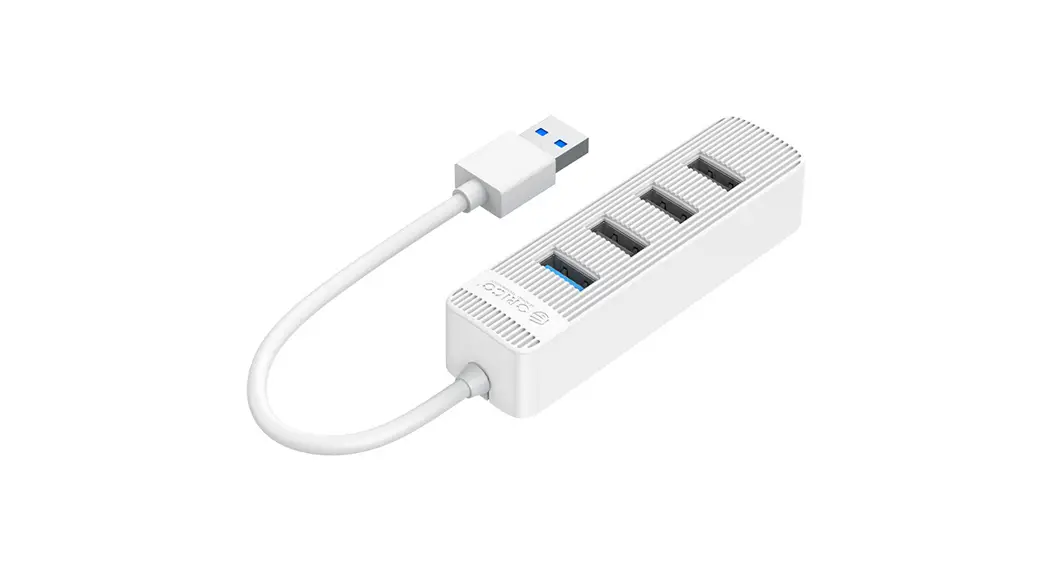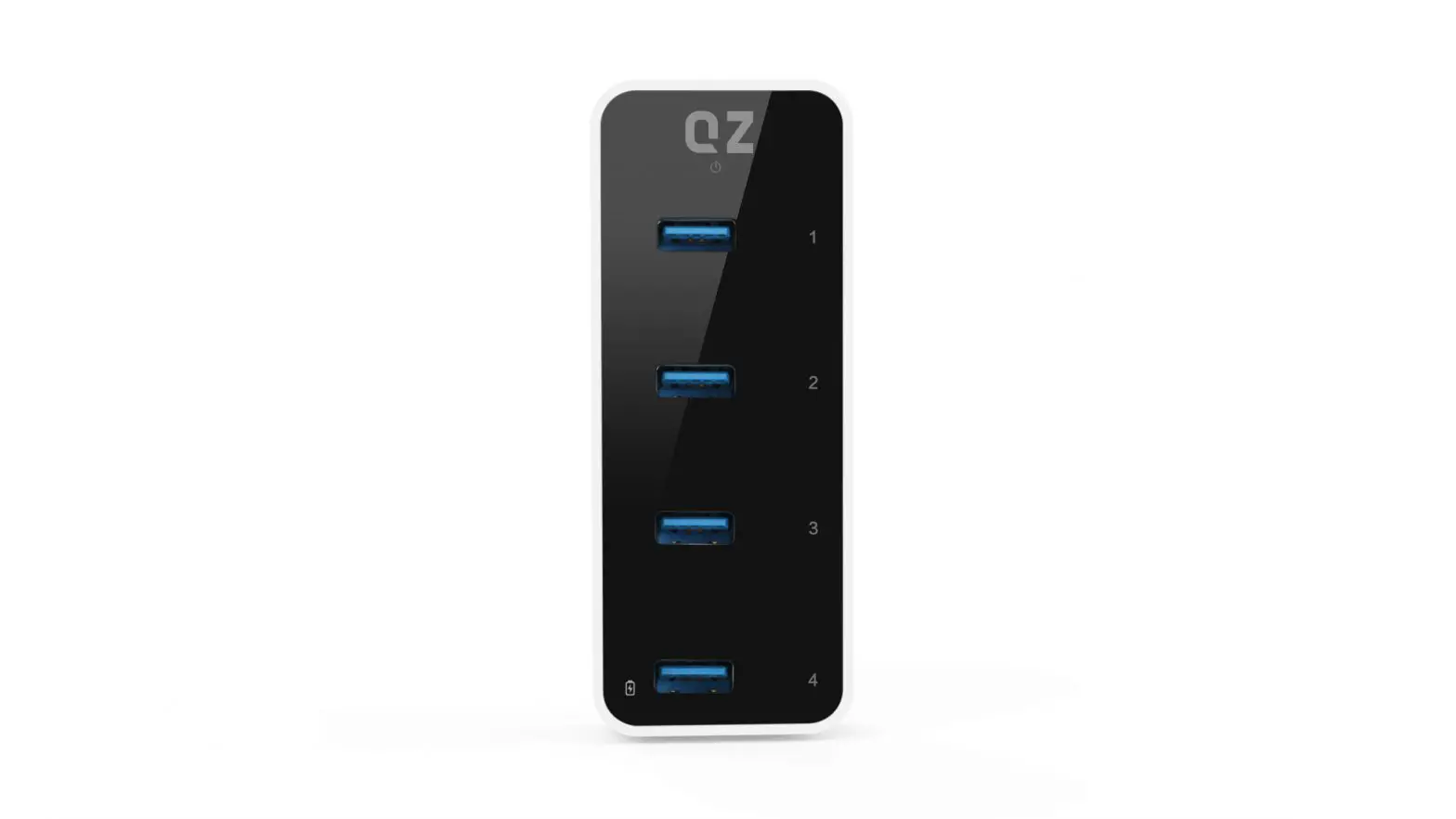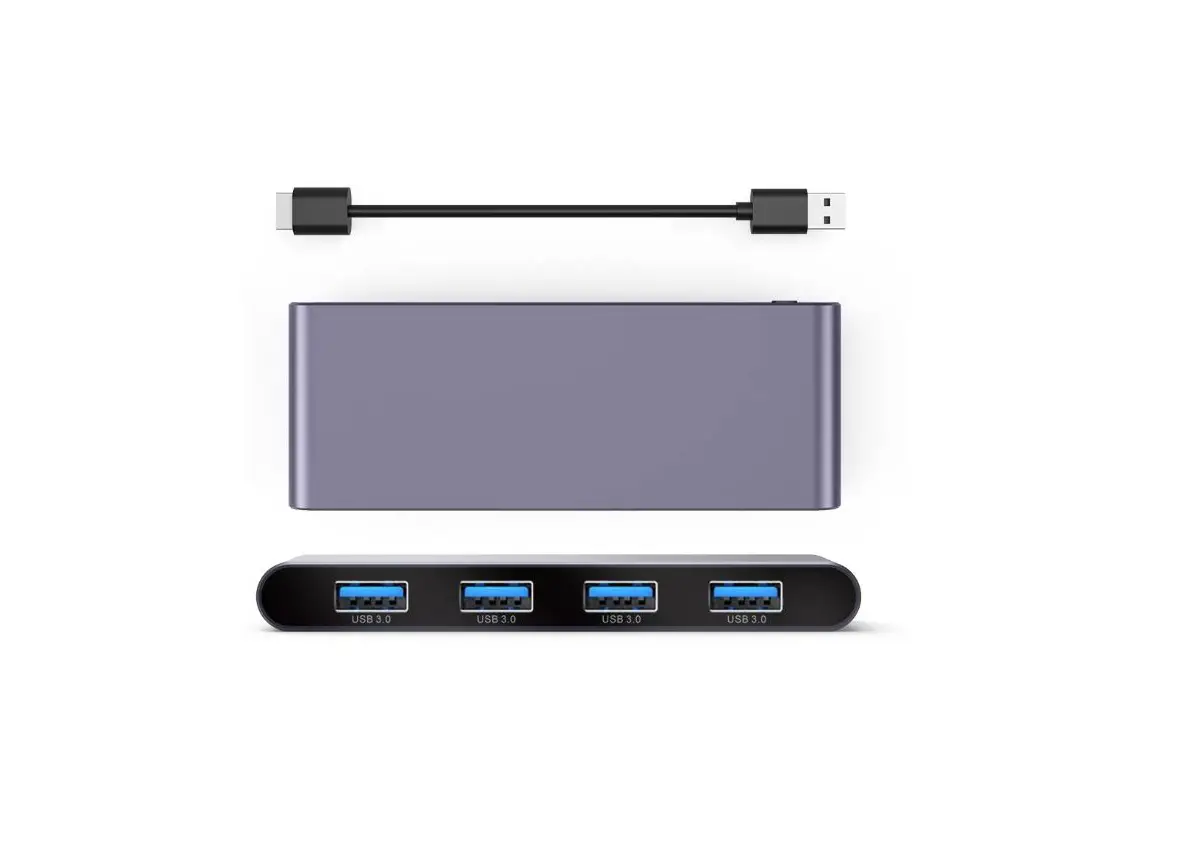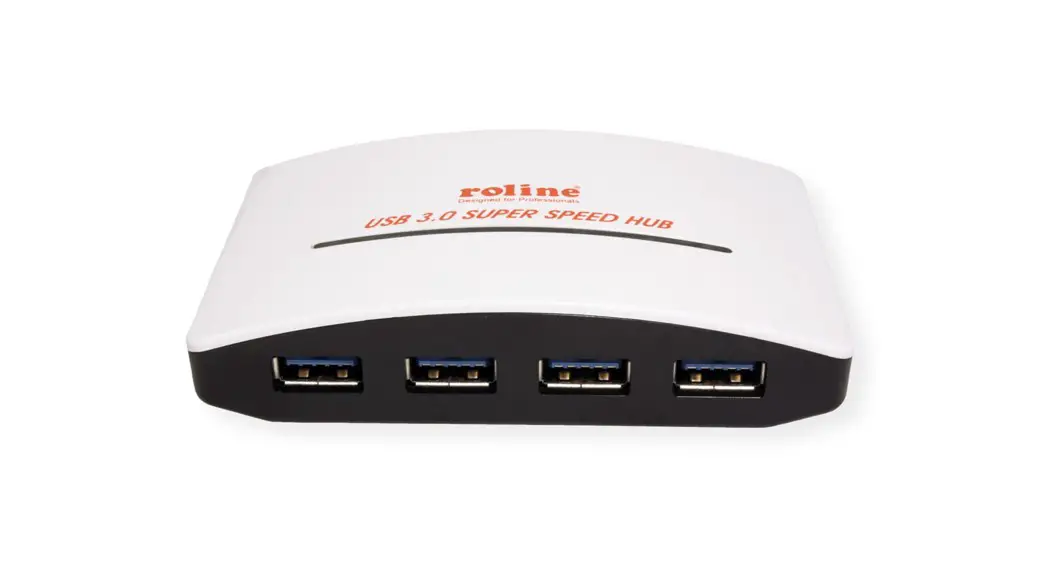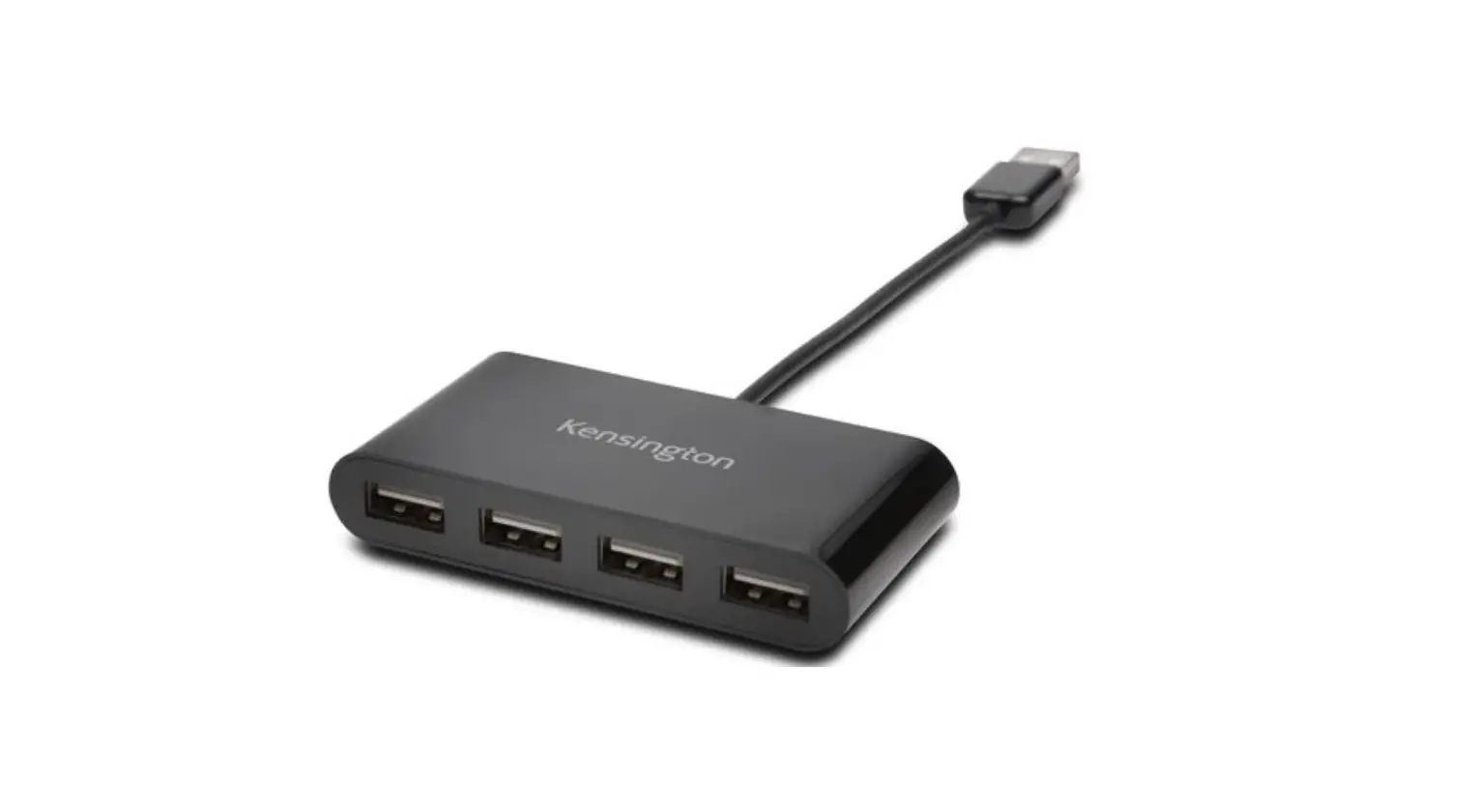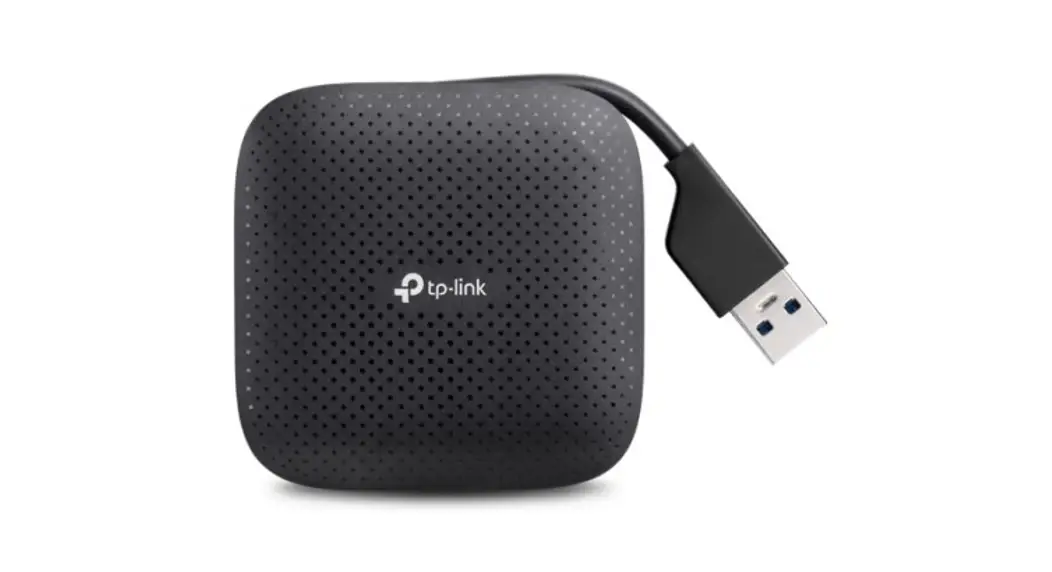
 UH400 USB 3.0 4-Port Portable Hub
User Guide
Model No.UH400
ATTENTION
♦ Keep the hub away from water, fire, humidity or hot environments.
♦ Do not heavily drop or impact the hub.
♦ Do not attempt to disassemble, modify or fix the hub by yourself. You run the risk of electric shock and voiding the limited warranty. If you need service. please contact us. ♦ Disconnect the hub from the computer before cleaning it. Do not use liquid cleaning method.
♦ This USB hub can be powered only by computers that comply with Power Source Class 2 (PS2) or Limited Power Source(LPS)of IEC 62368-1.
♦ TP-Link will not be held responsible for any damage to disk or hard disk data caused by improper use.
FCC & CE
FCC STATEMENT This device complies with part 15 of the FCC Rules. Operation is subject to the following two conditions:
- This device may not cause harmful interference.
- This device must accept any interference received, including cause undesired operation.
Any changes or modifications not expressly approved by the party responsible for compliance could void the user’s authority to operate the equipment.
CE Mark Warning This is a class B product. In a domestic environment, this product may cause radio interference, in which case the user may be required to take adequate measures. TP-Link hereby declares that the device is in compliance with the essential requirements and other relevant provisions of directives 2014/30/EU, 2014/35/EU, 2009/125/EC, 2011/65/EU and (EU)2015/863.
The original EU declaration of conformity may be found at https://www.tp-link.comlen/ce
TP-Link hereby declares that the device is in compliance with the essential requirements and other relevant provisions of the Electromagnetic Compatibility Regulations 2016 and Electrical Equipment (Safety) Regulations 2016. The original UK Declaration of Donformity may be found at https://www.tp-link.com/support/ukca
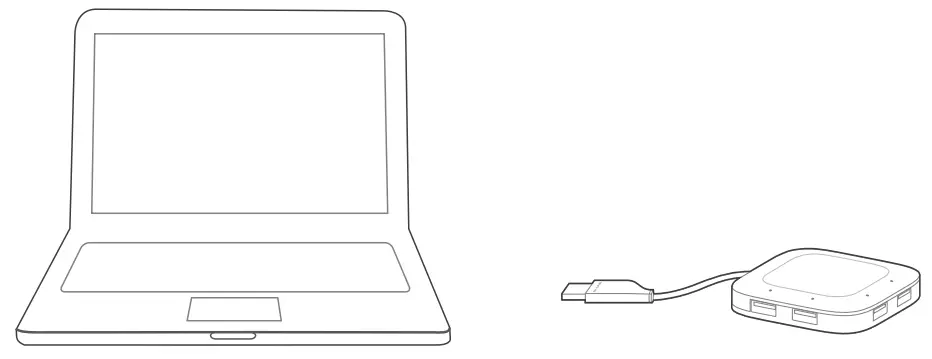
Hardware Connection
Plug the USB cable into the computer’s USB port and the hub is ready to use.
 Usage Tips:
- The TP-Link USB 3.0 hub is plug-and-play and requires no driver for Windows, Mac OS X or Linux systems.
- The LED will light up when the corresponding USB port is connected to a USB device.
Using the Hub
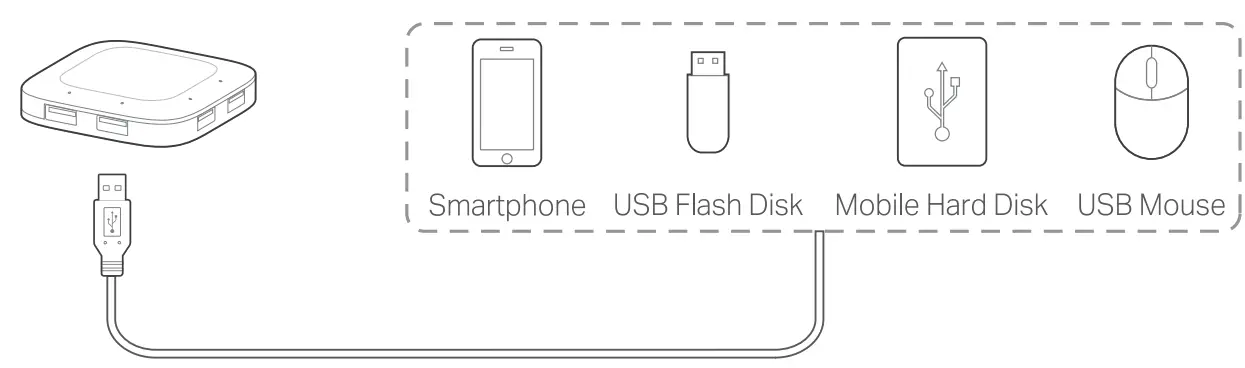
This hub provides your computer with 4 additional USB 3.0 ports for super-speed USB 3.0 connections.
 Usage Tips:
- The USB 3.0 ports are also compatible with USB 2.0 and USB 1.1 specifications.
- The USB 3.0 ports transfer data at a rate up to 5Gbps, but the actual rate is limited by the USB transfer rate of the connected devices.
- The performance of 2.4GHz wireless devices ( wireless keyboards, mouses, etc.) may be affected when they are working too close to the USB 3.0 hub.
 http://www.tp-link.com/support
 To ask questions, find answers, and communicate with TP-Link users or engineers, please visit
https://community.tp-link.com to join TP-Link Community. For technical support, the user guide and other information, visit https://www.tp-link.com/support/
 If you have any suggestions or needs on the product guides, welcome to email
[email protected].

©2022 TP-Link 7106509715 REV4.0.1
 域名售卖
域名售卖 TP-Link Community
 TP-Link Product Support - Wireless Networking Equipment Support