
BC-100 MONKEY
SLEEP TRAINER
CLOCK and ALARM CLOCK
NIGHT LIGHT
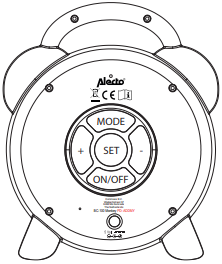
ON/OFF
Press the ON/OFF button to turn on the product.
GENERAL
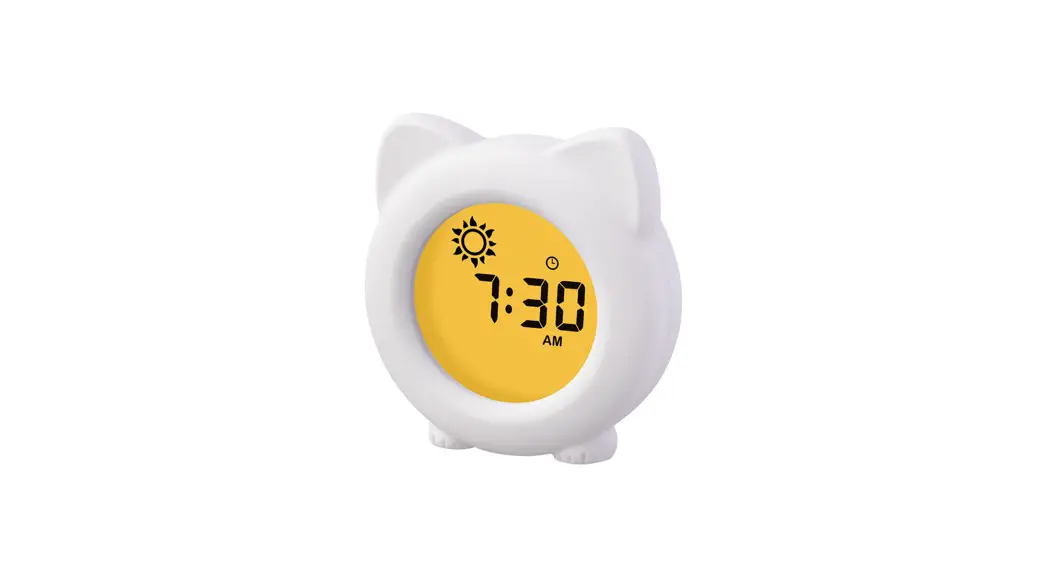
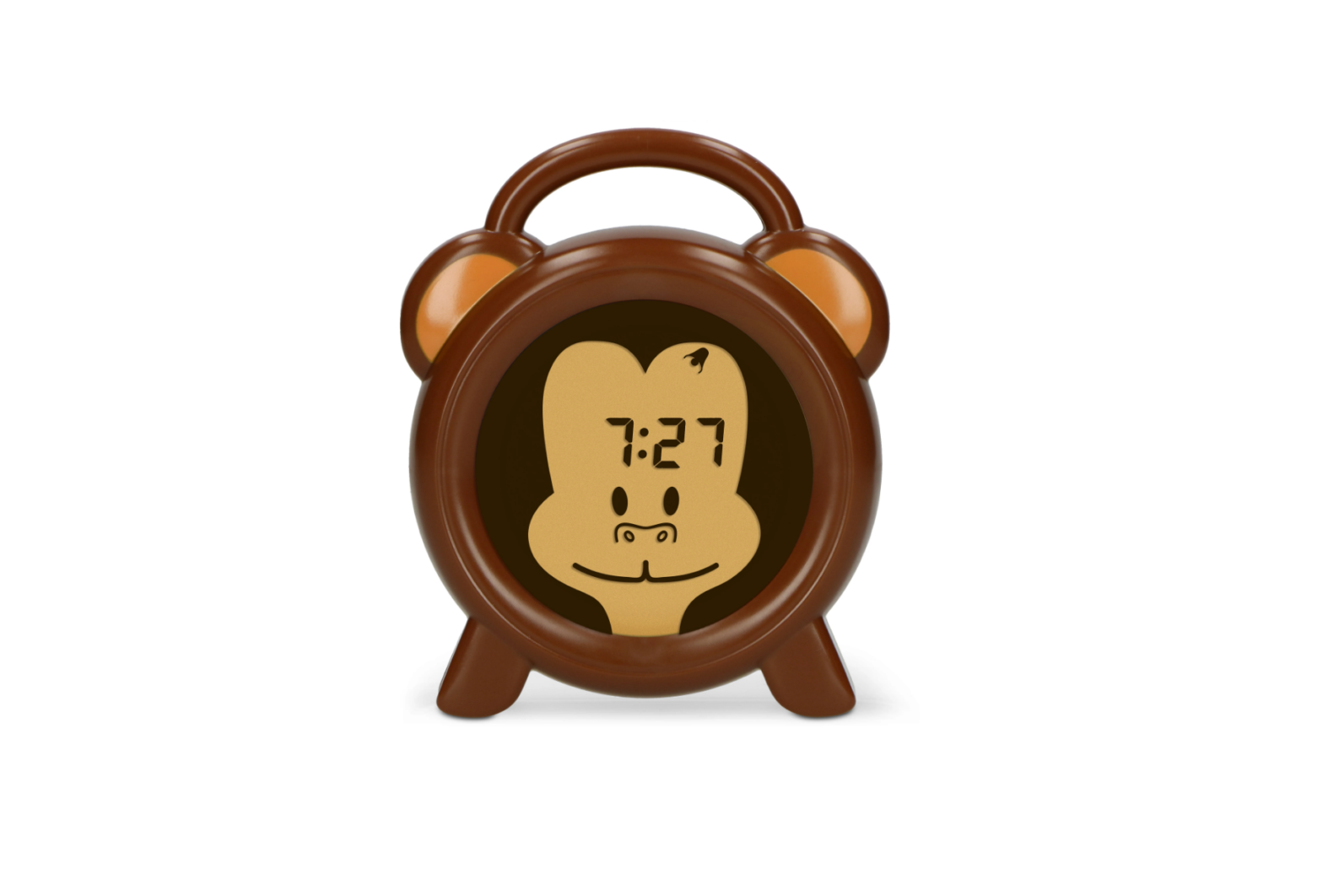
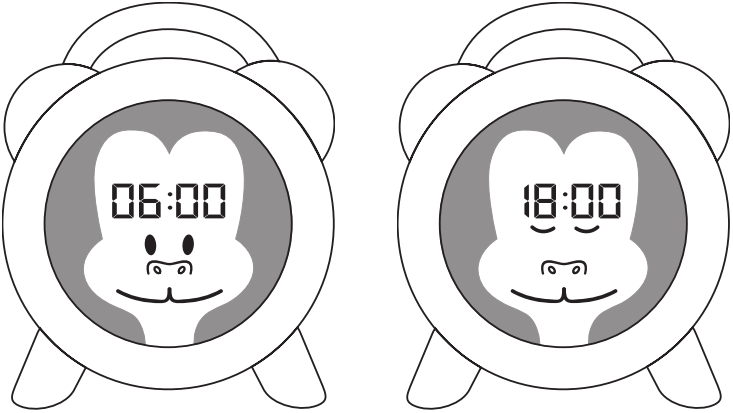
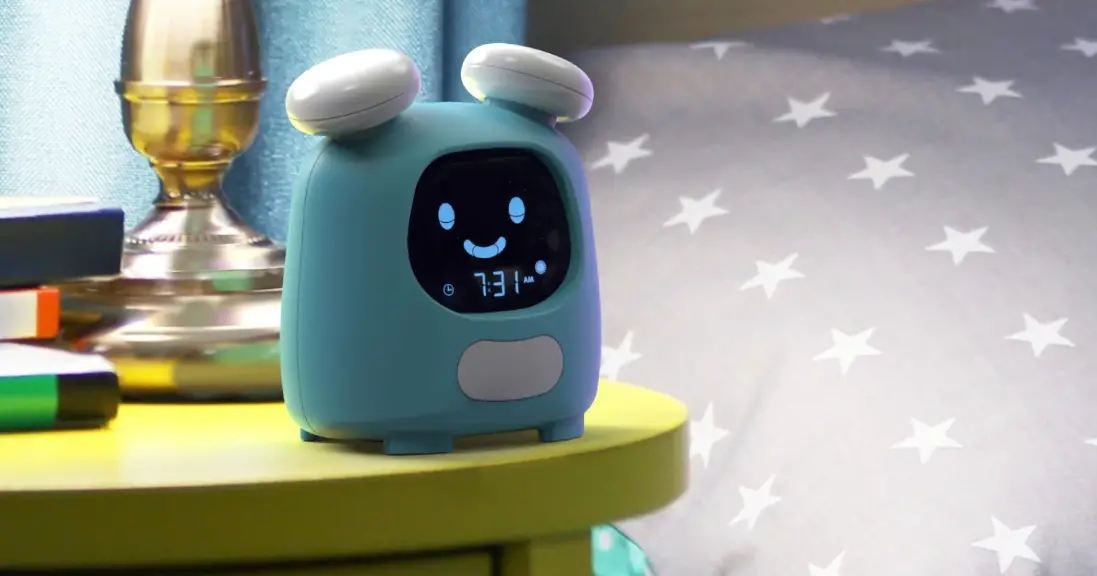
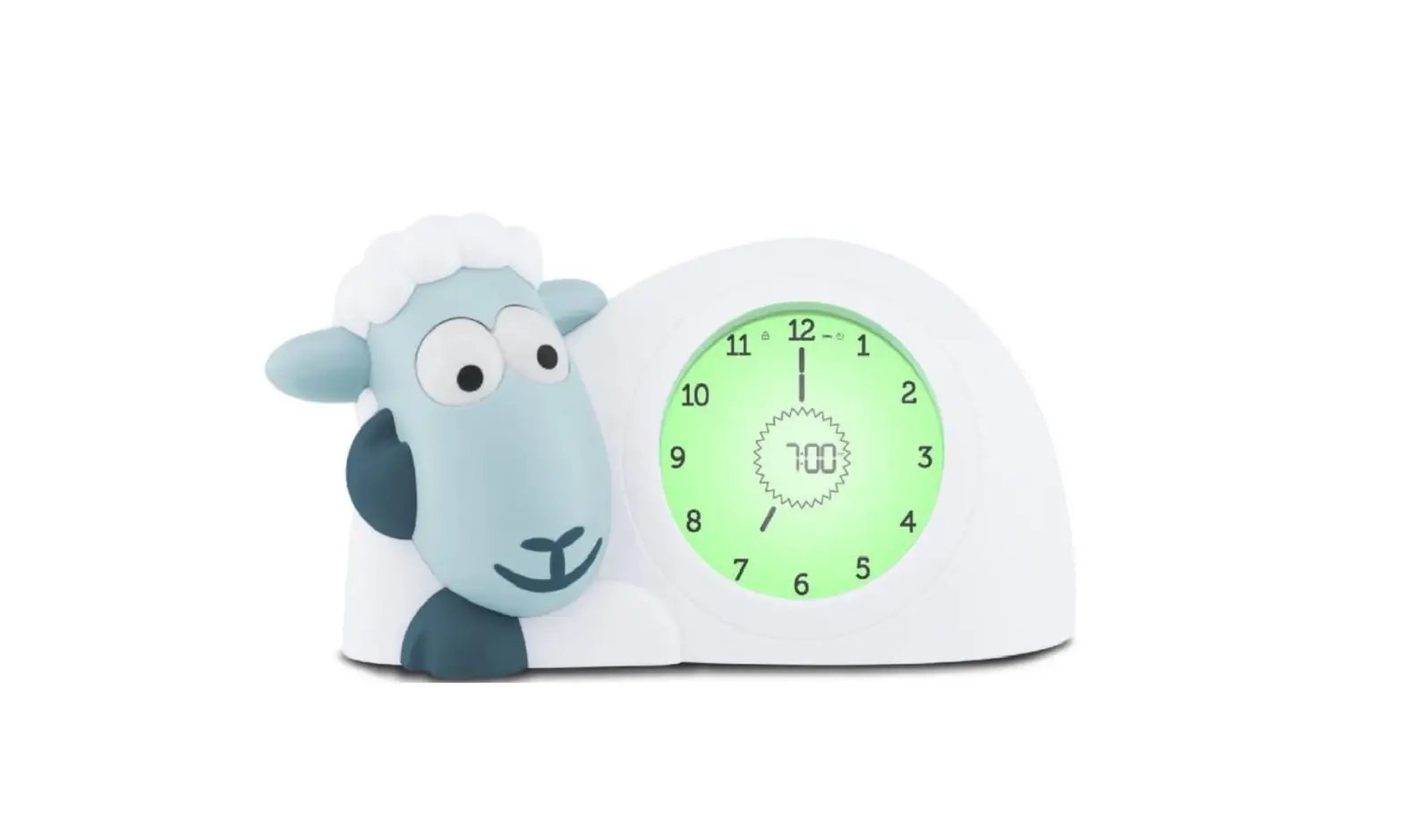
The BC-100 Monkey is suitable to improve your child’s sleep rhythm. The sleep time and daytime can be programmed. E.g. 18.30 hours to bed (sleeping time) and 06.30 hours to get up (wake-up time), possibly with an alarm signal. The display shows a blue night light during sleep time and a yellow light during daytime. The product is suitable for children who can read the clock as well as for children who can’t read the clock yet.
By pressing the SET button you can switch between the different views.
There are 3 ways to display the time on the display:
1. Only the face of the monkey.
• The monkey sleeps with blue night light means, staying in bed and sleep.
• The monkey is awake with yellow light means, I can get up.

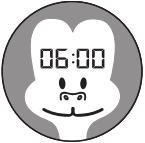
2. Monkey face with digital time.
• The monkey sleeps with blue night light and evening time means, staying in bed and sleep.
• The monkey is awake with yellow light and daytime means, I can get up.
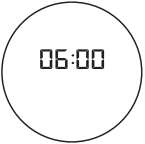
3. Digital time only
• Blue night light and evening time means, staying in bed and sleep.
• Yellow light and daytime means, I can get up.
FUNCTIONAL
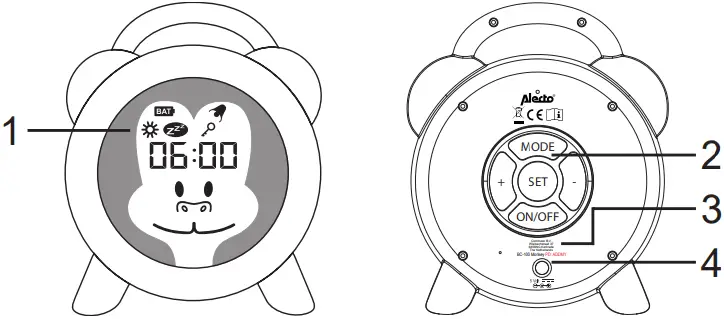
- Display with blue or yellow backlight.
 Visible when setting the alarm time
 Visible when setting the night time
 Visible when the battery is low
 Visible when the alarm is activated
 Visible when the buttons are locked
 - Keys
- Charging indicator light
- DC Jack connection for charging
CHARGING THE BUILT-IN BATTERY
With the included cable, the built-in battery of the sleeptrainer can be charged. You can place the sleeptrainers cable in a USB port on a computer, laptop or adapter with a USB port to charge it.
Make sure the BC-100 Monkey and cable are out of reach of children during charging.
The battery is fully charged after approximately 1.5 hours. This depends on the adapter or power supply used.
During charging, the light on the back of the sleeptrainer will light up red as an indication.
When the battery is full, the indicator light will turn green.
When the battery is empty, the icon  will appear in the upper left corner of the display.
Later on the backlight will go out. The digital time will continue to run for a while.
Recharge the sleeping trainer battery.
The battery will last for an average of 18 days, depending on the set display brightness.
Display lighting high: ± 4 days
Display lighting medium: ± 18 days
Display lighting off: ± 7 months
STANDBY
It is possible to put the sleep trainer on standby.
The display will then turn off. You can do this by pressing the ON/OFF button once. When the alarm goes off, the display will automatically turn on again.
SETTING THE DAY AND NIGHT TIME
The day and night time is already set at the factory.
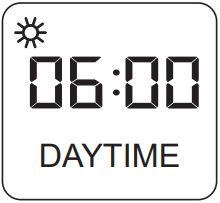
The daytime  starts at 6.00 hrs.
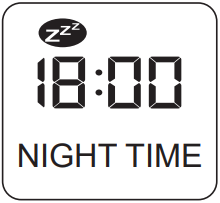
The night time  starts at 18.00 hrs.
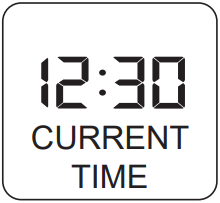
With the MODE button you can choose between daytime , night time and current time (no icon).
SETTING THE CLOCK
Make sure that the current time is shown on the display (no icon).
Then press and hold the SET button for 3 seconds. The hours will now begin to flash.
Press the + and – buttons to set the desired hours. Press the SET button.
The minutes will now begin to flash.
Press the + and – buttons to set the desired minutes.
Finally, press the SET button to confirm the entered hours and minutes.
SETTING THE DAYTIME (start of the day-yellow light)
Make sure that the daytime is shown on the display.
Then press and hold the SET button for 3 seconds.
The hours will now begin to flash.
Press the + and – buttons to set the desired hours.
Press the SET button.
The minutes will now begin to flash.
Press the + and – buttons to set the desired minutes.
Finally, press the SET button to confirm the entered hours and minutes.
Note: The daytime can be set between 04.00 – 14.59 hours.
SETTING THE ALARM TIME (alarm clock)
While setting the daytime, the alarm clock can be activated. While the hours or minutes are flashing, press the MODE button.
The icon  appears in the upper right corner of the screen.
The alarm is now activated. When the alarm goes off, it can be deactivated by pressing one of the control buttons. The alarm will go off for a maximum of 1 minute, then it will stop automatically.
Note: If the key lock is on, the alarm can still be deactivated by pressing any key.
SETTING THE NIGHT TIME (start of the night-blue light)
Make sure that the night time is shown on the display.
Then press and hold the SET button for 3 seconds.
The hours will now begin to flash.
Press the + and – buttons to set the desired hours.
Press the SET button.
The minutes will now begin to flash.
Press the + and – buttons to set the desired minutes.
Finally, press the SET button to confirm the entered hours and minutes.
Note: The night time can be set between 15.00 – 03.59 hours.
SETTING THE KEYPAD LOCK
The control keys can be locked so that they can no longer be used.
To lock the control keys, press and hold the + and – keys for at least 5 seconds.
The icon  appears in the upper right corner of the screen. Press and hold the + and – keys again for 5 seconds to release the key lock.
SETTING THE BACKLIGHT
The backlight will turn yellow or blue depending on the daytime or night time.
It is possible to adjust the intensity of the backlight.
Make sure that the current time is displayed (no icon).
Press the + and – buttons to adjust the brightness of the display. In total there are 7 modes and off.
WARNING
This is not a toy!
TWHEN NOT USED FOR A LONG PERIOD OF TIME
When not using the product for a long period of time, we advise you to turn off the sleep trainer completely using the ON/OFF button. In order to maintain the battery life, we recommend that the battery of the BC-100 Monkey is fully charged every 3 months during long periods of non-use.
SPECIFICATIONS
Power supply: Built-in rechargeable lithium battery 500 mAh.
Important:
– Replacement of the battery is not possible, please contact our service department in case of problems with the battery.
– Disposing of the product in fire, hot oven, or mechanical crushing or cutting may damage the supplied battery and cause an explosion.
– Leaving the product with the supplied battery in an environment with extremely high temperatures may cause an explosion or leakage of flammable liquid or gas.
– Exposing the product with the supplied battery to extremely low air pressure may cause an explosion or leakage of flammable liquid or gas.
Commaxx B.V.
Wiebachstraat 37
6466NG Kerkrade
The Netherlands
v3.4
 Alecto Baby | Babyfoons & Babycare
![Emerson Alarm Clock [cks1507 W/ Radio] User Manual](https://static-data1.manualsee.com/1/img/275/8730/2020/10/Emerson-Alarm-Clock-CKS1507.png "Emerson Alarm Clock [cks1507 W/ Radio] User Manual")