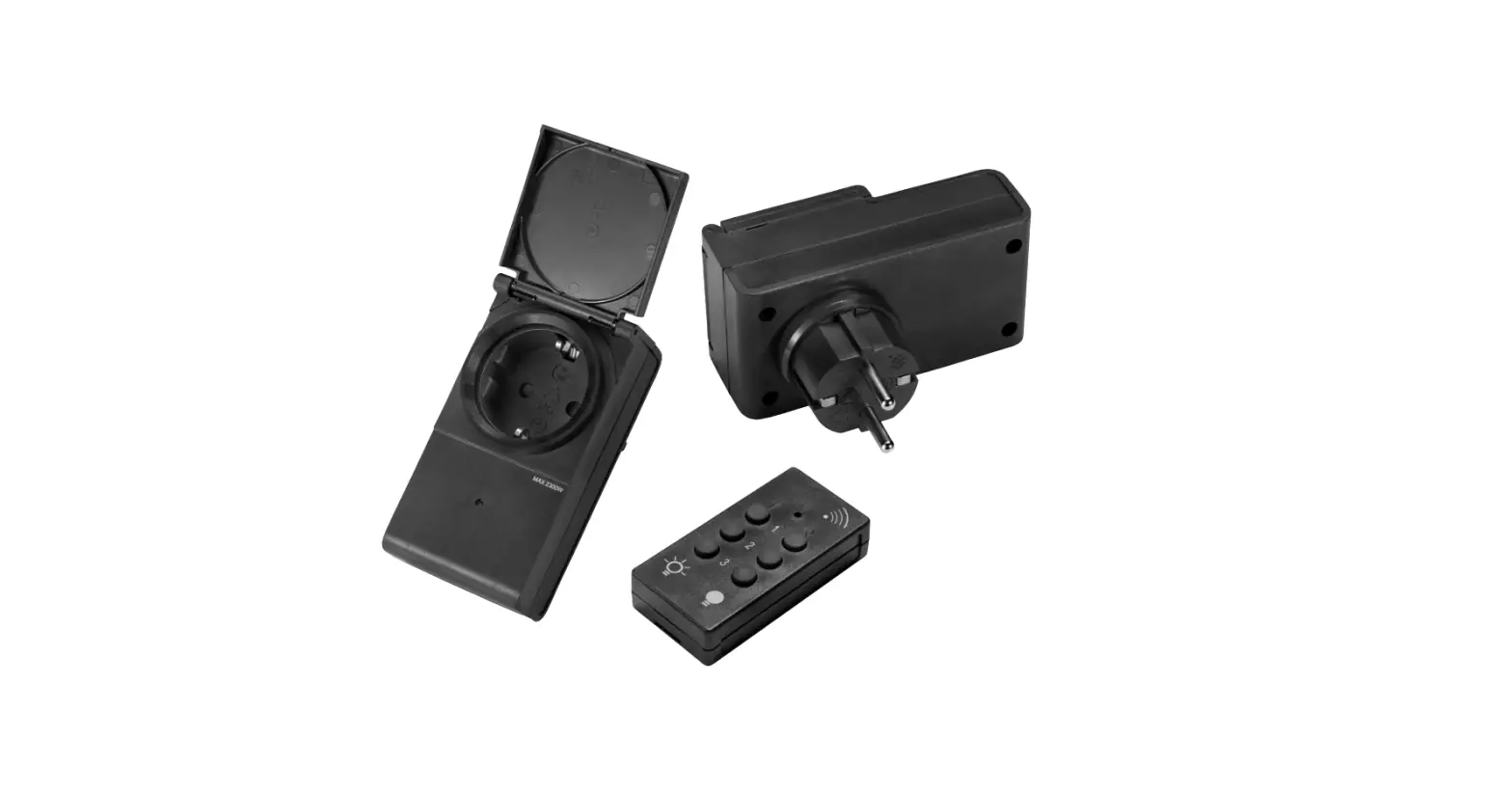
anslut 014511 Remote Power Switch Instruction Manual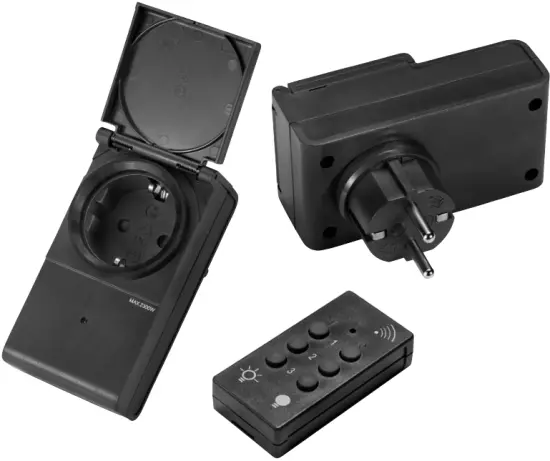
SAFETY INSTRUCTIONS
- Do not place two receivers too close to each other. The gap between two receivers should be at least 1 metre.
- Do not overload the receiver.
- Do not use the receiver near flammable liquids, solvent, paint or other similar products.
SYMBOLS
 | Read the instructions. |
 | Approved in accordance with the relevant directives. |
 | Recycle end-of-life product in accordance with local regulations. |
TECHNICAL DATA
| Rated voltage | 230 V -j 50 Hz |
| Max load | 2300 W |
| Safety class | IP44 |
| Protection rating | I |
| Frequency | 433.92 MHz |
| Range Approx. | 25 m (clear view) |
| Battery remote control | 3V CR2032 |
HOW TO USE
SYNCHRONISATION BETWEEN TRANSMITTER AND RECEIVER
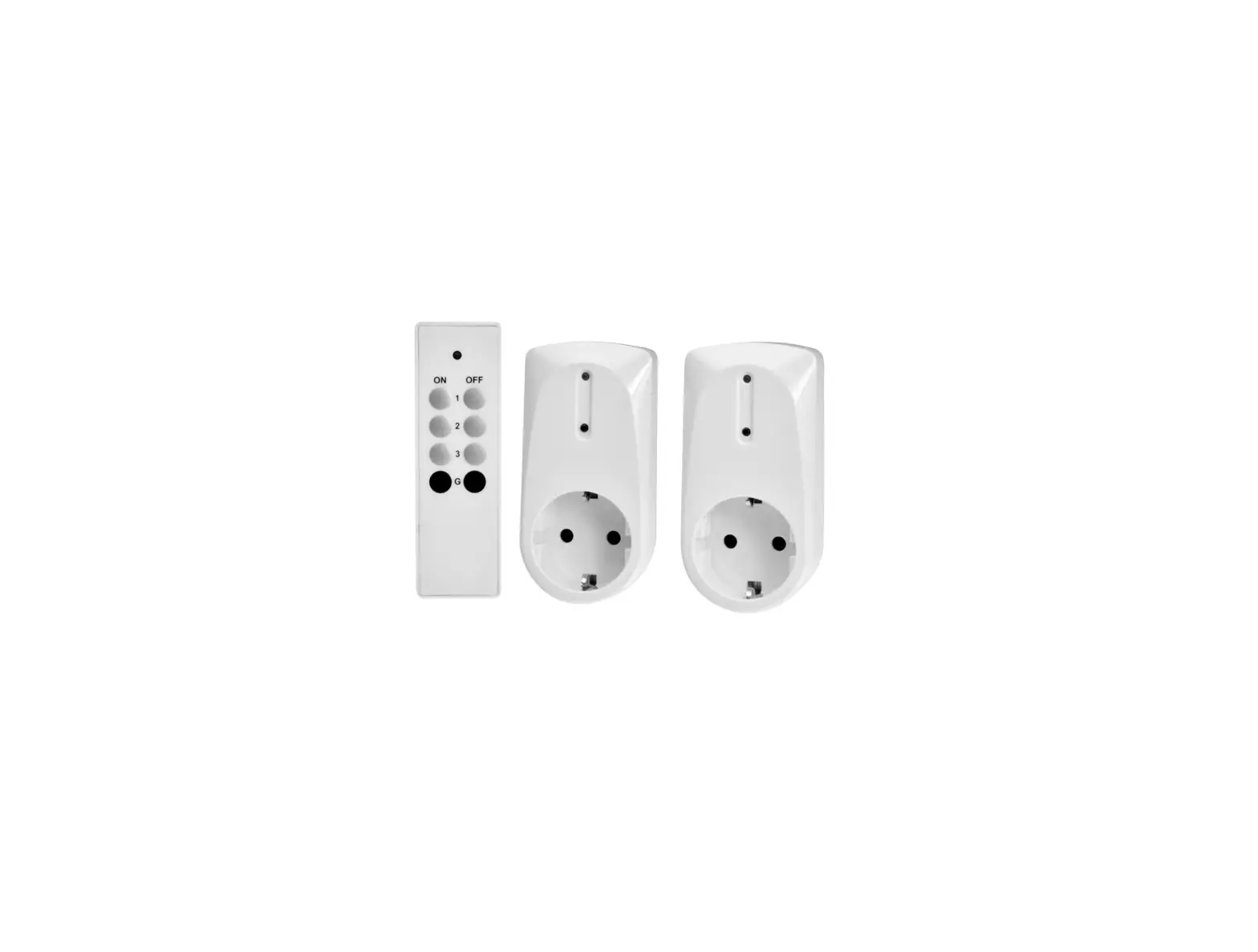
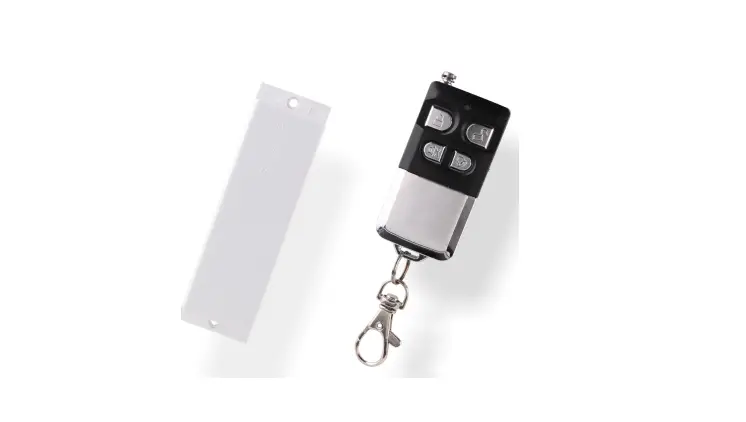
- Remove the small plastic tab from the battery on the remote control.
- Connect the receiver to a power point. The LED indicator flashes on/off for 15 seconds or until the synchronisation is completed.
- Press one of the
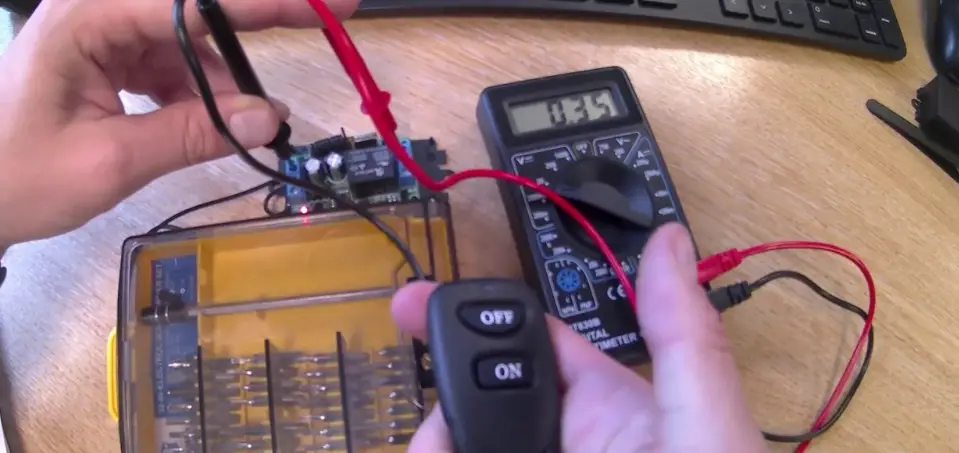
 buttons on the remote control within 15 seconds to conned the remote control to the receiver (learn mode closes automatically if no button is pressed). The LED indicator flashes three times as confirmation.
 - Connect the light to the receiver. Makes sure that the switch on the light is in the ON position.
 buttons on the remote control within 15 seconds to conned the remote control to the receiver (learn mode closes automatically if no button is pressed). The LED indicator flashes three times as confirmation.
Remove synchronisation
- If the receiver is connected to a power point, unplug it. Unplug the light.
- Connect the receiver to a power point. The LED indicator flashes for 15 seconds, or until removal is completed.
- Press one of the
 buttons on the remote control within 15 seconds to delete the learned code (learn mode closes automatically if no button is pressed). The LED indicator flashes three times as confirmation.
 buttons on the remote control within 15 seconds to delete the learned code (learn mode closes automatically if no button is pressed). The LED indicator flashes three times as confirmation.
TURN ON/OFF THE LIGHT
- Press the button to switch on the light.
- Press the button to switch off the light.
TROUBLESHOOTING
THE LIGHT DOES NOT GO ON
- The receiver LED is on
- Check light source.
- Makes sure that the switch on the light is in the ON position.
- The receiver LED is off
- Check power source to receiver.
- Try pressing the button on the remote control again.
- It it still does not work
- Check the battery in the remote control.
- Try synchronising the receiver with the remote control again.
Care for Enviornment
Recycle discarded product in accordance with local regulations.
EU DECLARATION OF CONFORMITY
Item number: 014511
Jula AB, Box 363, SE-532 24 SKARA, SWEDEN
This declaration of conformity is issued under the sole responsibility of the manufacturer
RECEIVER REMOTE: IP44
Conforms to the following directives, regulations and standards
| Directive/Regulation | Harmonised standard |
| IEC 60884-2-5:2017. NEK 502:2016, SS 4280834:2013+R1+T1 | |
| RED 2014/53/EU | IEC 61058-1:2018. EN 61058-1-1:2016 |
| RoHS 2011/65/EU + 2015/863 | 50581:2012 |
This product was CE marked in year
Skara 2020-13-23
Fredrik Bohman
BUSINESS AREA MANAGER