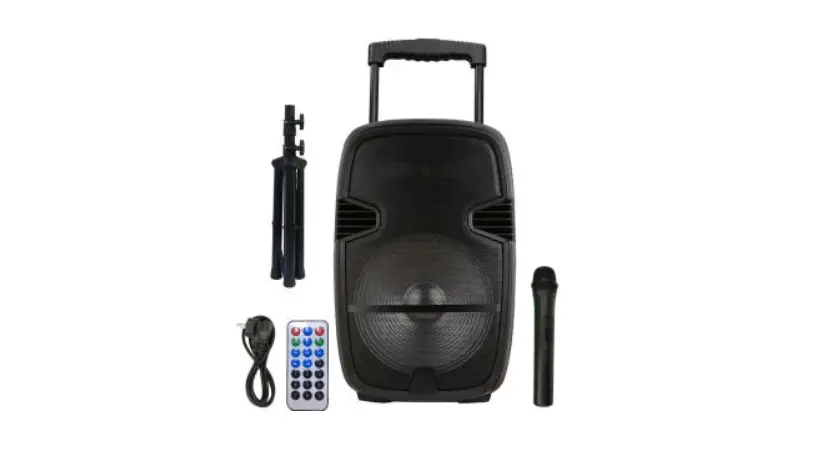
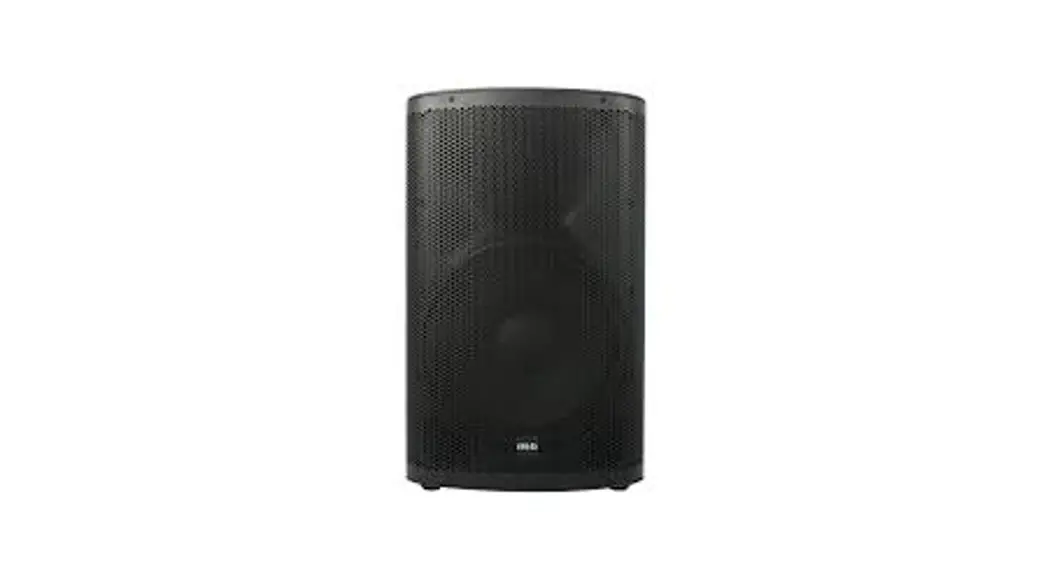
VRX712B YXSOUND Speaker
Product Information
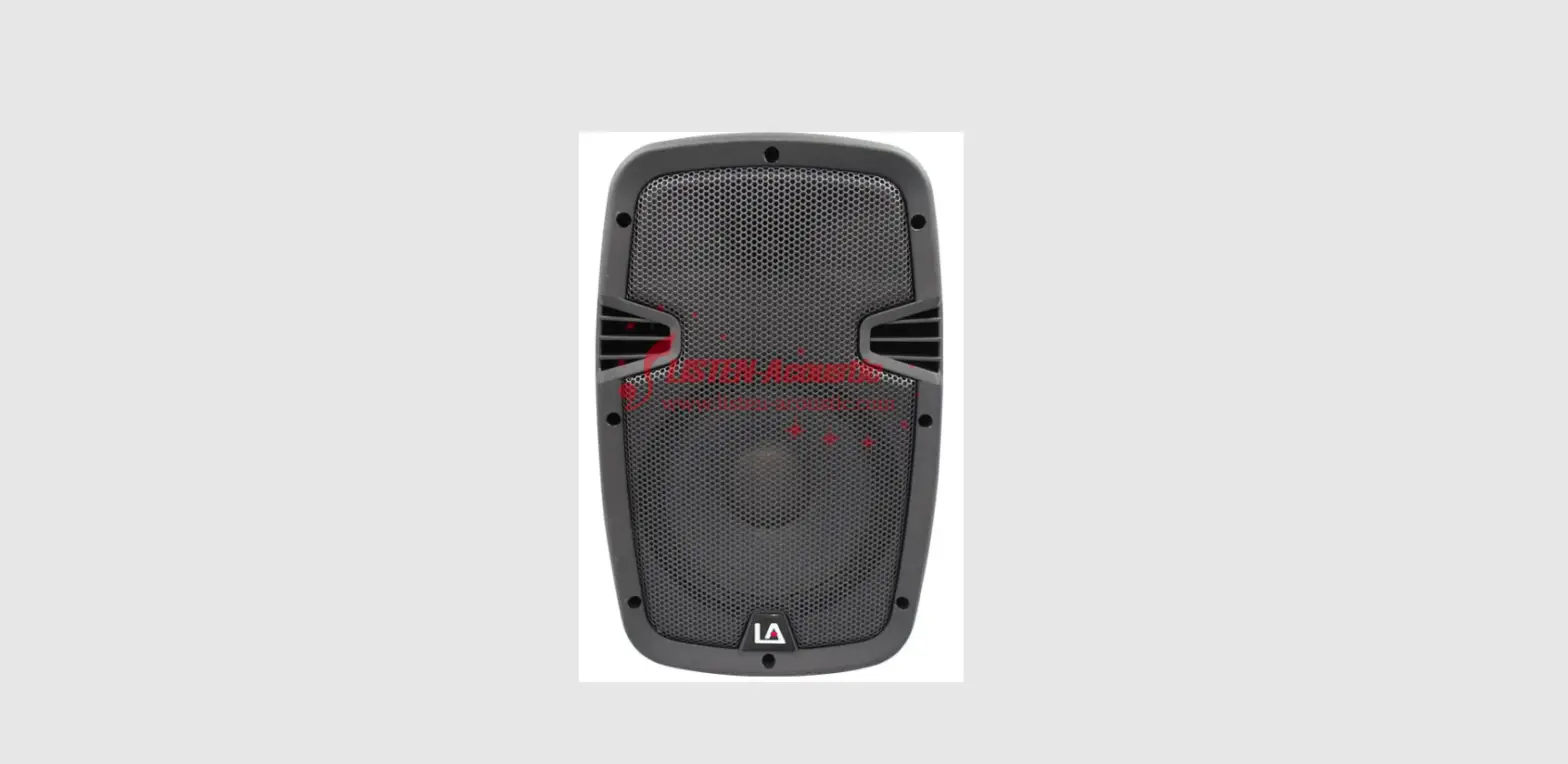
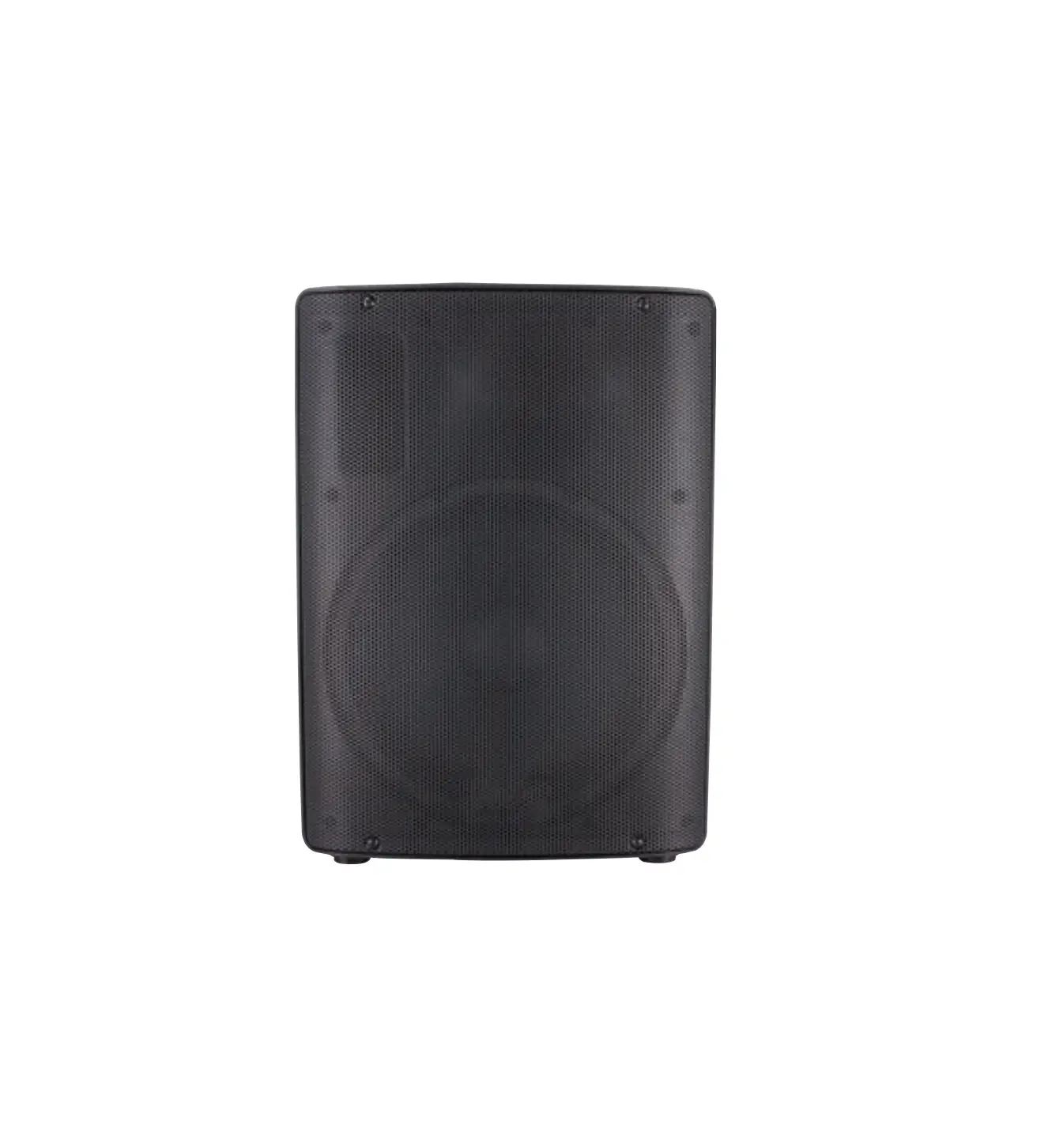
The product is the VRX712B, an auto-amplified loudspeaker. It is
designed to provide high-quality audio output and includes various
features such as USB connectivity, Bluetooth functionality, and a
built-in DSP (Digital Signal Processor).
Safety Precautions
- Before installation, ensure that the voltage and frequency of
the power outlet match the power requirements of the
loudspeaker. - Disconnect from the main power before making connections in the
loudspeaker. - Ensure that the power cord is never crimped or damaged by sharp
edges. - Avoid letting the power cord come into contact with other
cables. - Handle the power cord only by the plug.
- If replacing the fuse, use one with identical rating and
dimensions.
Product Usage Instructions
Back Panel
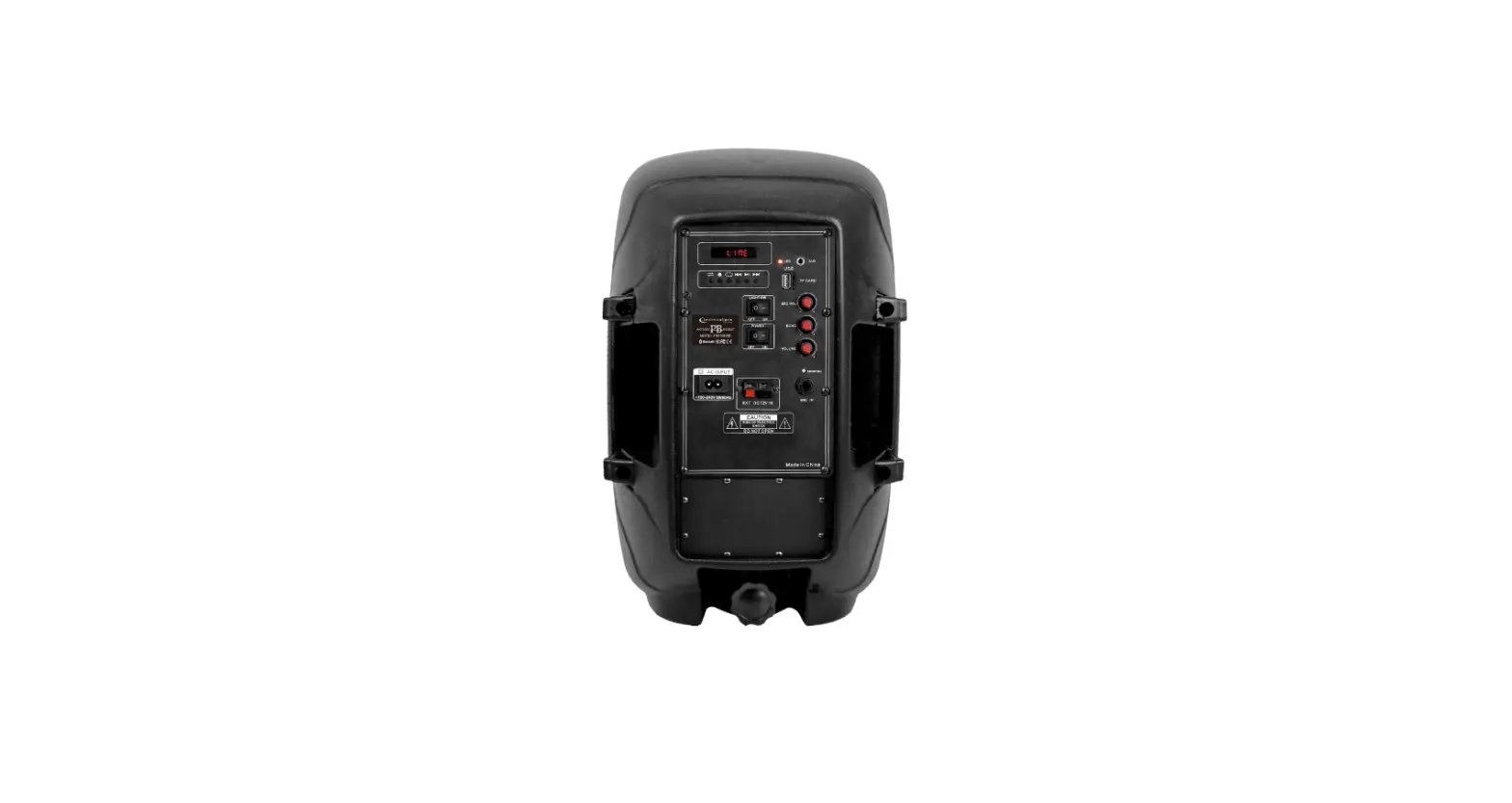
The back panel of the loudspeaker includes various inputs,
controls, and connectors. These are:
- USB port: Used to connect a computer for modifying the program
presets of the DSP. - Bluetooth button: Used to turn on and off the Bluetooth
functionality. - DSP knob: Can be pressed to switch between graphic and edit
modes, and rotated to change parameter values. - Input A: Audio signal input interface for Line A.
- Volume control for input A.
- Mix output: Connect this interface to provide a signal to
another active speaker. - Input B: Audio signal input interface for Line B.
- Volume control for input B.
- Switch for Line input and Mic input: Use Line input for normal
mode and Mic input to set the microphone level of sensitivity. Do
not use this setting when connected to a mixer output. - Power Switch: Allows you to switch on or off the unit.
- AC input: Connect the IEC power cable here to supply power to
the unit.
Please refer to the accompanying instruction manual for further
details on operating precautions and wiring procedures.
USER MANUAL
VRX712B
1
Safety Precautions
Flying and installation of this speaker cabinet must be carried out by qualified personnel following the approved safety standards. Do not attempt to clean the wooden enclosure with solvents or petrochemical based cleaners. Do not place objects which are sources of heat on the speaker cabinet such as lighting equipment or smoke machines. Do not expose the speaker cabinet to direct rain or stand in water. Liquid getting into the box will risk a short circuit and will be hazardous. Do not stack the speaker cabinet in a manner that could cause injury should a cabinet become dislodge.
Additional precautions for Auto-amplified devices of the series.
Before installation, ensure that the voltage and frequency of power outlet match the power requirements of the loudspeaker. Disconnect from main power before to make connections in the loudspeaker. Make sure that the power-cord is never crimped or damaged by sharp edges. Never let the power-cord come into contact with other cables. Only handle the power-cord by the plug. In case to replace the fuse, it must be changed by identical rate and dimensions.
Attention
Before connecting or operating your new loudspeaker, please study the accompanying instruction manual paying special attention to the operating precautions and wiring procedure.
This symbol on the product or on Its packaging indicates that this product shall not be treated as household waste. Instead it shall be handed over to the applicable collection point for the recycling of electrical an electronic equipment By ensuring this product is disposed of correctly, you will help prevent potential negative consequences for the environment and human health, which could otherwise be caused by inappropriate waste handling of this product The recycling of materials will help to conserve natural resources. For more detailed information about recycling of this product, please contact your local city office, your household waste disposal service or the shop where you purchased the product
2
Back Panel
3
Functions Explanation
1. USB port: to connect the computer to modify the program presets of the DSP
2. Bluetooth bottom : turn on and off the Bluetooth
3. DSP knob: Switch-over between graphic and edit modes(when pressed)and changes parameter values (when rotated)
4. Input A : audio signal for Line A input interface
5. Volume control for input A
6. Mix output : connect this interface, can provide a signal to another active speaker
7. Input B : audio signal for Line B input interface
8. Volume control for input B
9. Switch for Line input and Mic input: Line input is normal mode, Mic input is to set mic level of sensitivity, suitable for the direct connection of a dynamic microphone. Do NOT use this setting when connected to a mixer output .
10. Power Switch : it allows to switch on / off the unit
11. AC input : connect IEC power cable here to supply power to the unit
Warning Statement This device complies with part 15 of the FCC Rules. Operation is subject to the following two conditions: (1) This device may not cause harmful interference, and (2) this device must accept any interference received, including interference that may cause undesired operation. Any Changes or modifications not expressly approved by the party responsible for compliance could void the user’s authority to operate the equipment. Note: This equipment has been tested and found to comply with the limits for a Class B digital device, pursuant to part 15 of the FCC Rules. These limits are designed to provide reasonable protection against harmful interference in a residential installation. This equipment generates uses and can radiate radio frequency energy and, if not installed and used in accordance with the instructions, may cause harmful interference to radio communications. However, there is no guarantee that interference will not occur in a particular installation. If this equipment does cause harmful interference to radio or television reception, which can be determined by turning the equipment off and on, the user is encouraged to try to correct the interference by one or more of the following measures: -Reorient or relocate the receiving antenna. -Increase the separation between the equipment and receiver. -Connect the equipment into an outlet on a circuit different from that to which the receiver is connected. -Consult the dealer or an experienced radio/TV technician for help. This equipment complies with FCC radiation exposure limits set forth for an uncontrolled environment. This equipment should be installed and operated with minimum distance 20cm between the radiator & your body.
4