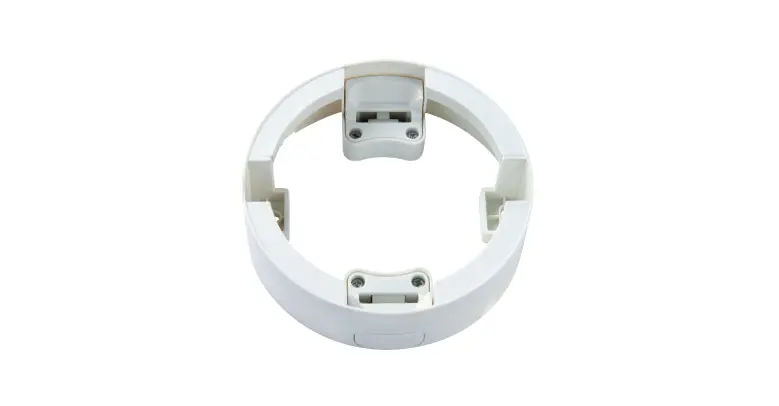
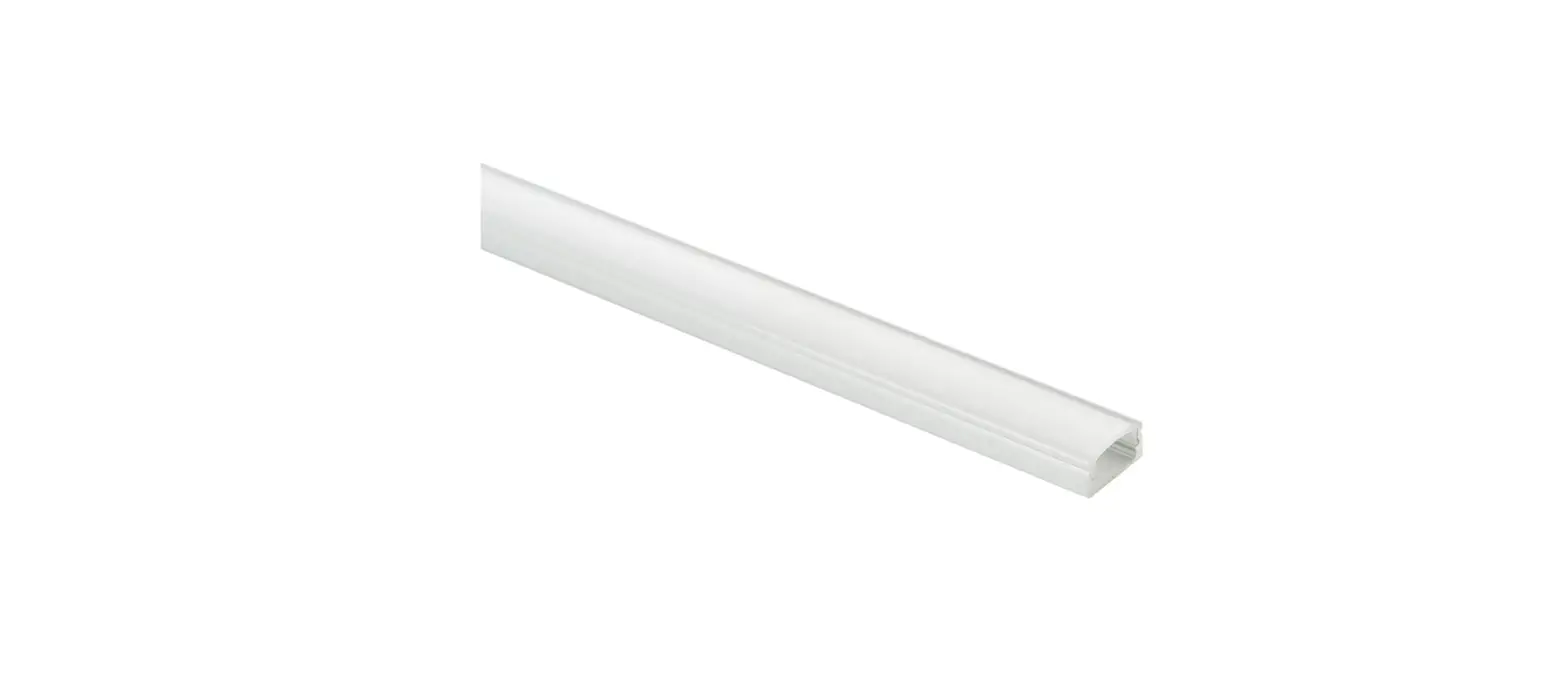
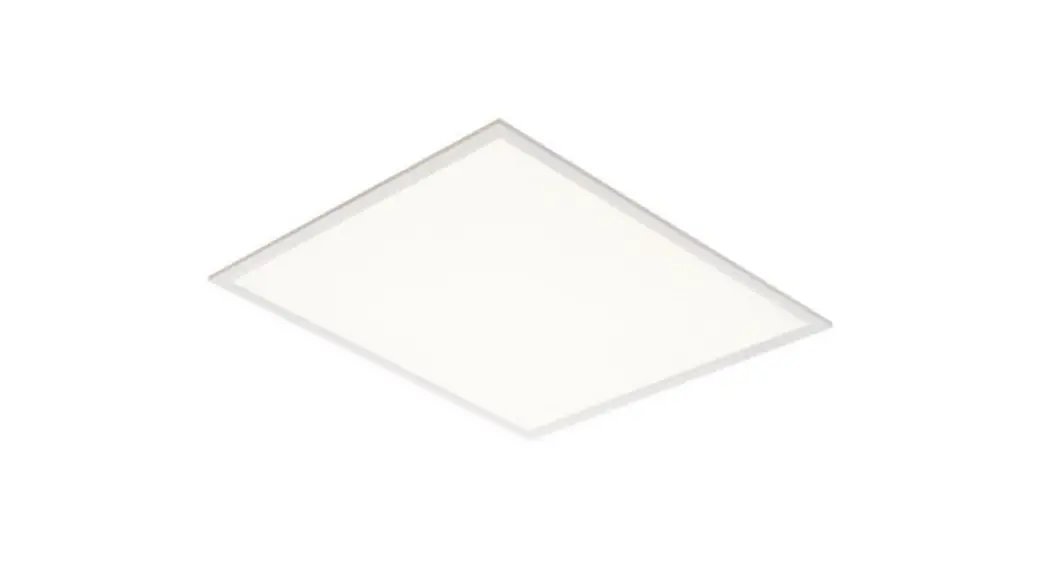
81850 Stratus Surface Mount Kit
Product Information
Product Name: Stratus Surface Mount Kit
Model Numbers: 81850, 92822, 92823
Compatibility: Designed for use with Stratus
Panels
Kit Contents:
- 81850: 8 x plastic plugs, 8 x screws, 2 x mounting frame pieces
with fixing holes, 2 x mounting frame pieces without fixing holes,
4 x corner connectors - 92822: 8 x plastic plugs, 8 x screws, 2 x mounting frame pieces
with fixing holes, 2 x mounting frame pieces without fixing holes,
4 x corner connectors - 92823: 8 x plastic plugs, 8 x screws, 2 x mounting frame pieces
with fixing holes, 2 x mounting frame pieces without fixing holes,
4 x corner connectors
Website: www.saxbylighting.com
Product Usage Instructions
Please follow these instructions to ensure safe and proper
installation of the Stratus Surface Mount Kit:
1. Check Parts
- For the 81850 kit: Verify that you have 8 plastic plugs, 8
screws, 2 mounting frame pieces with fixing holes, 2 mounting frame
pieces without fixing holes, and 4 corner connectors. - For the 92822 kit: Verify that you have 8 plastic plugs, 8
screws, 2 mounting frame pieces with fixing holes, 2 mounting frame
pieces without fixing holes, and 4 corner connectors. - For the 92823 kit: Verify that you have 8 plastic plugs, 8
screws, 2 mounting frame pieces with fixing holes, 2 mounting frame
pieces without fixing holes, and 4 corner connectors.
2. Installation
Note: Ensure the switch is turned off before installation.
- Using four corner connectors, connect two mounting frames
(without fixing holes) and push to secure. This will form the base
frame (Frame A). Refer to Fig. 1 for guidance. - Slide two mounting frames (with fixing holes), separately, into
the base frame (Frame A) and push to secure. Make sure the two
opposite sides of the three-sided frame have fixing holes. Refer to
Fig. 1 and Fig. 2 for guidance. - Use the part-assembled frame as a template and mark the fixing
holes on the ceiling. Take care not to damage any concealed wiring
or pipes. Then, fix the part-assembled frame to the ceiling using
the supplied plastic plugs and screws. Refer to Fig. 3 for
guidance. - Refer to Fig. 4. Connect the driver according to the
instruction manual provided with the Stratus Panels. Carefully
slide the panel into the three-sided frame. - Slide the fourth frame (Frame A) with two corner connectors
into the part-assembled structure and push to secure. Refer to Fig.
5 for guidance. - Replace the fuse or circuit breaker and switch on. Your light
is now ready for use.
Note: Fixing holes must be opposite each other
as shown in Fig. 2.
Recycling Advice
Conformity with all relevant EC Directive requirements and UKCA
Directive requirements.
Waste electrical products should not be disposed of with
household waste. Please recycle where facilities exist. Check with
your Local Authority or local store for recycling advice.
Safety Information
For your safety, always switch off the power supply before
cleaning.
* Product images may vary.
V8 24/10/2022 UK Manufacturer: BH17 7BY EU Manufacturer:
Brilliant AG, Brilliantstrasse 1, D-27442 Gnarrenburg
Instruction manual
Stratus Surface Mount Kit
81850, 92822, 92823
81850
92822
92823 Thank you for purchasing this accessory. Please read the instructions carefully before use to ensure safe and satisfactory operation of this product. Please retain these instructions for future reference.
Check you have all necessary prts: 81850: – 8 x plastic plugs
– 8 x screws – 2 x mounting frame pieces with fixing holes – 2 x mounting frame pieces without fixing holes – 4 x corner connectors
92822: – 8 x plastic plugs – 8 x screws – 2 x mounting frame pieces with fixing holes – 2 x mounting frame pieces without fixing holes – 4 x corner connectors
92823: – 8 x plastic plugs – 8 x screws – 2 x mounting frame pieces with fixing holes – 2 x mounting frame pieces without fixing holes – 4 x corner connectors
www.saxbylighting.com
Installation
These surface mount kit are designed only for use with Stratus Panels.
81850 surface mount kit is suitable for 595*595 Stratus panels.
92822 surface mount kit is suitable for 1195*595 Stratus panels.
92823 surface mount kit is Suitable for 1195*295 Stratus panels.
Please refer to the installation instructions supplied with the fitting for wiring and connection details.
Note that the switch is turned off before installation.
The ceiling surface must be flat and smooth to ensure a good fit.
1. Using four conner connectors connect to two mounting frames (without fixing holes) and push to secure. After completion such as mounting frame A ( See Fig. 1).
+ 4 x
2 x
=2x
2. Slide two mounting frames B (with fixing holes) separately into a mounting frame A (with conner connectors) and push to secure (See Fig.1). Ensure the 2 opposite sides of the 3 sided frame have fixing holes. (See Fig.2)
3. Using the part-assembled frame as a template, mark and drill the fixing holes on the ceiling. Take care not to damage any concealed wiring or pipes. Then fix the part-assembled frame to ceiling using the supplied plastic plugs and screws. (See Fig.3)
4. Referring to Fig.4, connect the driver as per the instruction manual supplied with the Stratus Panels and carefully slide the panel into the 3 sided frame.
5. Slide the fourth frame A (with two conner connectors) into the part-assembled and push to secure (See Fig.5).
6. Replace fuse or circuit breaker and switch on. Your light is now ready for use.
Fig.1
Fig.2
Fixing holes must be opposite each other
81850: 600mm W x 600mm L
B
92822: 600mm W x 1200mm L
92823: 300mm W x 1200mm L
A
Fig.4
Fig.3
Ceiling
Fig.5
Recycling advice
Conformity with all relevant EC Directive requirements.
Conformity with all relevant UKCA Directive requirements.
Waste electrical products should not be disposed of with household waste. Please recycle where facilities exist. Check with your Local Authority or local store for recycling advice.
Safety information
For your safety, always switch off the power supply before cleaning.
* Product images may vary.
V8 24/10/2022 UK Manufacturer: BH17 7BY EU Manufacturer: Brilliant AG, Brilliantstrasse 1, D-27442 Gnarrenburg
 Saxby Lighting - Commercial and Domestic Lighting Supplier