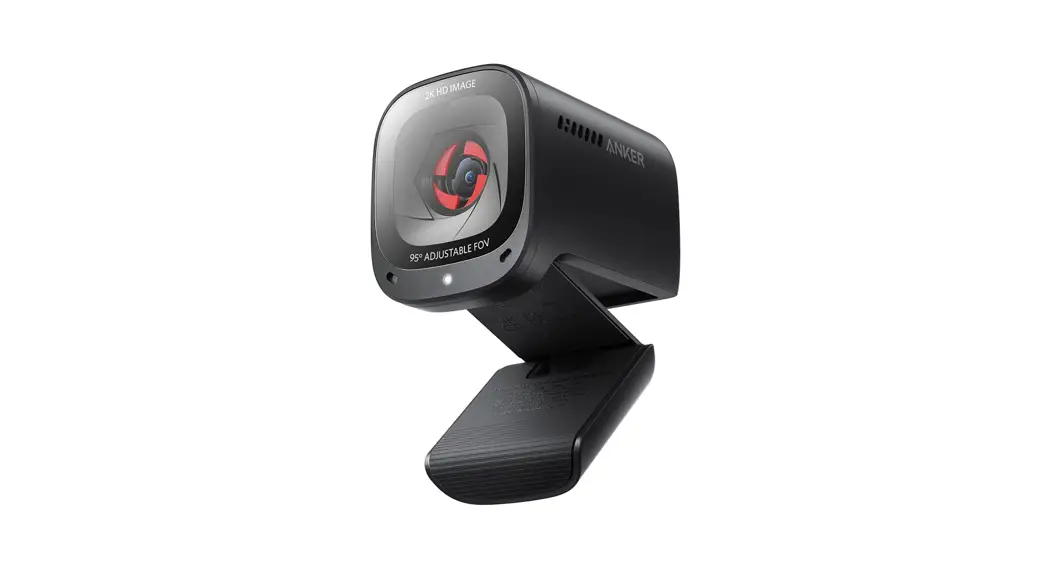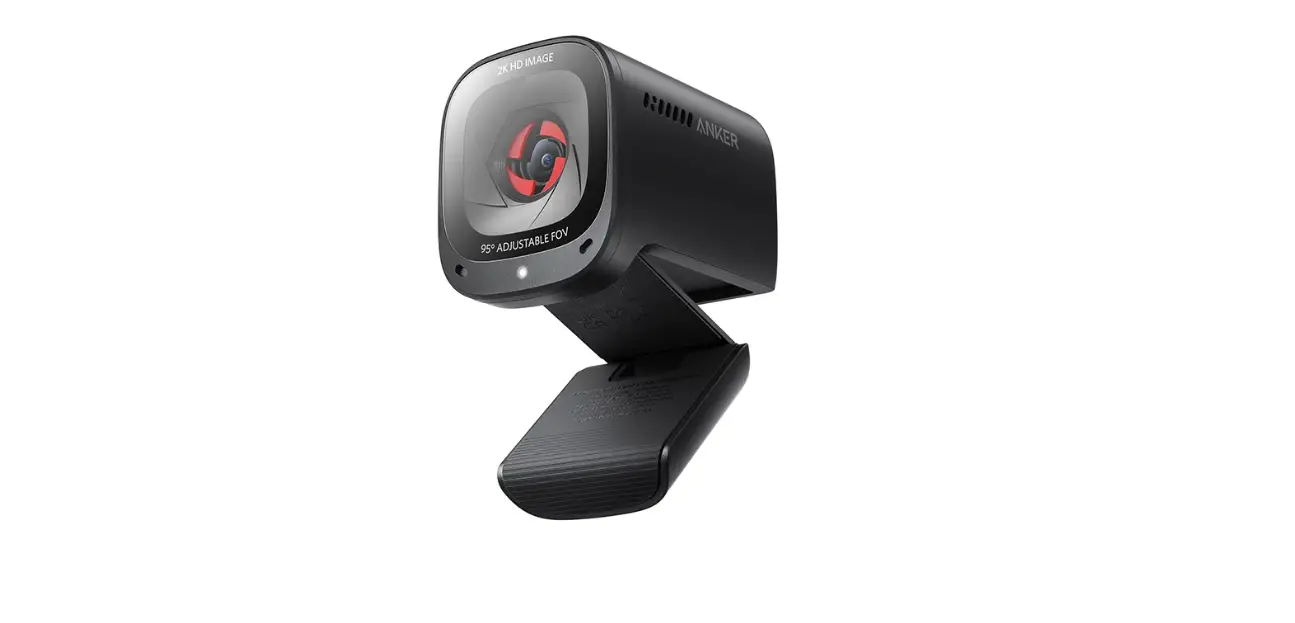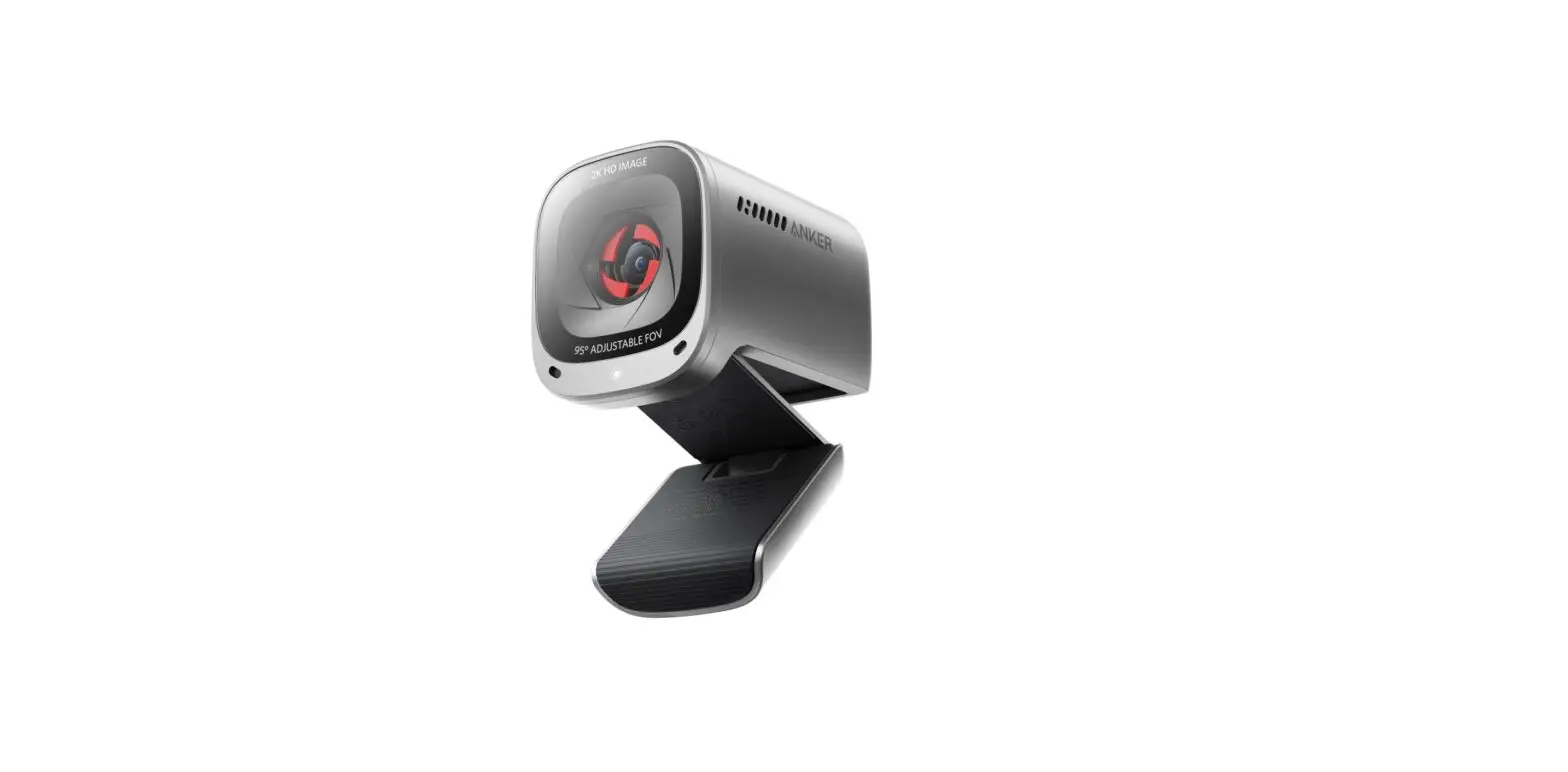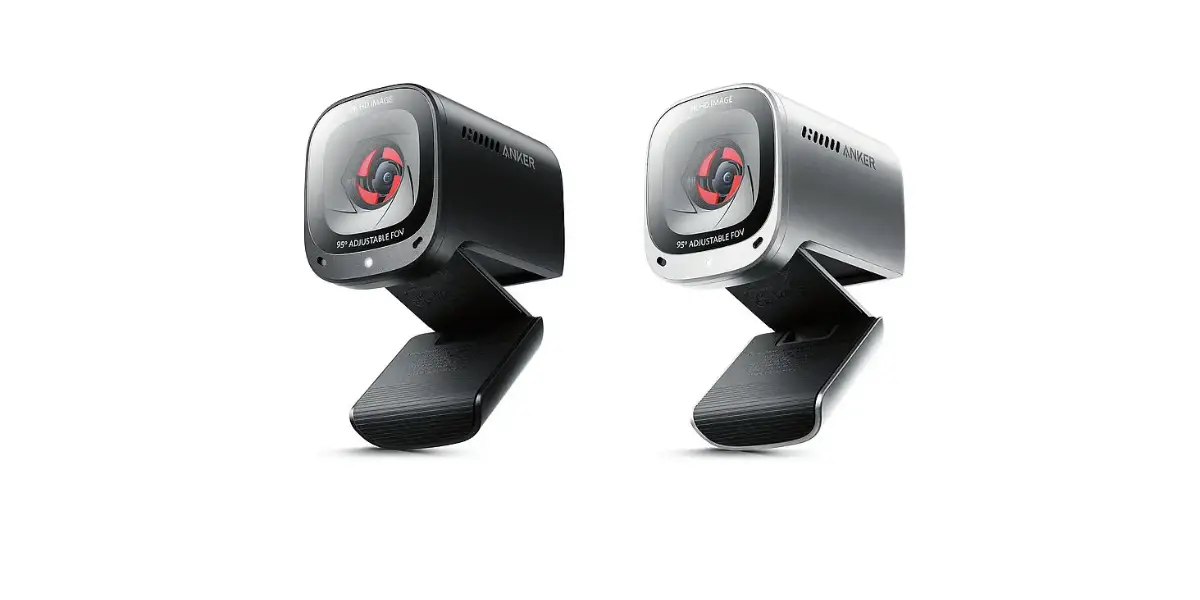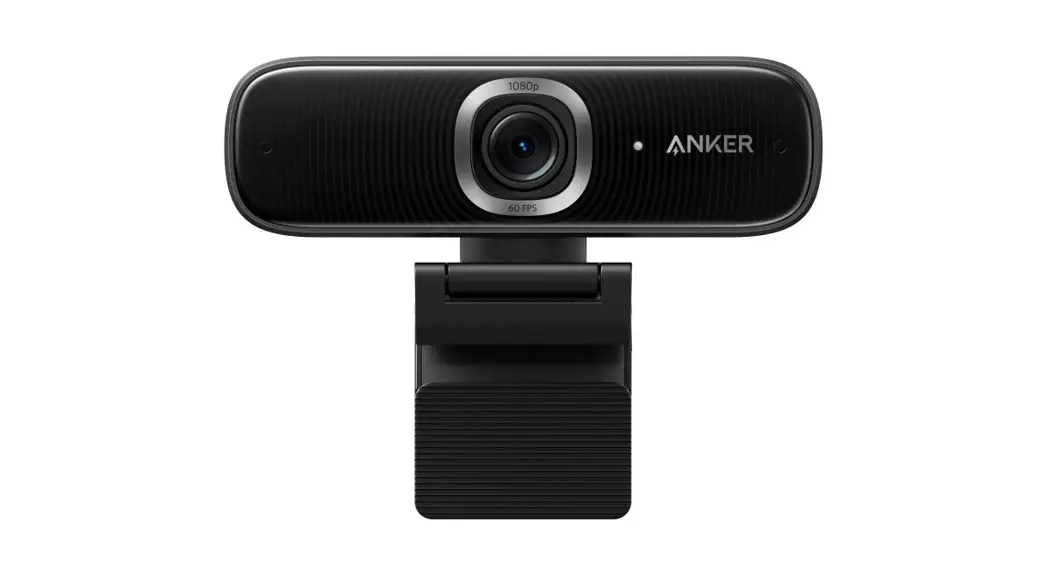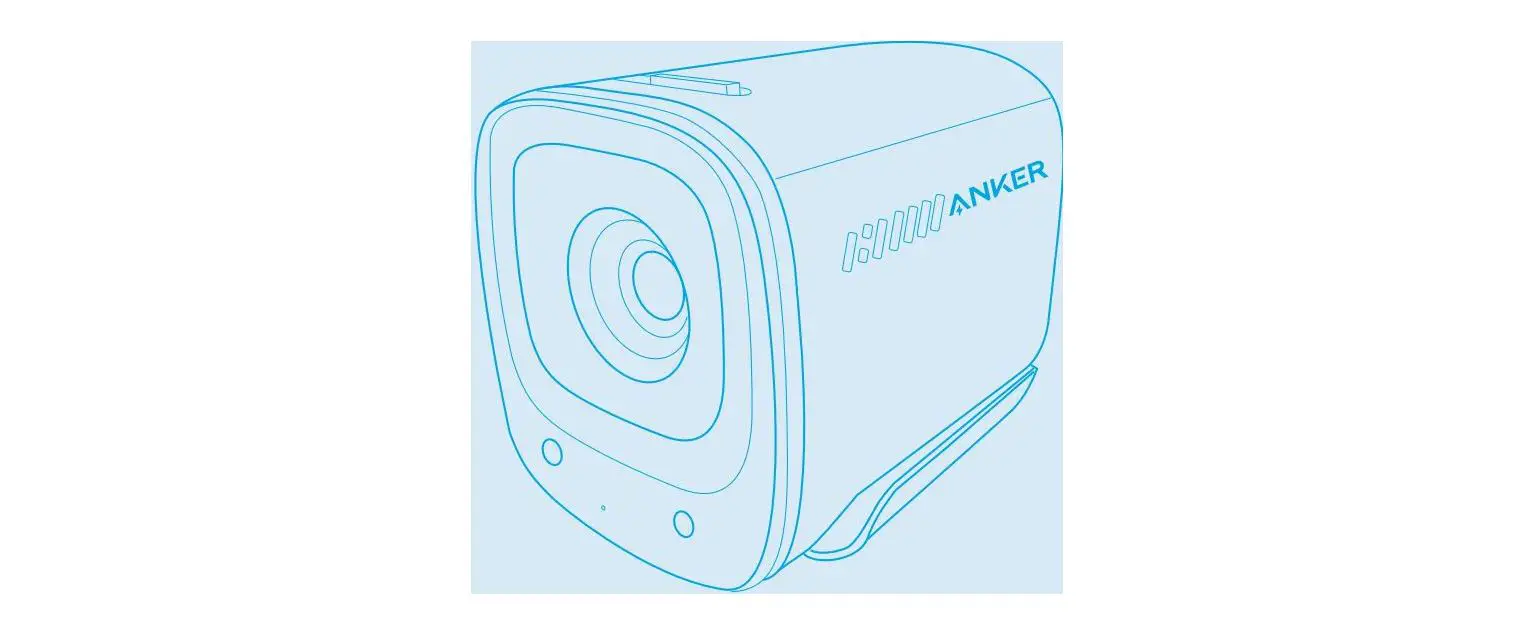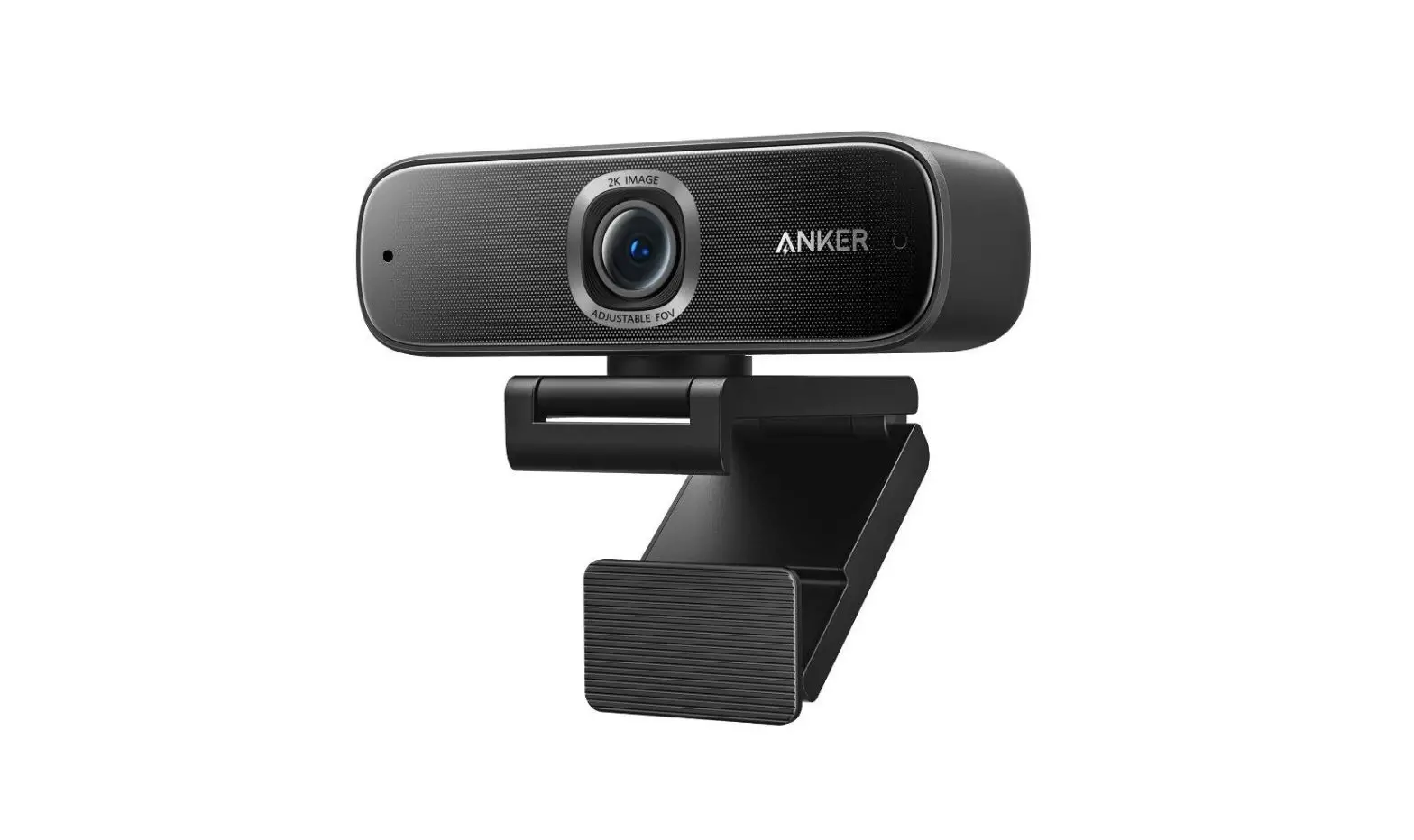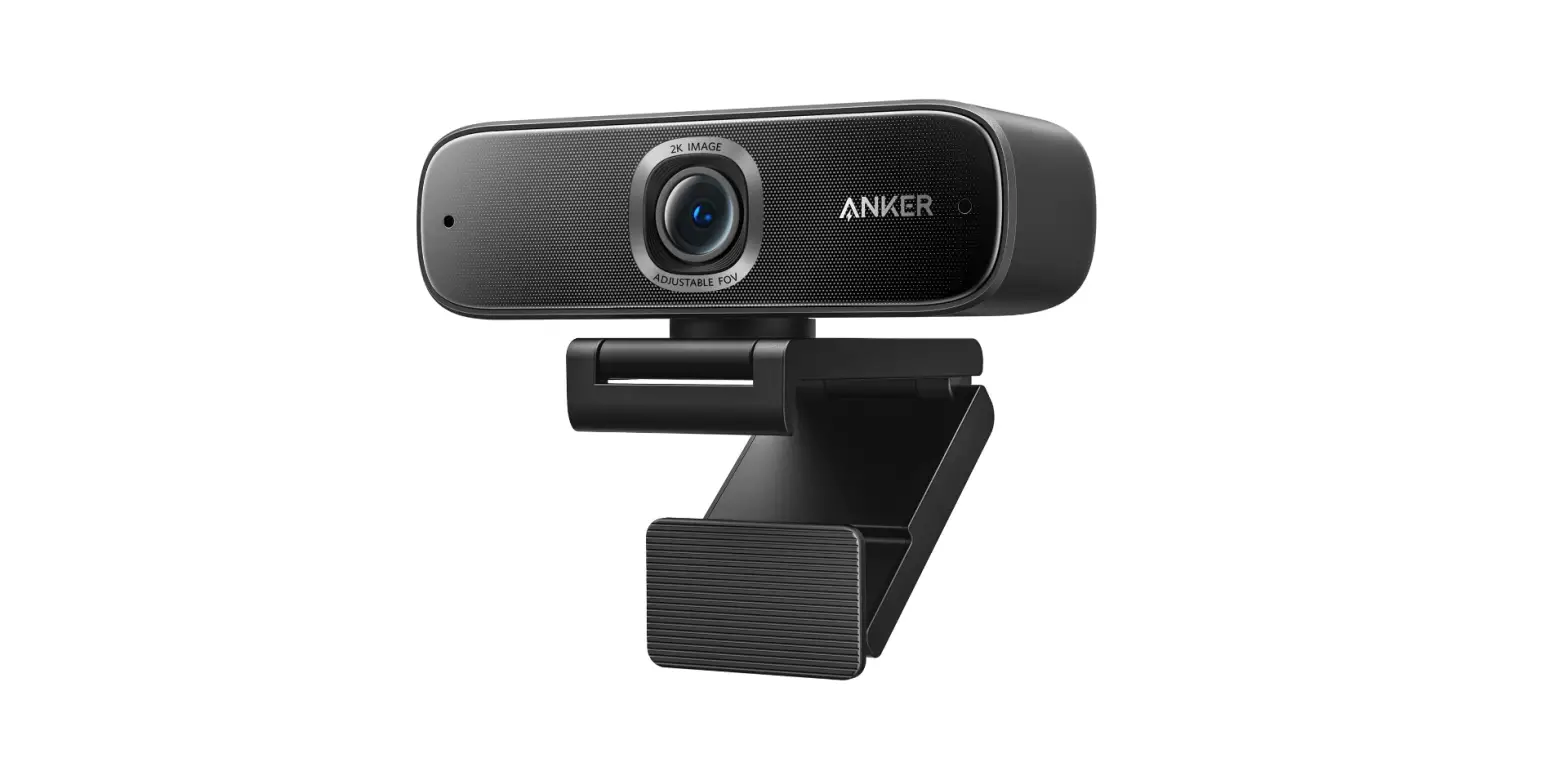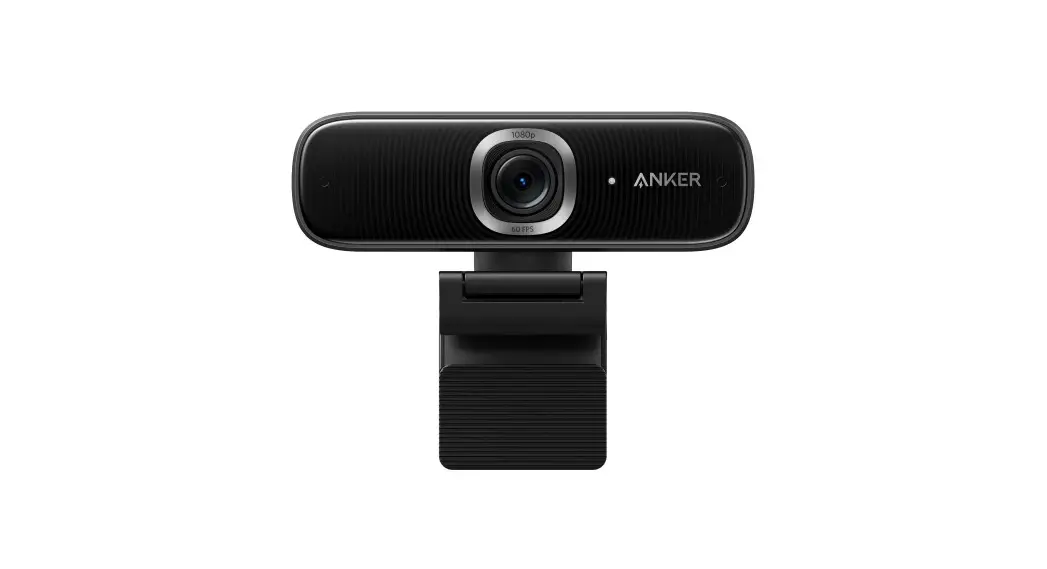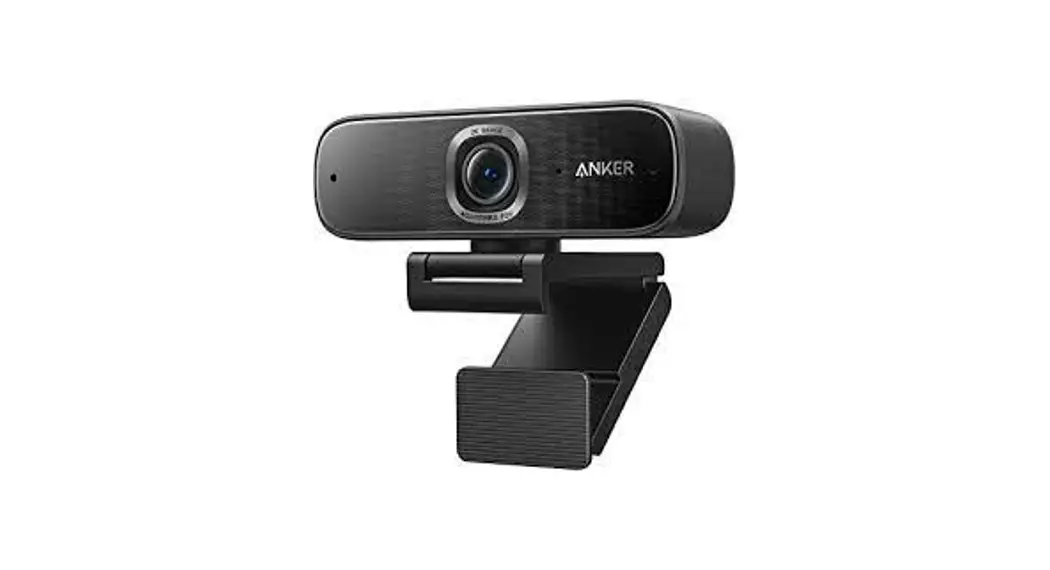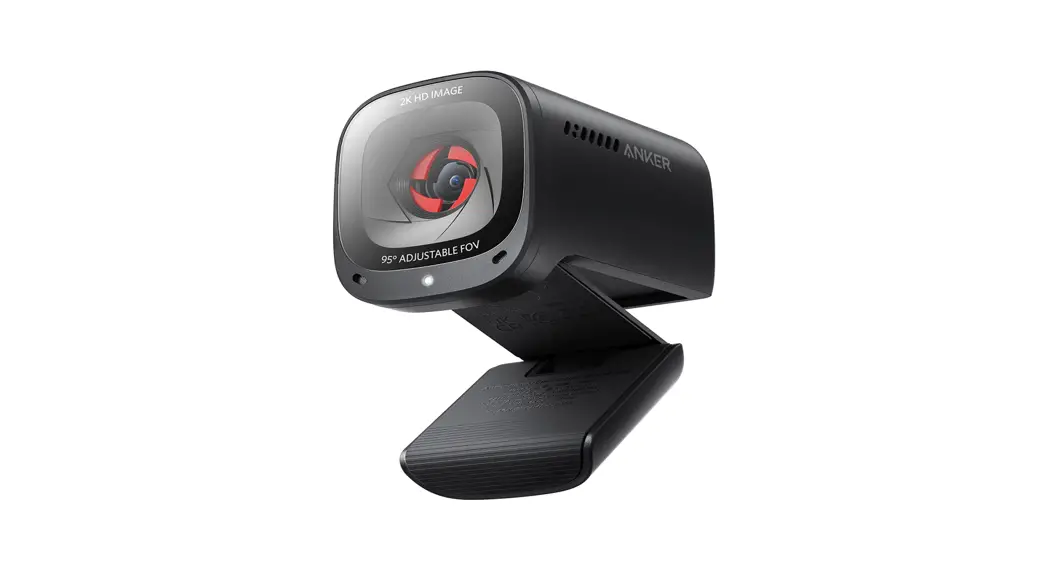

A3368 PowerConf C202 2K USB Webcam
User Guide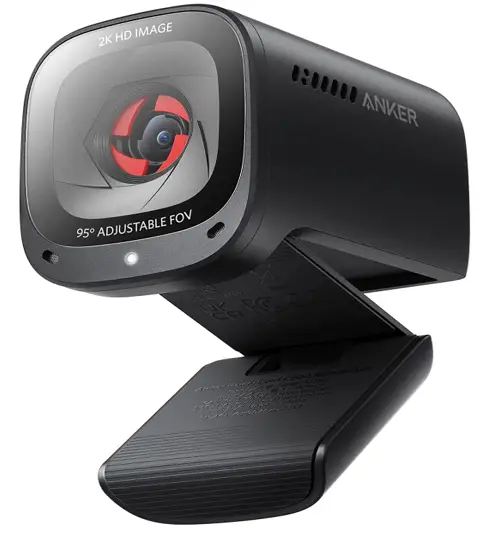
SUPPORT

For FAQs, detailed user manuals, and other information, please visit support.ankerwork.com
ANKERWORK SOFTWARE
Download the AnkerWork Software from Download and install the AnkerWork software on your PC to update firmware and adjust settings.
AT A GLANCE
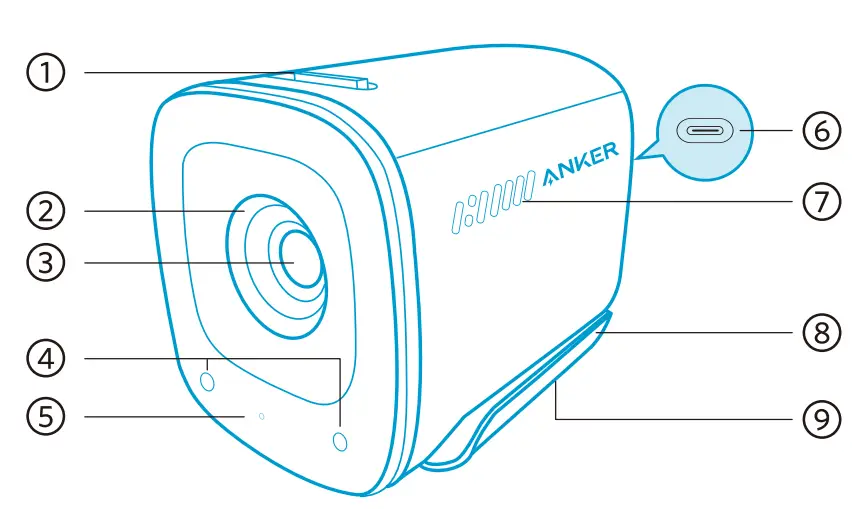
- Privacy cover switch
- Privacy cover
- Autofocus 2K HD lens
- Microphones
- LED light
- USB-C port
- Air vents
- Adjustable clip/stand
- Tripod thread
MOUNTING
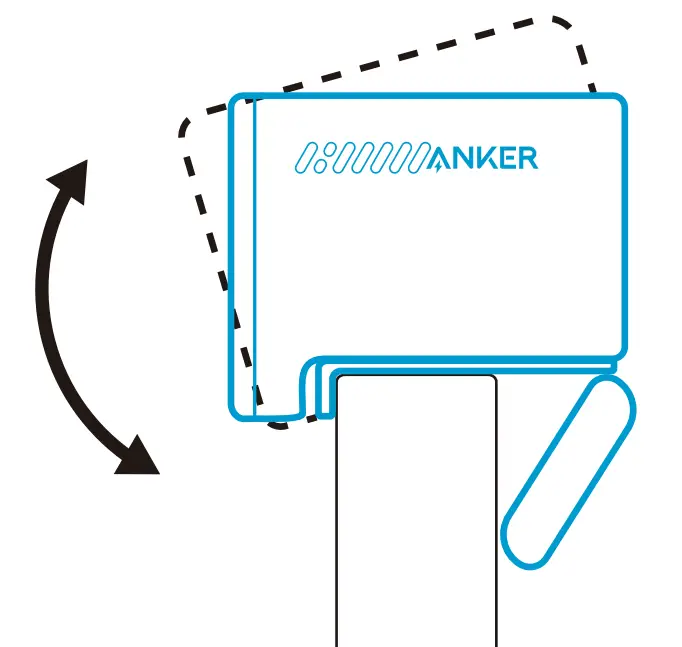
Option A: On Top of Your Monitor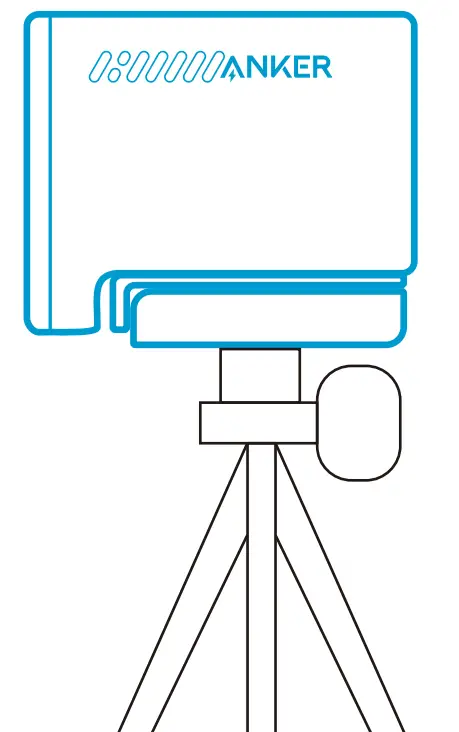 Option B: On a Tripod on Your Desk
CONNECTING
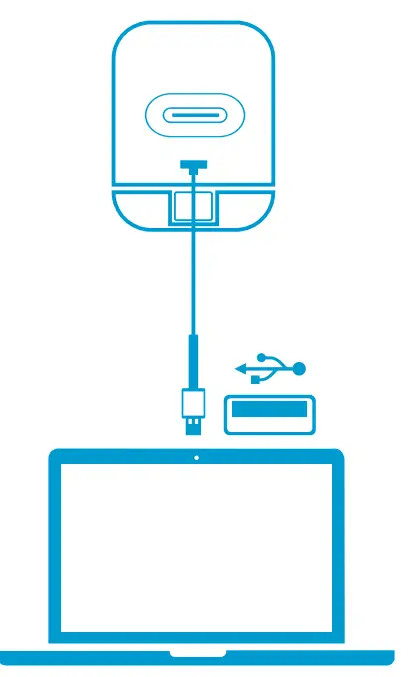
Connect PowerConf C202 to the 1158 port on your PC using the provided cable.
CONTROLS
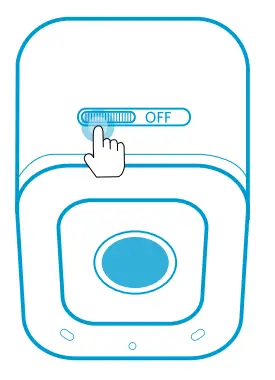
Slide to cover the camera for privacy. The camera will turn off automatically when blocked by the privacy cover.
SPECIFICATIONS
| Input | 5V = 1 A |
| Resolution | 2K@30fps; 1080P@30fps; 720P@30fps; 320×240@30fps |
| Field of View (FOV) | 65°, 78°, 95° |
| Focus Type | Automatic focus |
| Sensor | 5 MP CMOS (1 / 2.7 in.) |
| Auto Light Correction | WDR |
| Focus Distance | 15 cm to 3 m |
| Maximum Video Frame Rate | 2K video capture @ 30fps |
| Video Codec | MJPEG, YUV, H.264 |
| Supported Operating Systems or Software | Windows 7 or later; macOS0 10.11 or later; Skype for Business; Zoom; Google Meet BlueJeans; Cisco Webex; WeChat; Microsoft Teams; FaceTime; YouTube; XSplit; OBS; Twitch; Facebook Messenger; Twitter; Mixer |
| Microphone | Dual stereo microphones |
| Voice Algorithm | AGC (Auto Gain Control), ANC (Auto Noise Cancellation) |
| Voice Pickup Distance | 3 m |
CUSTOMER SERVICE…………………………..
18-month limited warranty……………………………..
Lifetime technical support…………………………. [email protected]
[email protected] (At)
[email protected]
(For Middle East and Africa Only) [email protected] (1 I ) +1(800) 988 7973 (US) Mon-Fri 6:15 -17:00 (PT)
+44 (0)1604 936200 (UK) Mon-Fri 6:00 -17:00 Sat-Sun 6:00 -14:00 (GMT)
+49 (0) 69 9579 7960 (DE) Mo-Fr 6:00-11:00 Uhr 03 4455 7823 (Q 210 )q – 9:00 -17:00
+86 400 0550 036 Thi—EME 9:00 -17:30
+82 02-1670-7098 –E- 10:00 -17:00
+971 42428633 (Middle East & Africa) Sun-Thu 9:00 -14:00 (GMT+4)
+971 8000320817 (UAE) Sun-Thu 9:00 -14:00 (GMT+4)
+966 8008500030 (KSA) Sun-Thu 8:00 – 13:00 (GMT+3)
+965 22069086 (Kuwait) Sun-Thu 8:00 – 13:00 (GMT+3)
+20 8000000826 (Egypt) Sun-Thu 7:00 -12:00 (GMT+2)
Anker Innovations Limited
Room 1318-19, Hollywood Plaza, 610 Nathan Road, Mongkok, Kowloon, Hong Kong
ANKER TECHNOLOGY (UK) LTD
Suite B, Fairgate House, 205 Kings Road, Tyseley, Birmingham, B11 2AA, United Kingdom
Anker Innovations Deutschland GmbH
Georg-Muche-Strasse 3, 80807 Munich, Germany