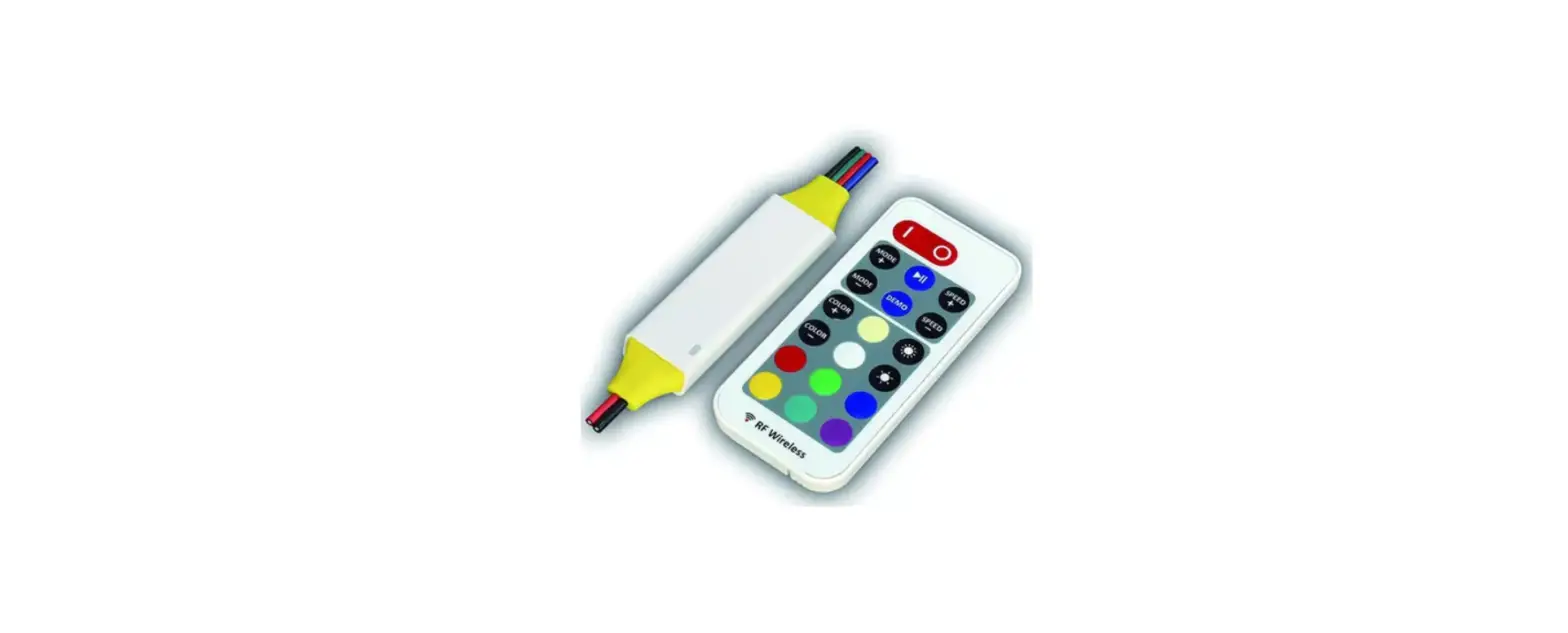
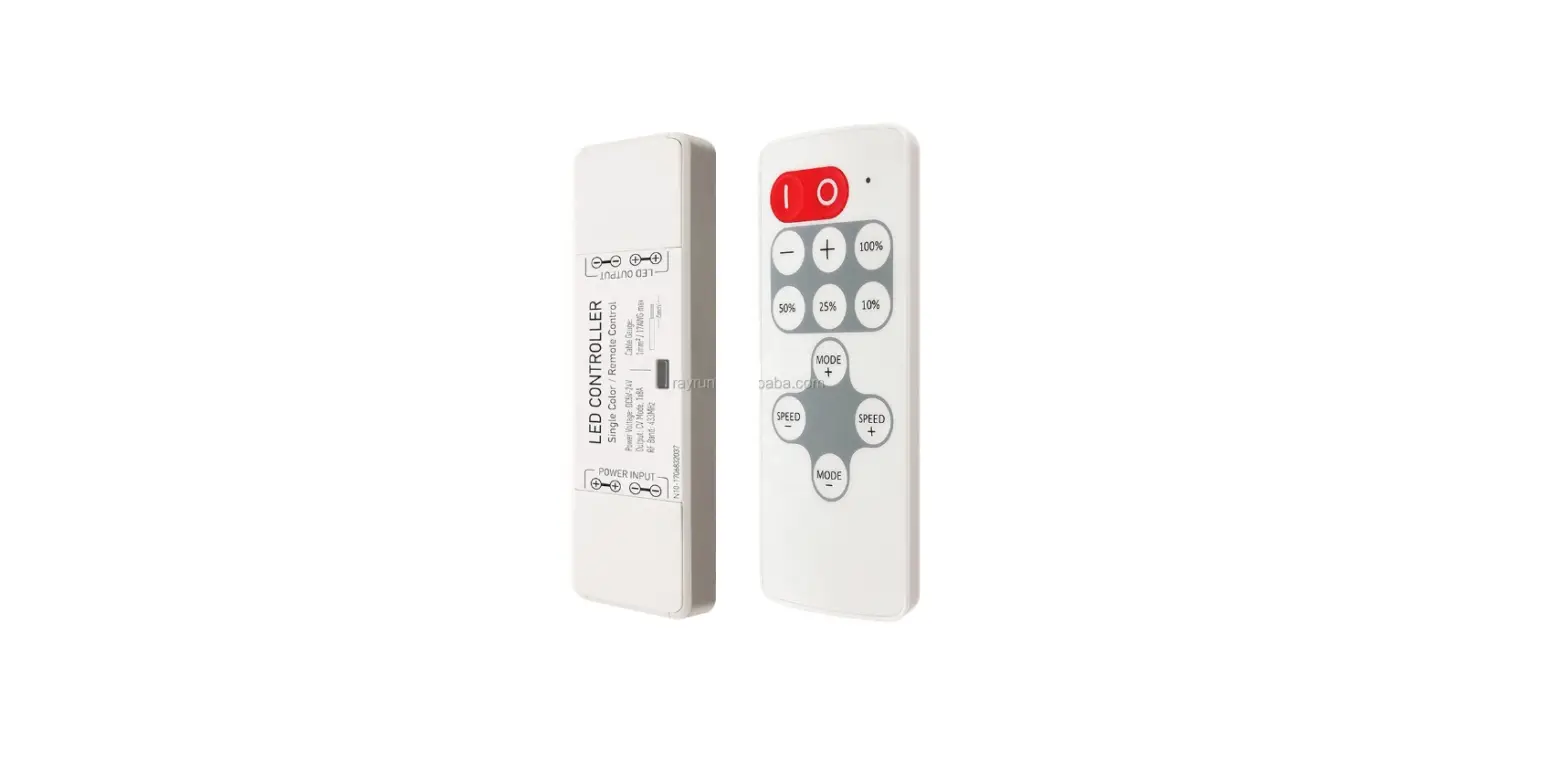
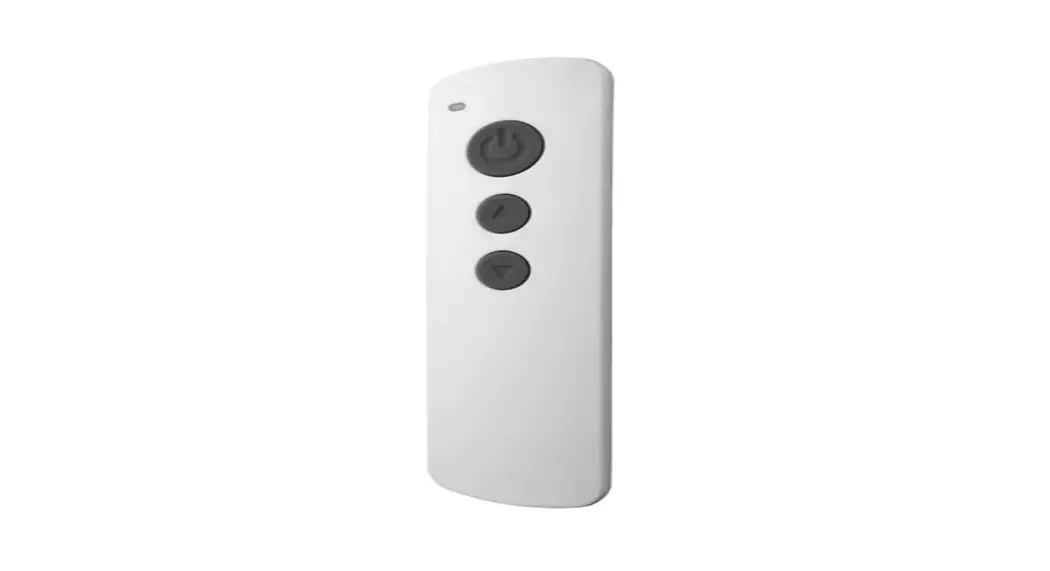
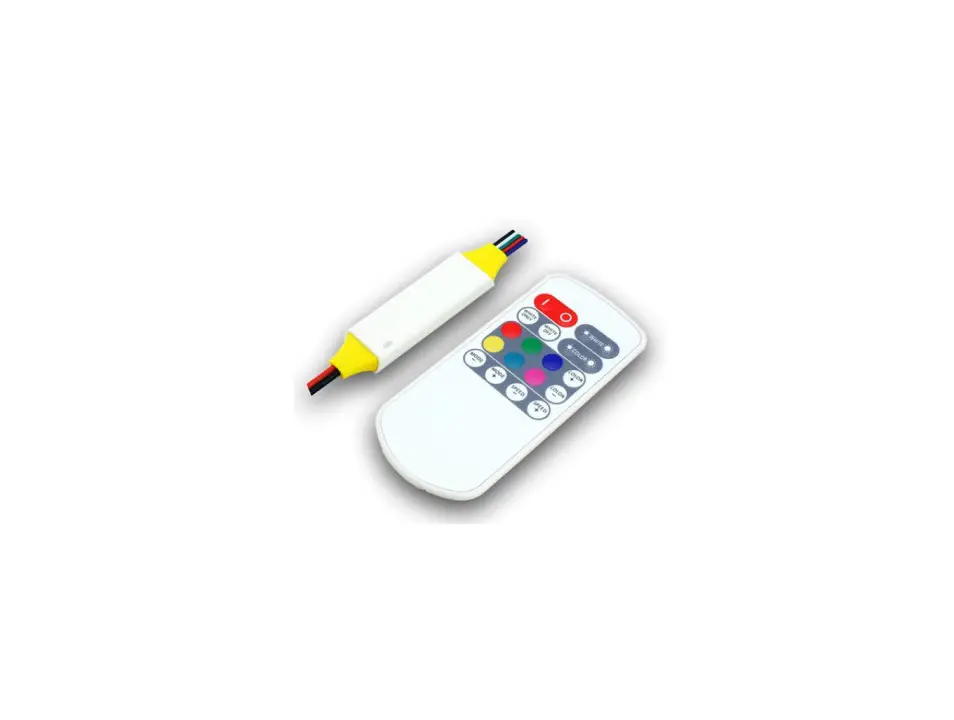
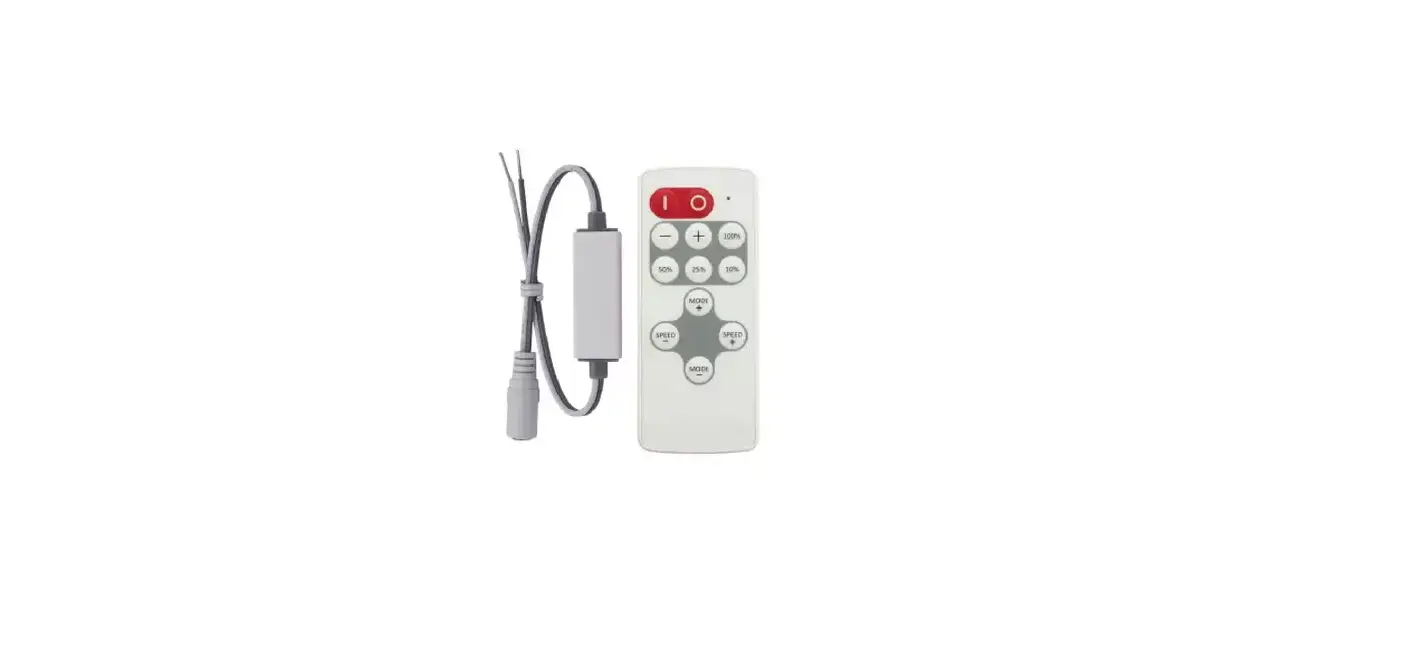
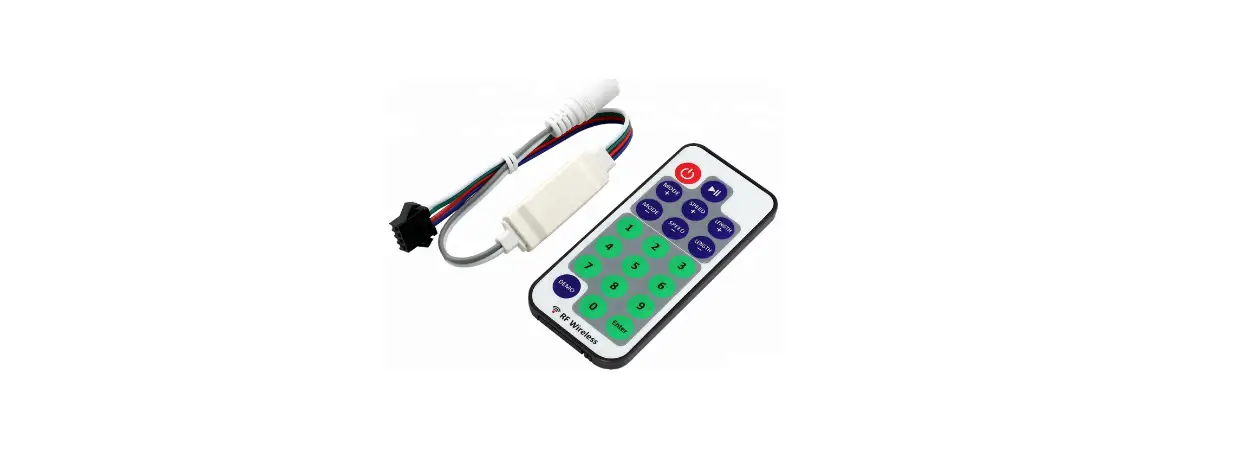
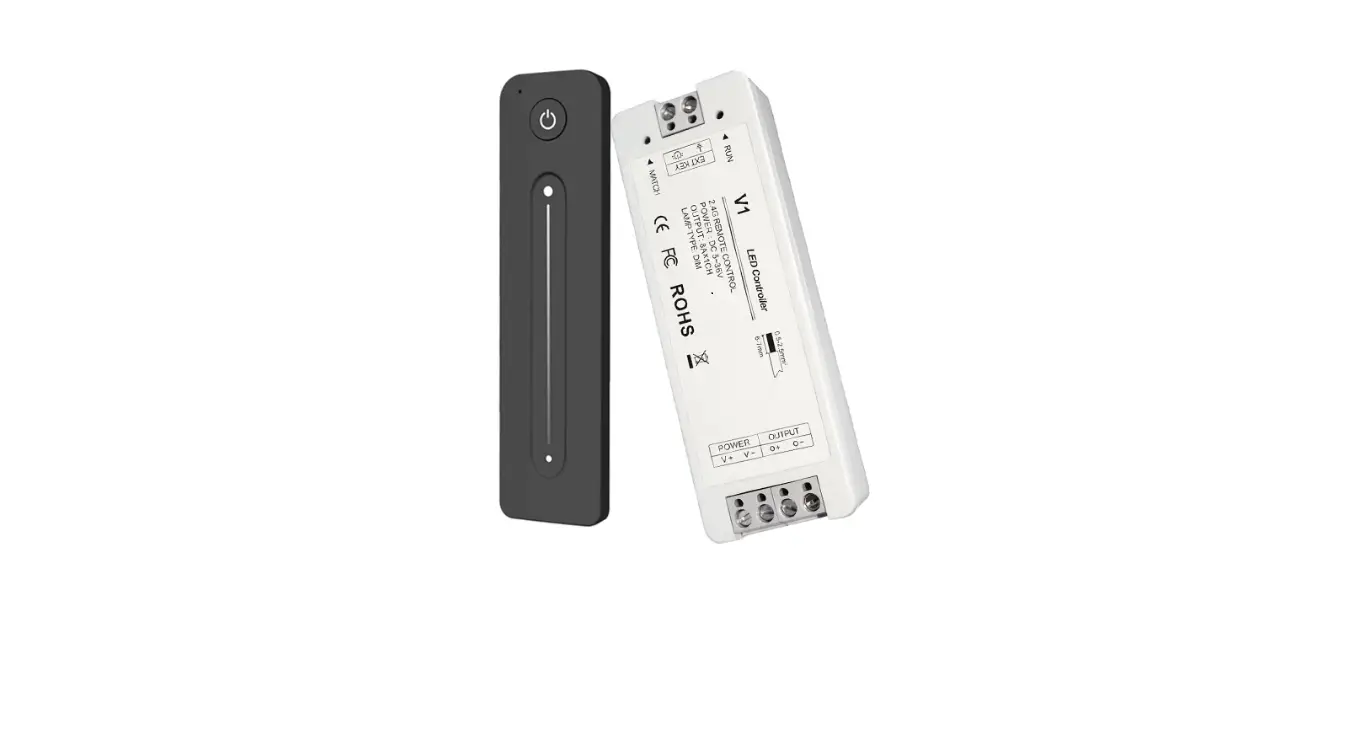
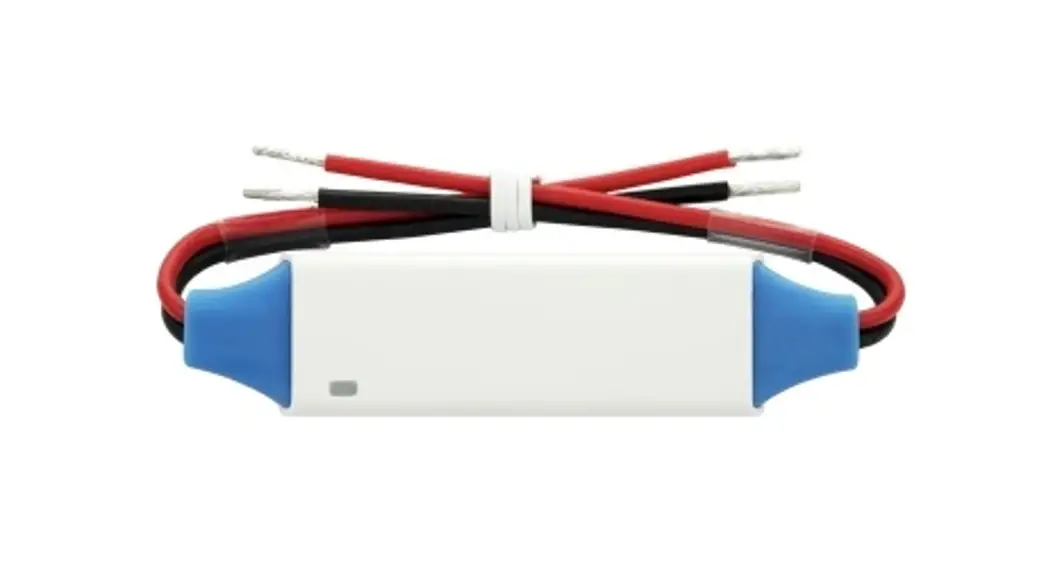
RM16 RF Wireless LED Remote Controller
Product Information
The RF Wireless LED Remote Controller is a model RM16. It is
designed to control and operate LED lights wirelessly. The remote
controller uses a CR2032 battery for power. It operates on a
frequency band of 433MHz ISM and has a wireless power output of
less than 7dBm. The working temperature range for the remote
controller is -20°C to 55°C (-4°F to 131°F).
Function
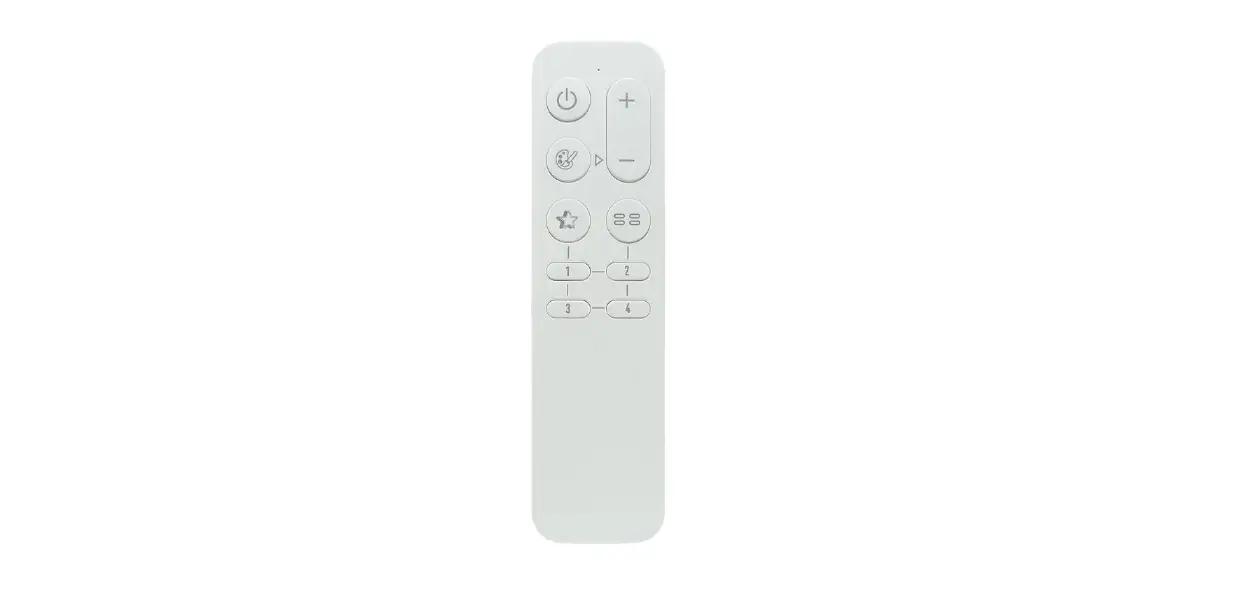
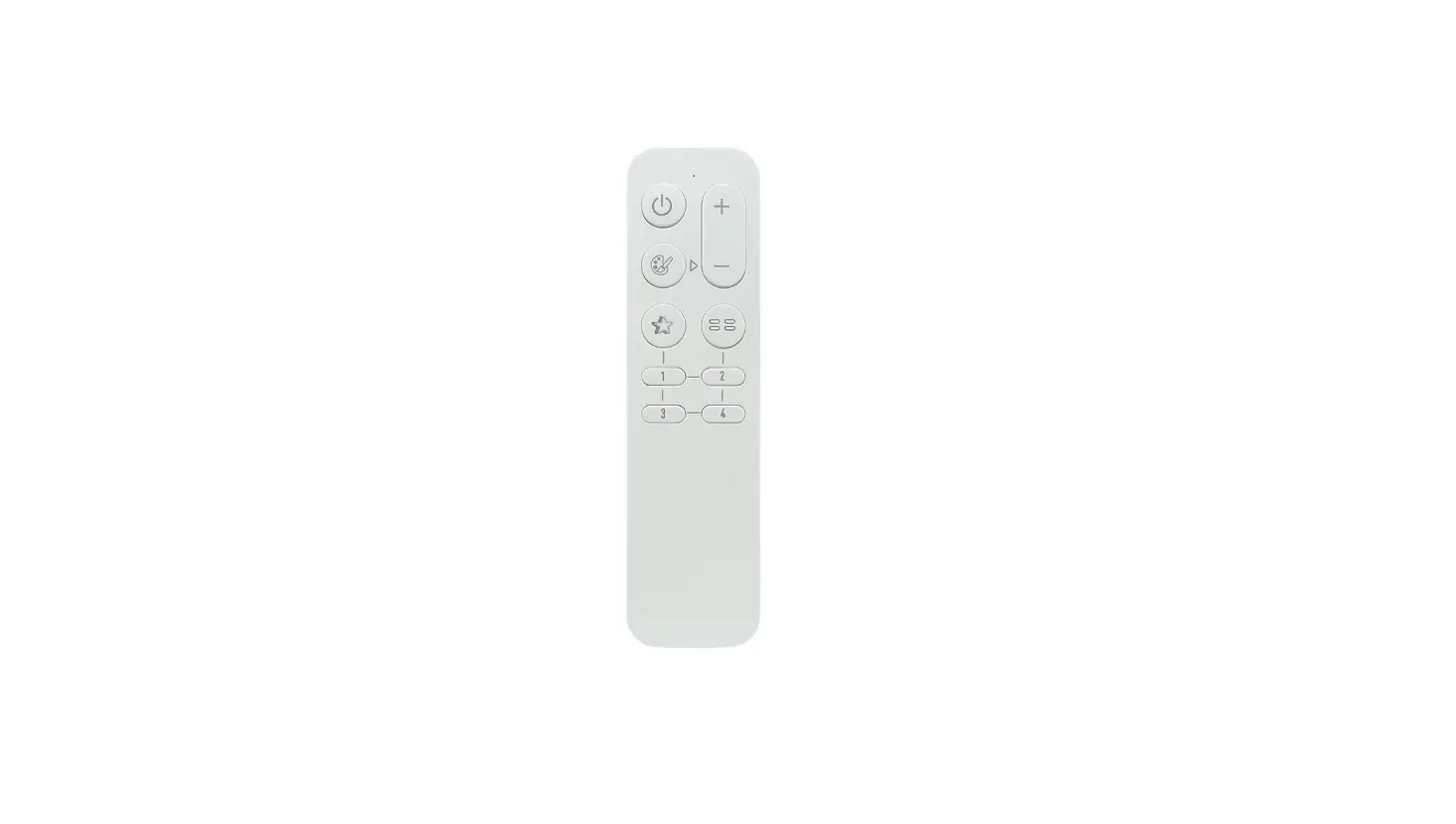
- Indicator Turn ON/OFF
- Activate dynamic mode
- Switch colors
- RM16-5L only: Click to recall the scene, hold press to save
current status to the scene position
Operation
- Pair and unpair the remote to receiver:
- Cut off the power of the receiver and power on again after more
than 5 seconds. - Press the remote and MODE key simultaneously and briefly within
10 seconds after the receiver is powered on. - To unpair the remote from the receiver, repeat step a, then
press the remote MODE and key simultaneously and briefly within 10
seconds after the receiver is powered on.
- Cut off the power of the receiver and power on again after more
- Load and save scenes:
- User can load or save scenes with 1-4 digit keys.
- Short press on 1-4 key can load the saved scene.
- To save a scene, adjust the favorite light status first, then
hold press 1-4 digit key to save the current status to the relative
scene position. - After save operation, user can load the saved scene by short
pressing the digit key.
- Restore the controller to factory default:
- Cut off the power of the paired controller/receiver and power
on again after more than 5 seconds. - Press the remote and key simultaneously and briefly within 10
seconds after the paired controller/receiver is powered on.
- Cut off the power of the paired controller/receiver and power
FCC Caution
Ensure compliance with FCC regulations when using the RF
Wireless LED Remote Controller.
RF Wireless
LED Remote Controller
Model: RM16
Function
Indicator Turn ON/OFF
Activate dynamic mode
MODE
Switch colors
RM16-5L only: Click to recall the scene, hold press to save
current status to the scene position.
1
2
3
4
Battery: CR2032
Remove before use
Pair to receiver
Unpair from receiver Restore to factory *The combo-keys only work within 10 seconds after receiver powered on.
Operation
1. Pair and unpair the remote to receiver
The remote controller needs to be paired to receiver to work. User can pair up to 5 remote controllers to one receiver and each remote controller can be paired to any receiver.
To pair or unpair remote to the receiver, please operate with following steps: 1). Cut off the power of receiver and power on again after more than 5 seconds. 2). Press remote and key simultaneously and briefly within 10 seconds after receiver powered on. 3). To unpair the remote from receiver, do the step 1 first, then press remote MODE and key simultaneously and briefly within 10 seconds after receiver powered on.
2. Load and save scenes
User can load or save scenes with 1-4 digit keys. Short press on 1-4 key can load the saved scene.
To save a scene, please adjust the favorite light status first, then hold press 1-4 digit key to save current status to relative scene position. After save operation, user can load the saved scene by short press the digit key.
3. Restore the controller to factory default
To restore the paired controller or receiver to factory default mode, please operate with following two steps:
1). Cut off the power of paired controller/receiver and power on again after more than 5 seconds.
2). Press remote and key simultaneously and briefly within 10 seconds after the paired controller/receiver powered on.
After this operation, the paired controller/receiver will be restored to factory settings, and the remote controller will also be unpaired from the controller/receiver.
Specification
Working voltage Frequency band Wireless power Working temperature
DC 3V, CR2032 battery 433MHz ISM band < 7dBm -20-55 C(-4-131 F)
FCC Caution:
Part 15.21 Any Changes or modifications not expressly approved by the party responsible for compliance could void the user’s authority to operate the equipment. Part 15.19 This device complies with part 15 of the FCC Rules. Operation is subject to the following two conditions: (1) This device may not cause harmful interference, and (2) this device must accept any interference received, including interference that may cause undesired operation. FCC RF Radiation Exposure Statement: 1. This Transmitter must not be co-located or operating in conjunction with any other antenna or transmitter. 2. This equipment complies with RF radiation exposure limits set forth for an uncontrolled environment. 3. The device has been evaluated to meet general RF exposure requirement. The device can be used in portable exposure condition without restriction.
Part 15.105 Note: This equipment has been tested and found to comply with the limits for a Class B digital device, pursuant to part 15 of the FCC Rules. These limits are designed to provide reasonable protection against harmful interference in a residential installation. This equipment generates, uses and can radiate radio frequency energy and, if not installed and used in accordance with the instructions, may cause harmful interference to radio communications. However, there is no guarantee that interference will not occur in a particular installation. If this equipment does cause harmful interference to radio or television reception, which can be determined by turning the equipment off and on, the user is encouraged to try to correct the interference by one or more of the following measures: –Reorient or relocate the receiving antenna. –Increase the separation between the equipment and receiver. –Connect the equipment into an outlet on a circuit different from that to which the receiver is connected. –Consult the dealer or an experienced radio/TV technician for help.