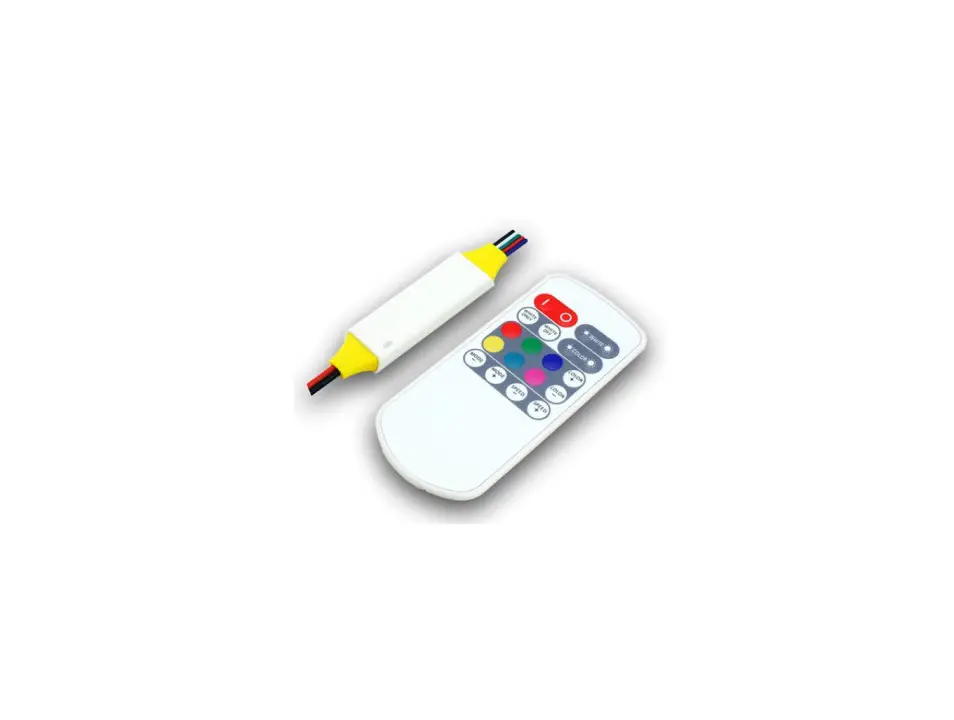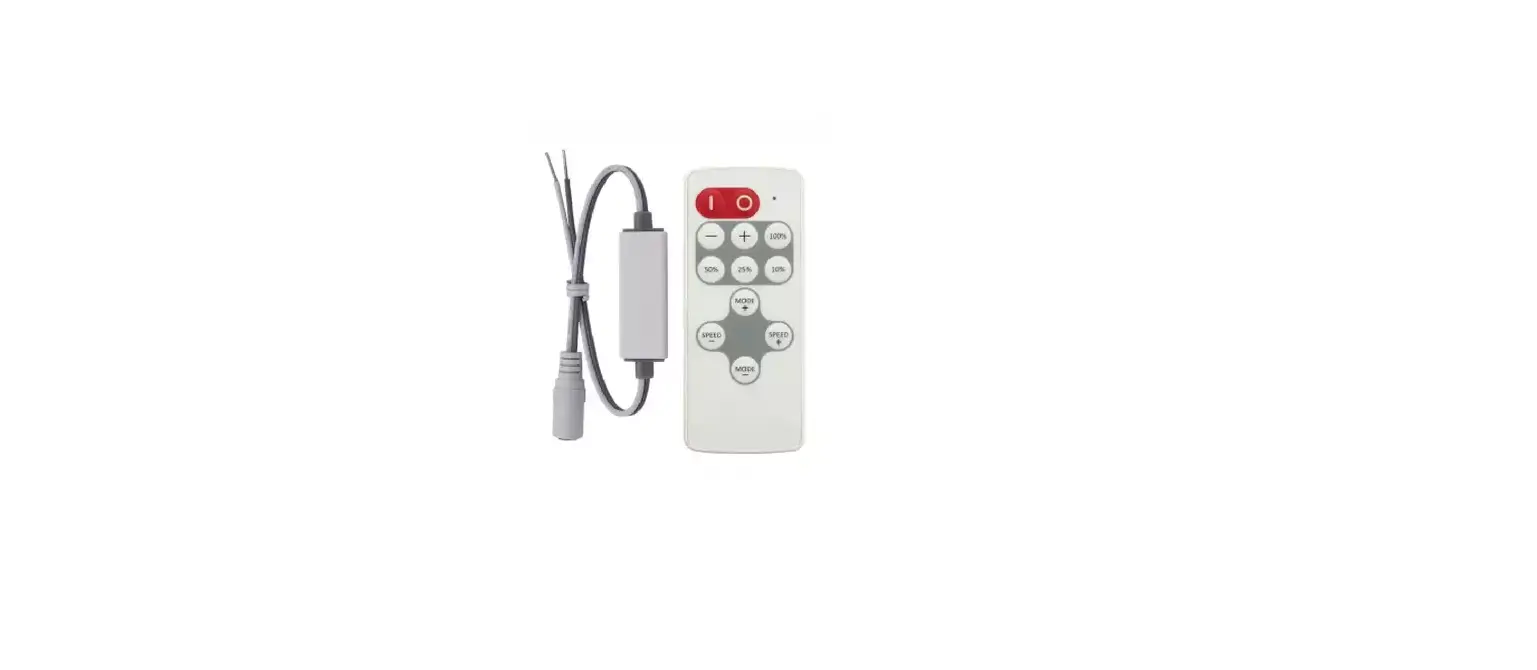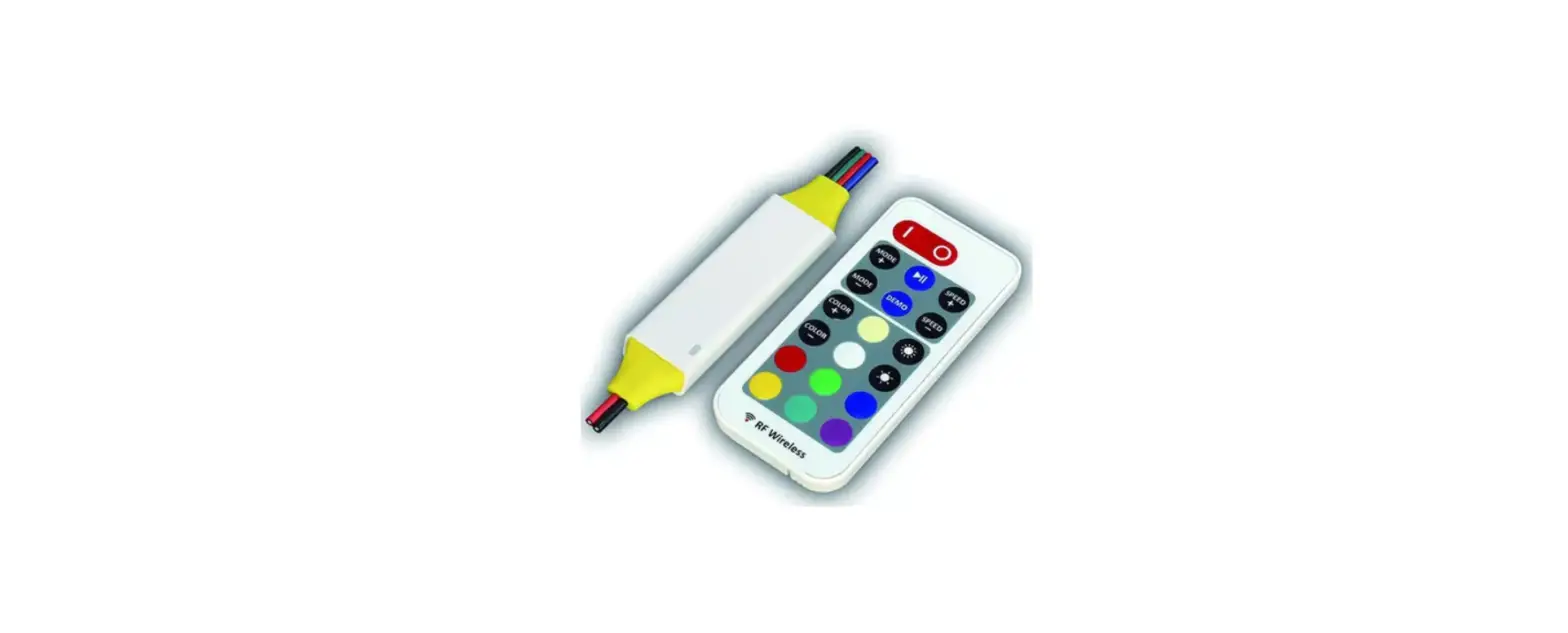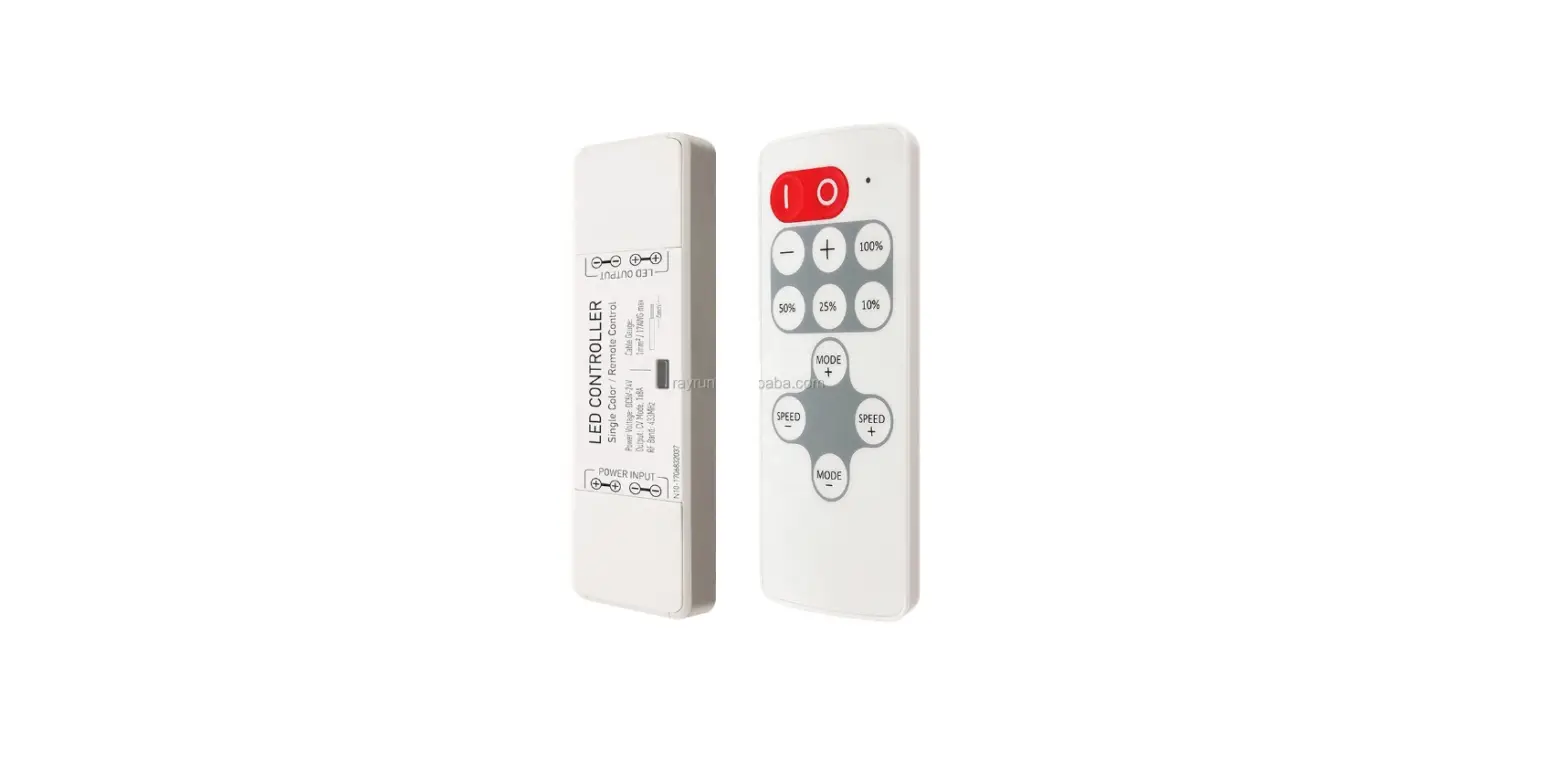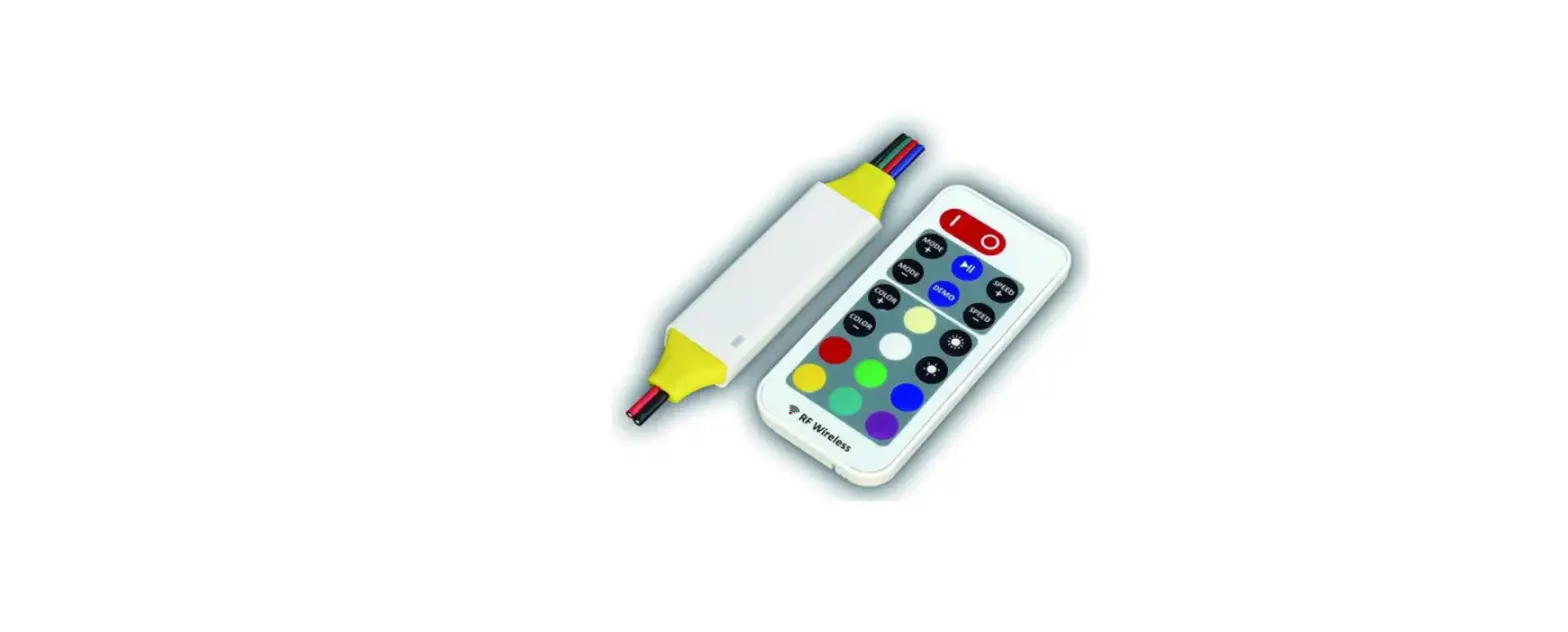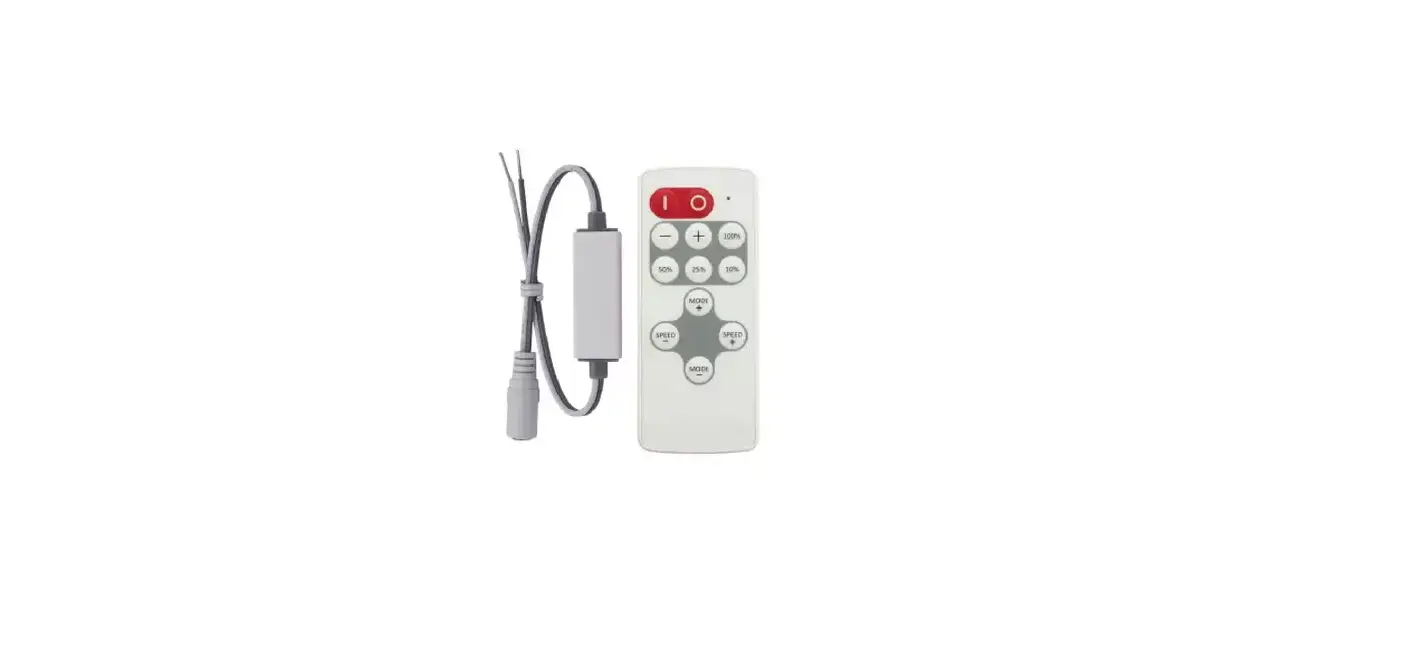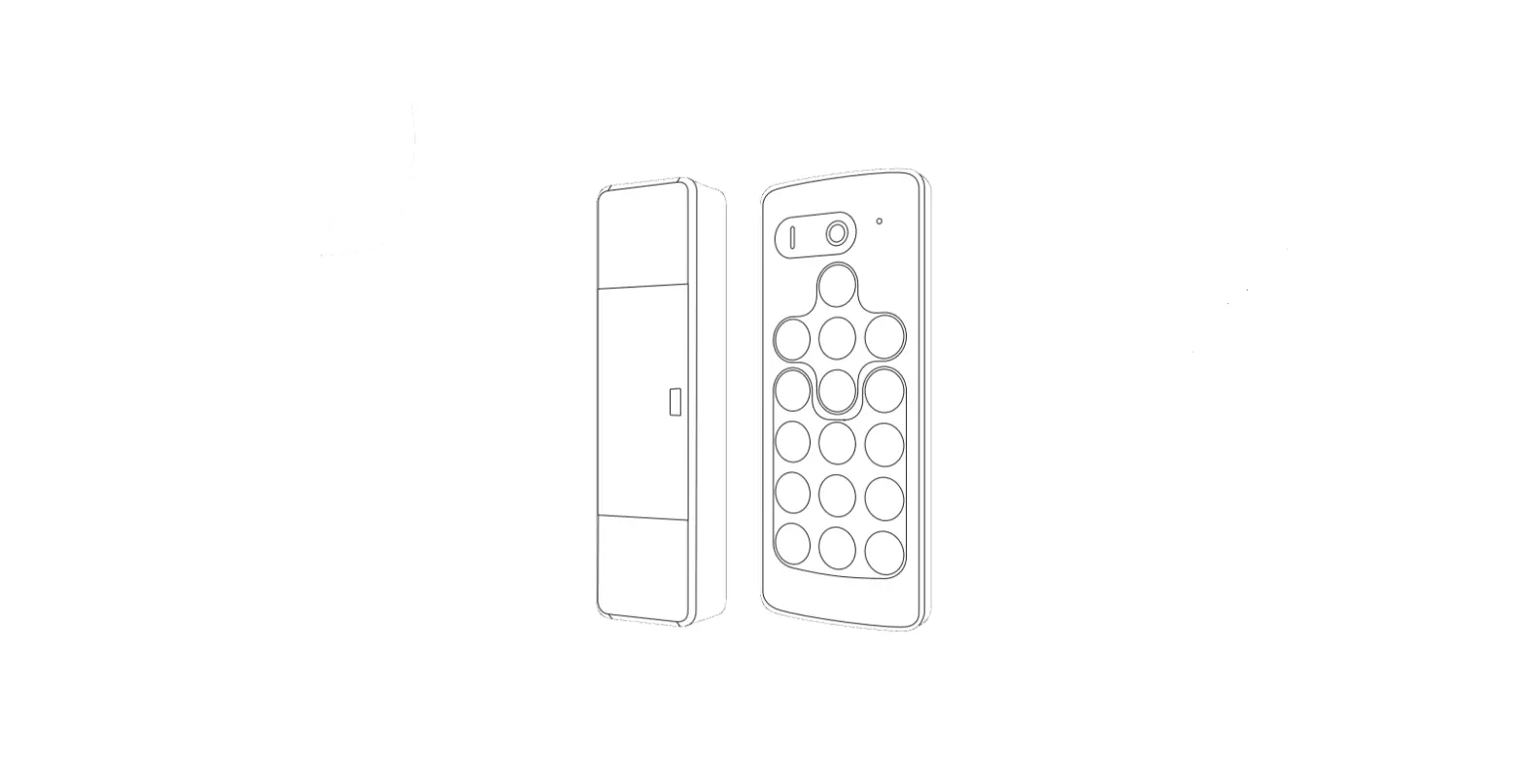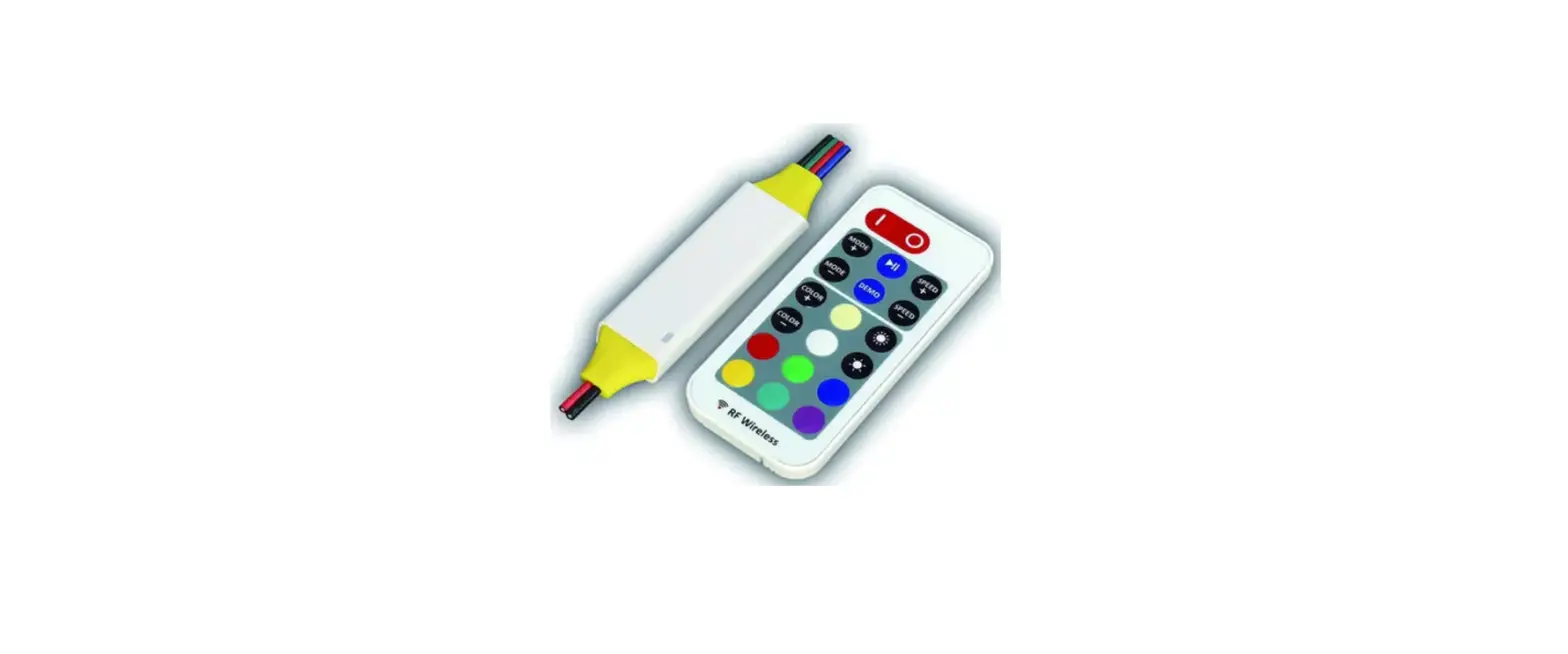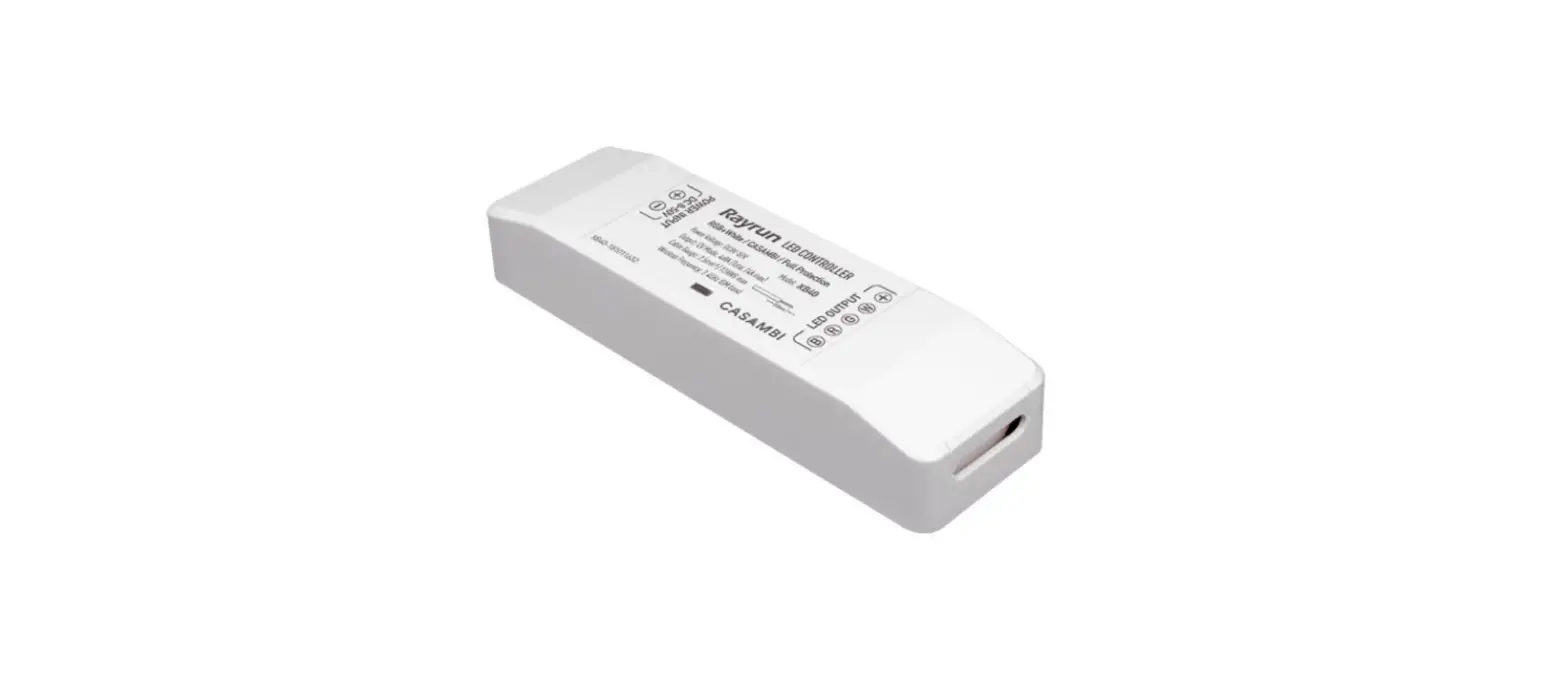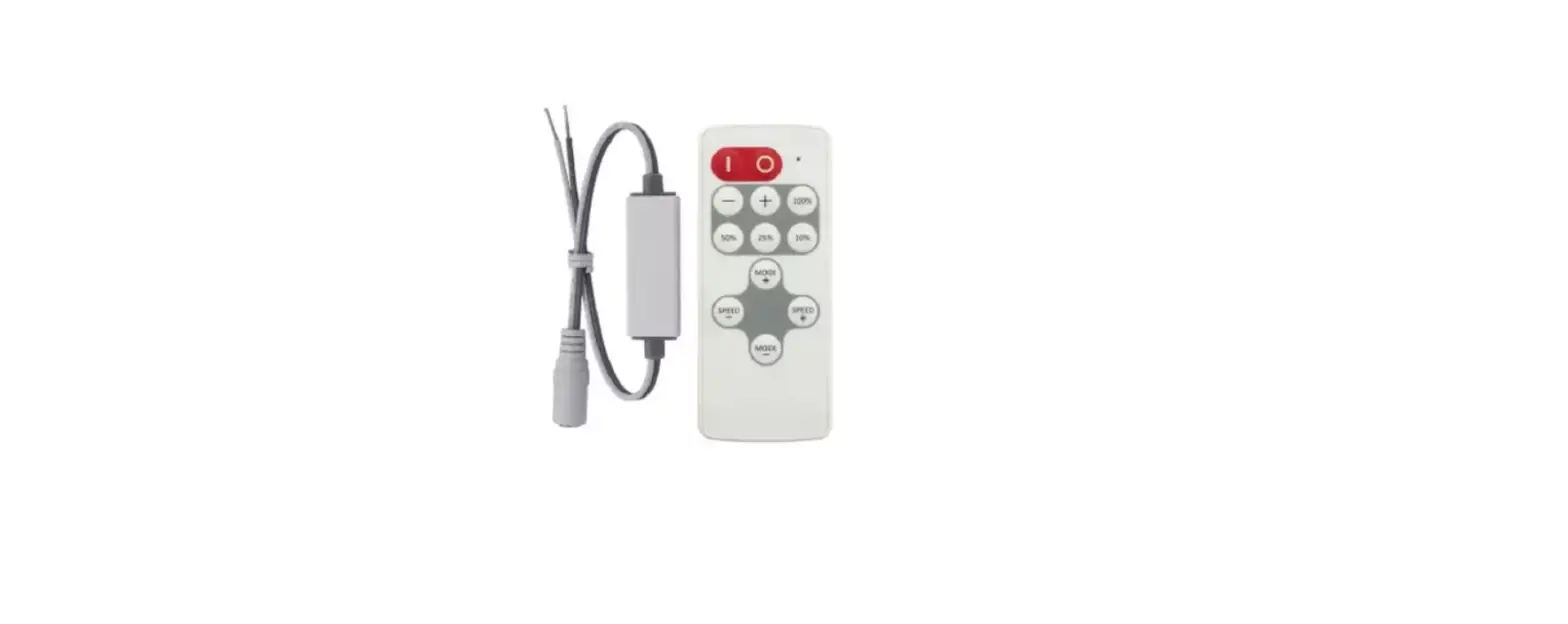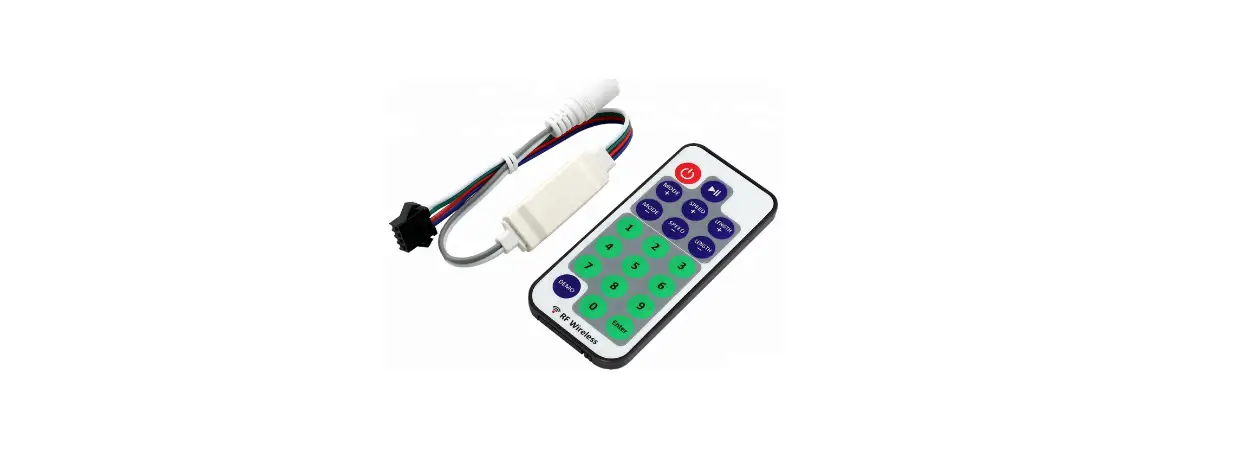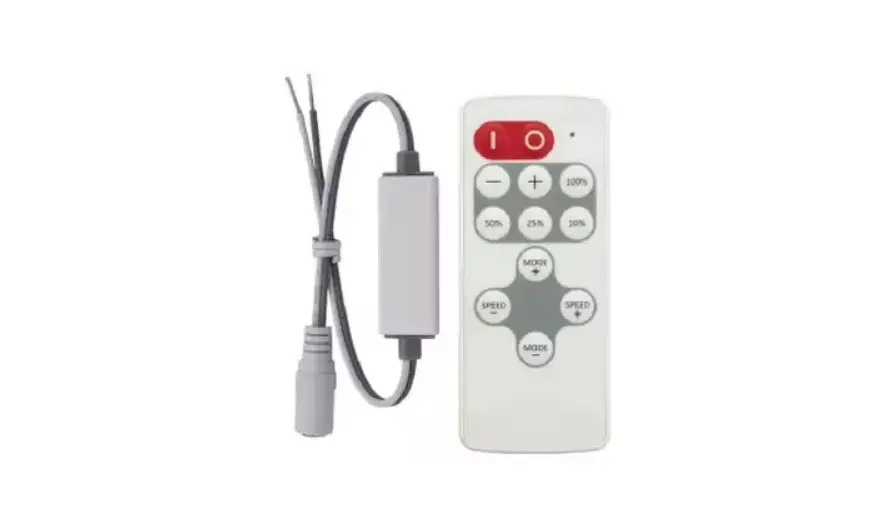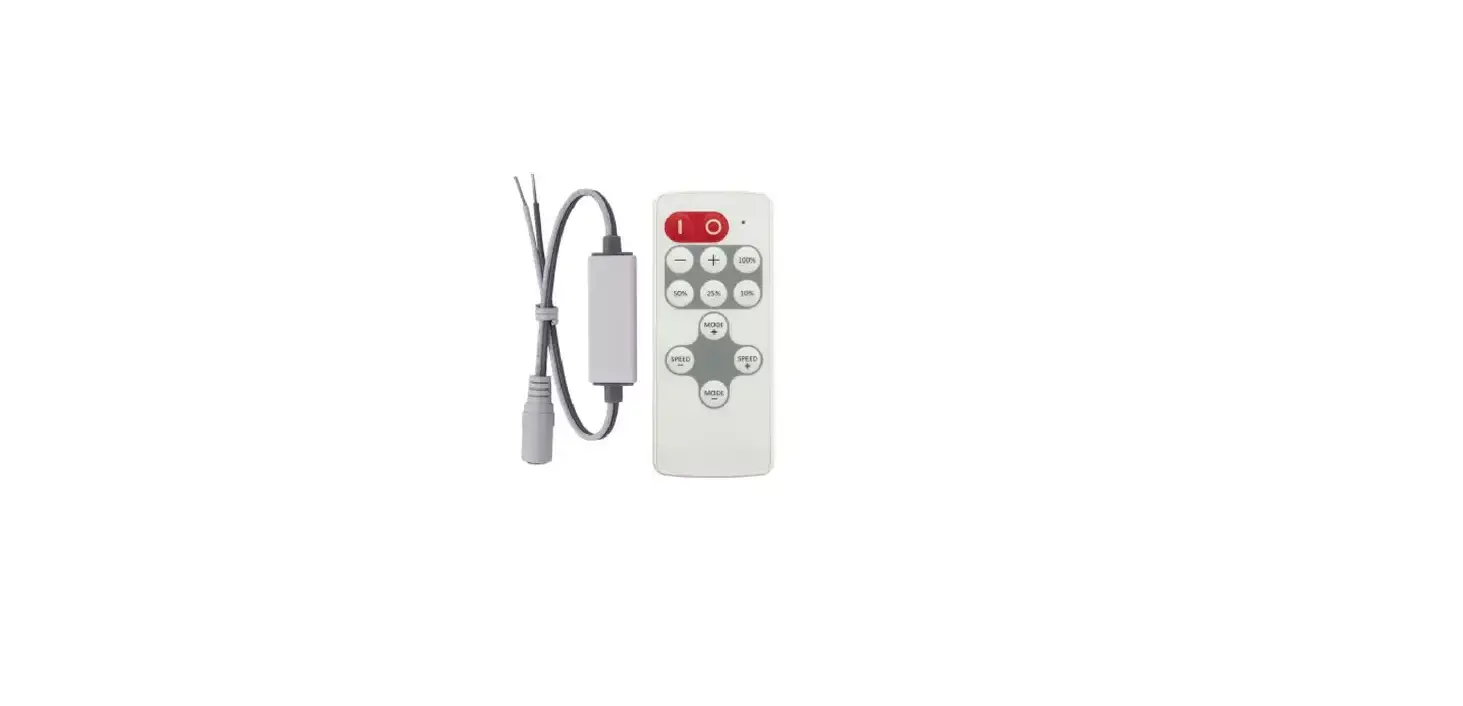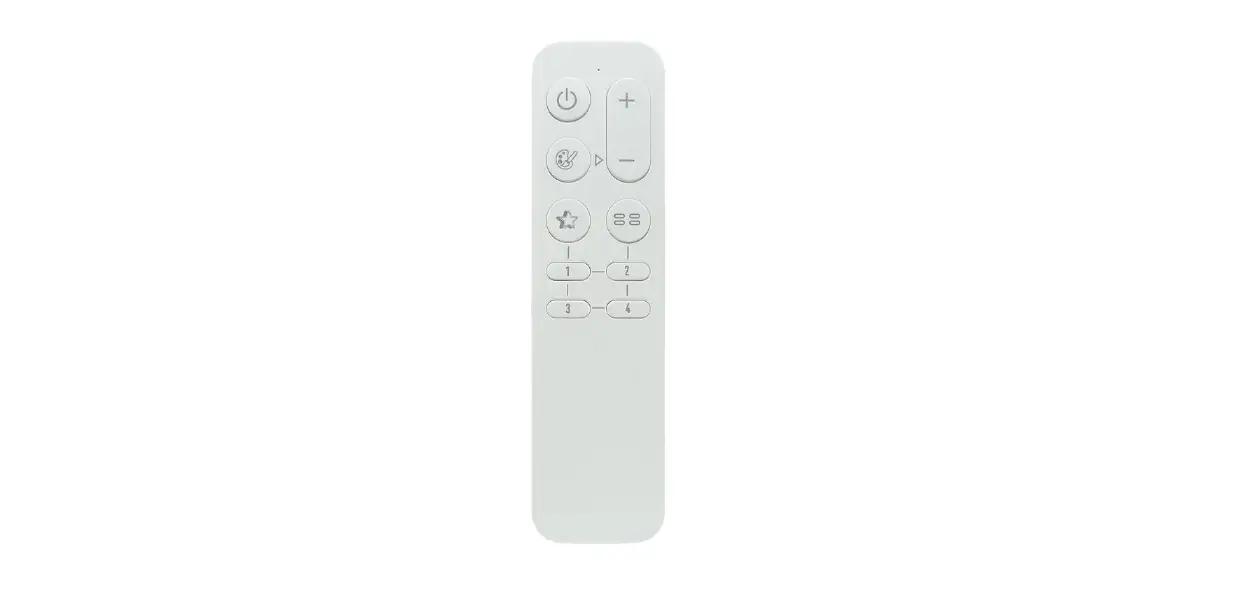

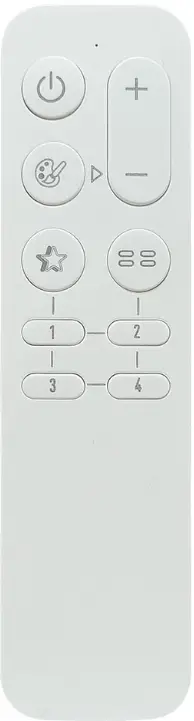
Rayrun BR03-CG LED Remote Controller
Function
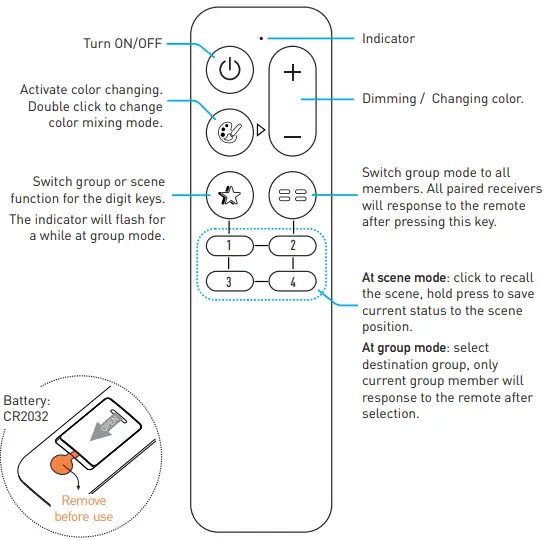
Operation
Pair and unpair the remote to receiver
The remote controller needs to be paired to receiver to work. User can pair up to 5 remote controllers to one receiver and each remote controller can be paired to any receiver.
To pair or unpair remote to the receiver, please operate with following steps:
- Cut off the power of receiver and power on again after more than 5 seconds.
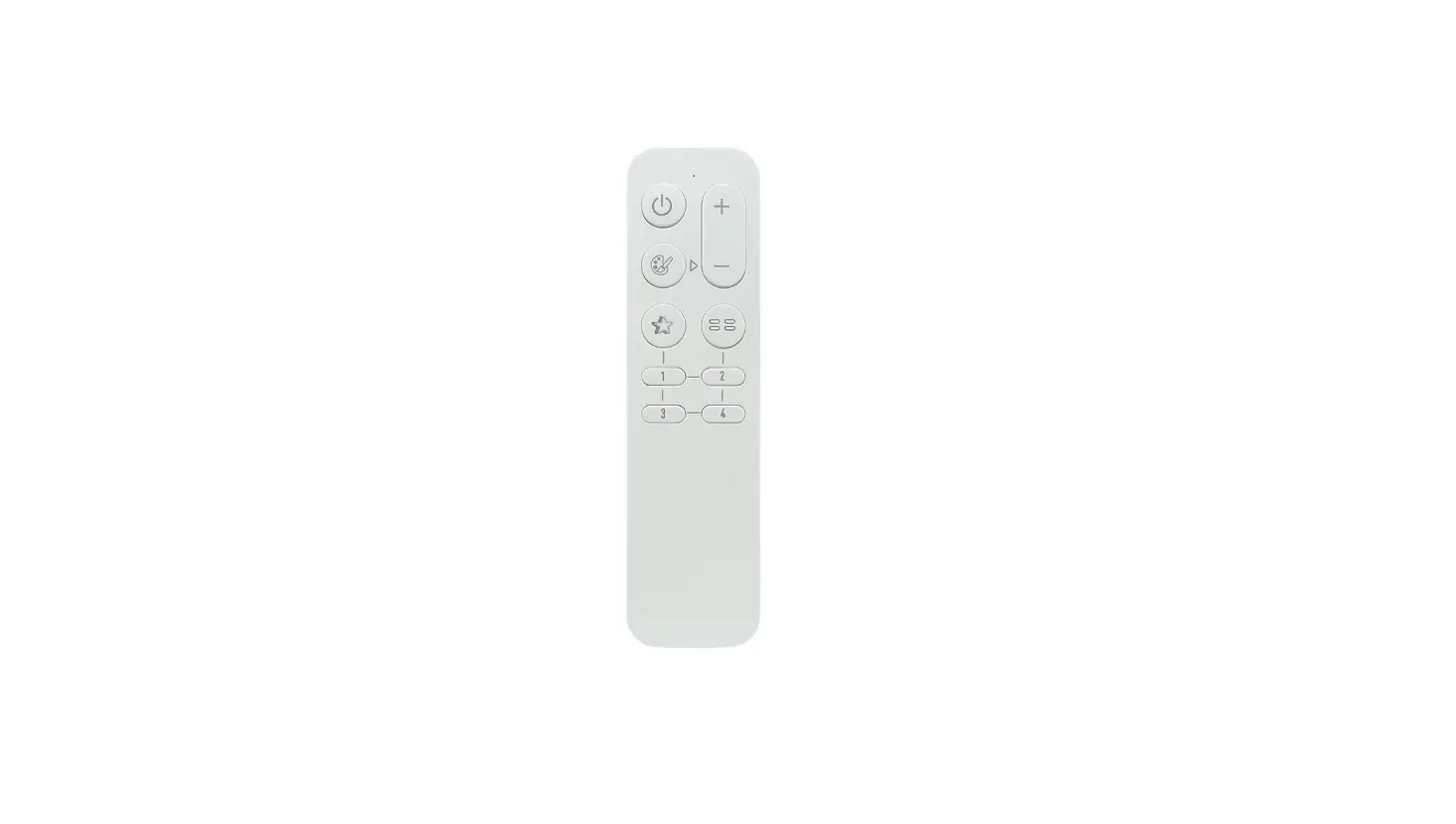
- Press remote
 and
and  key simultaneously and briefly within 10 seconds after receiver powered on.
 - Release all keys, then press
 key or 1-4 digit key within 10 seconds. For key, the receiver will be paired without group feature, for 1-4 key the receiver will be paired to 1-4 target group.
 - To unpair the remote from receiver, do the step 1-2 first, then release all keys and press
 key within 10 seconds
 and
and  key simultaneously and briefly within 10 seconds after receiver powered on.
 key or 1-4 digit key within 10 seconds. For key, the receiver will be paired without group feature, for 1-4 key the receiver will be paired to 1-4 target group.
Adjust color
Press the  key to activate color adjusting. The + and – key will swap to color adjusting function shortly. The indicator will flash at color adjusting mode
Change RGB/White mixing mode
Double click the key to change color mixing mode.
For RGB+White and RGB+CCT receivers, the color mixing mode can be switched between white(CCT), RGB and White(CCT)+RGB mode
Load and save scenes
The default function of 1-4 digit keys are for scene function. User can short press 1-4 key to load scene. To save a scene, please adjust the favorite light status first, then hold
press 1-4 digit key to save current status to relative scene position. After saving operation, user can load the saved scene by short press the digit key
Switch target group
To switch the target group, please press the  key first, then press the target group digit key. For example, to switch to group one, please press then
  key. The remote controller function will switch to the target group shortly. To restore the remote controller to all groups, please press
  key.
key.
Specification
- Working voltage: DC 3V, CR2032 battery
- Wireless protocol: Umi protocol based on SIG BLE Mesh
- Frequency band: 2.4GHz ISM band
- Wireless power: < 7dBm
- Working temperature: -20-55 C(-4-131 F)