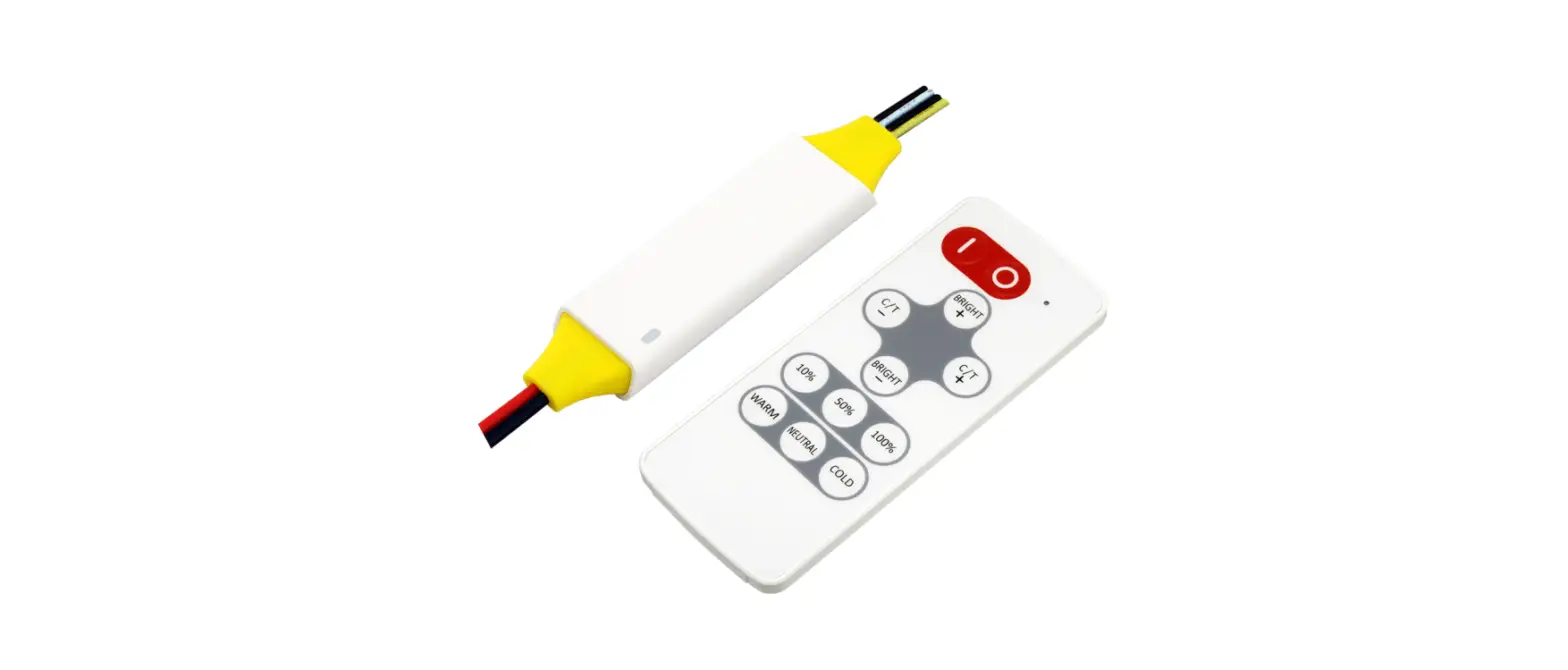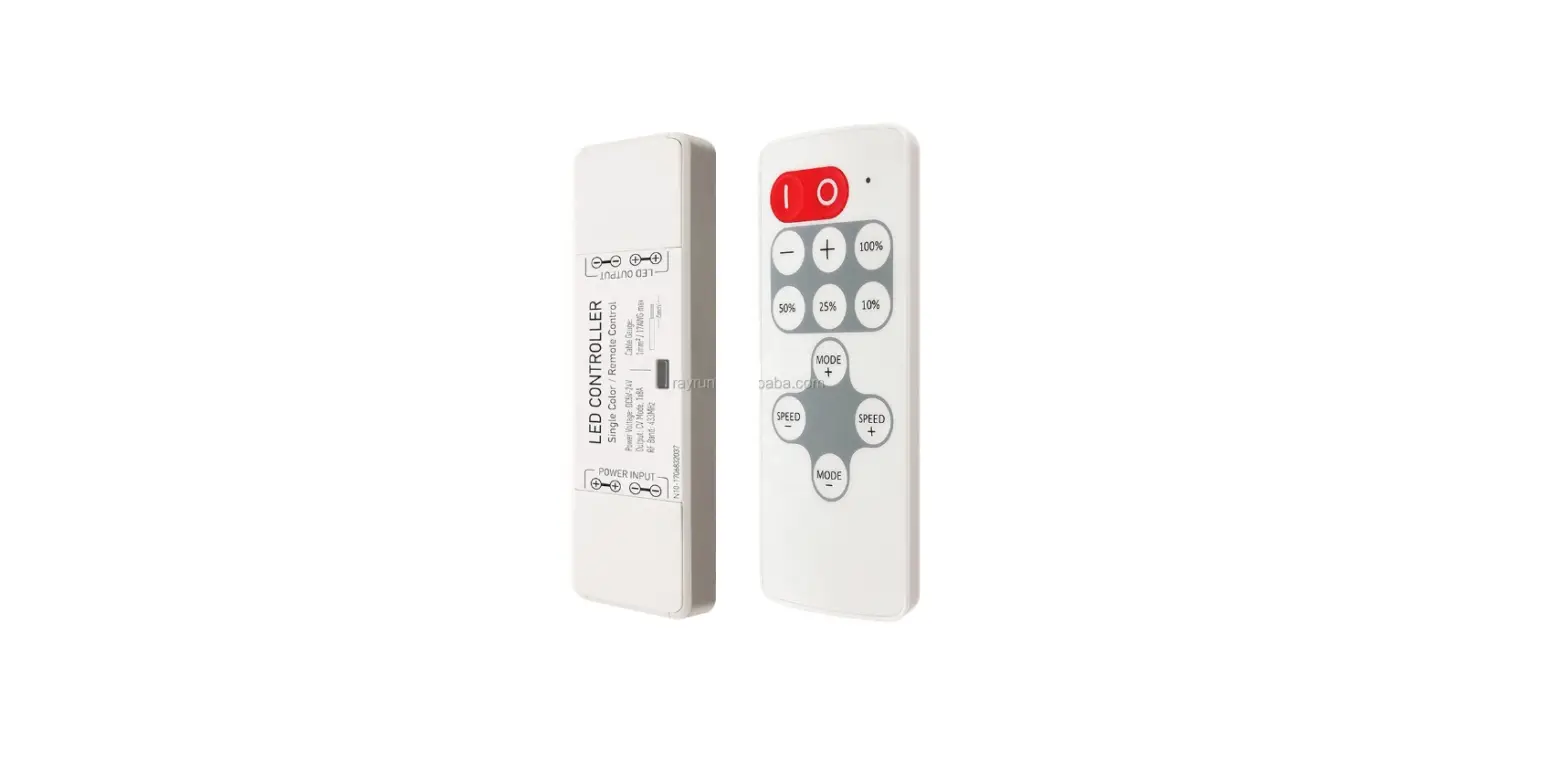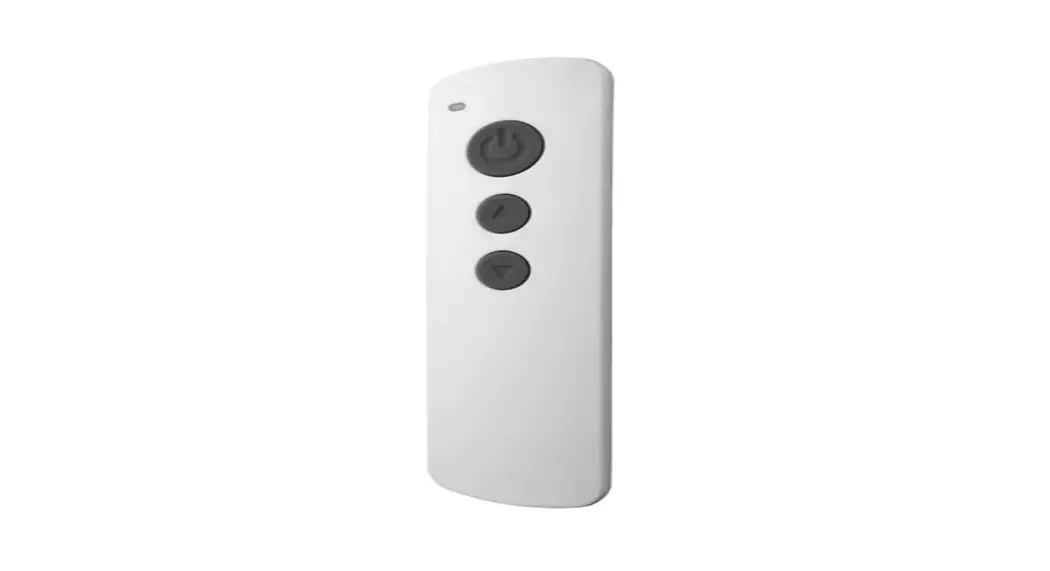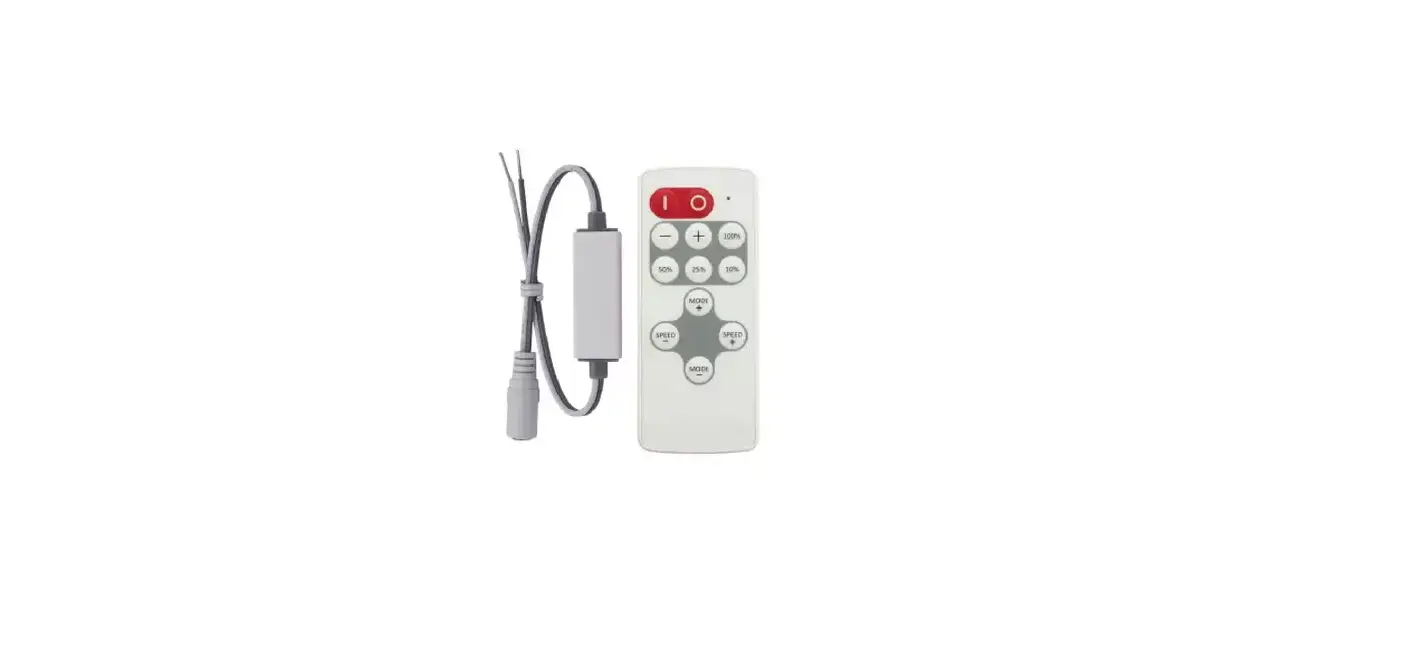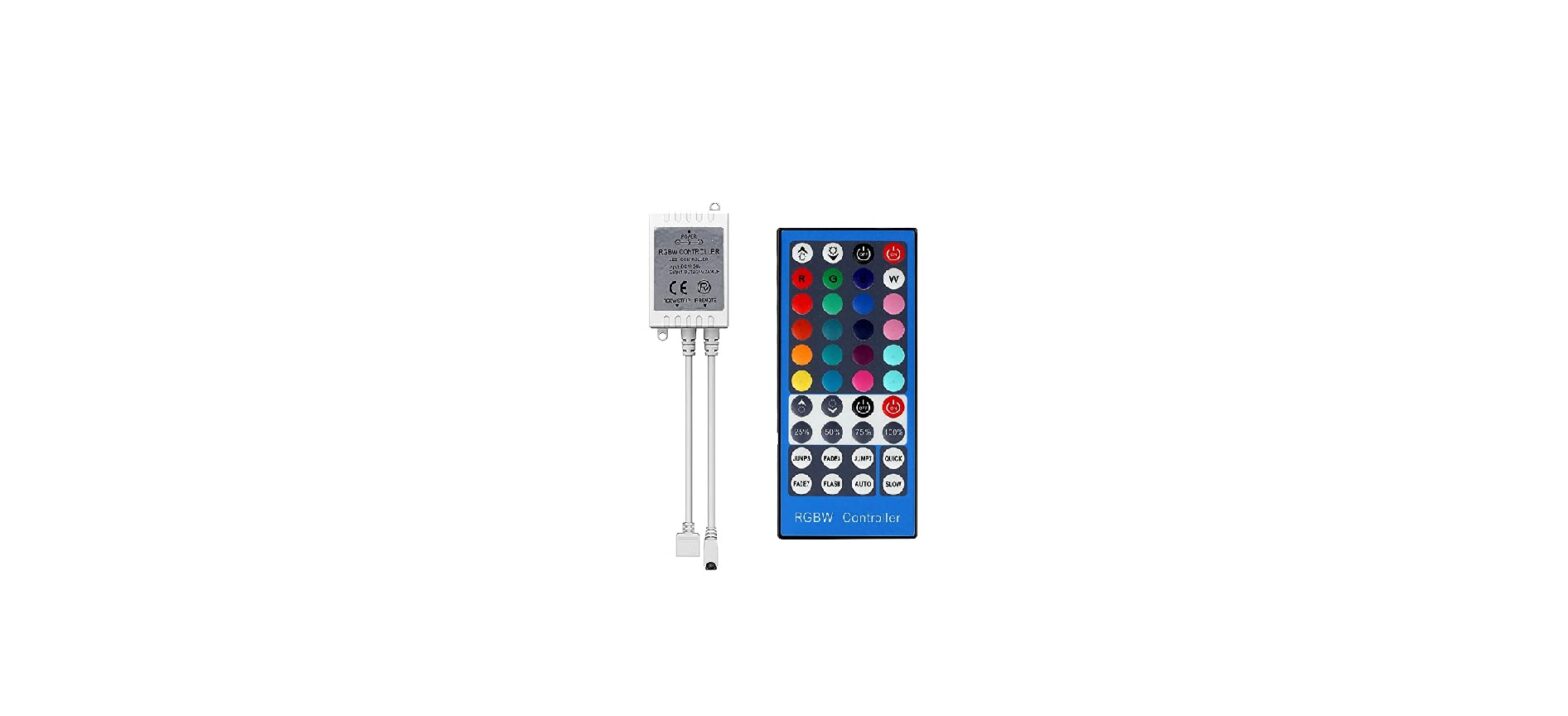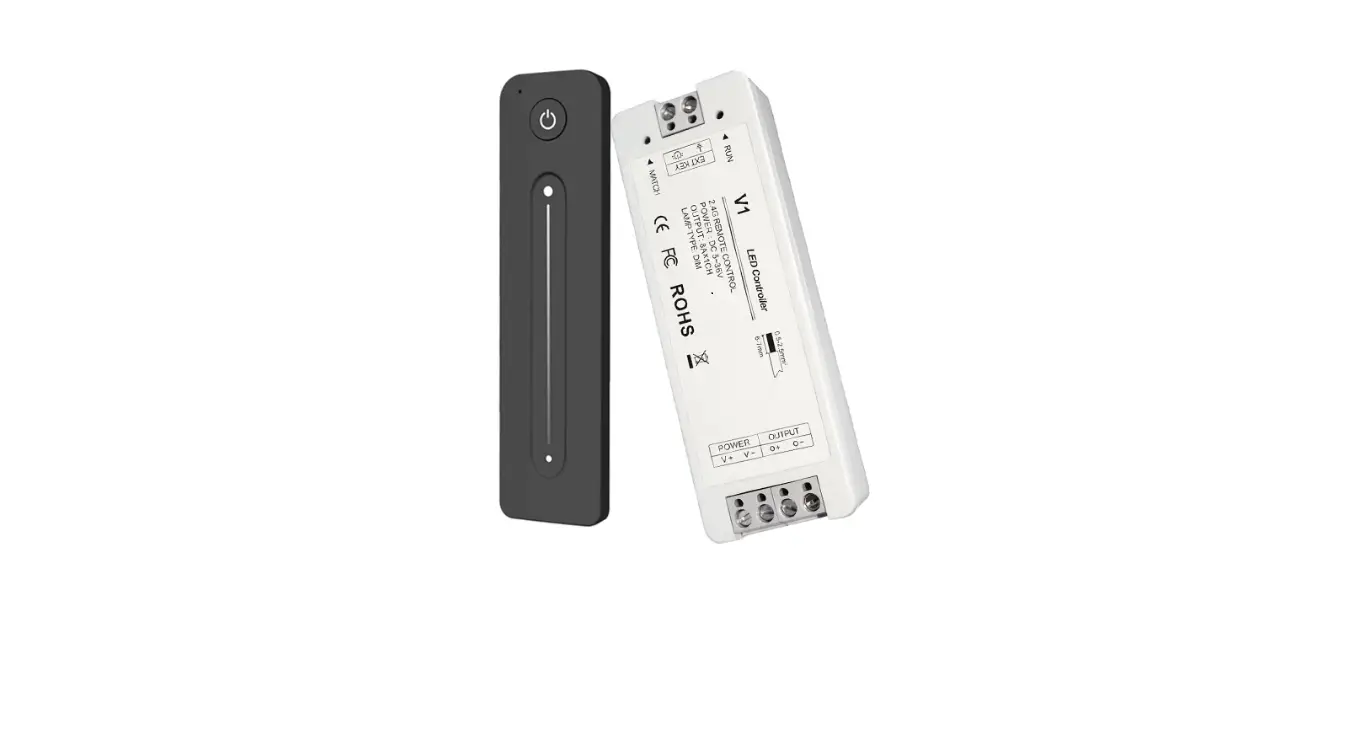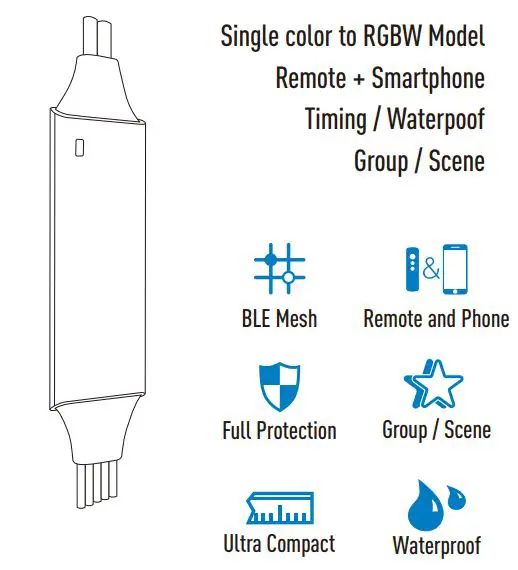

Rayrun N20 Tunable White Wireless Remote Control LED Controller
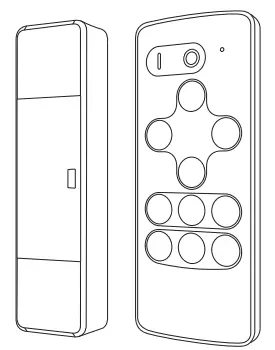
Feature
Introduction
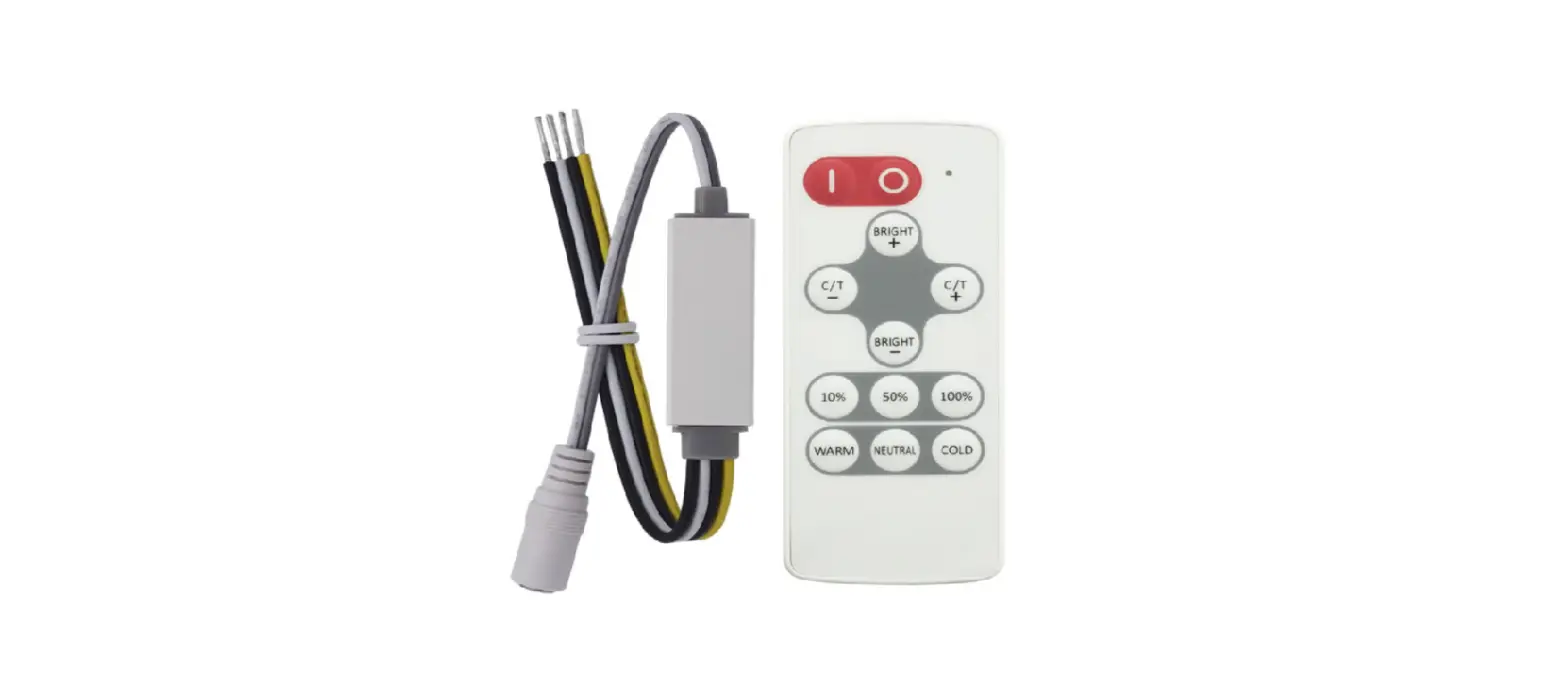
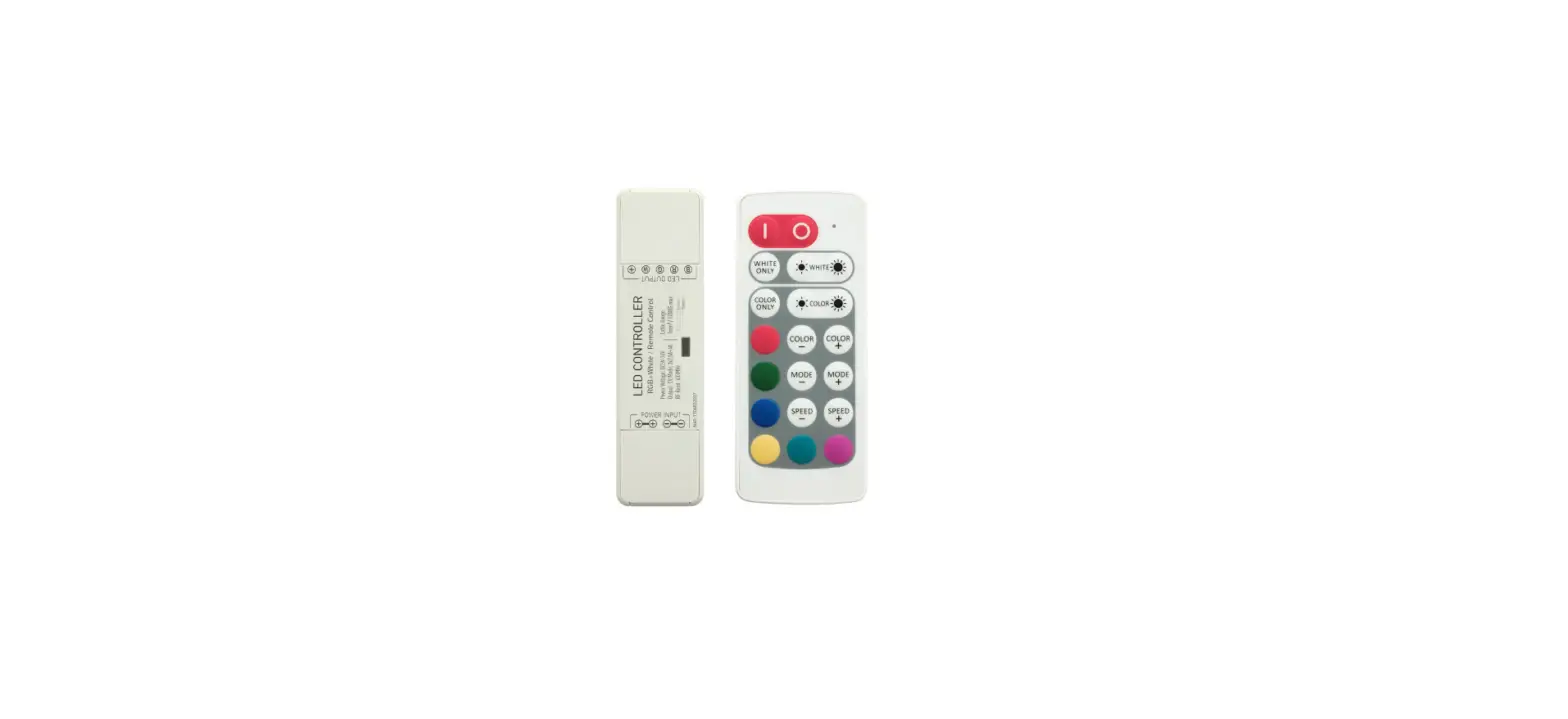
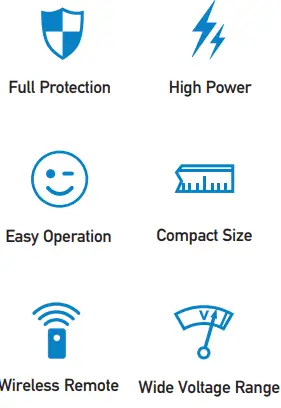
N20 tunable white LED controller is designed to drive constant voltage LED products with common anode connection in voltage range of DC5-24V. The main unit works with a RF remote controller, user can setup white tunable LED brightness and color temperature on the remote controller, the main unit is powered by DC power supply and receives remote controller commands to drive LED fixtures.
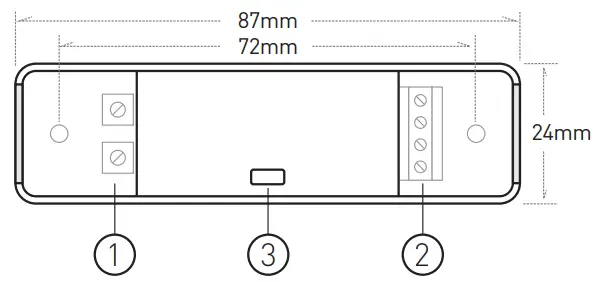
Dimension
Wiring & Indicator
Power supply input
Install positive power cable into the terminal marked with ‘+’ and negative power cable into the terminal marked with ‘-’. The controller can accept DC power from 5V to 24V, the output voltage is the same as the power supply, so please make sure the LED rated voltage is same as the power supply.
Please use remote controller to turn on the unit if it was switched to off status before power cut.
LED output
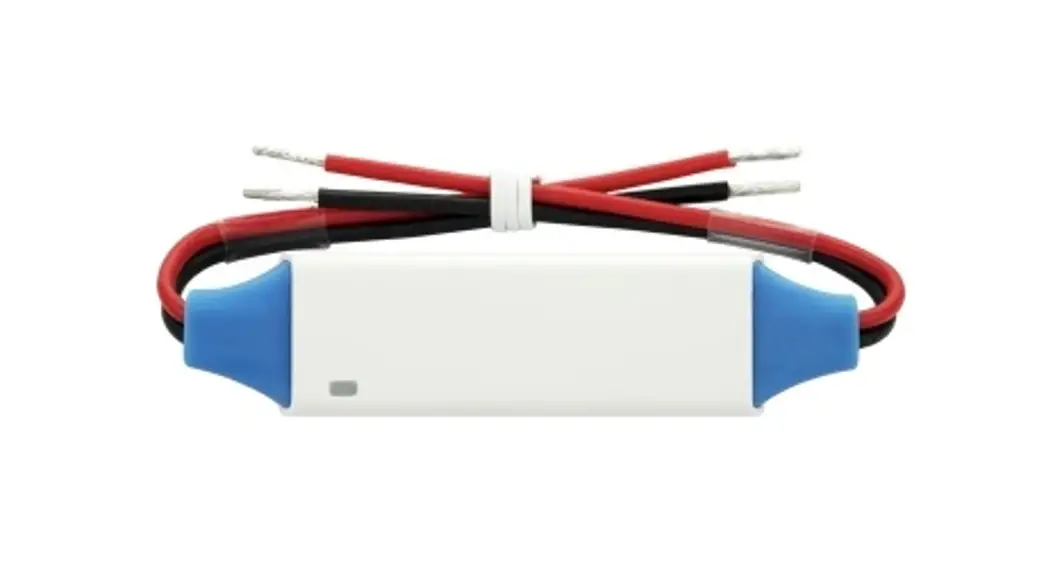
Connect LED fixtures to this terminal. Install LED positive cable into the terminal marked with ‘+’ and cool / warm white negative LED cable into the terminal marked with ‘-’ at cool and warm marked section. The two ‘+’ terminals are connected inside the controller. Please make sure the LED rated voltage is same as the power supply and each channel’s maximum load current is below the controller rated current. The controller will run into protection if the output been overloaded or short circuited. The indicator will flash red color and stop working in this case, Please check the wiring and load current to remove the fault.
Work status indicator
This indicator shows all working status of the controller. It displays different events as following:
- Steady green: Normal working.
- Single green blink: Command received.
- Long single green blink: Mode or color cycle edge. Long single yellow blink: Brightness or speed limit. Red flash: Overload protection.
- Yellow flash: Over heat protection.
Green flash 3 times: New remote controller paired.
Functions
Turn ON / OFF
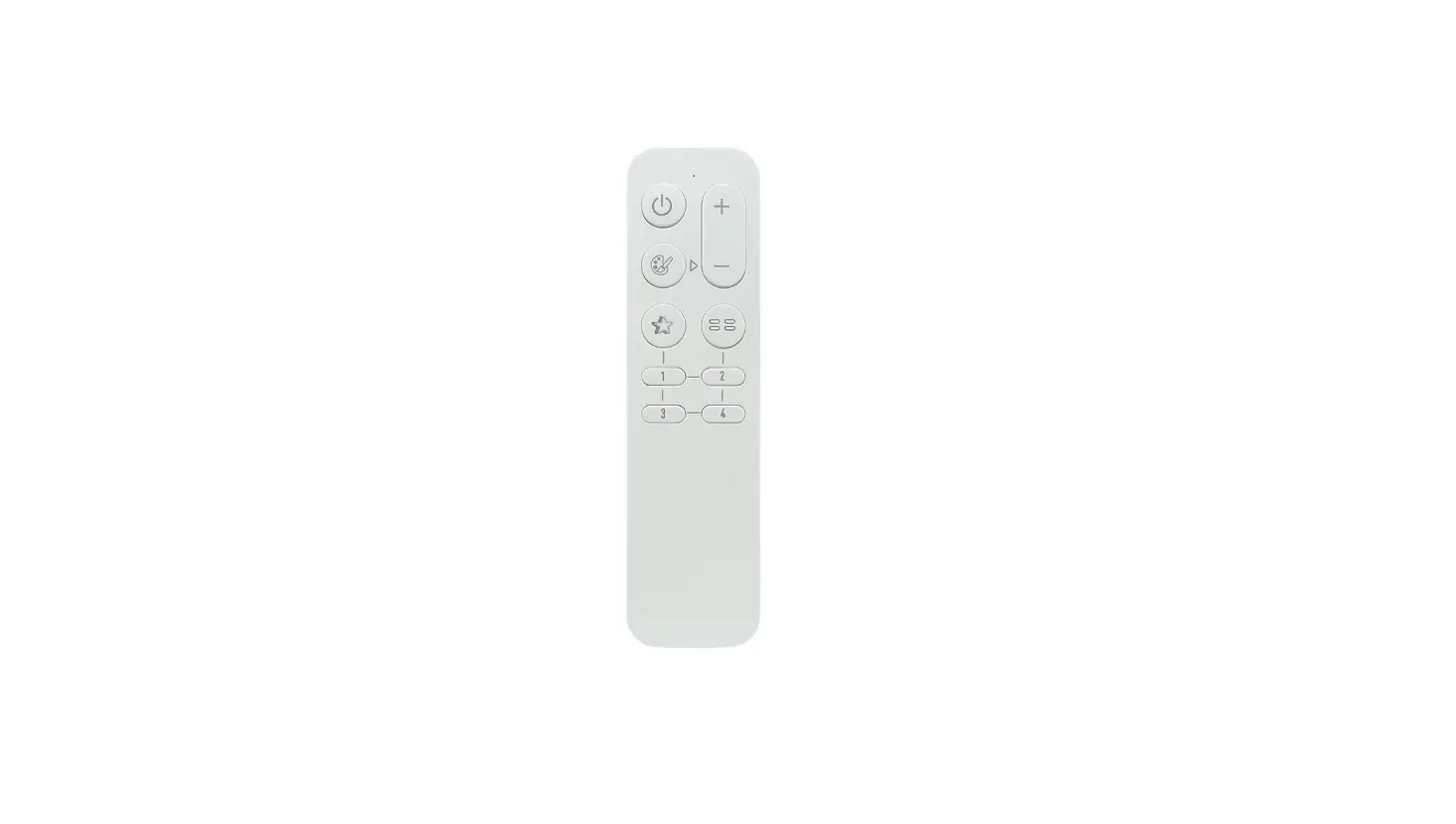
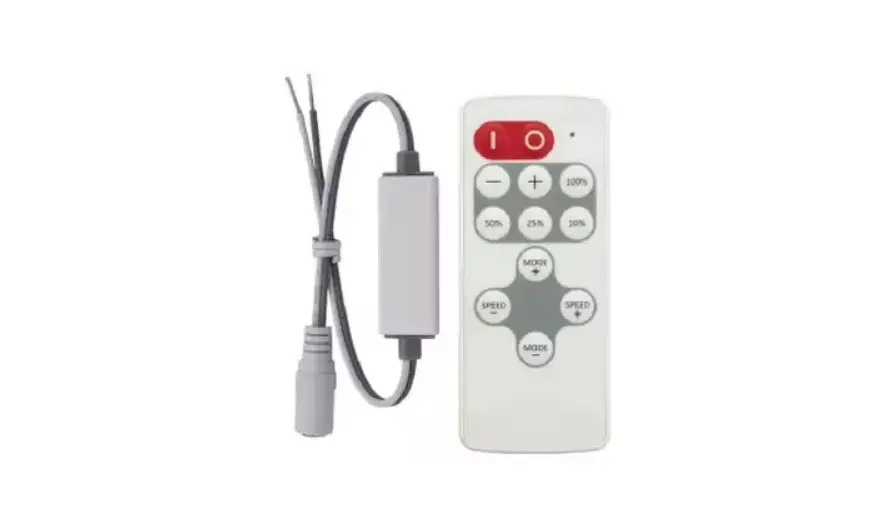
Press ‘I’ key to turn on unit or press ‘O’ key to turn off. Main unit will memorize the on/off status and will restore to the previous status on next power on
Brightness control
Adjust overall brightness. Press  to increase brightness and press
  to decrease. The color temperature will keep unchanged when adjust brightness.
The controller applies brightness gamma correction on dimming control, makes the brightness tuning more smooth to human sense.
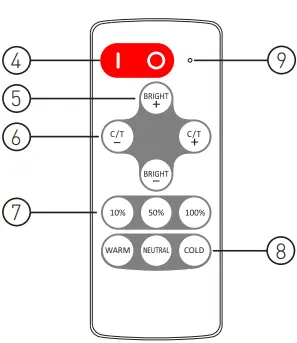
Color temperature control
Adjust LED color temperature. Press  to increase the color temperature and press
  to decrease. The overall brightness will keep unchanged when adjusting color temperature.
Brightness shortcut keys
Jump to the relative brightness level when press the corresponding keys.
Color temprature shortcut keys
Set the color temperature to full cool white, full warm white or neutral white which is 50% warm and 50% cool white.
Remote indicator
This indicator blinks when remote controller is working. If the indicator flash slowly when pressing keys, it means the remote battery is nearly empty and please change the battery in this case. The battery model is CR2032.
Operation
Using the remote controller
Please pull out the battery insulate tape before using. The RF wireless remote signal can pass through some nonmetal barrier. For proper receiving remote signal, please do not install the controller in closed metal parts.
Pair a new remote controller
The remote controller and main unit is 1 to 1 paired as factory default. It’s possible to pair maximum 5 remote controllers to one main unit and each remote controller could be paired to any main unit.
User could pair a new remote controller to main unit by following two steps:
- Plug off the power of main unit and plug in again after more than 5 seconds.
- 2). Press
 and
and  key simultaneously for about 3 seconds, within time of 10 seconds after the main unit powered on.
Keep current remote only
In some cases, one main unit might be paired with several remote controllers but extra remote controllers are no longer needed. User could simply pair the current using remote to main unit again, then the main unit will dis-pair all other remote controllers and recognize current one only.
Protection
The main unit has full protection function for wrong wiring, output short circuit, overload and overheat. The controller will protect itself from damage at these extreme conditions and could automatically recover when working condition is good. To avoid the protection, please ensure the LED fixtures are capable for constant voltage driving and in rated range, the cables are well connected and insulated. Also please install the controller with good ventilation and heat dissipation condition.
Specification
| Model | N20 |
| Brightness grade | 11 levels |
| Brightness shortcut | 3 levels |
| Color temperature grade | 7 levels |
| Color temperature shortcut | 3 levels |
| PWM grade | 4000 steps |
| Overload protection | Yes |
| Overheat protection | Yes |
| Working voltage | DC 5-24V |
| Remote frequency | 433.92MHz |
| Remote control distance | >15m at open area |
| Rated output current | 2x5A |
| Controller dimension | 87x24x15mm |