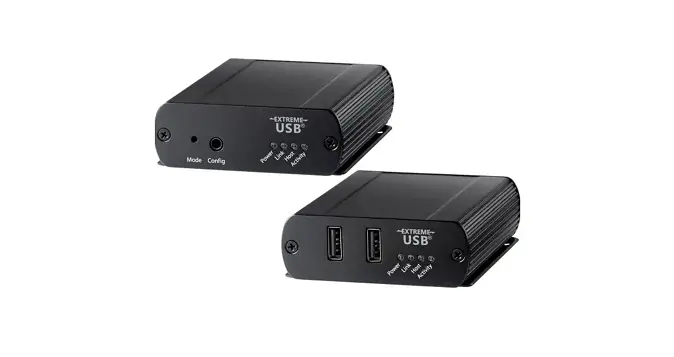
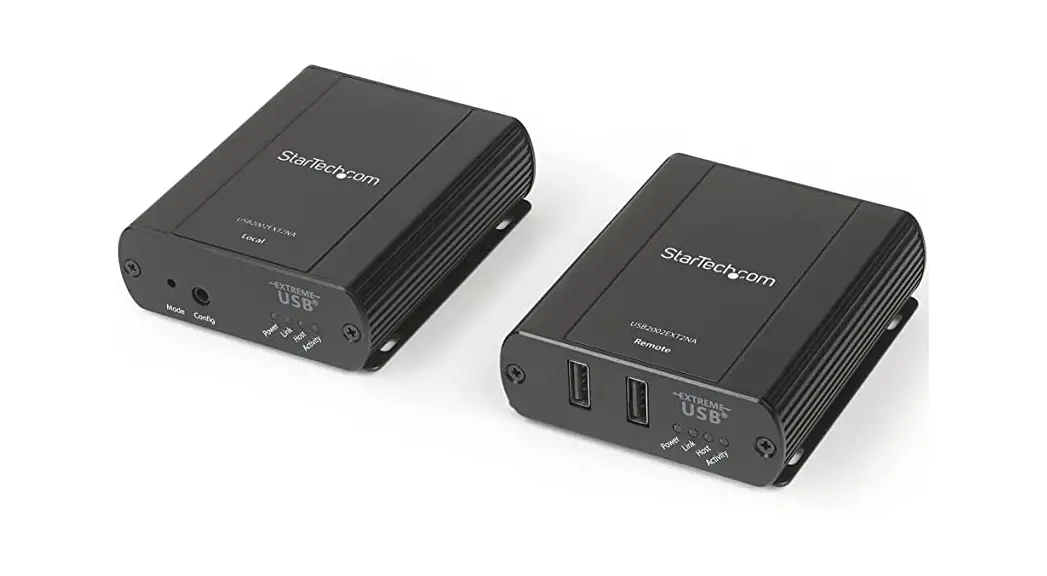
HT-ASTRO2-4 4 Port USB 2.0 Extender Set
Product Information
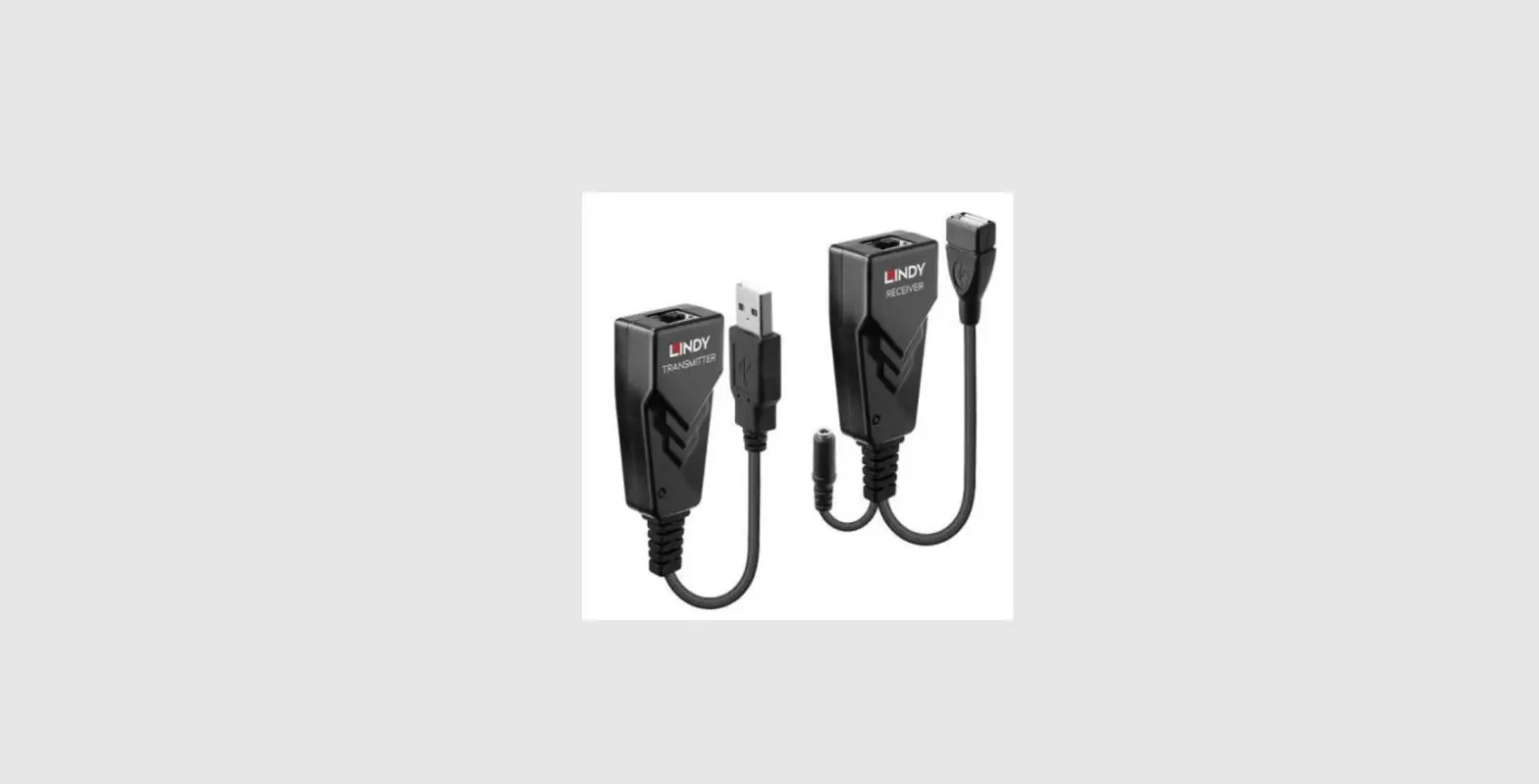
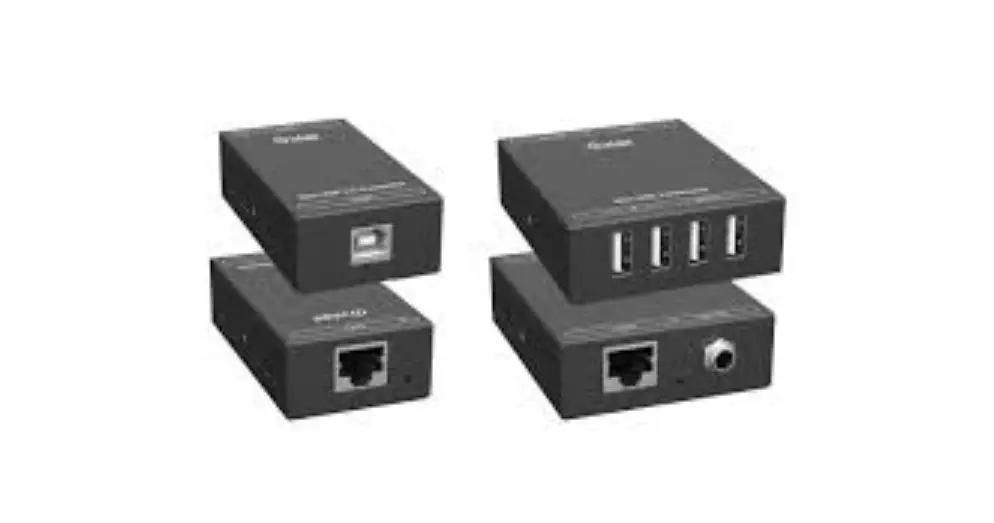
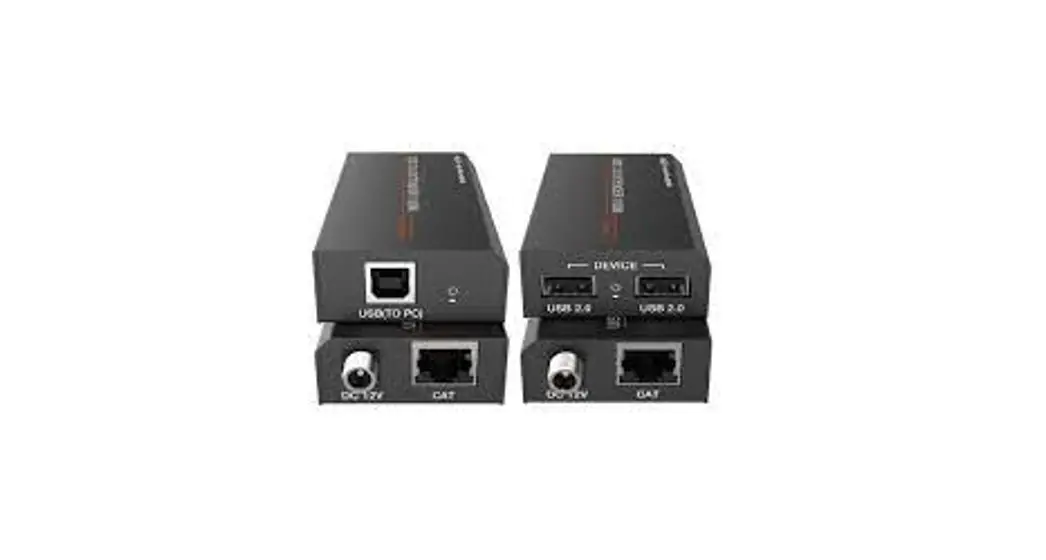
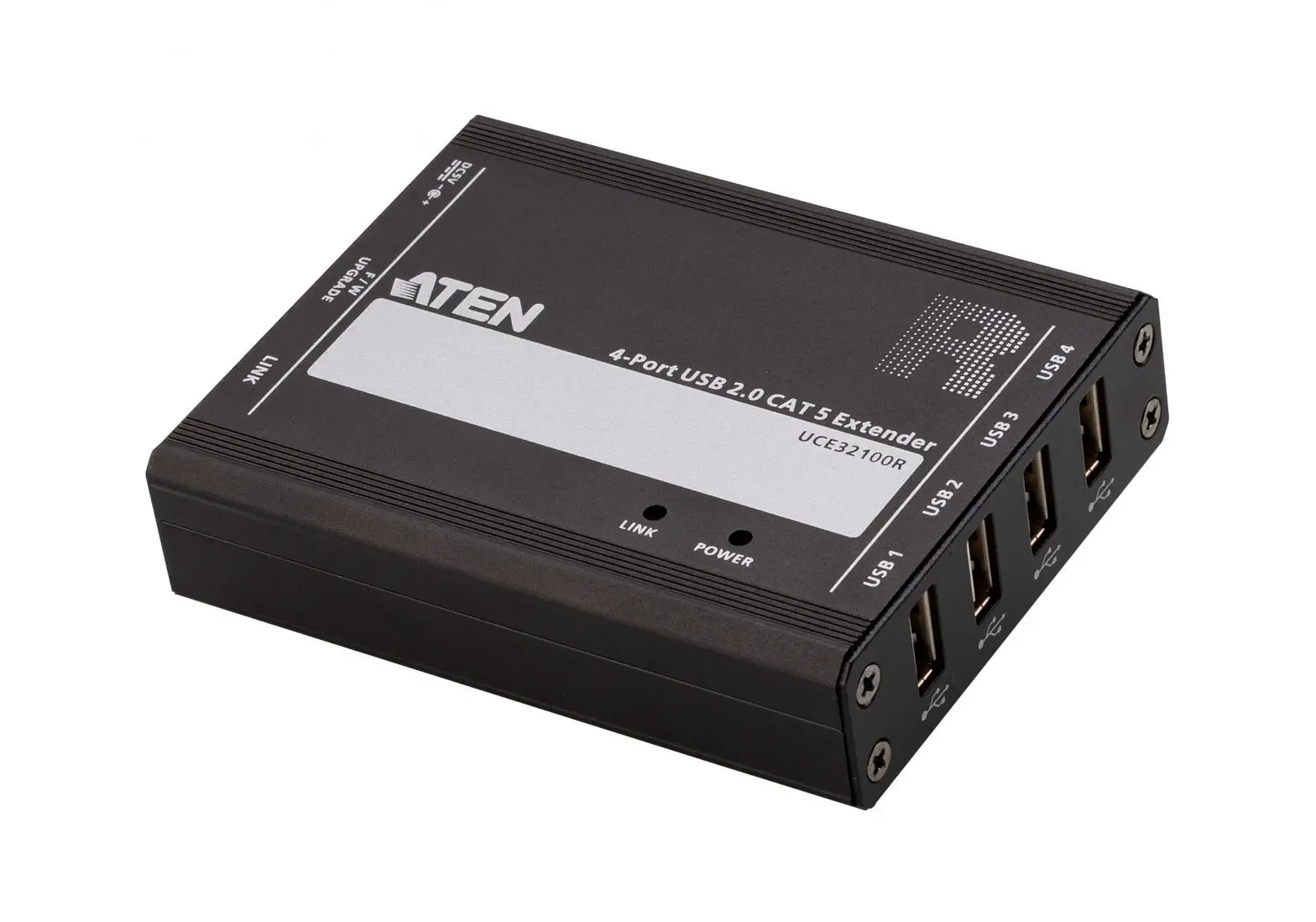
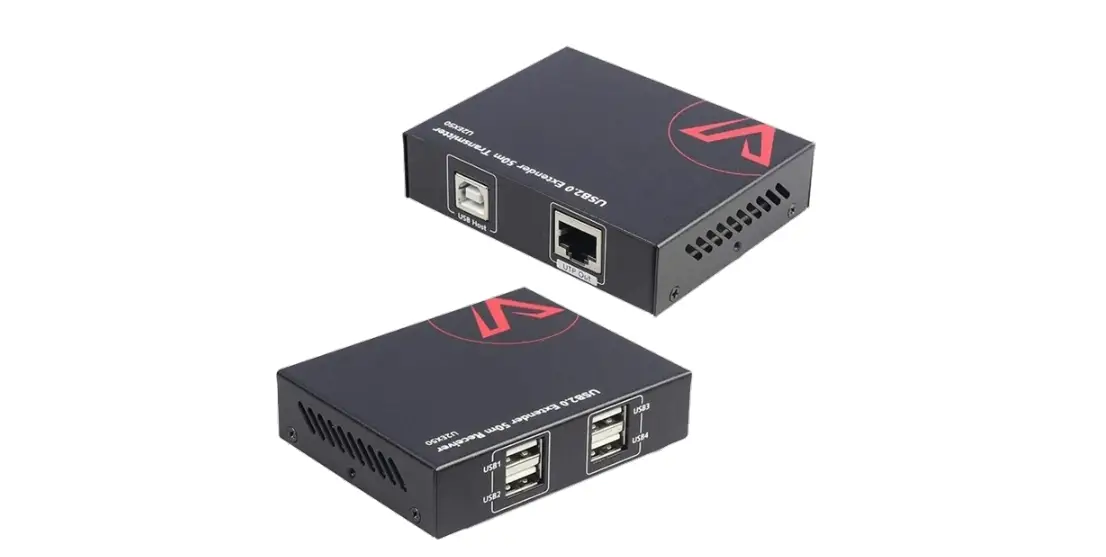
The HT-ASTRO2-4 is a 4-port USB 2.0 extender that allows for the
transmission of data from a PC to up to four USB 2.0 peripherals up
to 50m/165ft away via a single Cat5e/Cat6 cable. The transmitter is
powered by the USB port from the PC, while the 4-port receiver is
powered locally. This product is compatible with all major
operating systems, including Windows, MacOS, and Linux, and
supports USB 1.1 and USB 3.0 peripherals.
Features
- Supports high-speed USB2.0 (up to 480Mbps) over Cat5e/Cat6
cables up to 50m/165ft - 4x USB peripherals can be connected to the receiver
- Supports an additional receiver to be connected
Package Contents
- 1x Transmitter Unit
- 1x Receiver Unit
- 1x Power Adapter (DC 18V 0.5A)
- 4x Mounting Brackets (with screws)
Product Usage Instructions
Before using the HT-ASTRO2-4, please read and follow these
important safety instructions:
- Do not expose the product to rain, moisture, dripping or
splashing. - Do not install or place the unit in a bookcase, built-in
cabinet or in another confined space. Ensure the unit is well
ventilated. - To prevent risk of electric shock or fire hazard due to
overheating, do not obstruct the unit’s ventilation openings with
newspapers, tablecloths, curtains, and similar items. - Do not install near any heat sources such as radiators, heat
registers, stoves, or other apparatus (including amplifiers) that
produce heat. - Do not place sources of naked flames, such as lighted candles,
on the unit. - Clean the product only with a dry cloth.
- Unplug the product during lightning storms or when unused for
long periods of time. - Protect the power cord from being walked on or pinched
particularly at plugs. - Only use attachments/accessories specified by the
manufacturer. - Refer all servicing to qualified service personnel.
To use the HT-ASTRO2-4:
- Connect the transmitter unit to the PC using a USB cable.
- Connect the receiver unit to the USB peripherals using USB
cables. - Connect the transmitter and receiver units using a single
Cat5e/Cat6 cable. - Connect the power adapter to the receiver unit and plug it into
a power outlet. - Turn on the PC and the USB peripherals. The devices should now
be recognized and ready to use.
Hall Technologies · 1234 Lakeshore Dr Suite #150 Coppell, TX 75019 · halltechav.com
HT-ASTRO2-4
4-Port USB 2.0 Extender, 50m
USER MANUAL
February 20, 2023
Hall Technologies April 17, 2023
Page 1 of 9
Important Safety Instructions
1. Do not expose this apparatus to rain, moisture, dripping or splashing and that no objects filled with liquids, such as vases, shall be placed on the apparatus.
2. Do not install or place this unit in a bookcase, built-in cabinet or in another confined space. Ensure the unit is well ventilated.
3. To prevent risk of electric shock or fire hazard due to overheating, do not obstruct the unit’s ventilation openings with newspapers, tablecloths, curtains, and similar items.
4. Do not install near any heat sources such as radiators, heat registers, stoves, or other apparatus (including amplifiers) that produce heat.
5. Do not place sources of naked flames, such as lighted candles, on the unit.
6. Clean this apparatus only with dry cloth.
7. Unplug this apparatus during lightning storms or when unused for long periods of time.
8. Protect the power cord from being walked on or pinched particularly at plugs.
9. Only use attachments / accessories specified by the manufacturer.
10.Refer all servicing to qualified service personnel.
Hall Technologies April 17, 2023
Page 2 of 9
Table of Contents
Introduction ……………………………………………………………………………………………………………………………… 4 Overview ……………………………………………………………………………………………………………………….4 Features ………………………………………………………………………………………………………………………… 4
Package Contents ………………………………………………………………………………………………………………………4 Connectors & Indicators ……………………………………………………………………………………………………………..5
HT-ASTRO-2-TX ……………………………………………………………………………………………………………….5 HT-ASTRO-4-RX ……………………………………………………………………………………………………………….5 Applications ……………………………………………………………………………………………………………………………… 6 Setup ……………………………………………………………………………………………………………………………………….7 Installation …………………………………………………………………………………………………………………….. 7 Troubleshooting ………………………………………………………………………………………………………………………..8 Specifications ……………………………………………………………………………………………………………………………. 9
Hall Technologies April 17, 2023
Page 3 of 9
Introduction
OVERVIEW
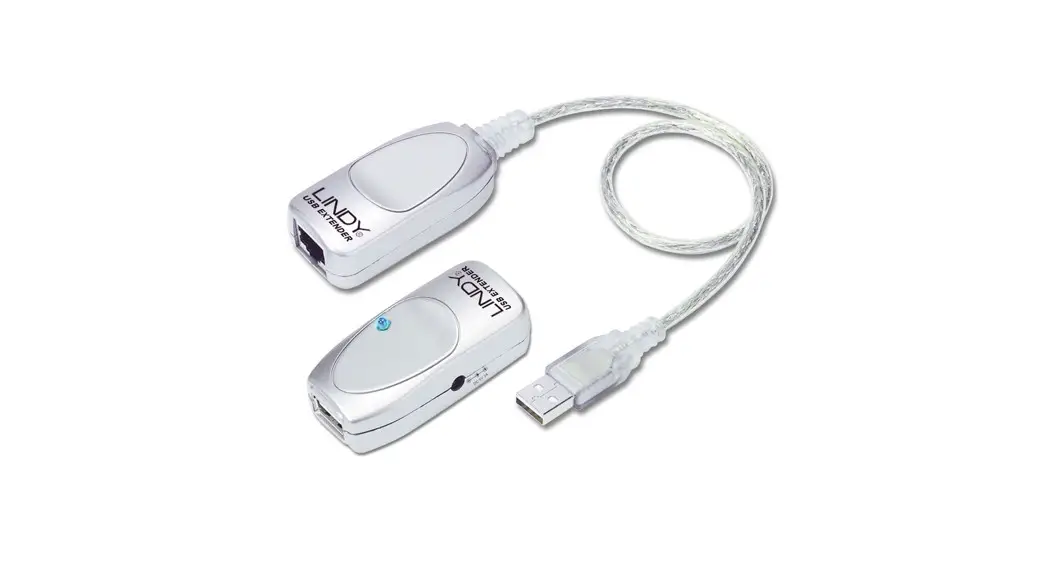
The HT-ASTRO2-4 is a 4-port plug-and-play USB2.0 extender via a single Cat5e/Cat6 cable. This extender hub kit transmits data from a PC to as many as four USB 2.0 peripherals up to 50m/165ft. The transmitter is powered by the USB port from the PC and the 4-port receiver is powered locally to provide access to keyboard, mouse, printers, scanners, cameras, speakers, external storage media, digital signage or automated control systems.
The HT-ASTRO2-4 works with all major operating systems including Windows, MacOS and Linux with no need of driver installation and is also compatible with USB 1.1 and USB 3.0 peripherals.
FEATURES
Supports high-speed USB2.0 (up to 480Mbps) over Cat5e/Cat6 cables up to 50m/165ft. 4x USB peripherals connected to the receiver and supports an additional receiver to be connected
to increase USB peripherals up to 7 (when fully loaded the max transmission distance will decrease to 40m/130ft). TX powered by the USB port, RX powered by lockable DC supply with 500mA to each USB device (receiver hub does not need power adapter when only keyboard and mouse is used) True plug-and-play with no driver installation required. Supports all major operating systems Windows, MacOS and Linux Compatible with USB1.1 and USB3.0 peripherals. Hub receiver supports additional USB hub connection and up to 7 x USB peripherals connected. (When fully loaded, the max transmission distance may be shortened to 40m.)
Package Contents
1x Transmitter Unit 1x Receiver Unit 1x Power Adapter (DC 18V 0.5A) 4x Mounting Brackets (with screws)
Hall Technologies April 17, 2023
Page 4 of 9
Connectors & Indicators
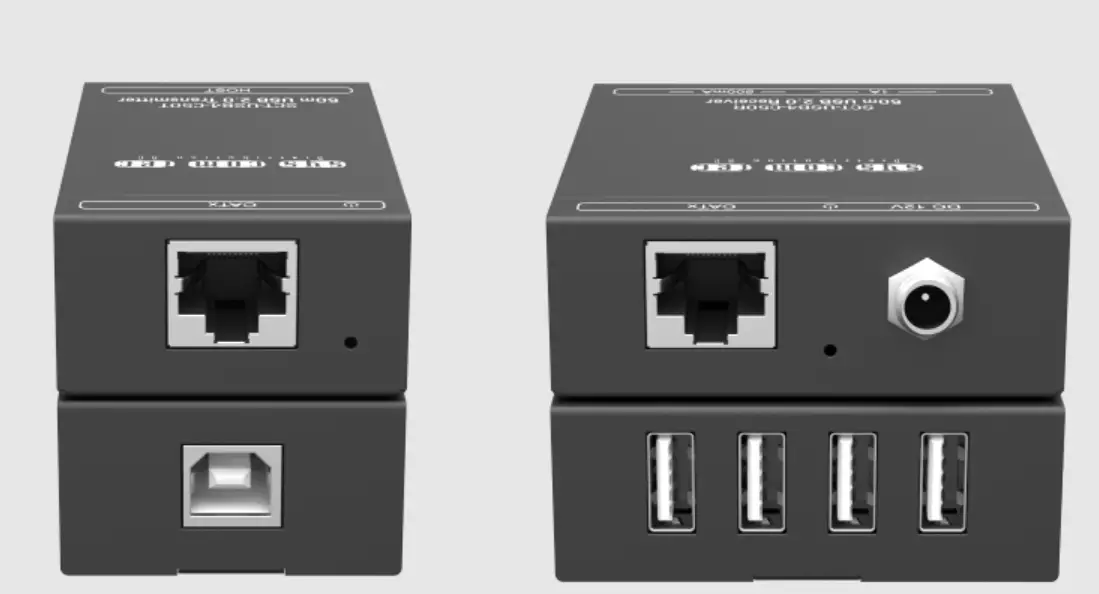
HT-ASTRO2-4-TX
No. 1 2 3 4
Name STATUS POWER USB HOST UTP OUT
Description
· On: The device is working properly. · Off: The device is not working properly.
· On: The device is powered on.
· Off: The device is powered off.
USB 2.0 Type-B for connection to host PC.
RJ45 connector for Cat5e cable connected to the receiver.
HT-ASTRO2-4-RX
No. 1
2 3 4 5
Name DC 12V
POWER STATUS UTP IN USB
Description
DC 12V/0.5A power supply connection for local power. Note: adapter is not needed if only connecting one keyboard and one mouse.
· On: The device is powered on.
· Off: The device is powered off.
· On: The device is working properly. · Off: The device is not working properly.
RJ45 connector for Cat5e cable connected to the transmitter.
USB 2.0 Type-A for peripheral devices.
Hall Technologies April 17, 2023
Page 5 of 9
Applications
A laptop or PC is connected to the USB Type-B interface on the HT-ASTRO2-4-TX and then transmitted over the category cable to the HT-ASTRO2-4-RX, where multiple USB peripheral devices are connected.
Hall Technologies April 17, 2023
Page 6 of 9
Setup
INSTALLATION
Note: Before installation, please ensure the devices are disconnected from the power source. To install the device on a surface:
1. Secure the included L-bracket mounts to each side of the transmitter/receiver using the included screws.
2. The bottom part of the L-bracket should be flush with the bottom of the transmitter/receiver. 3. Using the appropriate hardware (not included), mount the bottom of the L-brackets to the
desired surface.
Hall Technologies April 17, 2023
Page 7 of 9
Troubleshooting
Problem Type Problem
Control
Mouse or other peripheral not seen at laptop
Options
Confirm the connectors are properly seated on each device
Test the category cable to confirm proper pinout and no shorts in the cable Confirm the distance between the transmitter and receiver does not exceed specifications (depending on the USB bandwidth)
Specifications
Technical Input Output Input/Output Signal Type Transmission Distance
General Operating Temperature Storage Temperature Humidity Power Consumption Power Dimensions Weight
1 x USB Type-B 4 x USB Type-A USB 2.0 up to 480Mbps USB 2.0: 50m (165ft) max, Cat5e UTP
0°C to 45°C (32°F to 113°F) -20°C to 70°C (-4°F to 140°F) 10% to 90%, non-condensing 4.5W max 1x DC 12V/0.5A (included) 55mm W x 16mm H x 45mm D (2.17″ W x 0.63″ H x 1.77″ D) 80g (0.176 lbs.)
Hall Technologies April 17, 2023
Page 8 of 9
© Copyright 2022. Hall Technologies All rights reserved.
1234 Lakeshore Drive, Coppell, TX 75019 halltechav.com / [email protected]
(714)641-6607
Hall Technologies April 17, 2023
Page 9 of 9
 Home - Hall Technologies