 USER MANUAL
iTrans
USB 2.0 Extender (100M)
Model: iTrans-USB2-TR100

Introduction
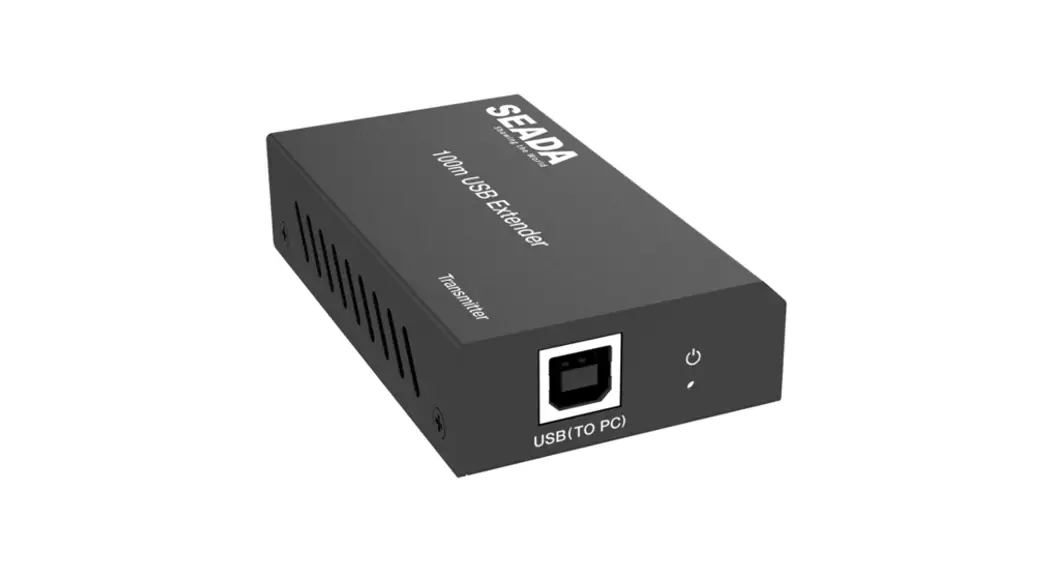
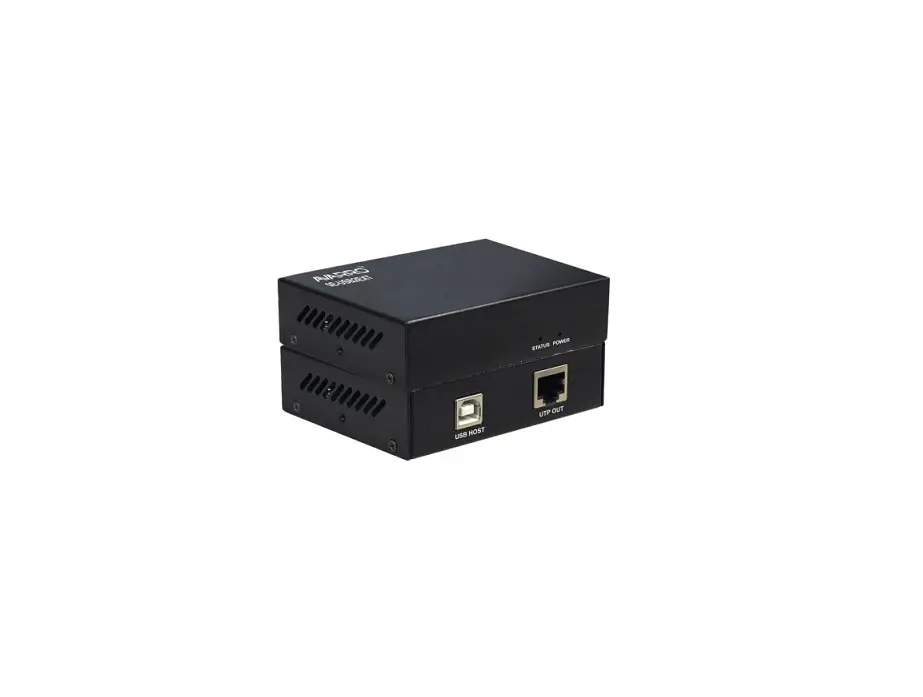
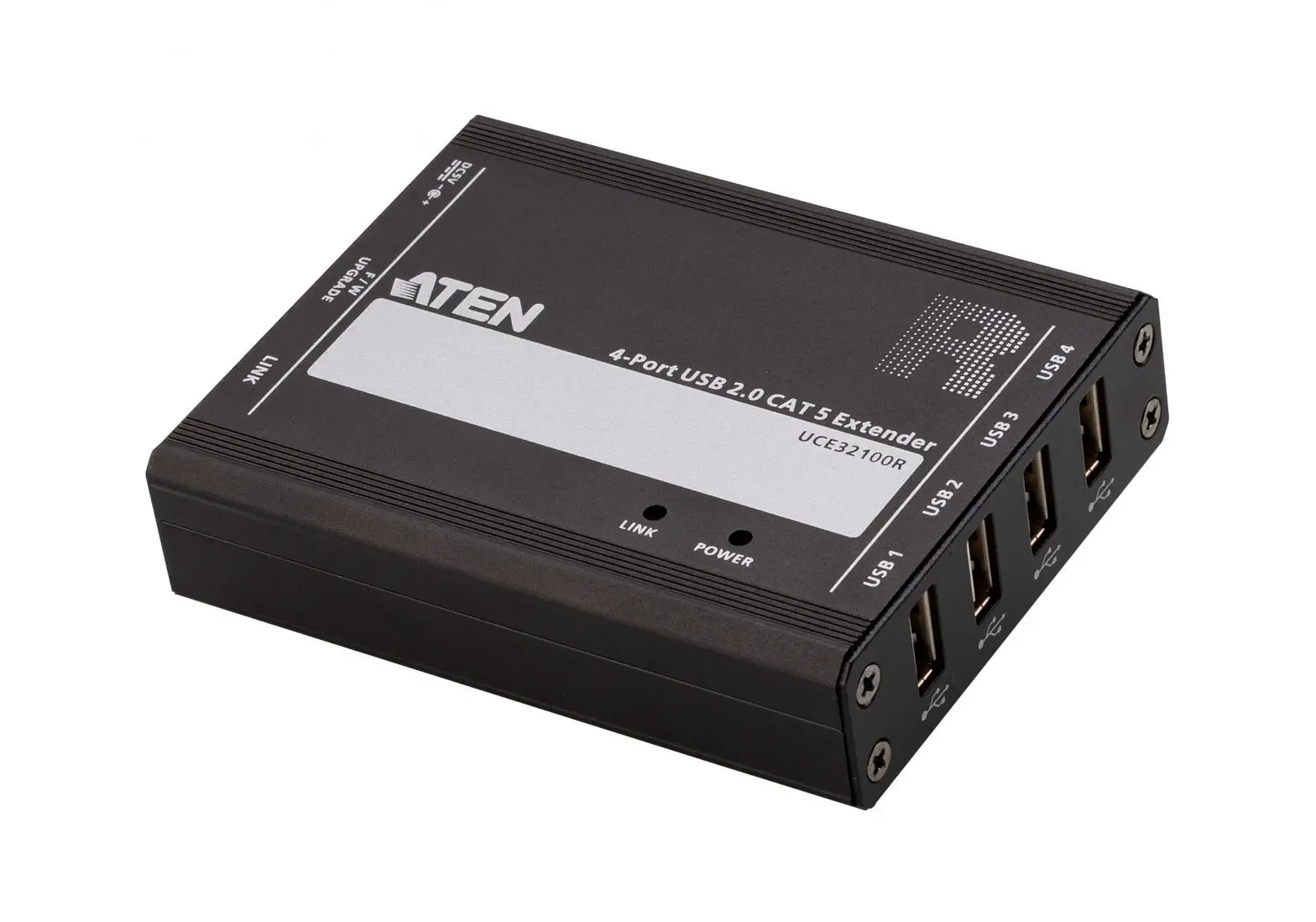
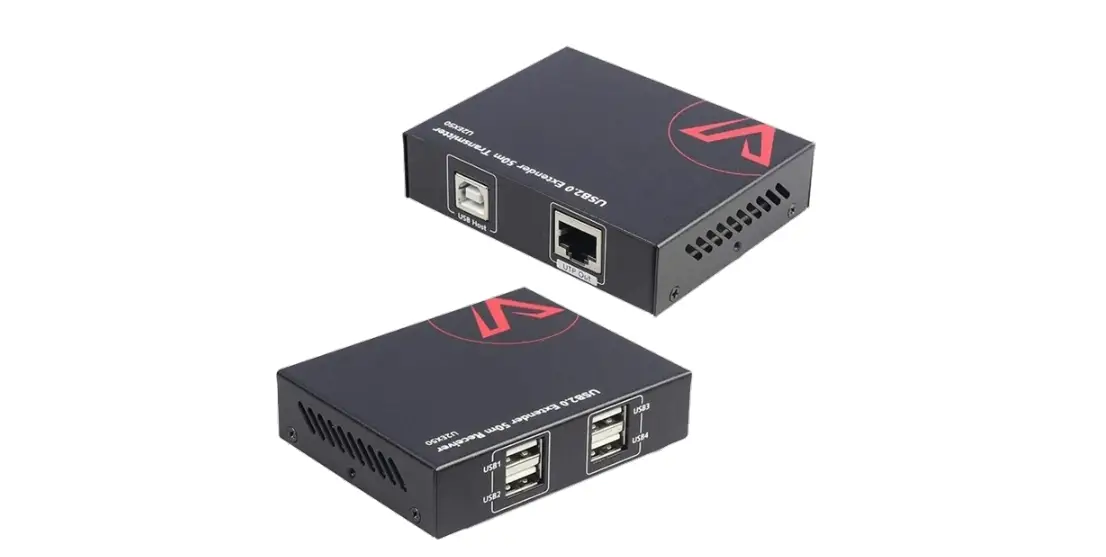
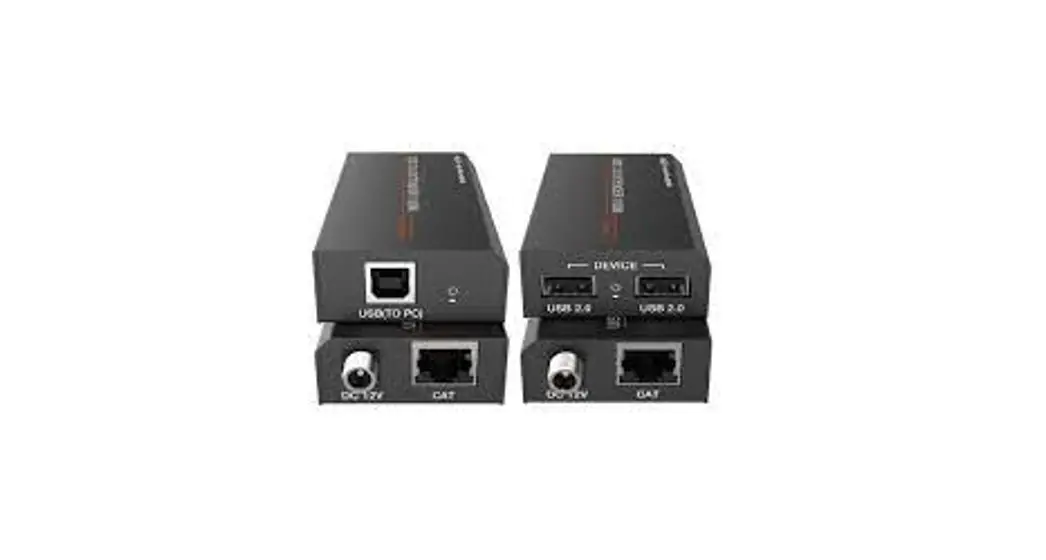
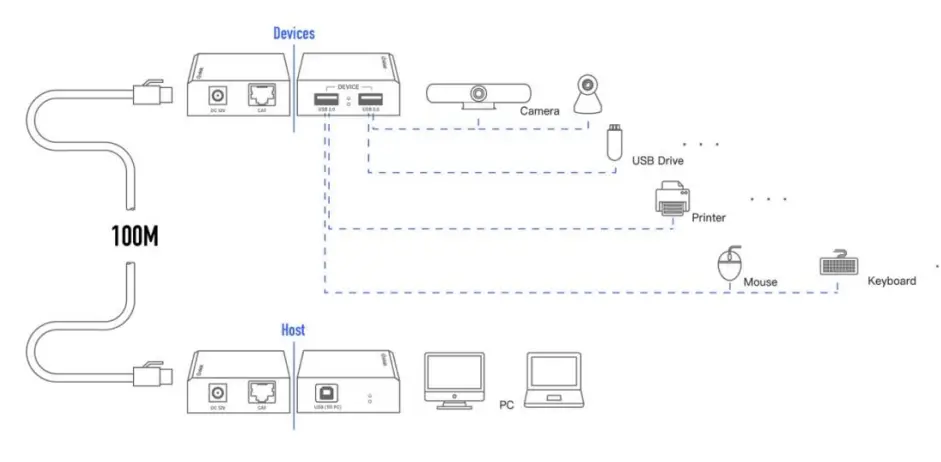
The USB 2.0 Extender can extend USB signal up to 100 meters / 328ft via Cat 5e/6 cable. In transmitter, the USB-B port is connected a PC. In receiver, you can connect a device with USB port at the two USB ports such as U disk or printer, etc. Transmitter and Receiver support PoC (Power over Cable) function. The product can be widely used long distance signal transmission between a PC and USB device. Simple plug and play, no drive and setting installation required.
Features
Supports USB 2.0 protocol, transmission rate up to 480Mbps
Supports extend distance up to 100 meters / 328ft via CAT 5e/6 cable
Supports one USB-B port input in the transmitter
Supports two USB 2.0 ports output in receiver
Supports the PoC function, which means that either transmitter or receiver is
connected powered supply by a 12V/1A power adapter
Simple plug and play, no drive and setting installation required
Compact design for easy and flexible installation
Package Contents
- 1× USB 2.0 Extender (Transmitter)
- 1× USB 2.0 Extender (Receiver)
- 1× USB cable (USB-B male head to USB-A male head, one meter )
- 1× 12V/1A Locking Power Adapter
- 1× User Manual
Specifications
| Technical | |
| USB protocol | USB 2.0 |
| Transmission rate | Up to 480Mbps |
| Transmission distance | 100M (328ft) |
| ESD Protection | Human-body Model : ±8kV (Air-gap discharge) , ±4kV (Contact discharge) |
| Connections | |
| Transmitter | Input port: 1xUSB [USB-B, female] Output port: 1xCAT [12145, female] |
| Receiver | Input port: 1xCAT [11145, female] Output port: 2xUSB [USB-A, female] |
| Mechanical | |
| Housing | Metal Enclosure |
| Color | Black |
| Dimensions | Transmitter / Receiver: 82mm (W)x49mm (D)x20mm (H) |
| Weight | Transmitter / Receiver: 100g |
| Power Supply | Input: AC100-240V 50/60Hz, Output: DC 12V/1A |
| Power Consumption | Transmitter: 1.3W, Receiver: 2.3W |
| Operating Temperature | 0 C∼40 C/32 F ∼104 F |
| Storage Temperature | -20 C∼ 60 C / -4 F ∼140 F |
| Relative Humidity | 2090% RH (non-condensing) |
Operation Controls and Functions
5.1 Front Panel
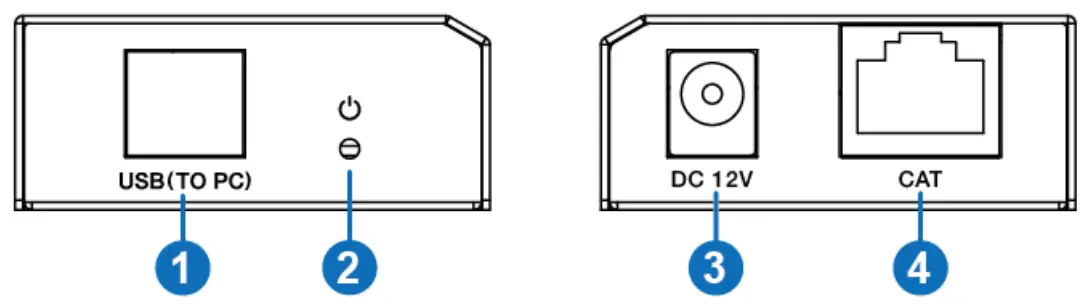
| Number | Name | Function description |
| 1 | USB port | Use USB-B male head to USB-A male head wire to connect USB port of a PC. Note: The PC can control USB ports’ device of the receiver. |
| 2 | POWER LED | Power LED indicator. The green LED will illuminate when transmitter is provided power supply. |
| 3 | DC 12V | Plug DC 12V/1A power supply into the unit and connect the adapter to an AC outlet. |
| 4 | CAT port | The CAT port is connected receiver’ s CAT port by CAT 5e/6 cable. |
5.2 Rear Panel
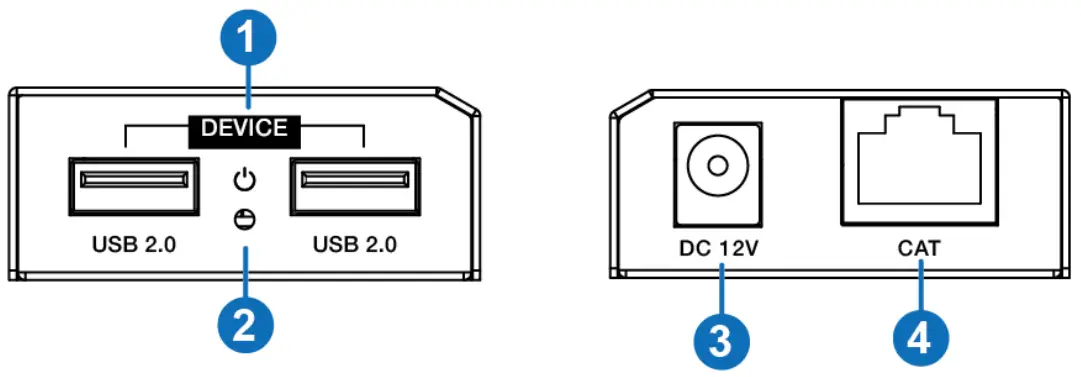
| Numbe | Name | Function description |
| 1 | USB 2.0 port | Connect to a device with USB port such as printer or U disk, etc. |
| 2 | POWER LED | Power LED indicator. The green LED will illuminate when the receiver is connected power supply. |
| 3 | DC 12V | Plug 12V/1A DC power supply into the unit and connect the adapter to an AC outlet. |
| 4 | CAT port | The CAT port is connected transmitter’s CAT port by CAT 5e/6 cable. |
Connection diagram
INFOBIT AV
[email protected]
www.infobitav.com
 infobit AV- 4K Matrix Switchers, Wireless Presentation, Active Optical Cable and Conference Camera- Meeting Room Solutions