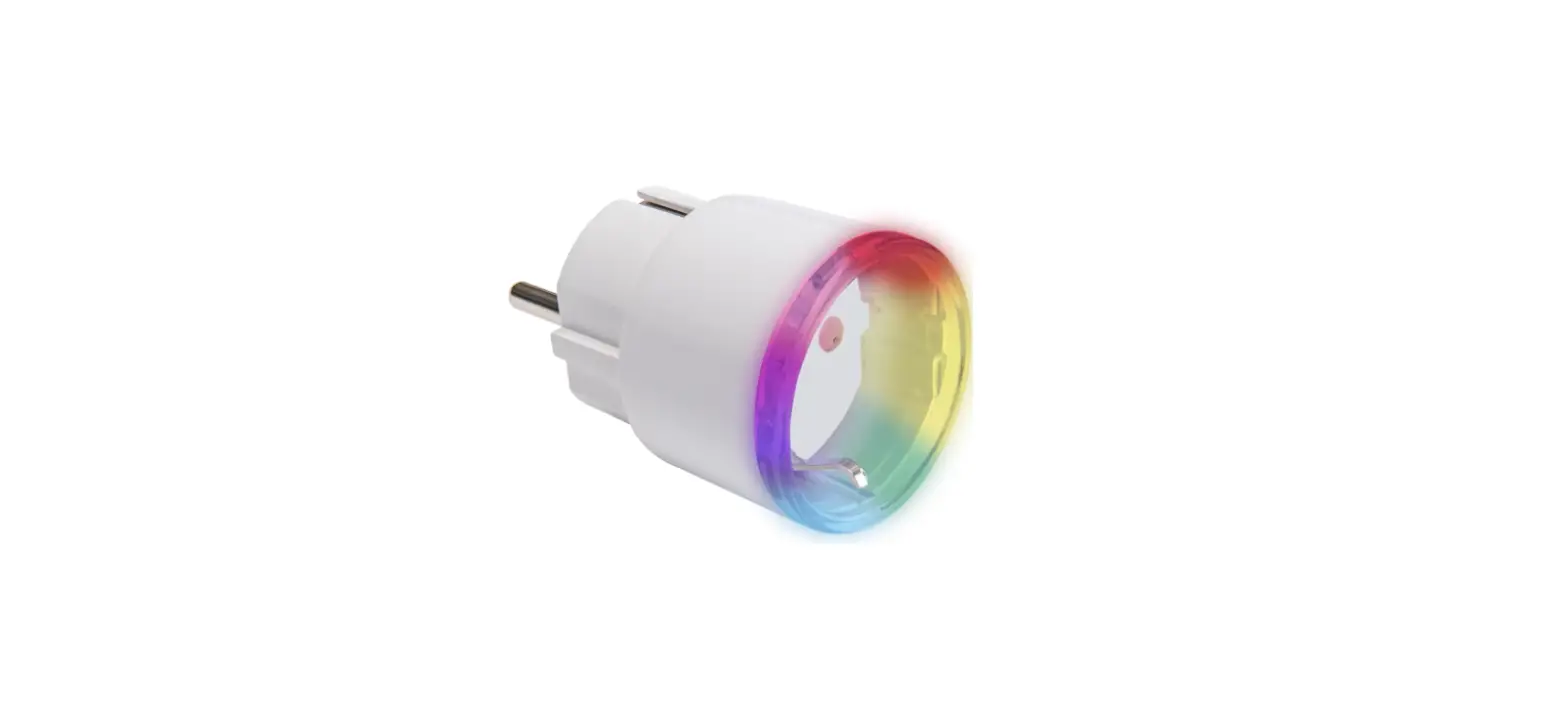
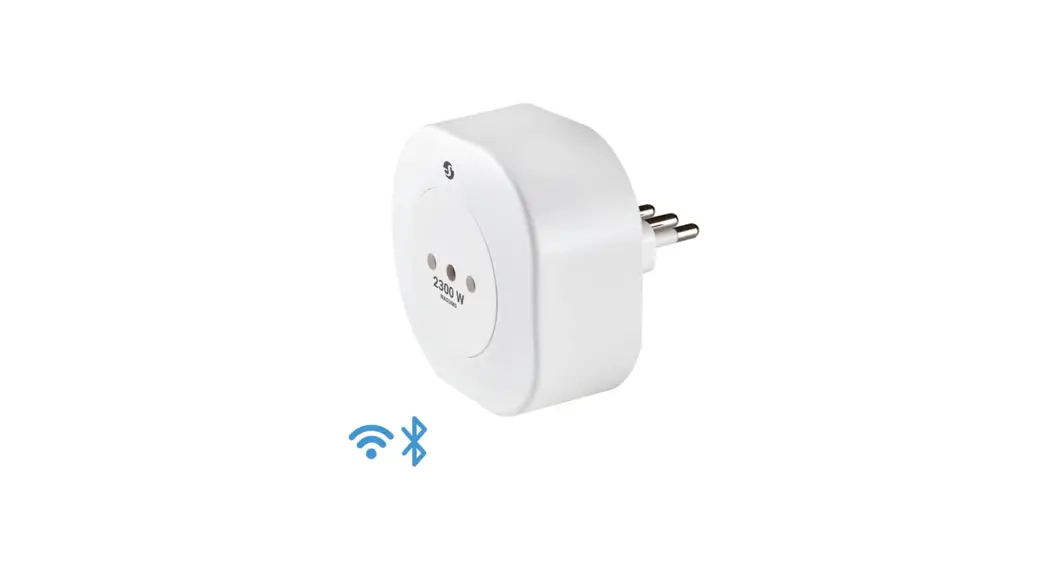
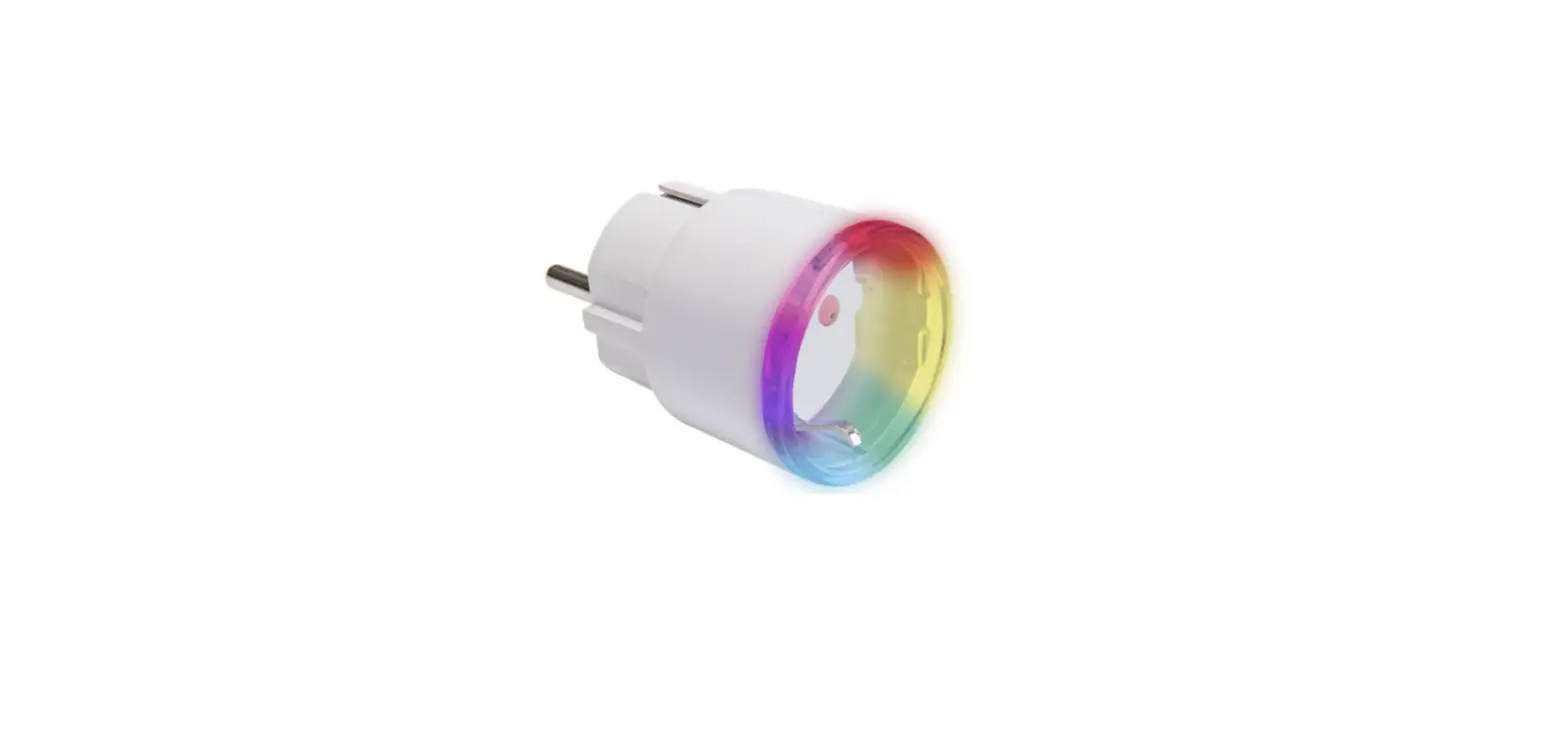
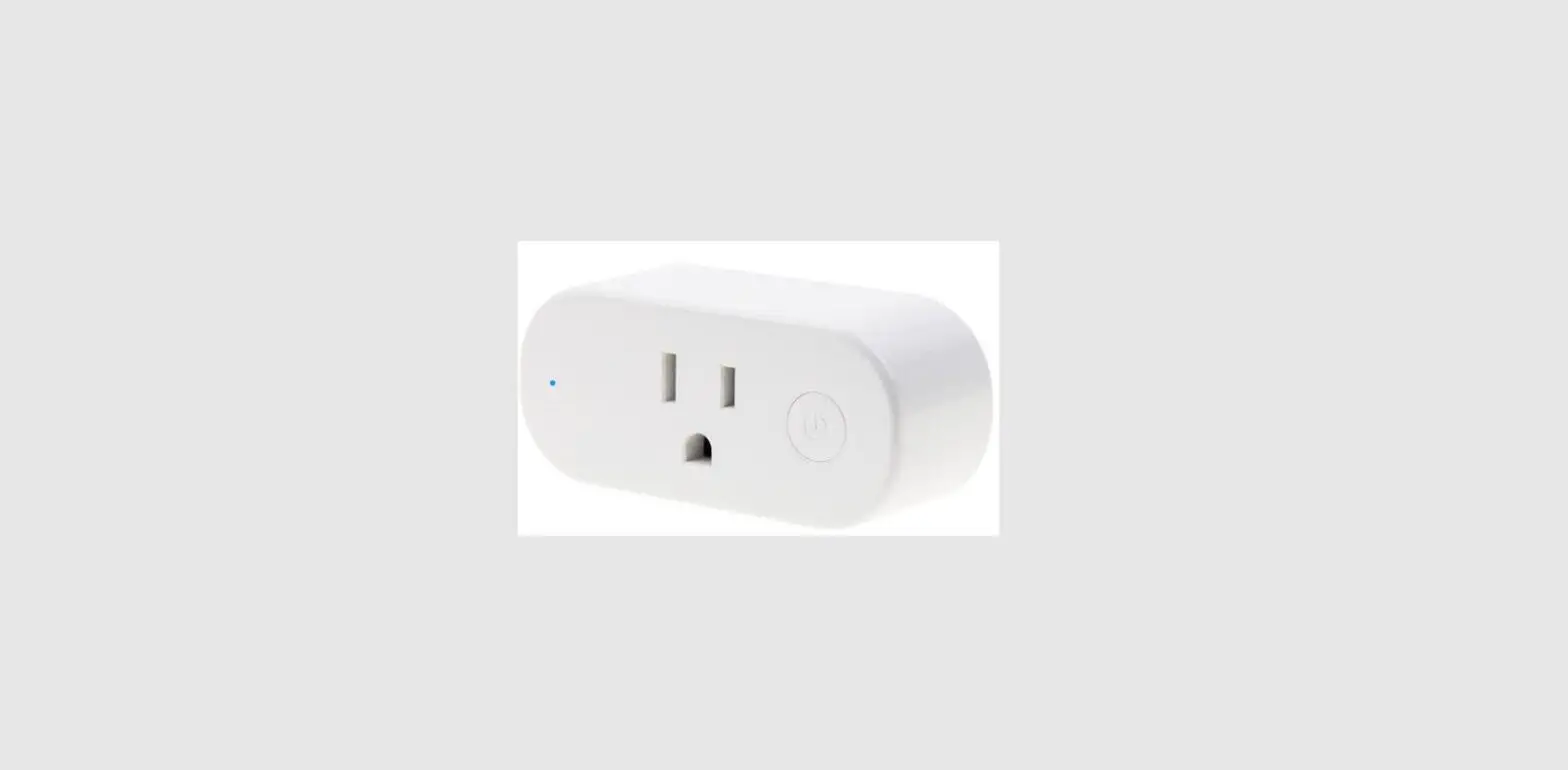
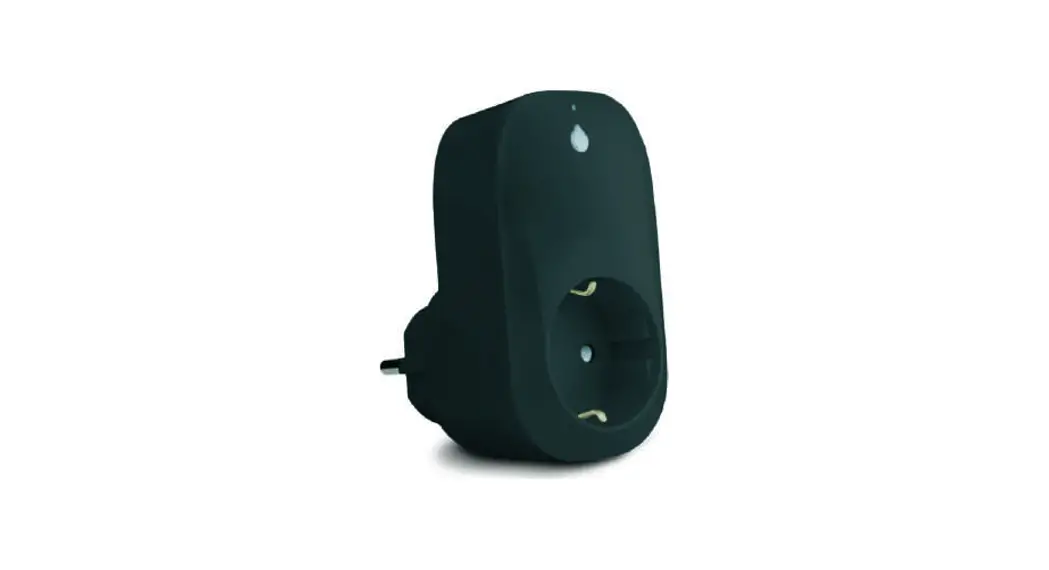
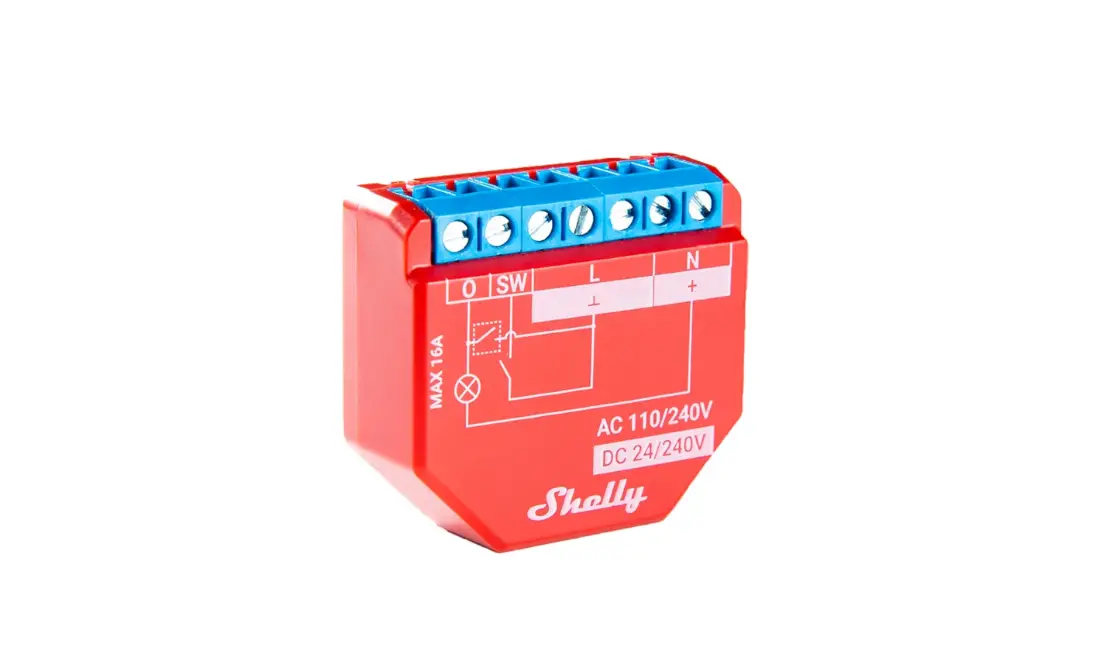
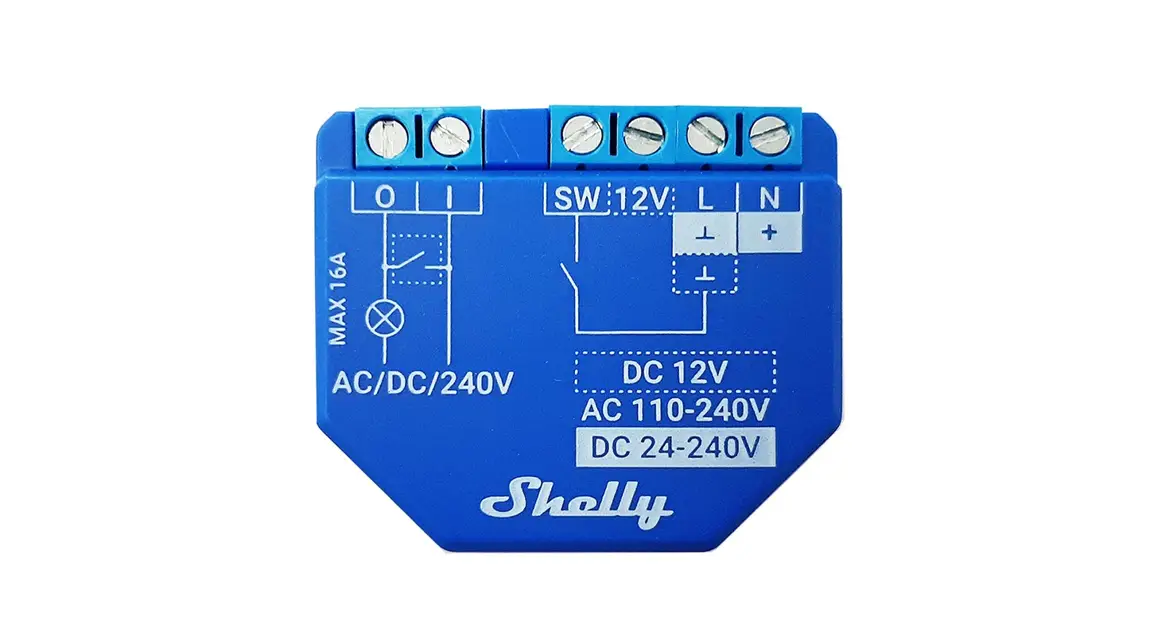
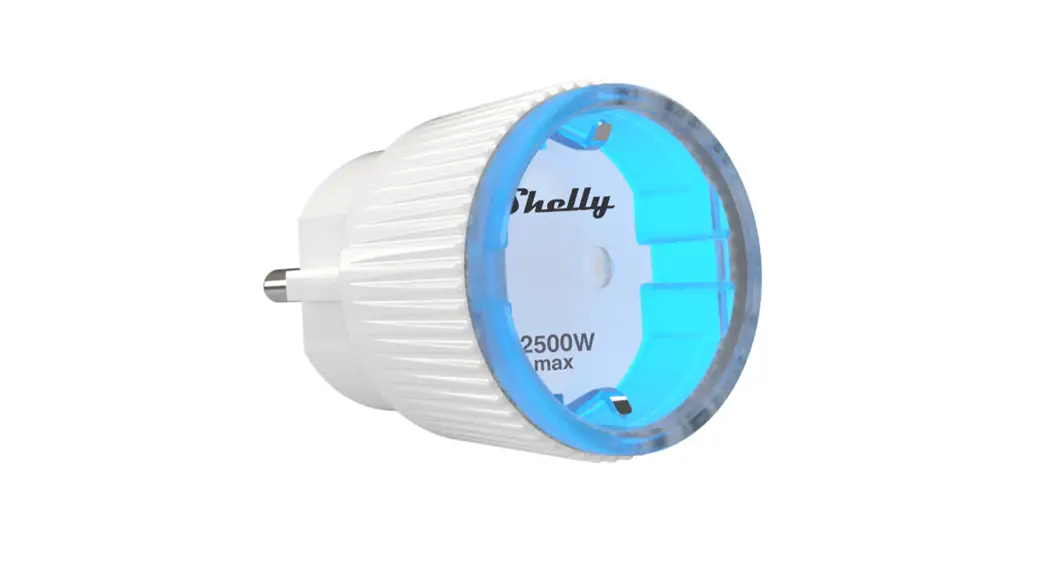
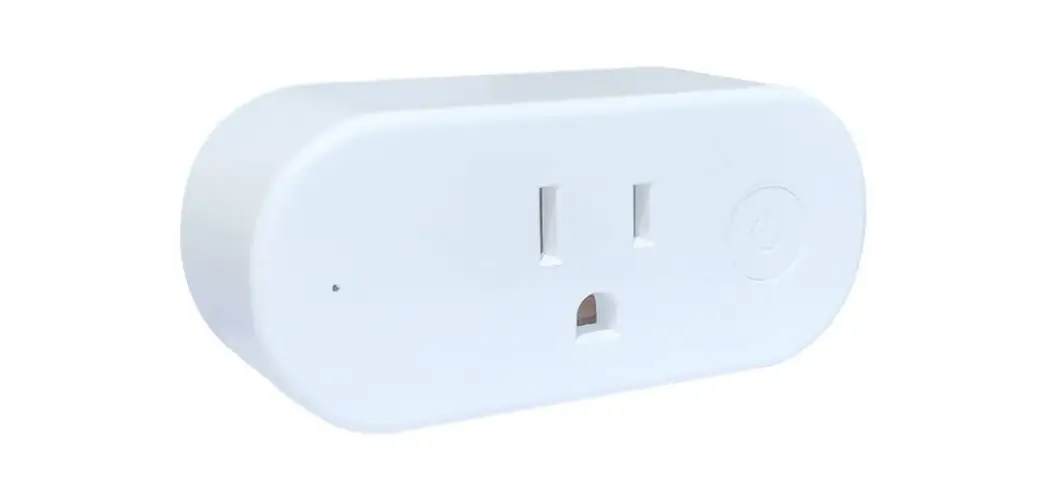
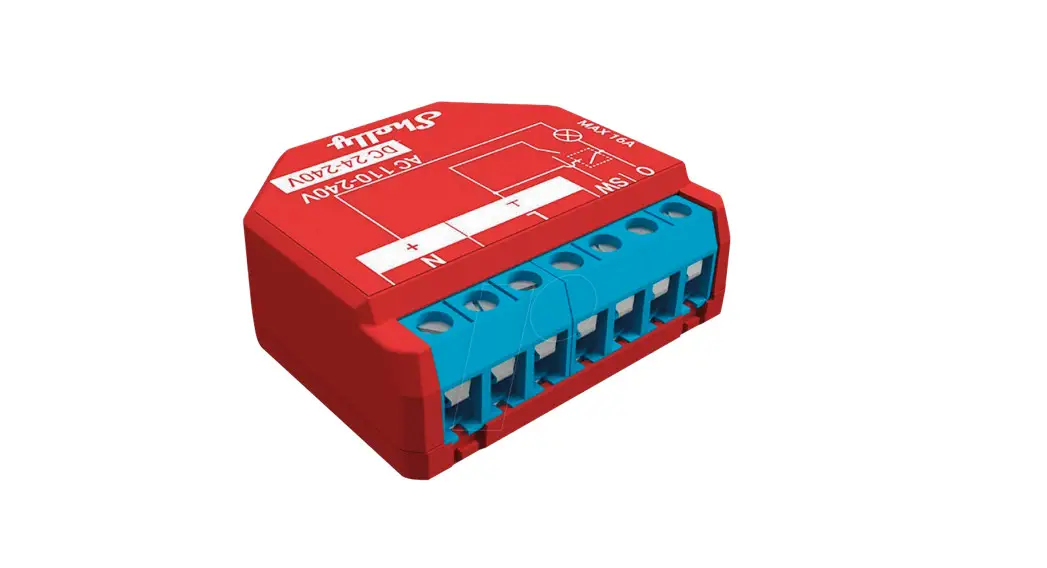
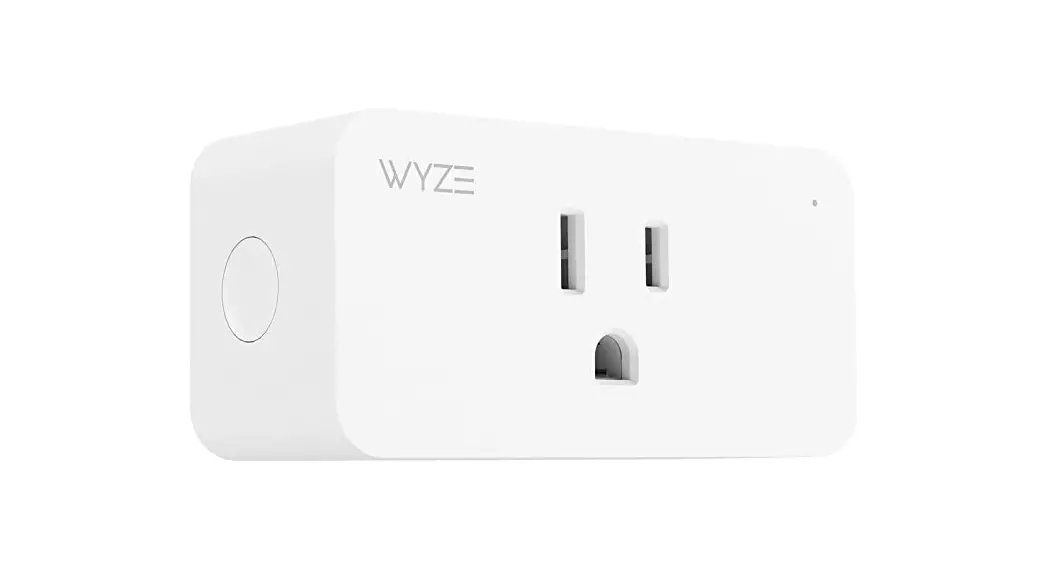
Plus, Plug S, WiFi Smart Plug
Shelly Plus Plug S
User and Safety Guide
Product Overview
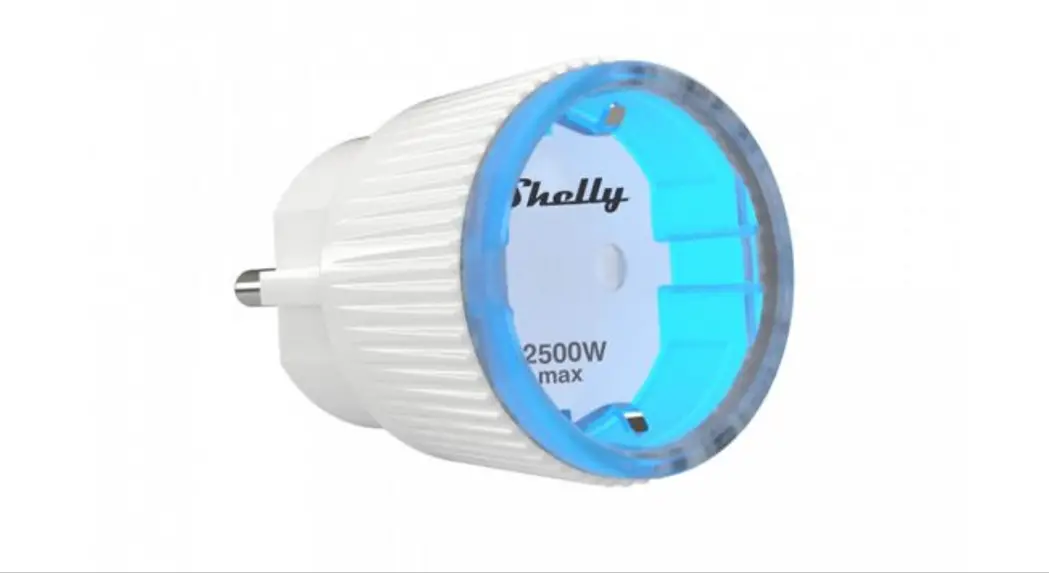
The Shelly Plus Plug S is a WiFi Smart Plug that allows users to
remotely control their connected appliances through various home
automation platforms and protocols. The device also features LED
indication and a control button.
Specifications
- Input voltage: 110-230V AC
- Maximum load: 2500W
- Wireless/WiFi standard: 802.11 b/g/n
- Dimensions: 56mm x 56mm x 78mm
- Weight: 70g
Usage Instructions
Note: Before using the device, please read the user manual
carefully.
- Cleaning: Before cleaning the Device, power
off the connected appliance, unplug it and only then unplug the
Device. Use a wet soft cloth to clean the Device. Do not use
aggressive detergents. Do not immerse the Device or wash it under
running water. - Disposal and Recycling: This refers to the
waste of electrical and electronic equipment. It is applicable in
the EU, US and other countries to collect waste separately. - Initial Inclusion: If you choose to use the
Device with the Shelly Cloud mobile application and Shelly Cloud
service, instructions on how to connect the Device to the Cloud and
control it through the Shelly App can be found in the App Guide at
www.shelly.cloud/app-guide. The Shelly mobile application and
Shelly Cloud service are not not conditions for the Device to
function properly. This Device can be used standalone or with
various other home automation platforms and protocols. - LED indication: The user can select the
brightness. Default brightness is 100%. Green light at 0% of power
limit set, yellow light at 50% of power limit set, and red light at
100% of power limit set. - Control button: Use the control button to turn
the connected appliance on or off.
Note: Do not allow children to play with the
buttons/switches connected to the Device. Keep the devices for
remote control of Shelly (mobile phones, tablets, PCs) away from
children.
Declaration of Conformity
The Shelly Plus Plug S conforms to the essential requirements
and other relevant provisions of Directive 2014/53/EU.
EN
USER AND SAFETY GUIDE
SHELLY PLUS PLUG S
WIFI SMART PLUG
Read before use
This document contains important technical and safety information about the device, its safety use and installation. CAUTION! Before beginning the installation, please read carefully and entirely this guide and any other documents accompanying the device. Failure to follow the installation procedures could lead to malfunction, danger to your health and life, violation of law or refusal of legal and/or commercial guarantee (if any). Allterco Robotics EOOD is not responsible for any loss or damage in case of incorrect installation or improper operation of this device due to failure of following the user and safety instructions in this guide.
Product Introduction Shelly® is a line of innovative microprocessor-managed devices, which allow remote control of electric circuits through a mobile phone, tablet, PC, or home automation system. Shelly® devices can work standalone in a local Wi-Fi network or they can also be operated through cloud home automation services. Shelly Cloud is a service that can be accessed using either Android or iOS mobile application, or with any internet browser at https://home.shelly.cloud/. Shelly® devices can be accessed, controlled and monitored remotely from any place where the user has internet connectivity, as long as the devices are connected to a Wi-Fi router and the Internet. Shelly® devices have Embedded Web Interface accessible at http://192.168.33.1 when connected directly to the device access point, or at the device IP address on the local Wi-Fi network. The embedded Web Interface can be used to monitor and control the device, as well as adjust its settings. Shelly® devices can communicate directly with other Wi-Fi devices through HTTP protocol. An API is provided by Allterco Robotics EOOD. For more information, please visit: https://shelly-api-docs.shelly.cloud/#shelly-family-overview. Shelly® devices are delivered with factory-installed firmware. If firmware updates are necessary to keep the devices in conformity, including security updates, Allterco Robotics EOOD will provide the updates free of charge through the device Embedded Web Interface or the Shelly mobile application, where the information about the current firmware version is available. The choice to install or not the device firmware updates is the user’s sole responsibility. Allterco Robotics EOOD shall not be liable for any lack of conformity of the device caused by failure of the user to install the provided updates in a timely manner. Shelly Plus Plug S (The Device) is a smart plug/outlet with power measurement and overheating protection, which allows remote control of electric appliances through a mobile phone, tablet, laptop, or home automation system. It can work standalone in a local Wi-Fi network or it can also be operated through cloud home automation services.
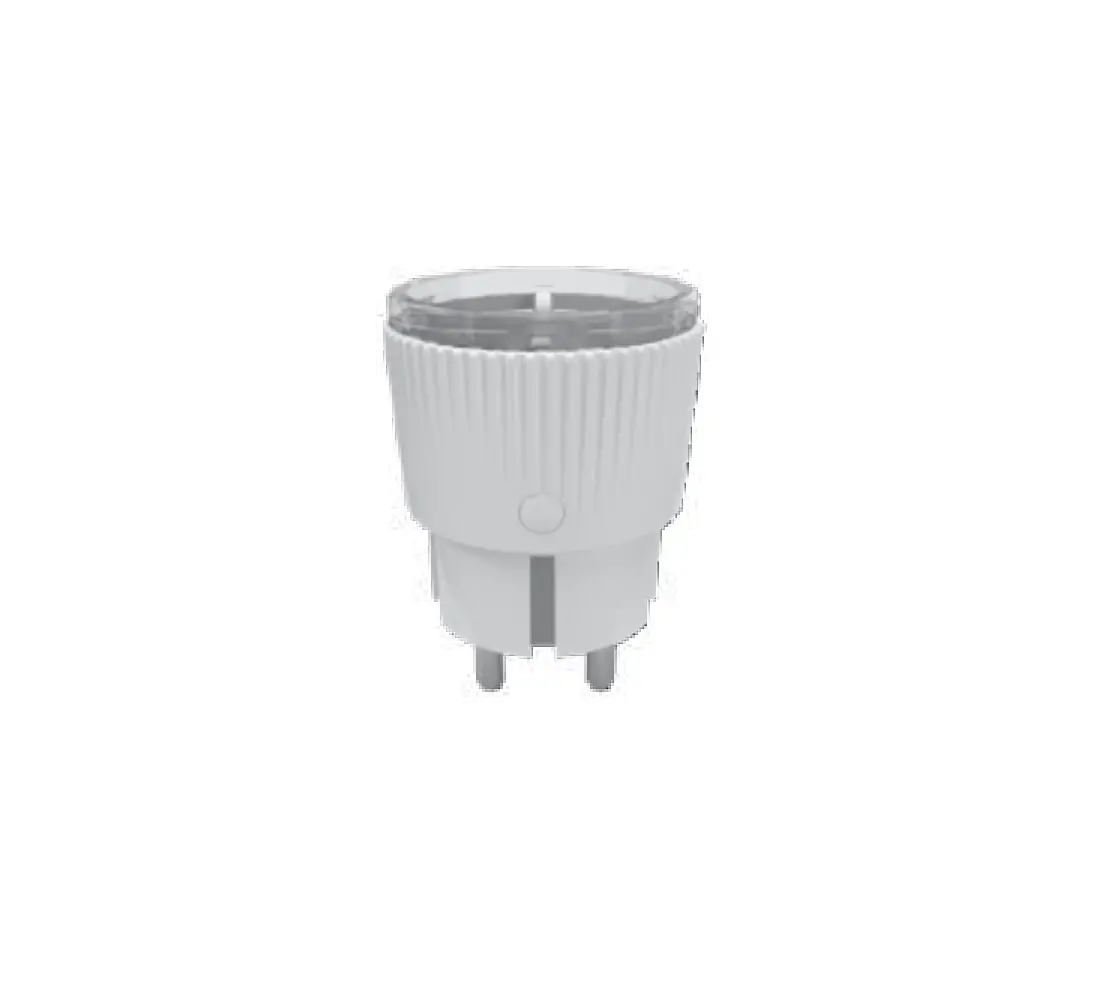
Schematic B
A
C
D
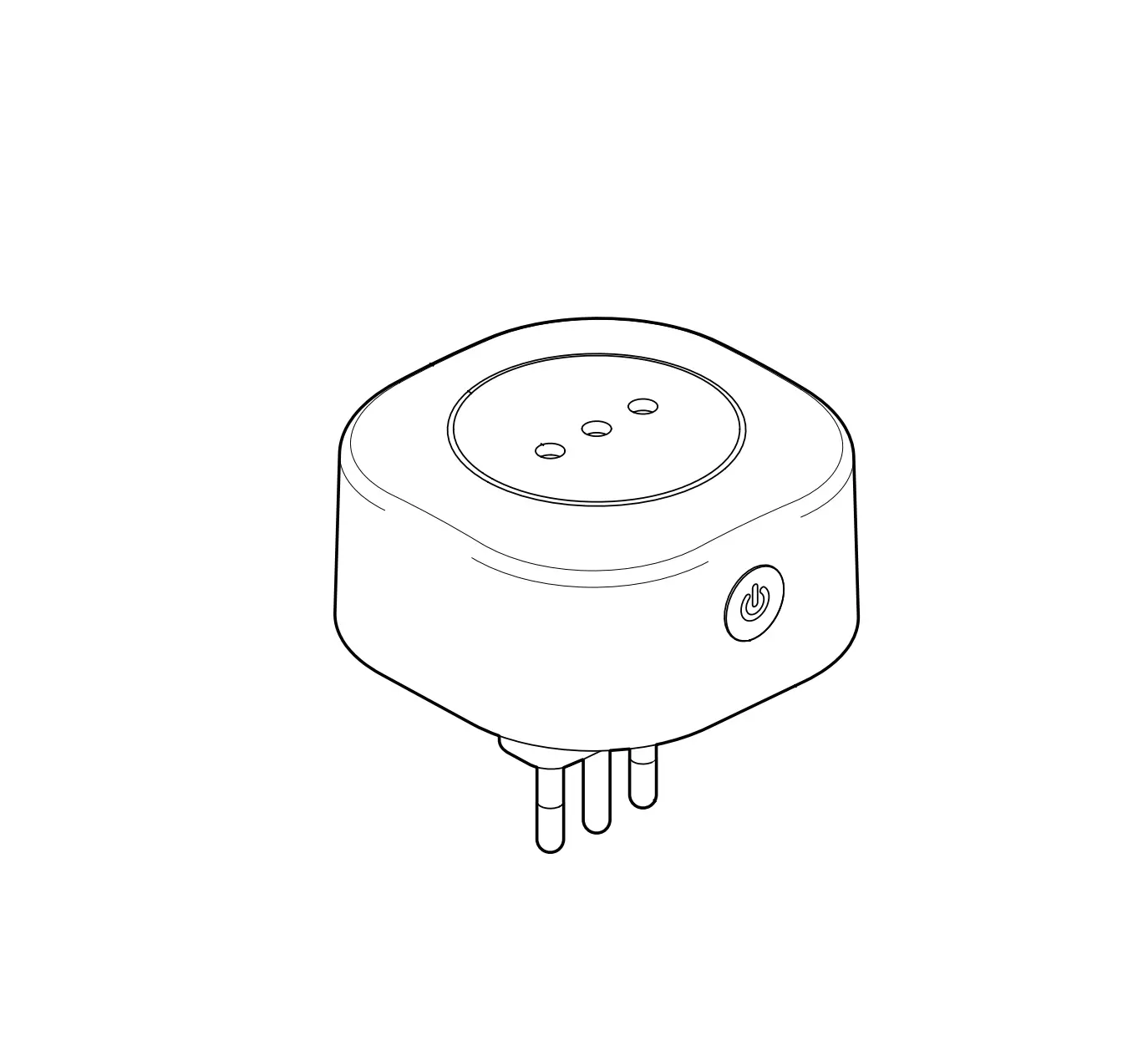
Legend · A: Socket · B: Control button · C: Plug · D: LED indication ring
Installation Instructions CAUTION! The product is intended for indoor use only. CAUTION! Protect the product from dirt and moisture! Do not use the product in a damp environment! CAUTION! Do not allow children to play with the device, especially with the control button! CAUTION! Use the Device only with a power grid and appliances which comply with all applicable regulations. A short circuit in the power grid or any appliance connected to the Device may damage it. CAUTION! Do not connect the Device to appliances exceeding the given max load! CAUTION! Connect the Device only in the way shown in these instructions. Any other method could cause damage and/or injury. Insert Shelly Plus Plug S into a power socket without an appliance/load connected to it. The LED indication ring will start flashing with a blue light, indicating the Device is in Access Point (AP) mode. You can access the embedded web interface at http://192.168.33.1 in the Wi-Fi network, created by the Device (ShellyPlusPlugS-XXXXXXXXXXXX) and use it to control the Device and change its settings. You can now plug an appliance into the Device socket. To turn the appliance on, press briefly the control button. The LED indication ring will illuminate. The light color depends on the load (check LED indication below). Press the control button again to turn the appliance off. The LED indication will return to its previous status.
Cleaning CAUTION! Before cleaning the Device, power off the connected appliance, unplug it and only then unplug the Device. Never clean the Device if it is connected to the mains! Use a wet soft cloth to clean the Device. CAUTION! Do not use aggressive detergents! CAUTION! Do not immerse the Device or wash it under running water!
Disposal and recycling This refers to the waste of electrical and electronic equipment. It is applicable in the EU, US and other countries to collect waste separately.
This symbol on the product or in the accompanying literature indicates that the product should not be disposed of in the daily waste. Shelly® Plus Plug S must be recycled to avoid possible damage to the environment or human health from uncontrolled waste disposal and to promote the reuse of materials and resources. It is your responsibility to dispose of the device separately from general household waste when it is already unusable.
Initial Inclusion If you choose to use the Device with the Shelly Cloud mobile application and Shelly Cloud service, instructions on how to connect the Device to the Cloud and control it through the Shelly App can be found in the “App Guide” at www.shelly.cloud/app-guide.
The Shelly mobile application and Shelly Cloud service are not not conditions for the Device to function properly. This Device can be used standalone or with various other home automation platforms and protocols. CAUTION! Do not allow children to play with the buttons/switches connected to the Device. Keep the devices for remote control of Shelly (mobile phones, tablets, PCs) away from children.
LED indication
When plugged for the first time: · Blue light flashing, indicating AP mode. When plugged/powered again after being successfully connected to a Wi-Fi network: · Red light flashing, indicating the the Device is reconnecting to the Wi-Fi
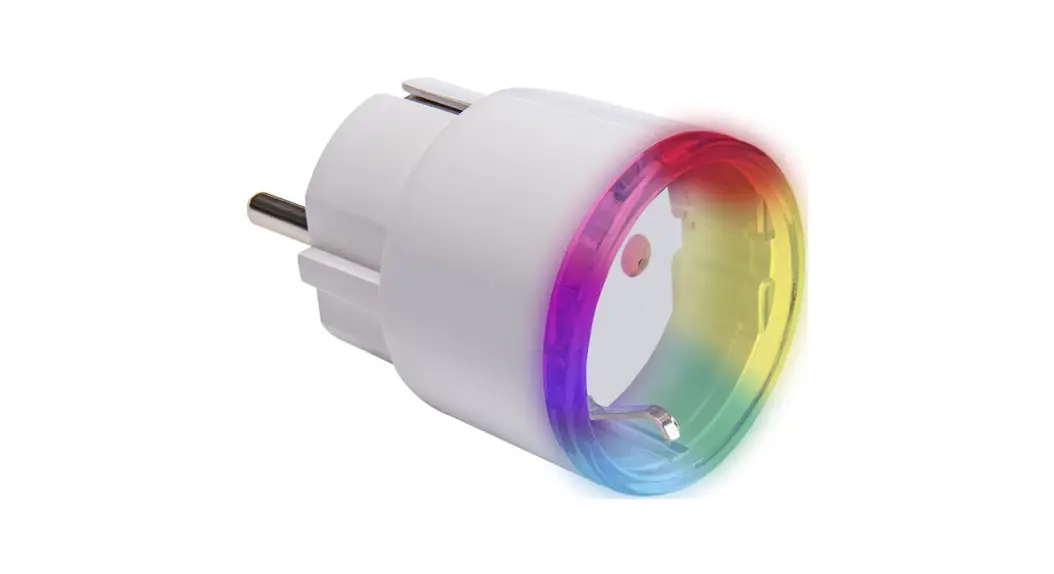
network. When output is On: · Power consumption represented by a smooth color change (Default).
User can select the brightness (Default brightness – 100%): -Green light at 0% of power limit set -Yellow light at 50% of power limit set -Red light at 100% of power limit set
· Custom color (Default color – green, Default brightness – 100%) · Off When output is Off: · Off (Default): · Custom color (Default color – red, Default brightness – 100%) When the control button is pressed and held for 3 sec (only when the Device output is Off): · Red light flashes three times, indicating the Device is not connected
to the Wi-Fi network. · Yellow light flashes three times, indicating the Device is connected to
the Wi-Fi network, but not to Shelly Cloud. · Green light flashes three times, indicating the Device is connected to
Shelly Cloud.
Control button
· Press to turn on/off the plugged appliance. · Press and hold for 3 sec to check the Device status*. · Press and hold for 5 sec to activate Device AP** · Press and hold for 10 sec to factory reset** * Only when the output is Off. ** Only within 1 min after plugging/powering the Device.
Specification
· Dimensions (HxWxD): 44x44x70 mm / 1.73×1.73×2.75 in · Weight: 60 g / 2.08 oz · Compatible sockets: CEE 7/1, CEE 7/3 (Type F / Schuko) or CEE 7/5
(Type E) · Compatible plugs: CEE 7/2, CEE 7/4 (Type F / Schuko), CEE 7/7, CEE
7/16 (Type C) or CEE 7/17 · Ambient temperature: from -20 °C to 40 °C / from -4 °F to 104 °F · Humidity: 30 % to 70 % RH · Max. altitude 2000 m / 6,562 ft · Power supply: 230 VAC ±10 %, 50/60 Hz · Electrical consumption: < 1 W · Max. current: 12 A · Max. power: 2500 W (resistive load only) · Overheating protection: Yes · Overload protection: Yes · Power measurement: Yes · RF band: 2401 – 2495 MHz · Max. RF power: < 20 dBm · Wi-Fi protocol: 802.11 b/g/n · Wi-Fi operational range (depending on local conditions):
-up to 50 m / 160 ft outdoors -up to 30 m / 100 ft indoors · Bluetooth protocol: 4.2 · Bluetooth operational range (depending on local conditions): -up to 30 m / 100 ft outdoors -up to 10 m / 33 ft indoors · CPU: ESP32 · Flash: 4 MB · Schedules: 20 · Webhooks (URL actions): 20 with 5 URLs per hook · Scripting: mJS · MQTT: Yes
Declaration of conformity
Hereby, Allterco Robotics EOOD declares that the radio equipment type Shelly Plus Plug S is in compliance with Directive 2014/53/EU, 2014/35/ EU, 2014/30/EU, 2011/65/EU. The full text of the EU declaration of conformity is available at the following internet address: https://shelly.link/plus-plug-s-DoC Manufacturer: Allterco Robotics EOOD Address: 103 Cherni vrah Blvd., 1407 Sofia, Bulgaria Tel.: +359 2 988 7435 E-mail: [email protected] Official website: https://www.shelly.cloud Changes in the contact information data are published by the Manufacturer on the official website.https://www.shelly.cloud All rights to the trademark Shelly® and other intellectual rights associated with this Device belong to Allterco Robotics EOOD.
DE
BENUTZER UND SICHERHEITSHANDBUCH
SHELLY PLUS PLUG S
SMARTE WLAN STECKDOSE
Bitte vor Gebrauch durchlesen
Dieses Dokument enthält wichtige technische und sicherheitstechnische Informationen über das Gerät und seine sichere Verwendung und Installation. ACHTUNG! Bevor Sie mit der Installation beginnen, lesen Sie bitte die Begleitdokumentation sorgfältig und vollständig durch. Die Nichtbeachtung der empfohlenen Verfahren kann zu Fehlfunktionen, Lebensgefahr oder Gesetzesverstößen führen. Allterco Robotics EOOD haftet nicht für Verluste oder Schäden im Falle einer falschen Installation oder Bedienung dieses Geräts.
Produktvorstellung
Shelly® ist eine Produktserie innovativer, mikroprozessorgesteuerter Geräte, welche die Fernsteuerung von Elektrogeräten über ein Mobiltelefon, ein Tablet, einen PC oder ein Hausautomatisierungssystem ermöglichen. Shelly® Geräte können eigenständig in einem lokalen WLAN-Netzwerk arbeiten oder sie können auch über Cloud-Dienste für die Hausautomatisierung betrieben werden. Shelly Cloud ist ein solcher Dienst, auf den entweder über eine Android- oder iOS-Applikation oder über einen beliebigen Internetbrowser unter https://home.shelly.cloud/ zugegriffen werden kann. Shelly® Geräte können von jedem Ort aus, an dem der Benutzer eine Internetverbindung hat, angesprochen, gesteuert und überwacht werden, solange die Geräte mit einem WLAN-Router und dem Internet verbunden sind. Shelly® Geräte verfügen über eine integrierte Web-Schnittstelle, die unter http://192.168.33.1 im WLAN-Netzwerk zugänglich ist, das vom Gerät im Access Point-Modus erstellt wird, oder unter der IP-Adresse des Gerätes im WLAN-Netzwerk, mit dem es verbunden ist. Die integrierte Web-Schnittstelle kann zur Überwachung und Steuerung des Gerätes sowie zur Anpassung dessen Einstellungen verwendet werden. Shelly® Geräte können direkt mit anderen WLAN-Geräten über das HTTPProtokoll kommunizieren. Eine API wird von Allterco Robotics EOOD bereitgestellt. Für weitere Informationen besuchen Sie bitte: https://shelly-api-docs.shelly.cloud/#shelly-family-overview. Shelly® Geräte werden mit werkseitig installierter Firmware ausgeliefert. Um die Geräte konform zu halten, stellt Allterco Robotics EOOD die notwendigen Firmware-Updates, einschließlich der Sicherheitsupdates, kostenlos über die im Gerät eingebettete Web-Schnittstelle sowie über die Shelly-App zur Verfügung. Die Entscheidung, die Firmware-Updates des Geräts zu installieren oder nicht, obliegt der alleinigen Verantwortung des Benutzers. Allterco Robotics EOOD haftet nicht für Konformitätsmängel des Geräts, die darauf zurückzuführen sind, dass der Benutzer die bereitgestellten Updates nicht rechtzeitig installiert hat. Shelly Plus Plug S (das Gerät) ist eine smarte Steckdose mit Leistungsmessung und Überhitzungsschutz, die die Fernsteuerung von Elektrogeräten über ein Mobiltelefon, Tablet, PC oder ein Hausautomatisierungssystem ermöglicht. Es kann eigenständig in einem lokalen WLAN-Netzwerk arbeiten oder auch über Cloud-Dienste zur Hausautomation betrieben werden.
Schematische Darstellung B
A
C
D
Legende
· A: Steckdose · B: Bedientaste · C: Stecker · D: LED-Anzeigering
Installationsanleitung ACHTUNG! Das Produkt ist nur für die Verwendung in Innenräumen vorgesehen. ACHTUNG! Schützen Sie das Produkt vor Schmutz und Feuchtigkeit! Verwenden Sie das Produkt nicht in einer feuchten Umgebung! ACHTUNG! Lassen Sie Kinder nicht mit dem Gerät spielen, insbesondere nicht mit der Bedientaste! VORSICHT! Verwenden Sie das Gerät nur mit einem Stromnetz und Geräten, die allen geltenden Vorschriften entsprechen. Ein Kurzschluss im Stromnetz oder in einem an das Gerät angeschlossenen Gerätes kann dieses beschädigen! VORSICHT! Schließen Sie das Gerät nicht an Geräte an, die die angegebene Höchstlast überschreiten! VORSICHT! Schließen Sie das Gerät nur auf die in dieser Anleitung beschriebene Weise an. Jede andere Methode kann zu Schäden und/oder Verletzungen führen! Stecken Sie den Shelly Plus Plug S in eine Steckdose, ohne dass ein Gerät/Last angeschlossen ist. Der LED-Anzeigering beginnt blau zu blinken und zeigt damit an, dass sich das Gerät im Access Point (AP) Modus befindet. Sie können auf die eingebettete Weboberfläche unter http://192.168.33.1 in dem WLAN-Netzwerk zugreifen, das vom Gerät erstellt wurde (ShellyPlusPlugS-XXXXXXXXXXXX), und es zur Steuerung des Geräts und zur Änderung seiner Einstellungen verwenden. Sie können nun ein Gerät an die Gerätesteckdose anschließen. Um das Gerät einzuschalten, drücken Sie kurz die Bedientaste. Der LEDAnzeigering leuchtet auf. Die Farbe des Lichts hängt von der Belastung ab (siehe LED-Anzeigering unten). Drücken Sie die Bedientaste erneut, um das Gerät auszuschalten. Der LED-Anzeigering kehrt in ihren vorherigen Zustand zurück.
Reinigung ACHTUNG! Bevor Sie das Gerät reinigen, schalten Sie das angeschlossene Gerät, ziehen Sie anschließend dessen Netzstecker und erst dann das Gerät selbst aus der Steckdose. Reinigen Sie das Gerät niemals, wenn es mit dem Stromnetz verbunden ist! Verwenden Sie ein feuchtes, weiches Tuch, um das Gerät zu reinigen. ACHTUNG! Verwenden Sie keine aggressiven Reinigungsmittel! ACHTUNG! Tauchen Sie das Gerät nicht in Wasser und waschen Sie es nicht unter fließendem Wasser!
Entsorgung und Recycling
Dies bezieht sich auf den Abfall von elektrischen und elektronischen Geräten. In EU, USA sowie anderen Ländern ist es üblich, Abfälle getrennt zu sammeln.
Dieses Symbol auf dem Produkt oder in der begleitenden Gebrauchsanweisung weist darauf hin, dass das Produkt nicht über den Hausmüll entsorgt werden darf. Shelly Plus Plug S muss recycelt werden, um mögliche Schäden für die Umwelt oder die menschliche Gesundheit durch unkontrollierte Abfallentsorgung zu vermeiden und die Wiederverwendung von Materialien und Ressourcen zu fördern. Es liegt in Ihrer Verantwortung, das Gerät getrennt vom allgemeinen Hausmüll zu entsorgen, wenn es bereits unbrauchbar ist.
Erstmalige Einbindung
Wenn Sie sich dafür entscheiden, das Gerät mit der Shelly Cloud App und dem Shelly Cloud Service zu verwenden, finden Sie Anweisungen zur Verbindung des Geräts mit der Cloud und zur Steuerung über die Shelly App im “App Guide” www.shelly.cloud/app-guide. Die Shelly Mobile App und der Shelly Cloud Service sind keine Voraussetzung für das ordnungsgemäße Funktionieren des Geräts. Dieses Gerät kann alleine, sowie mit verschiedenen anderen Hausautomatisierungsdiensten und -anwendungen verwendet werden. VORSICHT! Erlauben Sie Kindern nicht, mit den an das Gerät angeschlossenen Tasten/Schaltern zu spielen. Halten Sie die Geräte zur Fernsteuerung des Shelly (z.B.: Mobiltelefone, Tablets, PCs) von Kindern fern.
LED-Anzeigering
Beim erstmaligen Einstecken: · Blaues blinken bedeutet, dass das Gerät im AP-Modus ist Wenn das Gerät nach erfolgreichem Verbinden mit einem WLAN-Netzwerk wieder eingesteckt/eingeschaltet wird: · Rotes blinken bedeutet die Wiederherstellung der WLAN-Verbindung Wenn der Ausgang eingeschaltet ist: · Der Stromverbrauch wird durch einen sanften Farbwechsel dargestellt
(Standard). Der Benutzer kann die Helligkeit auswählen (Standardhelligkeit: 100%):
-Grünes Licht bei 0% der eingestellten Leistungsgrenze -Gelbes Licht bei 50% der eingestellten Leistungsgrenze -Rotes Licht bei 100% der eingestellten Leistungsgrenze · Benutzerdefinierte Farbe (Standardfarbe: Grün, Standardhelligkeit: 100%) · Aus Wenn der Ausgang ausgeschaltet ist: · Aus (Standard): · Benutzerdefinierte Farbe (Standardfarbe: Rot, Standardhelligkeit: 100%) Wenn die Bedientaste gedrückt und 3 Sekunden lang gehalten wird (nur wenn der Ausgang des Geräts ausgeschaltet ist): · Dreimal roted Blinken bedeutet, dass das Gerät nicht mit dem WLANNetzwerk verbunden ist. · Dreimal gelbes Blinken bedeutet, dass das Gerät mit dem WLAN verbunden ist, aber nicht mit der Shelly Cloud. · Dreimal grünes Blinken bedeutet, dass das Gerät mit der Shelly Cloud verbunden ist.
Bedientaste
· Kurzes Drücken, um den angeschlossenen Verbraucher ein-/auszuschalten.
· 3 Sekunden lang gedrückt halten, um den Gerätestatus zu prüfen* · 5 Sekunden lang gedrückt halten, um den AP des Gerätes zu aktivie-
ren** · 10 Sekunden lang gedrückt halten, um auf Werkseinstellungen zurück-
zusetzen** * Nur wenn der Ausgang ausgeschaltet ist. ** Nur innerhalb von 1 Minute nach dem Einstecken/Einschalten des Geräts.
Spezifikation
· Abmessungen (HxBxT): 44x44x70 mm / 1.73×1.73×2.75 in · Gewicht: 60 g / 2,08 oz · Kompatible Steckdosen: CEE 7/1, CEE 7/3 (Type F / Schuko) oder CEE
7/5 (Type E) · Kompatible Stecker: CEE 7/2, CEE 7/4 (Type F / Schuko), CEE 7/7, CEE
7/16 (Type C) oder CEE 7/17 · Umgebungstemperatur: -20 °C bis 40 °C / -4 °F bis 104 °F · Luftfeuchtigkeit: 30 % bis 70 % RH · Max. Höhe ü.M.: 2000m / 6,562 ft · Spannungsversorgung: 230 VAC ±10 %, 50/60 Hz · Elektrischer Verbrauch: < 1 W · Max. Stromstärke: 12 A · Max. Leistung: 2300 W · Überhitzungsschutz: Ja · Überlastungsschutz: Ja · Leistungsmessung: Ja · Frequenzband: 2401 – 2495 MHz · Max. Sendeleistung in Frequenzband: <20 dBm · WLAN-Protokoll: 802.11 b/g/n · WLAN-Reichweite (abhängig von den örtlichen Gegebenheiten):
-bis zu 50 m / 160 ft im Freien -bis zu 30 m / 100 ft in Innenräumen · Bluetooth-Protokoll: 4.2 · Bluetooth-Reichweite (abhängig von den örtlichen Gegebenheiten): -bis zu 30 m / 100 ft im Freien -bis zu 10 m / 33 ft in Innenräumen · CPU: ESP32 · Flash: 4 MB · Zeitpläne: 20 · WebHooks (URL-Aktionen): 20 mit 5 URLs pro WebHook · Skripting: mJS · MQTT: Ja
Konformitätserklärung
Hiermit erklärt Allterco Robotics EOOD, dass der Funkanlagentyp Shelly Plus Plug S der Richtlinie 2014/53/EU, 2014/35/EU, 2014/30/EU, 2011/65/EU entspricht. Den vollständigen Text der EU-Konformitätserklärung finden Sie unter folgender Internetadresse https://shelly.link/plus-plug-s-DoC Hersteller: Allterco Robotics EOOD Adresse: 103 Cherni vrah Blvd., 1407 Sofia, Bulgarien Tel.: +359 2 988 7435 E-Mail: [email protected] Offizielle Website: https://www.shelly.cloud Änderungen der Kontaktdaten werden vom Hersteller auf dessen offiziellen Website veröffentlicht https://www.shelly.cloud Alle Rechte an der Marke Shelly® und anderen geistigen Eigentumsrechten im Zusammenhang mit diesem Gerät gehören Allterco Robotics EOOD.
IT
GUIDA ALL`USO E ALLA SICUREZZA
SHELLY PLUS PLUG S
PRESA WIFI INTELLIGENTE
Leggere prima dell`uso
Questo documento contiene importanti informazioni tecniche e di sicurezza sul dispositivo e sul suo uso e installazione in sicurezza. ATTENZIONE! Prima di iniziare l’installazione leggere attentamente e completamente la documentazione allegata. La mancata osservanza delle procedure consigliate potrebbe portare a malfunzionamenti, pericolo per la vita o violazione della legge. Allterco Robotics EOOD non è responsabile per eventuali perdite o danni in caso di installazione o funzionamento errati di questo dispositivo.
Introduzione al prodotto Shelly® è una linea di dispositivi innovativi gestiti da microprocessori che permettono il controllo remoto degli elettrodomestici attraverso un telefono cellulare, un tablet, un PC o un sistema domotico. I dispositivi Shelly® sono in grado di funzionare autonomamente in una rete Wi-Fi locale o possono anche essere gestiti attraverso servizi di automazione domestica cloud. Shelly Cloud è un servizio di questo tipo a cui si può accedere utilizzando un`applicazione mobile Android o iOS o con qualsiasi browser internet su https://home.shelly.cloud/. I dispositivi Shelly® sono accessibili, controllati e monitorati a distanza da qualsiasi luogo in cui l`utente abbia una connettività Internet, purché i dispositivi siano collegati a un router Wi-Fi e a Internet. I dispositivi Shelly® hanno un`interfaccia web incorporata accessibile a http://192.168.33.1 nella rete Wi Fi, creata dal dispositivo in modalità Access Point, o all`indirizzo URL del dispositivo nella rete Wi-Fi a cui è connesso. L`interfaccia web incorporata può essere utilizzata per monitorare e controllare il dispositivo, così come per regolare le sue impostazioni. I dispositivi Shelly® sono in grado di comunicare direttamente con altri dispositivi Wi-Fi attraverso il protocollo HTTP. Un`API è fornita da Allterco Robotics EOOD. Per maggiori informazioni, visitare: https://shelly-api-docs.shelly.cloud/#shelly-family-overview. I dispositivi Shelly® vengono consegnati con un firmware installato in fabbrica. Se sono necessari aggiornamenti del firmware per mantenere i dispositivi in conformità, compresi gli aggiornamenti di sicurezza, Allterco Robotics EOOD fornirà gli aggiornamenti gratuitamente attraverso l`interfaccia web incorporata del dispositivo o l`applicazione mobile Shelly, dove sono disponibili le informazioni sulla versione corrente del firmware. La scelta di installare o meno gli aggiornamenti del firmware del dispositivo è di esclusiva responsabilità dell`utente. Allterco Robotics EOOD non è responsabile per qualsiasi mancanza di conformità del dispositivo causata dalla mancata installazione degli aggiornamenti forniti dall`utente in modo tempestivo. Shelly Plus Plug S (The Device) è una presa/presa intelligente con misurazione della potenza e protezione dal surriscaldamento, che consente il controllo remoto degli apparecchi elettrici tramite un telefono cellulare, tablet, laptop o sistema domotico. Può funzionare autonomamente in una rete Wi-Fi locale oppure può essere gestito anche tramite servizi domotici cloud.
Schema B
A
C
D
Legenda · A: Presa · B: Pulsante di controllo · C: Spina · D: anello di indicazione LED
Istruzioni per l`installazione ATTENZIONE! Il prodotto è destinato esclusivamente all`uso in interni. ATTENZIONE! Proteggi il prodotto da sporco e umidità! Non utilizzare il prodotto in un ambiente umido! ATTENZIONE! Non permettere ai bambini di giocare con il dispositivo, in particolare con il pulsante di controllo! ATTENZIONE! Utilizzare l`apparecchio solo con una rete elettrica e con apparecchi conformi a tutte le norme vigenti. Un cortocircuito nella rete elettrica o in qualsiasi apparecchio collegato all`apparecchio può danneggiare l`apparecchio. ATTENZIONE! Non collegare l`apparecchio ad apparecchi che superano il carico massimo indicato! ATTENZIONE! Collegare l`apparecchio solo nel modo indicato in queste istruzioni. Qualsiasi altro metodo potrebbe causare danni e/o lesioni. Inserire Shelly Plus Plug S in una presa di corrente senza un apparecchio/ carico collegato ad essa. L`anello di indicazione LED inizierà a lampeggiare con una luce blu, indicando che il dispositivo è in modalità Access Point (AP). È possibile accedere all`interfaccia Web incorporata all`indirizzo http://192.168.33.1 nella rete Wi-Fi, creata dal Dispositivo (ShellyPlusPlugS-XXXXXXXXXXXX) e utilizzarla per controllare il Dispositivo e modificarne le impostazioni. È ora possibile collegare un apparecchio alla presa del dispositivo. Per accendere l`apparecchio, premere brevemente il pulsante di comando. L`anello di indicazione LED si illuminerà. Il colore della luce dipende dal carico (controllare l`indicazione LED di seguito). Premere nuovamente il pulsante di controllo per spegnere l`apparecchio. Il LED tornerà allo stato precedente.
Pulizia ATTENZIONE! Prima di pulire il Dispositivo, spegnere l`apparecchio collegato, scollegarlo e solo successivamente scollegare il Dispositivo. Non pulire mai il dispositivo se è collegato alla rete elettrica! Utilizzare un panno morbido inumidito per pulire il dispositivo. ATTENZIONE! Non utilizzare detergenti aggressivi! ATTENZIONE! Non immergere il dispositivo o lavarlo sotto l`acqua corrente!
Smaltimento e riciclaggio Si riferisce allo spreco di apparecchiature elettriche ed elettroniche. È applicabile nell`UE, negli Stati Uniti e in altri paesi per raccogliere i rifiuti separatamente.
Questo simbolo sul prodotto o nella documentazione allegata indica che il prodotto non deve essere smaltito con i rifiuti quotidiani. Shelly® Plus Plug S deve essere riciclato per evitare possibili danni all`ambiente o alla salute umana dovuti allo smaltimento incontrollato dei rifiuti e per promuovere il riutilizzo di materiali e risorse. È responsabilità dell`utente smaltire il dispositivo separatamente dai rifiuti domestici ge-
nerici quando è già inutilizzabile.
Inclusione iniziale
Se si sceglie di utilizzare il dispositivo con l`applicazione mobile Shelly Cloud e il servizio Shelly Cloud, le istruzioni su come collegare il dispositivo al Cloud e controllarlo attraverso l`App Shelly si trovano nella ,,Guida App” www.shelly.cloud/app-guide. L`applicazione mobile Shelly e il servizio Shelly Cloud non sono condizioni per il corretto funzionamento del Dispositivo. Questo Dispositivo può essere utilizzato con vari altri servizi e applicazioni di automazione domestica. ATTENZIONE! Non permettere ai bambini di giocare con i pulsanti/interruttori collegati al Dispositivo. Tenere i dispositivi per il controllo remoto di Shelly (telefoni cellulari, tablet, PC) lontano dai bambini.
Indicazione dei LED
Quando viene collegato per la prima volta: · Luce blu lampeggiante, che indica la modalità AP. Quando viene collegato/alimentato nuovamente dopo essere stato connesso correttamente a una rete Wi-Fi: · Luce rossa lampeggiante, a indicare che il dispositivo si sta riconnet-
tendo alla rete Wi-Fi. Quando l`uscita è On: · Consumo energetico rappresentato da un cambiamento di colore uni-
forme (predefinito). L`utente può selezionare la luminosità (luminosità predefinita – 100%):
-Luce verde allo 0% del limite di potenza impostato -Luce gialla al 50% del limite di potenza impostato -Luce rossa al 100% del limite di potenza impostato · Colore personalizzato (colore predefinito – verde, luminosità predefinita – 100%) · Spento Quando l`uscita è disattivata: · Spento (predefinito): · Colore personalizzato (colore predefinito – rosso, luminosità predefinita – 100%) Quando il pulsante di controllo viene tenuto premuto per 3 secondi (solo quando l`uscita del dispositivo è disattivata): · La luce rossa lampeggia tre volte, indicando che il dispositivo non è connesso alla rete Wi-Fi. · La luce gialla lampeggia tre volte, indicando che il Dispositivo è connesso alla rete Wi-Fi, ma non a Shelly Cloud. · La luce verde lampeggia tre volte, a indicare che il dispositivo è connesso a Shelly Cloud
Pulsante utente
· Premere per accendere/spegnere l`apparecchio collegato. · Tenere premuto per 3 secondi per verificare lo stato del dispositivo*. · Tenere premuto per 5 secondi per attivare l`AP del dispositivo** · Tieni premuto per 10 secondi per ripristinare le impostazioni di fab-
brica** * Solo quando l`uscita è disattivata. ** Solo entro 1 minuto dopo aver collegato/alimentato il dispositivo.
Specifiche
· Dimensioni (AxLxP): 44x44x70 mm / 1.73×1.73×2.75 in · Peso: 60 g / 2,08 once · Prese compatibili: CEE 7/1, CEE 7/3 (Type F / Schuko) o CEE 7/5 (Type E) · Spine compatibili: CEE 7/2, CEE 7/4 (Type F / Schuko), CEE 7/7, CEE
7/16 (Type C) o CEE 7/17 · Temperatura ambiente: da -20 °C a 40 °C / da -4 °F a 104 °F · Umidità Dal: 30 % al 70 % di umidità relativa · Altitudine massima: 2000 m / 6,562 ft · Alimentazione: 230 VAC ±10 %, 50/60 Hz · Consumo elettrico: < 1 W · Massimo. corrente: 12 A · Massimo. potenza: 2500 W (solo carico resistivo) · Protezione da surriscaldamento: sì · Protezione da sovraccarico: sì · Misurazione della potenza: sì · Bande di radiofrequenza: 2401 – 2495 MHz · Massima potenza a radiofrequenza: <20 dBm · Protocollo Wi-Fi: 802.11 b/g/n · Intervallo operativo Wi-Fi (a seconda delle condizioni locali):
-fino a 50 m / 160 ft all`aperto -fino a 30 m / 100 ft all`interno · Protocollo Bluetooth: 4.2 · Intervallo operativo Bluetooth (a seconda delle condizioni locali): -fino a 30 m / 100 ft all`aperto -fino a 10 m / 33 ft all`interno · CPU: ESP32 · Flash: 4 MB · Pianificazioni: 20 · Webhook (azioni URL): 20 con 5 URL per ogni hook · Scripting: mJS · MQTT: SÌ
Dichiarazione di conformità
Con la presente, Allterco Robotics EOOD dichiara che il tipo di apparecchiatura radio Shelly Plus Plug S è conforme alla Direttiva 2014/53/UE, 2014/35/UE, 2014/30/UE, 2011/65/UE. Il testo completo della dichiarazione di conformità UE è disponibile al seguente indirizzo internet https://shelly.link/plus-plug-s-DoC Produttore: Allterco Robotics EOOD Indirizzo: Bulgaria, Sofia, 1407, 103 Cherni vrah Blvd. Tel.: +359 2 988 7435 E-mail: [email protected] Sito web ufficiale: https://www.shelly.cloud Le modifiche ai dati di contatto sono pubblicate dal Produttore sul sito Web ufficiale. https://www.shelly.cloud Tutti i diritti sul marchio Shelly® e altri diritti intellettuali associati a questo dispositivo appartengono a Allterco Robotics EOOD.
01/2023
ES
GUÍA DE USO Y SEGURIDAD
SHELLY PLUS PLUG S
ENCHUFE WIFI INTELIGENTE
Leia antes de utilizar
Este documento contiene información técnica y de seguridad importante sobre el aparato, su uso y su instalación segura. ¡ATENCIÓN! Antes de comenzar la instalación, lea atentamente y por completo la documentación adjunta. El incumplimiento de los procedimientos recomendados puede provocar un mal funcionamiento, un peligro para su vida o una violación de la ley. Allterco Robotics no se hace responsable de cualquier pérdida o daño debido a una instalación o uso inadecuado de este dispositivo.
Resumen del producto
Shelly® es una gama de dispositivos innovadores basados en microprocesadores, que permiten controlar a distancia los electrodomésticos a través de un teléfono móvil, una tableta, una PC o un sistema domótico. Los dispositivos Shelly® pueden funcionar de forma autónoma en una red Wi-Fi local o también pueden ser operados por servicios de automatización del hogar a través del Cloud. Shelly Cloud es un servicio que se puede utilizar a través de la aplicación móvil Android o iOS, o a través de cualquier navegador web en https://home.shelly.cloud/. Los dispositivos Shelly® se pueden manejar, controlar y supervisar a distancia desde cualquier lugar en el que el usuario disponga de una conexión a Internet, siempre que los dispositivos estén conectados a un router Wi-Fi y a Internet. Los dispositivos Shelly® tienen una interfaz web integrada a la que se puede acceder en http://192.168.33.1 dentro de la red Wi-Fi, creada por el dispositivo en modo de punto de acceso, o en la URL del dispositivo en la red Wi-Fi a la que está conectado. La interfaz web integrada puede utilizarse para supervisar y controlar el dispositivo y ajustar su configuración. Los dispositivos Shelly® pueden comunicarse directamente con otros dispositivos Wi-Fi a través de HTTP. Allterco Robotics EOOD proporciona una API. Para más información, visite https://shelly-api-docs.shelly.cloud/#shelly-family-overview. Los dispositivos Shelly® vienen con el firmware instalado de fábrica. Si es necesario actualizar el firmware para que los dispositivos sigan cumpliendo la normativa, incluidas las actualizaciones de seguridad, Allterco Robotics EOOD proporcionará las actualizaciones de forma gratuita a través de la interfaz web integrada en el dispositivo o la aplicación móvil Shelly, donde está disponible la información de la versión actual del firmware. La decisión de instalar o no las actualizaciones del firmware del dispositivo es responsabilidad exclusiva del usuario. Allterco Robotics EOOD no se hace responsable de la falta de conformidad del Dispositivo causada por el hecho de que el Usuario no instale oportunamente las actualizaciones previstas. Shelly Plus Plug S (El Dispositivo) es un enchufe/toma de corriente inteligente con medición de potencia y protección contra sobrecalentamiento, que permite el control remoto de dispositivos eléctricos a través de un teléfono móvil, tableta, ordenador portátil o sistema domótico. Puede funcionar de forma autónoma en una red Wi-Fi local o también a través de servicios de domótica en la nube.
Esquema B
A
C
D
Leyenda
· A: Toma de corriente · B: Botón de control · C: Enchufe · D: Anillo indicador LED
Instrucciones de instalación ¡ATENCIÓN! El producto está destinado únicamente para uso en interiores. ¡ATENCIÓN! ¡Proteja el producto de la suciedad y la humedad! ¡No utilice el producto en un ambiente húmedo! ¡ATENCIÓN! No permita que los niños jueguen con el dispositivo, ¡especialmente con el botón de control! ¡ATENCIÓN! Utilice el dispositivo sólo con una fuente de alimentación y un equipo que cumplan con todas las normas aplicables. Un cortocircuito en la red eléctrica o en cualquier dispositivo conectado al aparato puede dañar el aparato. ¡ATENCIÓN! No conecte el aparato a dispositivos que superen la carga máxima indicada. ¡ATENCIÓN! Conecte el aparato sólo de la manera indicada en estas instrucciones. Cualquier otro método puede causar daños y/o lesiones. Inserte el Enchufe Shelly Plus S en una toma de corriente sin ningún dispositivo/carga conectado. El anillo indicador LED comenzará a parpadear con una luz azul, indicando que el Dispositivo está en modo Punto de Acceso (AP). Puede acceder a la interfaz web integrada en http://192.168.33.1 en la red Wi-Fi creada por el dispositivo (ShellyPlusPlugS-XXXXXXXXXXXX) y utilizarla para controlar el dispositivo y cambiar su configuración. Ahora puede conectar un dispositivo a la toma del dispositivo. Para encender el dispositivo, pulse brevemente el botón de control. El anillo indicador LED se iluminará. El color de la luz depende de la carga (consulte la indicación LED más abajo). Pulse de nuevo el botón de control para apagar el dispositivo. El LED volverá a su estado anterior.
Limpieza ¡ATENCIÓN! Antes de limpiar el Dispositivo, apague el dispositivo conectado, desenchúfelo y sólo después desenchufe el Dispositivo. No limpie nunca el dispositivo si está conectado a la red eléctrica. Utilice un paño suave y húmedo para limpiar el Dispositivo. PRECAUCIÓN No utilice detergentes agresivos. ¡ATENCIÓN! No sumerja el dispositivo ni lo lave bajo el grifo.
Eliminación y reciclaje
Este apartado hace referencia a los residuos de dispositivos eléctricos y electrónicos. Es aplicable en la UE, EE.UU. y otros países para recoger los residuos por separado.
Este símbolo en el producto o en la documentación que lo acompaña indica que el producto no debe desecharse con la basura diaria. Shelly® Plus Plug S debe reciclarse para evitar posibles daños al medio ambiente o a la salud humana derivados de la eliminación incontrolada de residuos y para promover la reutilización de materiales y recursos. Es su responsabilidad desechar el dispositivo por separado de la
basura doméstica general cuando ya no se pueda utilizar.
Inclusión inicial
Si decide utilizar el Dispositivo con la aplicación móvil Shelly Cloud y el servicio Shelly Cloud, las instrucciones para conectar el Dispositivo al Cloud y controlarlo a través de la App Shelly se encuentran en la “Guía de la App” www.shelly.cloud/app-guide. La aplicación móvil Shelly y el servicio Shelly Cloud no son condiciones para el buen funcionamiento del Dispositivo. Este dispositivo puede utilizarse con otros servicios y aplicaciones de domótica. ¡ATENCIÓN! No permita que los niños jueguen con los botones/interruptores conectados al aparato. Mantenga los dispositivos que permiten el control remoto de Shelly (teléfonos móviles, tabletas, ordenadores) fuera del alcance de los niños.
Indicador LED
Cuando se enchufa por primera vez: · La luz azul parpadea, indicando el modo AP. Cuando se enchufa/alimenta de nuevo después de haberse conectado con éxito a una red Wi-Fi: · Luz roja parpadeante, indicando que el Dispositivo se está reconec-
tando a la red Wi-Fi. Cuando la salida está Encendida: · Consumo de energía representado por un cambio de color suave (Por
defecto). El usuario puede seleccionar el brillo (Brillo por defecto – 100%): -Luz verde al 0% del límite de potencia establecido. -Luz amarilla al 50% del límite de potencia establecido -Luz roja al 100% del límite de potencia establecido
· Color personalizado (color predeterminado: verde, brillo predeterminado: 100%).
· Apagado Cuando la salida está apagada: · Apagado (Por defecto): · Color personalizado (Color por defecto – rojo, Brillo por defecto – 100%). Cuando se mantiene pulsado el botón de control durante 3 seg (sólo cuando la salida del Dispositivo está Apagada): · La luz roja parpadea tres veces, indicando que el Dispositivo no está
conectado a la red Wi-Fi. · La luz amarilla parpadea tres veces, lo que indica que el dispositivo
está conectado a la red Wi-Fi, pero no a Shelly Cloud. · La luz verde parpadea tres veces, lo que indica que el Dispositivo está
conectado a Shelly Cloud.
Botón de usuario
· Pulse para encender/apagar el Dispositivo enchufado. · Mantenga pulsado durante 3 seg para comprobar el estado del Dis-
positivo*. · Mantenga pulsado durante 5 segundos para activar la AP del dispo-
sitivo**. · Mantenga pulsado durante 10 segundos para restablecer la configu-
ración de fábrica**. * Solamente cuando la salida está apagada. ** Solamente antes de que pase 1 min después de enchufar/encender el Dispositivo.
Especificaciones
· Dimensiones (AxAxP): 44x44x70 mm / 1.73×1.73×2.75 in · Peso: 60 g / 2.08 oz · Enchufes compatibles: CEE 7/1, CEE 7/3 (Type F / Schuko) o CEE 7/5
(Type E) · Tomas de corriente compatibles: CEE 7/2, CEE 7/4 (Type F / Schuko),
CEE 7/7, CEE 7/16 (Type C) o CEE 7/17 · Temperatura ambiente: -20 °C a 40 °C / -4 °F a 104 °F · Humedad: 30 % a 70 % HR · Altitud máxima: 2000 m / 6,562 ft · Alimentación: 230 VAC ±10 %, 50/60 Hz · Consumo eléctrico: < 1 W · Corriente máx.: 12 A · Potencia máx.: 2500 W (sólo carga resistiva) · Protección contra sobrecalentamiento: Sí · Protección contra sobrecarga: Sí · Medición de potencia: Sí · Banda de radiofrecuencia: 2401 – 2495 MHz · Potencia máxima de radiofrecuencia: <20 dBm · Protocolo Wi-Fi: 802.11 b/g/n · Alcance operativo de Wi-Fi (dependiendo de las condiciones locales):
-hasta 50 m / 160 ft en exteriores -hasta 30 m / 100 ft en interiores · Protocolo Bluetooth: 4.2 · Alcance operativo de Bluetooth (dependiendo de las condiciones locales): -hasta 30 m / 100 ft en exteriores -hasta 10 m / 33 ft en interiores · CPU: ESP32 · Flash: 4 MB · Horarios: 20 · Webhooks (acciones URL): 20 con 5 URLs por hook · Scripting: mJS · MQTT: SÍ
Declaración de conformidad
Allterco Robotics EOOD declara por la presente que el equipo de radio tipo Shelly Plus Plug S cumple con las directivas 2014/53/UE, 2014/35/ UE, 2014/30/UE, 2011/65/UE. El texto completo de la declaración de conformidad de la UE está disponible en la siguiente dirección web https://shelly.link/plus-plug-s-DoC Fabricante: Allterco Robotics EOOD Dirección: Bulgaria, Sofia, 1407, 103 Cherni vrah Blvd. Tel: +359 2 988 7435 Correo electrónico: [email protected] Sitio web oficial: https://www.shelly.cloud Los cambios en la información de contacto son publicados por el fabricante en el sitio web oficial.https://www.shelly.cloud Todos los derechos de las marcas Shelly®, y otros derechos de propiedad intelectual asociados a este dispositivo pertenecen a Allterco Robotics EOOD.
PT
GUIA DO UTILIZADOR E DE SEGURANÇA
SHELLY PLUS PLUG S
PLUGUE WIFI INTELIGENTE
Leia antes de utilizar
Este documento contém importante informação técnica e de segurança relativa ao dispositivo, sua utilização segura e instalação. ATENÇÃO! Antes de iniciar a instalação, por favor leia atentamente e na íntegra a documentação incluída. O incumprimento dos procedimentos recomendados poderão dar origem a avarias, perigo à sua vida ou violação da lei. A Allterco Robotics EOOD não se responsabiliza por quaisquer perdas ou danos em caso de uma incorreta instalação ou incorreta utilização deste dispositivo.
Apresentação do Produto Shelly® é uma linha de dispositivos inovadores geridos por micro-processador, que permitem o controlo remote de eletrodomésticos através de telemóvel, tablet, PC ou sistema de domótica. Os dispositivos Shelly® podem funcionar isoladamente numa rede Wi-Fi local ou podem também ser operados através de serviços de domótica em nuvem. Shelly Cloud é um desses serviços que pode ser acedido usando uma aplicação móvel Android ou iOS, ou com um qualquer browser de internet em https://home.shelly.cloud/. Os dispositivos Shelly® podem ser acedidos, controlados e monitorizados remotamente a partir de qualquer localização onde o Utilizador tiver uma conexão à internet, desde que os dispositivos estejam conectados a um router Wi-Fi e à Internet. Os dispositivos Shelly® possuem um Interface Web embutido e acessível em http://192.168.33.1 na rede Wi-Fi, criada pelo dispositivo em modo Ponto de Acesso (AP), ou no endereço URL do dispositivo na rede Wi-Fi a que está ligado. O Interface Web embutido pode ser usado para monitorizar e controlar o dispositivo, assim como ajustar as suas configurações. Os dispositivos Shelly® podem comunicar diretamente com outros dispositivos Wi-Fi através do protocolo HTTP. Uma App é fornecida por Allterco Robotics EOOD. Para mais informação, por favor visite: https://shelly-api-docs.shelly.cloud/#shelly-family-overview. Os dispositivos Shelly® são distribuidos com firmware instalado em fábrica. Se forem necessárias atualizações ao firmware de forma a manter os dispositivos em conformidade, incluindo atualizações de segurança, Allterco Robotics EOOD fornecerá as atualizações gratuitamente através do Interface Web embutido ou da Aplicação Móvel Shelly, onde a informação sobre a versão de firmware atual se encontra acessível. A escolha em instalar ou não instalar as atualizações de firmware do Dispositivo é responsabilidade única do utilizador. Allterco Robotics EOOD não se responsabiliza por qualquer falha na conformidade do Dispositivo causada pela não instalação das atualizações disponíveis em tempo útil, por parte do Utilizador. Shelly Plus Plug S (o Dispositivo) é uma ficha/tomada inteligente com medição de energia e proteção contra sobreaquecimento, que permite o controlo remoto de eletrodomésticos através de um telemóvel, tablet, PC portátil, ou sistema de domótica. Este pode funcionar isoladamente numa rede Wi-Fi local ou então ser operado através de serviços de domótica na nuvem.
Esquema B
A
C
D
Legenda · A: Tomada · B: Botão de controlo · C: Ficha · D: Anel de indicação LED
Instruções de Instalação ATENÇÃO! Este produto é apenas para uso no interior. ATENÇÃO! Proteja o produto da sujidade e humidade! Não utilize o produto num ambiente húmido! ATENÇÃO! Não deixe que crianças brinquem com o dispositivo, em particular com o botão de controlo! ATENÇÃO! Utilize o Dispositivo apenas com uma rede elétrica e eletrodomésticos que estejam de acordo com os regulamentos aplicáveis. Um curto-circuito na rede elétrica ou num dos eletrodomésticos conectados poderá danificar o Dispositivo. ATENÇÃO! Não conecte o Dispositivo a electrodomésticos se estes excederem a carga máxima permitida. ATENÇÃO! Conecte o Dispositivo apenas da forma ilustrada nestas instruções. Qualquer outra forma poderá causar danos e/ou acidentes. Insira o Shelly Plus Plug S numa tomada de corrente sem qualquer eletrodoméstico/carga conectado a ele. O anel de indicação LED começará a piscar em azul, indicando que o Dispositivo está em modo Ponto de Acesso (AP). Pode aceder ao interface web embutido em http://192.168.33.1 na rede Wi-Fi criada pelo Dispositivo (ShellyPlusPlugS-XXXXXXXXXXXX) e utilizá-lo para controlar o Dispositivo e alterar as suas configurações. Pode agora conectar um eletrodoméstico à tomada do Dispositivo. Para ligar o electrodoméstico, pressione brevemente o botão de controlo. O anel de indicação LED acenderá. A cor da luz depende da carga (consulte Indicação LED abaixo). Pressione novamente o botão de controlo para desligar o eletrodoméstico. O LED voltará ao estado anterior.
Limpeza ATENÇÃO! Antes de limpar o Dispositivo, desligue e disconecte o eletrodoméstico e de seguida desconecte o Dispositivo. Nunca proceda à limpeza do Dispositivo se este se encontrar ligado à corrente! Utilize um pano macio para limpar o Dispositivo. ATENÇÃO! Não utillize detergentes abrasivos! ATENÇÃO! Não mergulhe ou lave o Dispositivo em água corrente!
Eliminação e reciclagem Esta refere-se aos resíduos de equipamento elétrico e eletrónico. É aplicável na UE, EUA e outros países que recolhem e separam resíduos.
Este símbolo no produto ou na literatura inclusa indica que o produto não deve ser descartado no lixo comum. Shelly® Plus Plug S deve ser reciclado para evitar possíveis danos no meio ambiente ou na saúde pública provocados pela eliminação descontrolada de resíduos e para promover a reutilização de materiais e recursos. É responsabilidade do utilizador a eliminação do dispositivo separada do lixo comum quando este se tornar inutilizável.
Inclusão Inicial
Se escolher usar o Dispositivo com a aplicação móvel Shelly Cloud e o serviço Shelly Cloud, instruções em como conectar o Dispositivo à Cloud e como controlá-lo através da App Shelly, podem ser encontradas no “Guia da App” www.shelly.cloud/app-guide. A Shelly Mobile Application e o serviço Shelly Cloud não são condições únicas para o funcionamento adequado do dispositivo. Este Dispositivo pode ser utilizado com variadas aplicações e serviços de domótica. ATENÇÃO! Não permita que crianças brinquem com os botões/comutadores conectados ao Dispositivo. Mantenha os Dispositivos de controlo remoto do Shelly (telemóveis, tablets, PCs) fora do alcance das crianças.
Indicadores LED
Quando conectado pela primeira vez: · Luz azul intermitente, indicando modo AP. Quando conectado/ligado novamente após ter sido ligado com sucesso a uma rede Wi-Fi: · Luz vermelha intermitente, indicando que o Dispositivo está conectar
novamente à rede Wi-Fi. Quando a saída está Ligada: · Consumo de energia é representado por uma ligeira mudança de cor
(Pré-definido). O utilizador pode definir a luminosidade (luminosidade Pré-definida – 100%):
-Luz verde para 0% do limite de energia definido -Luz amarela para 50% do limite de energia definido -Luz vermelha para 100% do limite de energia definido · Cor personalizada (cor Pré-definida – verde, luminosidade Pré-definida – 100%) · Desligado Quando a saída está Desligada: · Desligado (Pré-definido): · Cor personalizada (cor Pré-definida – vermelho, luminosidade Pré-definida – 100%) Quando o botão de controlo é pressionado por 3 seg (apenas quando a saída do Dispositivo está desligada): · Luz vermelha pisca 3 vezes, indicando que o Dispositivo não está conectado à rede Wi-Fi. · Luz amarela pisca 3 vezes, indicando que o Dispositivo está conectado à rede Wi-Fi, mas não à Shelly Cloud. · Luz verde pisca 3 vezes, indicando que o Dispositivo está conectado à Shelly Cloud
Botão do utilizador
· Pressione para ligar/desligar o eletrodoméstico conectado. · Pressione durante 3 seg para verificar o estado do Dispositivo*. · Pressione durante 5 seg para activar o Dispositivo AP** · Pressione durante 10 seg para voltar à configuração de fábrica** * Apenas quando a saída está Desligada. ** Apenas no intervalo de 1 min depois de conectar/ligar o Dispositivo.
Especificações
· Dimensões (AxLxP): 44x44x70 mm / 1.73×1.73×2.75 in · Peso: 60 g / 2.08 oz · Tomadas compatíveis: CEE 7/1, CEE 7/3 (Type F / Schuko) o CEE 7/5
(Type E) · Fichas compatíveis: CEE 7/2, CEE 7/4 (Type F / Schuko), CEE 7/7, CEE
7/16 (Type C) o CEE 7/17 · Temperatura ambiente: -20 °C a 40 °C / -4 °F a 104 °F · Umidade: 30% a 70% RH · Altitude máxima: 2000 m / 6,562 ft · Fonte de alimentação: 230 VAC ±10 %, 50/60 Hz · Consumo elétrico: < 1 W · Amperagem máx.: 12 A · Potencia máx.: 2500 W (apenas carga resistiva) · Proteção de sobreaquecimento: Sim · Proteção de sobrecarga: Sim · Medição de potência: Sim · Banda de radiofrequências: 2401 – 2495 MHz · Potência máxima de radiofrequências: <20 dBm · Protocolo Wi-Fi: 802.11 b/g/n · Alcance de operação de Wi-Fi (dependendo das condições locais):
-até 50 m / 160 ft no exterior -até 30 m / 100 ft no interior · Protocolo Bluetooth: 4.2 · Alcance de operação de Bluetooth (dependendo das condições locais): -até 30 m / 100 ft no exterior -até 10 m / 33 ft no interior · CPU: ESP32 · Flash: 4 MB · Agendamentos: 20 · Webhooks (ações URL): 20 com 5 URLs por cada “hook” · Scripting: mJS · MQTT: Sim
Declaração de conformidade
A Allterco Robotics EOOD declara por este meio que o equipamento rádio tipo Shelly Plus Plug S opera conforme a Diretriz 2014/53/EU, 2014/35/ EU, 2014/30/EU, 2011/65/EU. O texto completo da declaração da UE sobre a conformidade está disponível no seguinte endereço de internet https://shelly.link/plus-plug-s-DoC Fabricante: Allterco Robotics EOOD Endereço: 1407, 103 Cherni vrah Blvd. Sofia, Bulgária Tel.: +359 2 988 7435 E-mail: [email protected] Site oficial: https://www.shelly.cloud Alterações nos endereços de contato são publicados pelo Fabricante no website oficial.https://www.shelly.cloud Todos os direitos sobre a marca registada Shelly® e outros direitos de propriedade intelectual associados a este Dispositivo pertencem a Allterco Robotics EOOD.
FR
NOTICE D’UTILISATION ET CONSIGNES DE SÉCURITÉ
SHELLY PLUS PLUG S
PRISE CONNECTÉE WIFI
À lire avant utilisation
Ce document contient des informations techniques et des consignes de sécurité importantes concernant le dispositif, son utilisation et son installation. ATTENTION ! Avant de commencer l’installation, veuillez lire attentivement et entièrement cette notice d’utilisation. Le non-respect des procédures recommandées peut entraîner un dysfonctionnement, représenter un danger ou être une violation de la loi. Allterco Robotics EOOD n’est pas responsable des pertes ou des dommages causés lors d’une installation ou utilisation inadéquate de ce dispositif.
Présentation du produit Shelly® est une gamme de dispositifs innovants gérés par microprocesseur, qui permettent de contrôler à distance les appareils électriques par le biais d’un téléphone portable, d’une tablette, d’un PC ou d’un système domotique. Les dispositifs Shelly® peuvent fonctionner de manière autonome sur un réseau local WiFi ou ils peuvent également être exploités par des services domotiques via Cloud. Shelly Cloud est un service utilisable via l’application mobile Android ou iOS, ou via n’importe quel navigateur Internet sur https://home.shelly.cloud/. Les dispositifs Shelly® peuvent être utilisés et contrôlés à distance depuis n’importe quel endroit où l’utilisateur dispose d’une connexion Internet, à condition que les dispositifs soient connectés à un routeur WiFi et à l’Internet. Les dispositifs Shelly® ont une interface Web intégrée accessible sur http://192.168.33.1 au sein du réseau WiFi, créée par le dispositif en mode point d’accès ou à l’adresse URL du dispositif sur le réseau WiFi auquel il est connecté. L’interface Web intégrée peut être utilisée pour surveiller et contrôler le dispositif ainsi que pour ajuster ses paramètres. Les dispositifs Shelly® peuvent communiquer directement avec d’autres dispositifs connectés en WiFi par le biais du protocole HTTP. Une API est fournie par Allterco Robotics EOOD. Pour plus d’informations, veuillez visiter : https://shelly-api-docs.shelly.cloud/#shelly-family-overview. Les dispositifs Shelly® sont livrés avec un micrologiciel pré-installé. Si des mises à jour du micrologiciel sont nécessaires pour maintenir les dispositifs conformes ainsi que mettre à jour les consignes de sécurité, Allterco Robotics EOOD les fournira gratuitement via l’interface Web intégrée au dispositif ou via l’application mobile Shelly, où les informations sur la version actuelle du micrologiciel sont disponibles. Le choix d’installer ou non les mises à jour du micrologiciel du dispositif relève de la seule responsabilité de l’utilisateur. Allterco Robotics EOOD n’est aucunement responsable de tout manque de la conformité du dispositif causé par le fait que l’utilisateur n’a pas installé les mises à jour fournies en temps voulu. Shelly Plus Plug S (le Dispositif) est une prise électrique connectée avec mesure de la consommation électrique et protection contre la surchauffe. Elle permet de contrôler vos appareils électriques depuis un smartphone, une tablette, un ordinateur ou un système domotique. Elle peut fonctionner de manière autonome connectée au Wi-Fi ou être utilisée depuis les services domotiques du Cloud.
Schéma B
A
C
D
Légende · A : Prise électrique · B : Bouton de commande · C : Fiche électrique · D : Anneau indicateur LED
Instructions d’installation ATTENTION ! Le produit est uniquement destiné à une utilisation en intérieur. ATTENTION ! Protégez le produit de la saleté et de l’humidité. N’utilisez pas le produit dans un environnement humide. ATTENTION ! Ne laissez pas les enfants jouer avec le dispositif, plus précisément avec le bouton de commande. ATTENTION ! N’utilisez le Dispositif qu’avec un réseau électrique et des appareils conformes à toutes les réglementations applicables. Un court-circuit sur le réseau électrique ou tout appareil connecté au Dispositif peut l’endommager. ATTENTION ! Ne connectez pas le Dispositif à d’autres appareils dont la charge maximale indiquée est dépassée ! ATTENTION ! Suivez les instructions indiquées pour connecter le Dispositif. Toute autre méthode pourrait engendrer des dommages et/ou des blessures. Branchez Shelly PLUS PLUG S dans une prise électrique sans qu’un appareil électrique n’y soit branché. L’anneau indicateur LED clignote en bleu pour indiquer que le Dispositif est en mode point d’accès (AP). Vous pouvez accéder à l’interface web intégrée à http://192.168.33.1 en Wi-Fi, créée par le Dispositif (ShellyPlusPlugS-XXXXXXXXXXXX), l’utiliser pour contrôler le Dispositif et changer ses paramètres. Vous pouvez maintenant brancher un appareil électrique dans la prise. Afin d’allumer le dispositif, appuyez brièvement sur le bouton de commande. L’anneau LED s’allume. La couleur de la LED dépend du courant (voir éclairage LED plus bas). Appuyez à nouveau sur le bouton de commande pour éteindre l’appareil électrique. La couleur de la LED revient à son état précédent.
Nettoyage ATTENTION ! Avant de nettoyer le Dispositif, éteignez l’appareil électrique connecté, débranchez-le, puis débranchez le Dispositif. Ne nettoyez jamais le Disposiif s’il est branché sur le secteur ! Utilisez un chiffon doux et humide pour nettoyer le Dispositif. ATTENTION ! N’utilisez pas de nettoyants agressifs. ATTENTION ! Ne pas immerger le Dispositif dans l’eau.
Recyclage Il s’agit des déchets d’équipements électriques et électroniques. C’est applicable en Europe, aux États-Unis et dans les autres pays pour collecter et recycler les déchets séparément.
Ce symbole sur le dispositif ou dans la notice d’utilisation indique qu’il ne doit pas être jeté avec les déchets du quotidien. Shelly Plus Plug S doit être recyclé afin qu’il n’y ait aucun risque pour l’environnement et la santé humaine dû à une élimination non contrôlée des déchets et afin de promouvoir la réutilisation des matériaux et des ressources. Il est de votre respnsabilité de jeter le dispositif séparément de vos déchets ménagers lorsqu’il a atteint la fin de sa durée de vie.
Inclusion initiale
Si vous choisissez d’utiliser le Dispositif avec l’application mobile Shelly Cloud et le service Shelly Cloud, les instructions pour connecter le Dispositif au Cloud et le contrôler via l’App Shelly se trouvent dans le « Guide de l’App » www.shelly.cloud/app-guide. L’application mobile Shelly et le service Shelly Cloud ne sont pas des conditions au bon fonctionnement du Dispositif. Ce Dispositif peut être utilisé avec d’autres services et applications domotiques. ATTENTION ! Ne laissez pas les enfants jouer avec les boutons/interrupteurs connectés au Dispositif. Gardez les dispositifs permettant de contrôler Shelly à distance (téléphones portables, tablettes, ordinateur) hors de portée des enfants.
Éclairage LED
Lorsque le dispositif est branché pour la première fois : · Lumière bleue clignote si en mode AP Lorsque le dispositif est branché de nouveau après avoir été connecté au Wi-Fi : · Lumière rouge clignote si le Dispositif se reconnecte au Wi-Fi Lorsque la sortie est activée : · Consommation électrique représentée par un changement de couleur
régulier (par défaut). L’utilisateur peut choisir la luminosité (luminosité par défaut : 100 %):
-Lumière verte à 0 % de la limite de courant fixée -Lumière jaune à 50 % de la limite de courant fixée -Lumière rouge à 100 % de la limite de courant fixée · Couleur personnalisée (couleur par défaut : verte, luminosité par défaut : 100 %) · Arrêt Lorsque la sortie est désactivée : · Arrêt (par défaut) · Couleur personnalisée (couleur par défaut : rouge, luminosité par défaut : 100 %) Lorsque le bouton de commande est enfoncé pendant 3 secondes (uniquement lorsque la sortie du Dispositif est désactivée) : · La lumière rouge clignote trois fois, indiquant que le Dispositifl n’est pas connecté au Wi-Fi. · La lumière jaune clignote trois fois, indiquant que le Dispositif est connecté au Wi-Fi mais pas à l’application Shelly Cloud. · La lumière verte clignote trois fois, indiquant que le Dispositif est connecté à l’application Shelly Cloud.
Bouton de commande
· Appuyez sur le bouton de commande pour allumer ou éteindre l’appareil branché.
· Appuyez et maintenez le bouton de commande enfoncé pendant 3 secondes pour vérifier l’état du Dispositif.
· Appuyez et maintenez le bouton de commande enfoncé pendant 5 secondes pour activer l’AP du Dispositif.
· Appuyez et maintenez le bouton de commande enfoncé pendant 10 secondes pour réinitialiser le Dispositif.
* Seulement lorsque la sortie est désactivée. ** Seulement dans un délai d’une minute après avoir branché le Dispositif.
Caractéristiques techniques
· Dimensions (H x L x P) : 44 x 44 x 70 mm / 1.73 x 1.73 x 2.75 in · Poids : 60 g/2.08 oz · Prises électriques compatibles : CEE 7/1, CEE 7/3 (Type F / Schuko)
ou CEE 7/5 (Type E) · Fiches électriques compatibles : CEE 7/2, CEE 7/4 (Type F / Schuko),
CEE 7/7, CEE 7/16 (Type C) ou CEE 7/17 · Température ambiante : de -20 °C à 40 °C / from -4 °F to 104 °F · Humidité : 30 % à 70 % (humidité relative) · Altitude maximale : 2000 m /6,562 ft · Alimentation électrique : 230 VAC ±10 %, 50/60 Hz · Consommation électrique : < 1 W · Courant max. : 12 A · Puissance max. : 2500 W (charge résistive uniquement) · Protection contre la surchauffe : Oui · Protection contre la surcharge : Oui · Mesure de puissance : Oui · Bande de radiofréquences: 2401 – 2495 MHz · Puissance de radiofréquence maximale : < 20 dBm · Norme Wi-Fi : 802.11 b/g/n · Portée du Wi-Fi (en fonction des collectivités locales) :
-jusqu’à 50 m à l’extérieur -jusqu’à 30 m à l’intérieur · Norme Bluetooth : 4.2 · Portée Bluetooth (en fonction des collectivités locales) : -jusqu’à 30 m à l’extérieur -jusqu’à 10 m à l’intérieur · CPU : ESP32 · Flash : 4 MB · Planifications : 20 · Webhooks (actions URL) : 20 avec 5 URLs par hook · Script : mJS · MQTT : Oui
Déclaration de conformité
Par la présente, Allterco Robotics EOOD déclare que l’équipement radio de type Shelly Plus Plug S est conforme à la directive 2014/53/UE, 2014/35/UE, 2014/30/UE, 2011/65/UE. Le texte complet de la déclaration de conformité de l’UE est disponible à l’adresse internet suivante https://shelly.link/plus-plug-s-DoC Fabricant : Allterco Robotics EOOD Adresse : 103, Boulevard “Cherni vrah”, 1407 Sofia, Bulgarie Tél : +359 2 988 7435 Email : [email protected] Site officiel : https://www.shelly.cloud Les modifications des coordonnées, faites par le fabricant, sont publiées sur le site officiel. https://www.shelly.cloud Tous les droits de la marque Shelly® et autres droits de propriété intellectuelle associés à ce Dispositif appartiennent à Allterco Robotics EOOD.
01/2023
 Shelly Home
 Welcome to Shelly Technical Documentation | Shelly Technical Documentation
 Shelly Plus Plug S
 Shelly - Shelly