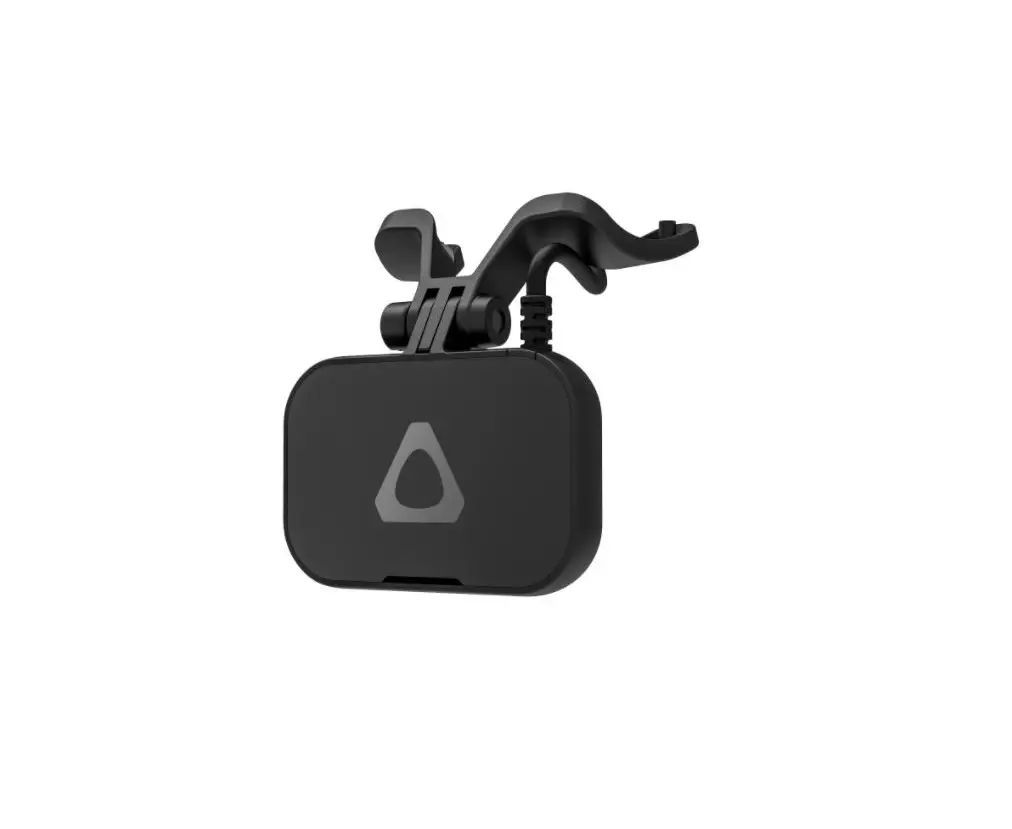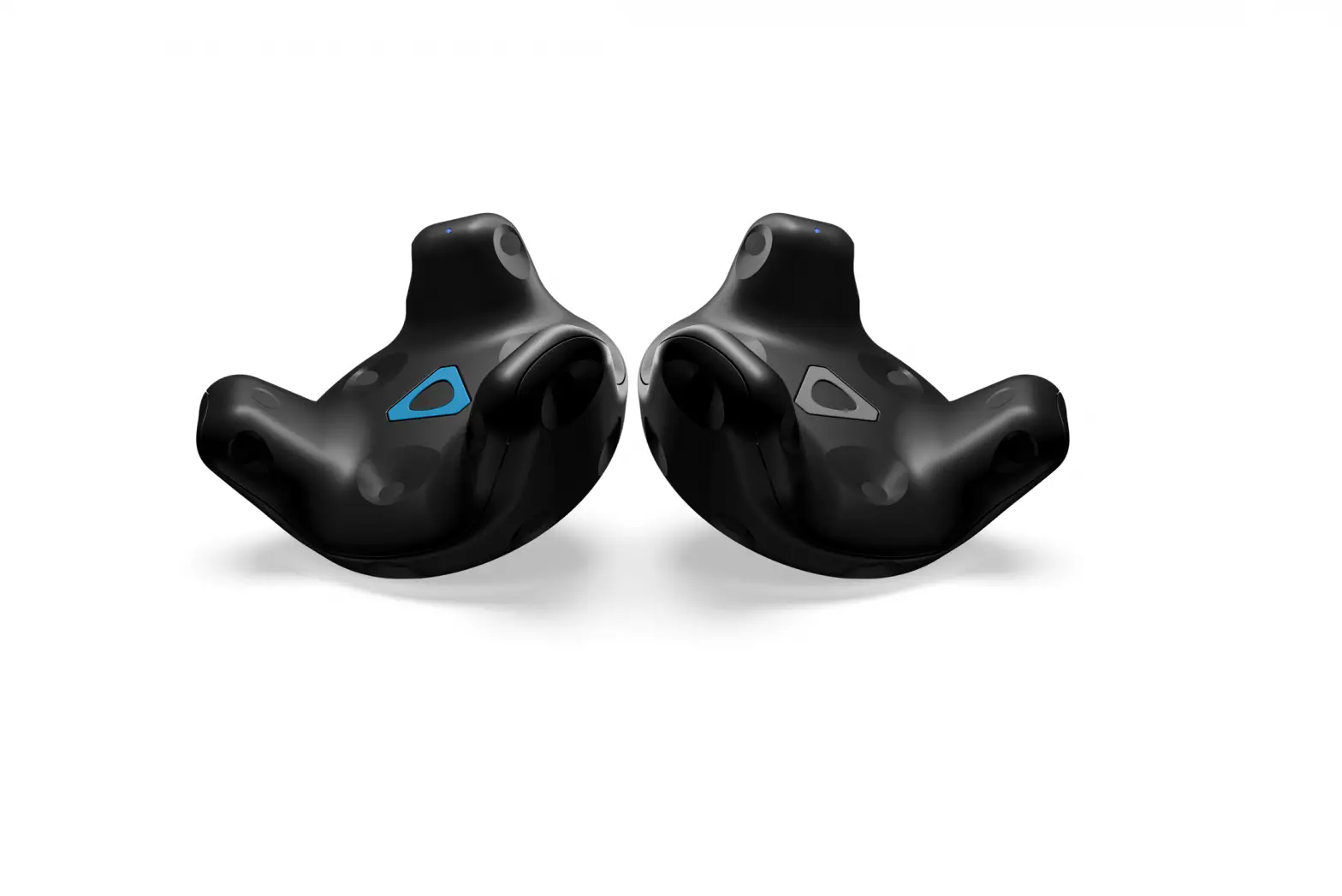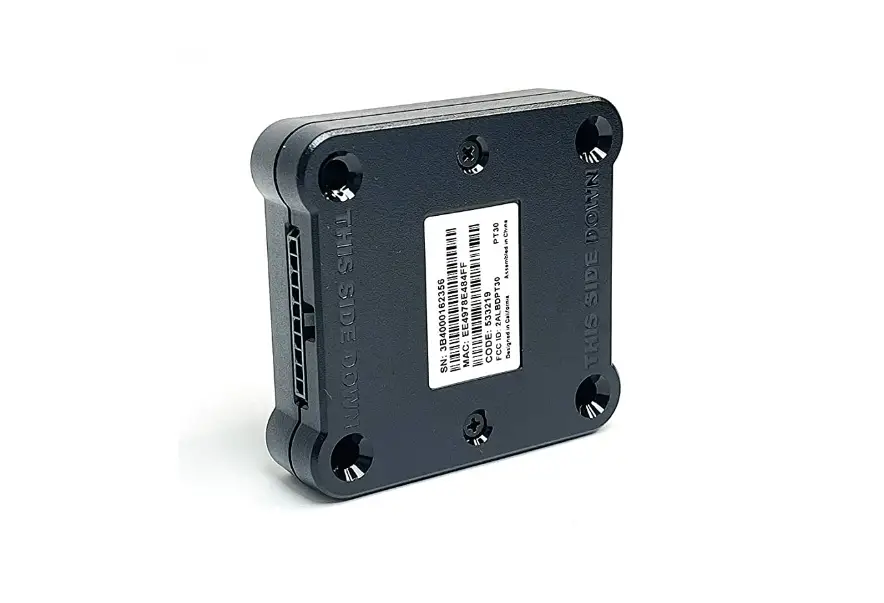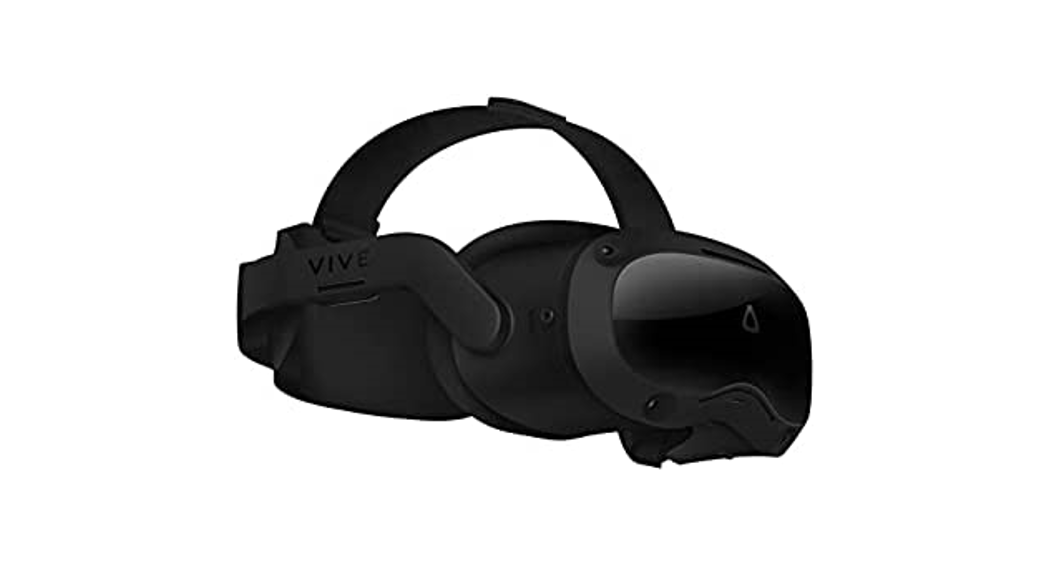
 Focus 3 Eye Tracker
User Guide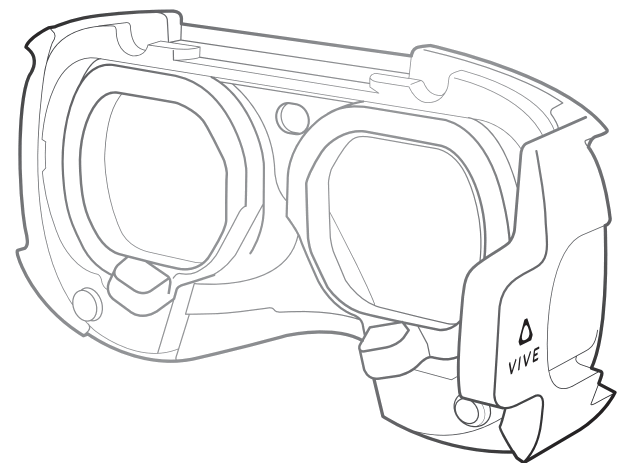
Focus 3 Eye Tracker
Remove the face cushion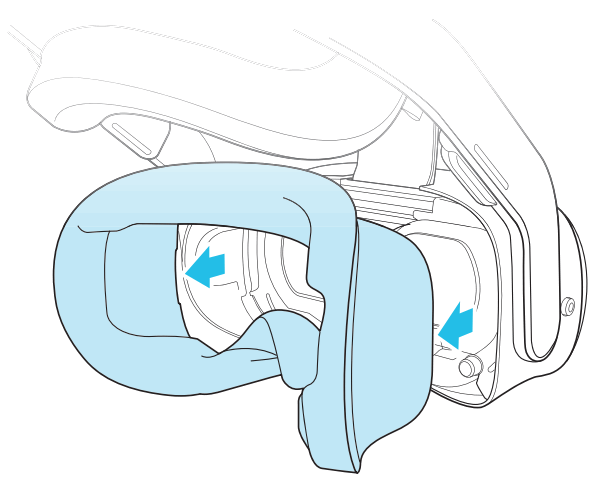 Turn the IPD dial all the way to the left
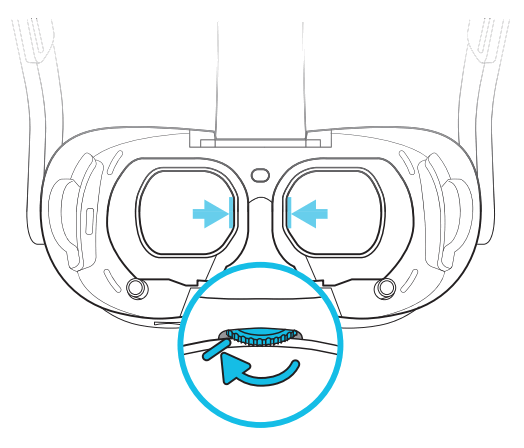 Squeeze the eye frames together while attaching the tracker to the headset
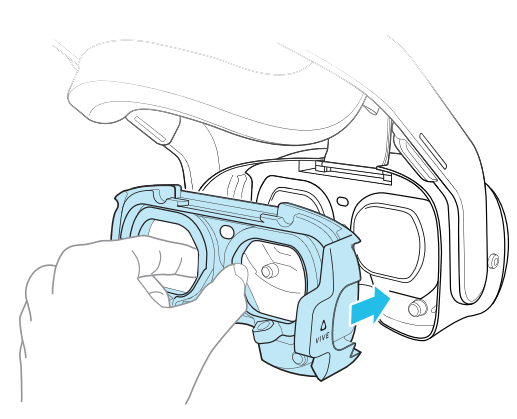 Press firmly, then turn the IPD dial to make sure the lenses and eye frames move together
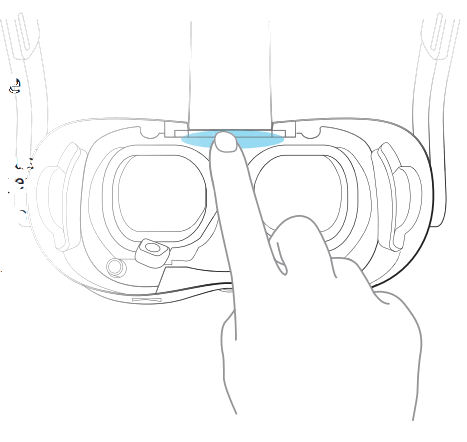 Remove the protective films from the frames
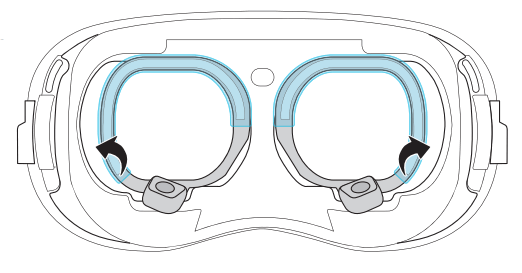 Reattach the face cushion
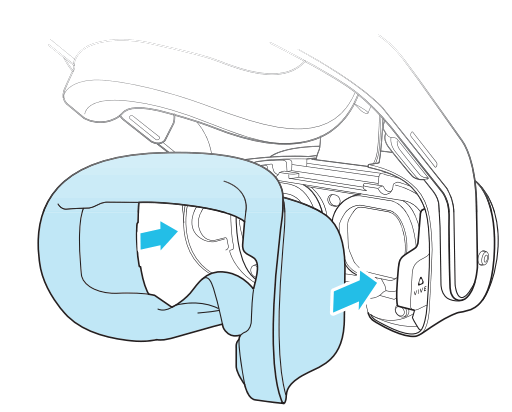 Connect the eye tracker to the headset using the USB cable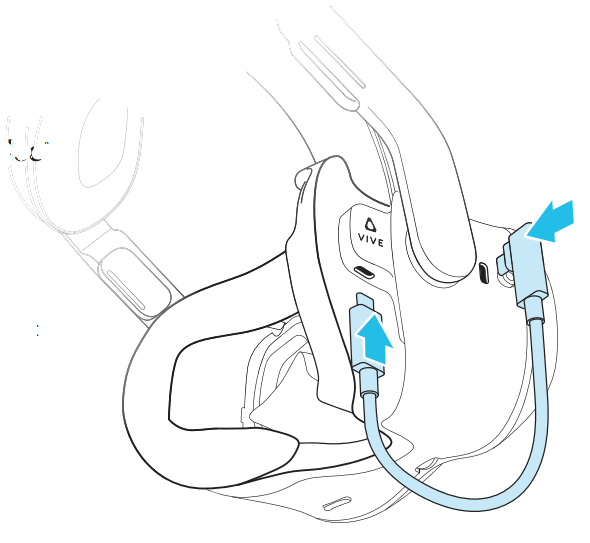
 (Optional) Attach a Gasket Spacer to the face cushion with the tabs fully locked in place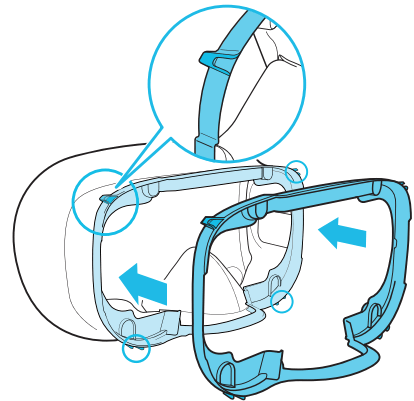
 © 2022 HTC Corporation. All rights reserved.
VIVE, the VIVE logo, HTC and the HTC logo are trademarks of HTC Corporation.