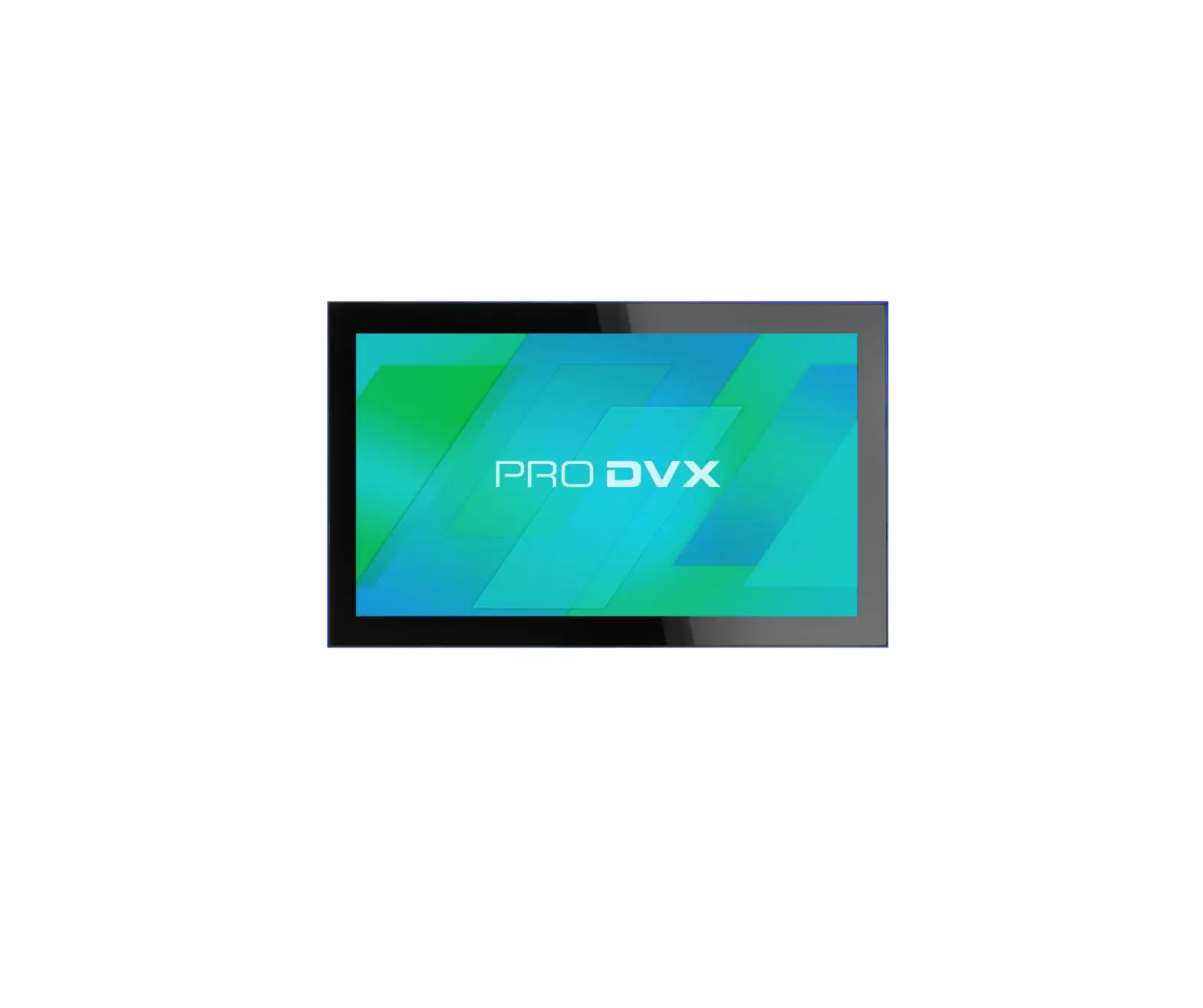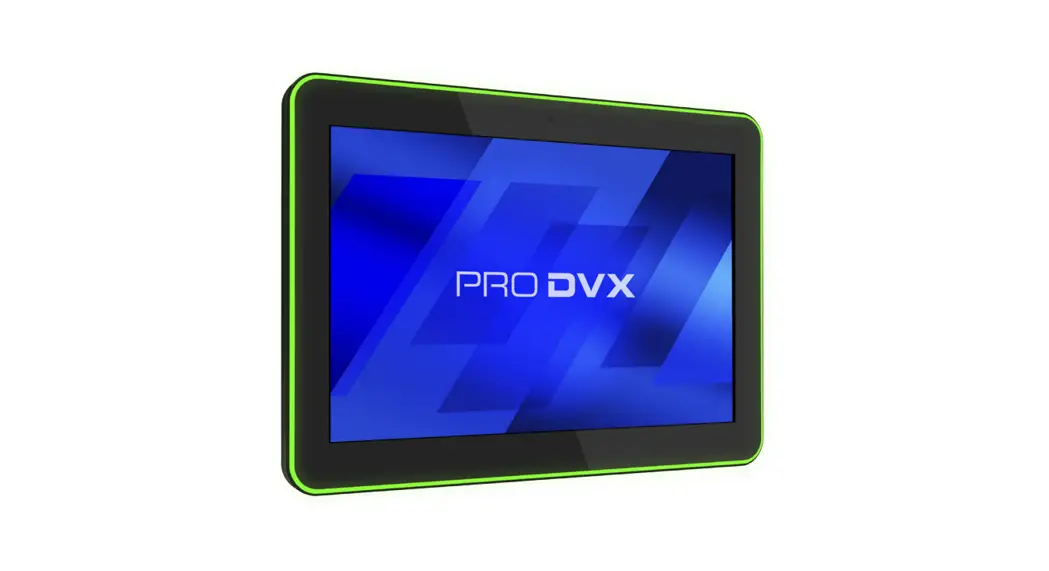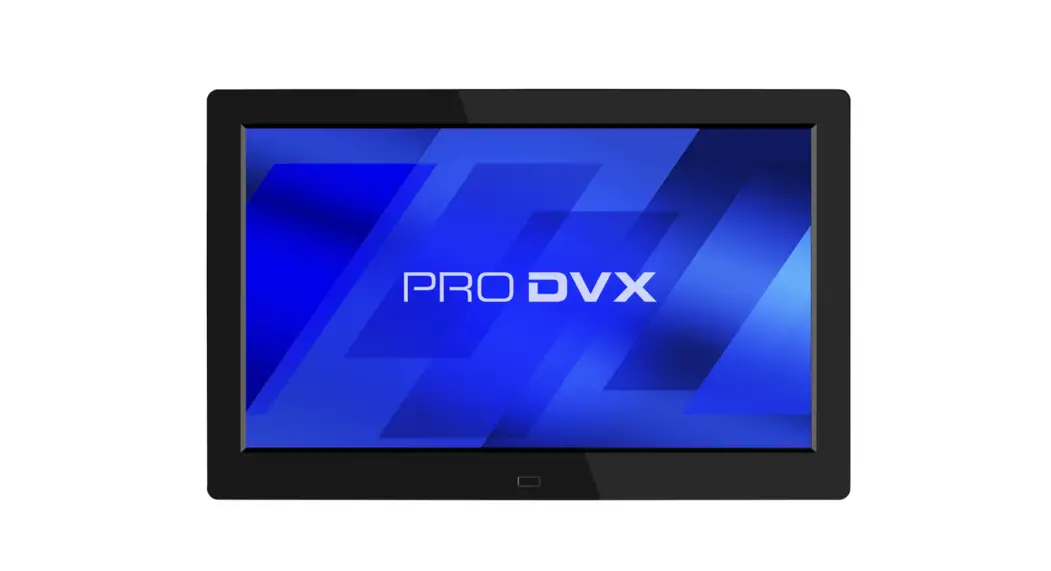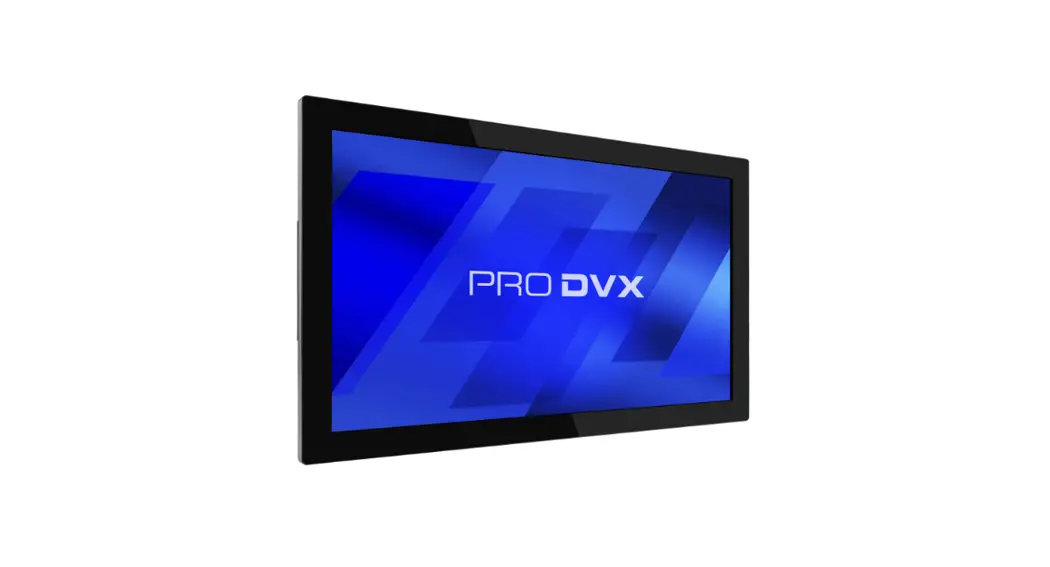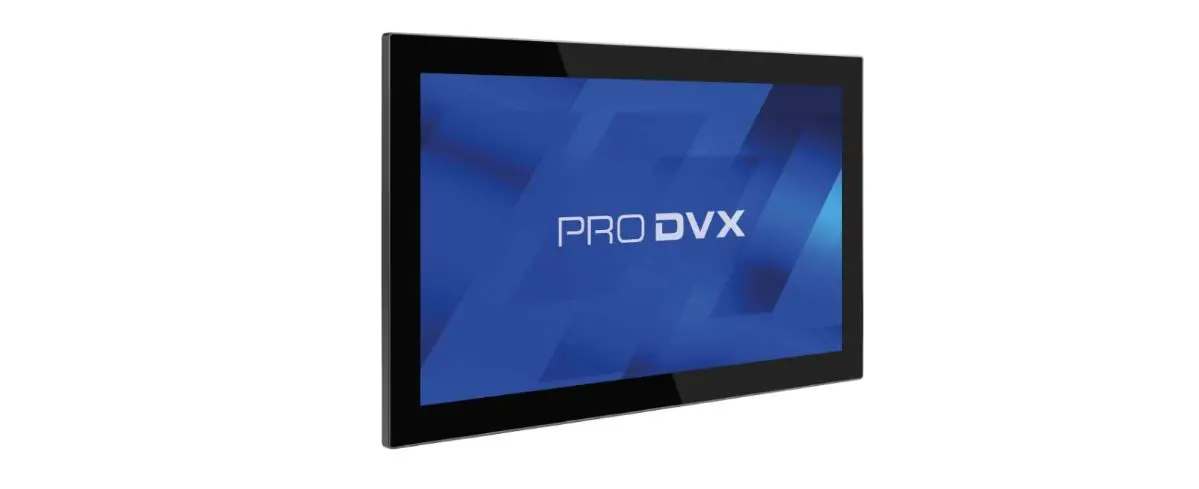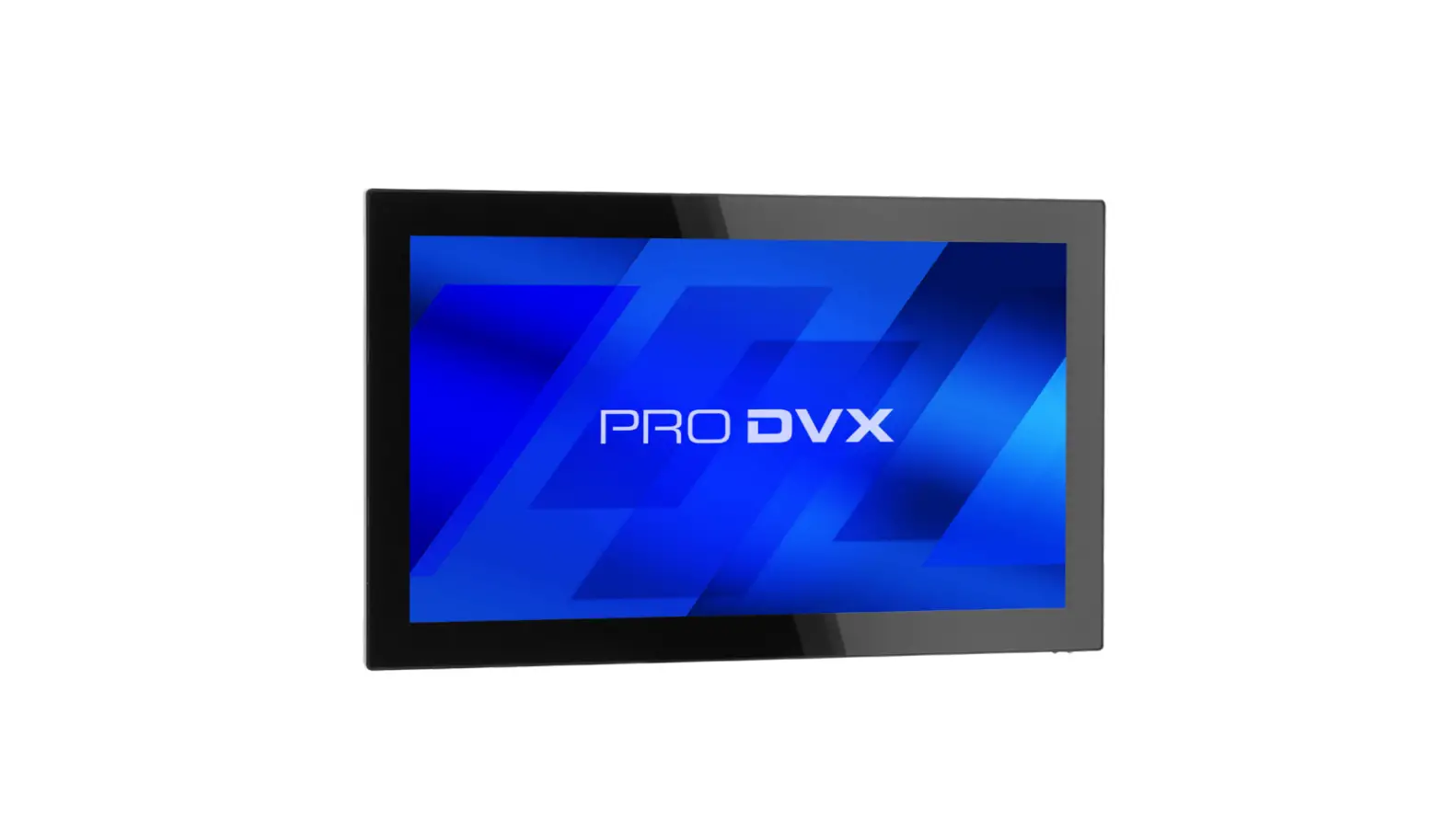
ProDVX APPC-15XP All In One Tablet PC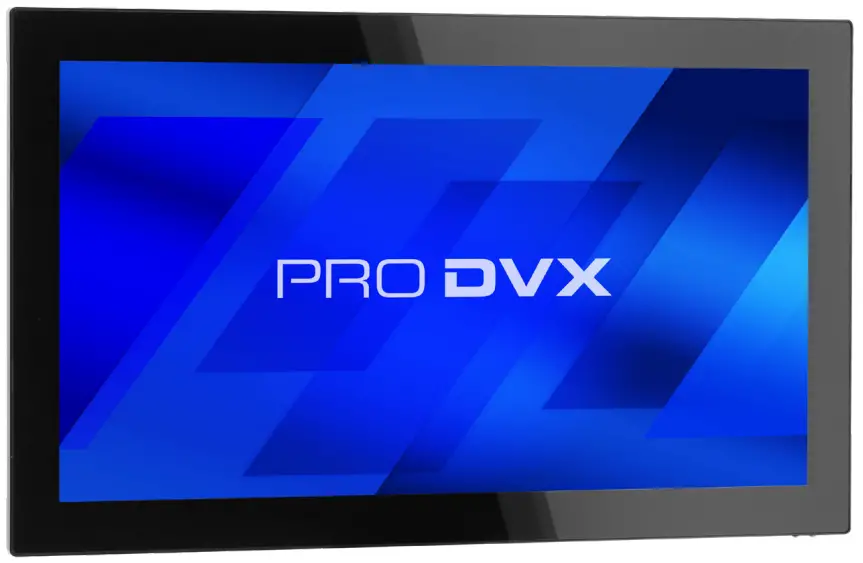
This package contains:
- Panel PC

- Quick start guide

- Tools necessary but not included



*Please note that it is preferred not to use power tools to attach the device to the mount or stand.
How to start:
- Step 1: Take contents out of the box, make sure all components are present.
- Step 2: Install wall/glass mount or desk stand, check designated mount/stand manual for instructions.
- Step 3: Connect to Internet through Wi-Fi or PoE+.
- Step 4: If applicable, install and configure preferred application.
Bottom view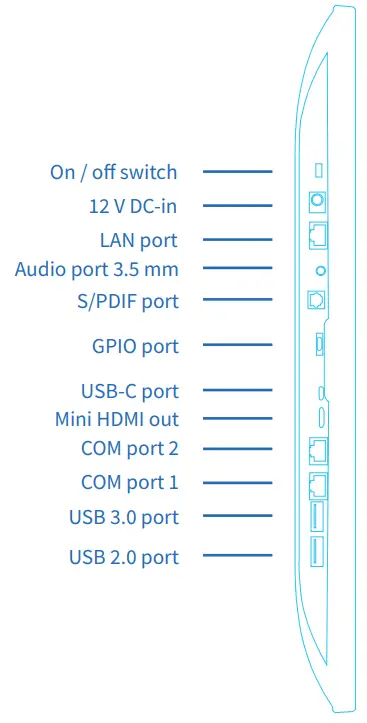
Backside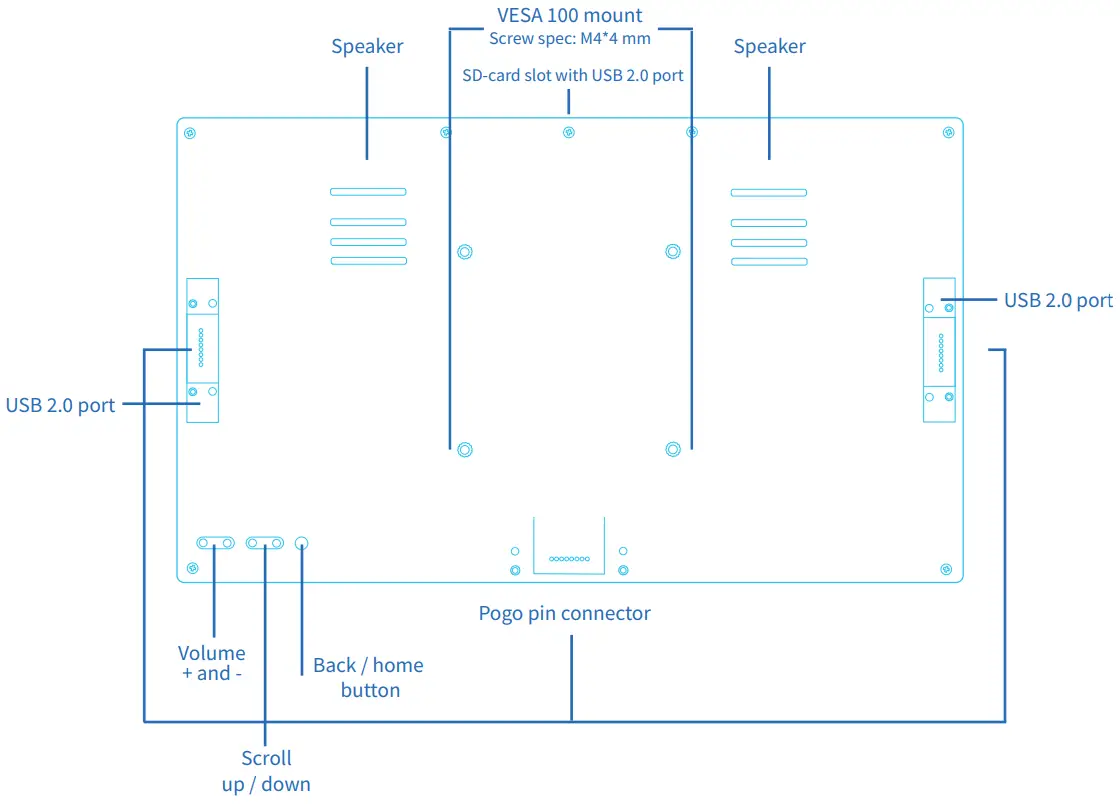
Quick connection settings
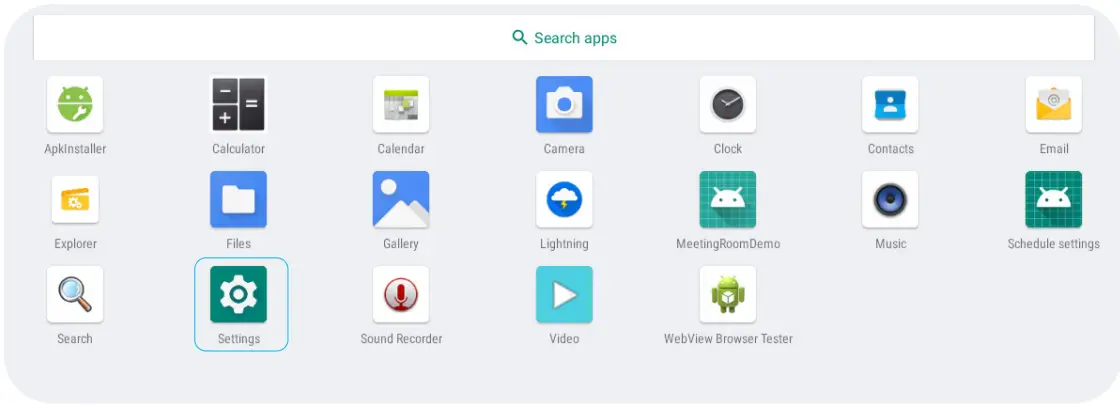
- Step 1: Plug in PoE+ cable or power adapter to turn on display. If using PoE+ for both power and data, this was the final step. If connection to Wi-Fi is preferred, swipe up in the home menu to arrive in the app drawer. Once there, select Settings.

- Step 2: In the settings menu, go to Network & internet, located at the top of the menu.

- Step 3: In the Network & internet menu, select Wi-Fi.

- Step 4: Turn on Wi-Fi and select desired Wi-Fi network to connect to internet.
Landscape
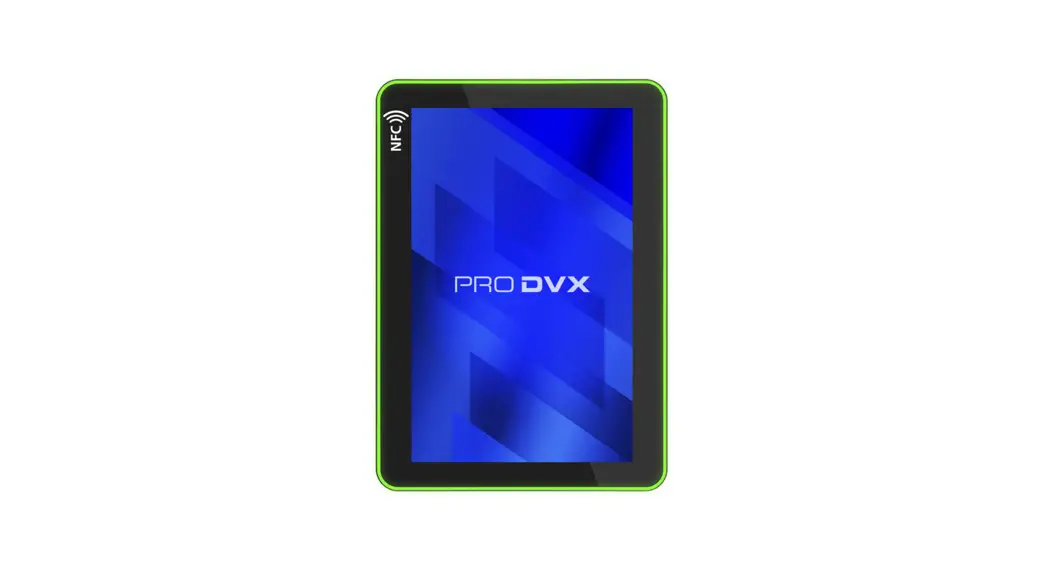
Portrait



Optional accessories
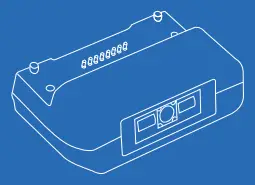
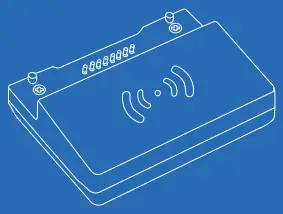
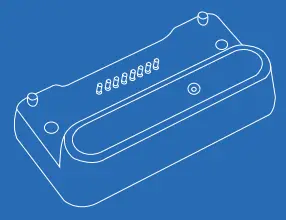
- Barcode scanner

- NFC module

- Camera

FCC Statement
Caution:
Please note this product contains a battery. Please return the product to a certified repair center for proper replacement of the battery; Disposal of a battery can be dangerous.
WARNING:
Changes or modifications to this unit not expressly approved by the party responsible for compliance could void the user’s authority to operate the equipment.
NOTE:
This equipment has been tested and found to comply with the limits for a Class A digital device, pursuant to part 15 of the FCC Rules. These limits are designed to provide reasonable protection against harmful interference when the equipment is operated in a commercial environment. This equipment generates, uses, and can radiate radio frequency energy and, if not installed and used in accordance with the instruction manual, may cause harmful interference to radio communications. Operation of this equipment in a residential area can cause harmful interference in which case the user will be required to correct the interference at his own expense.
This device complies with Part 15 of the FCC Rules. Operation is subject to the following two conditions: (1) This device may not cause harmful interference, and (2) this device must accept any interference received, including interference that may cause undesired operation.
Europe/UK – EU/UK Declaration of Conformity
This device complies with the essential requirements of the Radio Equipment Directive (2014/53/EU). The following test methods have been applied in order to prove presumption of conformity with the essential requirements of the Radio Equipment Directive This equipment is compliant with Class A of EN55032. In a residential environment this equipment may cause radio interference.
Correct Disposal of this product.
 This marking indicates that this product should not be disposed with other (household) waste. To prevent possible harm to the environment or human health from uncontrolled waste disposal, recycle it responsibly to promote the sustainable reuse of material resources. To return your used device, please use the return and collection systems or contact the reseller where the product was purchased. They can take this product for environmental safe recycling.
“FCC & CE RF Radiation Exposure Statement Caution: To maintain compliance with the FCC & CE’s RF exposure guidelines, place the product at least 20cm from near by persons.”
The suitable temperature for the ProDVX Display and accessories is 0°C-45°C.

 Support | ProDVX