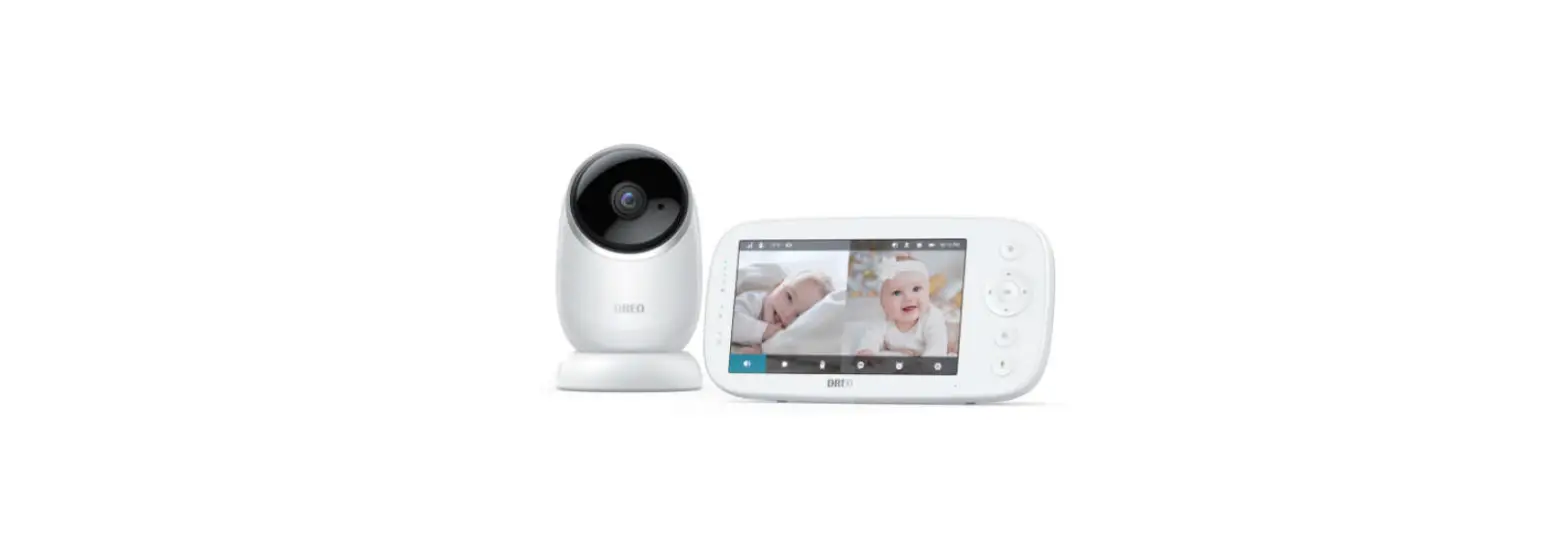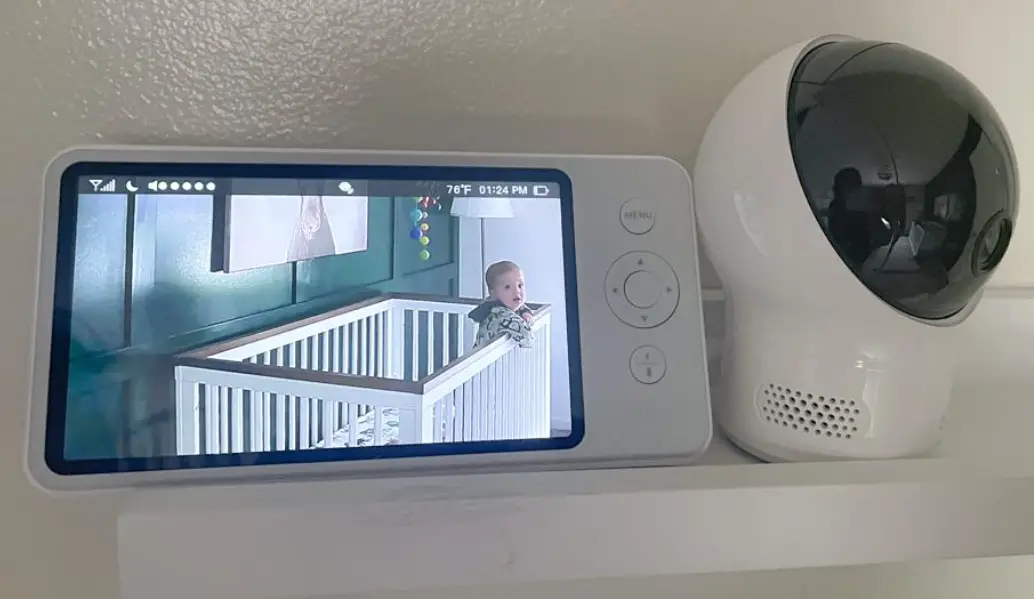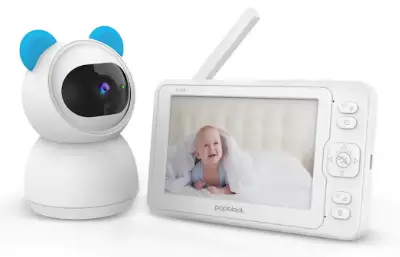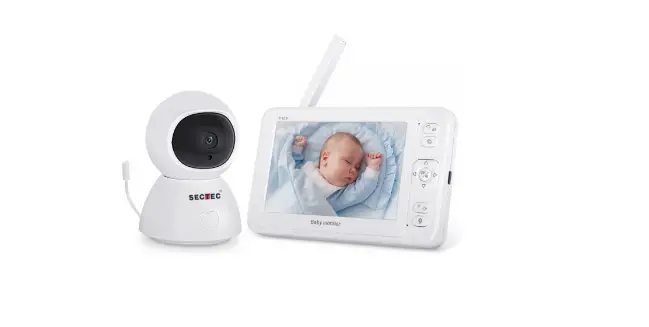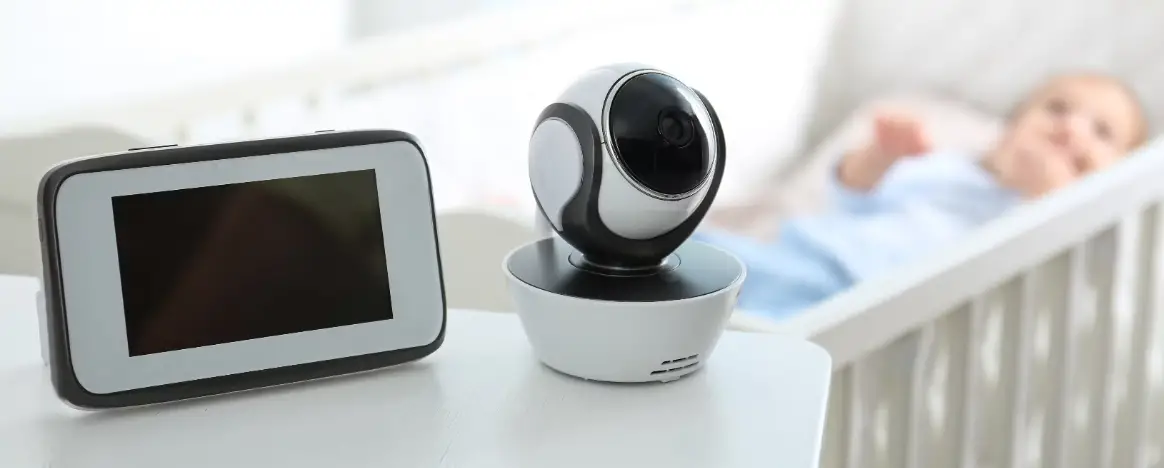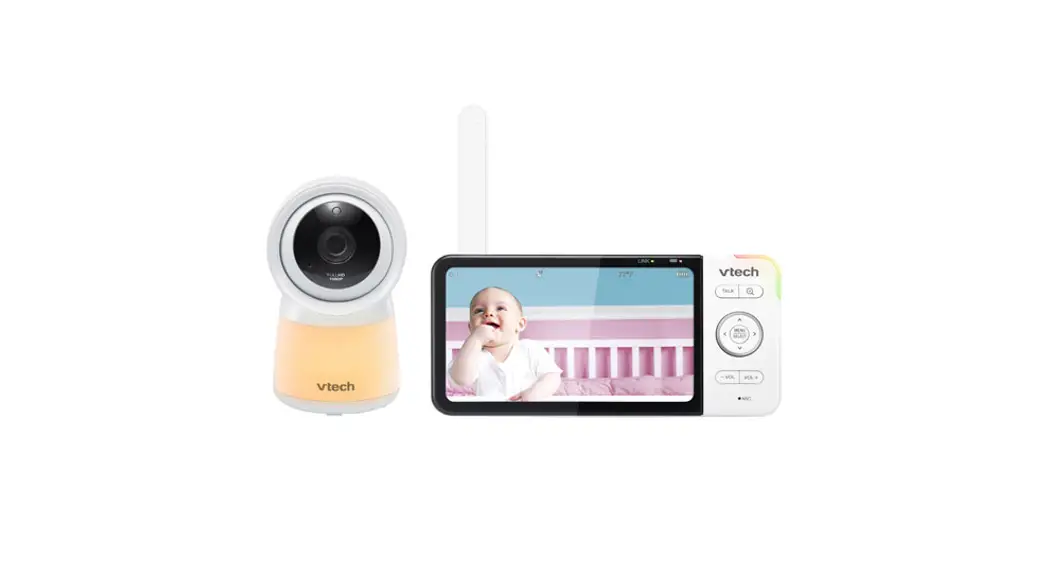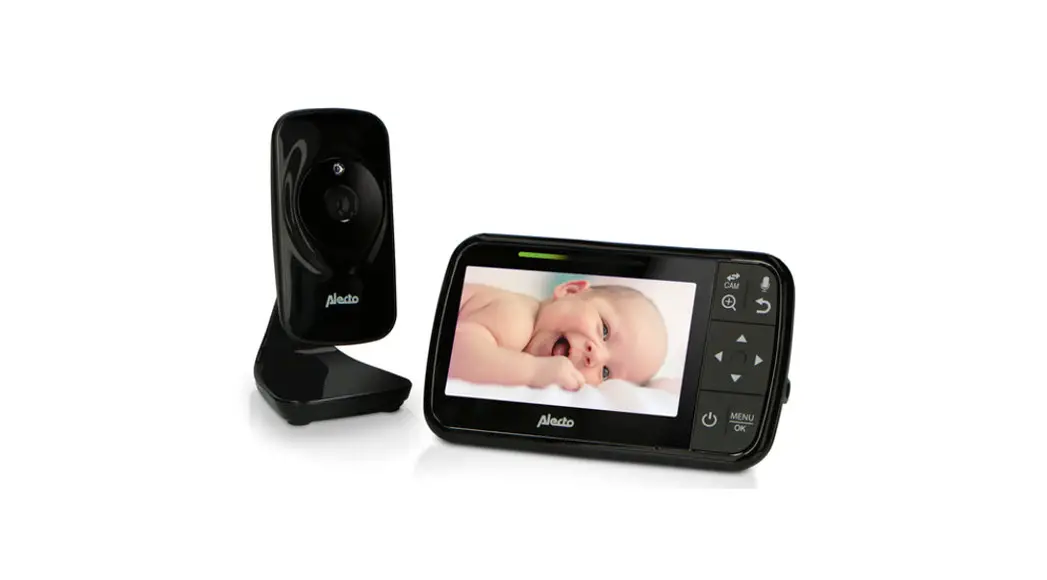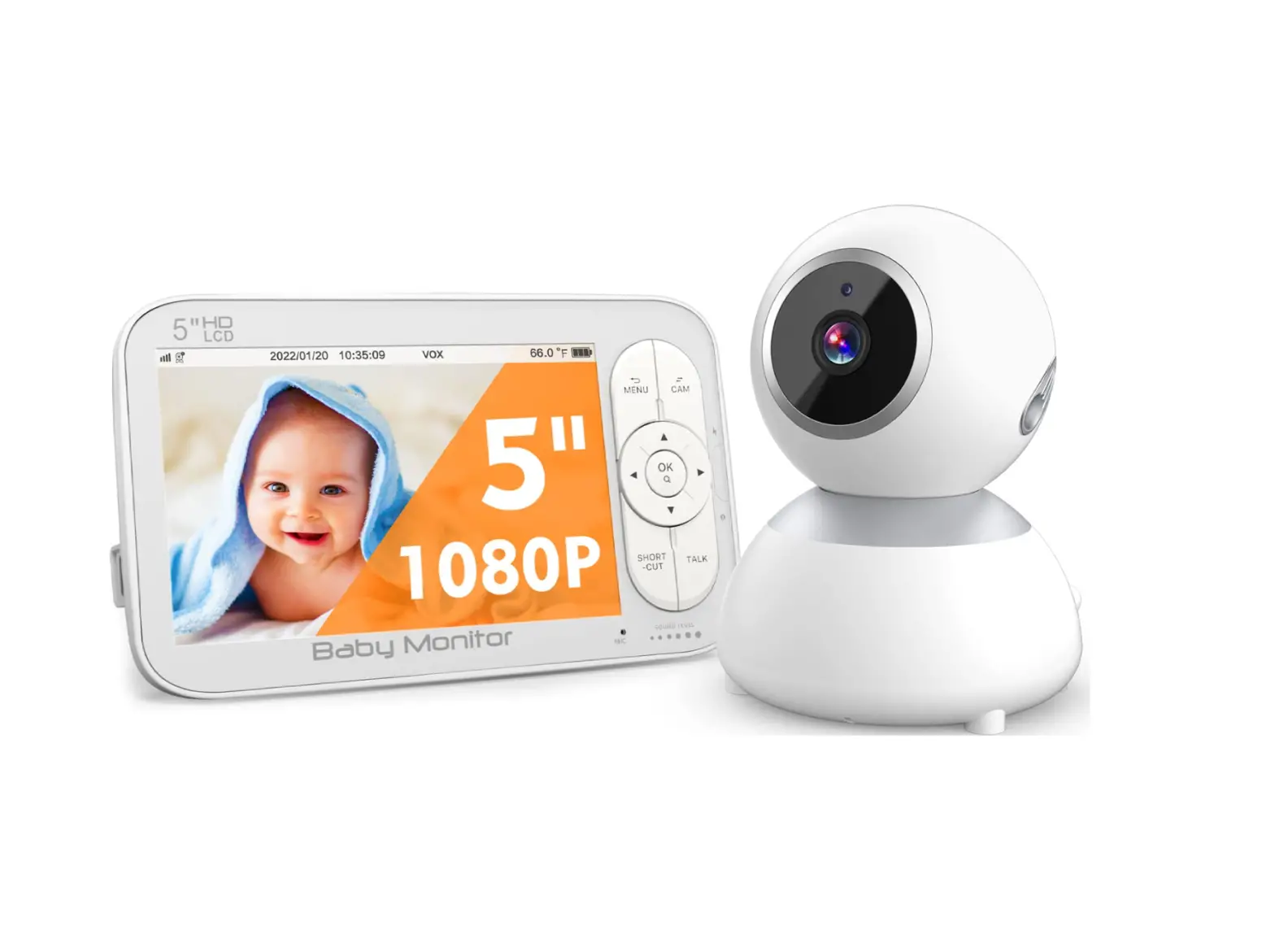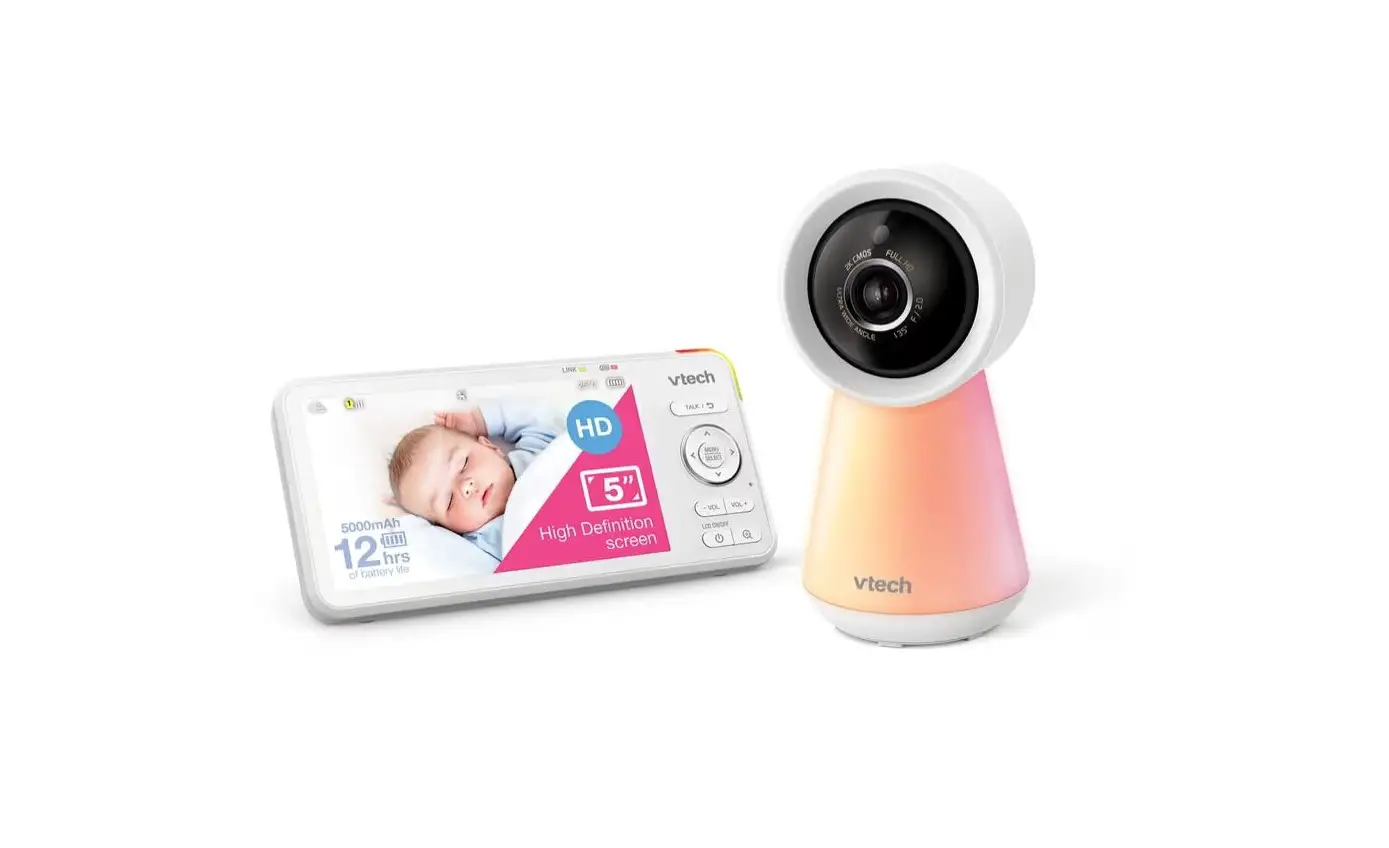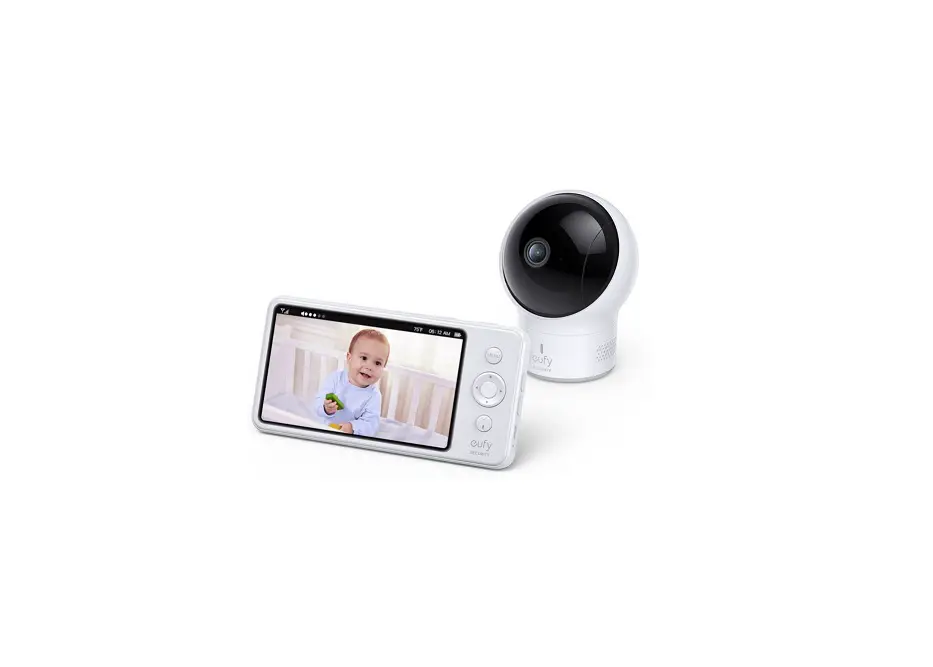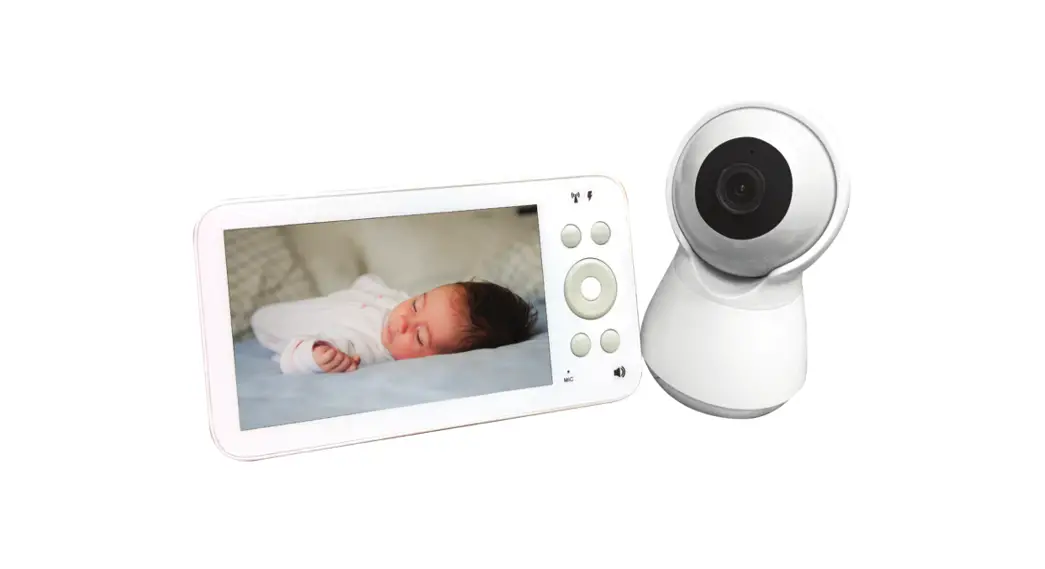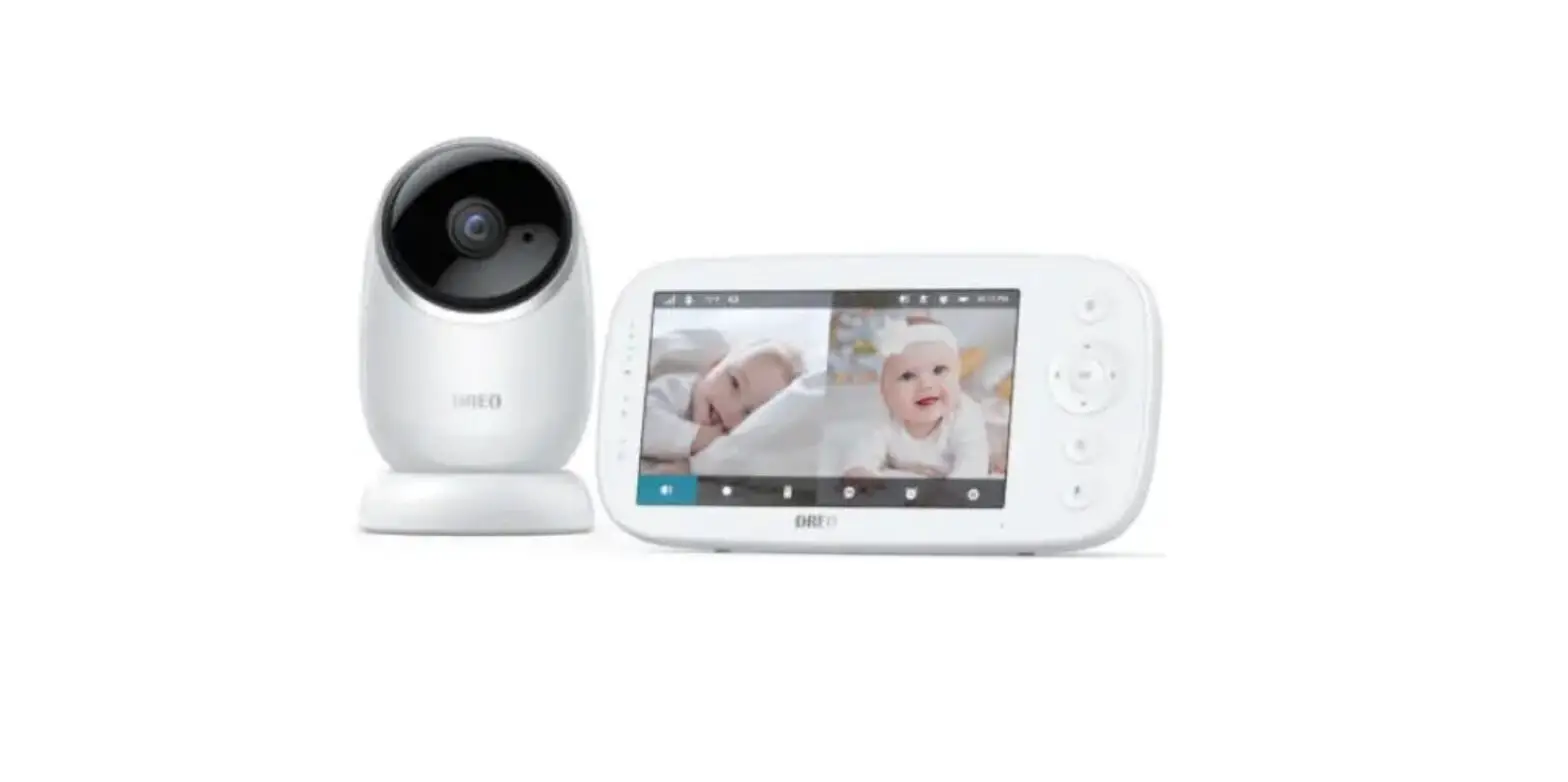
DREO DR-BBM001 5 Inch HD Split Screen Baby Monitor 5 Inch HD Split Screen Baby Monitor User Guide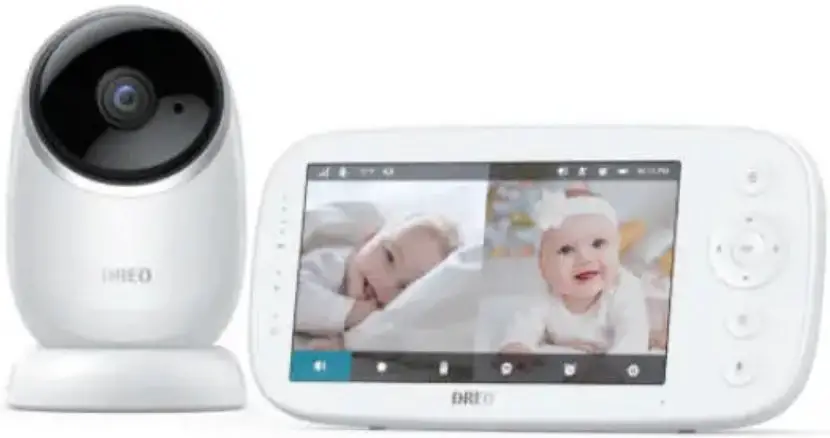
WHAT’S IN THE BOX
Actual contents may vary depending on your purchase.
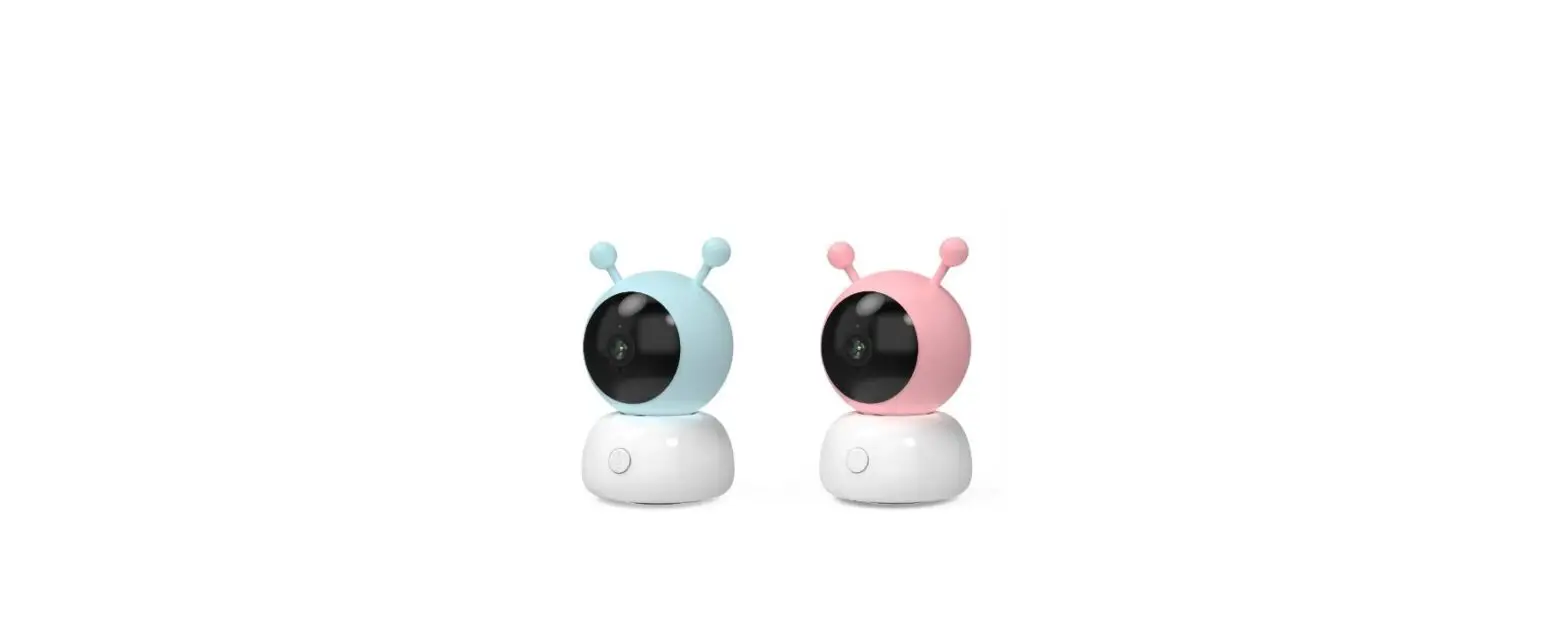
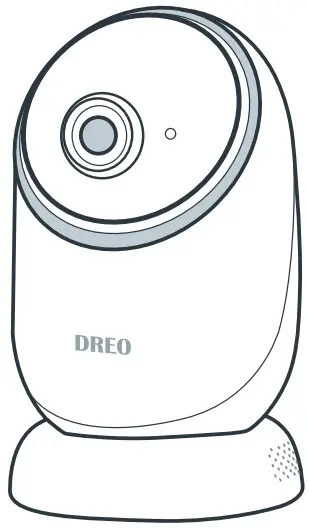
- Camera

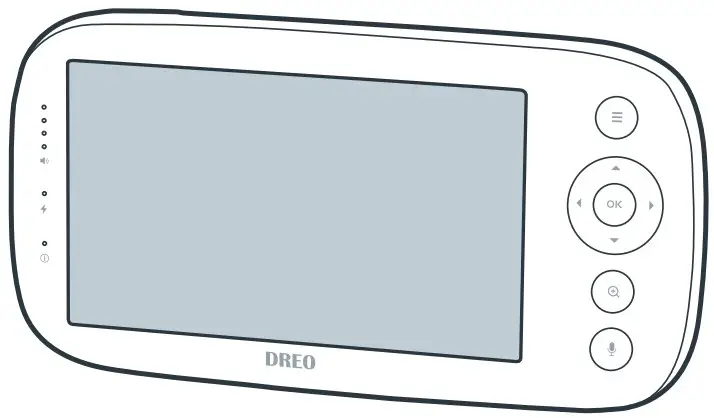
- Baby Monitor

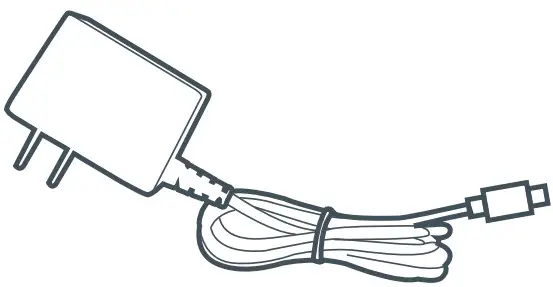
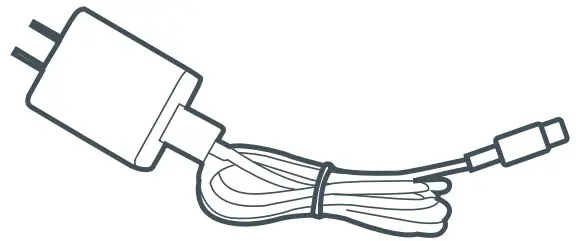
- AC Adapter (For Camera)

- USB Charger and Charging Cable (For Monitor)

- Wall Mount Screw

- User Manual

- Quick Start Guide

GETTING STARTED
- Unpacking and Discard All Packaging Materials
 Keep plastic packaging away from children.
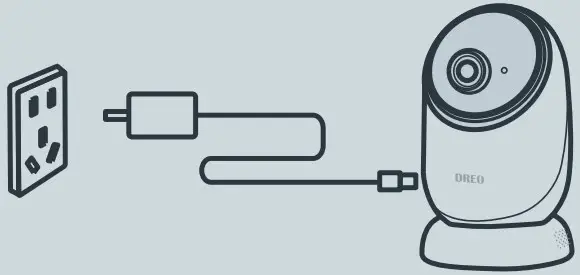
- Plugging in the Camera with the Included AC Adapter Camera is not battery powered. Keep plugged in when in use.

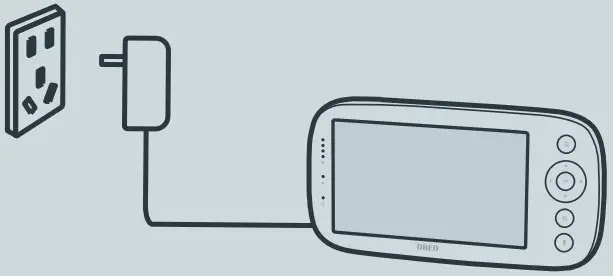
- Charging the Monitor with the Included USB Charger
 It takes around 7 hours to fully charge. The charging indicator will turn on while charging and off when fully charged.
- Pairing the Camera with the Monitor
By default, the camera has been paired with the monitor when manufactured. If the camera is disconnected, press , select through
  →
→  →
→  , and press the PAIR button on the camera, then the camera will pair with the monitor automatically.
- Positioning the Camera
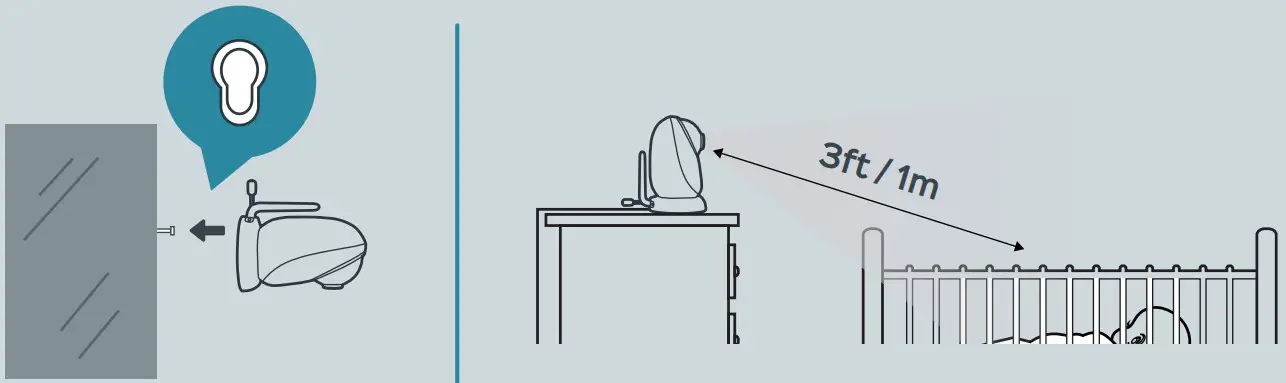
- Place the camera at least 3 feet / 1 meter away from the crib, playpen and baby bed, keeping it beyond your baby’s reach.
- Optionally, you can install the included screw into the wall and mount the camera onto the screw. Do not release the camera until you’re sure it is firmly mounted.

 Keep plastic packaging away from children.
 →
→  →
→  , and press the PAIR button on the camera, then the camera will pair with the monitor automatically.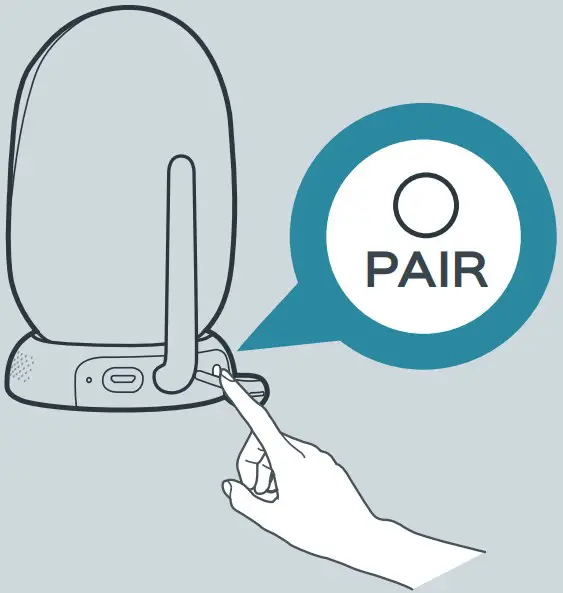
FUNCTIONS & OPERATIONS
 Volume Settings
Video Volume:
Adjust video volume Alert Volume:
Adjust alert/reminder volume
 Brightness Settings
Brightness
Adjust brightness level Screen Timeout
Change screen timeout to 1 min, 3 mins, 5 mins, or never
 Camera Settings
 Add
Add
Add new camera Auto Switch
Auto switch between cameras Cam View
View cameras in full/split screen Delete
Delete camera
 VOX Settings
VOX On
Turn on VOX VOX Off
Turn off VOX
 Reminder Settings
Reminde
Set reminder at a specific tim Repeat
Create a repeating reminder (2 hrs, 4 hrs, 6 hrs, or never Reminder Off
Turn off reminder
 Other Settings
 Time
Time
Set the date and time on the monitor Temperature
Select temperature scale between °C and °F Refresh Rate
Select refresh rate between 60Hz and 50Hz Reset
Reset
Reset the monitor to factory settings Support
View support page for customer service
 Zoom: Press to zoom in at 2x or 4x
 Talk: Push to talk and release to listen
 To return to the previous page, press
  .
.
Join the Dreo community on Facebook
Looking for help?
Contact us to get expert support.
 (888) 520-3736
Mon – Fri, 9:00 am-5:00 pm PST/PDT