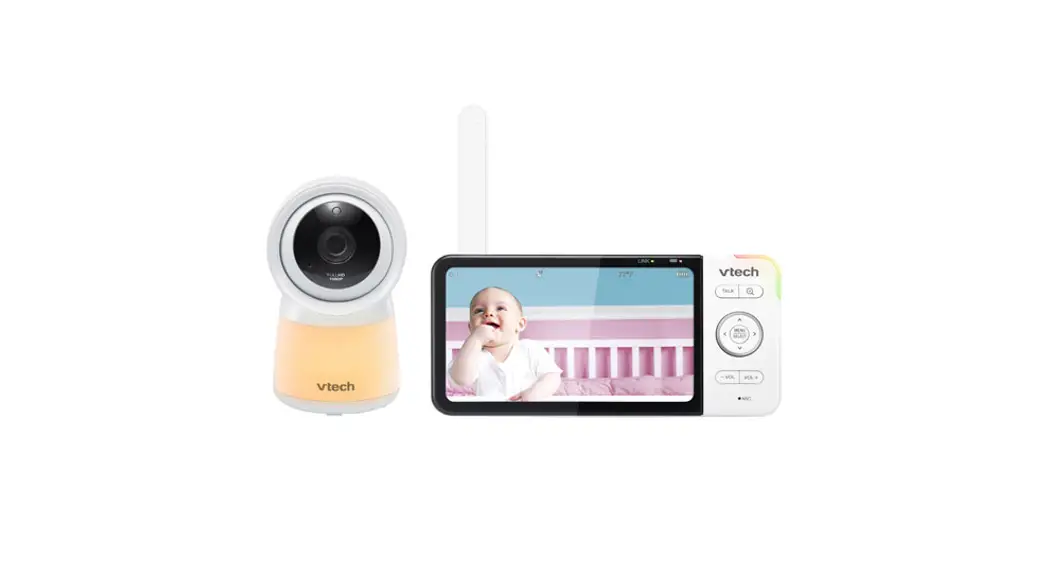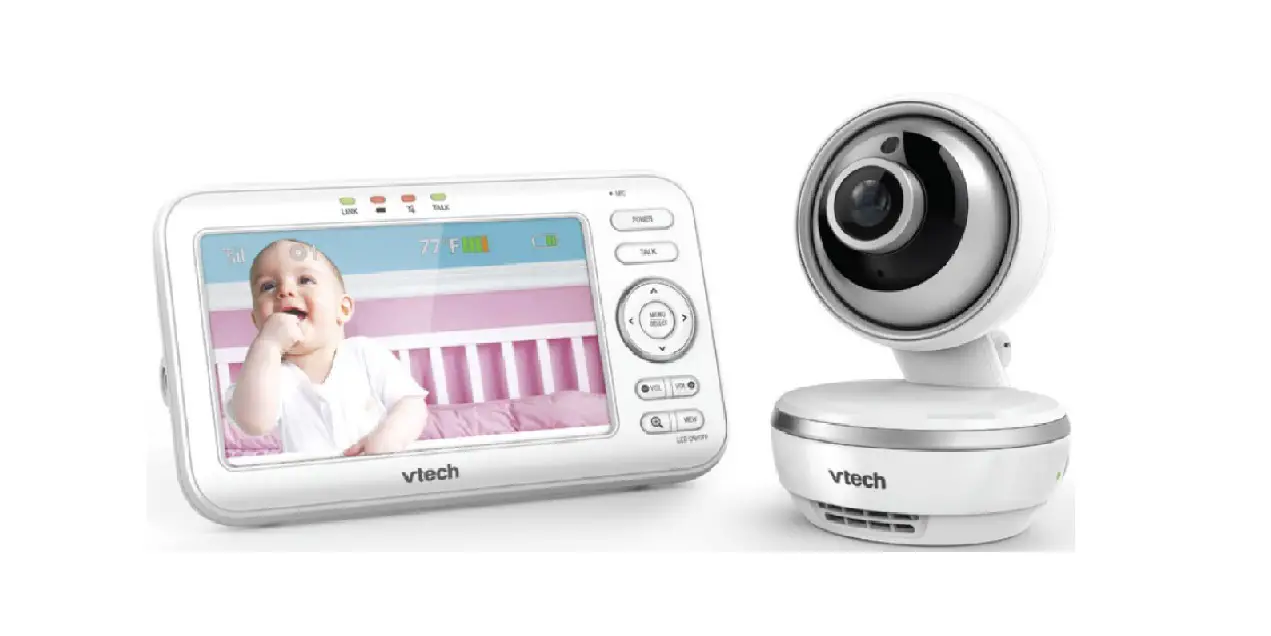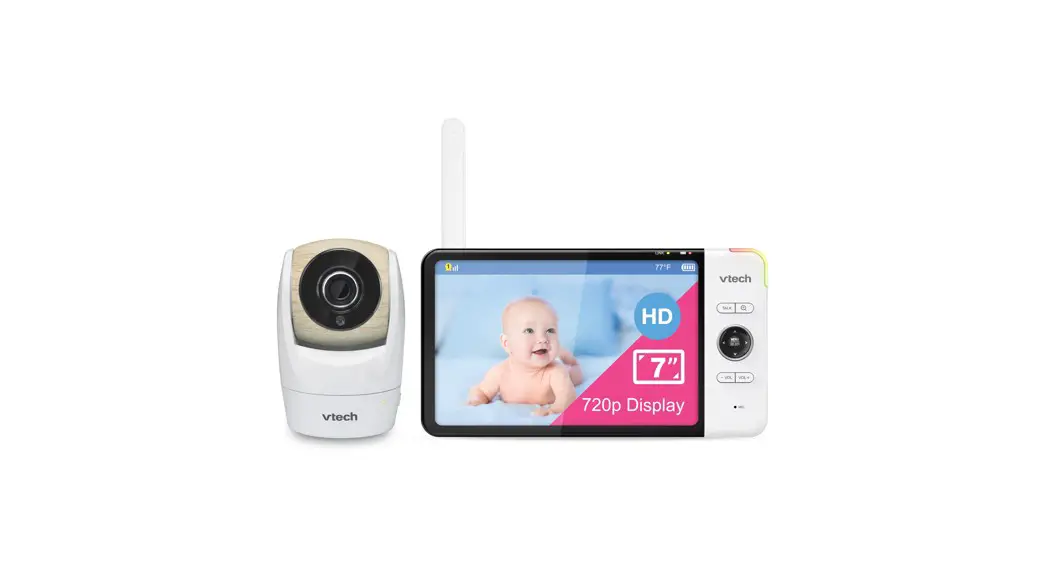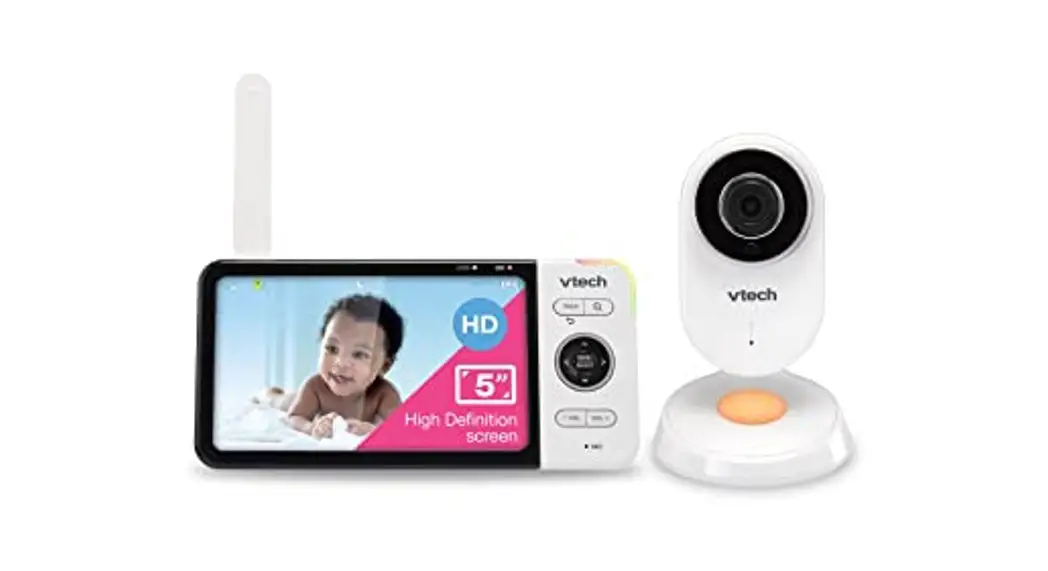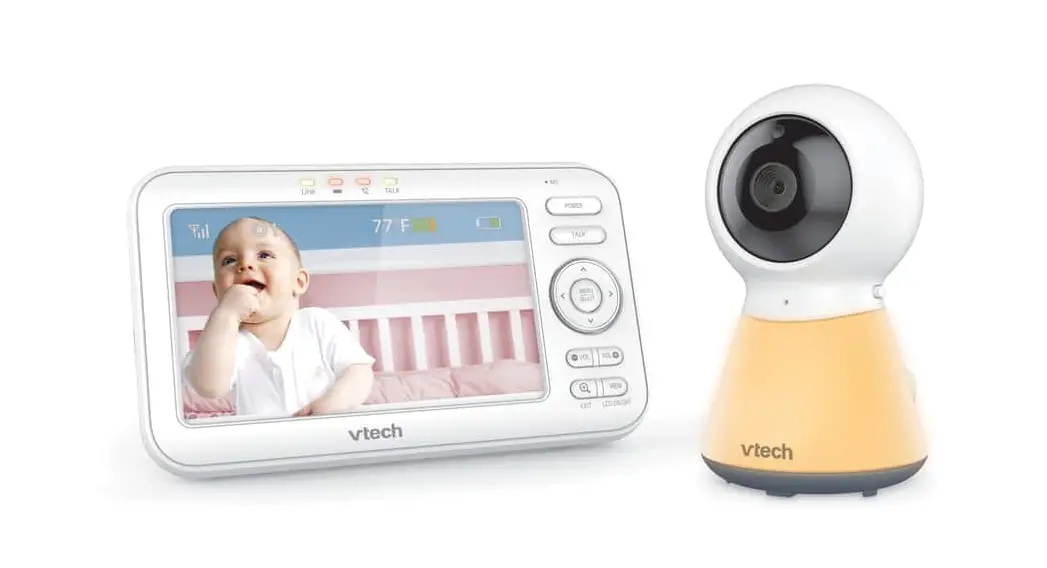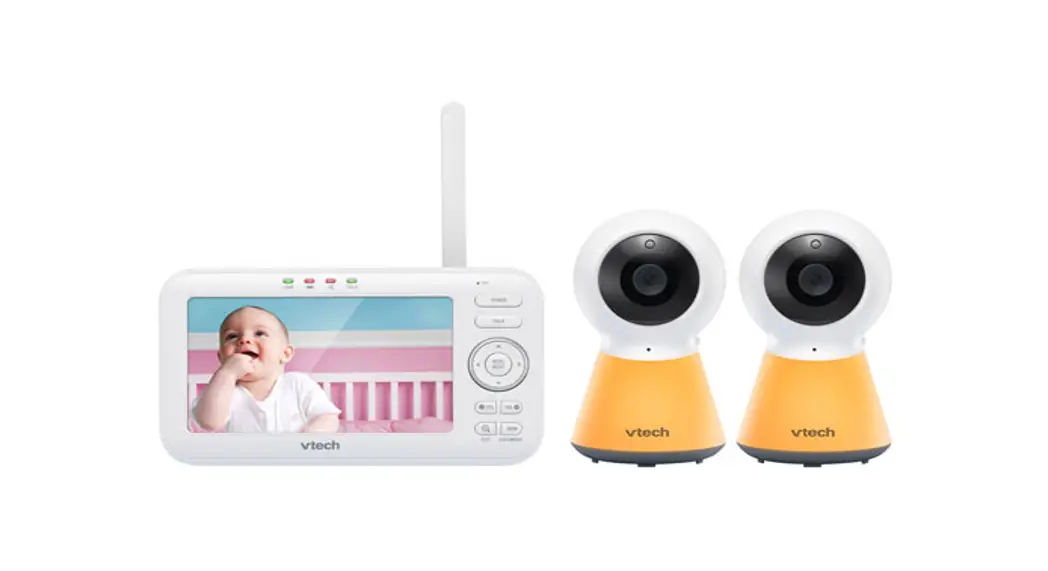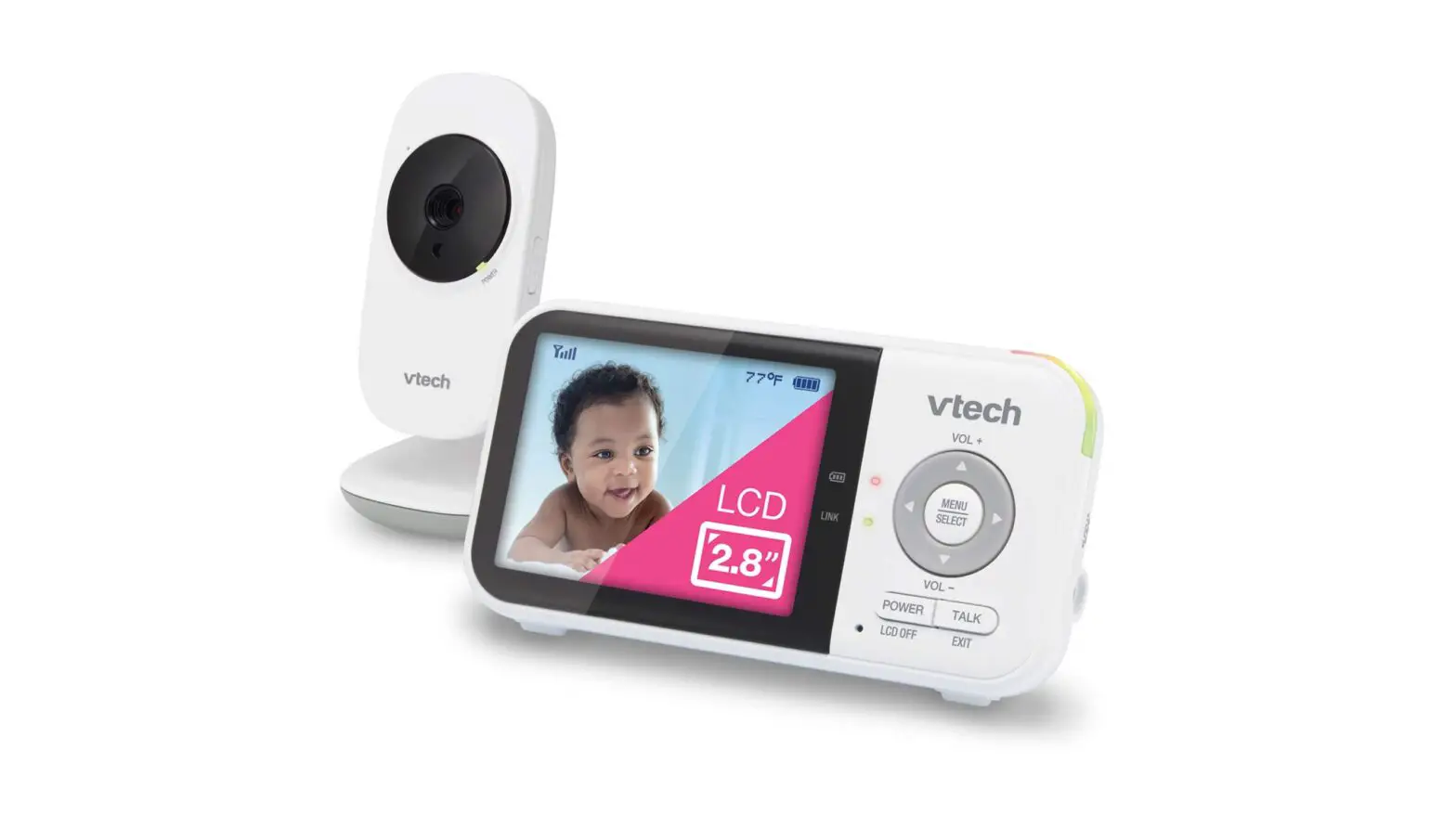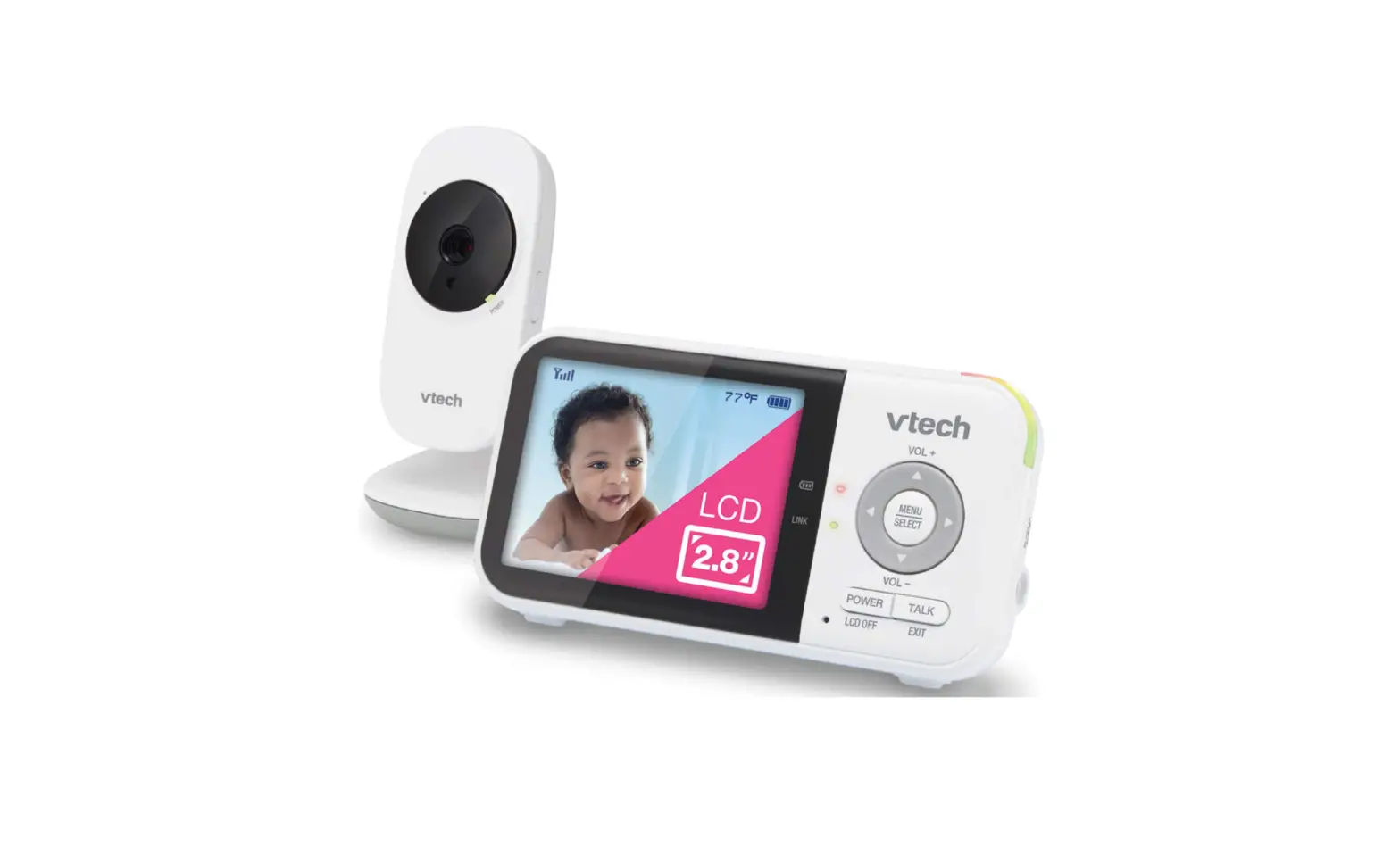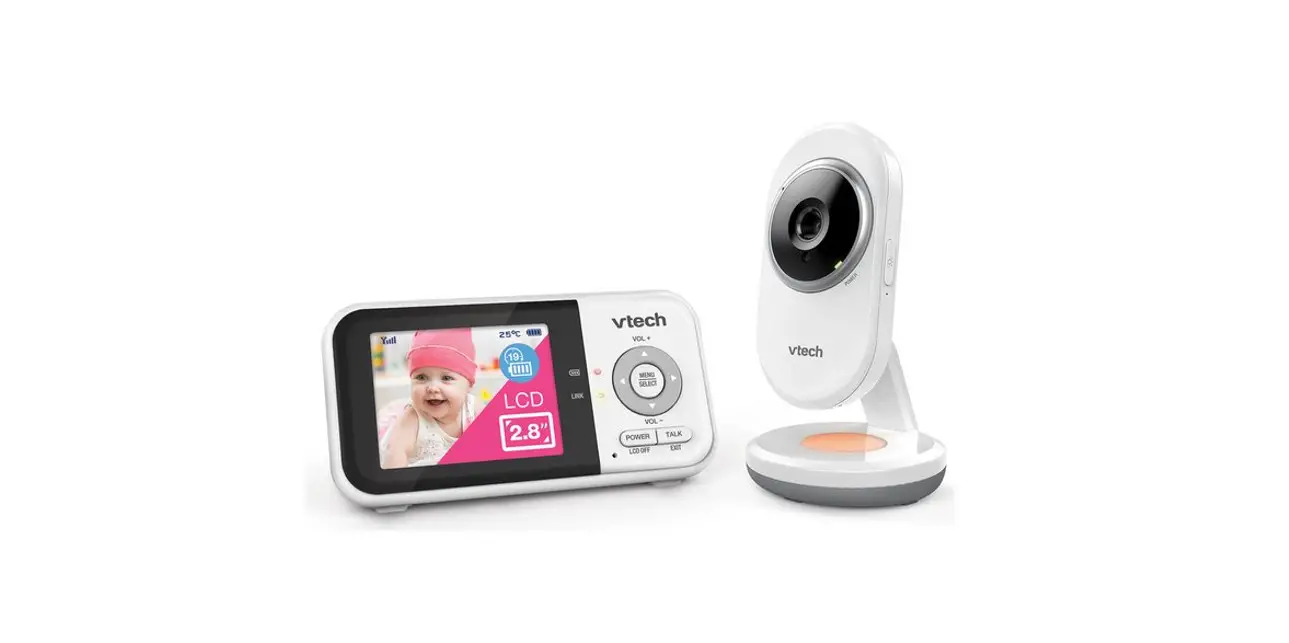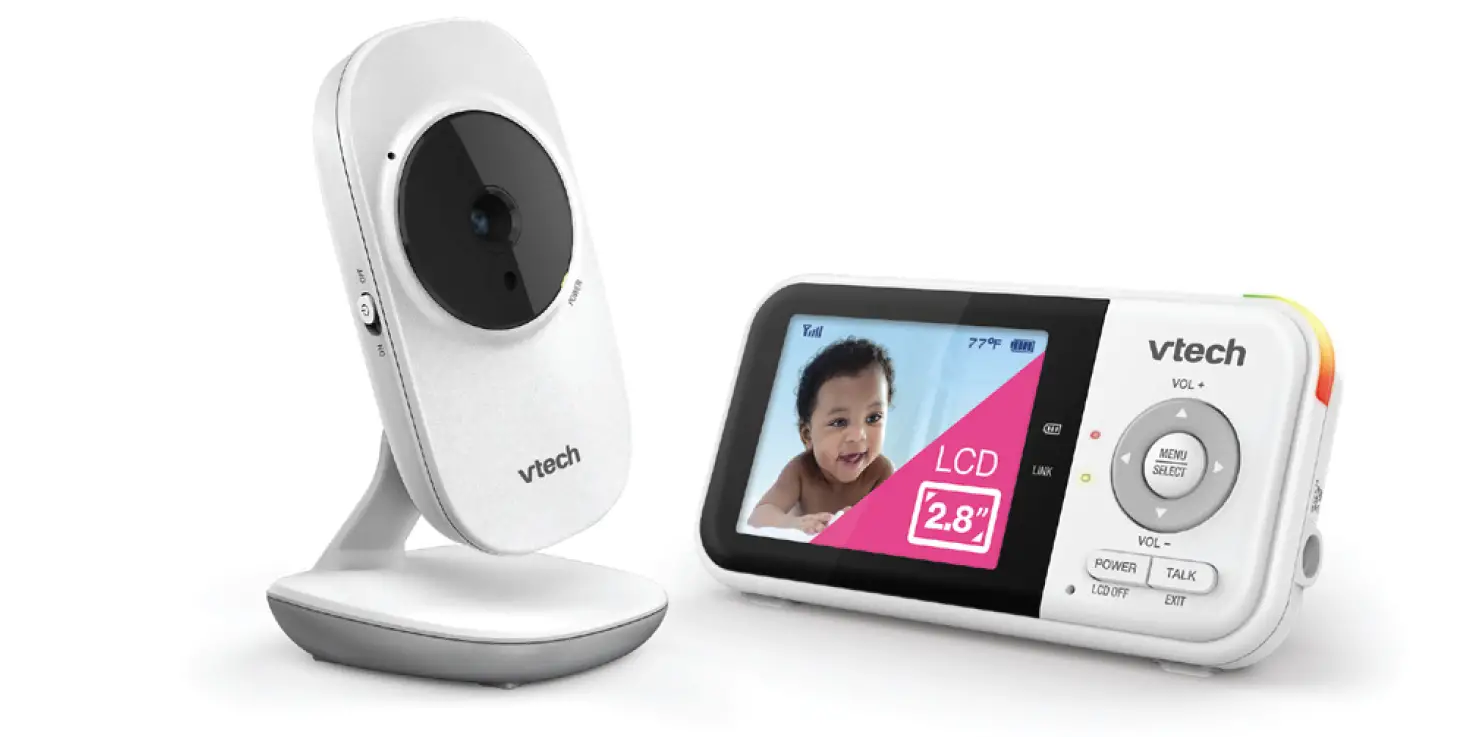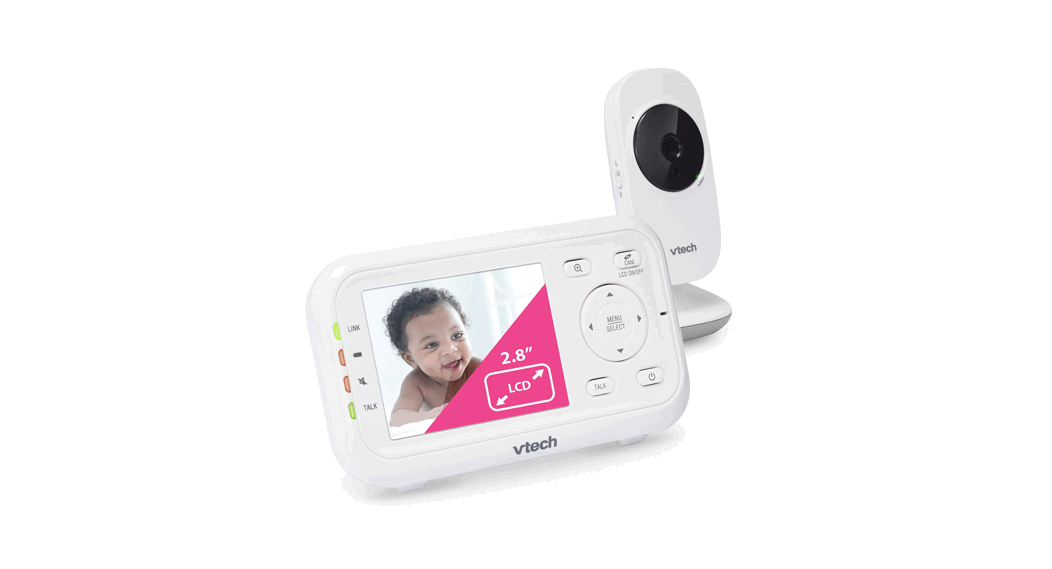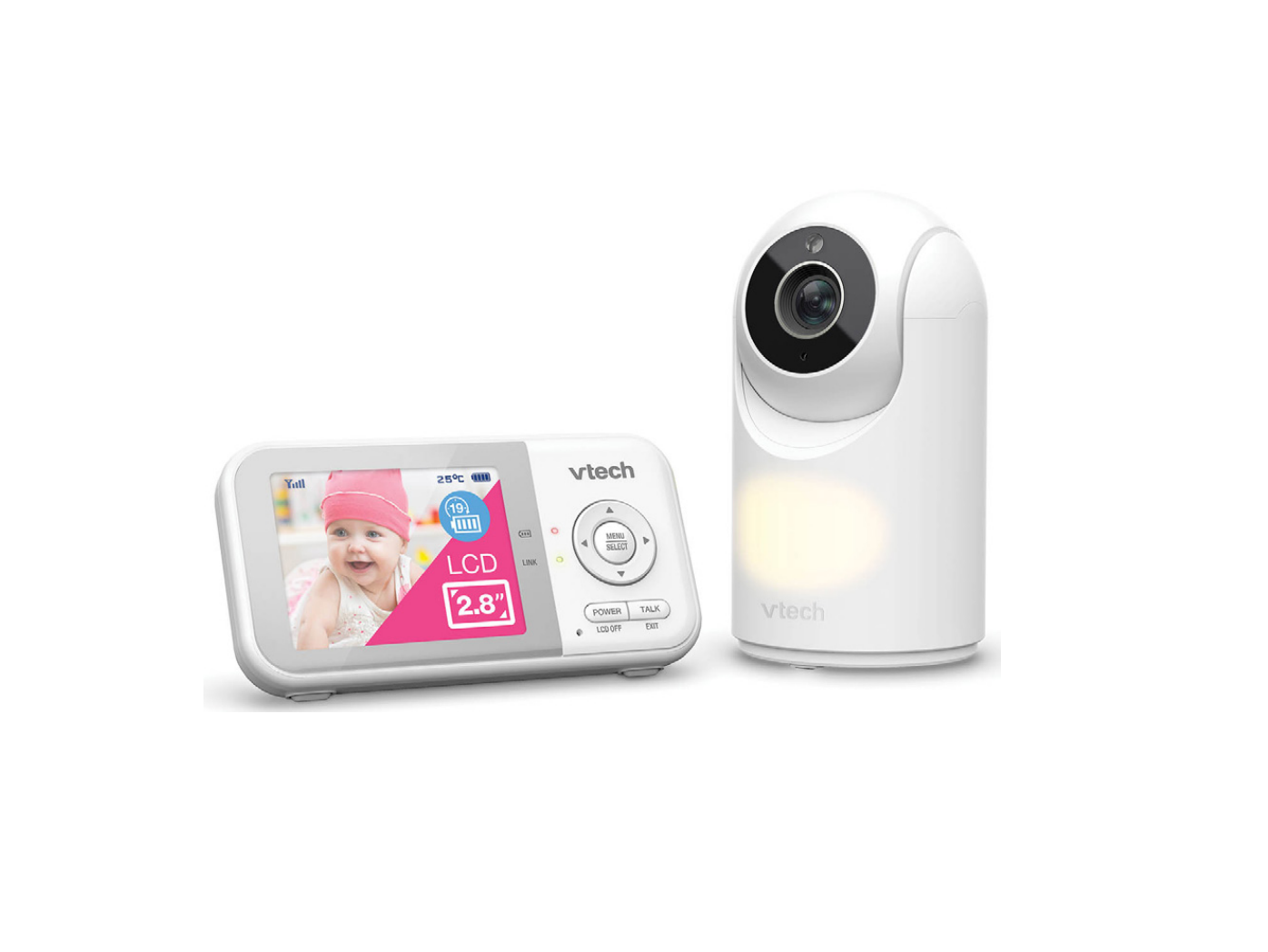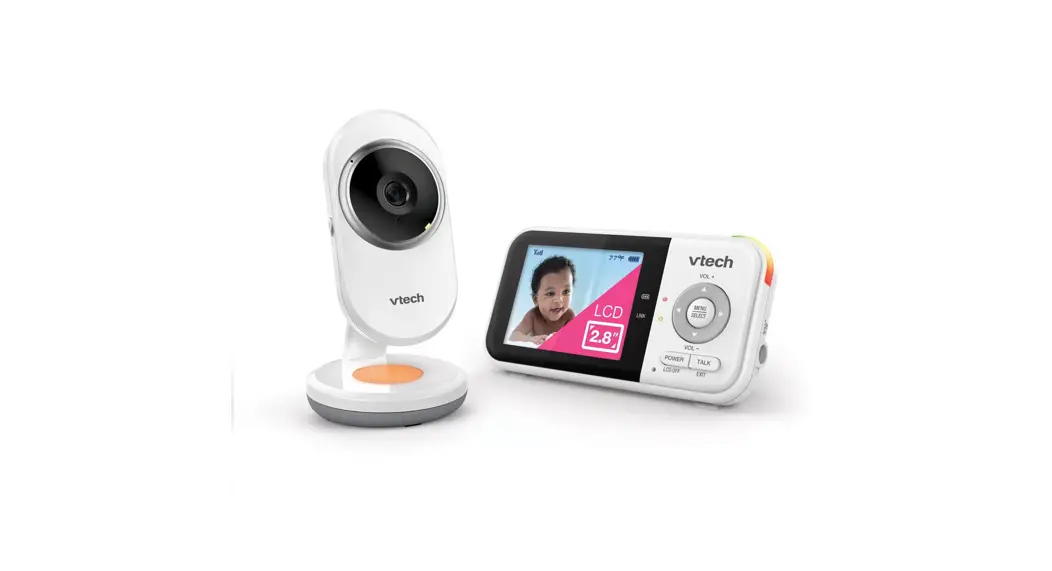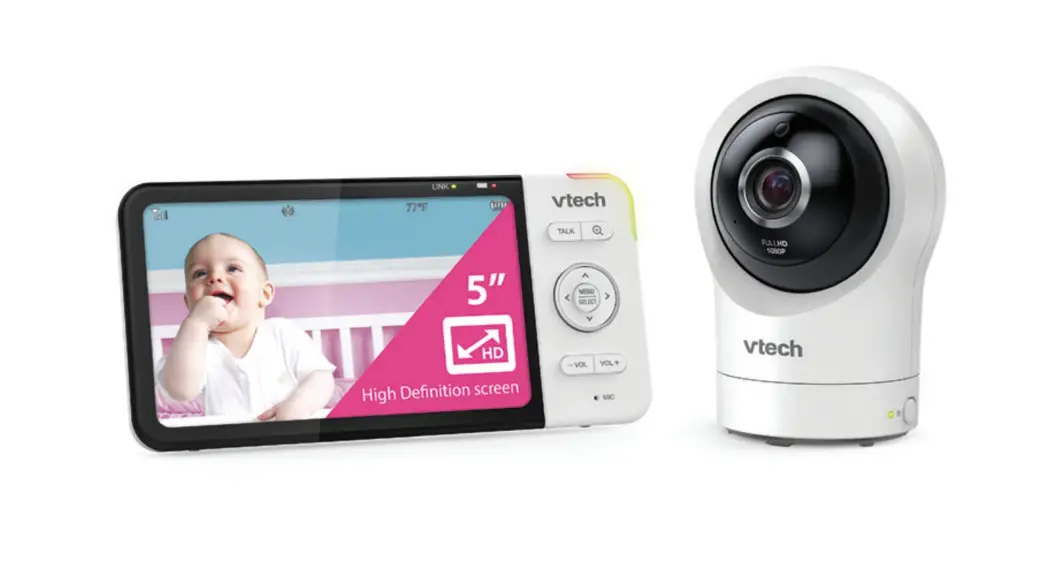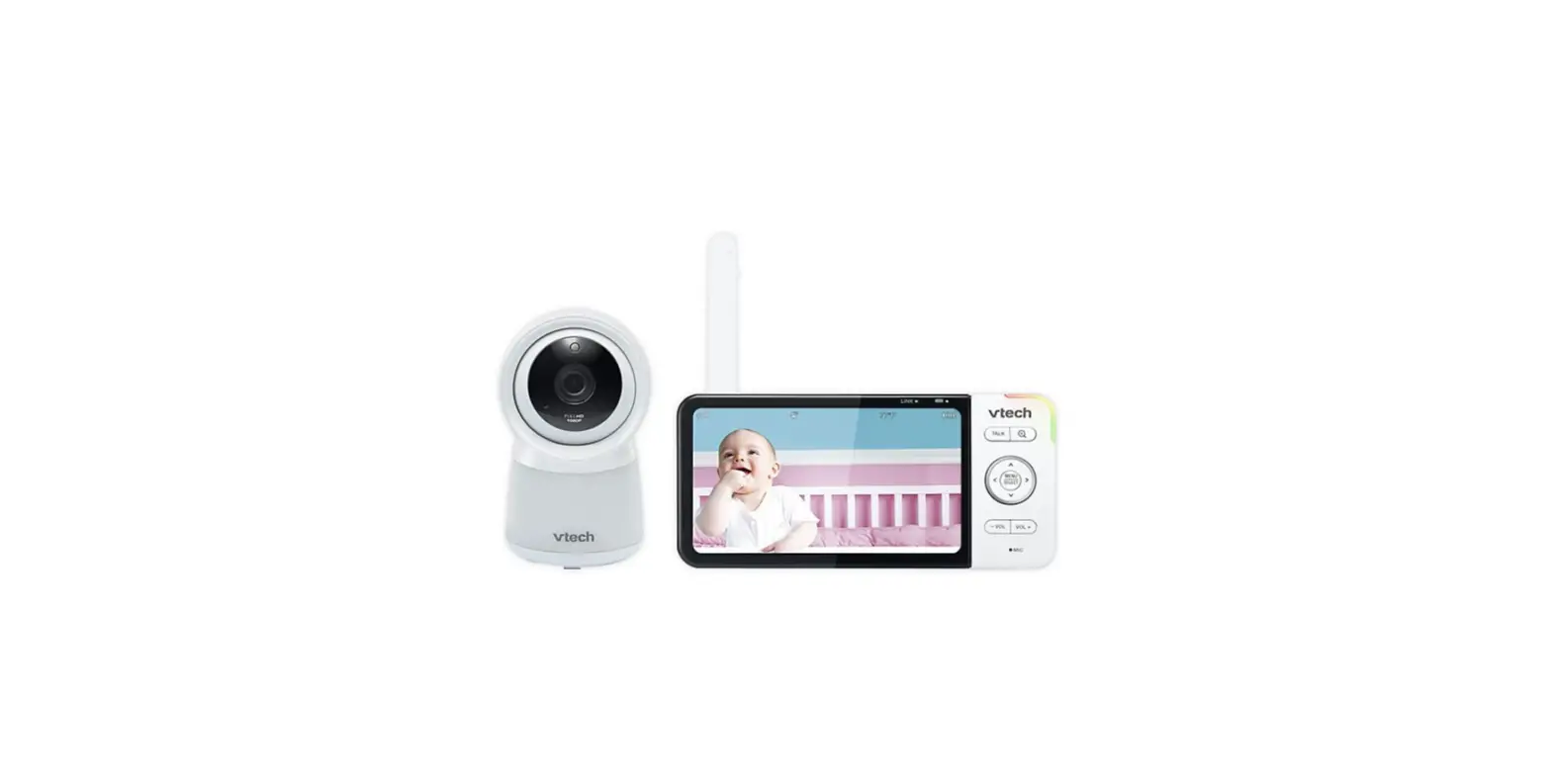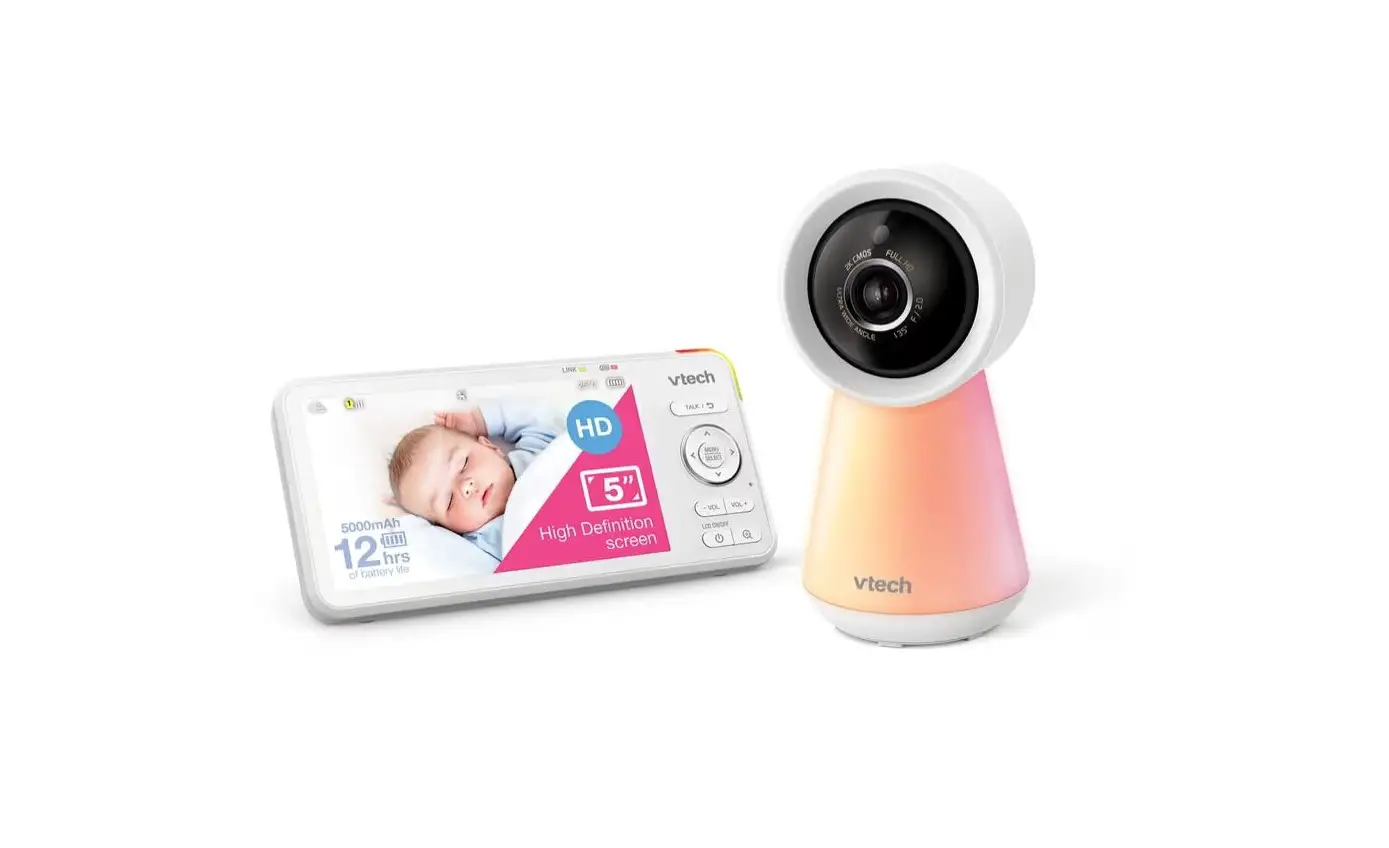
vtech RM5756HD Baby Monitor User Guide

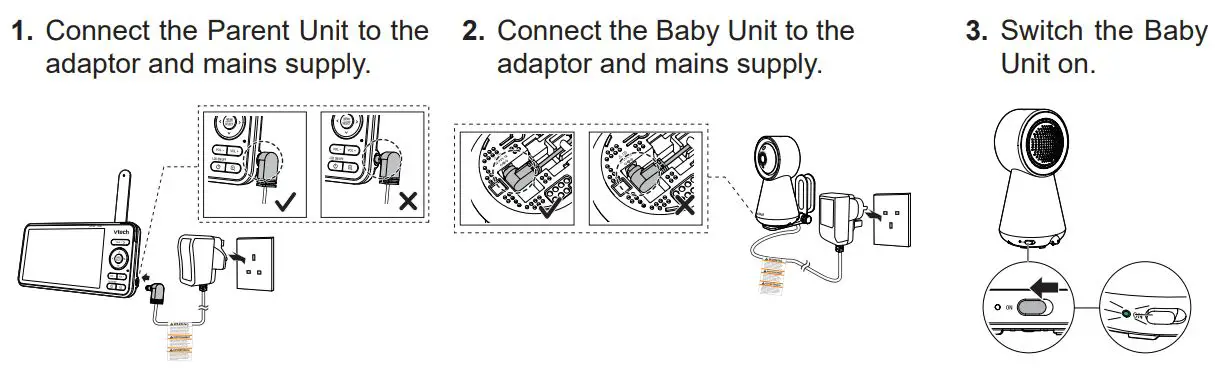
Connect and power on the baby monitor
Connect to a Wi-Fi network
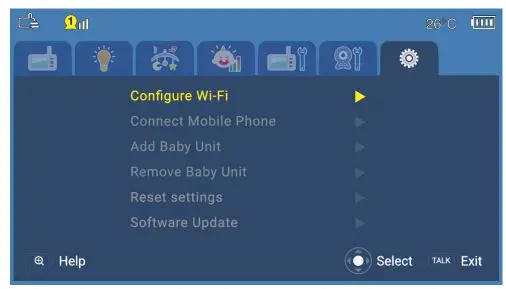
- Press MENU SELECT key on your Parent Unit, and select “Configure Wi-Fi” on the setting tab.

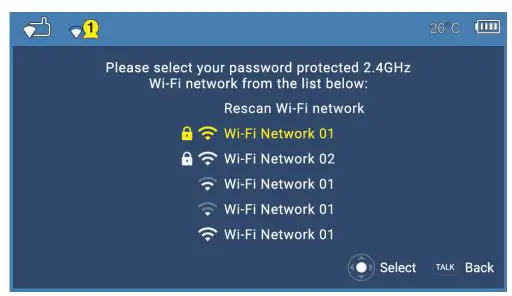
- Select your Wi-Fi network.

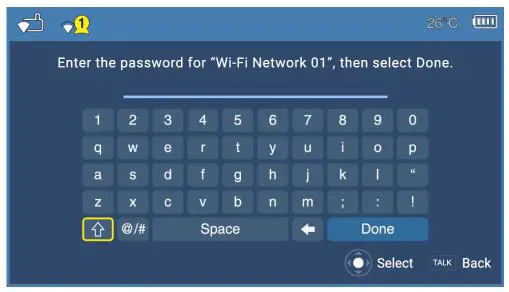
- Enter Wi-Fi password and select “Done”.

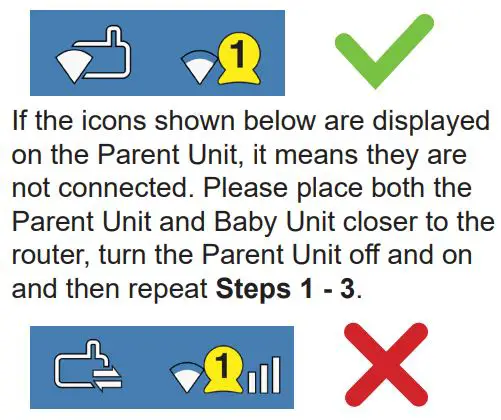
- Check the status bar icons to make sure both Parent Unit and Baby Unit have connected to the router.
Update the software
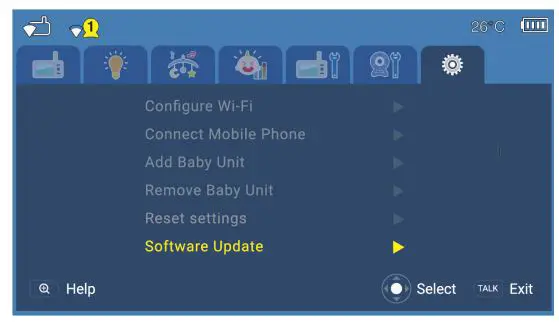
- Press MENU SELECT key on your Parent Unit, and select “Software Update” on the setting tab.

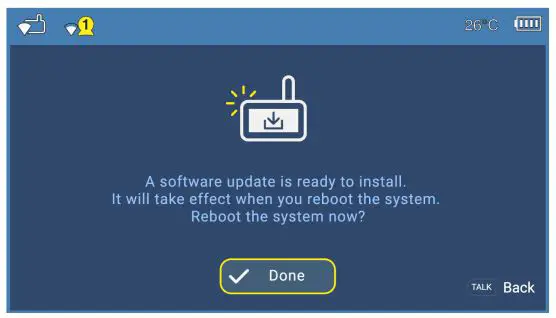
- If there is new software available, the Parent Unit will ask if you want to install it. Press “Done” and the Parent Unit will reboot and update.
Further help
To see a video version of this set-up guide scan here:
For setting up the full range of your monitor’s features scan here: