Anhui Grizzly
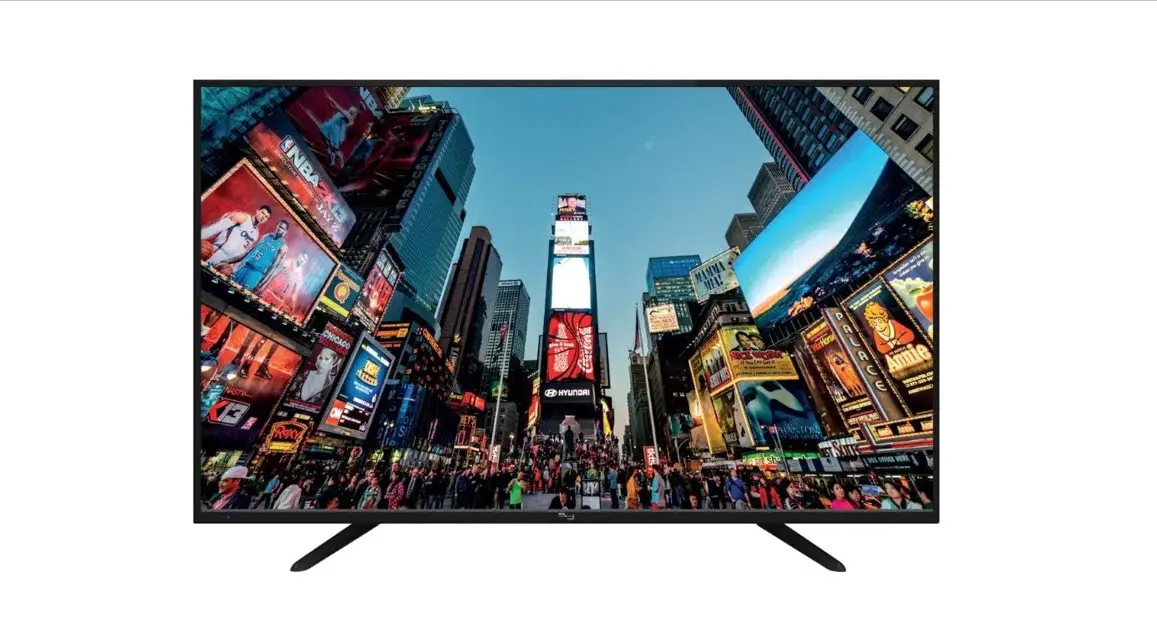
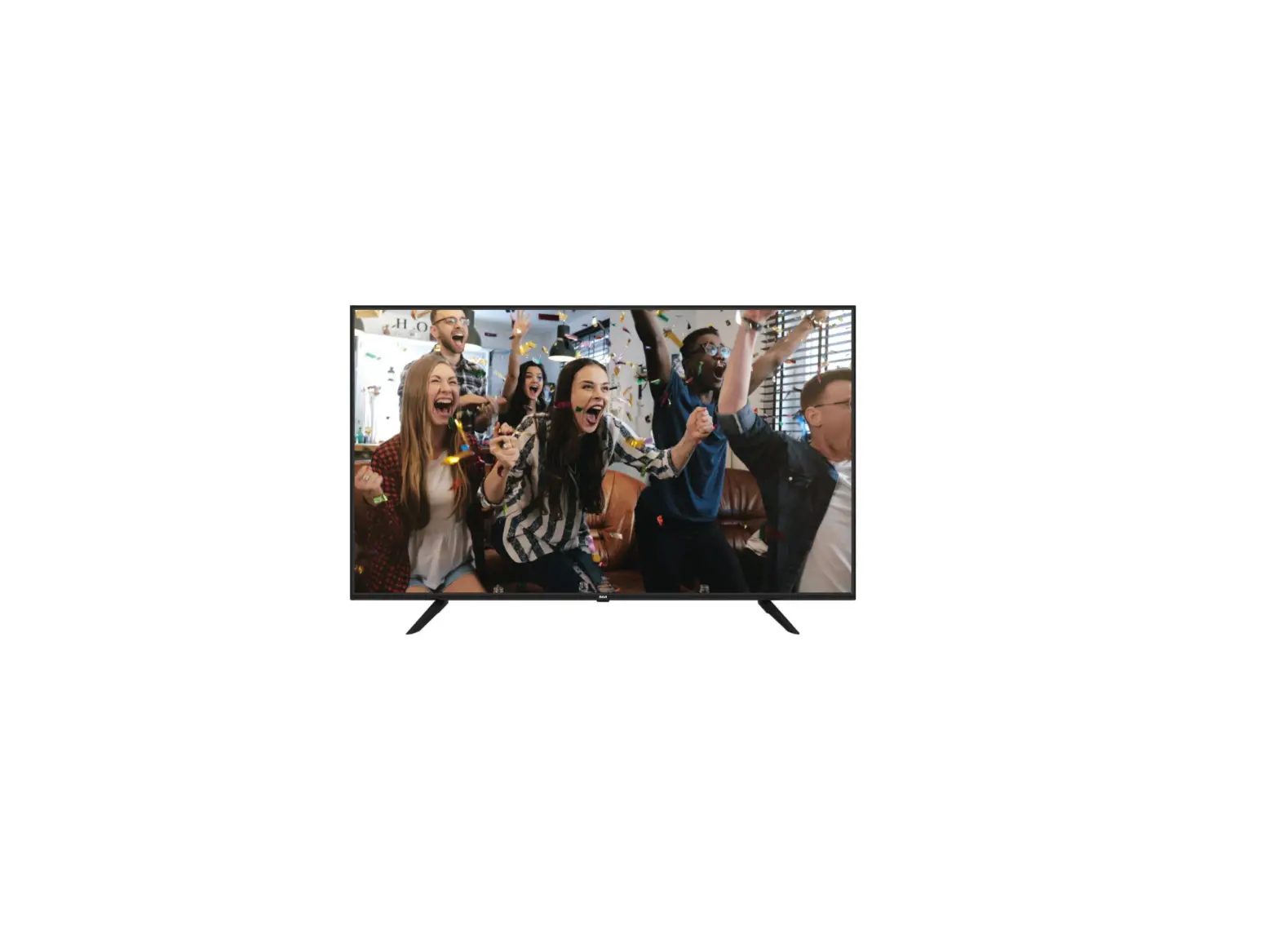
Vision Technology RCA-HX-58 58 Inch Ultra HD Smart TV
User Guide
REMOTE CONTROL
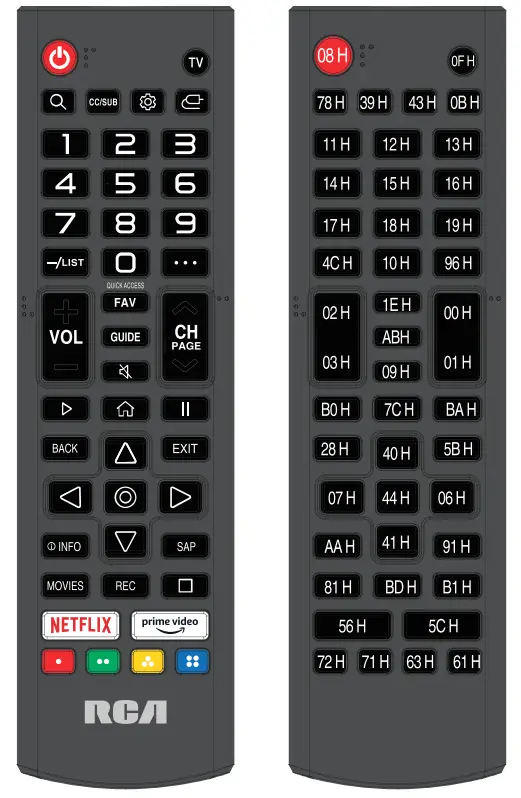 Format: NEC
Customer code: 04H FBH
POWER( ): Turns the TV on or off.
TV: Switch to TV Mode.
( ): Switch to the search menu.
CC/SUB: Setup the mode of closed caption or access the subtitle.
(  ): Enters the Quick Settings menu.
(  ): Select the input source mode.
Number buttons: Choose the channel directly
LIST: Access the channel list.
( ••• ): It displays the additional buttons on the remote control.
Press this button to select the desired option from “More Actions” displayed on the TV screen.
VOL +/VOL- :
Increases or decreases the TV volume. : Change to the previous or next program.
QUICK ACCESS: long-press 0, you can add Quick Access.
FAV: Show favorite channel list.
GUIDE: Check the program.
MUTE( ): Mute or restore the sound.
PLAY ( ► ): Play while watching media.
PAUSE (  ): Pause while watching media.
HOME( ): Enter the home page.
Return(Back): Return to the previous step.
EXIT: Exit the current screen.
Navigation buttons: (Up/Down/Left/Right /  )
)
Navigate the menu.
( ): Confirm the selection.
( ) INFO: Show the detailed information.
SAP: Turn on the Audio Language.
MOVIES: Search Movies.(make sure the Internet connection is normal)
REC: This button does not apply to this model.
( □) : This button does not apply to this model.
NETFLIX: Access the Netflix interface.
PRIME VIDEO: Access the Prime Video interface.
Color Buttons(RED/GREEN/YELLOW/BLUE): Execute the prompt function in a specific mode.
IMPORTANT NOTICE:
Depending on the country where the TV is installed, certain apps may not be available.
The quick launch button on the remote control associated with those apps will therefore not work.
All other functionalities of the remote will work as designed.
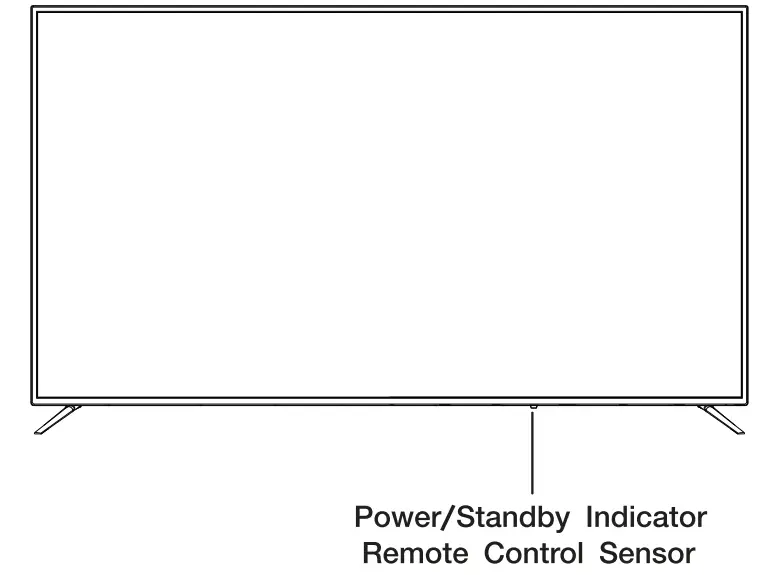
FRONT VIEW
About remote control working distance and angle, see next page.
Power/Standby Indicator: Blue and red dual-color LED. It shows red when the TV is turned off and blue when turned on. Remote Control Sensor: Remote control lR sensor, which receives infrared ray sent by remote control.
NOTE: If there is a protective film around the screen, remove the protective film before using the TV.
BOTTOM VIEW
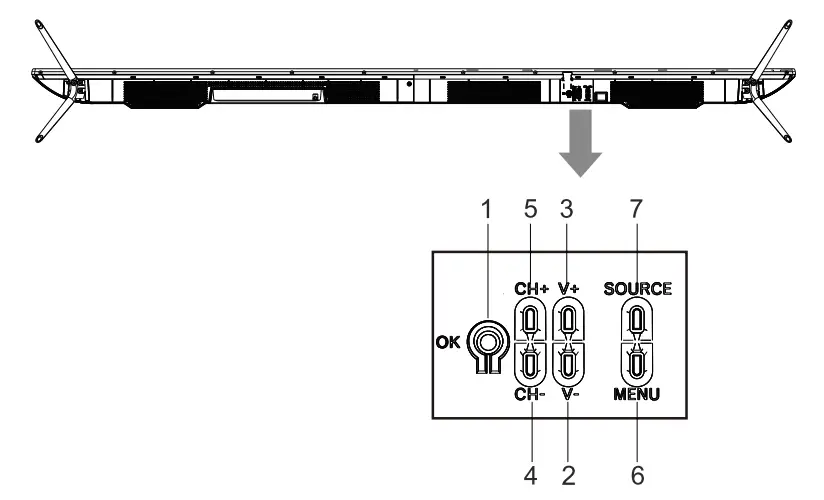
- POWER(
 ): In the off mode, Short press to turn on the TV. In the power-on mode, long press to turn off the TV. It’s a confirm function during the menu or source called out.
 - VOL-: Decreases the volume. It acts left arrow when the input source is called out.
- VOL+: Increases the volume. It acts right arrow when the input source is called out.
- CH-: Short press to achieve CH- function. Scans down through the channel list.
It acts down when the menu is called out. - CH+: Short press to achieve CH+ function, Scans up through the channel list.
It acts up when the menu is called out. - MENU: Display the OSD (on-screen display)menu.
- SOURCE: Press to select the SOURCE of the TV.
BACK VIEW
USB: Connect the USB device such as the flash disk to access the TV media function.
LAN: Connect the Internet.
CVBS: Connect an AV device that has composite video jacks, such as a VCR or DVD player.
- L: Left audio channel connection.
- R: Right audio channel connection.
EARPHONE: Connect a 3.5mm headphone for personal audio.
HDMI: (High-Definition Multimedia Interface) Provides an uncompressed digital connection. Please enter to the setup menu to turn it on.
TV: Connect to receive the signal from your antenna or cable through a coaxial cable.
OPTICAL: Digital TV sound output.