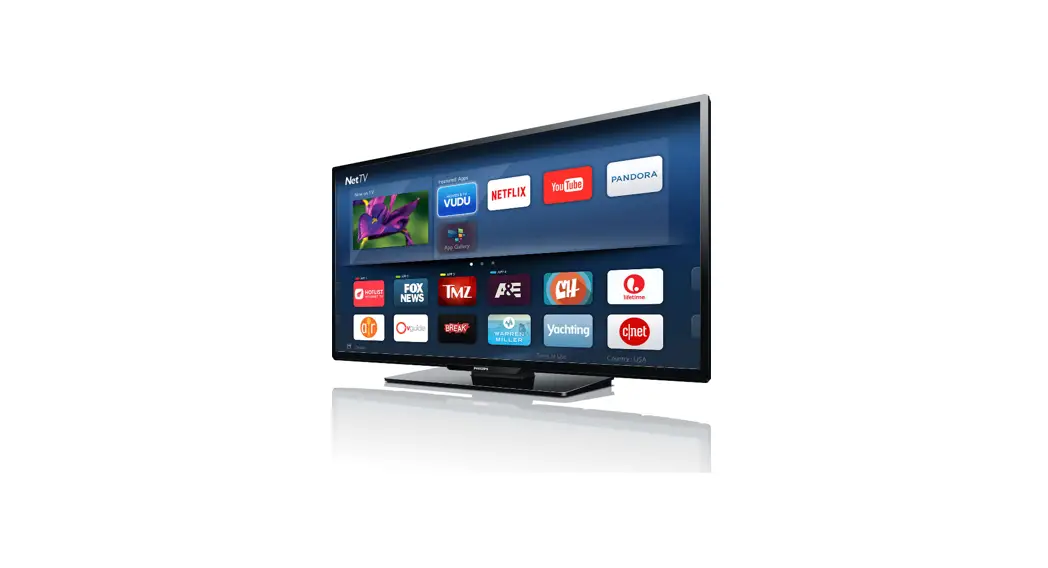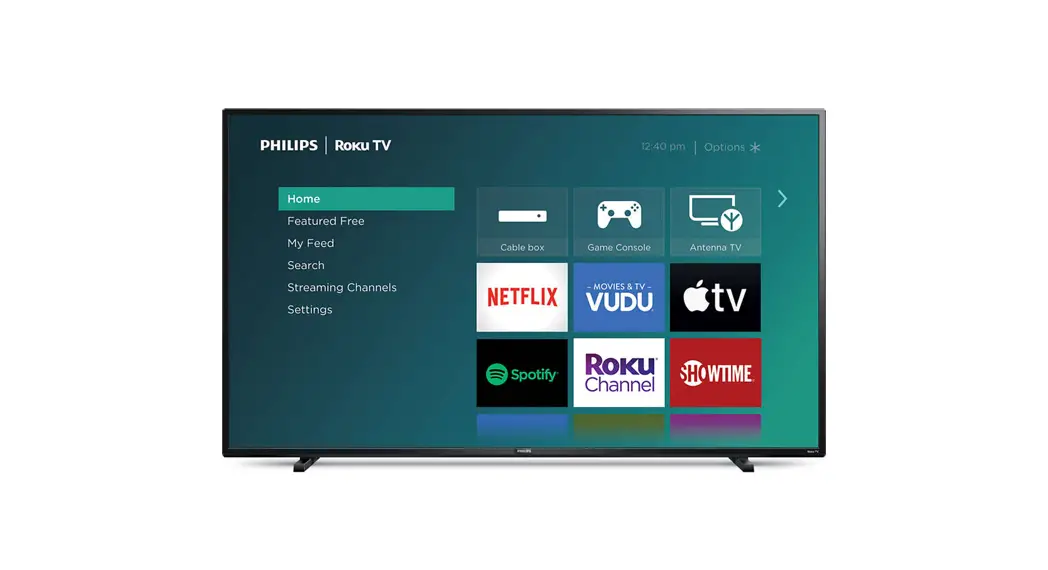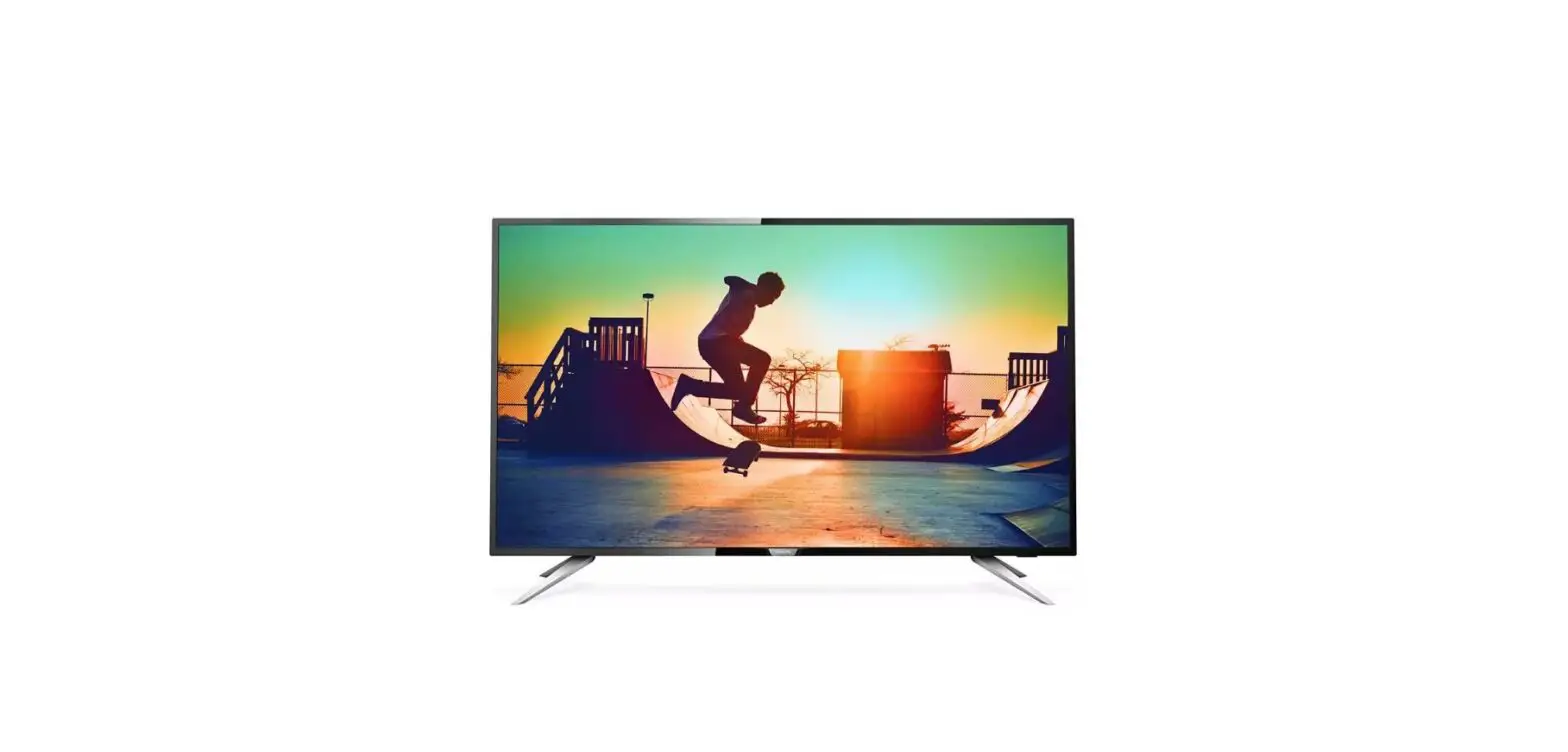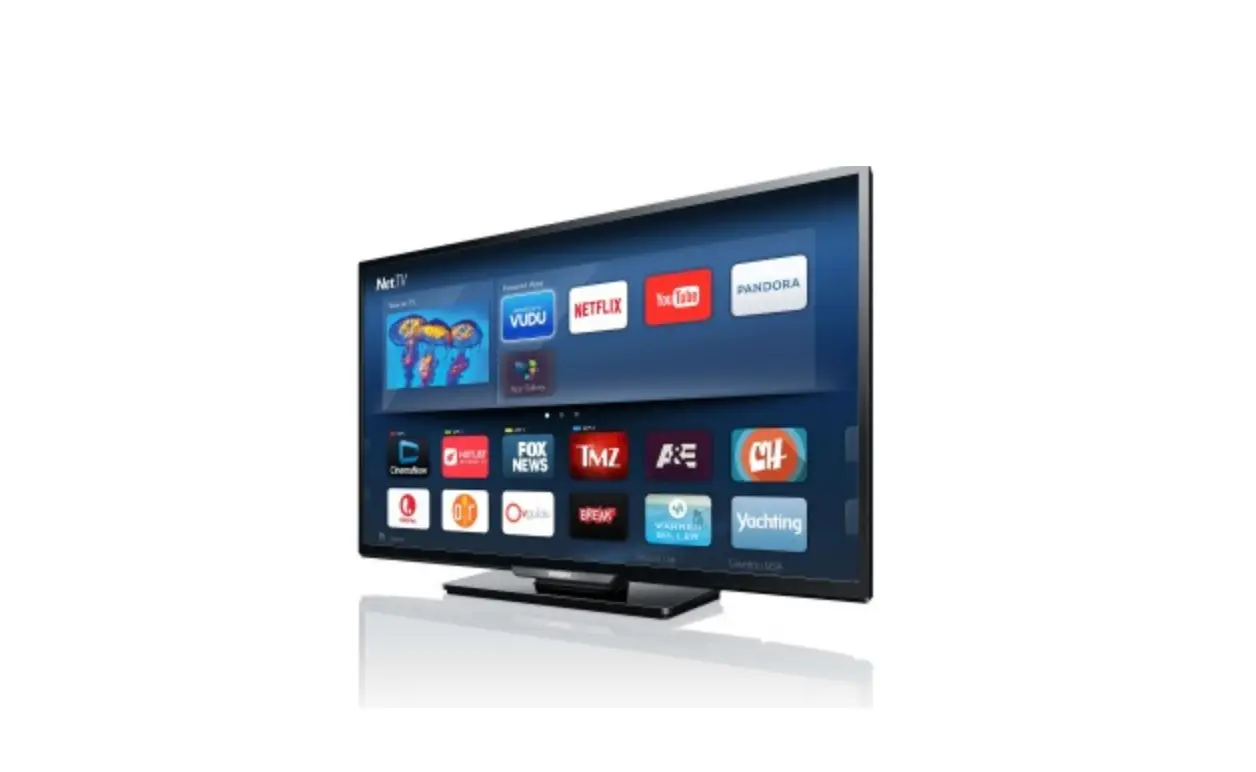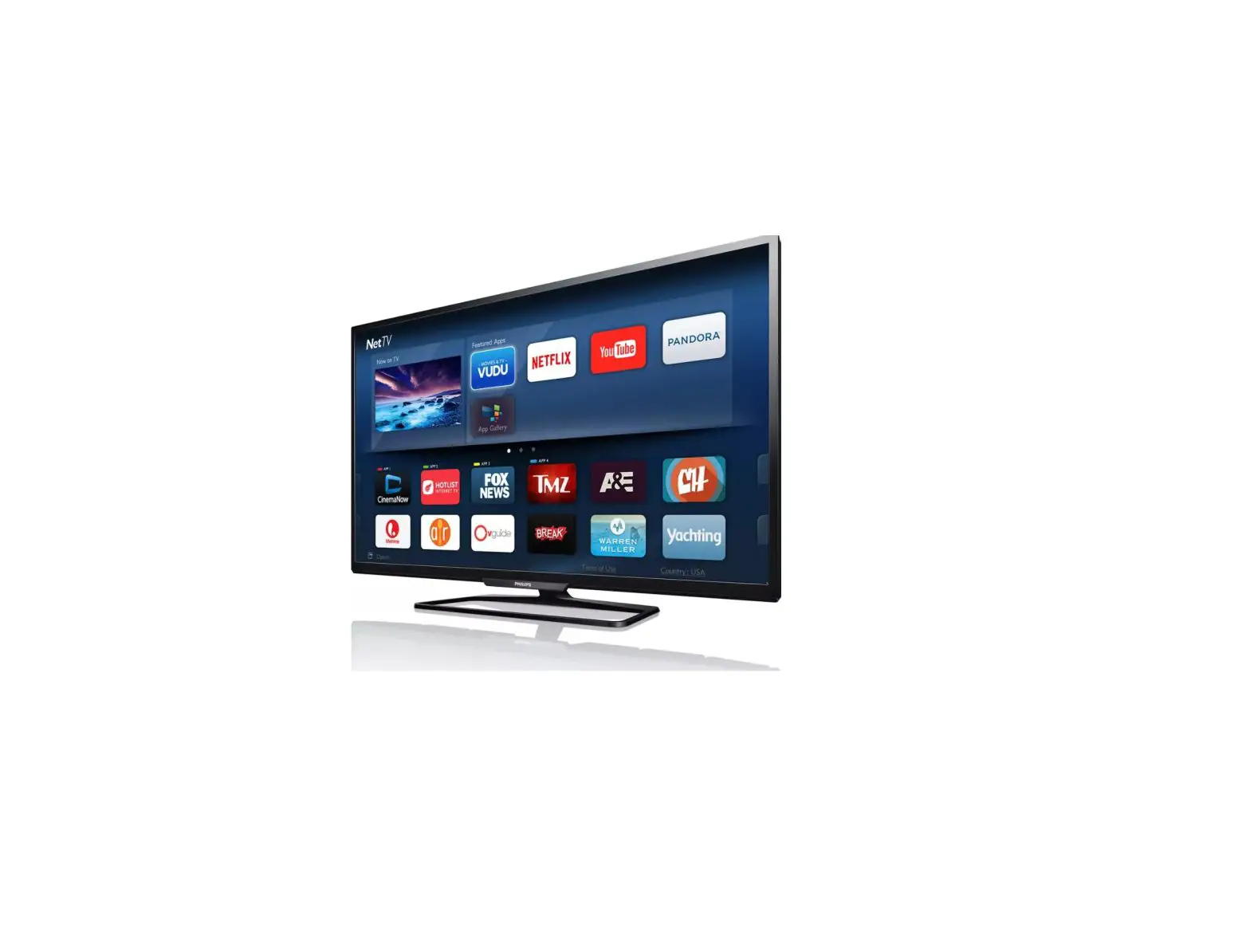
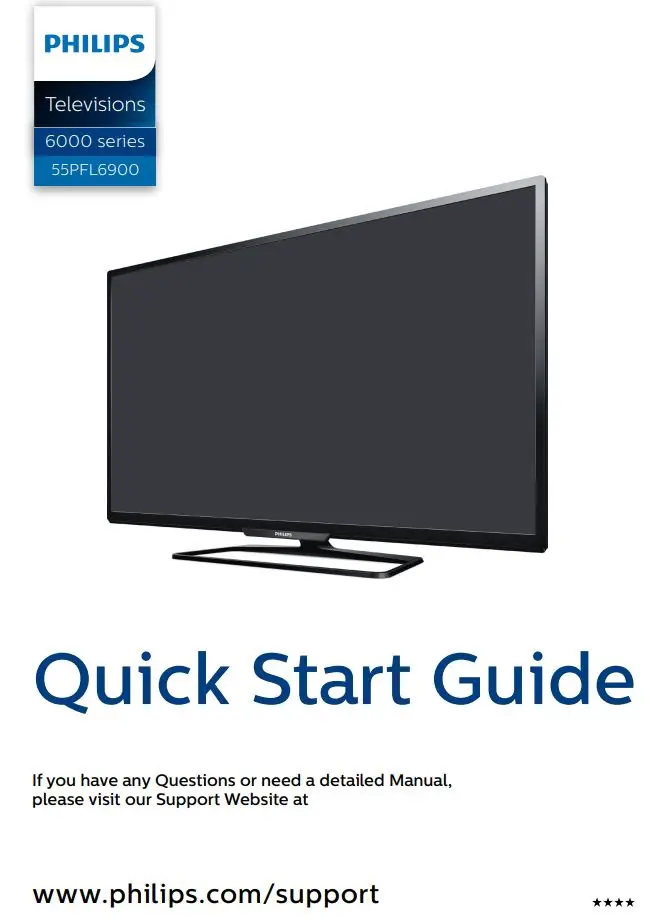
PHILIPS 55PFL6900 Smart Ultra
HD TV User Guide
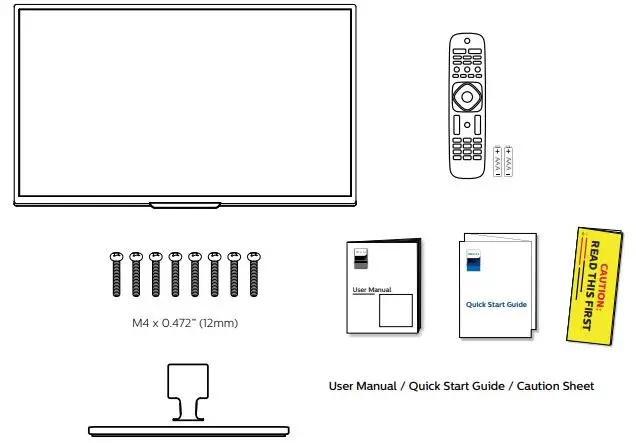
1 What’s in the Box
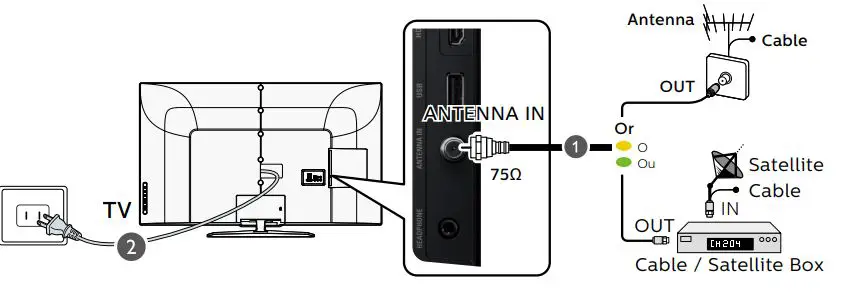
2 Connect the Power and Antenna, Cable or Satellite
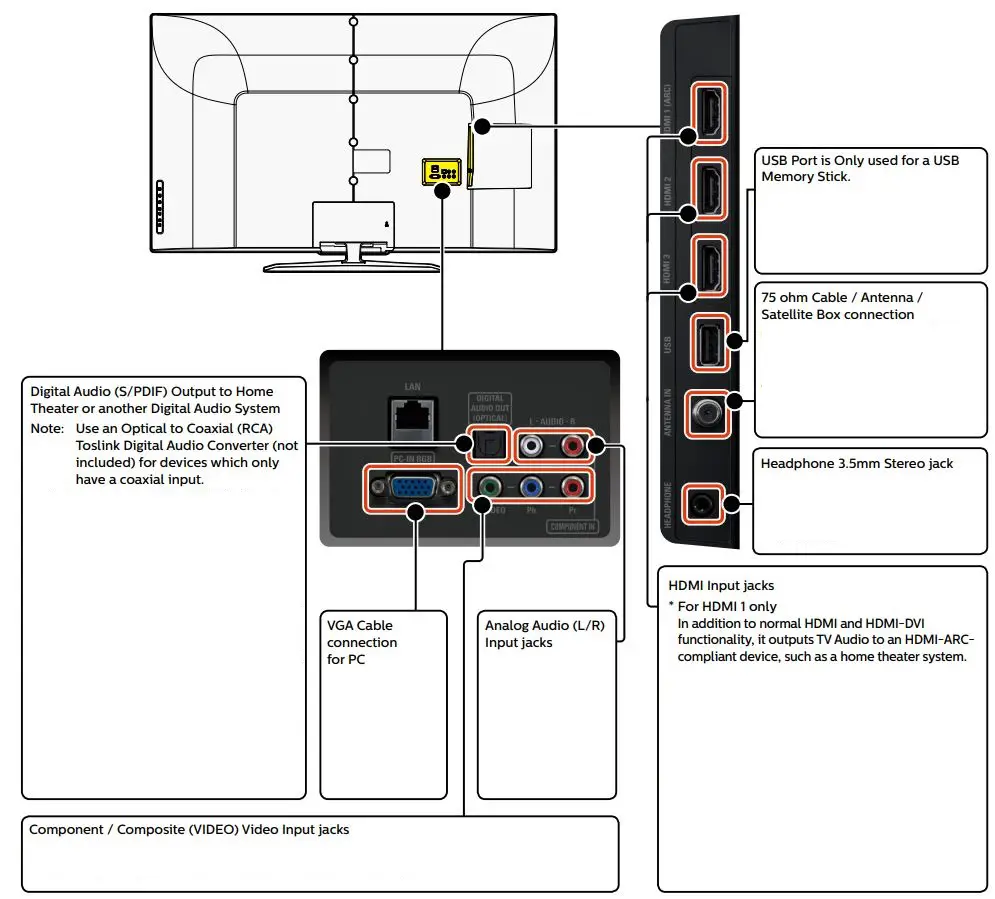
3 Connection Overview
 Caution To ensure highest possible display resolution and capabilities from your HDMI source device or if you face compatibility issues with HDMI connections, please select appropriate HDMI mode in setup menu if required. (Refer to page 14 in the User Manual for detailed instructions.)
Philips continuously tries to improve its products and it wants you to benefit from them even after your purchase.
Software updates may be available for your TV. Please refer to the full User Manual for directions on how to complete the update or visit www.philips.com/support
Note: Software updates may add and/or remove apps or features on your TV. Please see the Firmware Upgrade Readme File at www.philips.com/support for more information.
4 Connect to External Devices
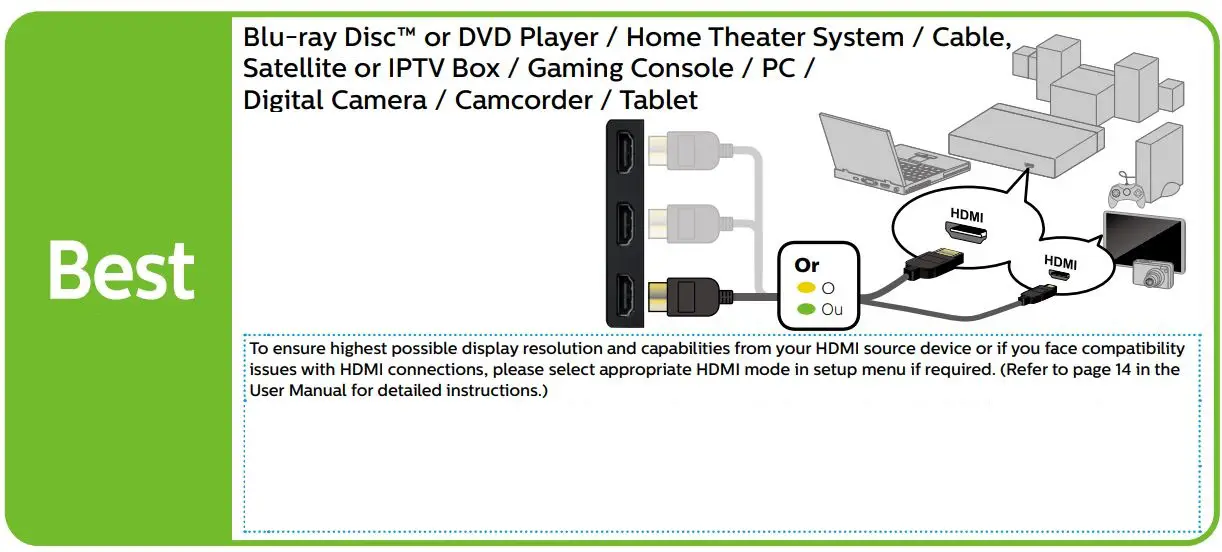
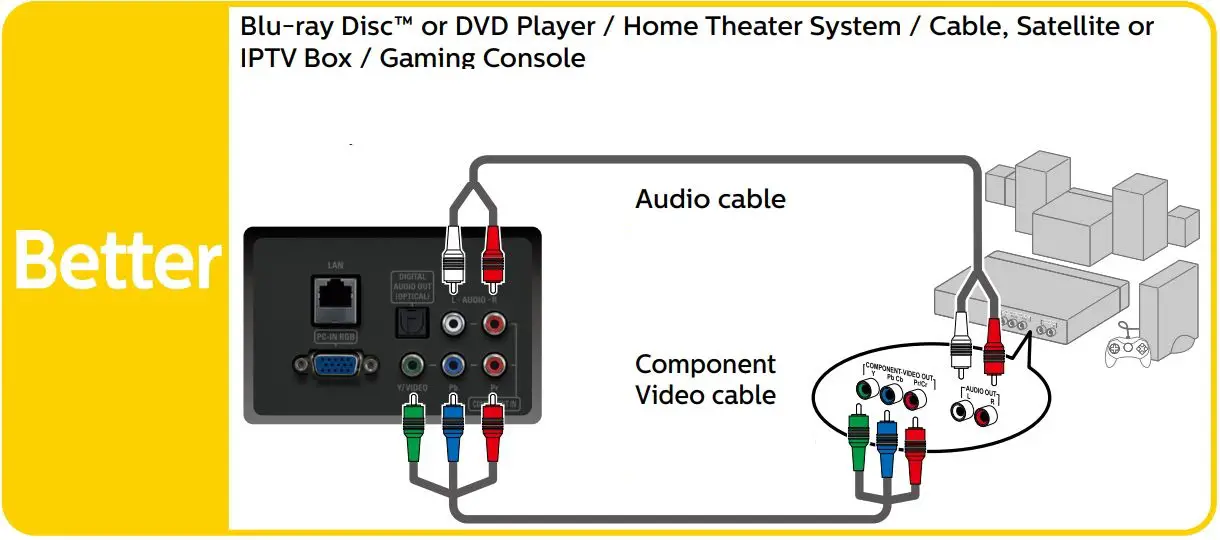
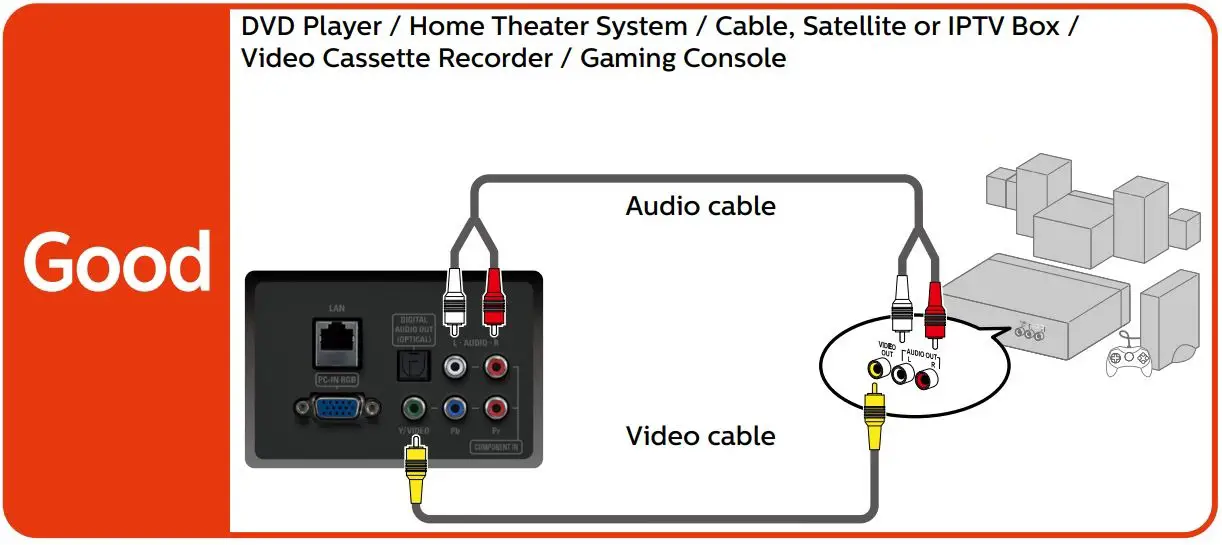
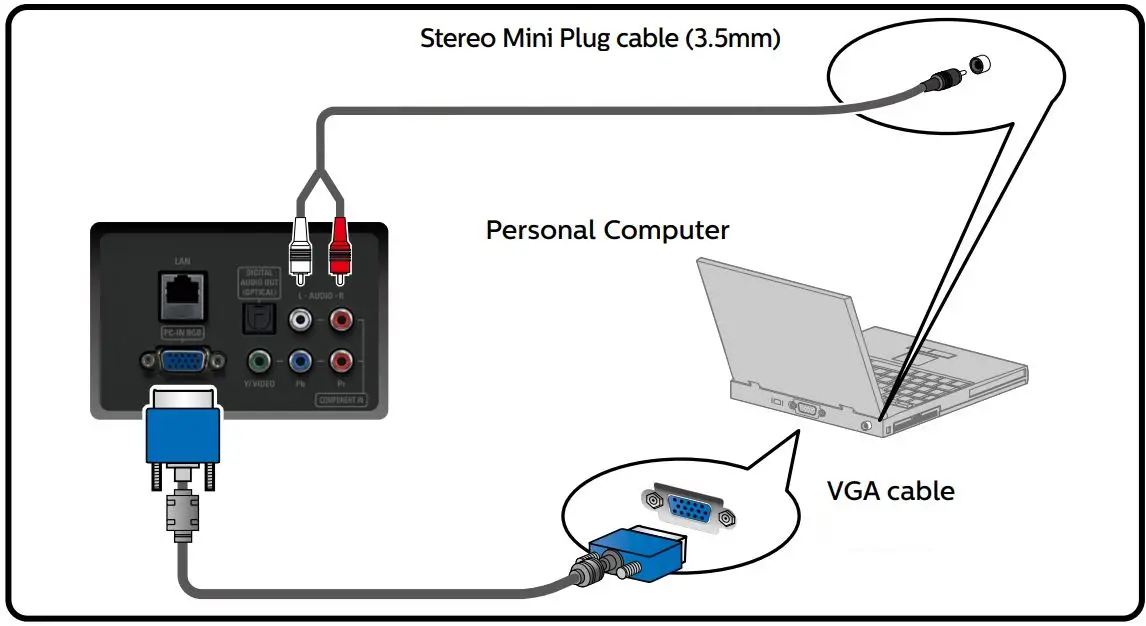
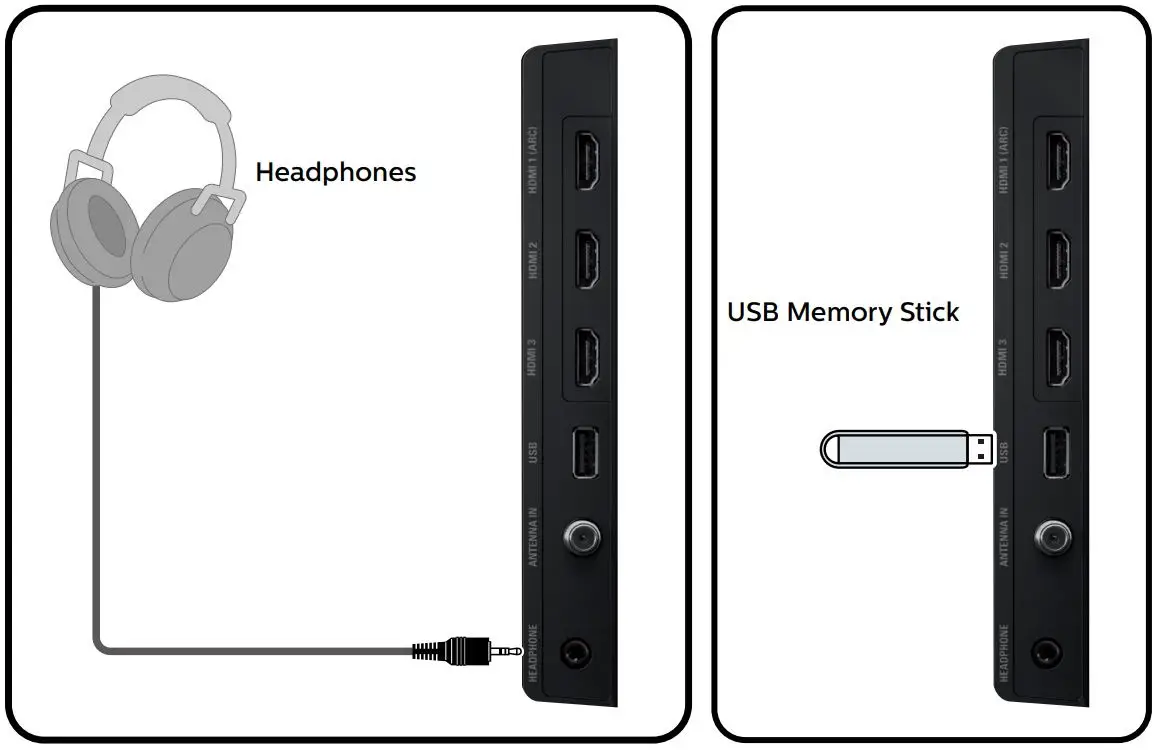
Caution Disconnect the AC Power Cord before Connecting Devices
One set of Audio L/R Input jacks are shared with Component, Composite, VGA and HDMI-DVI Video Input.
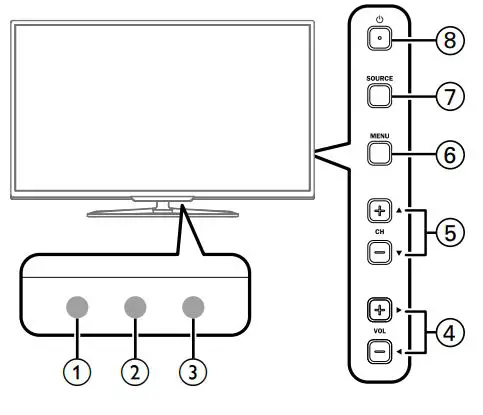
5 Control Panel
- Remote Control Sensor
- Ambient Light Sensor
- Power On/Standby Indicator
- Adjusts the Volume (navigates menu)
- Selects a Channel (navigates menu)
- Opens the Main On-screen Menu
- Selects Connected Devices (determines item)
- Turns the TV On or to switch the TV into Standby mode
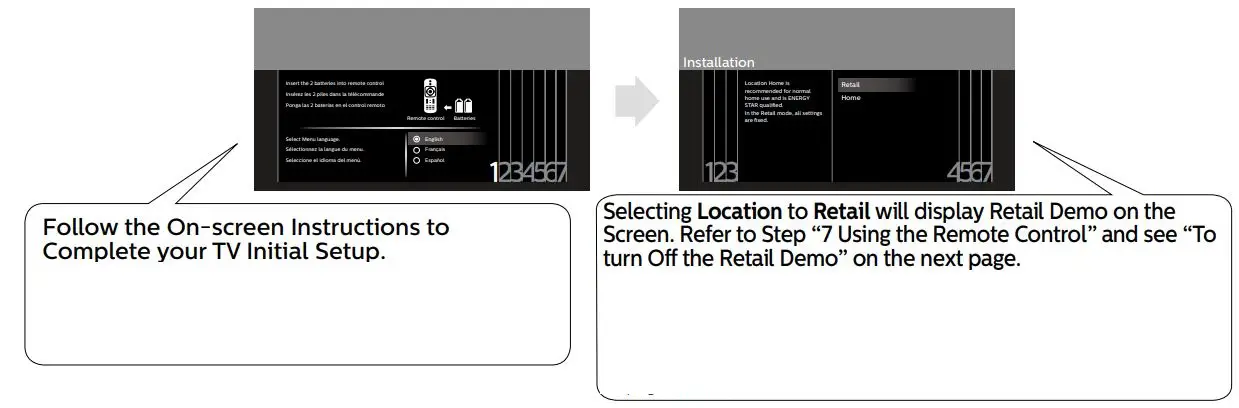
6 Initial Setup
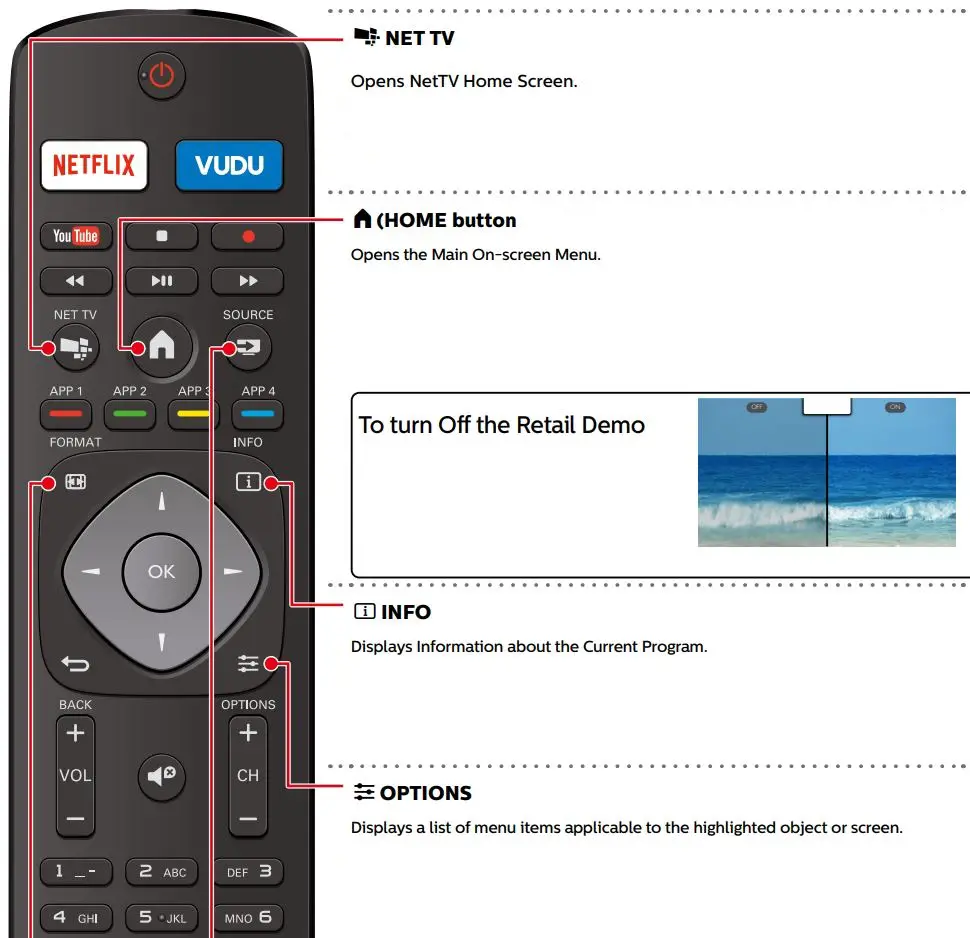
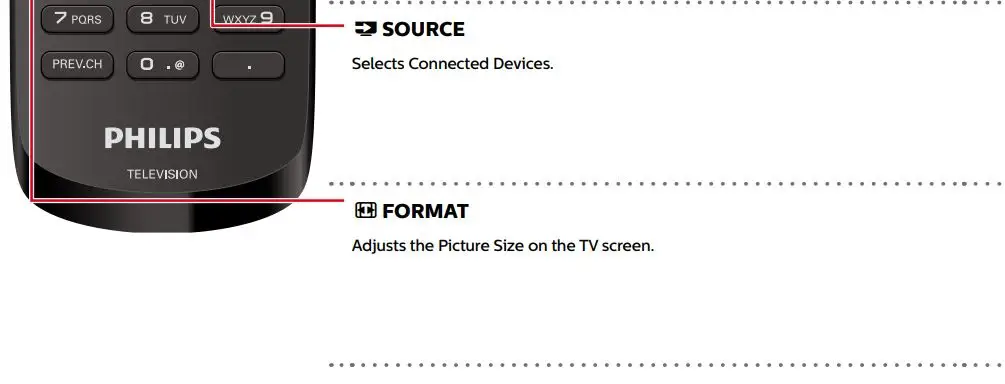
7 Using the Remote Control
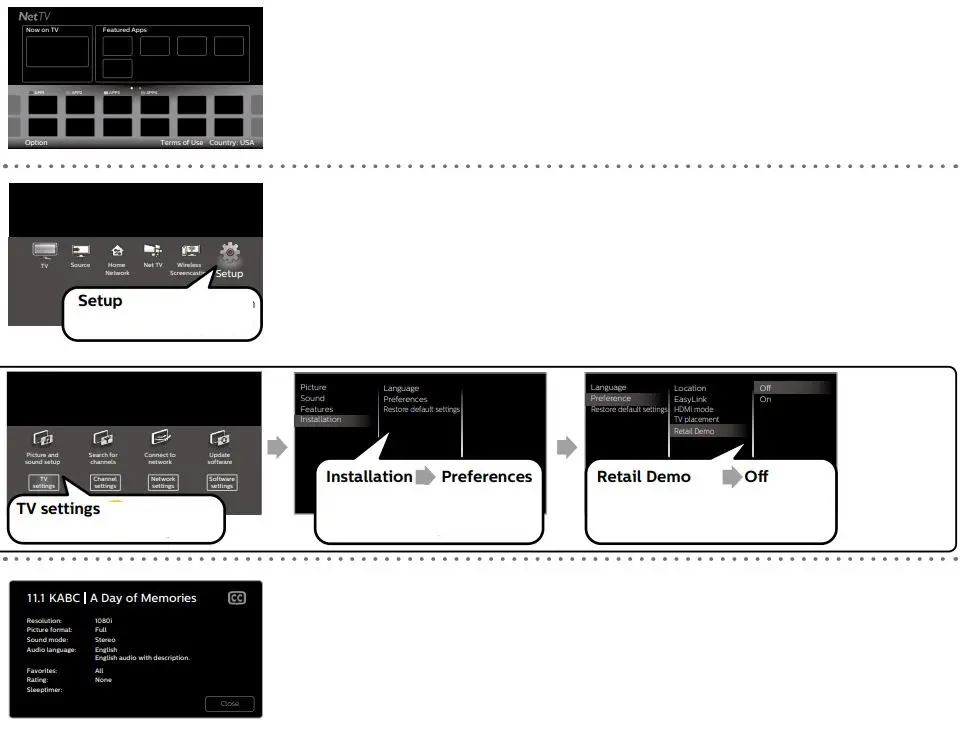
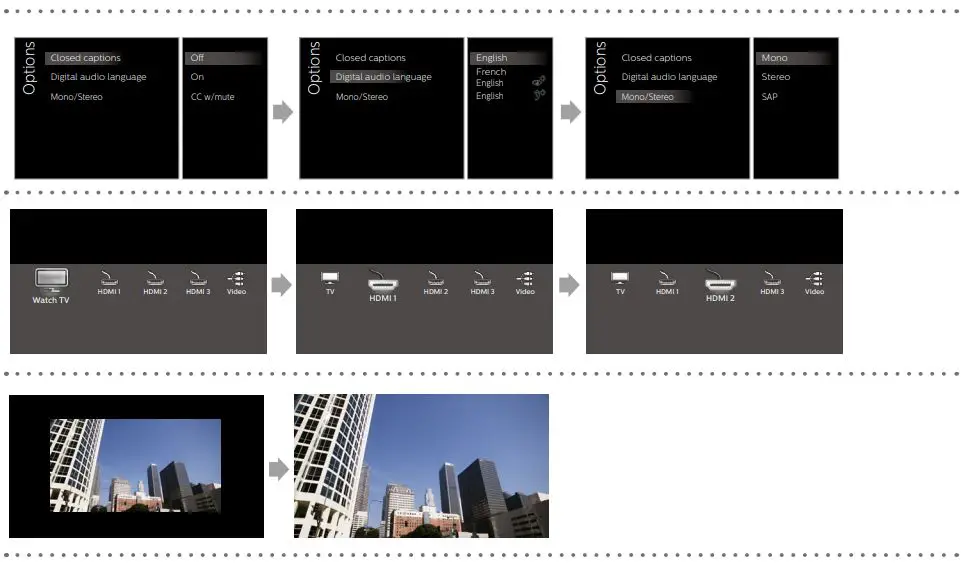
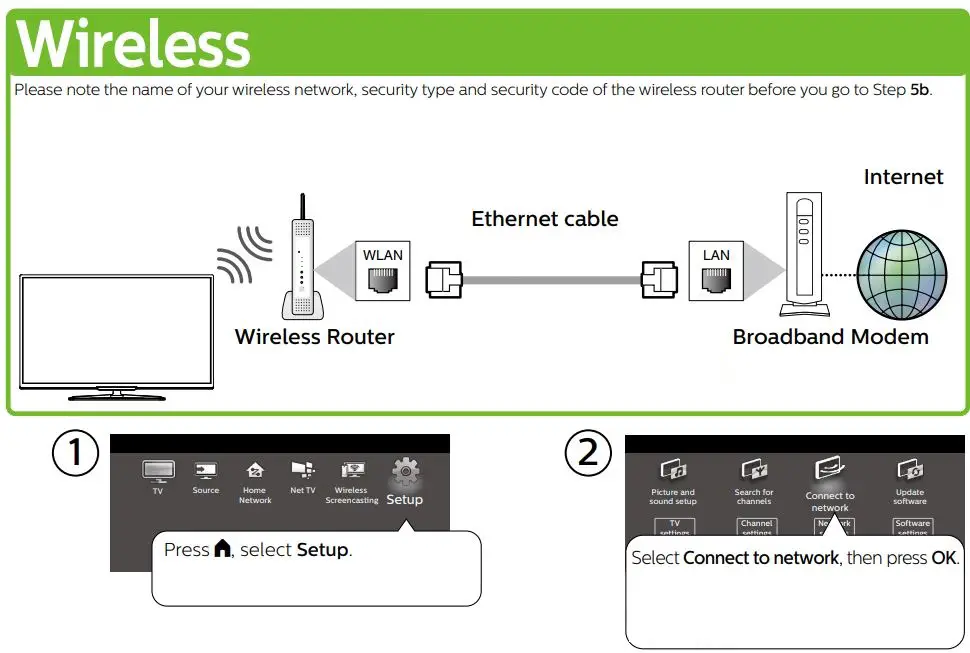
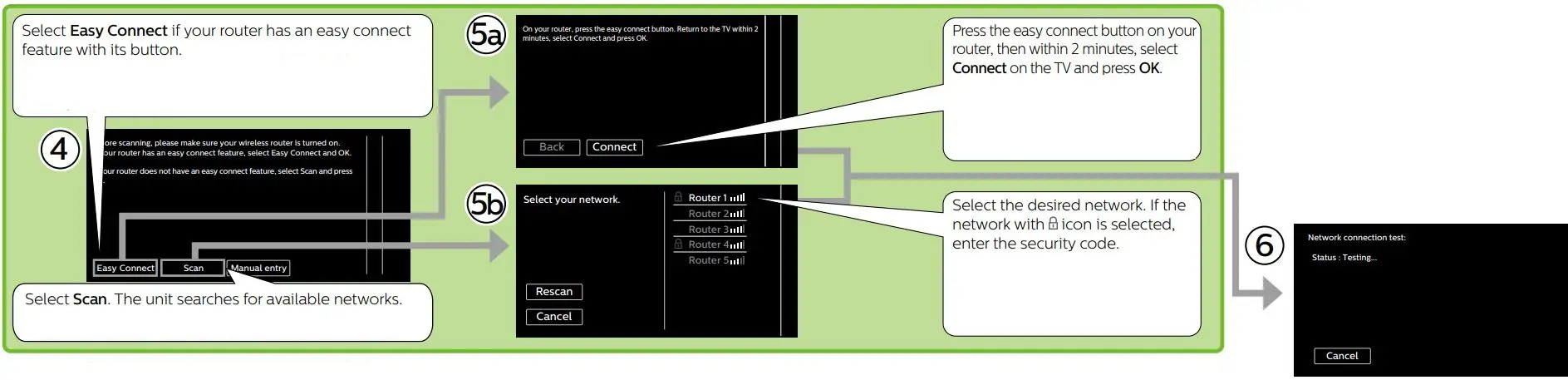
8 Network Setup
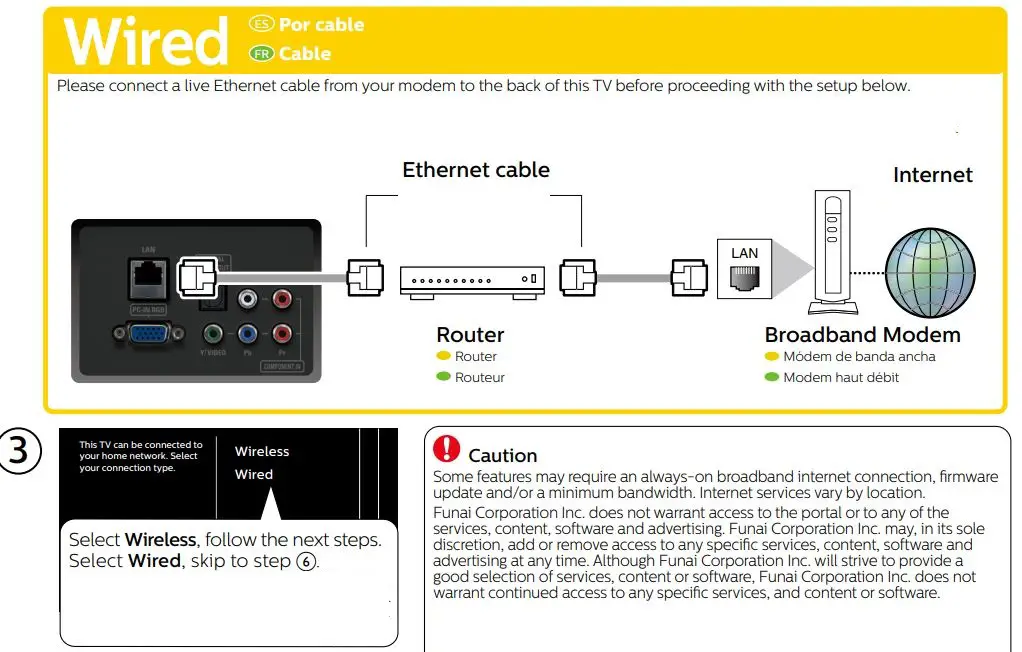

For further assistance, call the customer support service in your country. – To obtain assistance, contact Philips Customer Care Center;
In the U.S.A., Canada, Puerto Rico, or the U.S. Virgin Islands 1 866 309 5962 Enter below the model and serial numbers located on the left side and the rear of the TV cabinet.
For complete instructions, please visit www.philips.com/support to download the full version of the online user manual.
This product has been manufactured by and is sold under the responsibility of Funai Corporation, Inc., and Funai Corporation, Inc. is the warrantor in relation to this product.
The Philips trademark and the Philips shield emblem are registered trademarks of Koninklijke Philips N.V. used under license.

 Support Home | Philips