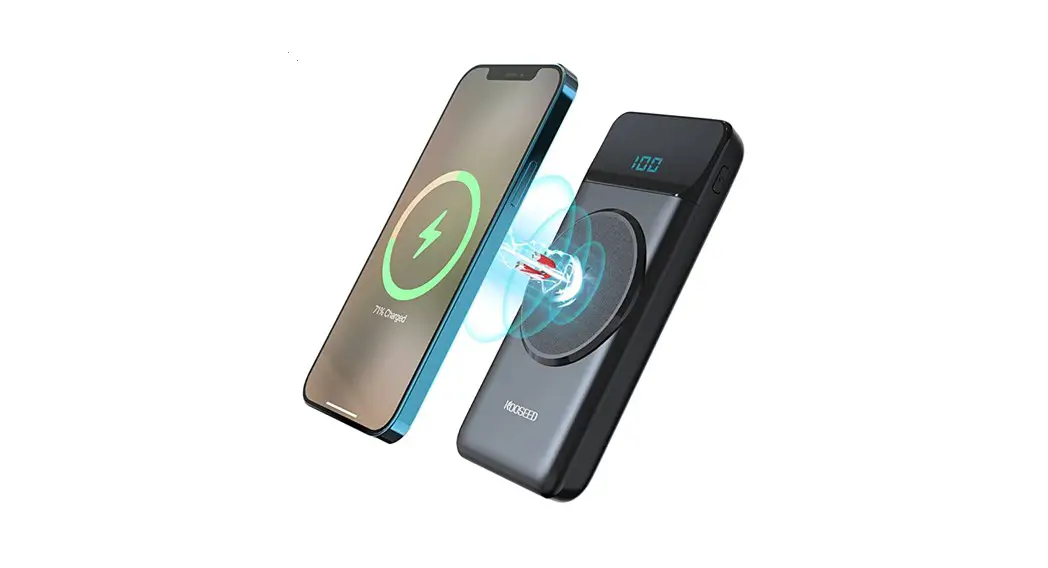
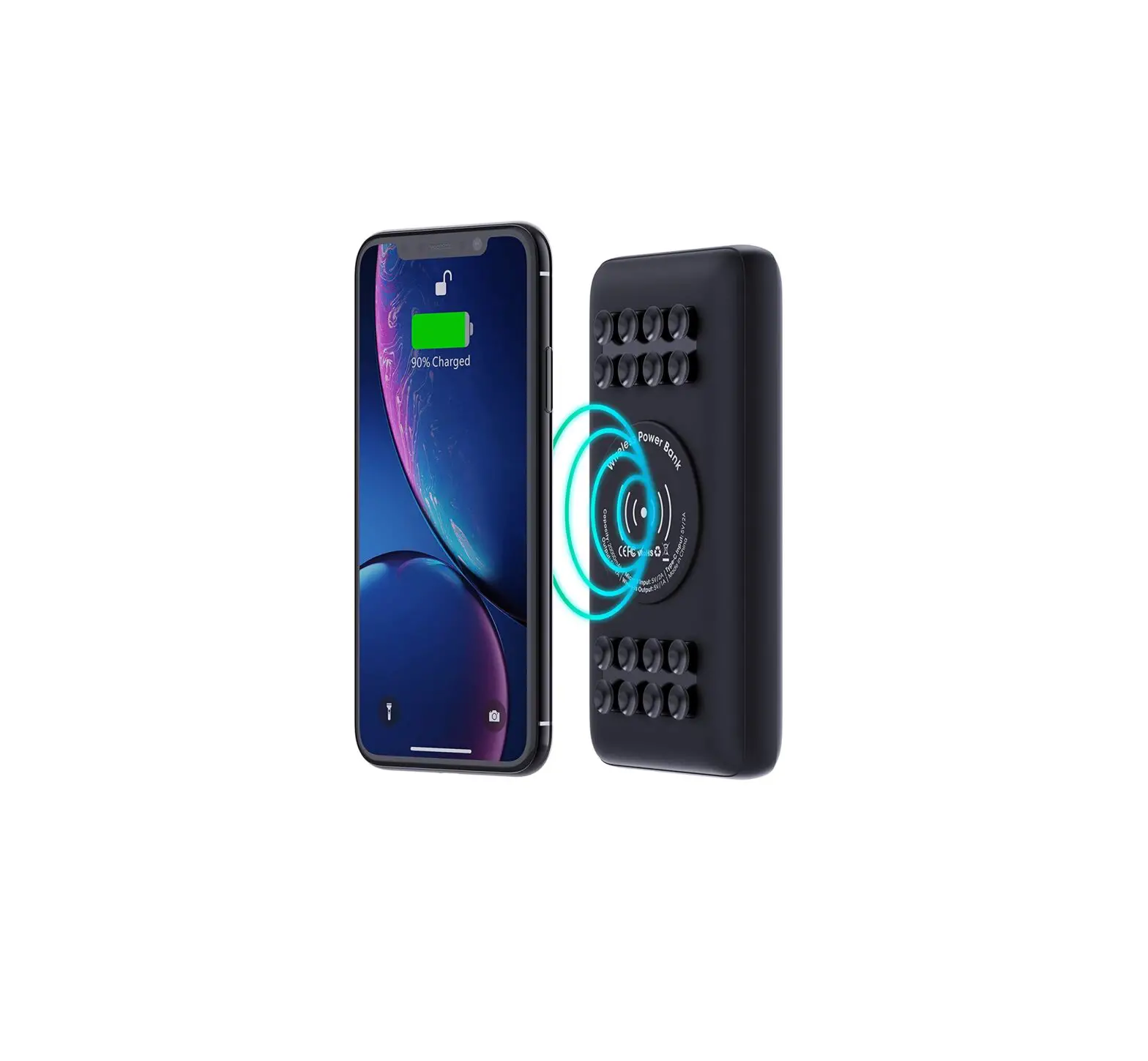
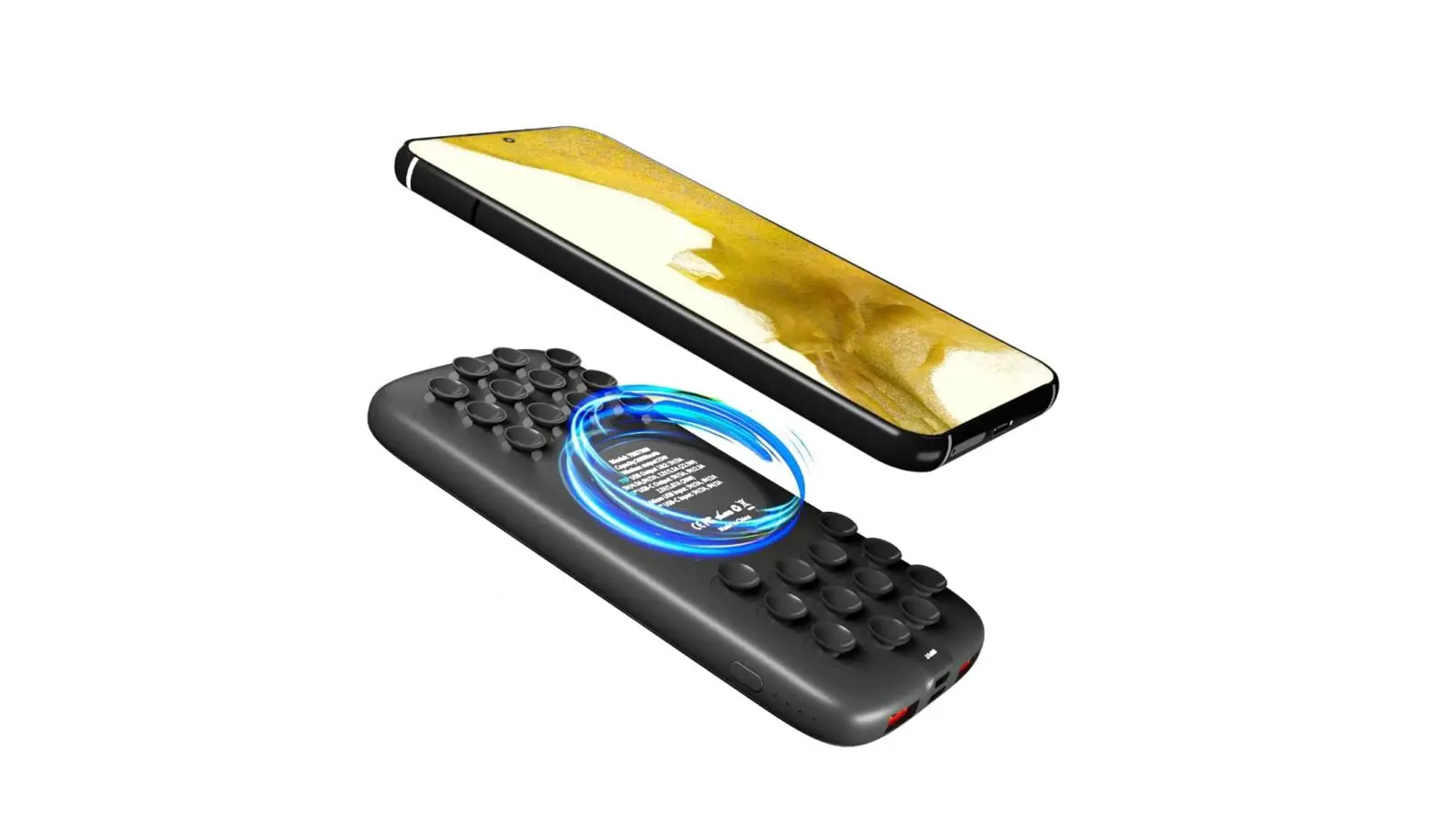
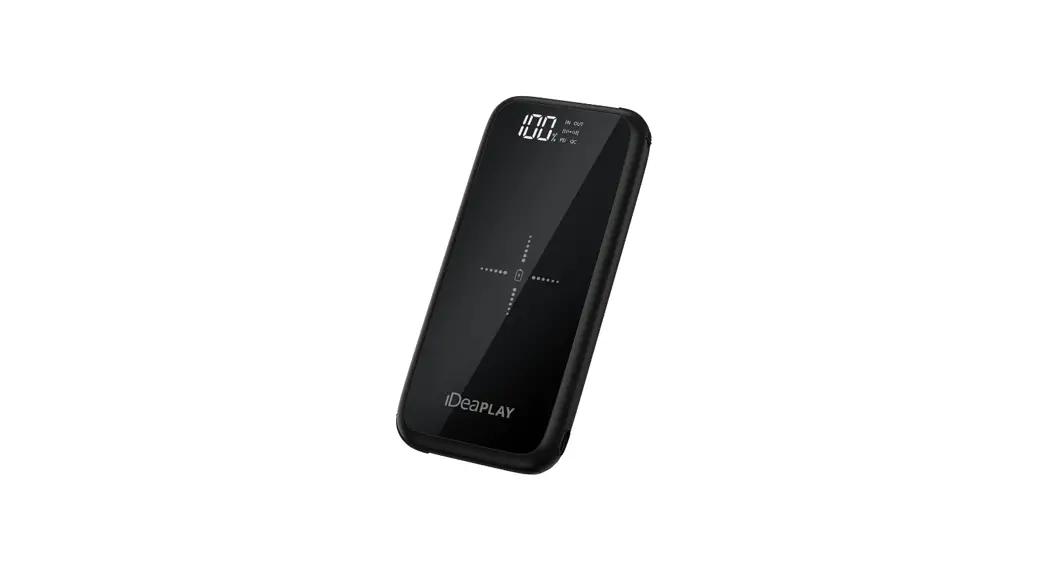
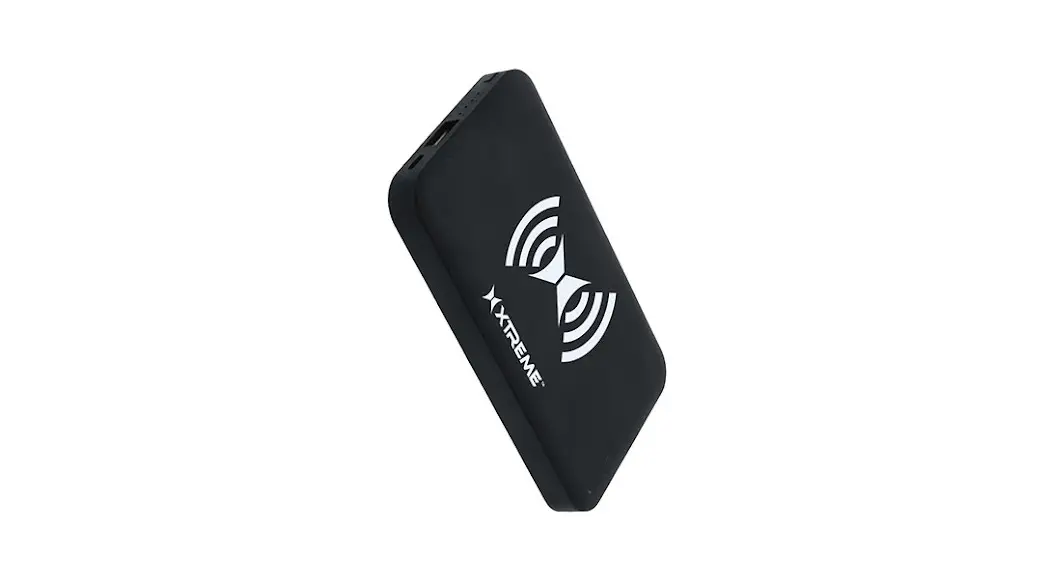
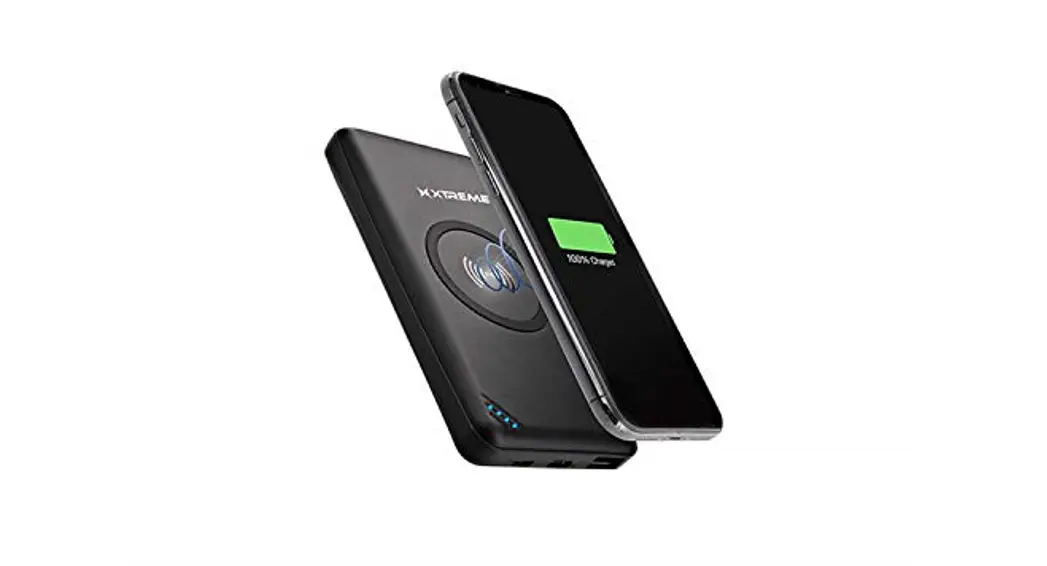
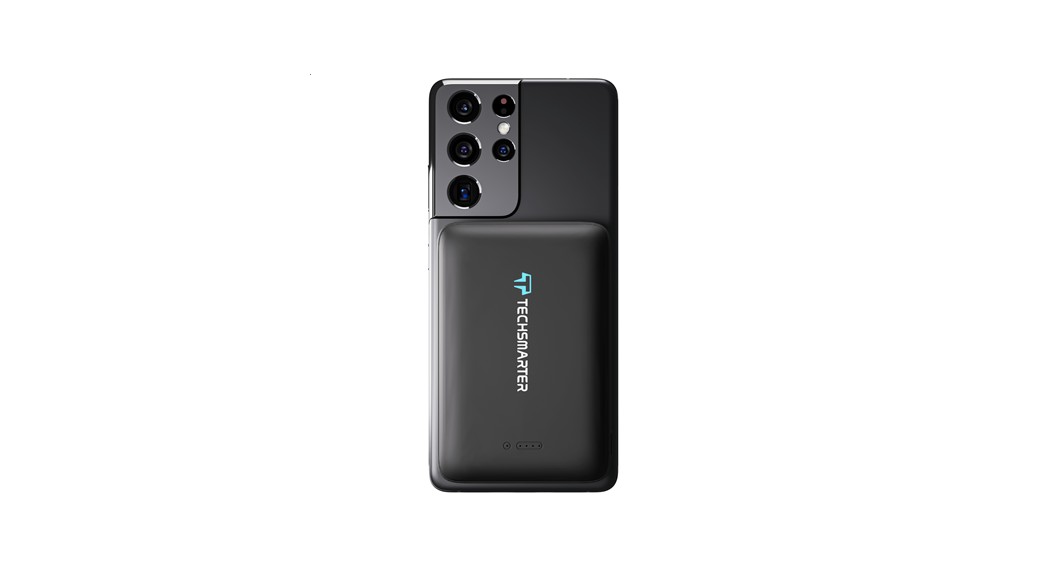
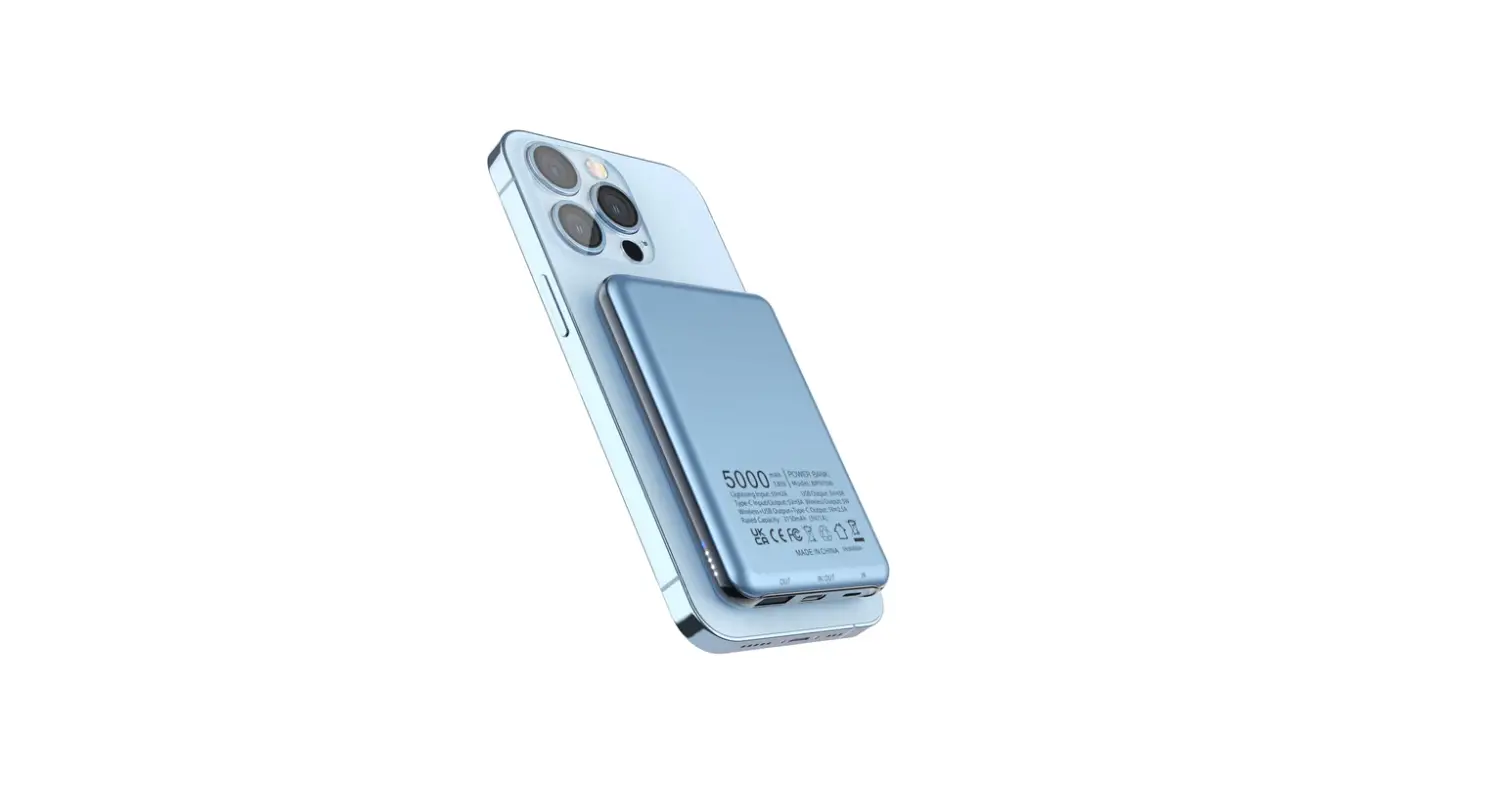
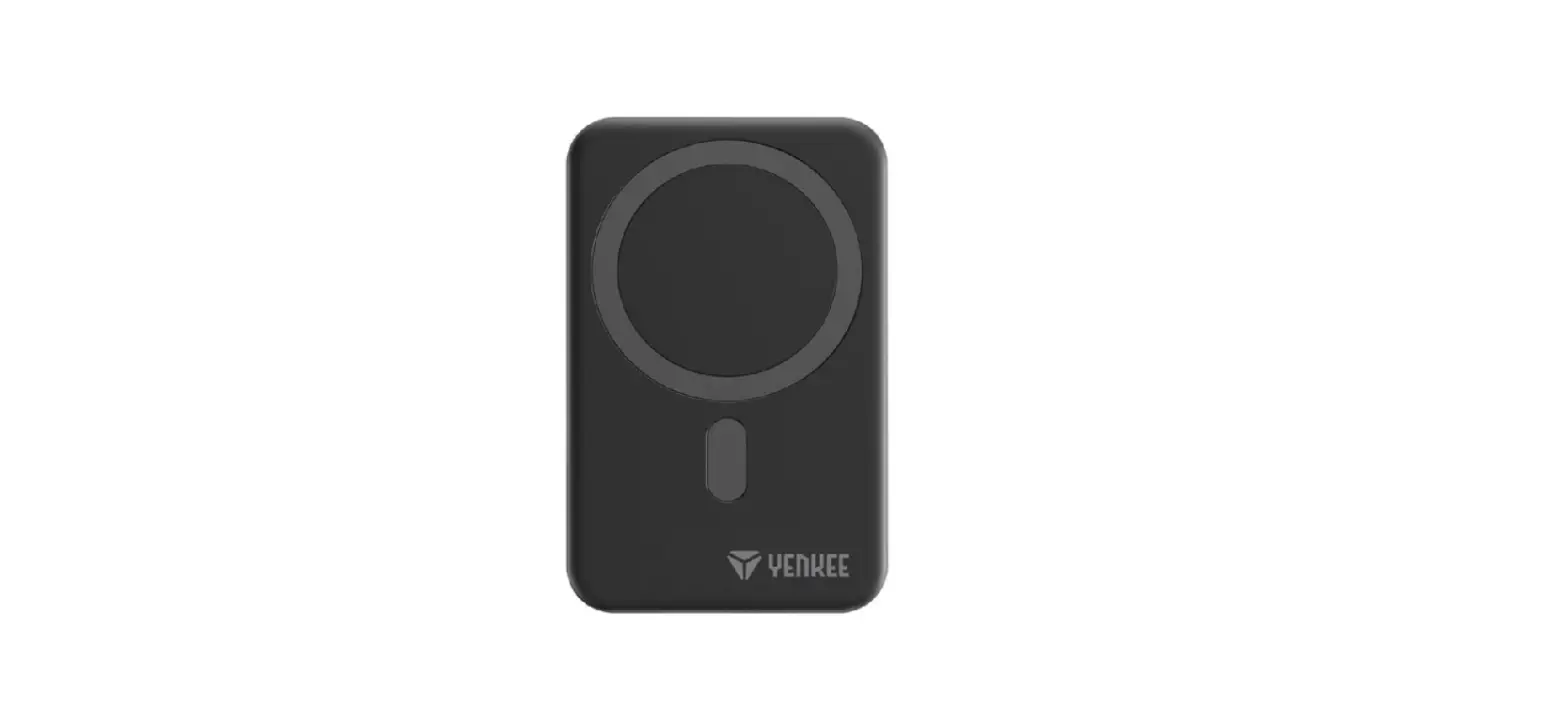
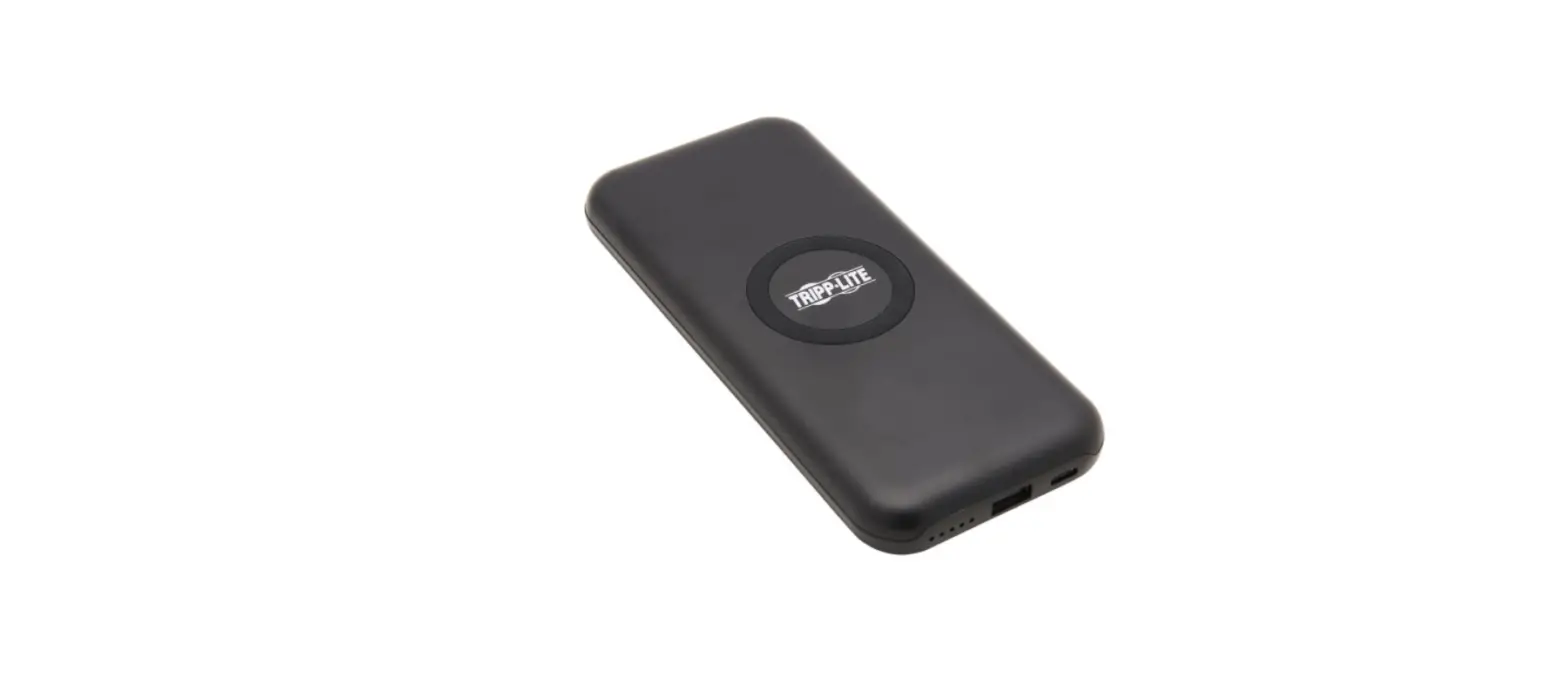
PCB019 Wireless Power Bank
Product Information:
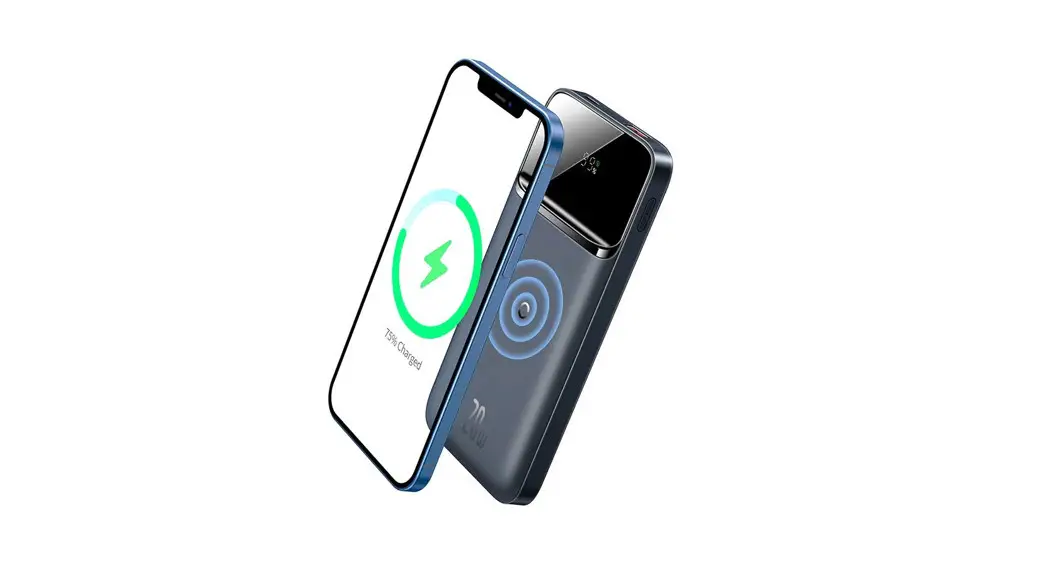
This is a wireless power bank that allows for outdoor navigation
while charging. It complies with Part 15 of the FCC Rules and meets
FCC radiation exposure limits for an uncontrolled environment. The
power bank has a USB-C input and supports various charging
protocols such as QC2.0/QC3.0, PD2.0/PD3.0/PPS. It offers a maximum
wireless output of 10W, but the actual charge power depends on the
phone model and temperature. The power bank has an operating
temperature range and is rated IP55 for protection against dust and
water. The battery has a capacity of 5000mAh (2850mAh at 5V/2.4A)
and a nominal voltage of 3.7V. Product Usage
Instructions:
- Connect the power bank to a power source using the provided
USB-C cable. - To charge your phone wirelessly, place it on top of the power
bank, ensuring proper alignment. - Press the ON/OFF button to turn on the power bank.
- If the AUTO-ON feature is enabled, the power bank will
automatically start charging when a compatible device is
detected. - If the AUTO-OFF feature is enabled, the power bank will
automatically stop charging when the device is fully charged or
removed. - The LED indicator will show different colors to indicate the
status of the power bank.
- RED: Charging
- BLUE: Fully charged
- FLASHING: Error or low battery
until the LED indicator turns off.
do not submerge it in water.
Note: Please refer to the user manual for detailed instructions and
safety precautions.
SP Connect is a registered trademark © 2023 SP United / PATENTED SYSTEM / All rights reserved
EN
ATTENTION!
· Avoid use in a humid or high temperature environment if possible.
· Don’t hit, disassemble or re-assemble the product – this may lead to malfunction.
· High Temperatures can reduce charge efficiency.
· Smartphone power consumption can exceed charge power. Setup phone appropriately!
Setup tips for outdoor navigation while wireless charging
· Outdoor navigation at high temperature reduces charge efficiency.
· Use adaptive screen brightness, consider using night mode, switch off screen occasionally.
· Use locally stored maps to avoid data traffic and power consumption.
· Turn off data traffic if not needed. · Turn off unnecessary apps running in
the background. · Turn off Wi-Fi antenna while you are
moving.
· To increase charging efficiency, consider cable charging.
DE
ACHTUNG!
· Einsatz in einer feuchten Umgebung oder bei hohen Temperaturen nach Möglichkeit vermeiden.
· Nicht auf das Produkt einschlagen, zerlegen oder wieder zusammenbauen · dies kann zu Fehlfunktionen führen.
· Hohe Temperaturen können die Ladeleistung verringern.
· Der Stromverbrauch des Smartphones kann die Ladeleistung übersteigen. Telefon entsprechend einstellen!
Einrichtungstipps für die Navigation im Freien beim kabellosen Laden
· Navigation im Freien bei hohen Temperaturen verringert die Ladeleistung.
· Verwende eine angepasste Bildschirmhelligkeit, erwäge den Nachtmodus und schalte den Bildschirm gelegentlich aus.
· Verwende lokal gespeicherte Karten, um Datenverkehr und Stromverbrauch zu vermeiden.
· Schalte den Datenverkehr aus, wenn er nicht benötigt wird.
· Schalte unnötige Apps aus, die im Hintergrund laufen.
· Schalte die Wi-Fi-Antenne aus, wenn du dich bewegst.
· Um die Effizienz des Ladevorgangs zu erhöhen, kannst du auch mit direkt verbundenem Kabel laden.
FR
ATTENTION!
· Si possible, éviter d’utiliser le produit dans un environnement humide ou à des températures élevées.
· Ne pas frapper, démonter ou remonter le produit · cela peut entraîner un dysfonctionnement.
· Des températures élevées peuvent réduire la puissance de charge.
· La consommation d’énergie du smartphone peut dépasser la puissance de charge. Régler le téléphone en conséquence!
Conseils de configuration pour la navigation en extérieur pendant la charge sans fil
· La navigation en extérieur à température élevée réduit l’efficacité de la charge.
· Utilisez une luminosité d’écran adaptative, pensez à utiliser le mode nuit, éteignez l’écran de temps en temps.
· Utilisez des cartes stockées localement pour éviter le trafic de données et la consommation d’énergie.
· Désactivez le trafic de données s’il n’est pas nécessaire.
· Désactivez les applications inutiles fonctionnant en arrière-plan.
· Éteignez l’antenne Wi-Fi lorsque vous vous déplacez.
· Pour augmenter l’efficacité de la recharge, envisagez la recharge par câble.
ES
¡ATENCIÓN!
· Si es posible, evita utilizarlo en un entorno húmedo o a altas temperaturas.
· No martillees, desmontes o vuelvas a
montar el producto, ya que podrías provocar un mal funcionamiento. · Las altas temperaturas pueden reducir el rendimiento de la carga. · El consumo de energía del smartphone puede superar la potencia de carga. ¡Ajusta el teléfono en consecuencia!
Consejos para navegar al aire libre con carga inalámbrica
· La navegación en exteriores a altas temperaturas reduce la eficiencia de la carga.
· Utiliza un brillo de pantalla adaptado, considera el uso del modo nocturno, apaga la pantalla de vez en cuando.
· Utiliza mapas almacenados localmente para evitar el tráfico de datos y el consumo de energía.
· Apaga el tráfico de datos si no es necesario.
· Apaga las aplicaciones innecesarias que se ejecutan en segundo plano.
· Apaga la antena Wi-Fi cuando estés en movimiento.
· Para aumentar la eficiencia de la carga, considere la posibilidad de cargar por cable.
USB-C Power Source or Device Stromquelle oder Gerät Source ou dispositif d’alimentation Fuente de alimentación o dispositivo
FCC Statement
1. This device complies with Part 15 of the FCC Rules. Operation is subject to the following two conditions: (1) This device may not cause harmful interference, and (2) This device must accept any interference received, including
interference that may cause undesired operation. 2. Changes or modifications not expressly approved by the party responsible for compliance could void the user’s authority to operate the equipment. NOTE: This equipment has been tested and found to comply with the limits for a Class B digital device, pursuant to Part 15 of the FCC Rules. These limits are designed to provide reasonable protection against harmful interference in a residential installation. This equipment generates uses and can radiate radio frequency energy and, if not installed and used in accordance with the instructions, may cause harmful interference to radio communications However. there is no quarantee that interference will not occur in a particular installation. If this equipment does cause harmful interference to radio or television reception, which can be determined by turning the equipment off and on, the user is encouraged to try to correct the interference by one or more of the following measures:
· Reorient or relocate the receiving antenna. · Increase the separation between the equipment and receiver. · Connect the equipment into an outlet on a circuit different from that
to which the receiver is connected. · Consult the dealer or an experienced radio/TV technician for help.
FCC Radiation Exposure Statement This equipment complies with FCC radiation exposure limits set forth for an uncontrolled environment.
Technical Specifications
Input USB-C
5V/2.6A, 9V/2A QC2.0/QC3.0 PD2.0/PD3.0/PPS
Wireless Output
Max 10W Charge power depends on phone model, temperature, etc.
Operating Temperature
-10 to +45° C
Simultaneous Output
Power Consumption
Battery Specifications
5V/2.4A
< 0.1 mA (Standby)
Capacity: 5000 mAh Rated Capacity (5V/2.4A): 2850 mAh, Nominal Voltage: 3.7 V Energy: 18.5Wh
IP55
WIRELESS POWERBANK
EN / DE / FR / ES
1
2
3
4
5
6
7
8
!
!
USB-C IN & OUT Charge Powerbank (in) or Device (out) Powerbank oder Gerät laden Chargez votre batterie ou votre appareil Cargar powerbank o dispositivo
State of Charge Ladezustand État de la charge Estado de carga
ON OFF AUTO-ON AUTO-OFF
Press 1 x / 1 x drücken / Appuyez sur 1 x / Pulse 1 x
Press 2 x / 2 x drücken / Appuyez sur 2 x / Pulse 2 x Cable: YES, Wireless: NO / Kabel: JA, Drahtlos: NEIN Câble : OUI, Sans fil : NON / Cable: SI, Inalámbrico: NO 33 seconds / 33 Sekunden / 33 secondes / 33 segundos
RED BLUE FLASH
Ready / Bereit / Prêt / Listo Charging / Lädt / Chargement / Cargando Error / Fehler / Erreur / Error