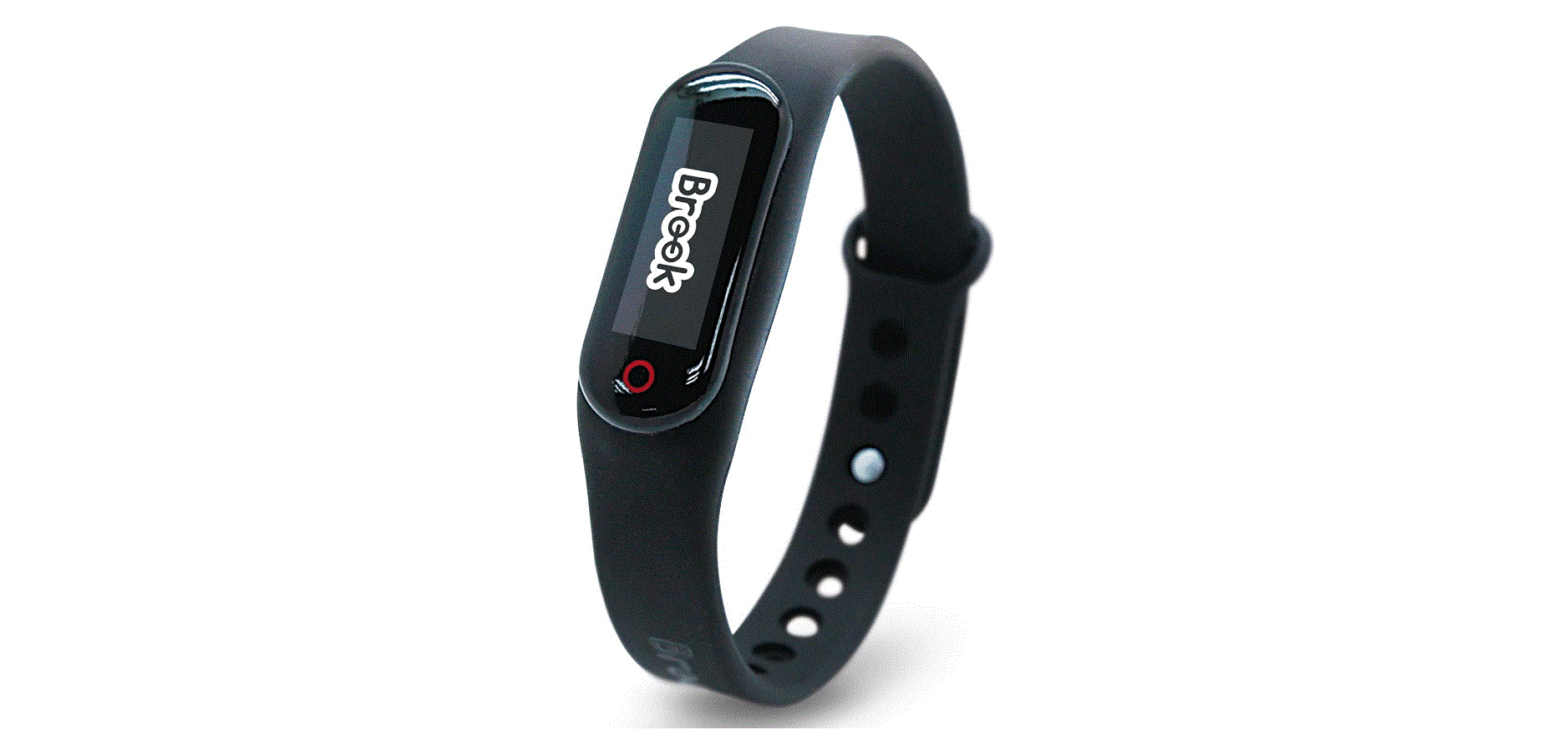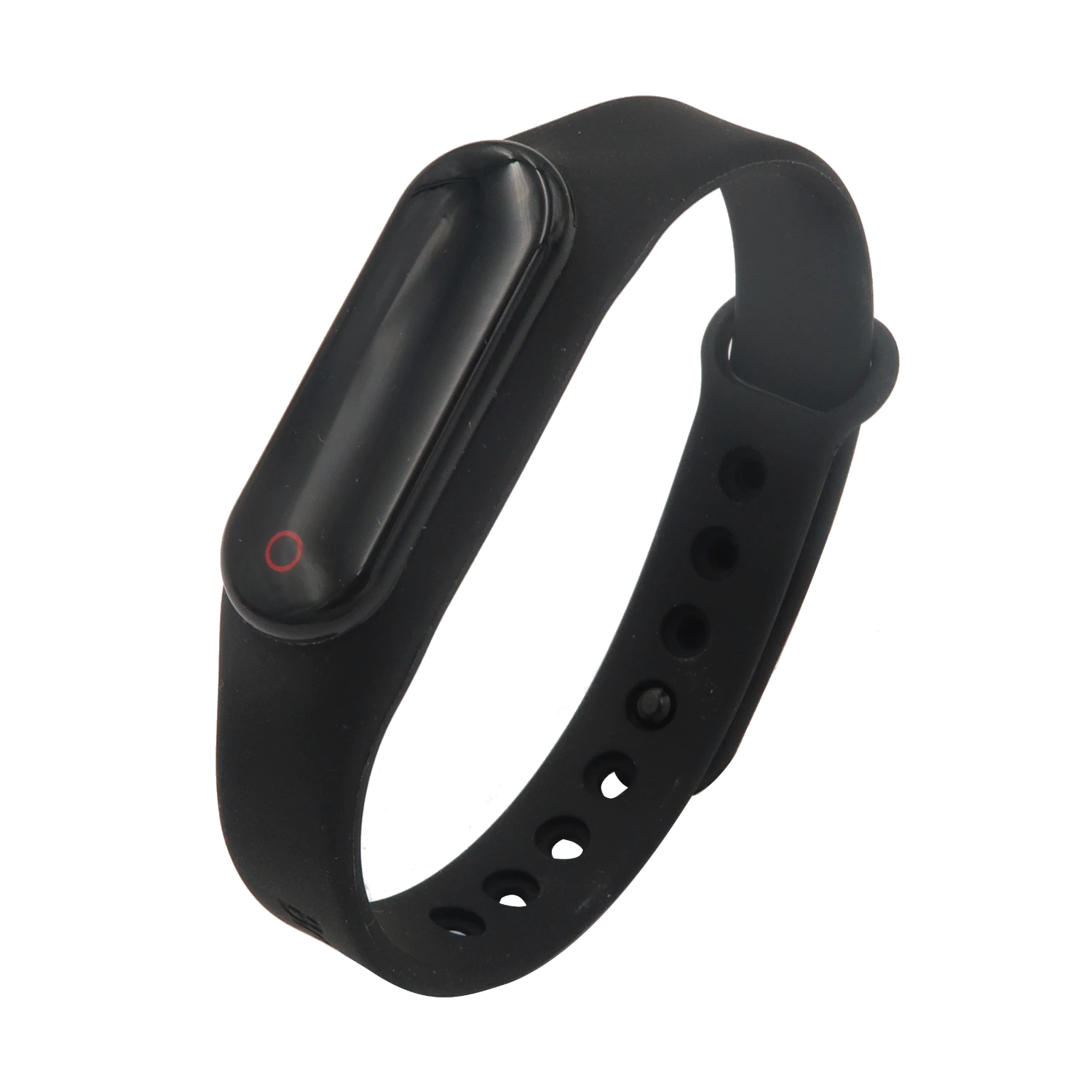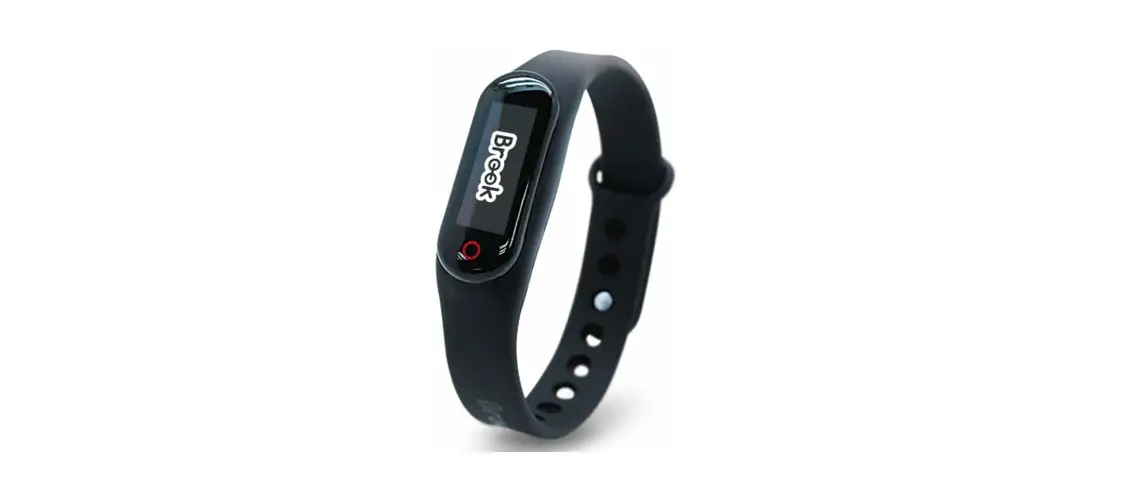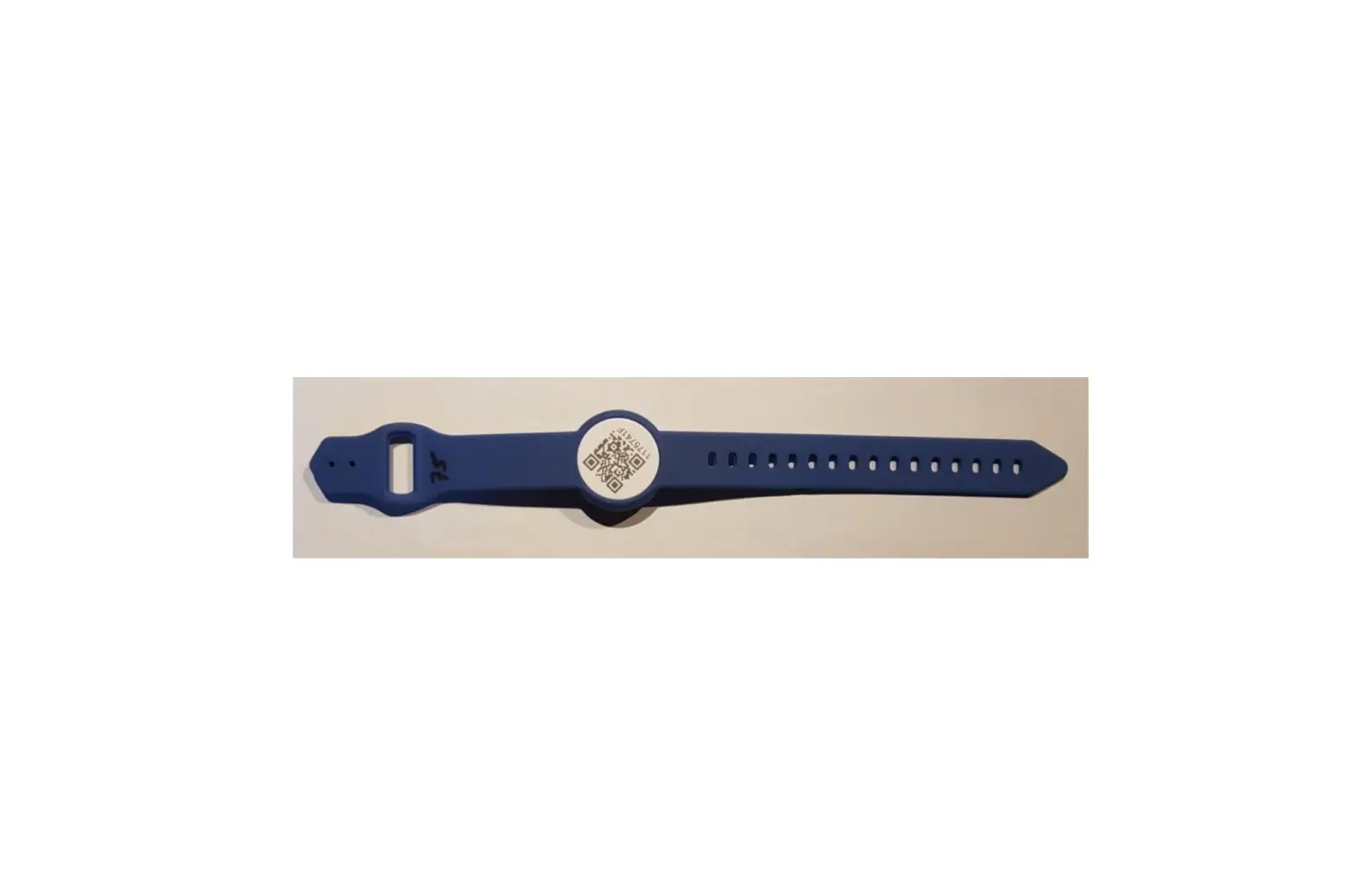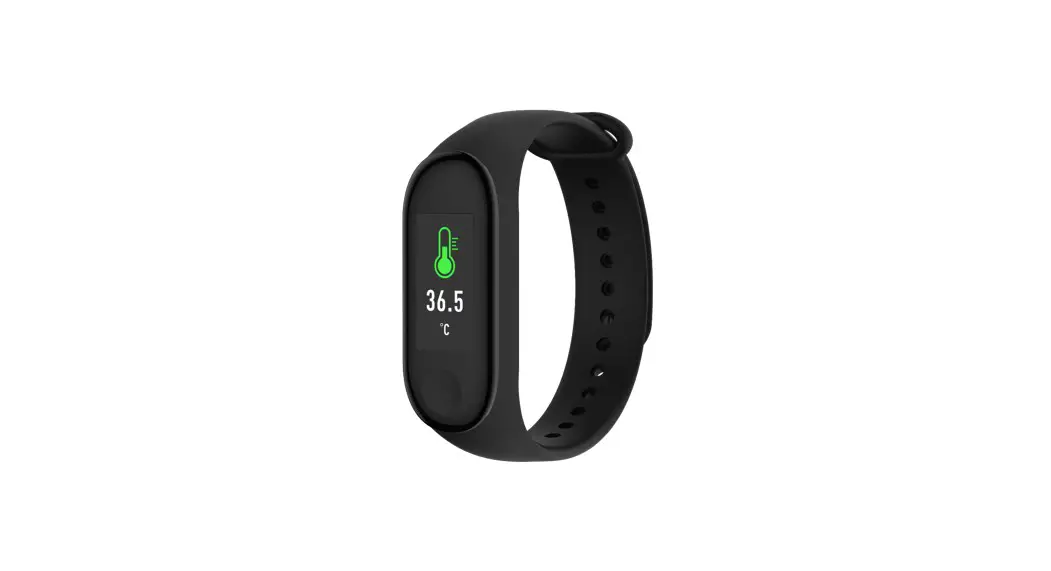

Brook 202001225V2 Auto Catch Watch Wristband
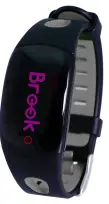
This document describes how to update the firmware of the Brook Pocket Auto Watchic
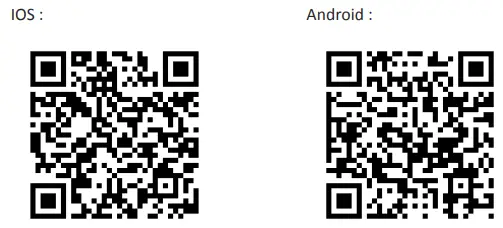
- STEP 1 Download the “Pocket Auto Watch App” from “App Store (IOS)” or “Google Play

- STEP 2 Turn GPS Location and Bluetooth On, Run “Pocket Auto Watch App”
- STEP 3 Click “Connect” to connect Brook Pocket Auto Watchic to “Pocket Auto Watch App”.

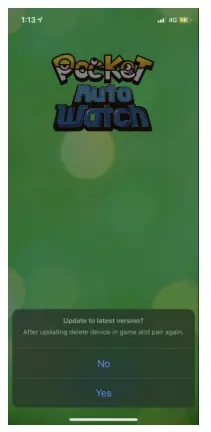
- STEP 4 If the Brook Pocket Auto Watchic need to be update, the “Pocket Auto Watch App” will display an update message. Click “Yes” to start.

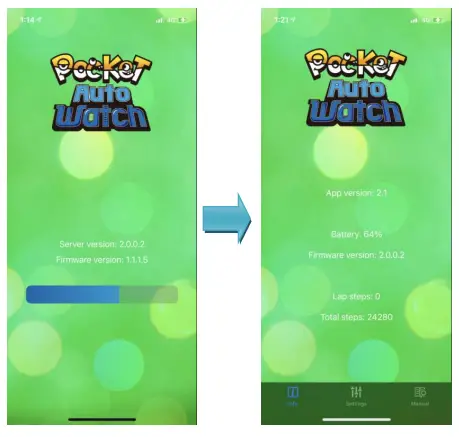
- STEP 5 Wait for the progress bar to run finish, and the update process is complete.


 Brook Gaming