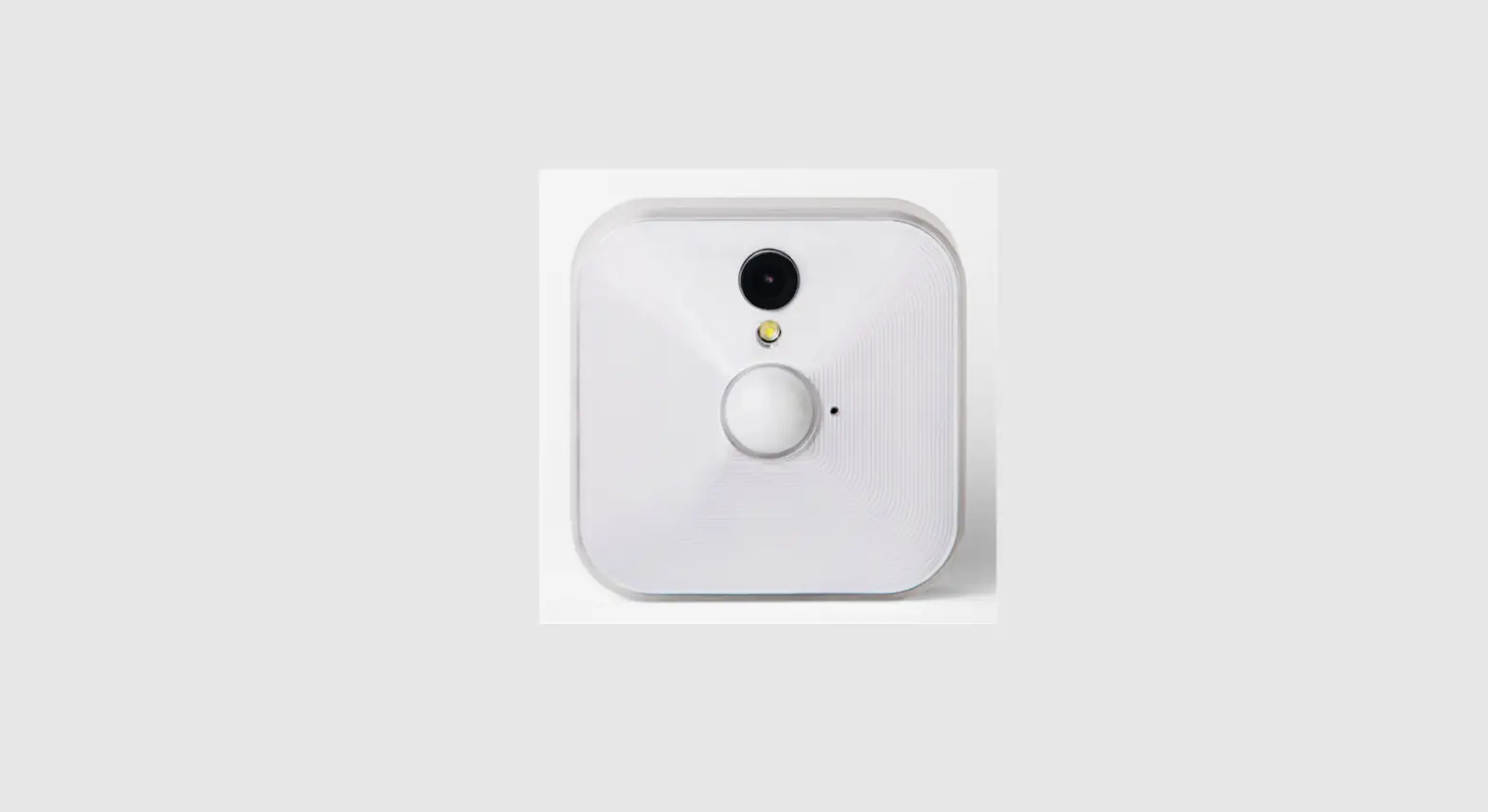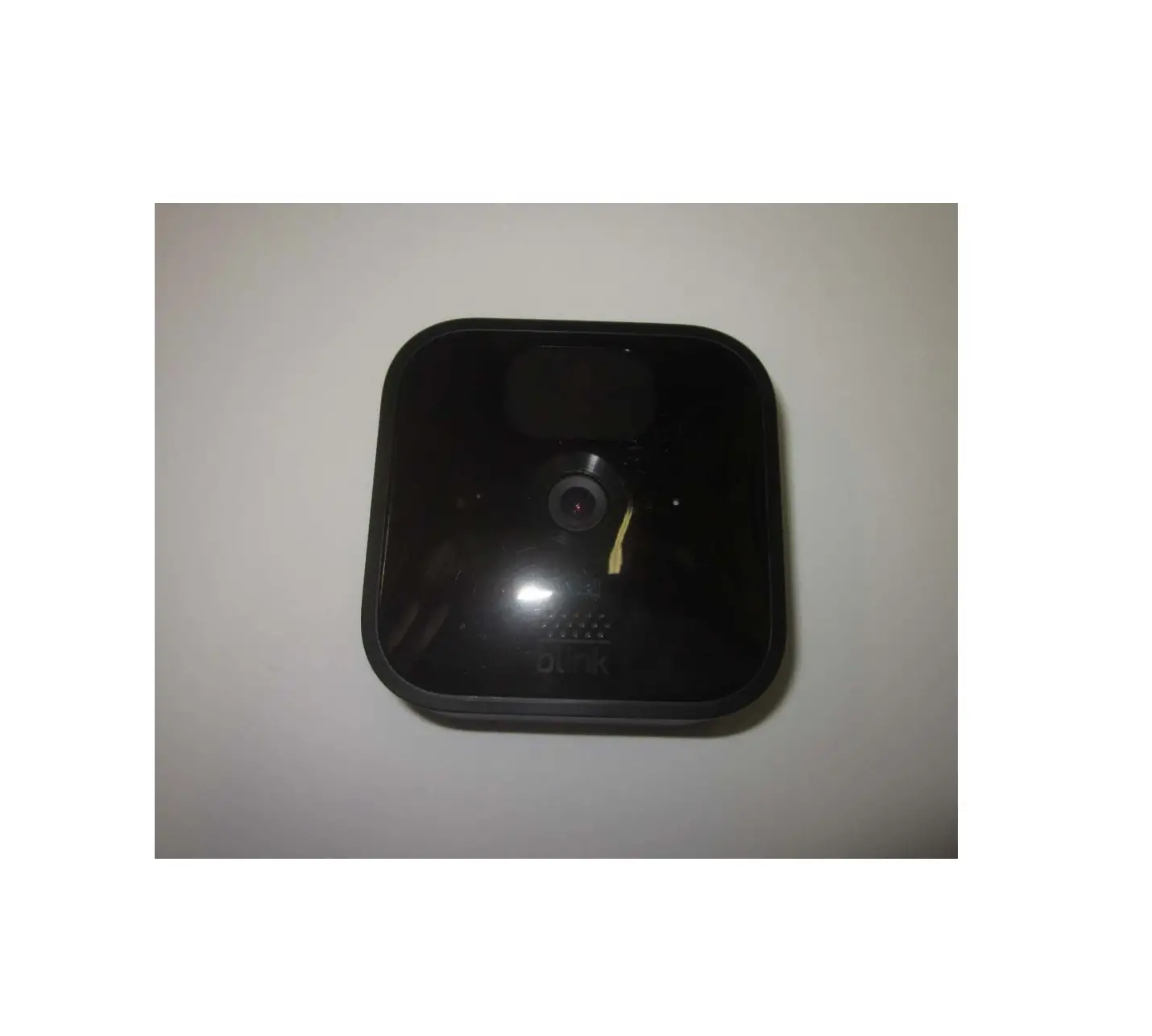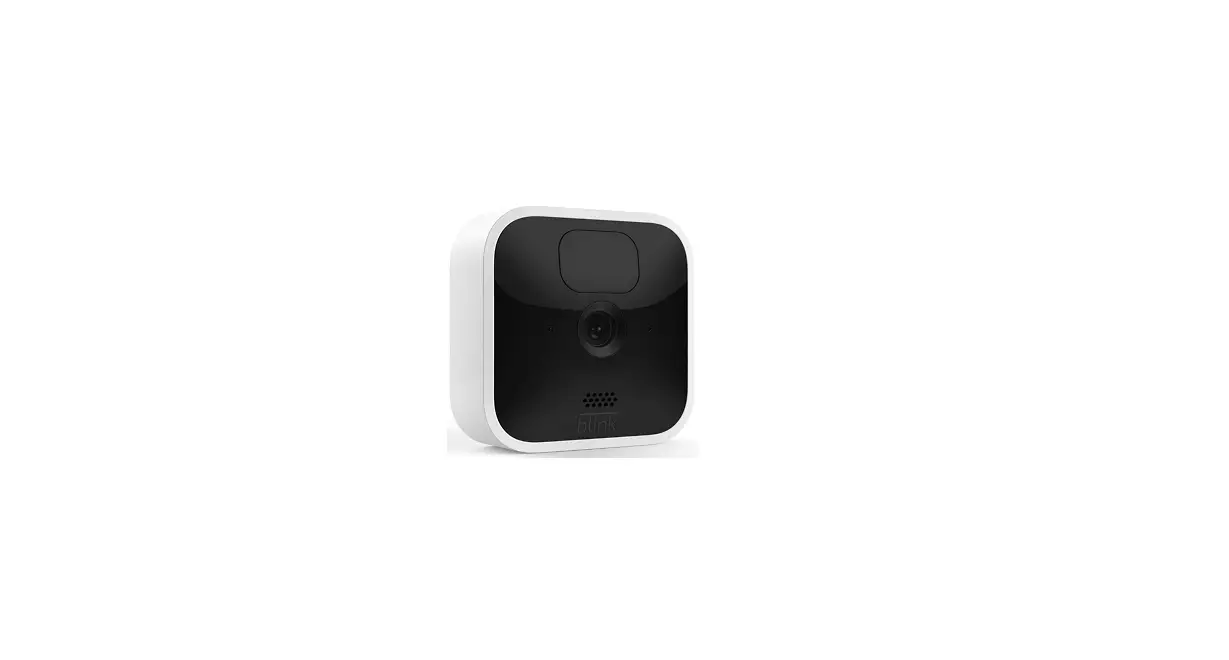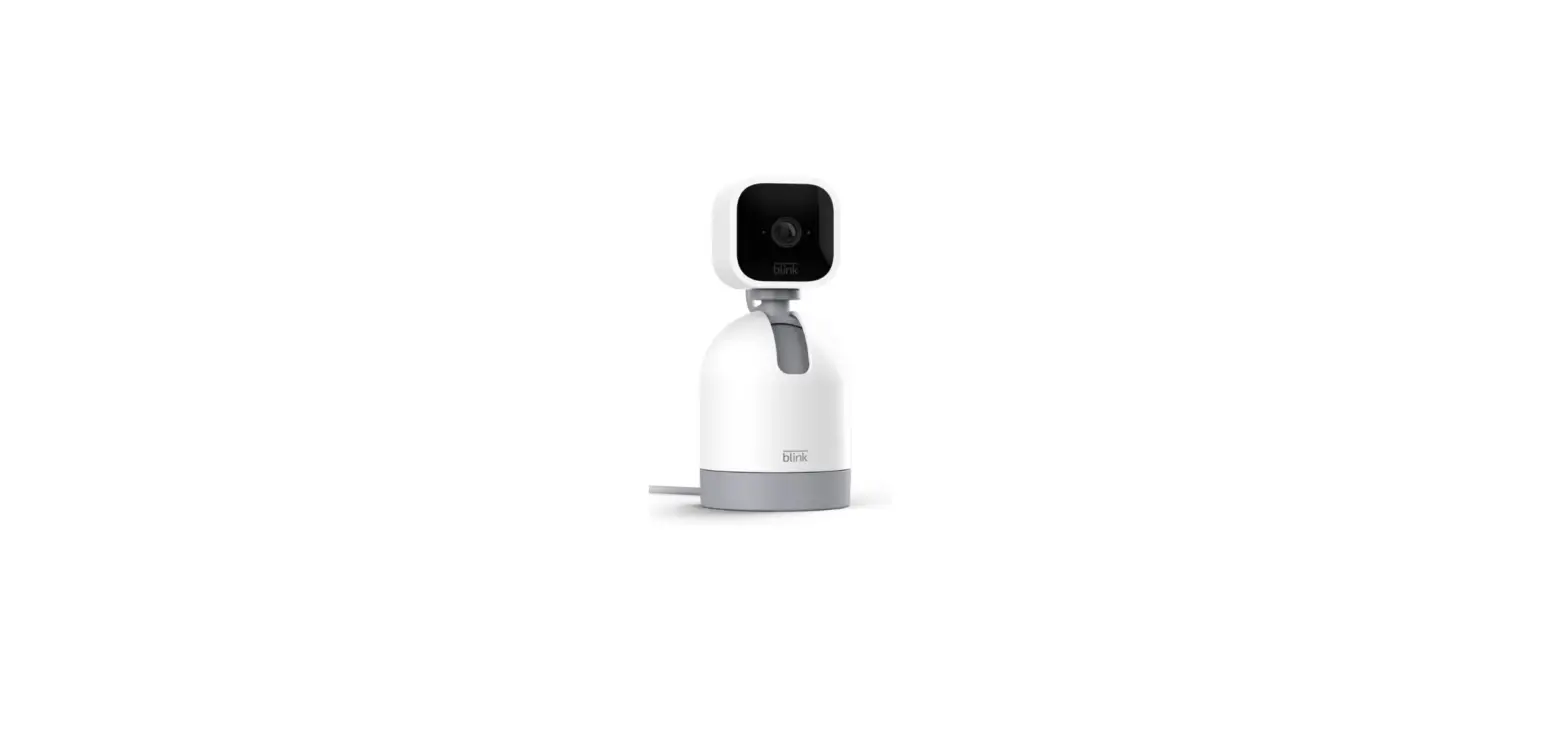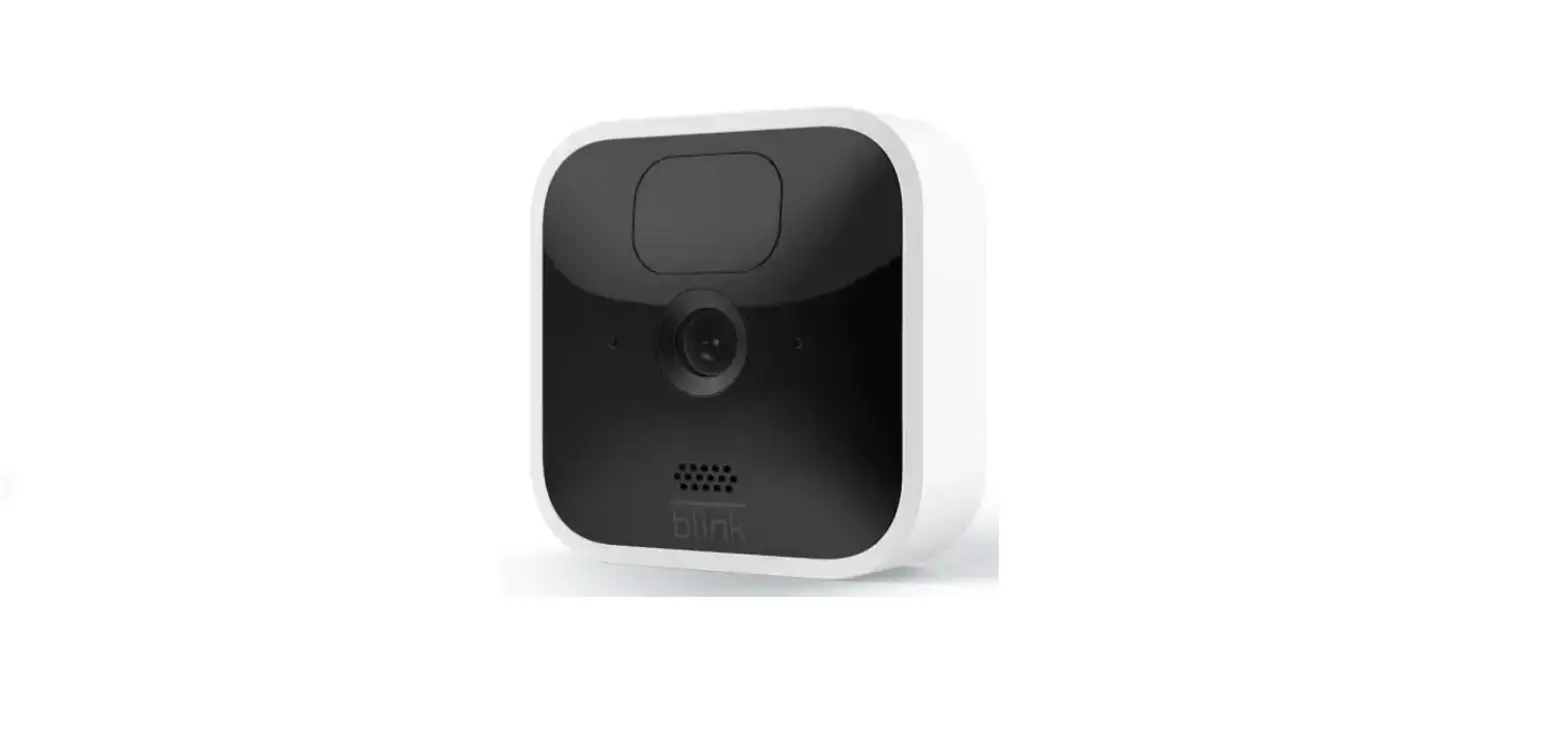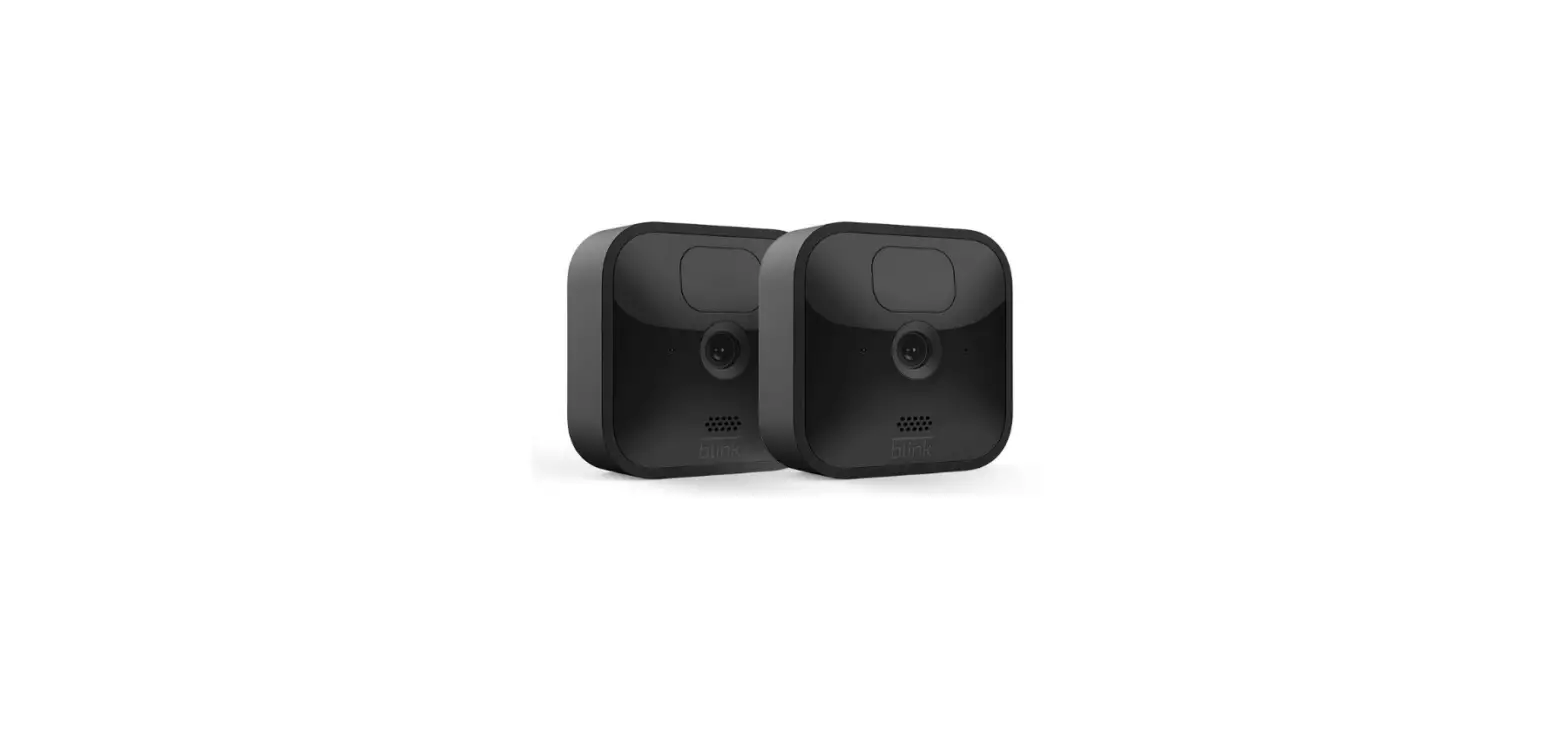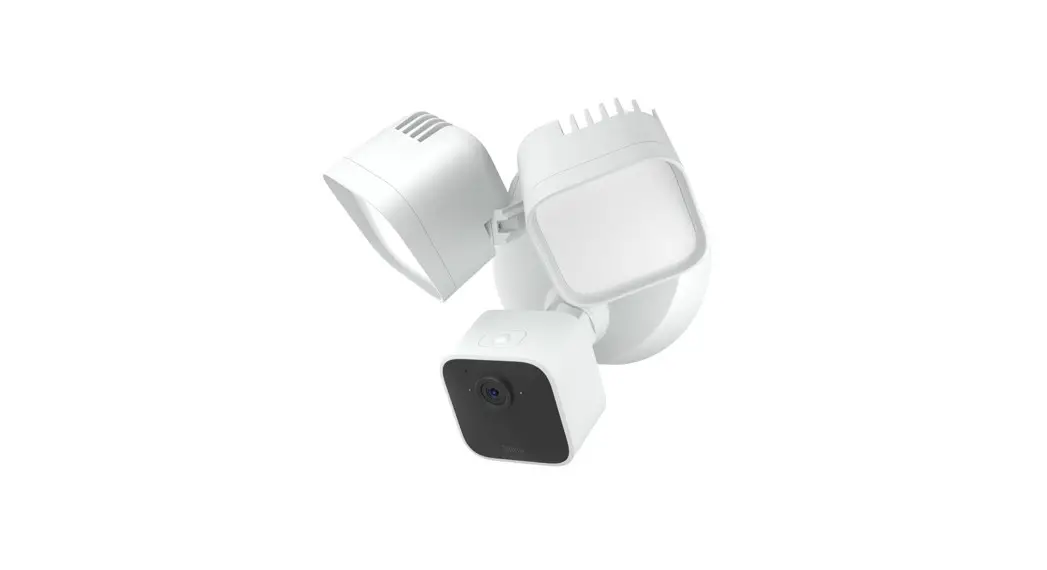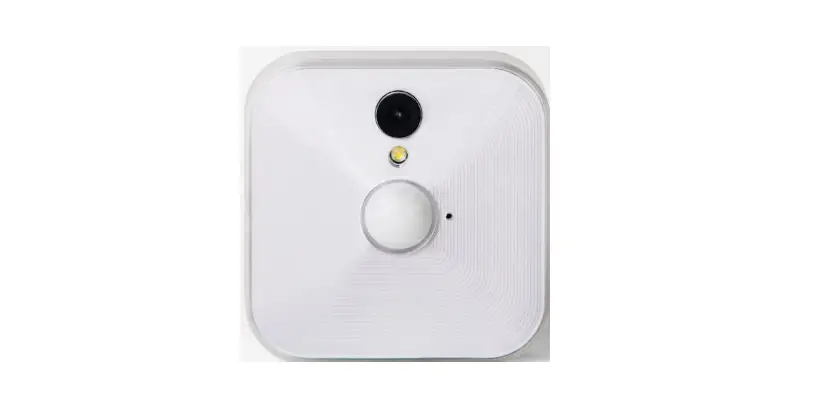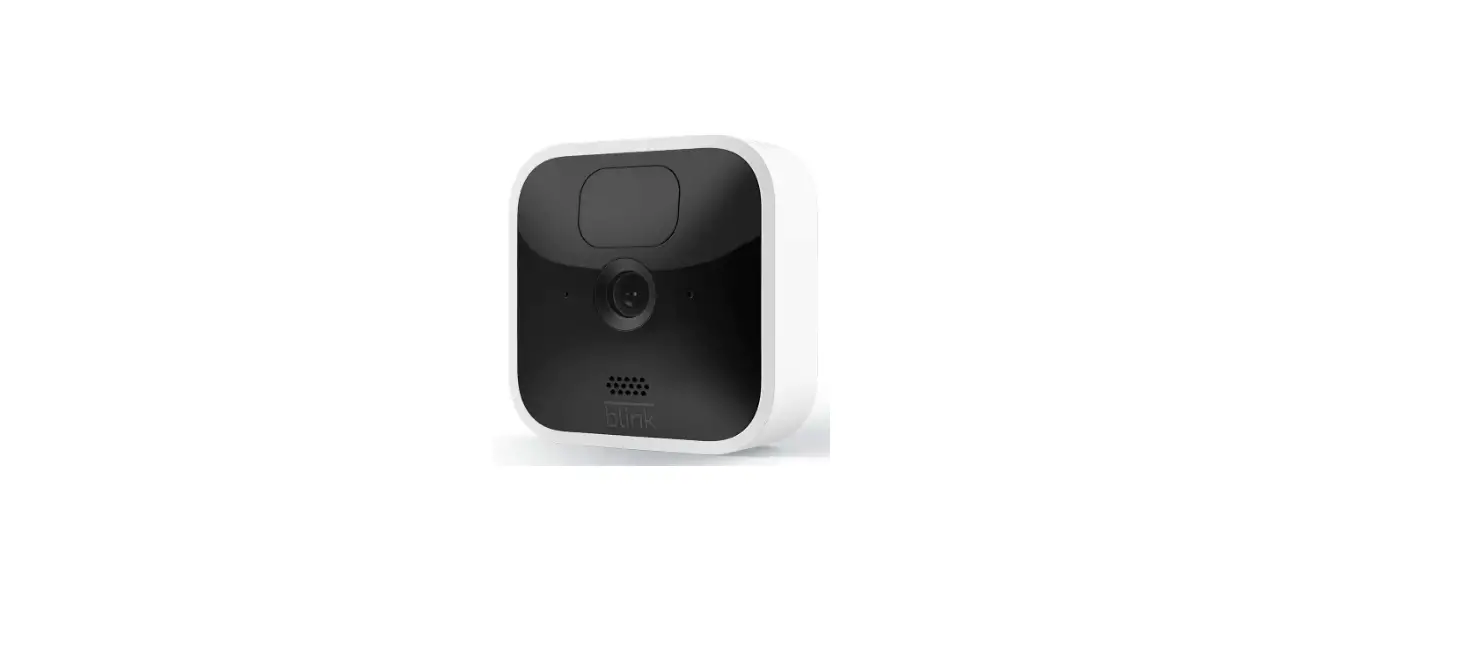

IMMEDIA Semiconductor Blink Home Security Camera
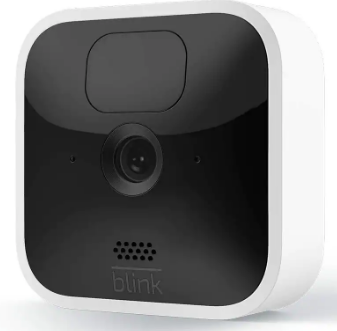
Getting started with Blink is easy
Existing users skip to step 3.
- Download the Blink Home Monitor App.
- Add your Sync Module 2.
- Add your camera(s) to your system.
Follow the in‐app instructions to complete setup. For more detailed setup and mounting instructions go to blinkforhome.com/setup or scan the QR code.
 Blink Support