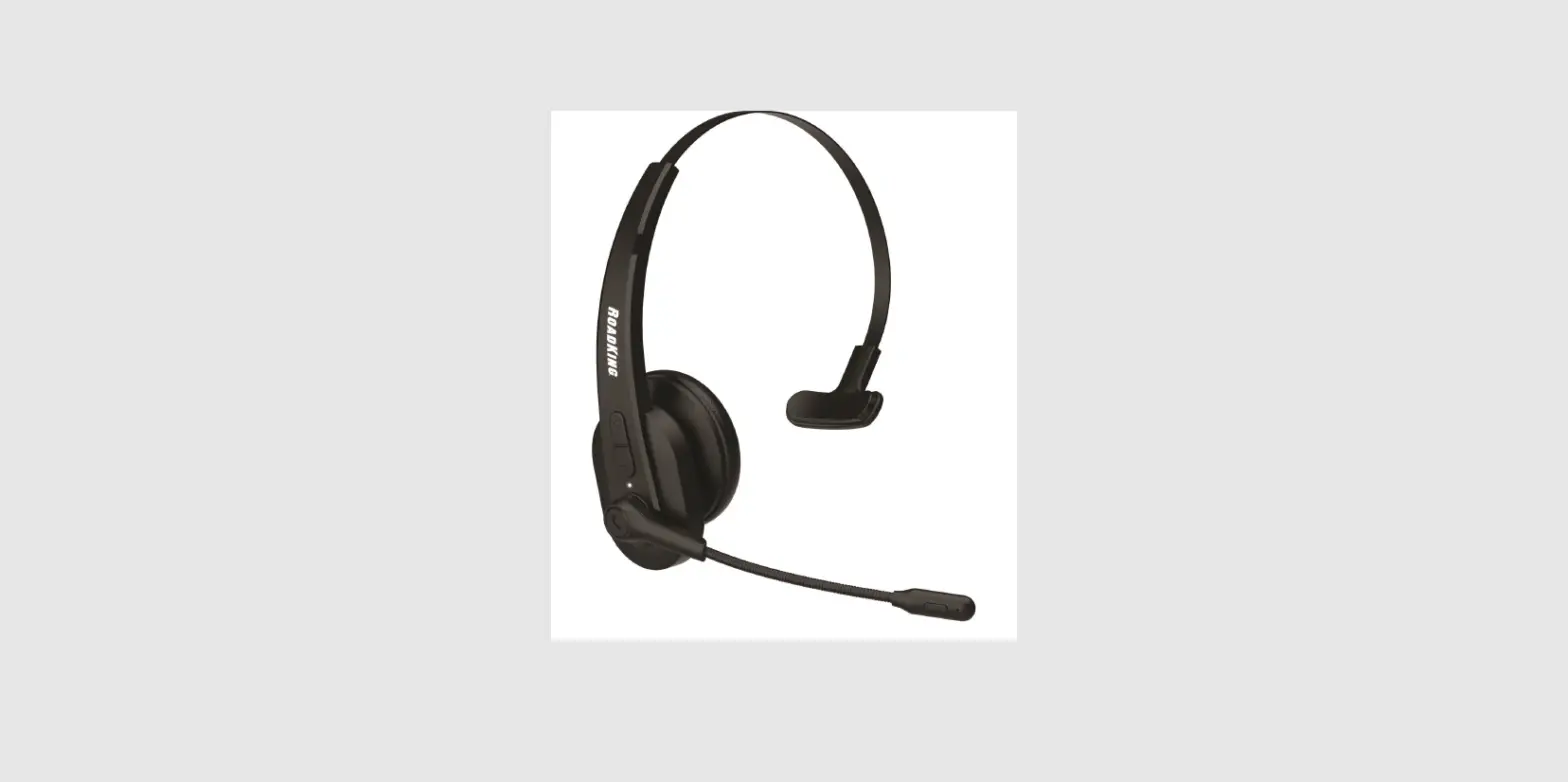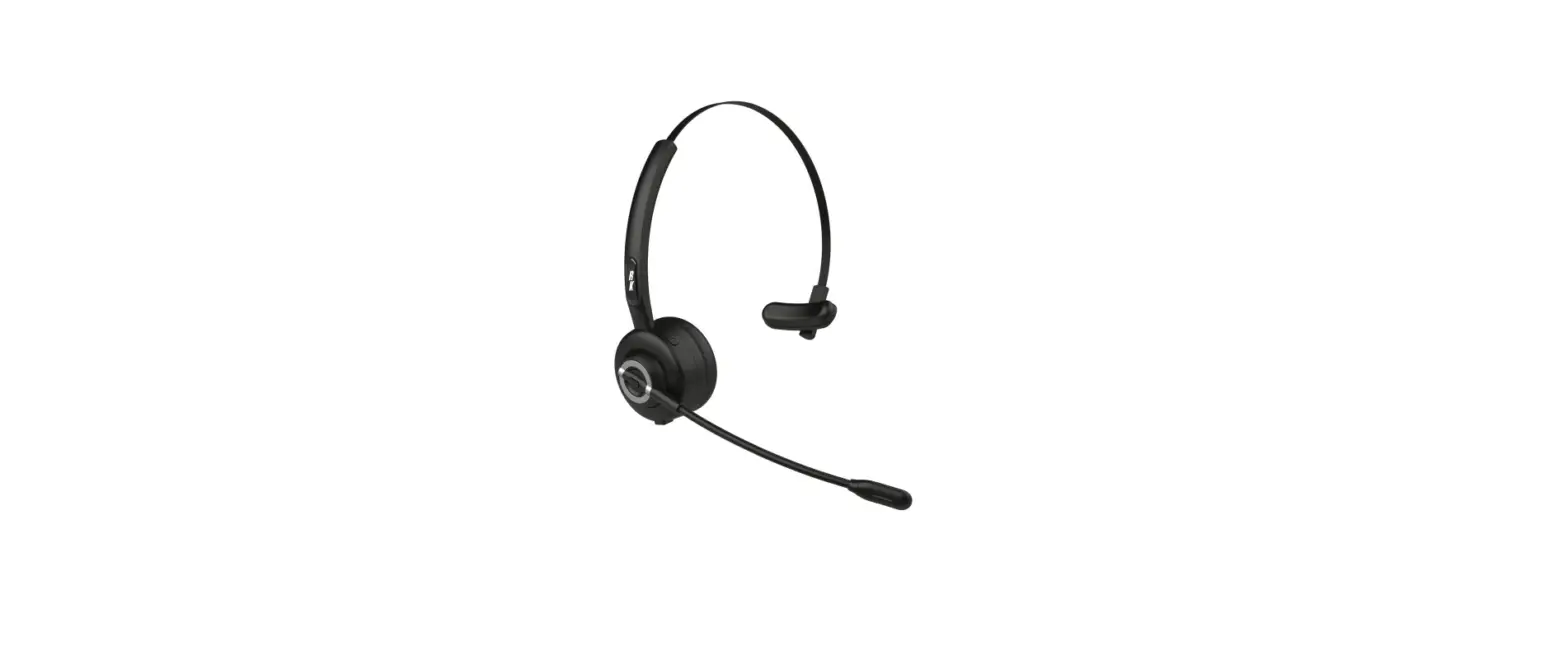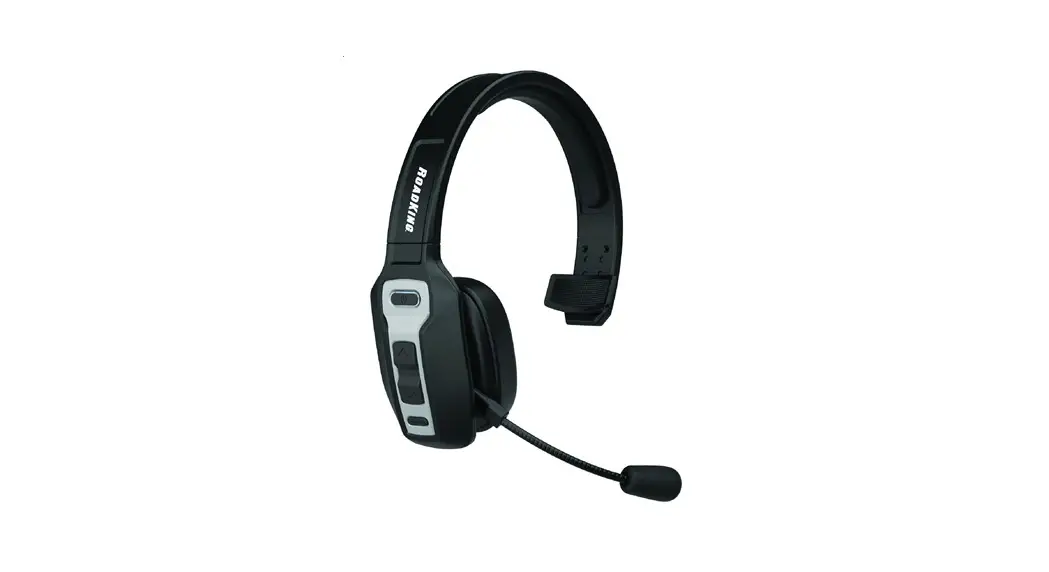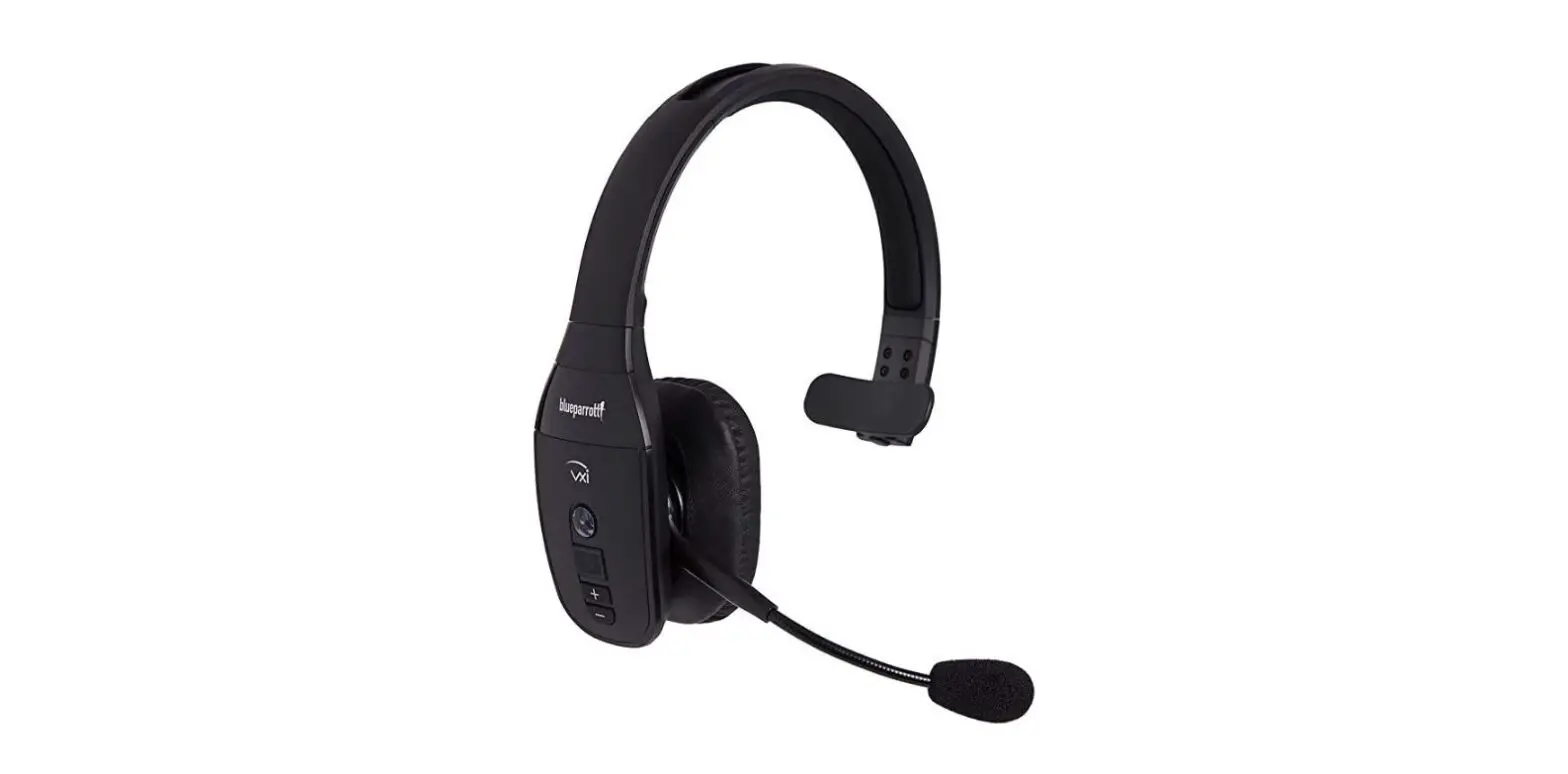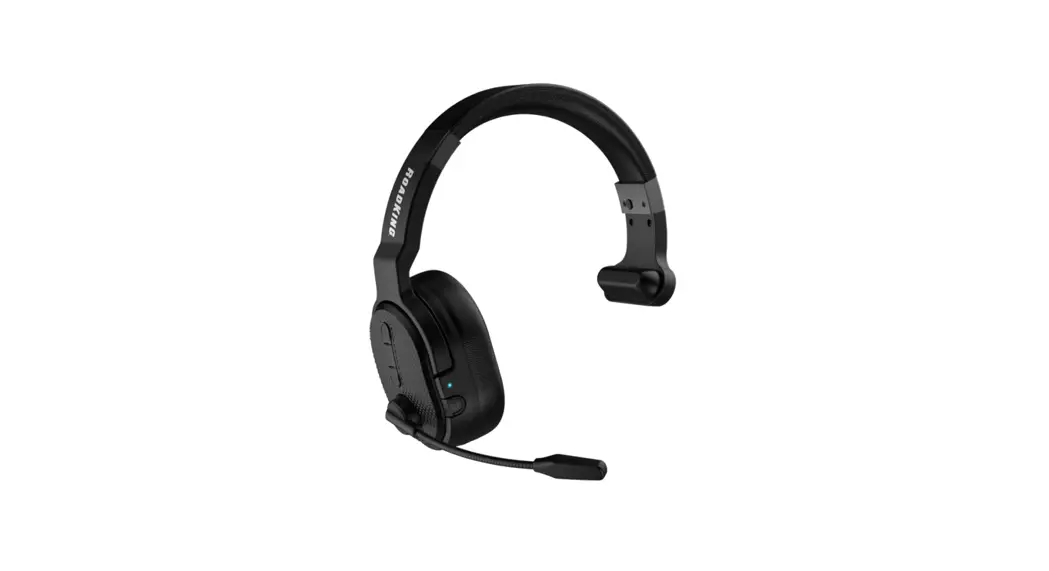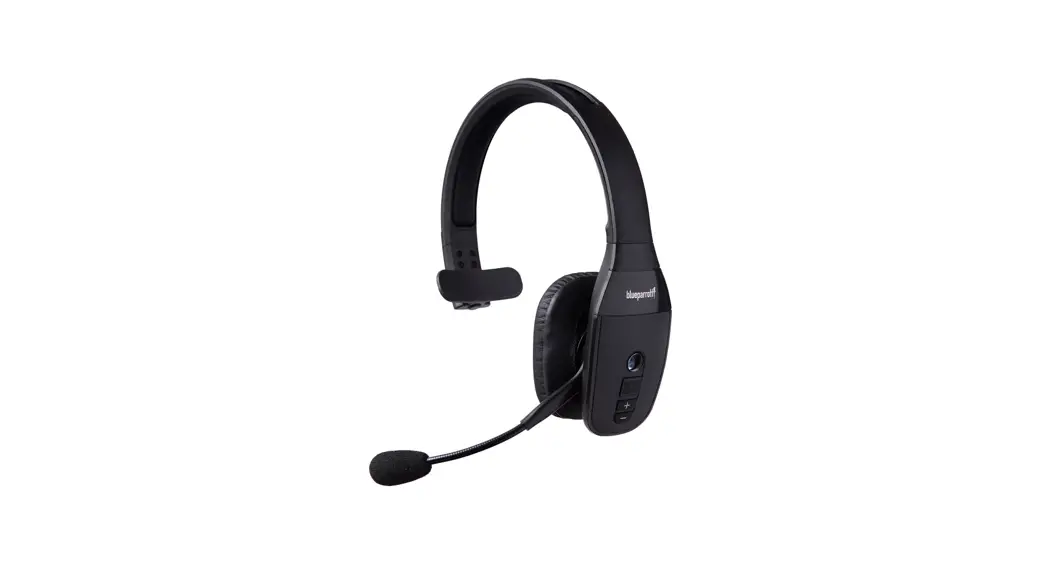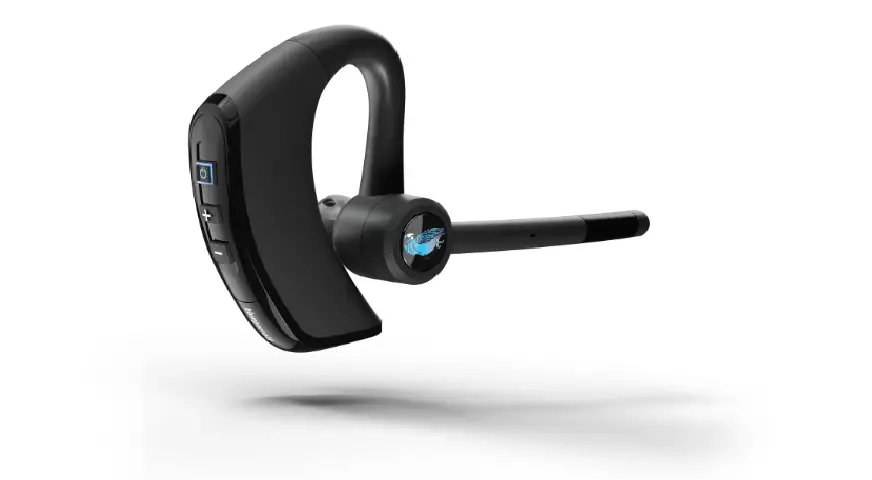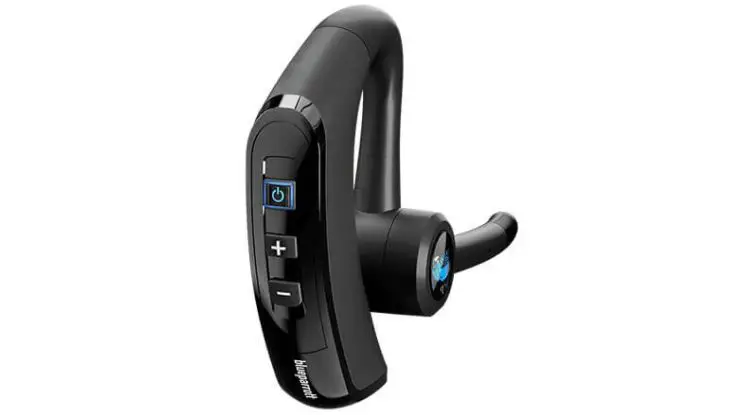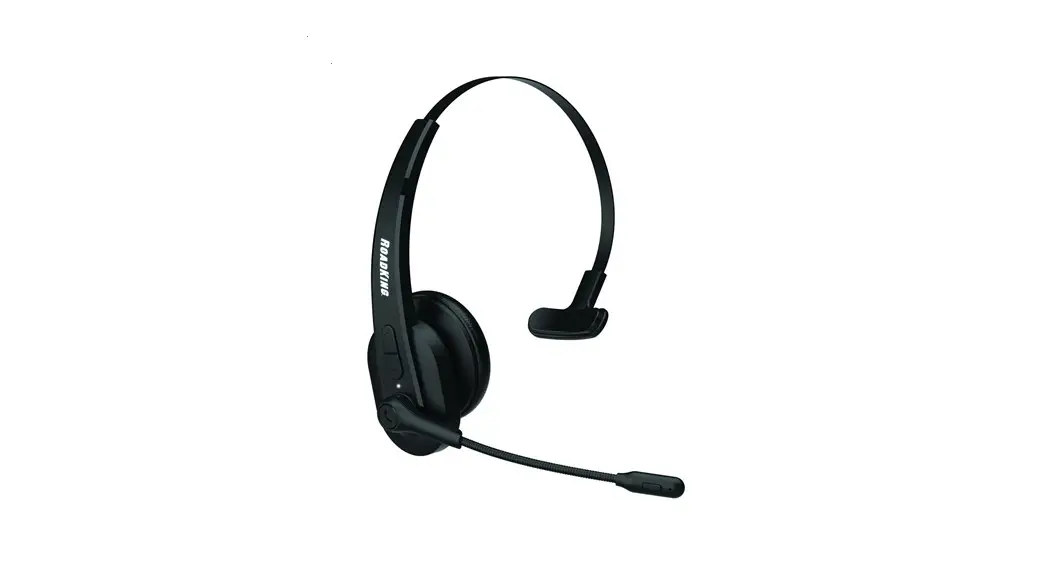

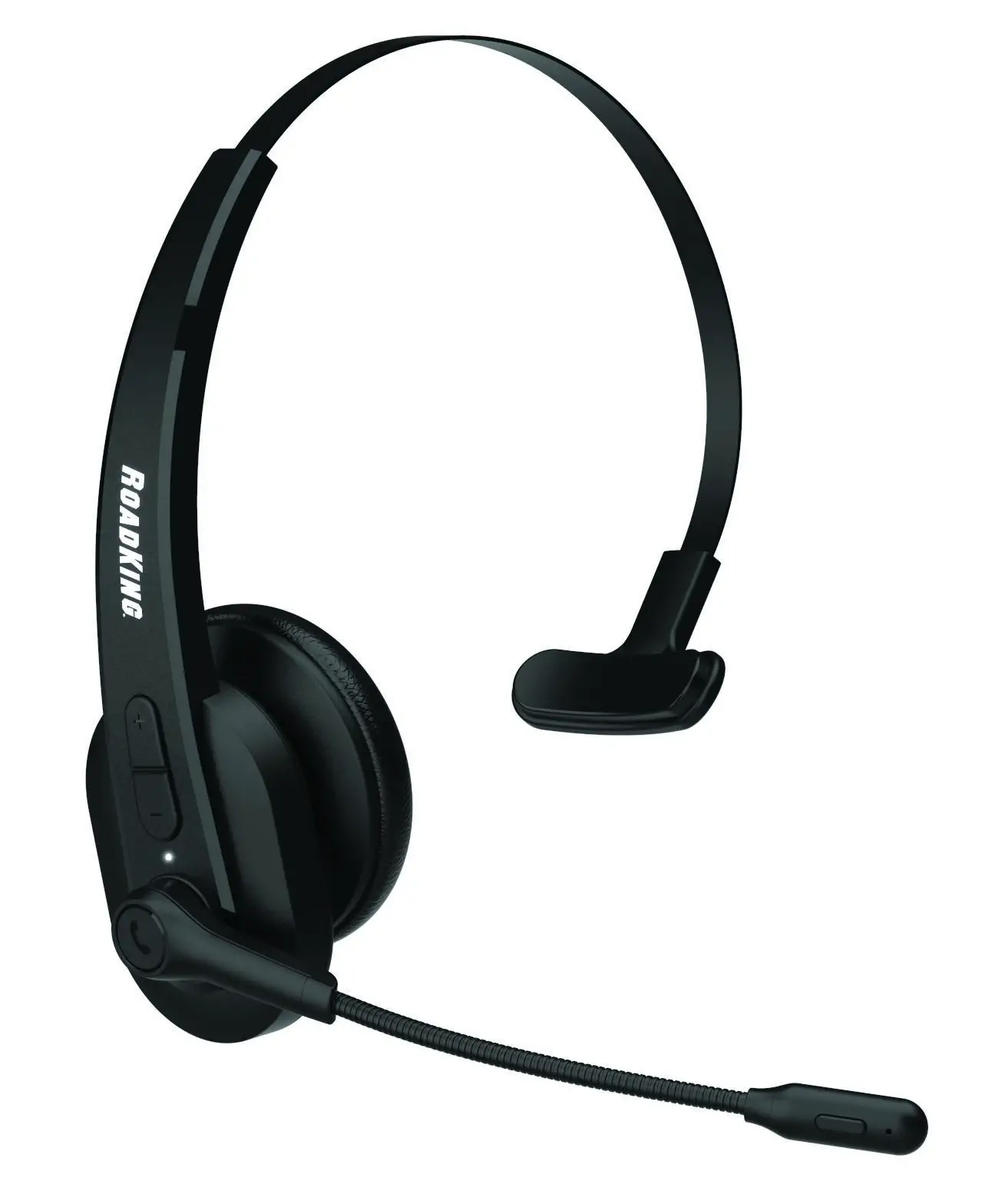
RKING2000 Noise-Canceling Mono
Bluetooth® Headset
 User Manual
Product Overview
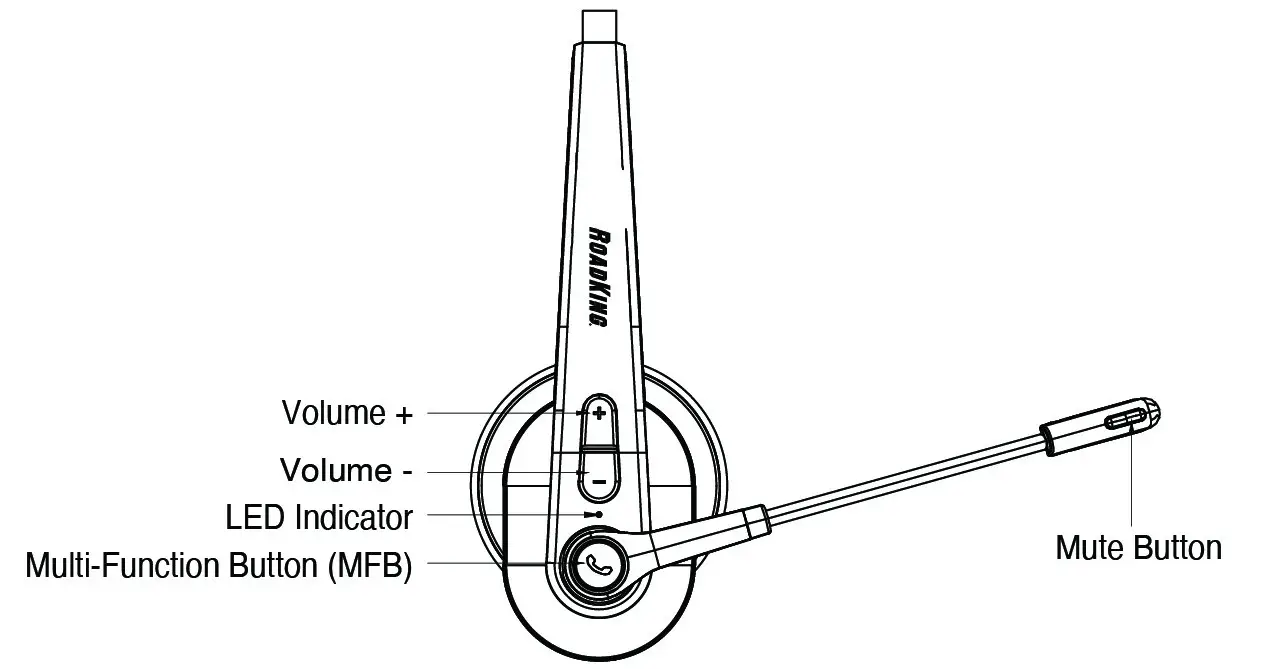
Package Contents:
A. Bluetooth headset RKING2000 x 1
B. Micro USB charging cable x 1
C. User manual x 1
D. Car charger x 1
E. Sponge microphone cover x 1
F. Drawstring bag x 1
Basic Operation
| Button | Function | Operation Instructions |
| MFB | Power on | When device is off, press and hold the MFB for 2 seconds to power on. |
| Power off | When device is on, press and hold the MFB for 3 seconds to power off. | |
| Enter pairing mode | When device is off, press and hold the MFB for 3-4 seconds to enter into pairing mode. When under disconnected standby mode, short-click the MFB to enter into pairing mode. | |
| Play / Pause | Short click when listening to music. | |
| Redial a call | Double-click the MFB to dial the last number called. | |
| Voice dial | Hold down the MFB for 1 second, then release. | |
| Answer a call | Short click when call is incoming | |
| End a call | To end a call, short-click the MFB. | |
| Reject a call | To decline an incoming call, hold down the MFB for 1 second. | |
| Volume + | Volume up | Short click the Volume + button to increase volume. |
| Next song | Hold down the Volume + button to skip to the next song. | |
| Volume – | Volume down | Short click the Volume – button to decrease volume. |
| Previous song | Hold down the Volume – button to go back to the previous song. |
Bluetooth Pairing and Connection
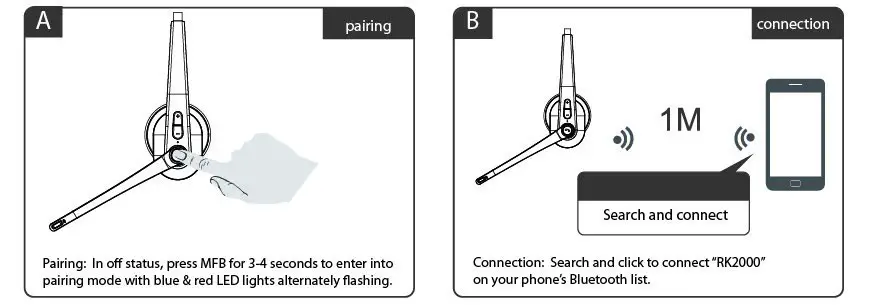
A. When device is off, press and hold the Multi-Function Button (MFB) for 3-4 seconds to enter into pairing mode. The blue & red lights should alternate flashing.
B. Search and click “RK2000” to connect the headset to your phone’s Bluetooth. Once connected, the blue LED light will flash, and you can now play music from your phone to the headset.
C. You can press the MFB and Volume +/- on the Bluetooth headset to control calls and music.
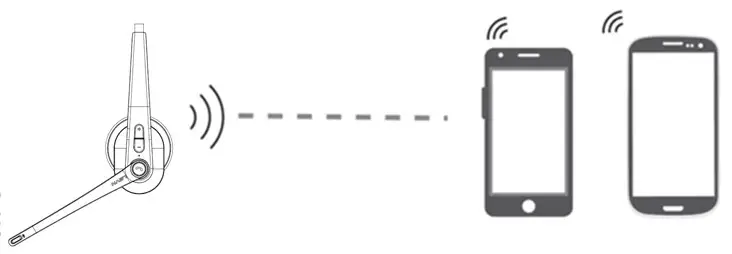
Connection with Two Devices
A. Follow instructions on page 5 to connect first phone, then turn off the Bluetooth function on the first phone.
B. Press and hold the MFB for 3-4 seconds to enter into pairing mode again, you’ll see the red & blue LED lights flash alternately.
C. Search and click “RK2000” on the second phone’s Bluetooth list. The LED will flash blue once connected.
D. Turn the first phone’s Bluetooth back on and reconnect to “RK2000”. The headset will now be connected to two phones.
Note:
Music can only be played from one phone at a time. When you want to play music from the other phone, you will need to pause or close the music of the previous phone. The same applies during talking status.
LED Indicator
| Mode | LED Indicator |
| Power on | The blue LED light flashes for 2 seconds |
| Power off | The red LED light flashes for 2 seconds |
| Pairing mode | The blue & red LED lights flash alternately |
| Disconnected standby mode | The blue LED light flashes twice every 5 seconds |
| Connected standby mode | The blue LED light flashes once every 10 seconds |
| Playing music | The blue LED light flashes once every 10 seconds |
| Talking | The blue LED light flashes once every 10 seconds |
| Delete paired record | The blue & red LED lights flash once at the same time |
| Charging | Solid red LED light |
| Full charge | The red LED light turns off |
| Low battery | The red LED light flashes |
Charging
Please charge the RKING2000 at once when the red LED light flashes.
Charging time is approximately two hours, and once fully charged, the red light will change to blue.
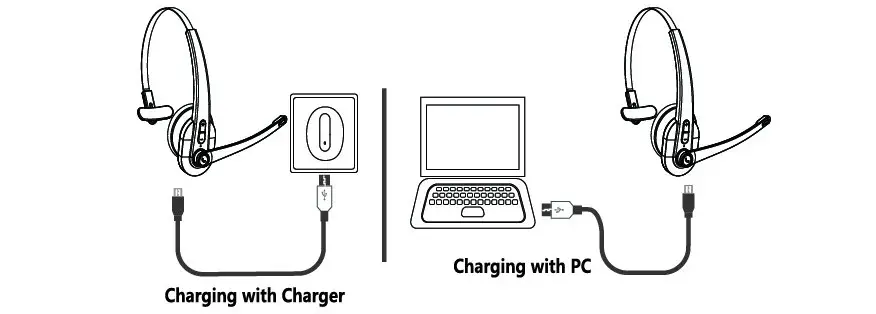
Charge Connections
Please connect to the RKING2000 charging port through the Micro USB charging cable. The charger can be used as a car charger, travel charger, computer USB, etc.
Note:
- Charge the RKING2000 at least once every two months when not in use.
- When powered on during charging, it is normal for the charging indicator to cover up the Bluetooth indicator.
Product Specifications
| Bluetooth Version | V5.0 |
| Bluetooth Chipset | CSR8615 |
| Operation Range | Up to 32 feet |
| Bluetooth Protocols | HSP, HFP, AVRCP, A2DP |
| CODEC Code | SBC |
| Battery Capacity | 400mAh/3.7V |
| Charging Time | 2 hours |
| Stand by Time | 400 hours |
| Working Time | About 24 hours (50% volume) |
| Headset Net Weight | .17 lbs |
| Headset Dimension | 6.44″ x 6.32″ x 2.42″ |
Actual use time will differ depending on environment and music.
Notes and Q & A
A. How to reconnect and operate when connection fails?
When RKING2000 connects to your phone successfully the first time, it will search and reconnect to the paired device automatically going forward. If it fails to connect, repair the phone to reconnect.
B. How to delete paired records?
When powered on, press and hold the Volume + and – buttons for 5 seconds to clear the pairing record. The blue and red indicator lights will flash once at the same time indicating the record has been cleared. Try clearing the records when experiencing a connection problem.
C. What is the password for pairing?
Some devices require a password for pairing. Please try 0000, 8888, 1111, or 1234.
D. What device can charge the headset?
Any car charger, power bank, computer, etc. that is DC 5V with a charging current more than 500mA can be used to charge this headset.
E. What to do if the headset won’t turn on or connect?
Try to reset the headset by plugging it into the charging cable and press and hold the MFB. The headset needs to be turned off and back on for full reset.
F. Does it power off automatically?
The headset will power off automatically if it has not had a connection for 10 minutes or if the battery voltage is less than 3.1V.
G. How do I operate the three-way calling function?
When receiving an incoming call, while already on a call…
- Short click the MFB to answer the new call and end the current call.
- Double-click the MFB to answer the new call and keep the current call on hold.
- Click and hold the MFB for two seconds to reject the incoming call. When on a three-way call, double-click the MFB to switch audio between the current call and the call on hold.
ONE-YEAR LIMITED WARRANTY For support, product and warranty information, please visit www.roadprobrands.com
RoadKing ® and RoadPro ® are registered trademarks owned by DAS Brands, LLC and its affiliated companies. The BLUETOOTH ® word mark and logos are registered trademarks owned by Bluetooth SIG, Inc. and any use of such marks by DAS Companies, Inc. is under license. All other trademarks, registered trademarks, copyrights and logos are the property of their respective owners. ©2022 DAS Companies, Inc. and/or affiliates.

 RoadPro Family of Brands