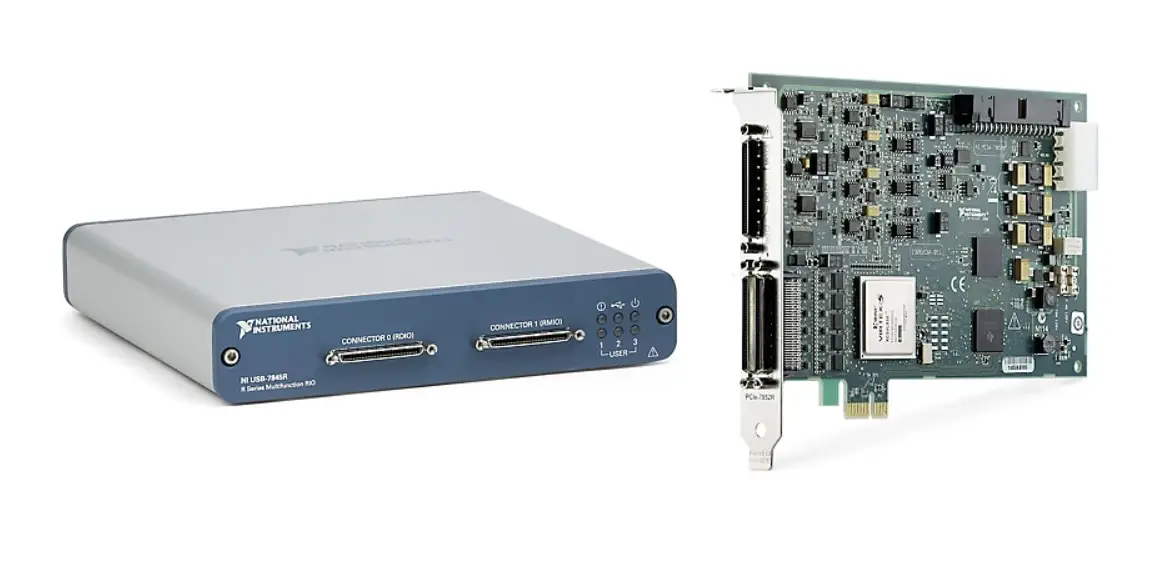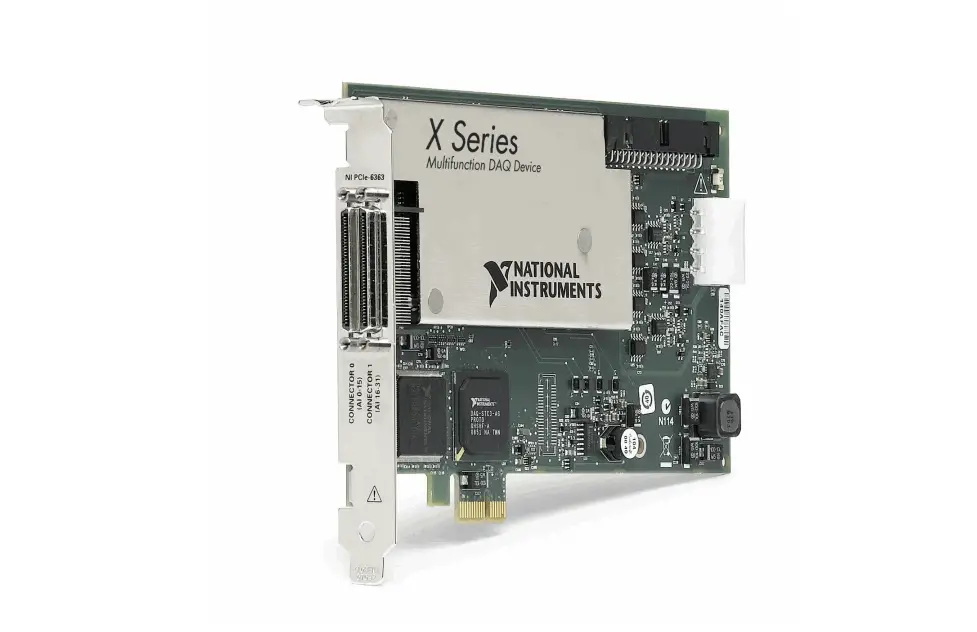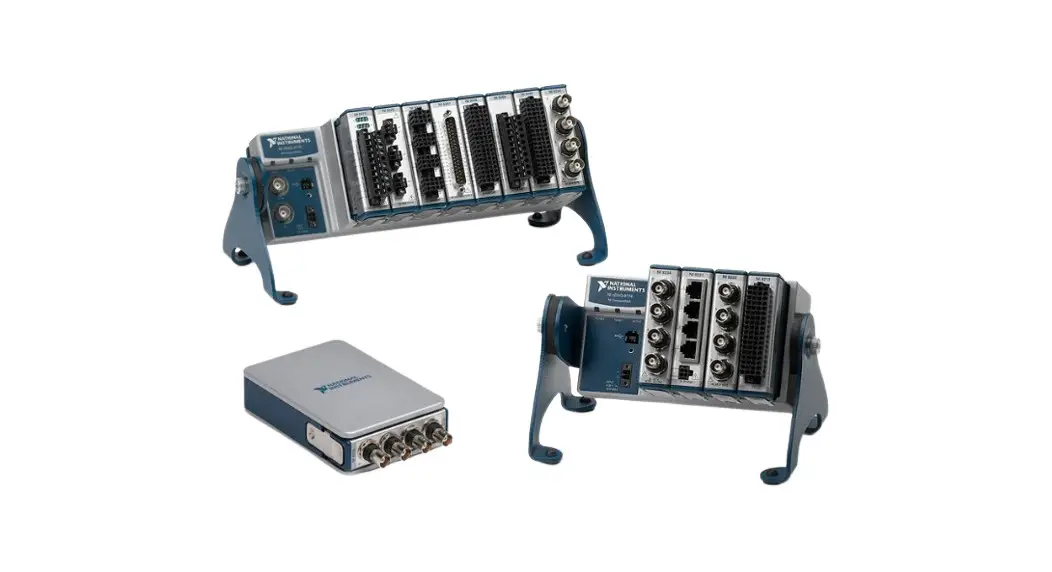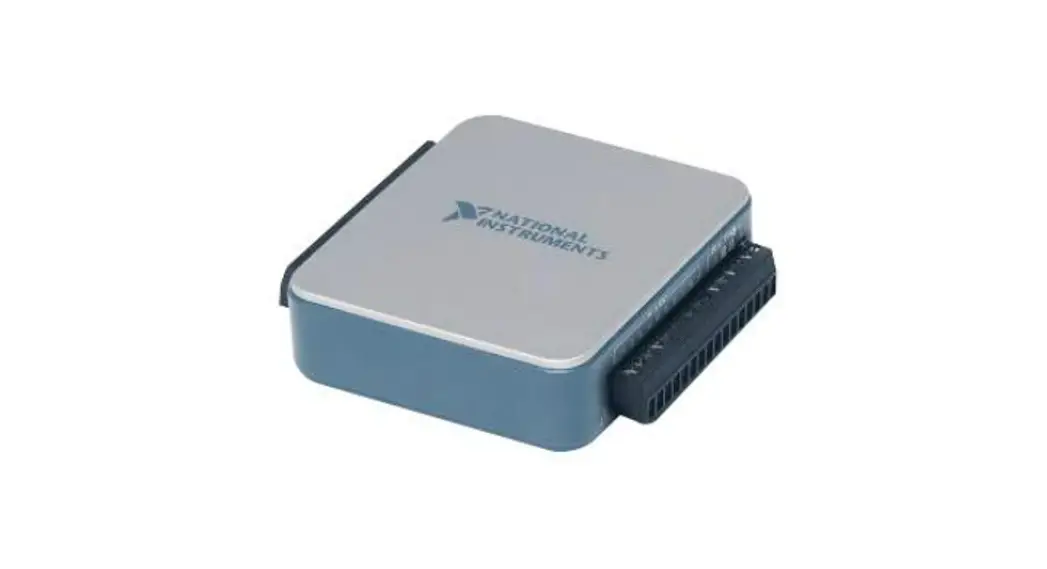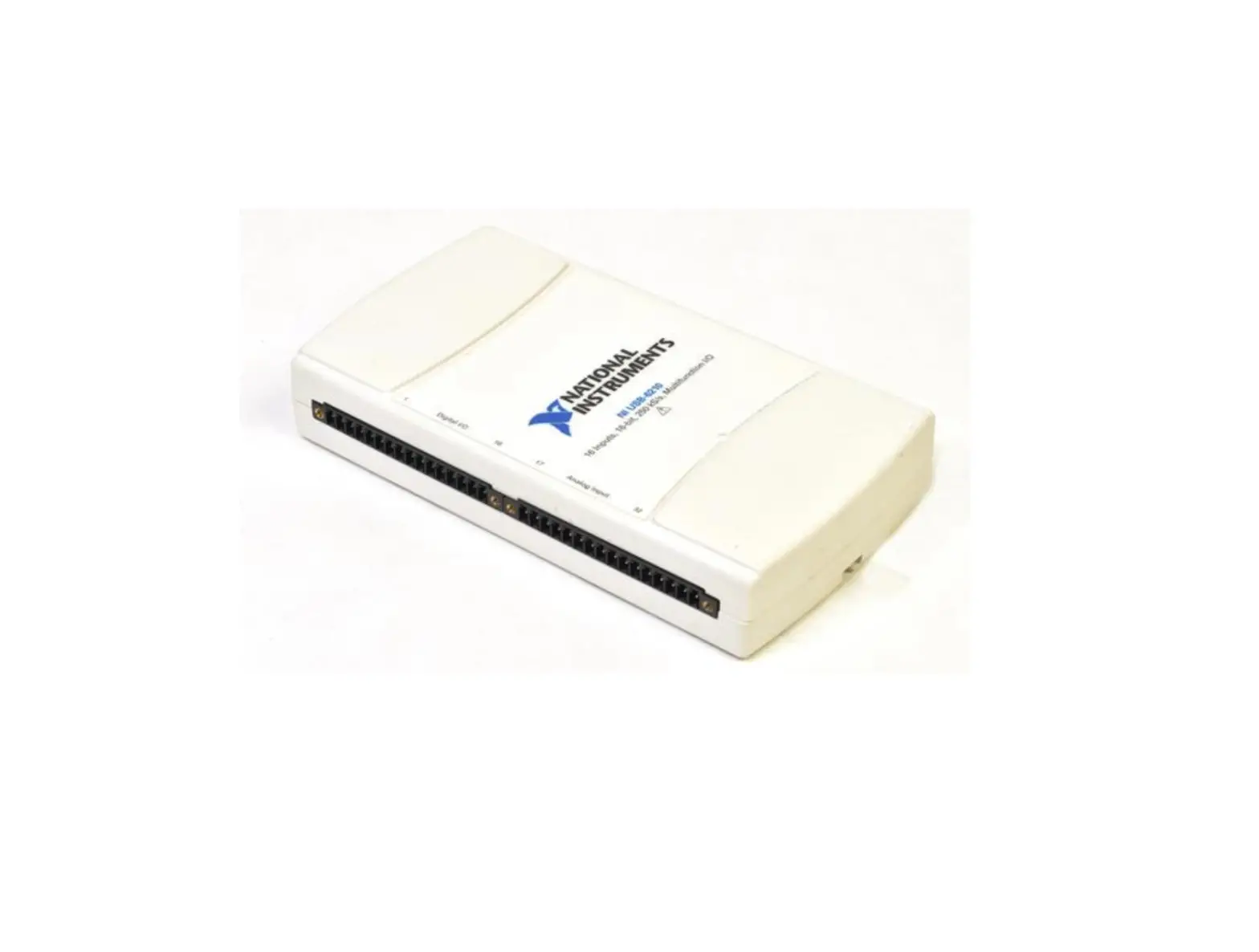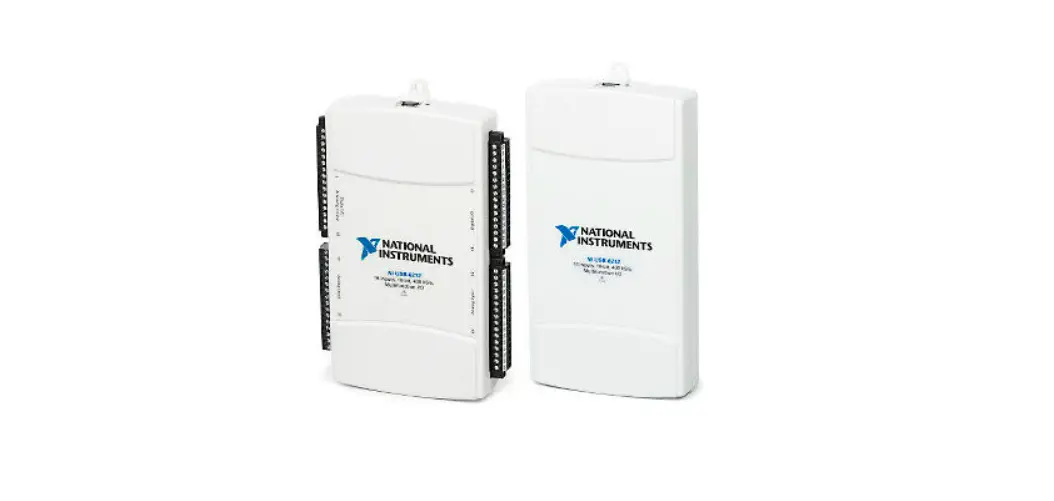

Multifunction I/O Low-Cost DAQ USB Device
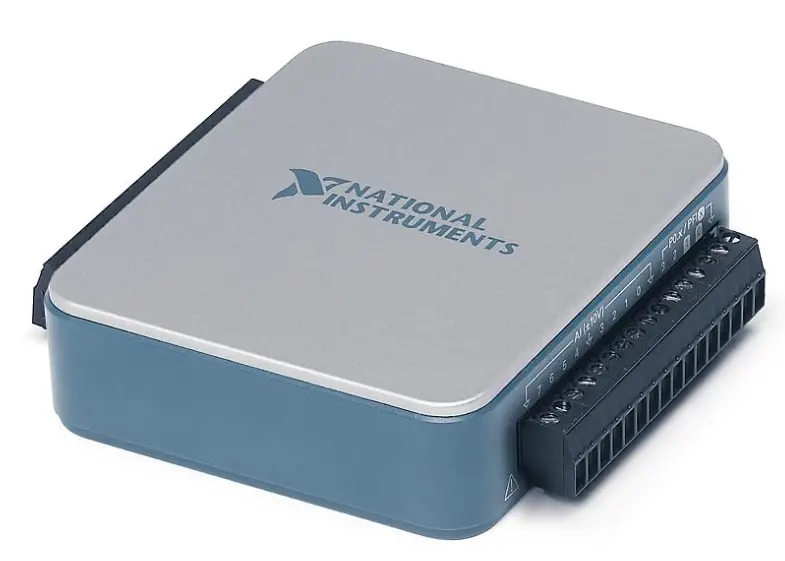
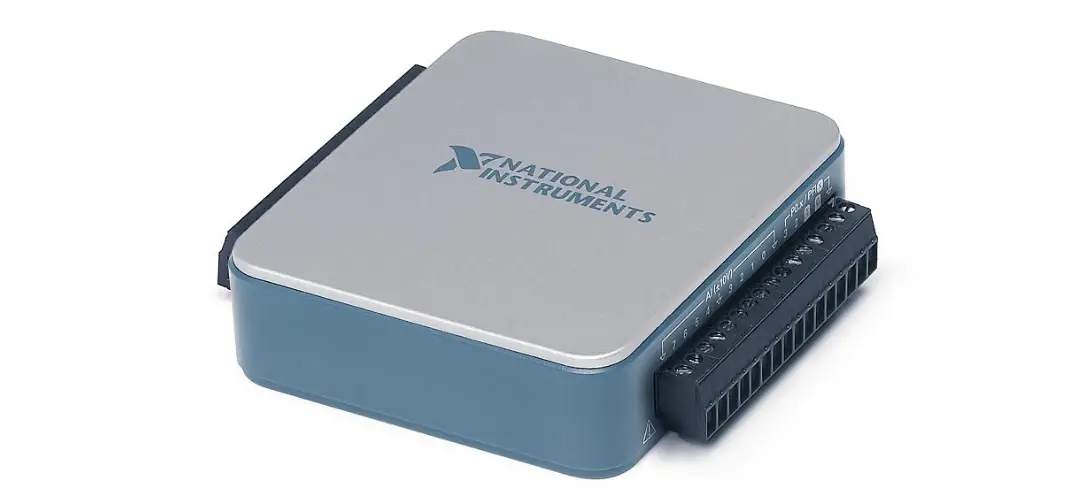
Product Information: USB-6001
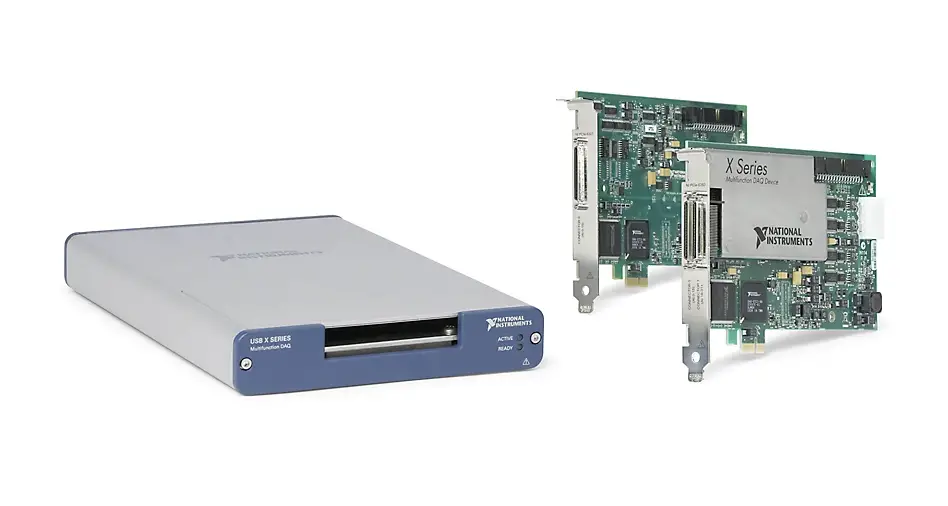
The USB-6001 is a low-cost DAQ (Data Acquisition) USB device manufactured by NI (National Instruments). It comes with a Hi-Speed USB cable and two connector plugs. The device is compatible with NI-DAQmx driver software and NI LabVIEW application development software. It has various digital and analog input/output channels and can be used for various data acquisition applications.
Product Usage Instructions: USB-6001
- Before installing the device, read all product documentation to ensure compliance with safety, EMC, and environmental regulations.
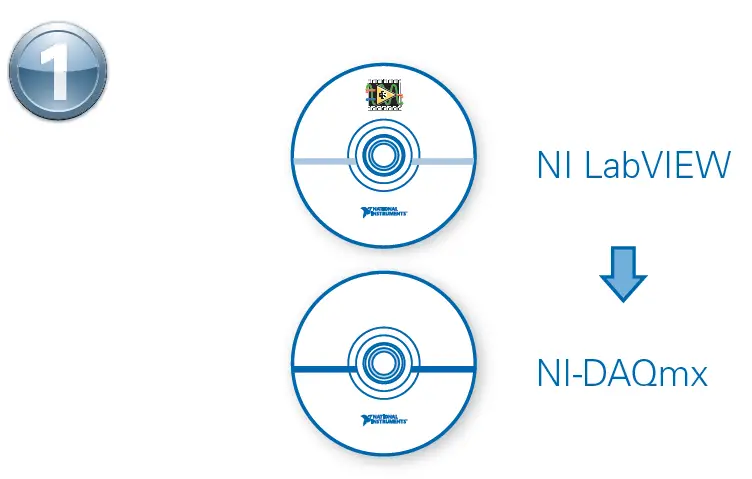
- Install the application development software (if applicable) and then install the NI-DAQmx driver software from ni.com/downloads.
- Refer to the pinout diagram to connect the required input/output channels.
- Refer to the product documentation available at ni.com/manuals a 6001 for further guidance on using the device.
Caution Before installing your device, read all product documentation to ensure compliance with safety, EMC, and environmental regulations.
ni.com/low-cost-daq/getting-started
Refer to the NI Trademarks and Logo Guidelines at ni.com/trademarks for more information on National Instruments trademarks. Other product and company names mentioned herein are trademarks or trade names of their respective companies. For patents covering National Instruments products/technology, refer to the appropriate location: Help»Patents in your software, the patents.txt file on your media, or the National Instruments Patent Notice at ni.com/patents. You can find information about end-user license agreements (EULAs) and third-party legal notices in the readme file for your NI product. Refer to the Export Compliance Information at ni.com/legal/export-compliance for the National Instruments global trade compliance policy and how to obtain relevant HTS codes, ECCNs, and other import/export data.
Contents 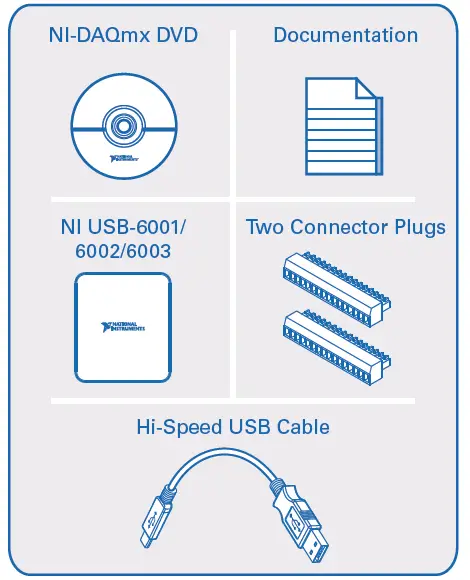
Useful Links
 Getting Started
ni.com/low-cost-daq/getting-started  Examples
ni.com/info a daqmxexp  NI USB-6001/6002/6003 Documentation ni.com/manuals a 6001
  Software
ni.com/downloads  Demonstrations
ni.com/daq/videos  Services and Support
ni.com/services
- Install application development software (if applicable). Then install NI-DAQmx driver software.

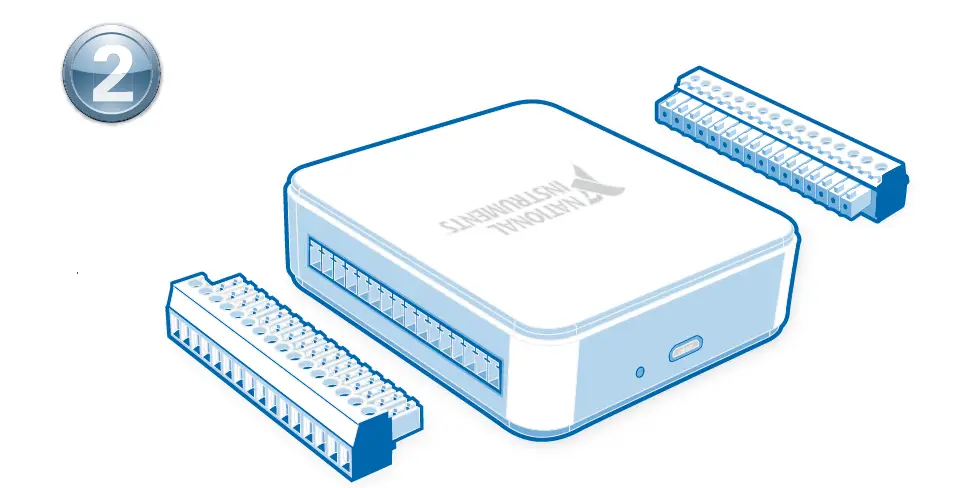
- Attach the screw terminal connector plugs to the device.

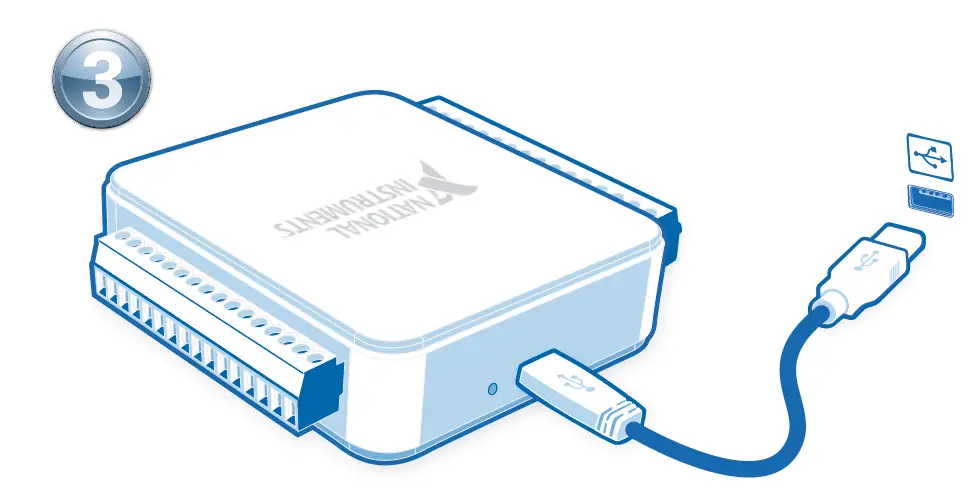
- Connect the device to a USB port on your computer. Then connect shielded sensors and signals as described in the user guide.

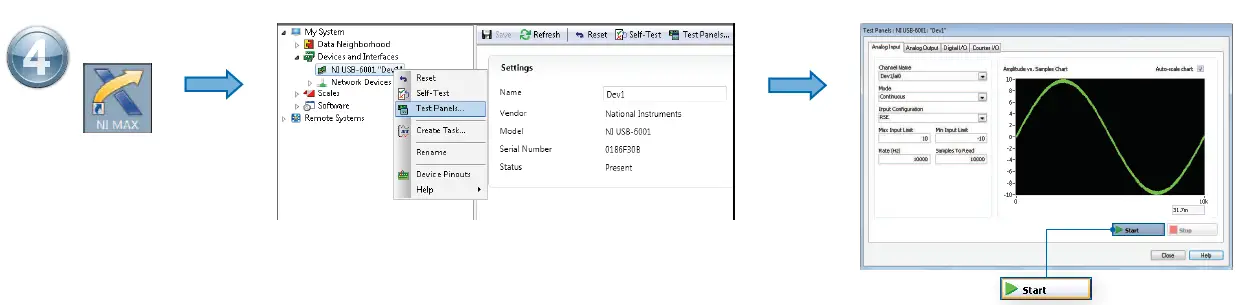
- Take your first measurement in NI Measurement & Automation Explorer (NI MAX). Right-click the device and select Test Panels. After selecting measurement parameters, click Start to verify
measurement functionality.
Pinout 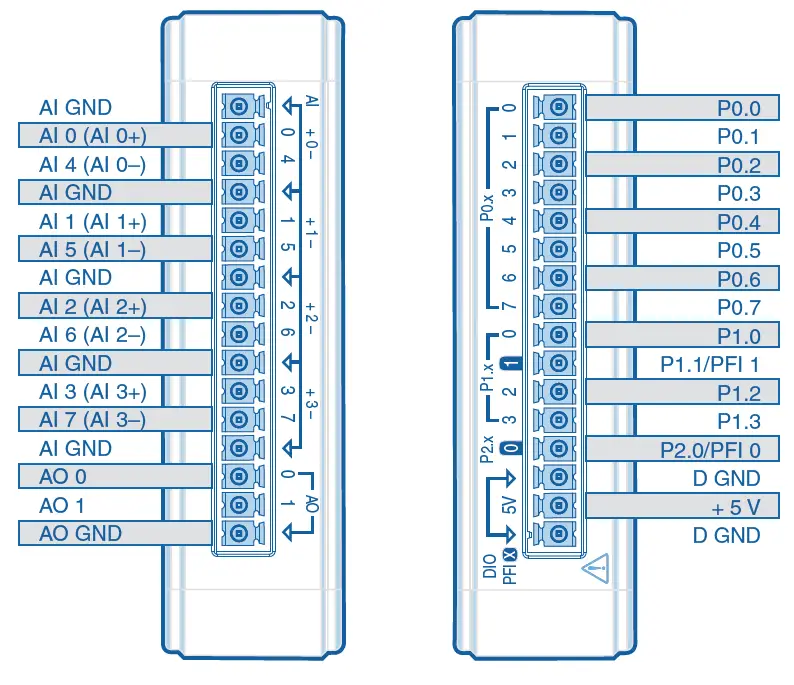
References
 Data Acquisition (DAQ) Systems, Devices & Software - NI
-
Software and Driver Downloads - NI
-
Using Info Codes - NI
-
Trade Compliance - NI
-
What Are Multifunction I/O Devices? - NI
-
Product Documentation - NI
-
National Instruments Patents - NI
-
NI Services - NI
-
NI Trademarks and Logo Guidelines - NI
 USB-6001 National Instruments Multifunction I/O Device | Apex Waves
 Data Acquisition (DAQ) Systems, Devices & Software - NI
 USB-6001 National Instruments Multifunction I/O Device | Apex Waves