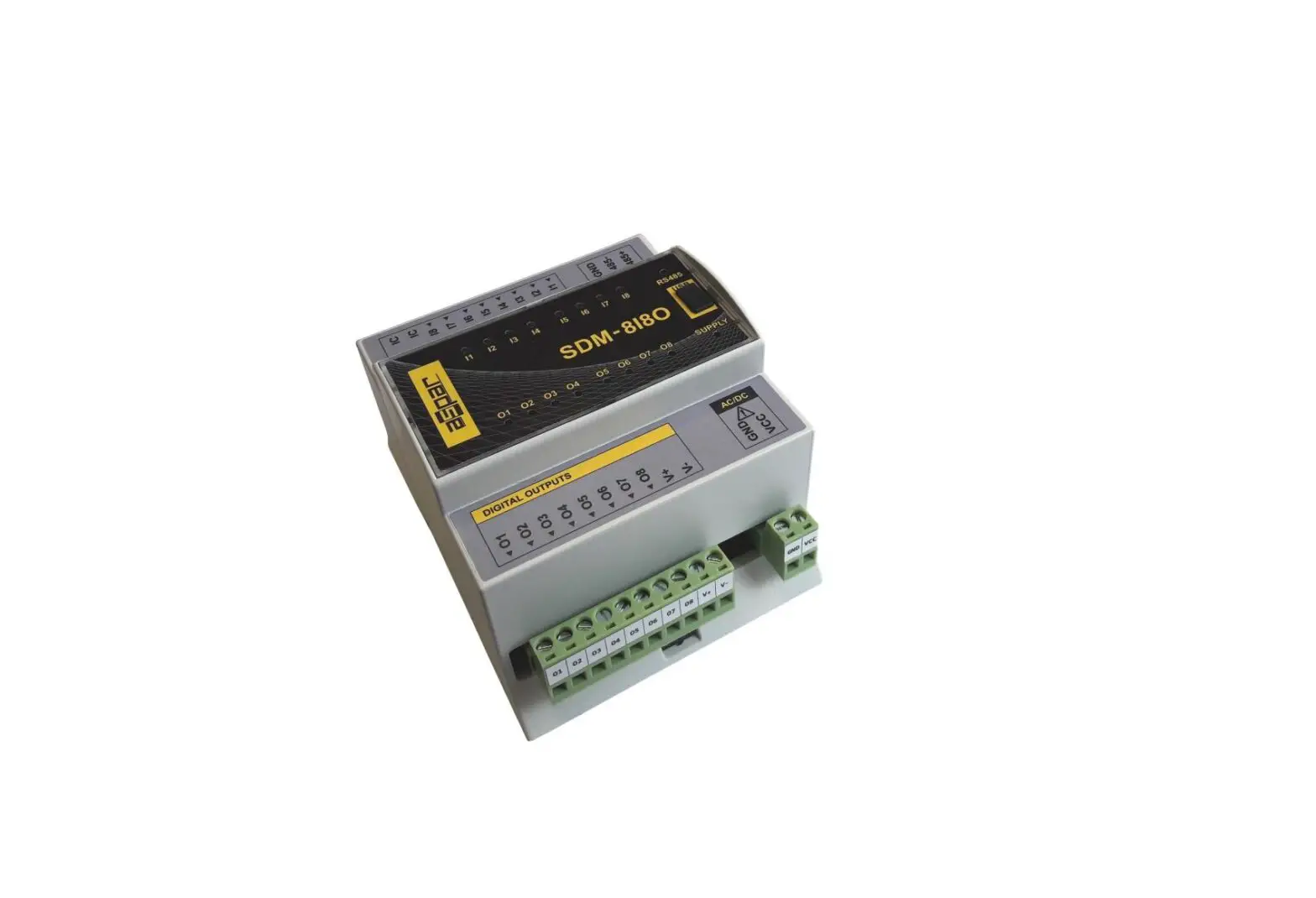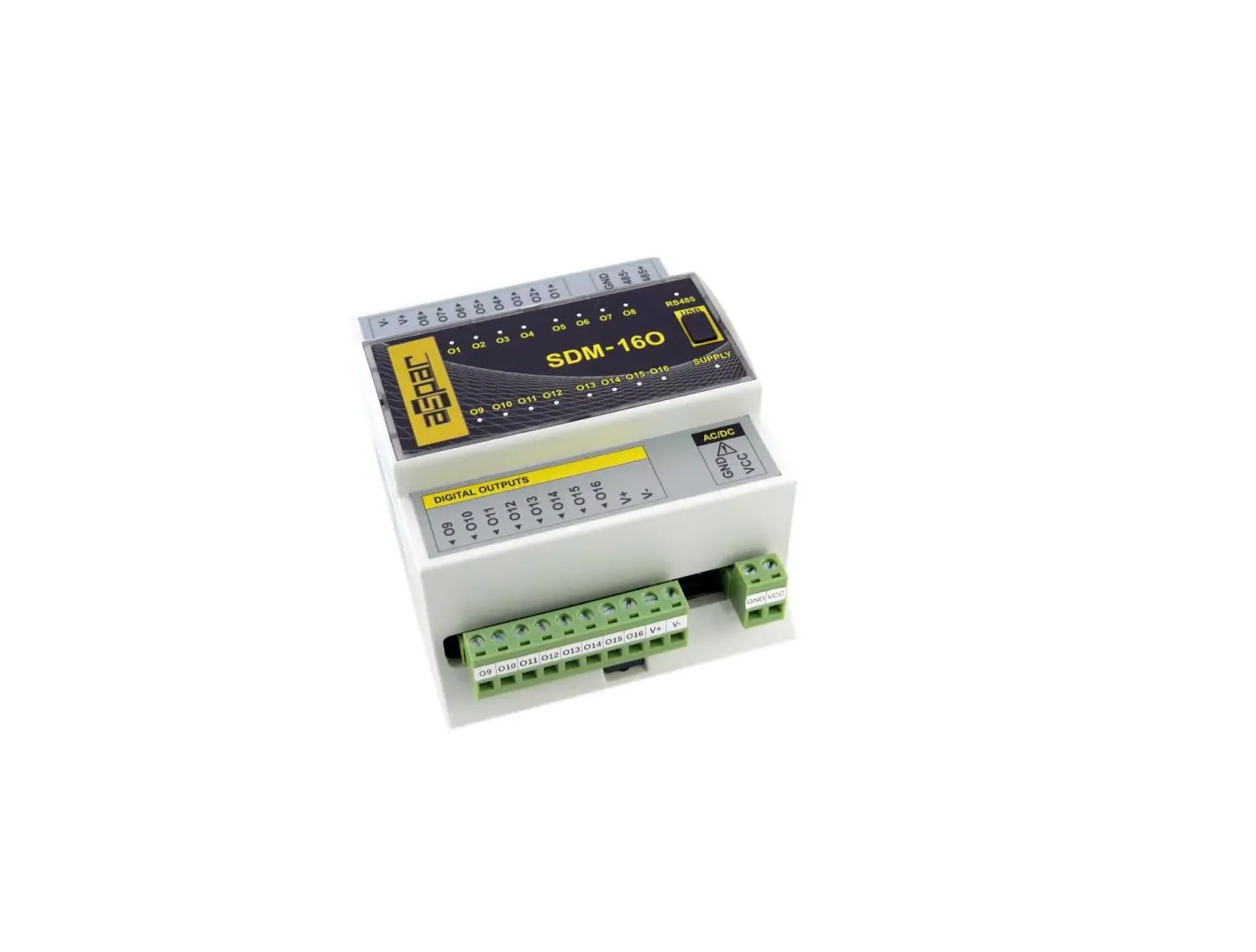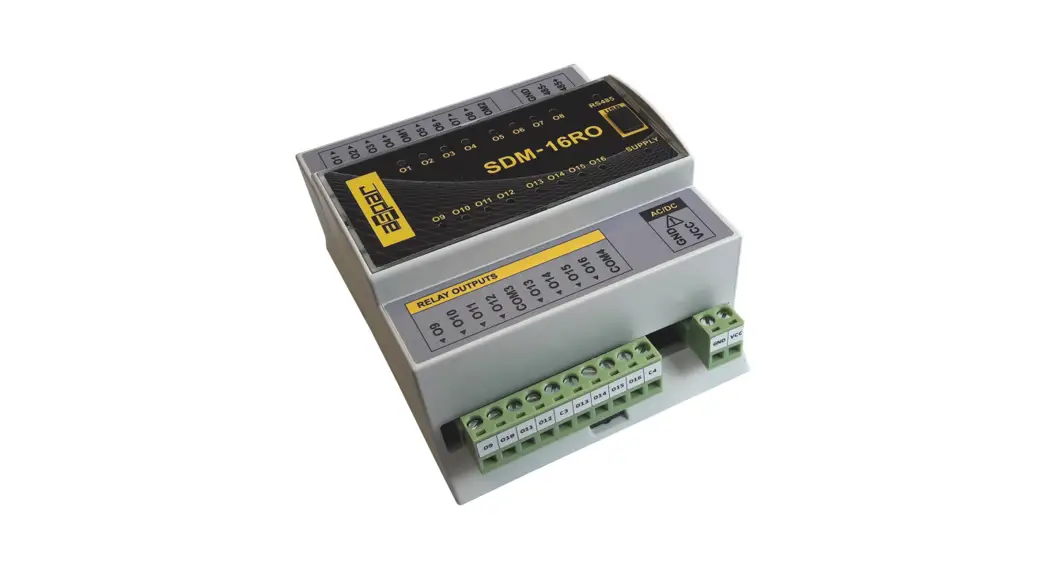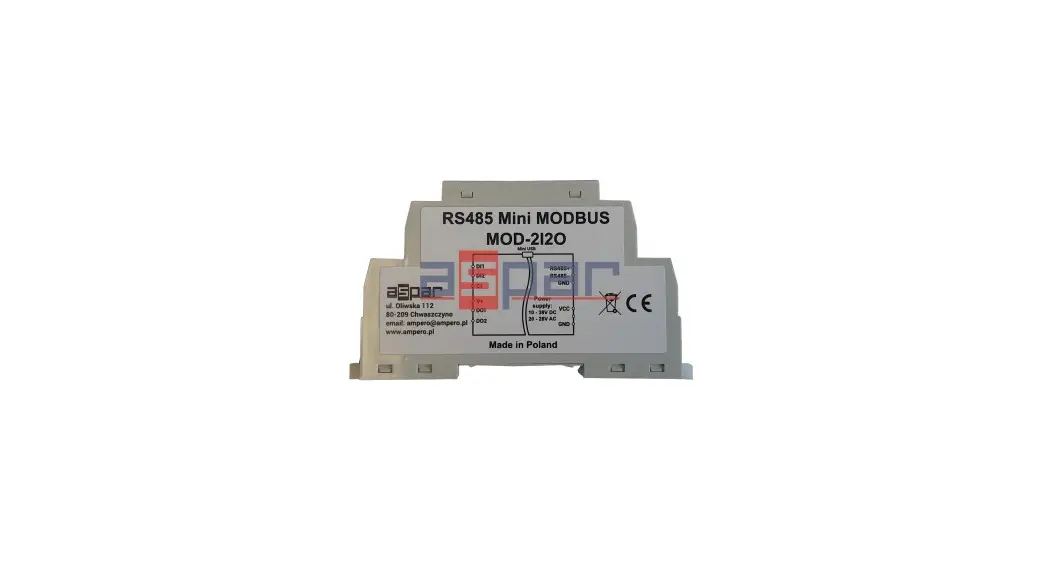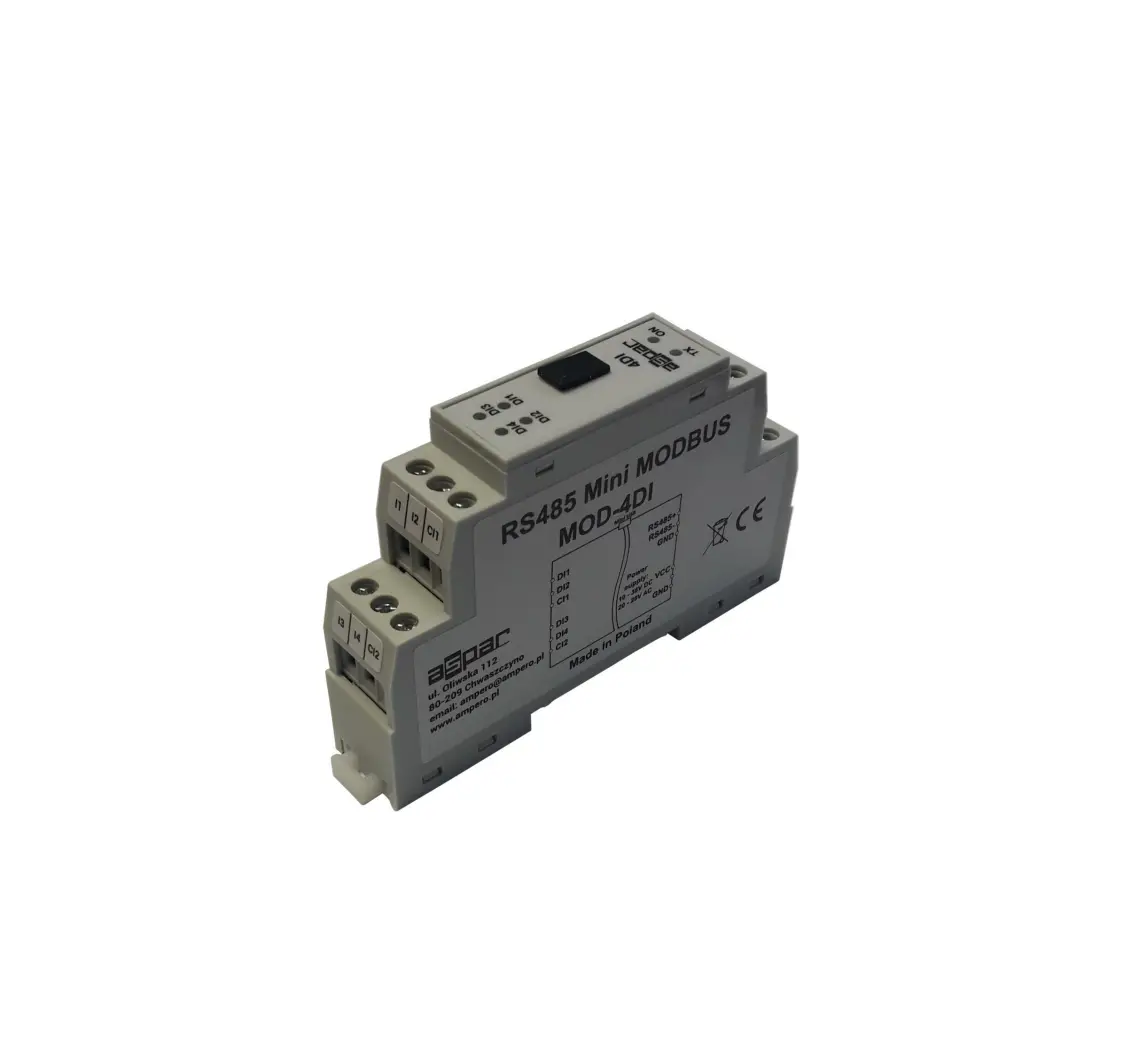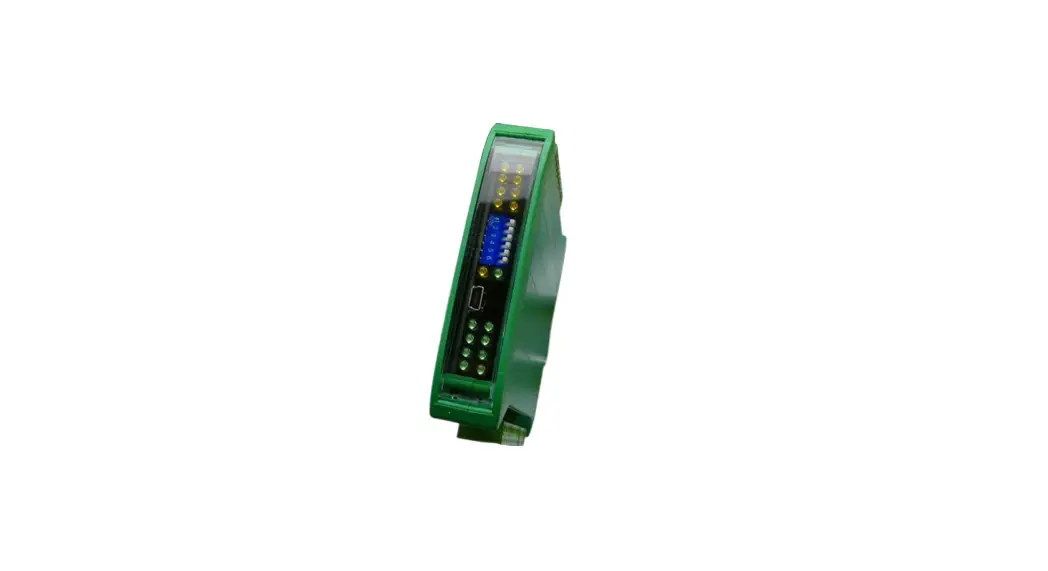
aspar SDM-8AO 8 Analog Outputs Expansion Module User Manual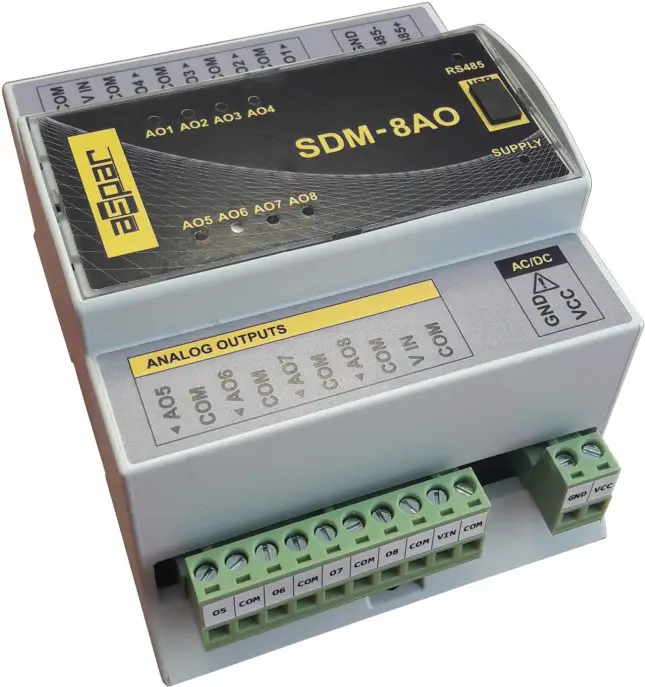
Thank you for choosing our product.
This manual will help you with proper support and proper operation of the device. The information contained in this manual have been prepared with utmost care by our professionals and serve as a description of the product without incurring any liability for the purposes of commercial law. This information does not release you from the obligation of own judgment and verifica tion. We reserve the right to change product specifications without notice. Please read the instructions carefully and follow the recommendations contained therein.
 WARNING!
Failure to follow instructions can result in equipment damage or impede the use of the hardware or software.
Safety rules
- Before first use, refer to this manual
- Before first use, make sure that all cables are connected properly
- Please ensure proper working conditions, according to the device specifications (eg: supply voltage, temperature, maximum power consumption)
- Before making any modifications to wiring connections, turn off the power supply.
Module Features
Purpose and description of the module
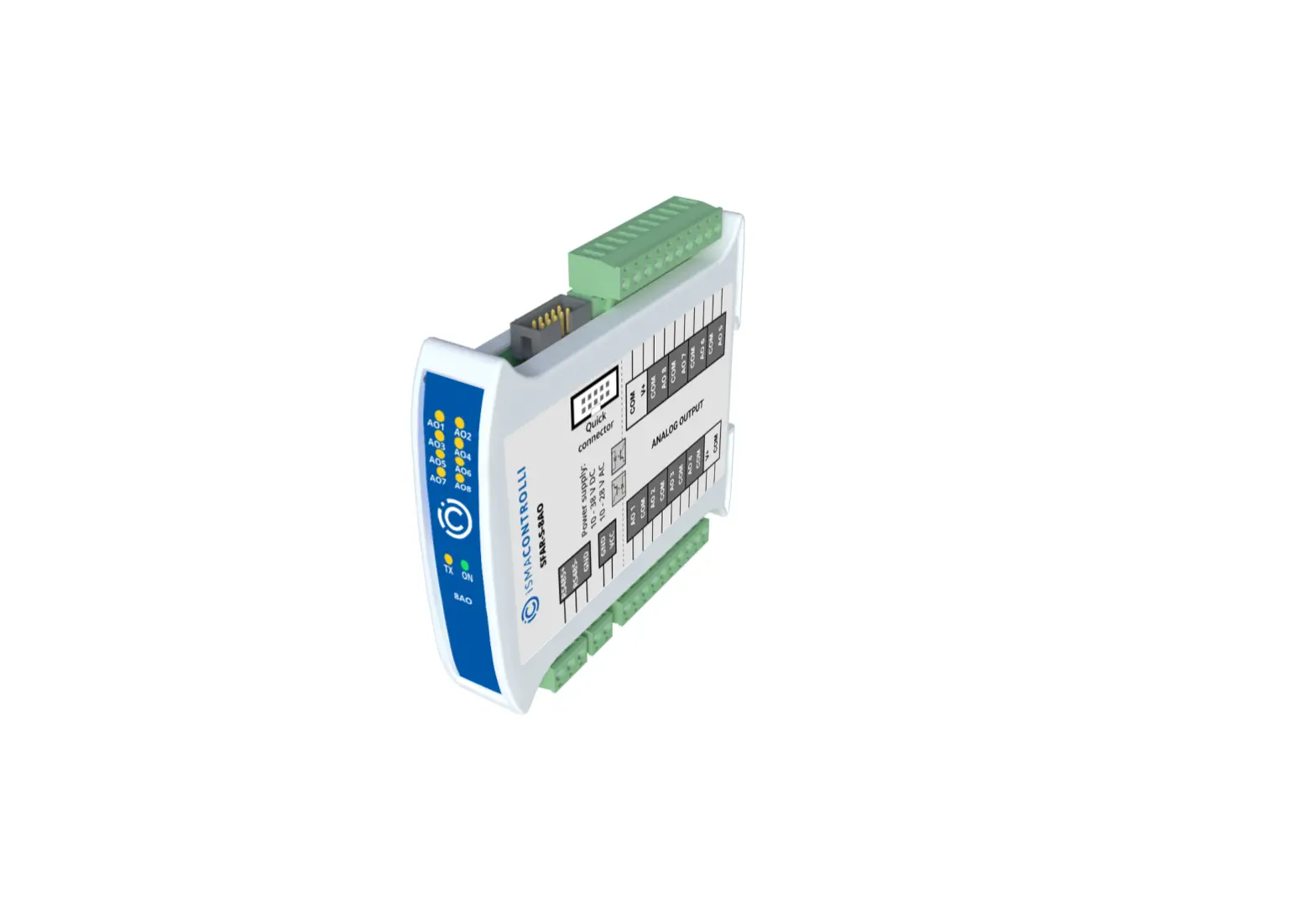
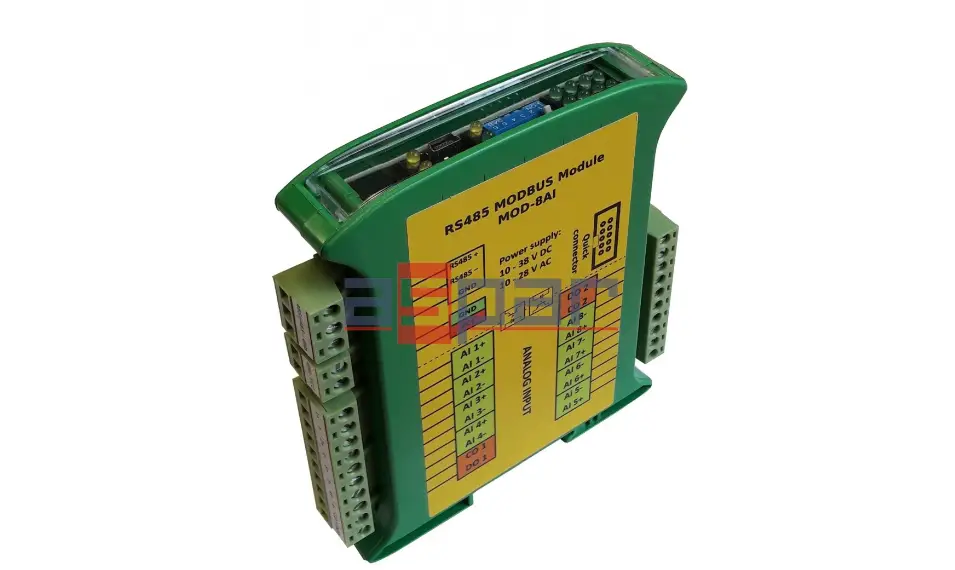
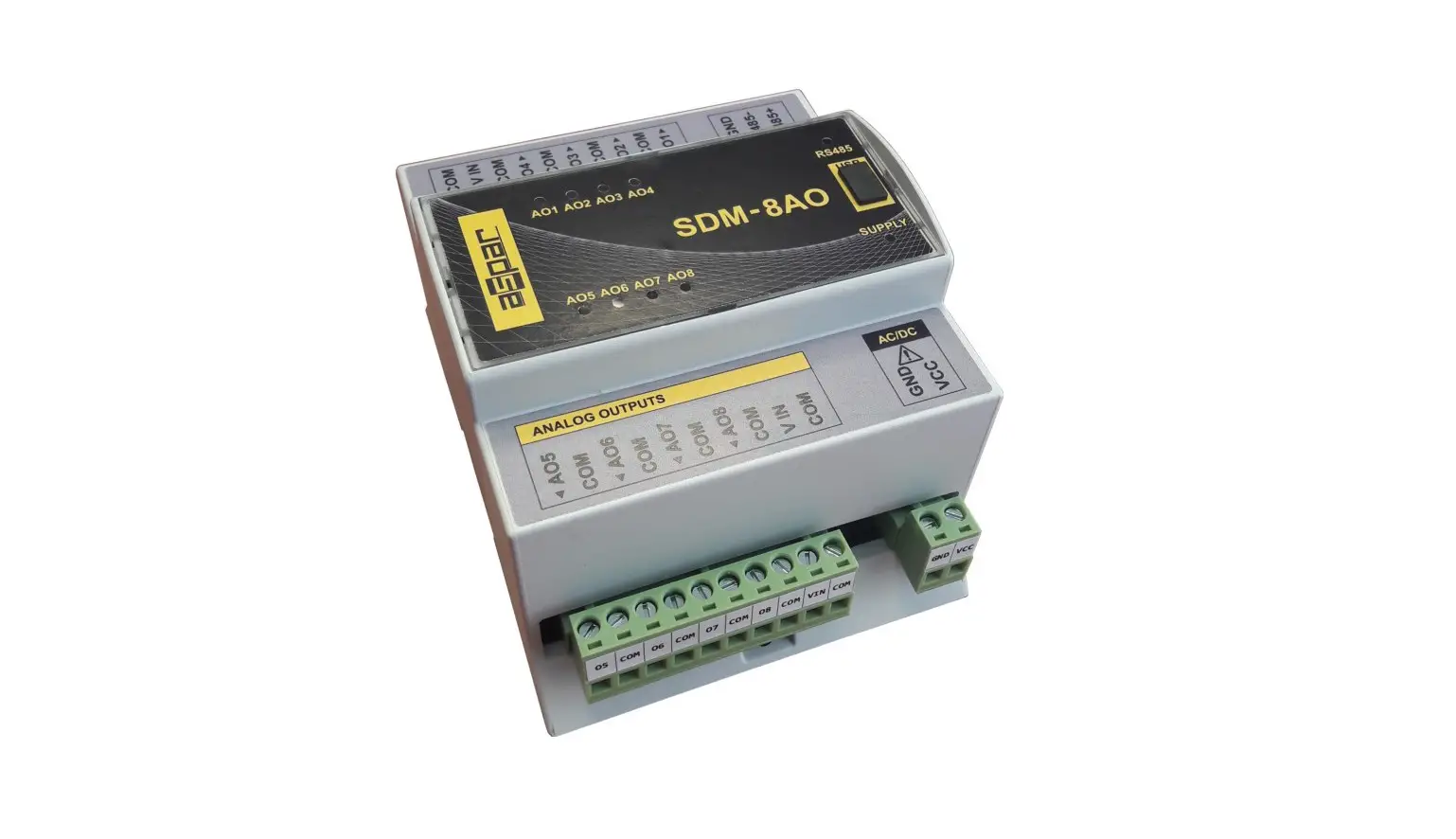
The SDM-8AO module has a set of 8 analog outputs that could work as a current output (0-20mA or 4-20mA) or as a voltage output (0-10V). Setting the output curent or voltage value is done via RS485 (Modbus protocol), so you can easily integrate the module with popular PLCs, HMI or PC equipped with the appropriate adapter. This module is connected to the RS485 bus with twisted-pair wire. Communication is via MODBUS RTU or MODBUS ASCII. The use of 32 bit ARM core processor provides fast processing and quick communication. The baud rate is configurable from 2400 to 115200 The module is designed for mounting on a DIN rail in accordance with DIN EN 5002. The module is equipped with a set of LEDs used to indicate the status of inputs and outputs useful for diagnostic purposes and helping to find errors. Module configuration is done via USB by using a dedicated computer program. You can also change the parameters using the MODBUS protocol.
Technical Specifications
| Power Supply | Voltage | 10-30 VDC; 10-28VAC |
| Maximum Current* | DC: 52 mA @ 24VDC AC: 62 mA @ 24VAC | |
| Maximum power consumption | DC: 1,25W; AC: 1,5VA | |
| Outputs | No of outputs | 8 |
| Voltage output | 0V do 10V ( resolution 1.5mV) | |
| Current output | 0mA do 20mA ( resolution 5μA) | |
| Current output | 4mA do 20mA (value in ‰ – 1000 steps) (resolution 16μA) | |
| Measurement resolution | 12 bits | |
| ADC processing time | 16ms / channel | |
| Temperature | Work | -10 °C – +50°C |
| Storage | -40 °C – +85°C | |
| Connectors | Power Supply | 2 pins |
| Communication | 3 pins | |
| Outputs | 2x 10 pins | |
| Configuration | Mini USB | |
| Size | Height | 110 mm |
| Length | 62 mm | |
| Width | 88 mm | |
| Interface | RS485 | Up to 128 devices |
Dimensions of the product
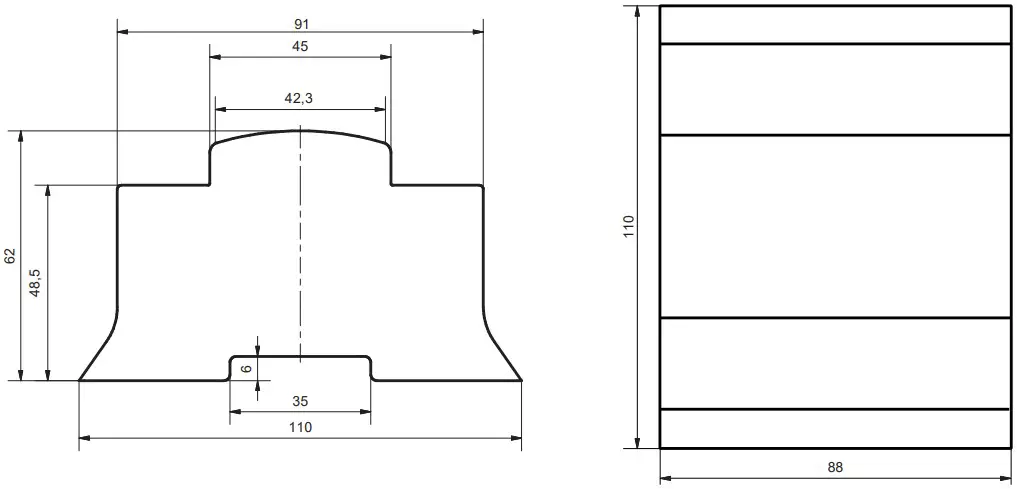
Look and dimensions of the module are shown below. The module is mounted directly to the rail in the DIN industry standard. Power connectors, communication and IOs are at the bottom and top of the module. USB connector configuration and indicators located on the front of the module.
Communication configuration
Grounding and shielding
In most cases, IO modules will be installed in an enclosure along with other devices which generate electromagnetic radiation. Examples of these devices are relays and contactors, transformers, motor controllers etc. This electromagnetic radiation can induce electrical noise into both power and signal lines, as well as direct radiation into the module causing negative effects on the system. Appropriate grounding, shielding and other protective steps should be taken at the installation stage to prevent these effects. These protective steps include control cabinet grounding, module grounding, cable shield grounding, protective elements for electromagnetic switching devices, correct wiring as well as consideration of cable types and their cross sections.
Network Termination
Transmission line effects often present a problem on data communication networks. These problems include reflections and signal attenuation. To eliminate the presence of reflections from the end of the cable, the cable must be terminated at both ends with a resistor across the line equal to its characteristic impedance. Both ends must be terminated since the direction of propagation is bidirectional. In the case of an RS485 twisted pair cable this termination is typically 120 Ω.
Setting Module Address in RS485 Modbus Network
The following table shows how to set switch to determine the address of the module. The module address is set with the switches in the range of 0 to 127. Addresses From 128 to 255 can by set via RS485 or USB.
| Switch | Address |
| SW1 | +1 |
| SW2 | +2 |
| SW3 | +4 |
| SW4 | +8 |
| SW5 | +16 |
| SW6 | +32 |
| SW7 | +64 |
Ex. if switches 1, 3 and 5 are on than module addres is:
Address = 1 + 4 + 16 = 21
Types of Modbus Registers
There are 4 types of variables available in the modul
| Typ e | Beginning address | Variable | Access | Modbus Command |
| 1 | 00001 | Digital Outputs | BitRead & Write | 1, 5, 15 |
| 2 | 10001 | Digital Inputs | Bit Read | 2 |
| 3 | 30001 | Input Registers | Registered Read | 3 |
| 4 | 40001 | Output Registers | Registered Read & Write | 4, 6, 16 |
Communication settings
The data stored in the modules memory are in 16-bit registers. Access to
registers is via MODBUS RTU or MODBUS ASCII.
Default settings
You can restore the default configuration by the switch SW8 (see 3.5.2 – Restore the default configuration)
| Baud rate | 19200 |
| Parity | No |
| Data bits | 8 |
| Stop bits | 1 |
| Reply Delay [ms] | 0 |
| Modbus Type | RTU |
Restore the default configuration
To restore the default configuration:
- turn off the power
- turn on the switch SW8
- turn on the power
- when power and communication LED start blinking alternately than turn off the switch SW8
Caution! After restoring the default configuration all values stored in the registers will be cleared as well.
Configuration registers
| Modbus | Dec | Hex | Name | Values |
| 40003 | 2 | 0x02 | Baud rate | 0 – 24001 – 48002 – 96003 – 192004 – 384005 – 576006 – 115200other – value * 10 |
| 40005 | 4 | 0x04 | Parity | 0 – none1 – odd2 – even3 – always 14 – always 0 |
| 40004 | 3 | 0x03 | Stop Bits LSB | 1 – one stop bit 2 – two stop bits |
| 40004 | 3 | 0x03 | Data Bits MSB | 7 – 7 data bits8 – 8 data bits |
| 40006 | 5 | 0x05 | Response delay | Time in ms |
| 40007 | 6 | 0x06 | Modbus Mode | 0 – RTU1 – ASCII |
Watchdog function
This 16-bit register specifies the time in milliseconds to watchdog reset. If module does not receive any valid message within that time, all Digital and Analog Outputs will be set to the default state. This feature is useful if there is an interruption in data transmission and for security reasons. Output states must be set to the appropriate state in order to assure the safety of persons or property. The default value is 0 milliseconds which means the watchdog function is disabled.
Switches
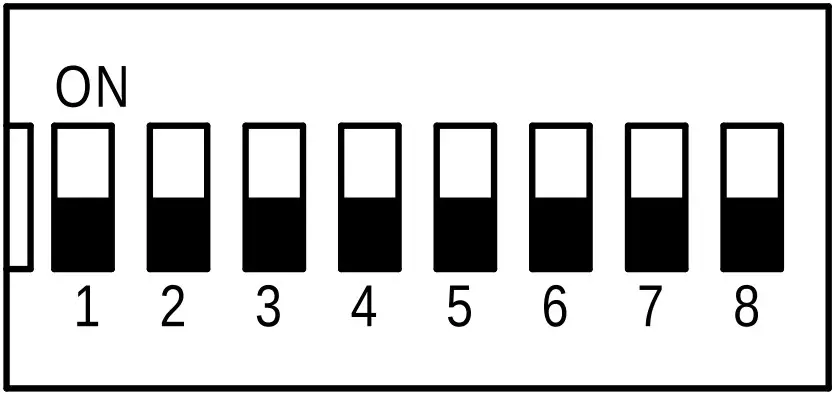
| Switch | Function | Description |
| 1 | Module address +1 | Setting module address from 0 to 127 |
| 2 | Module address +2 | |
| 3 | Module address +4 | |
| 4 | Module address +8 | |
| 5 | Module address +16 | |
| 6 | Module address +32 | |
| 7 | Module address +64 | |
| 8 | Restoring default settings | Restoring default settings(see 3.5.2 – Restore the default configuration). |
Front panel removing
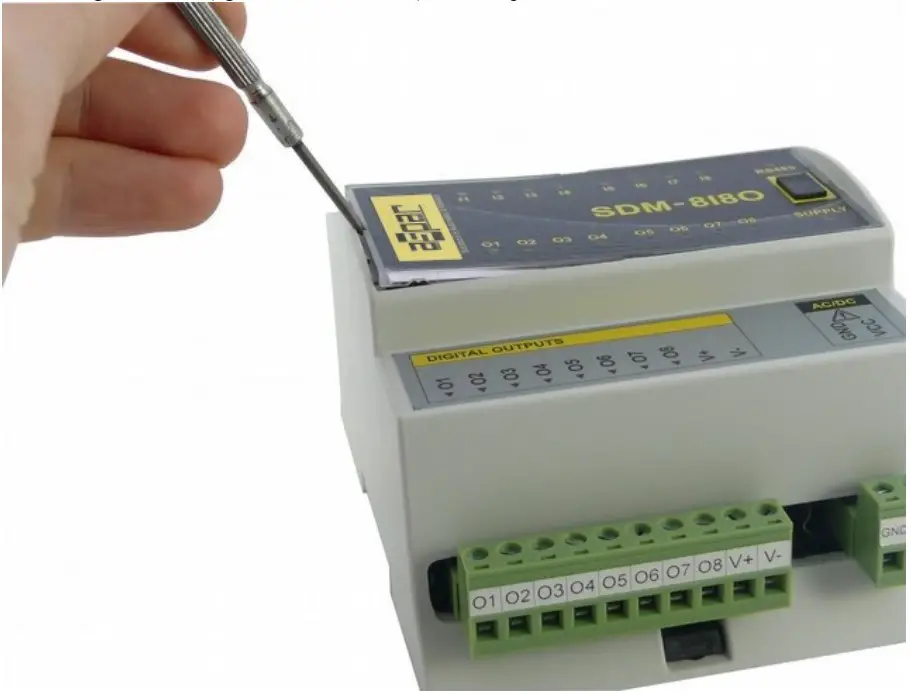
To remove the panel and gain access to the switch, you must pry open the panel using a thin tool (eg a small screwdriver) as in the picture below.
Indicators
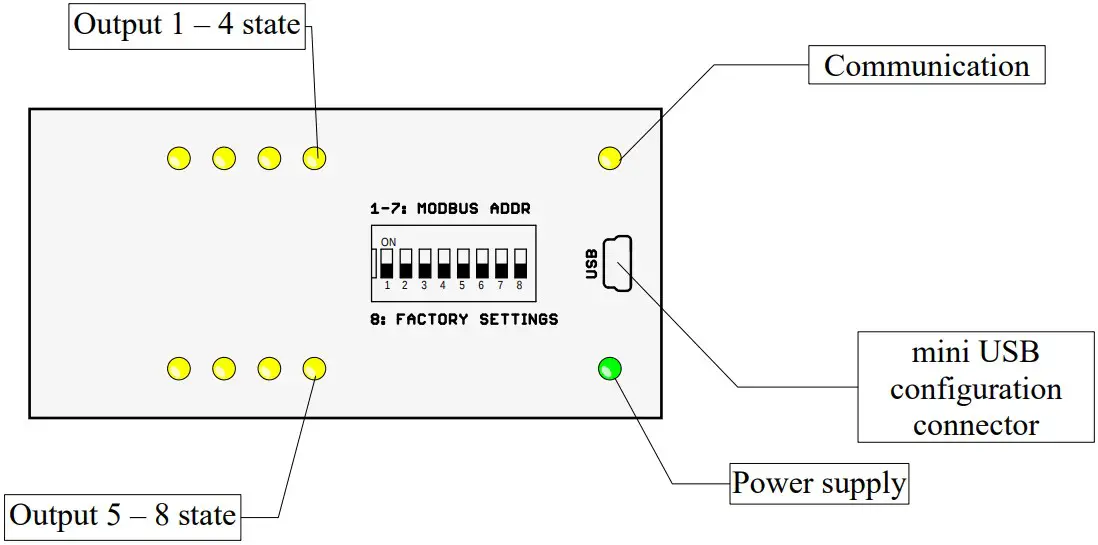
| Indicator | Description |
| Power supply | LED indicates that the module is correctly powered. |
| Communication | The LED lights up when the unit received the correct packet and sends the answer. |
| Outputs state | LED indicates that the output is on. |
Module Connection
Analog outputs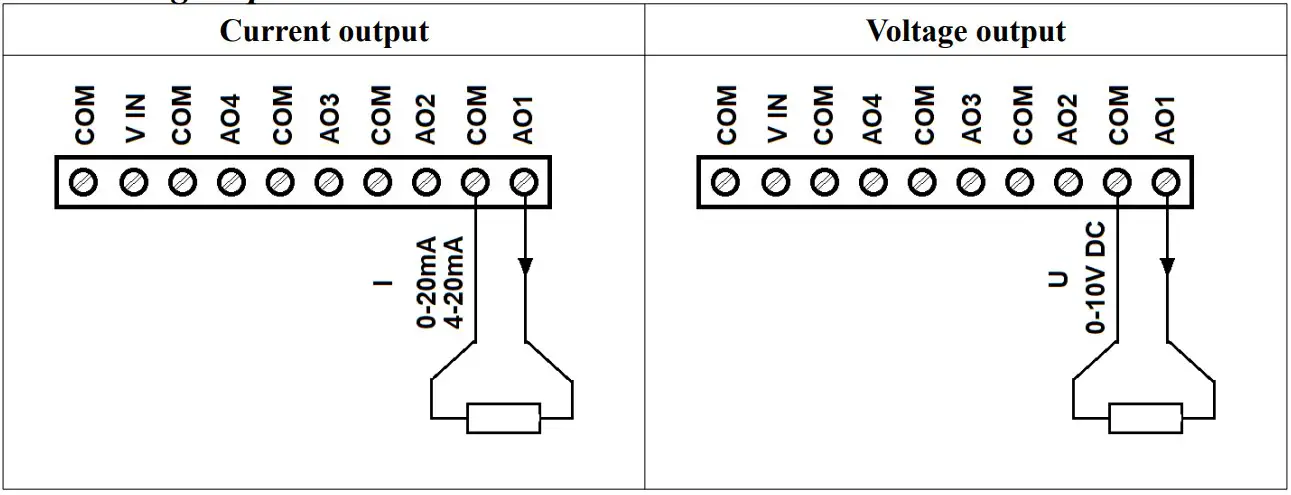
Power supply of analog outputs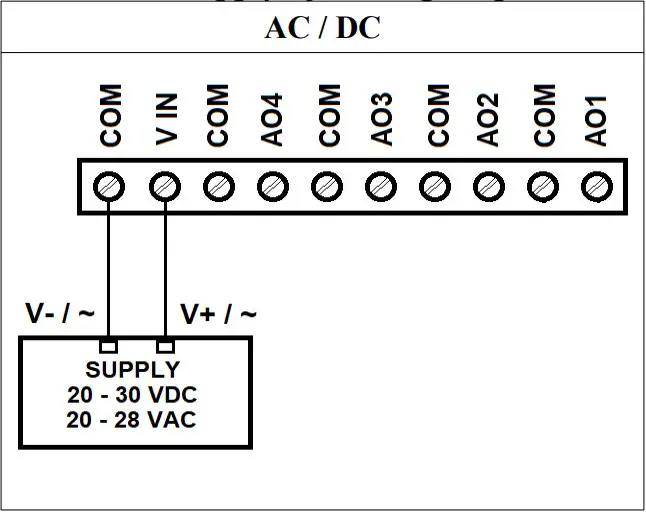
Communication, power supply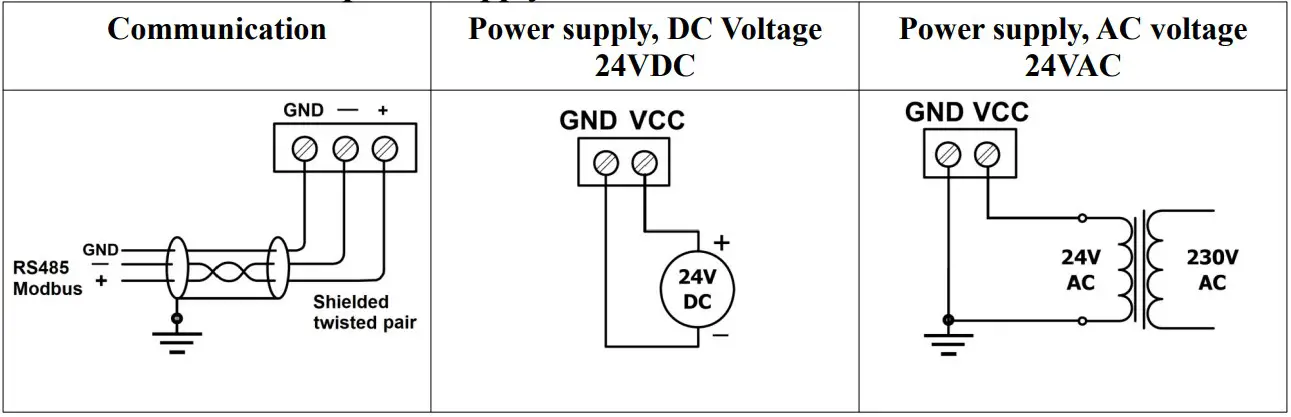
Setting output mode
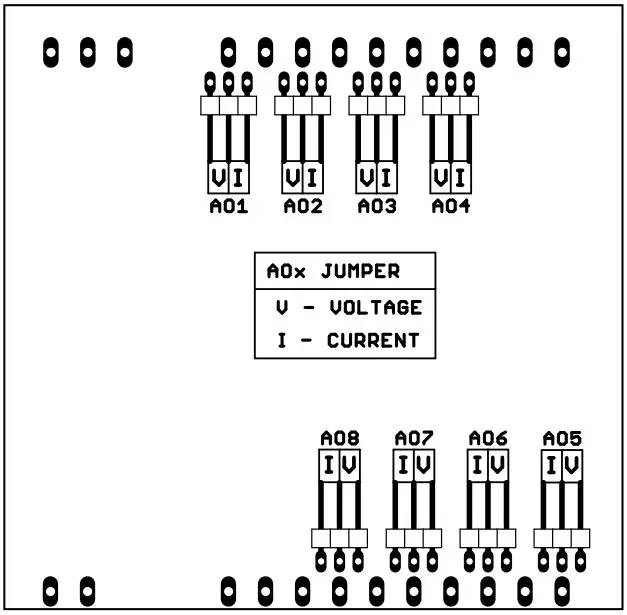
Each of outputs can be configured as a voltage outputs or a current outputs. To change the operating mode in addition to configuration changes by using the program or via RS485, also set the jumpers inside the module as shown below
| Jumper | Description |
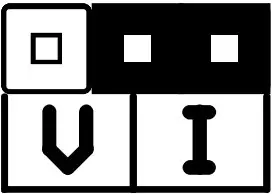 | Current output (default) |
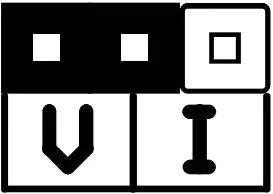 | Voltage output |
Opening the housing
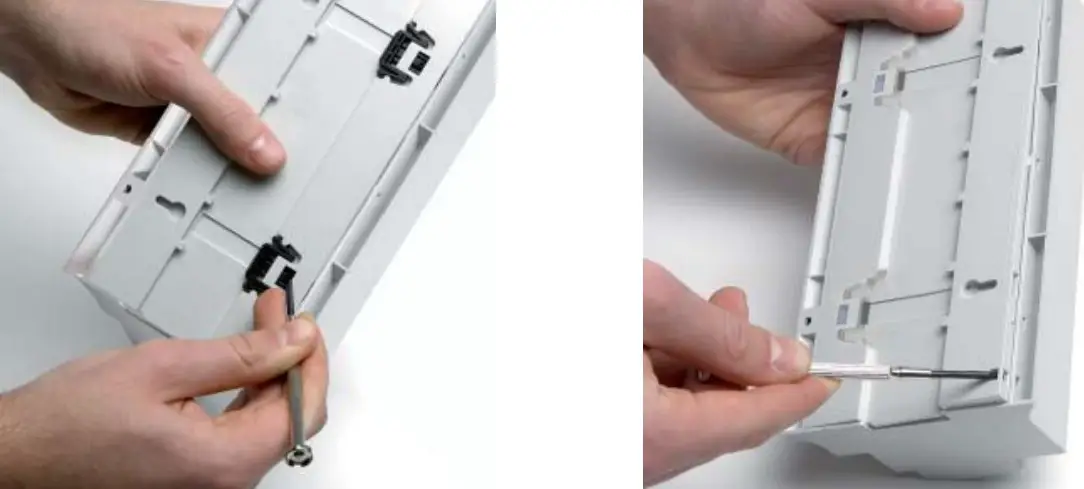
- Remove the clip by pressing it and moving toward the center of the housing
- Separate the housing gently tilting the clamps using a thin tool.
Modules Registers
| Modbus | Dec | Hex | Register Name | Access | Description |
| 30001 | 0 | 0x00 | Version/Type | Read | Version and Type of the device |
| 30002 | 1 | 0x01 | Switches | Read | Switches state |
| 40003 | 2 | 0x02 | Baud rate | Read & Write | RS485 baud rate |
| 40004 | 3 | 0x03 | Stop Bits & Data Bits | Read & Write | No of Stop bits & Data Bits |
| 40005 | 4 | 0x04 | Parity | Read & Write | Parity bit |
| 40006 | 5 | 0x05 | Response Delay | Read & Write | Response delay in ms |
| 40007 | 6 | 0x06 | Modbus Mode | Read & Write | Modbus Mode (ASCII or RTU) |
| 40009 | 8 | 0x08 | Watchdog | Read & Write | Watchdog |
| 40033 | 32 | 0x20 | Received packets LSB | Read & Write | No of received packets |
| 40034 | 33 | 0x21 | Received packets MSB | Read & Write | |
| 40035 | 34 | 0x22 | Incorrect packets LSB | Read & Write | No of received packets with error |
| 40036 | 35 | 0x23 | Incorrect packets MSB | Read & Write | |
| 40037 | 36 | 0x24 | Sent packets LSB | Read & Write | No of sent packets |
| 40038 | 37 | 0x25 | Sent packets MSB | Read & Write | |
| 30051 | 50 | 0x32 | Outputs | Read | Bit is set if value ≠ 0 |
| 40053 | 52 | 0x34 | Analog output 1 | Read & Write | Value of analog output: in mV for voltage output (max 10240) in μA for current output 0 – 20mA (max 20480) in ‰ for current output 4-20mA (max 1000) |
| 40054 | 53 | 0x35 | Analog output 2 | Read & Write | |
| 40055 | 54 | 0x36 | Analog output 3 | Read & Write | |
| 40056 | 55 | 0x37 | Analog output 4 | Read & Write | |
| 40057 | 56 | 0x38 | Analog output 5 | Read & Write | |
| 40058 | 57 | 0x39 | Analog output 6 | Read & Write | |
| 40059 | 58 | 0x3A | Analog output 7 | Read & Write | |
| 40060 | 59 | 0x3B | Analog output 8 | Read & Write | |
| 40061 | 60 | 0x3C | Default output 1 value | Read & Write | Default value of output set when power is on or when watchdog reset occurs |
| 40062 | 61 | 0x3D | Default output 2 value | Read & Write | |
| 40063 | 62 | 0x3E | Default output 3 value | Read & Write | |
| 40064 | 63 | 0x3F | Default output 4 value | Read & Write | |
| 40065 | 64 | 0x40 | Default output 5 value | Read & Write | |
| 40066 | 65 | 0x41 | Default output 6 value | Read & Write | |
| 40067 | 66 | 0x42 | Default output 7 value | Read & Write | |
| 40068 | 67 | 0x43 | Default output 8 value | Read & Write | |
| 40069 | 68 | 0x44 | Output 1 setting | Read & Write | Setting of output mode: |
| 70 | 69 | 0x45 | Output 2 setting | Read & Write |
| Modbus | Dec | Hex | Register Name | Access | Description |
| 40071 | 70 | 0x46 | Output 3 setting | Read & Write | 0 – output disable 1 – voltage output2 – current output 0-20mA3 – current output 4-20mA |
| 40072 | 71 | 0x47 | Output 4 setting | Read & Write | |
| 40073 | 72 | 0x48 | Output 5 setting | Read & Write | |
| 40074 | 73 | 0x49 | Output 6 setting | Read & Write | |
| 40075 | 74 | 0x4A | Output 7 setting | Read & Write | |
| 40076 | 75 | 0x4B | Output 8 setting | Read & Write |
Bit access
| Modbus Address | Dec Address | Hex Address | Register name | Access | Description |
| 801 | 800 | 0x320 | Output 1 | Read | If voltage or current is greater than 0 then according bit is set. |
| 802 | 801 | 0x321 | Output 2 | Read | |
| 803 | 802 | 0x322 | Output 3 | Read | |
| 804 | 803 | 0x323 | Output 4 | Read | |
| 805 | 804 | 0x324 | Output 5 | Read | |
| 806 | 805 | 0x325 | Output 6 | Read | |
| 807 | 806 | 0x326 | Output 7 | Read | |
| 808 | 807 | 0x327 | Output 8 | Read |
Configuration software
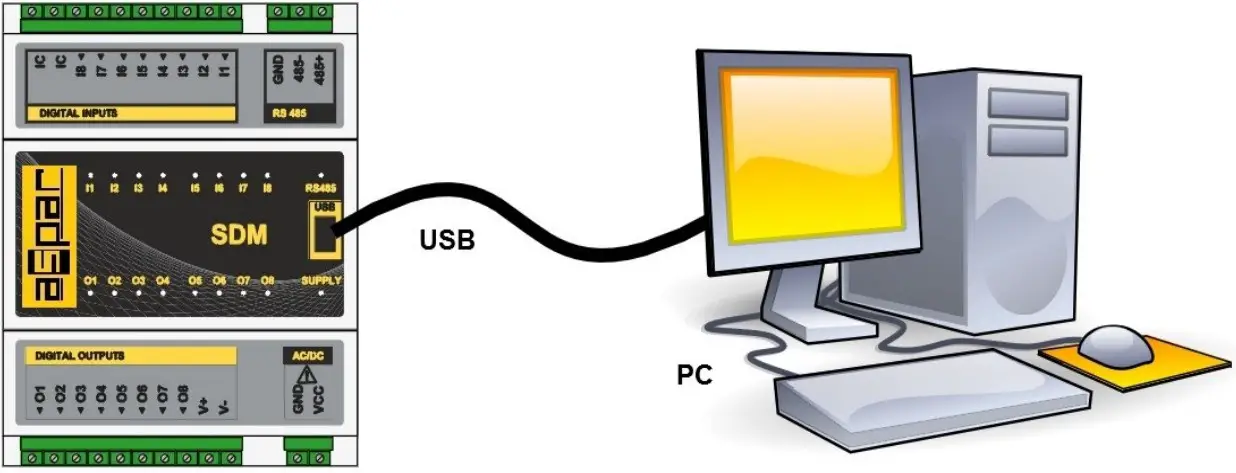
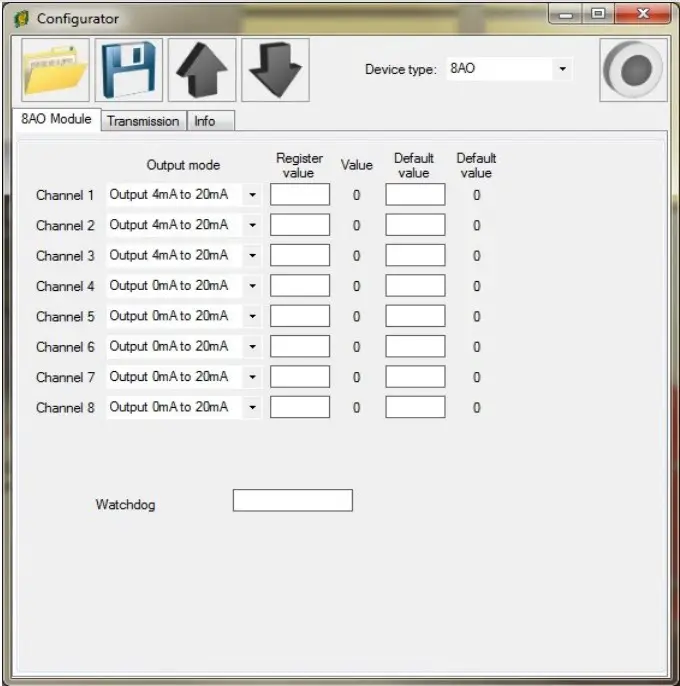
Modbus Configurator is software that is designed to set the module registers
responsible for communication over Modbus network as well as to read and write the current value of other registers of the module. This program can be a convenient way to test the system as well as to observe real-time changes in the registers.
Communication with the module is done via the USB cable. The module does not require any drivers.
Configurator is a universal program, whereby it is possible to configure all available modules.
Manufactured for: Aspar s.c. ul. Oliwska 112
80-209 Chwaszczyno
POLAND
[email protected]
www.ampero.eu
tel. +48 58 351 39 89; +48 58 732 71 73
 Ampero Shop