
QUICK START GUIDE
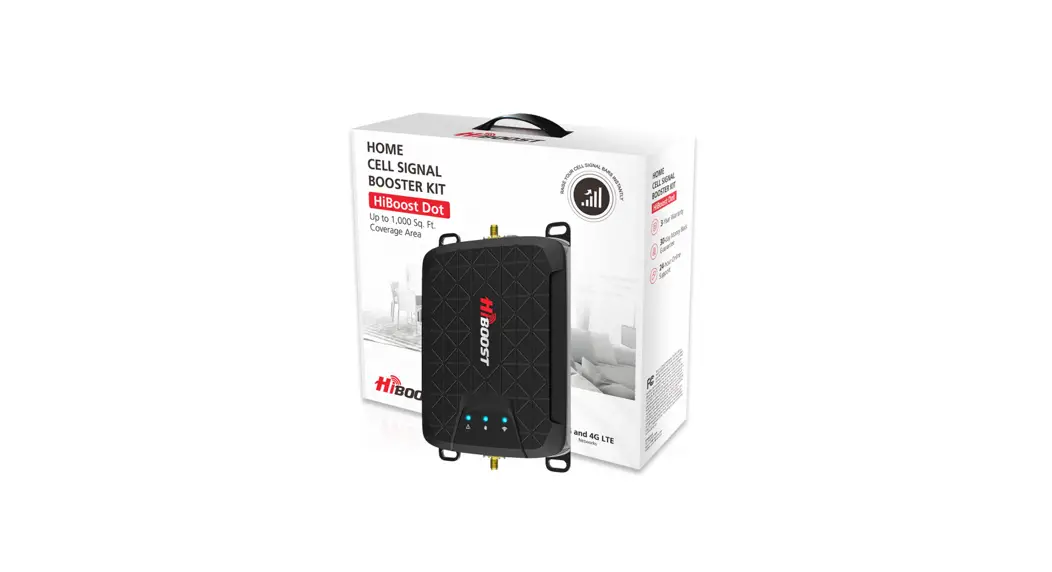
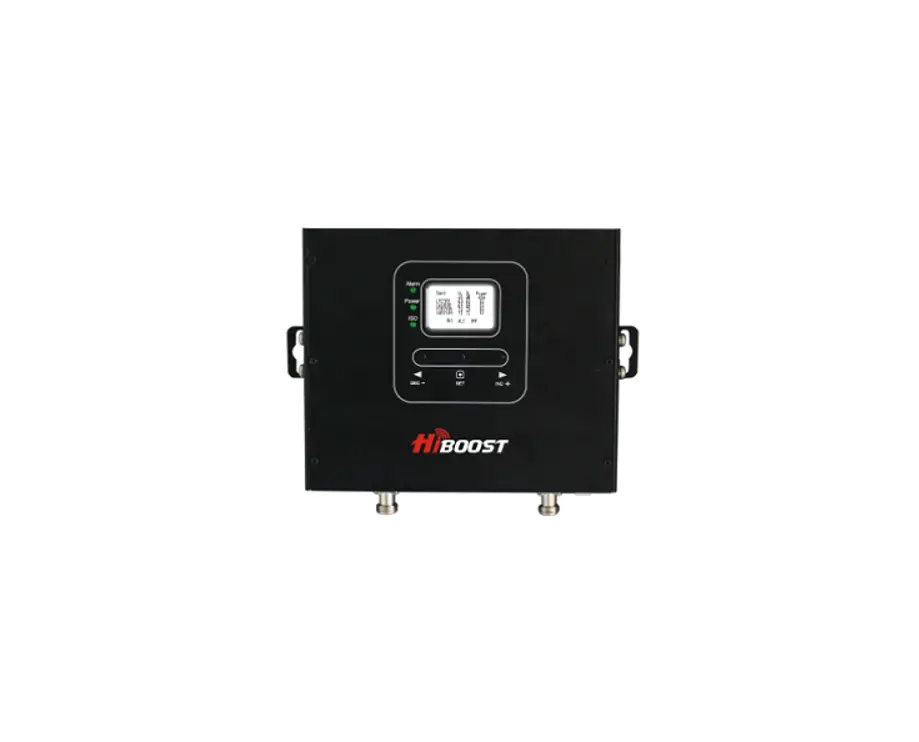
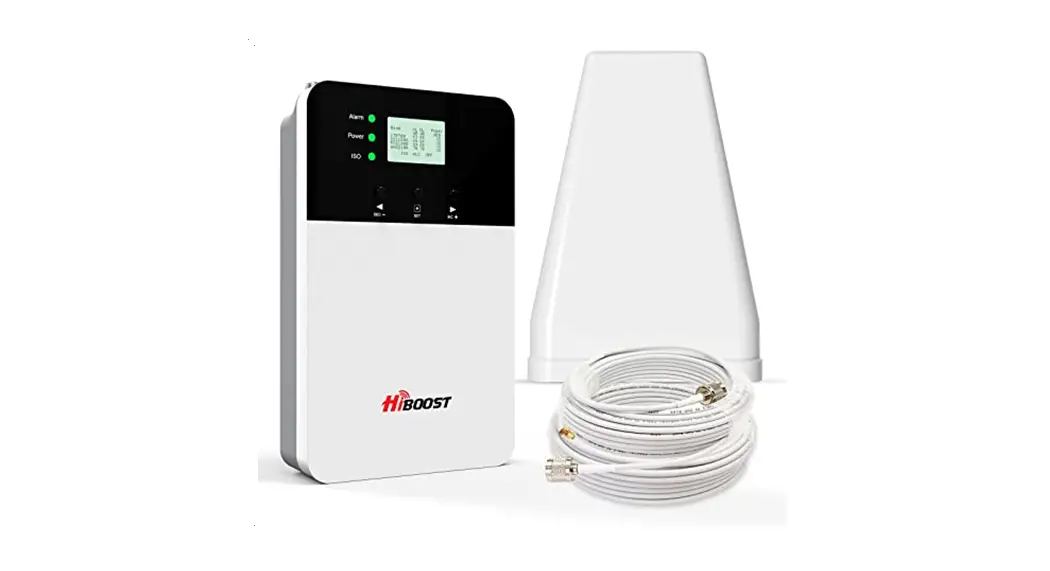
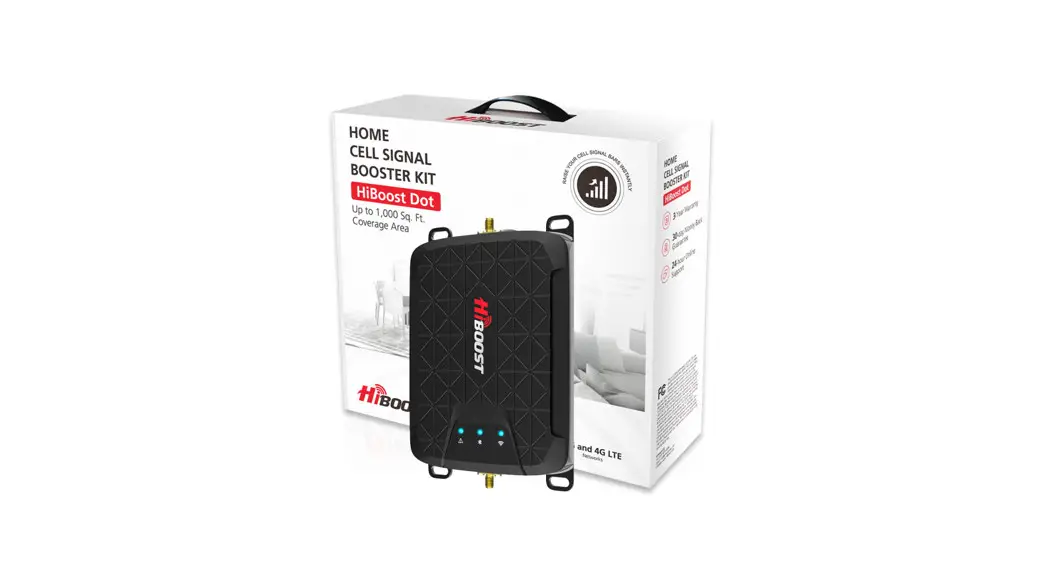
Home Dot
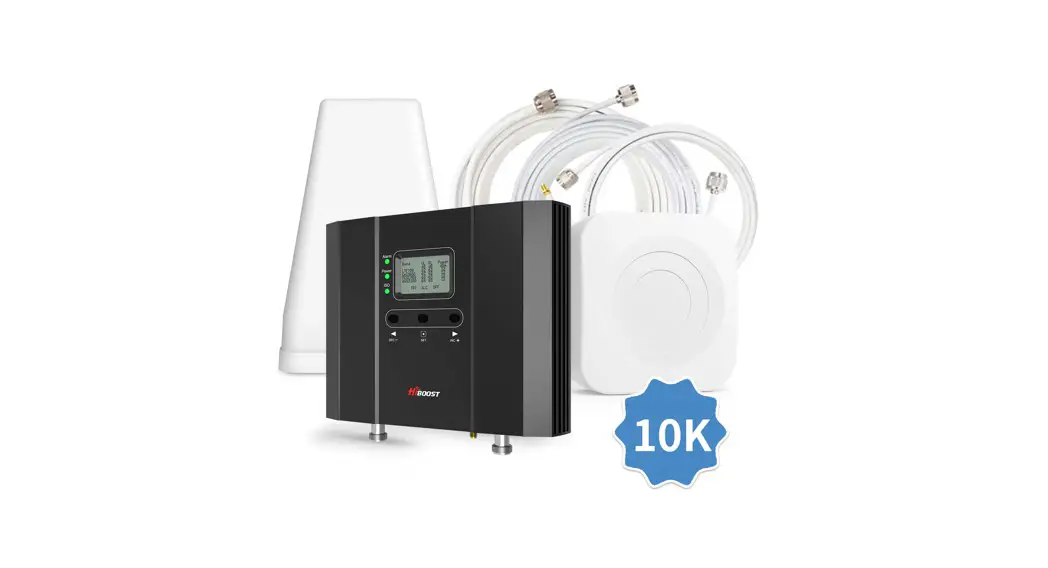
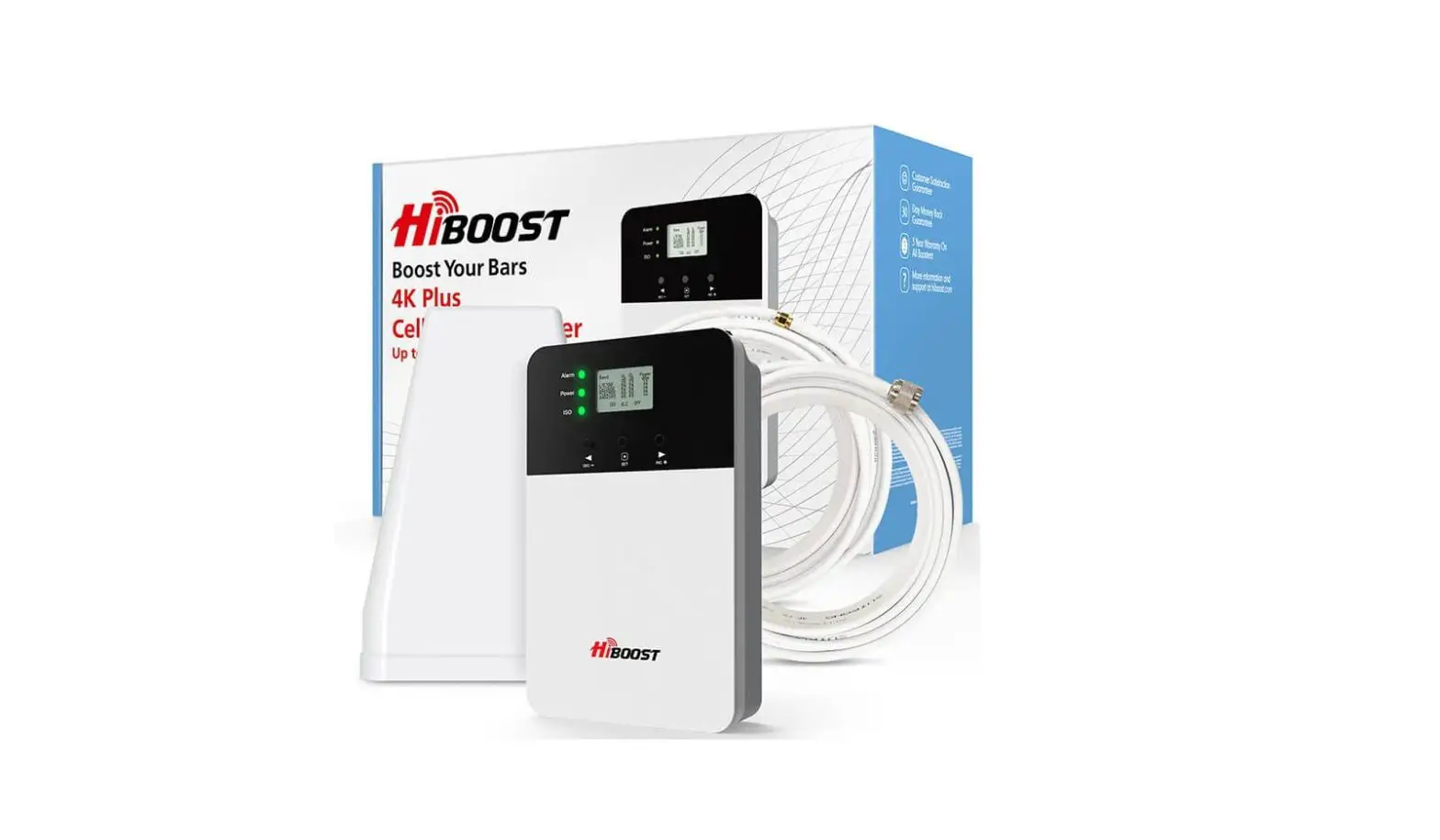
 Package Contents
 Package Contents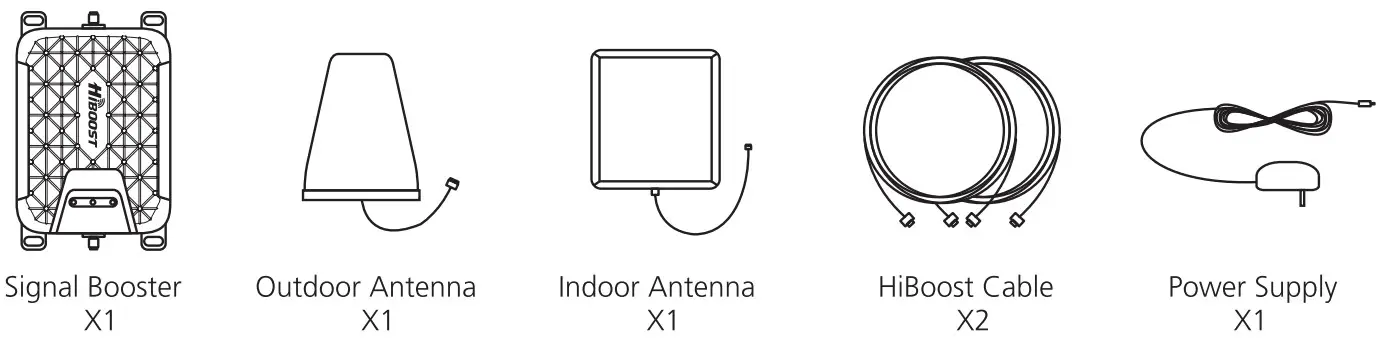
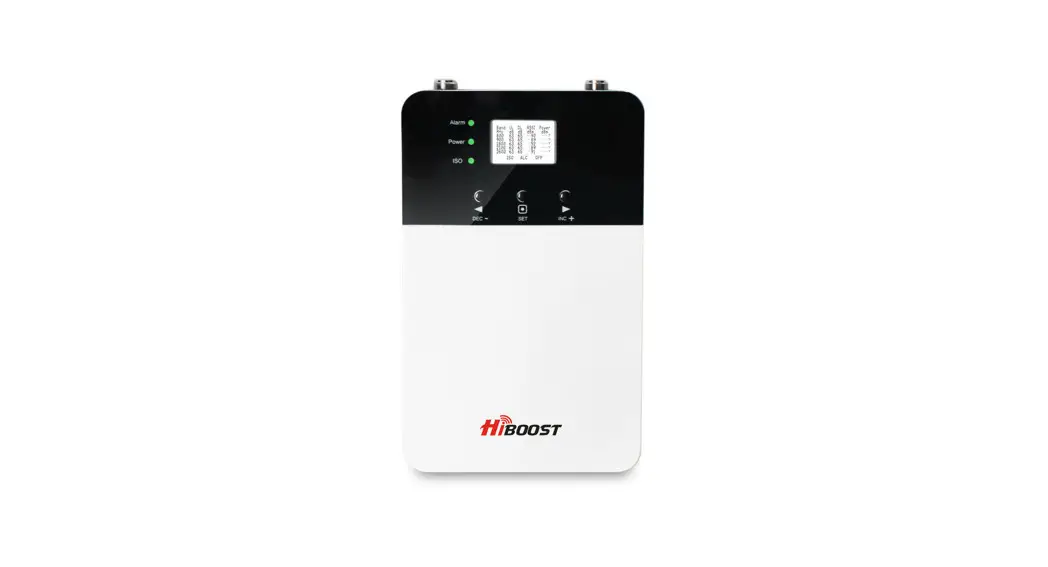
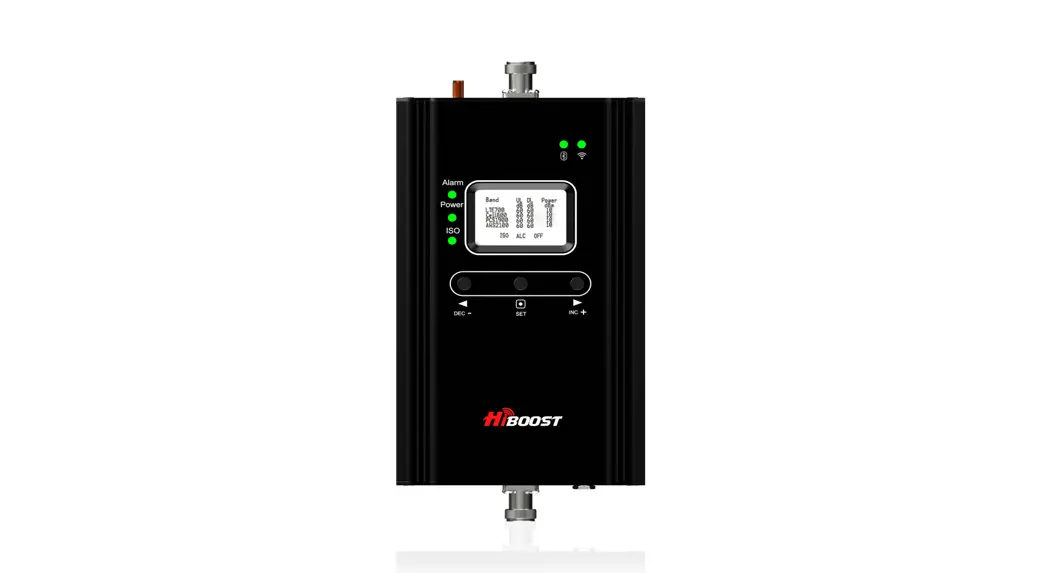
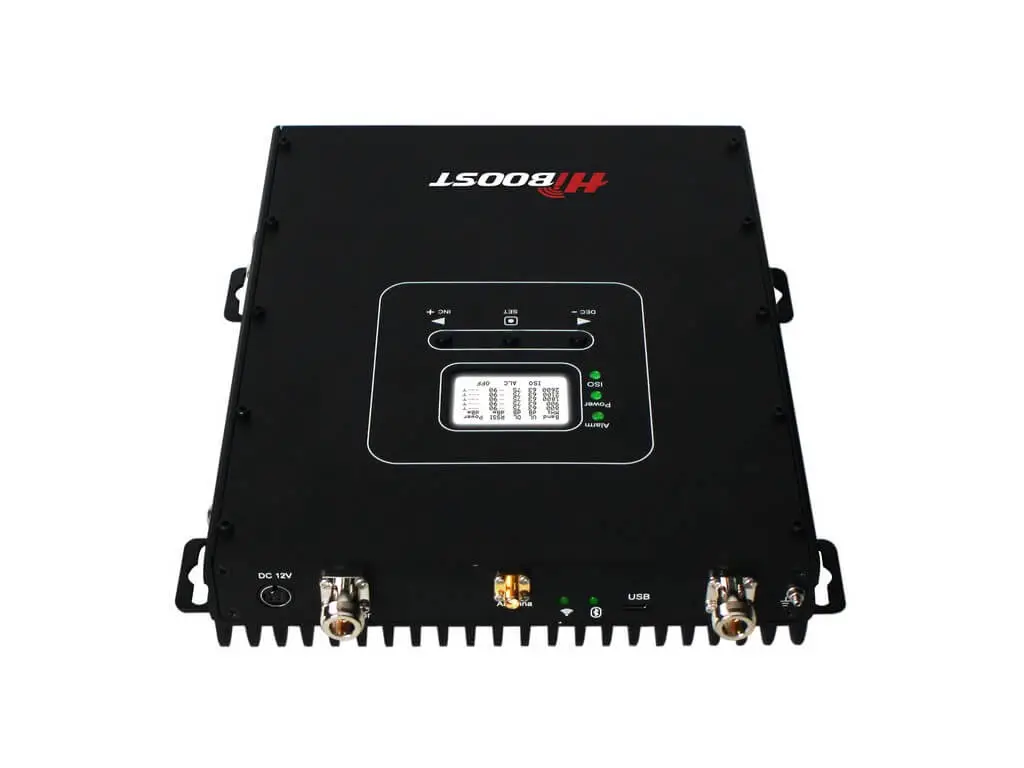
 Overview
 Overview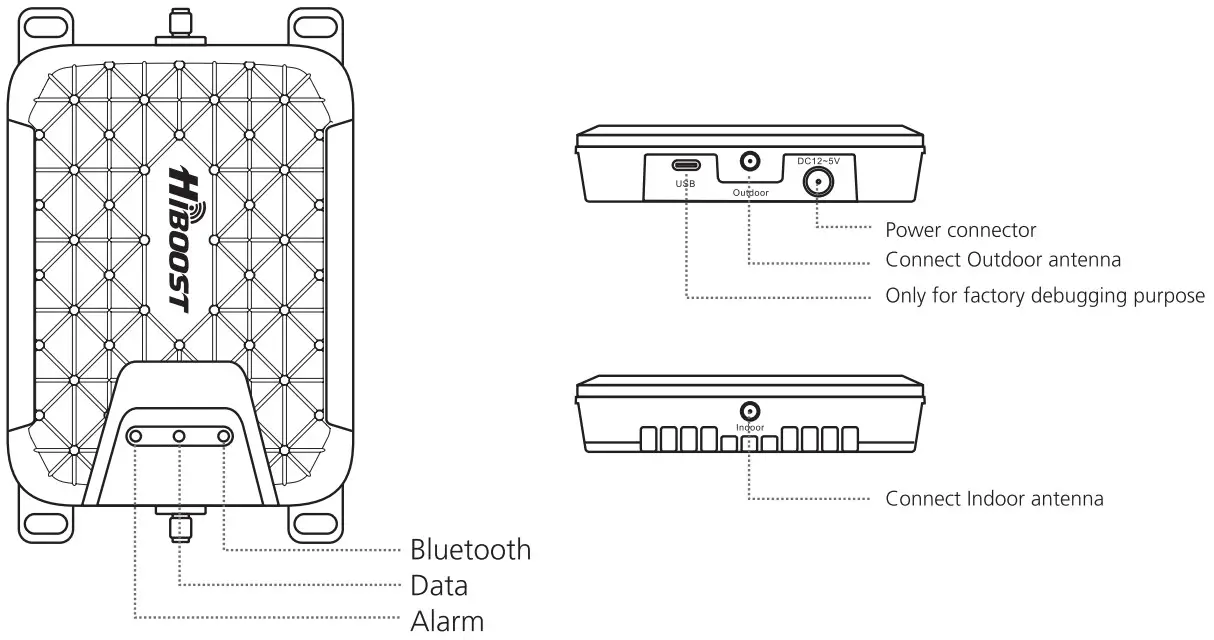
 How It Works
 How It Works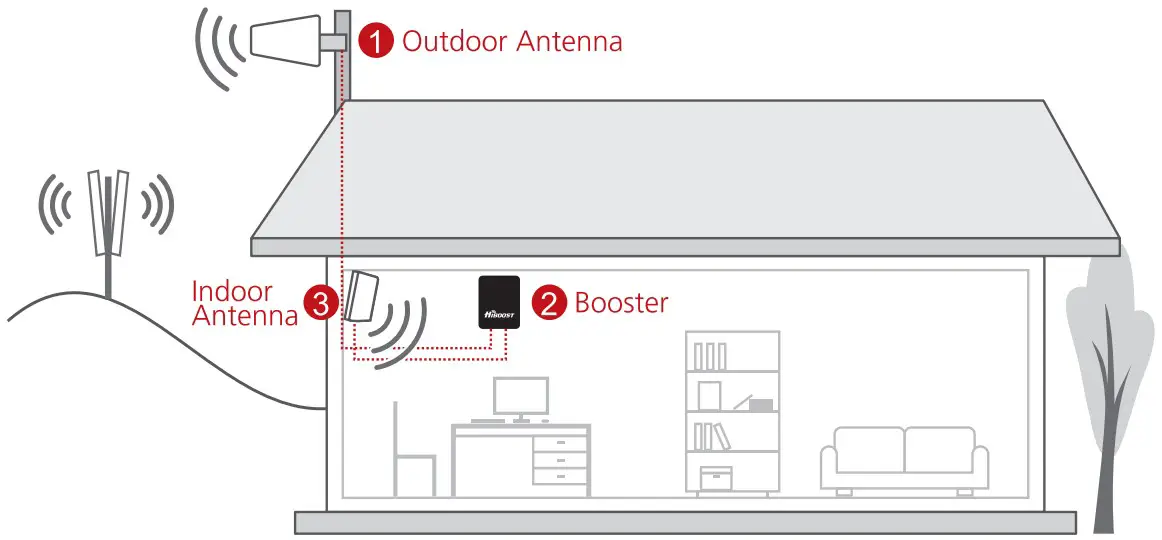
 Getting Stared
 Getting Stared
 | Step 1 Download the “Signal Supetyrsor App and register an account. lips: Find it in the App Store or on Google Play. |
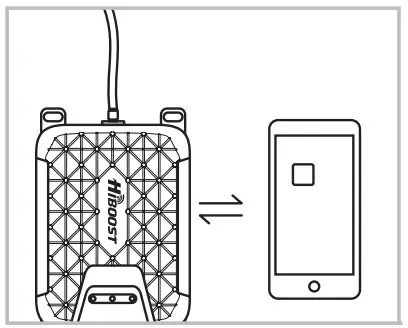 | Step 2 Power on the booster and tap ‘Add Device” on your App to connect the booster. Tips: Ensure both Location Services and Bluetooth are turned on and enable their use in your phone’s Privacy Settings. Add your home% wireless network at this point to enable remote monitoring of your signal strength. The distance between the phone and booster without obstacles cannot exceed 20 feet, if, with obstacles, the connection effective distance will be shorter. |
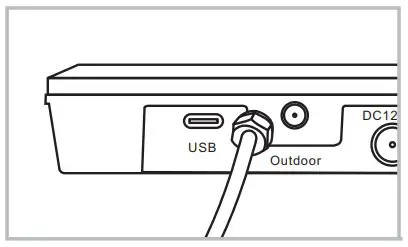 | Step 3 Connect the Outdoor antenna Tips: The Outdoor antenna screws firmly into the port labeled Outdoor. |
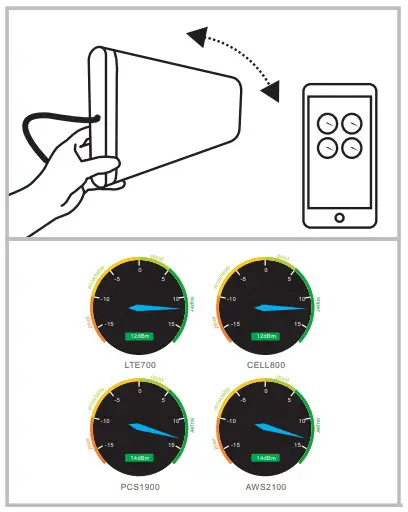 | Step 4 Use the gauges found in the Quick Setup guide to finding the best place to point your Outdoor antenna to achieve maximum gain. Tips: Move the antenna only about an inch at a time, then wait 4-5 seconds for the change to register on the App. DO NOT INSTALL AN OUTDOOR DIRECTIONAL ANTENNA IN THE CENTER OF YOUR ROOF. |
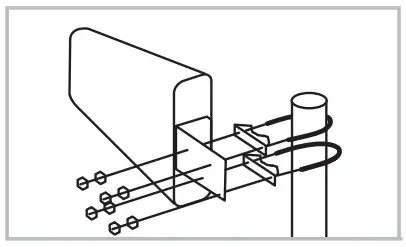 | Step 5 Mount Outdoor antenna in the position found to have the most power. Tips: Make sure that the drain hole in the plastic casing is facing the ground. and that the antenna itself is at least 20 feet higher in elevation than the location of your Indoor antenna. |
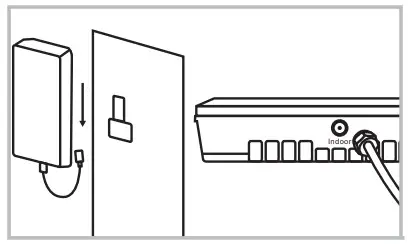 | Step 6 Connect the Indoor Antenna to the Indoor antenna port. Mount your Indoor antenna facing 180 degrees from the direction your Outdoor antenna is pointing, and 20 feet lower in elevation. Tips: If trying to make up the separation horizontally, be aware that at least 3 times more distance is needed than when separating vertically. |
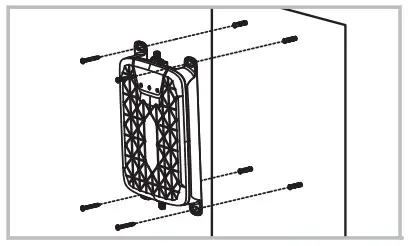 | Step 7 Mount your booster up and out of reach children or pets. If you encounter issues with installation please see the “Troubleshooting” section of the User Manual. |
QUICK START GUIDE
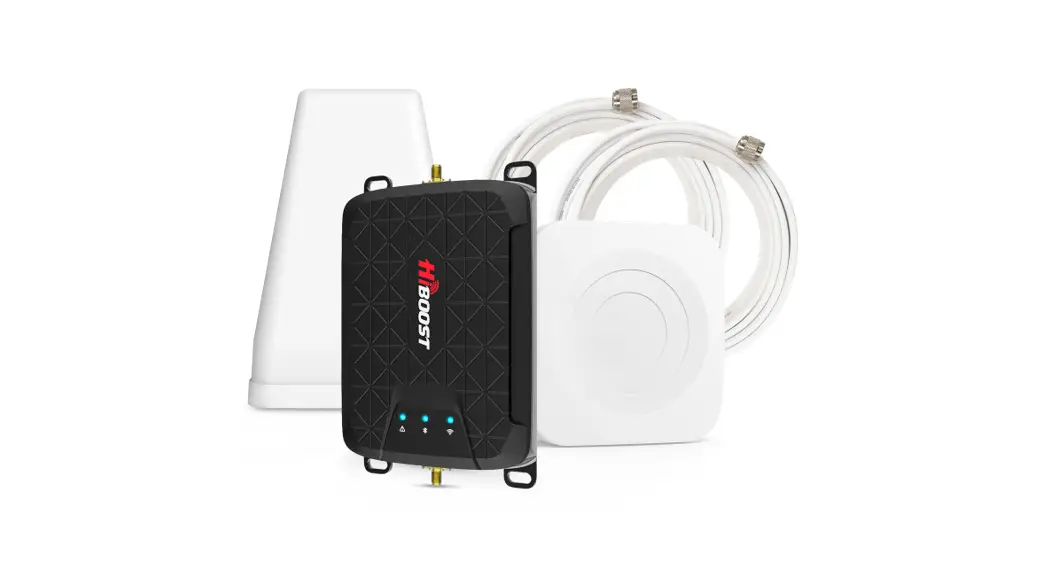
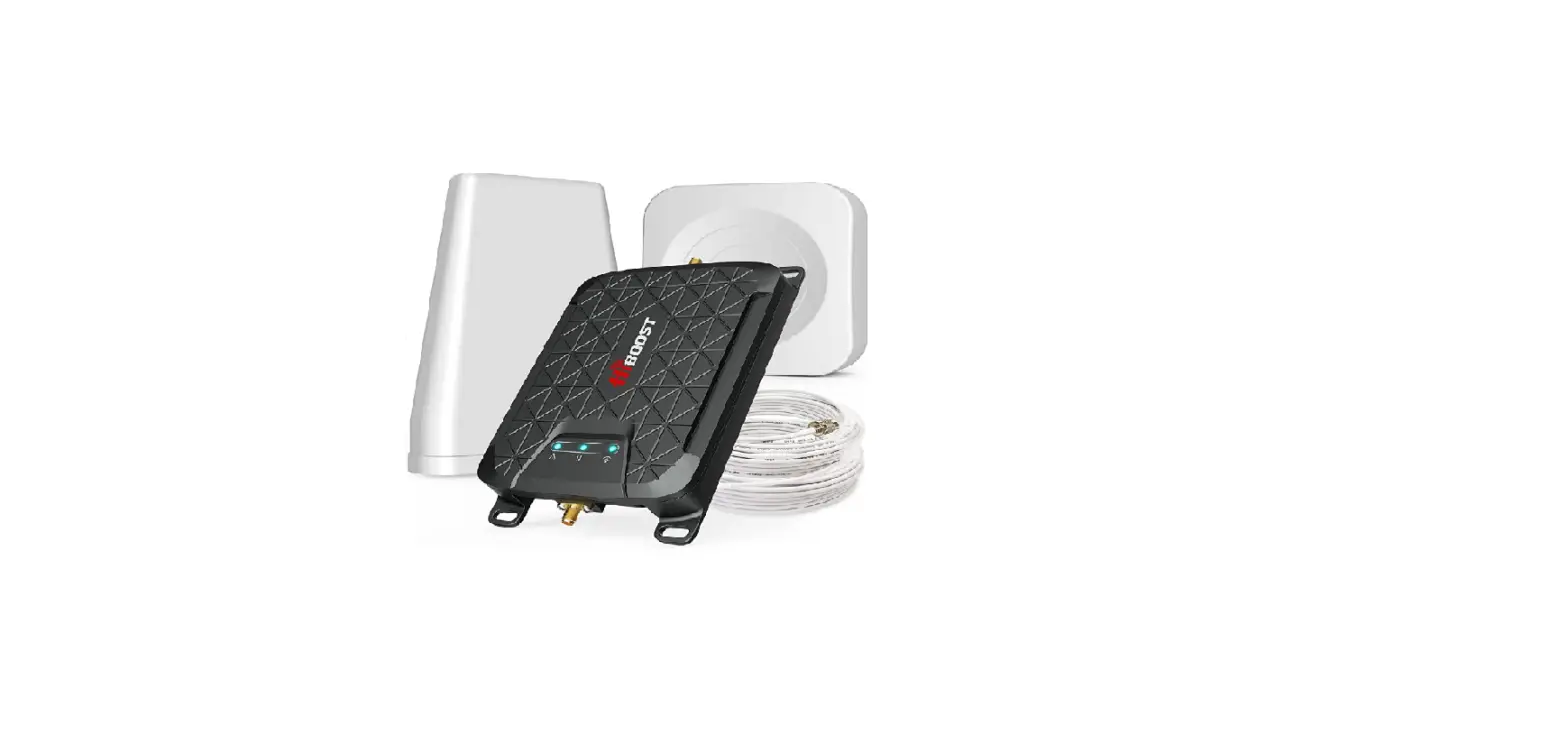
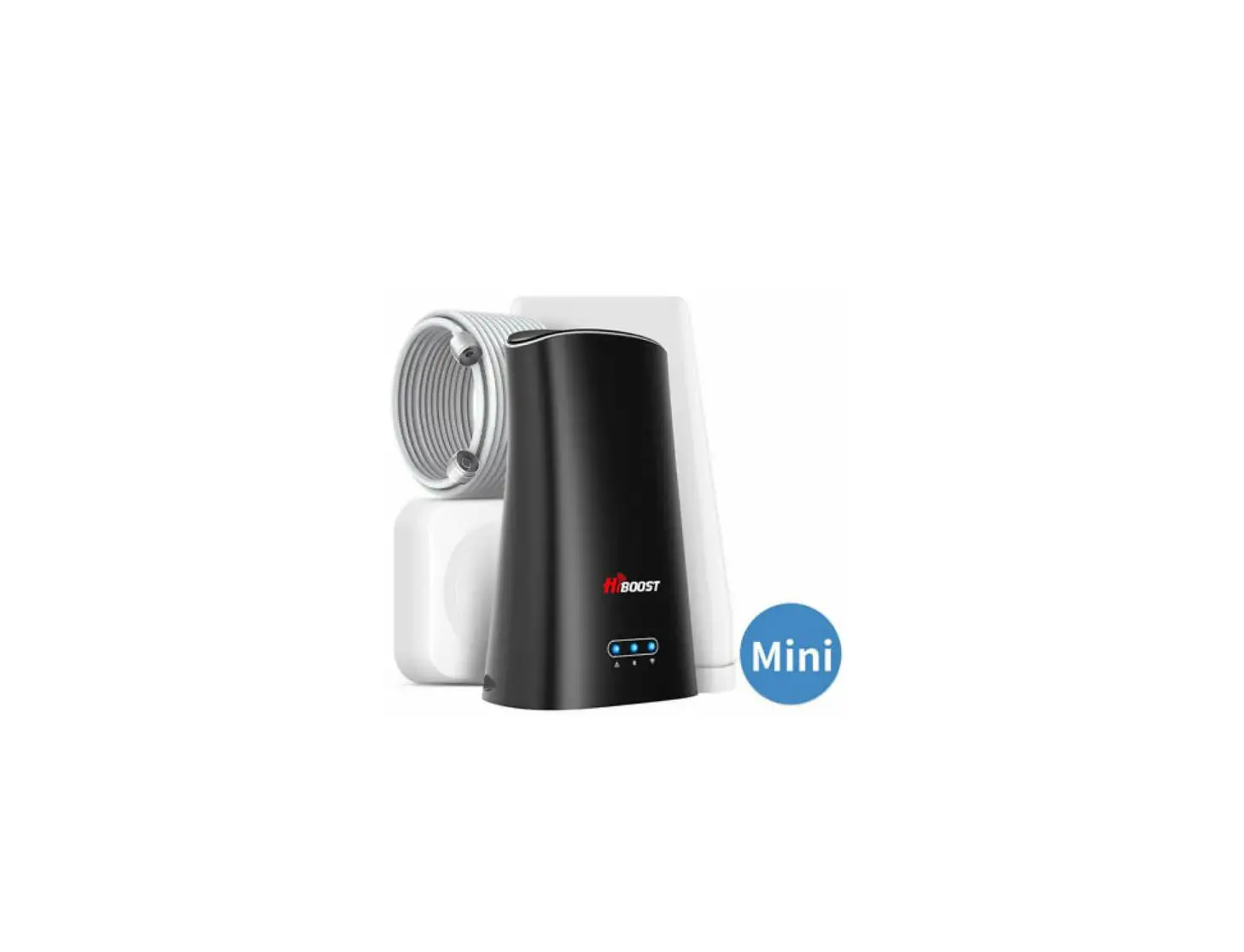
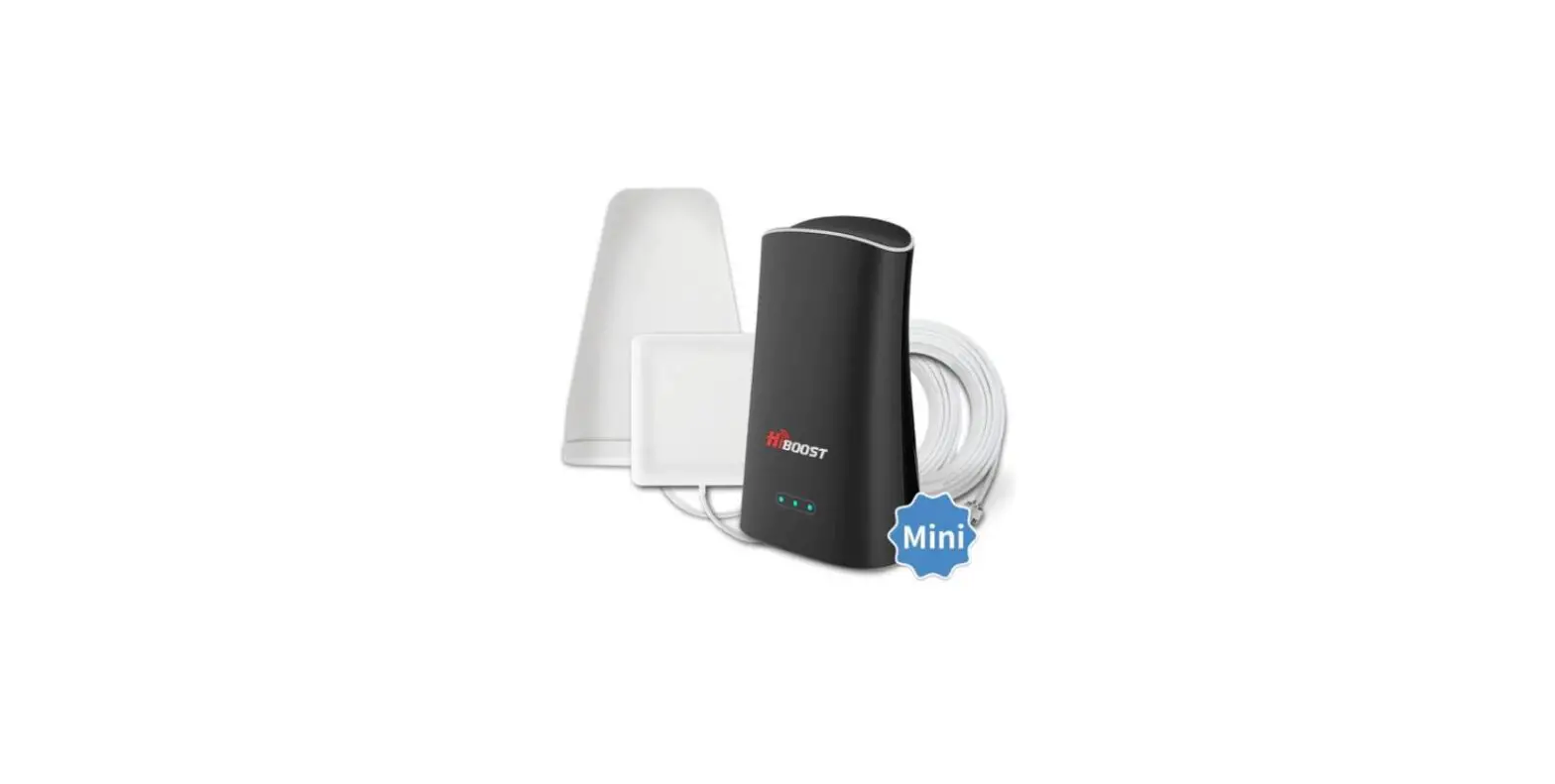
Home Mini
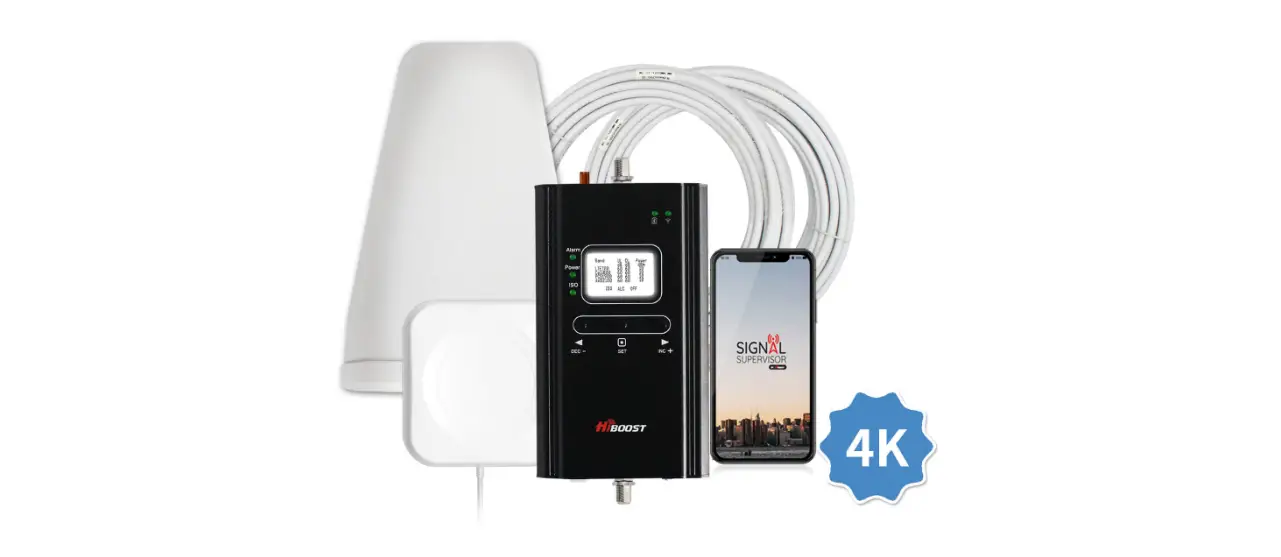
Package Contents
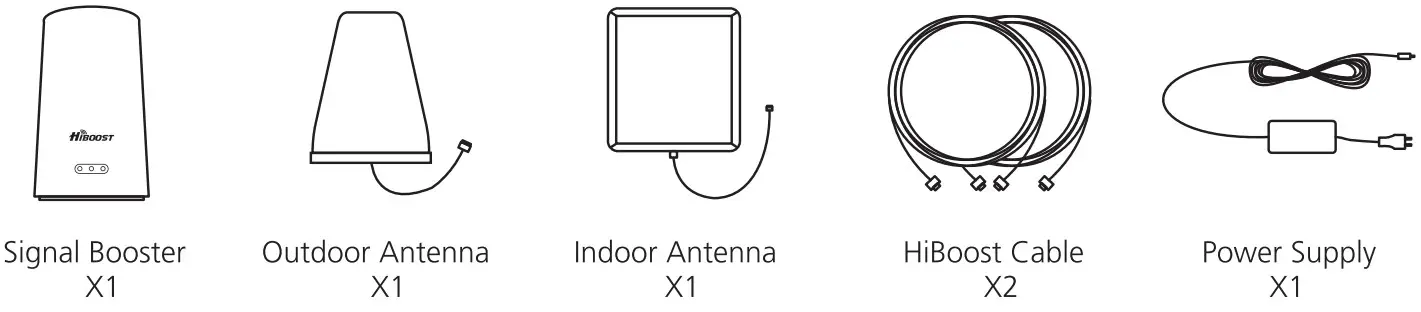
Overview
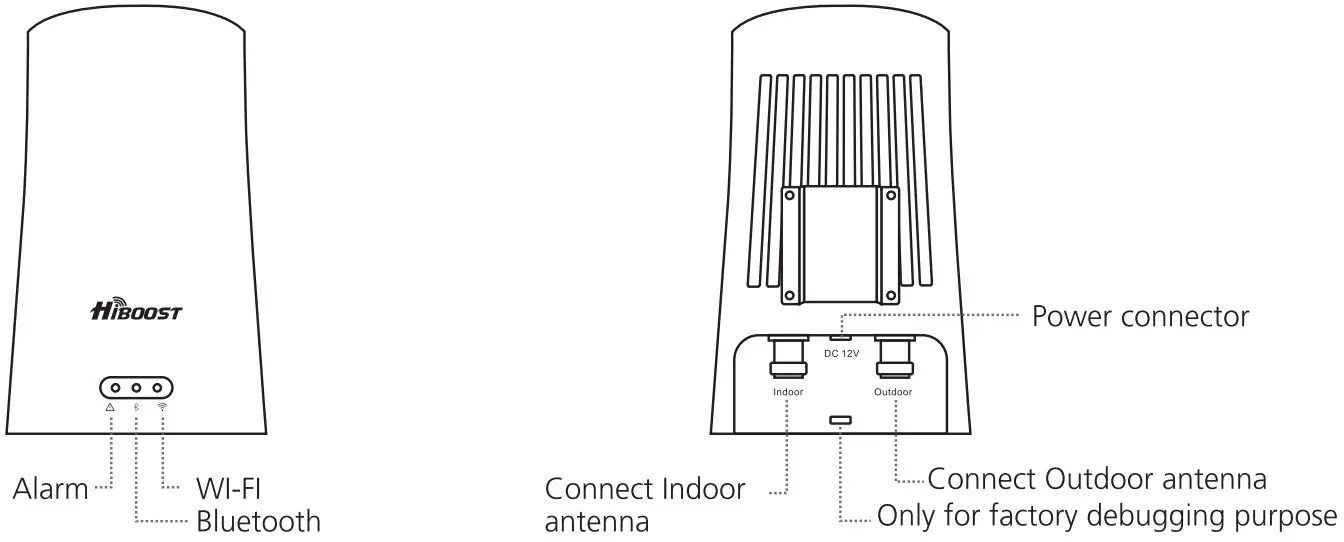
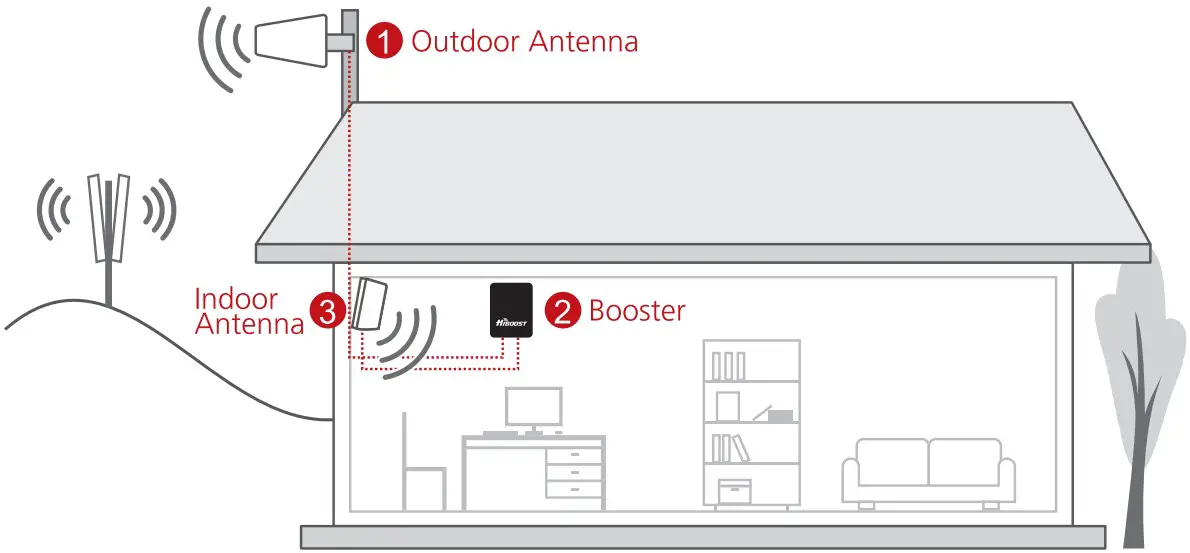
How It Works
Getting Started
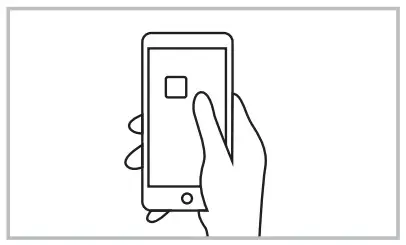 | Step 1 Download the “Signal Supervisor’ App and register an account. Tips’ Find it in the App Store or on Google Play. |
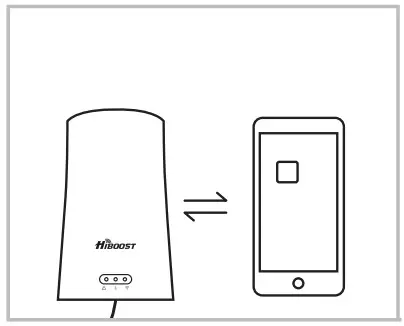 | Step 2 Power on the booster and tap ‘Add Device’ on your App to connect the booster. Tips: Ensure both location Services and Bluetooth are turned on and enable their use in your phone’s Privacy Settings. Add your home’s wireless network at this point to enable remote monitoring of your signal strength. The distance between the phone and booster without obstacles cannot exceed 20 feet, if, with obstacles, the connection effective distance will be shorter. |
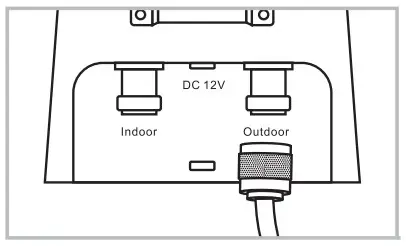 | Step 3 Connect the outdoor antenna Tips: The Outdoor antenna screws firmly into the port labeled Outdoor. |
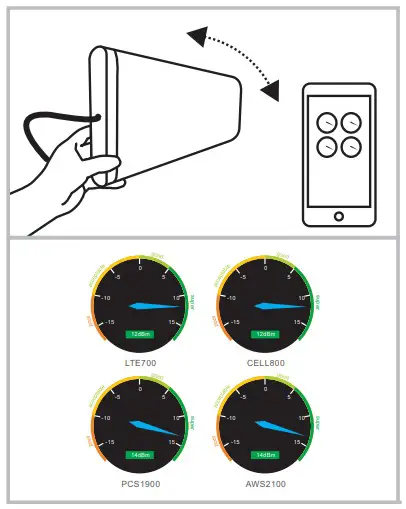 | Step 4 Use the gauges found in the Quick Setup guide to finding the best place to point your Outdoor antenna to achieve maximum gain. Tips: Move the antenna only about an inch at a time, then wait 4-5 seconds for the change to register on the App. DO NOT INSTALL AN OUTDOOR DIRECTIONAL ANTENNA IN THE CENTER OF YOUR ROOF. |
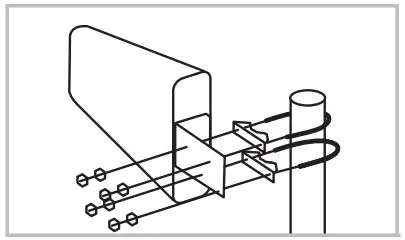 | Step 5 Mount Outdoor antenna in the position found to have the most power. Tips. Make sure that the drain hole in the plastic casing is facing the ground, and that the antenna itself is at least 20 feet higher in elevation than the location of your Indoor antenna. |
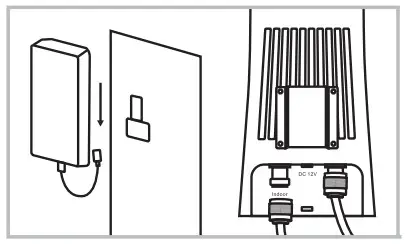 | Step 6 Connect the Indoor Antenna to the Indoor antenna port, Mount your Indoor antenna facing 180 degrees from the direction your Outdoor antenna is pointing, and 20 feet lower in elevation. Tips: If trying to make up the separation horizontally, be aware that at least 3 times more distance is needed than when separating vertically. |
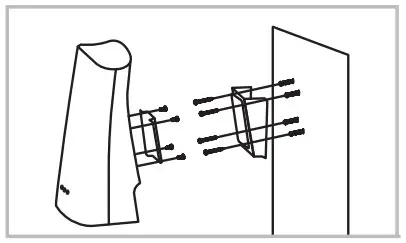 | Step 7 Mount your booster up and out of reach children or pets. If you encounter issues with installation please see the “Troubleshooting” section of the User Manual. |
QUICK START GUIDE
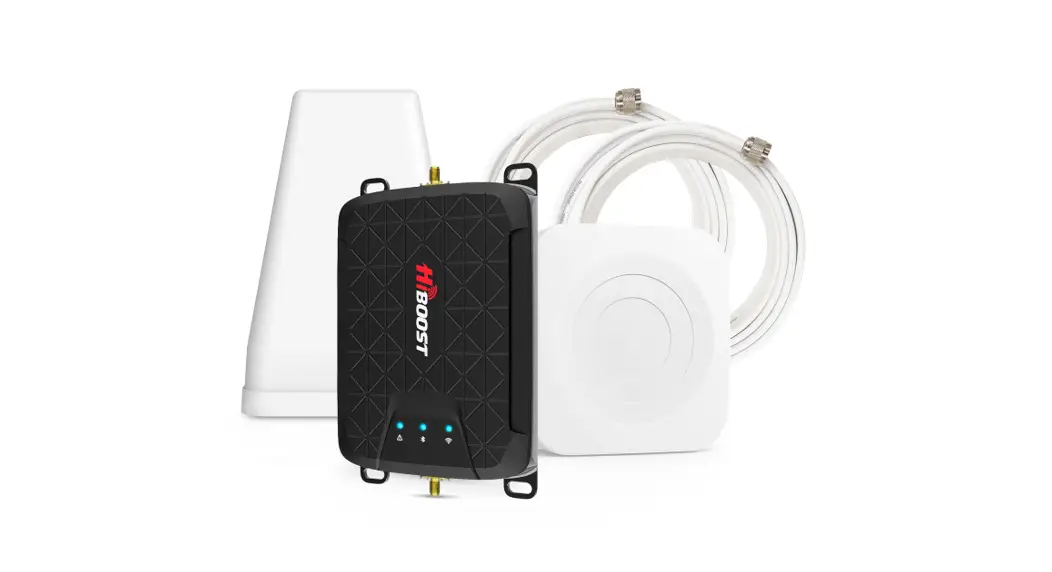
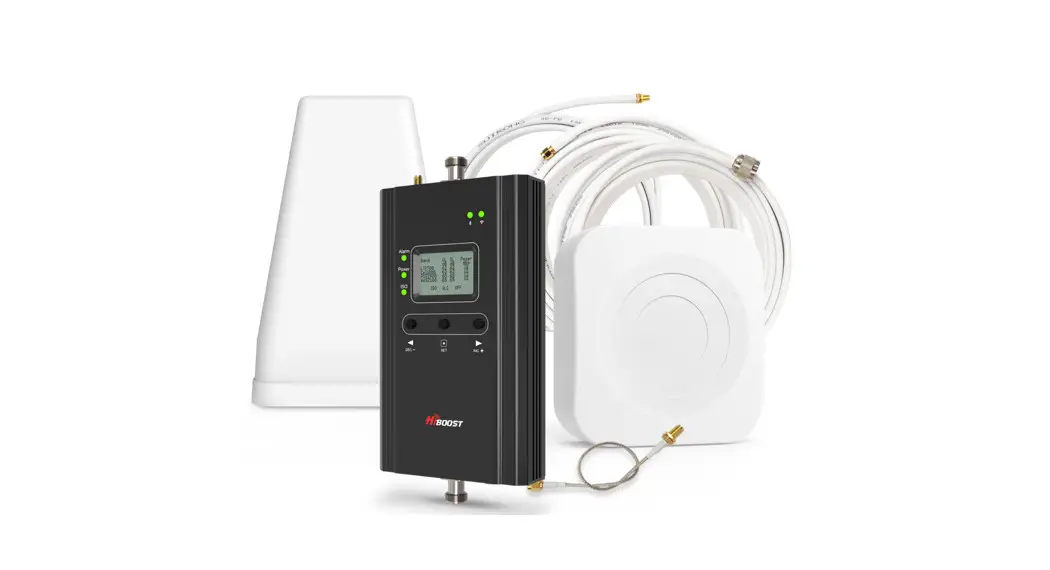
Home Zoom
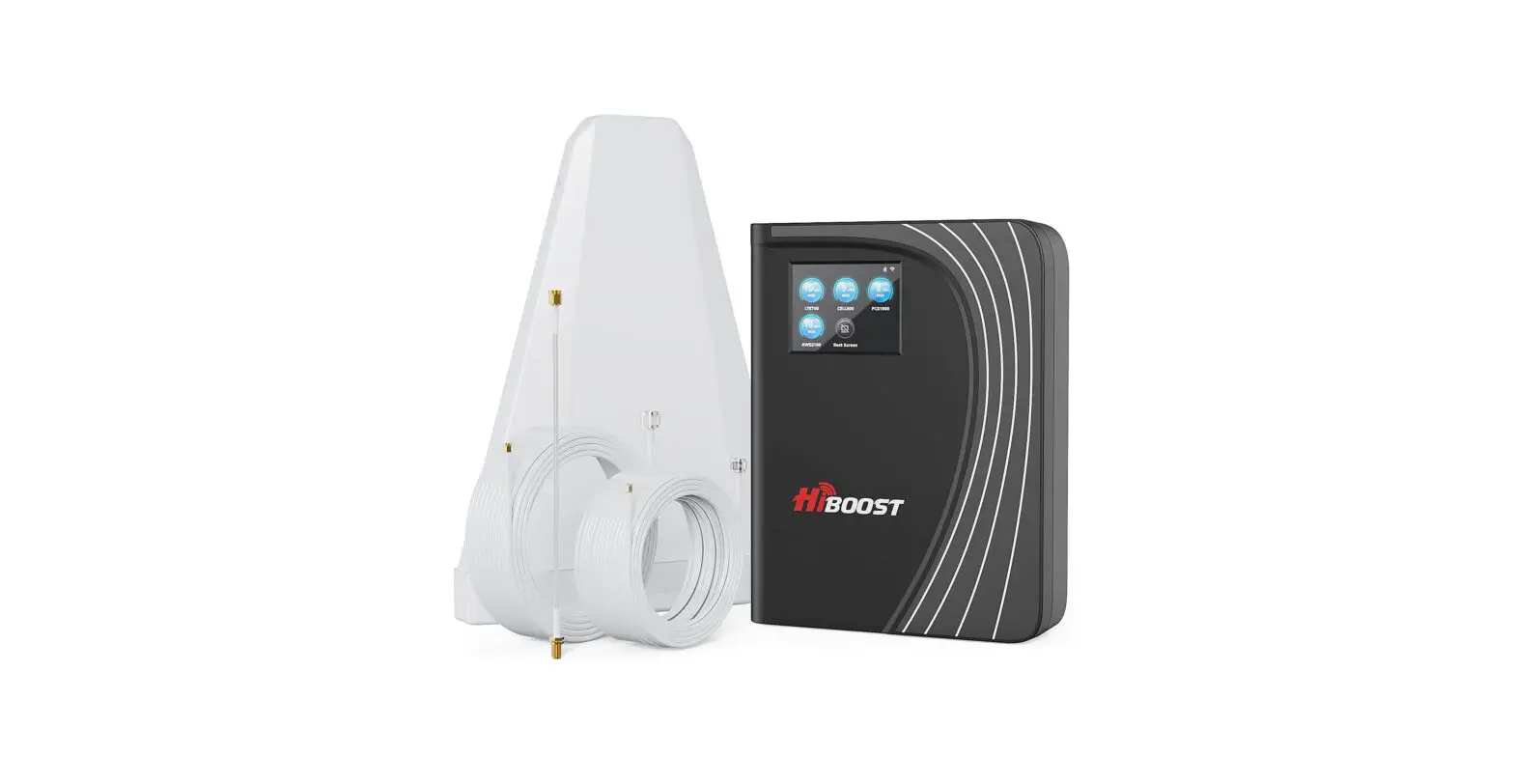
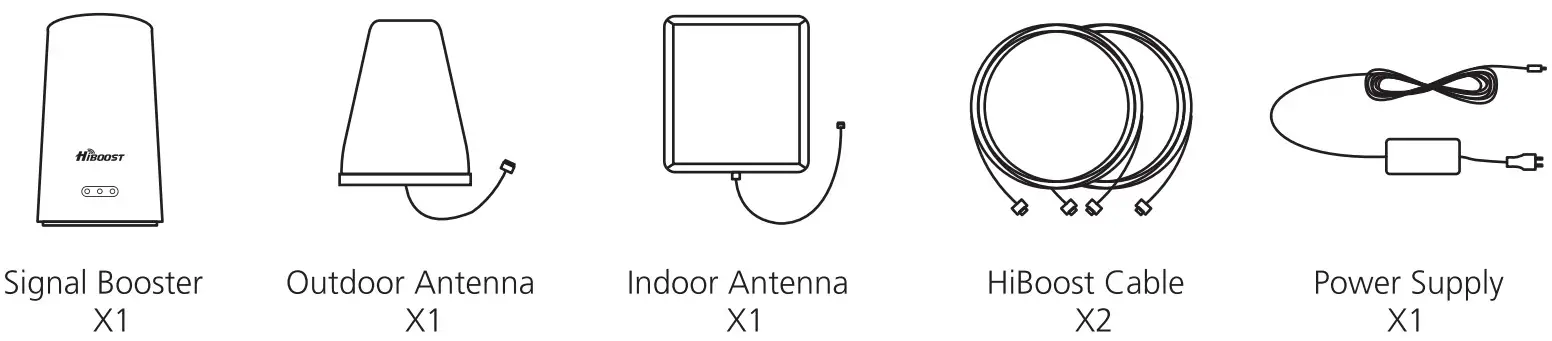
Package Contents
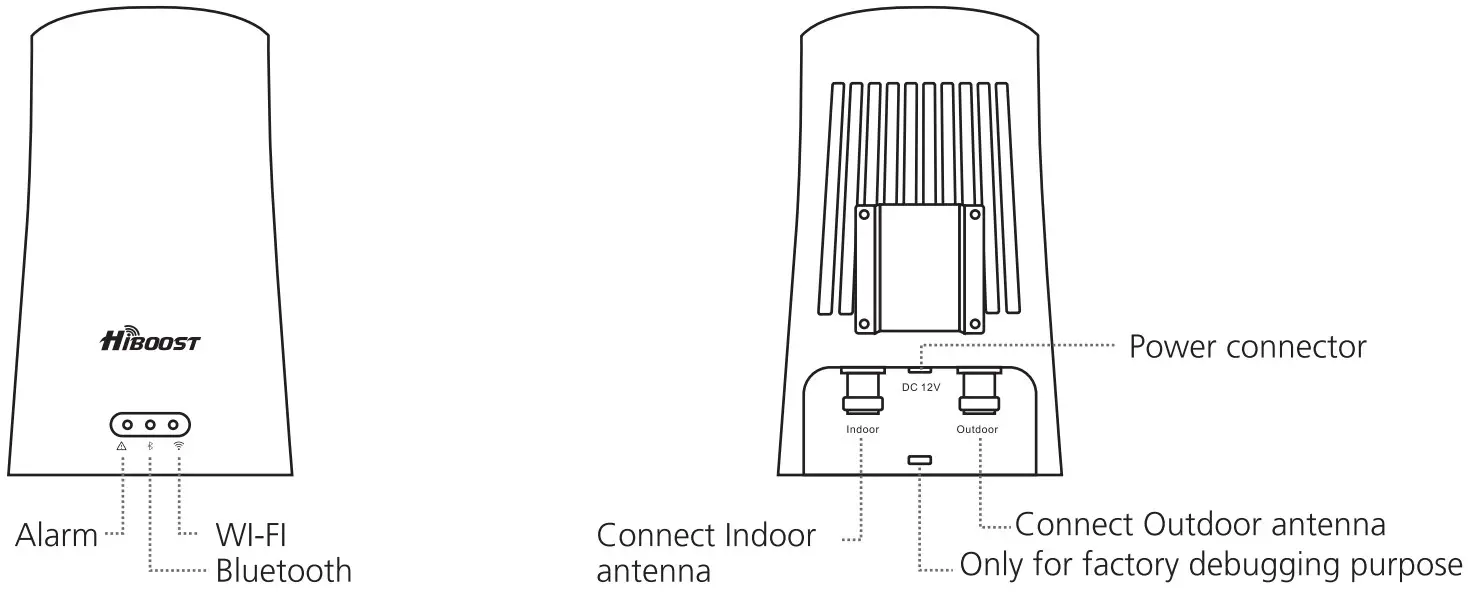
Overview
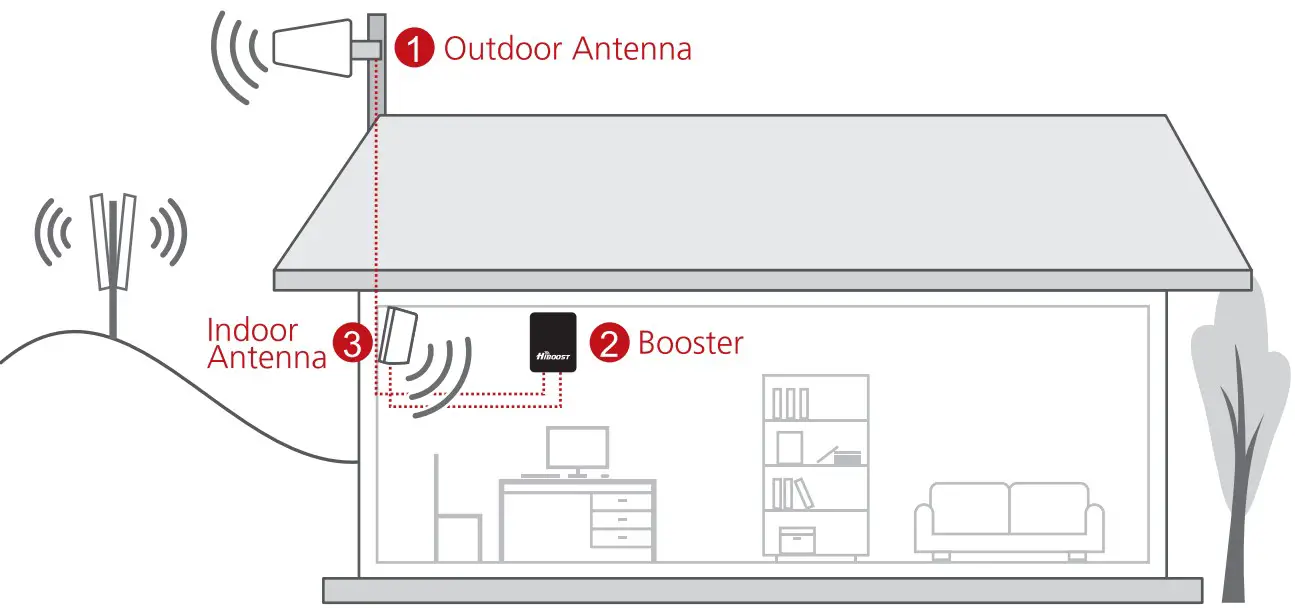
How It Works
Getting Started
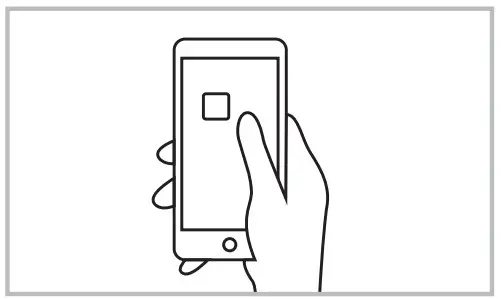 | Step 1 Download the “Signal Supecosor- App and register an account. Tips’ Find it in the App Store or on Google Play. |
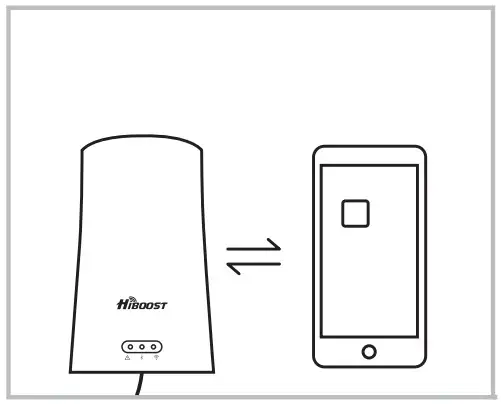 | Step 2 Power on the booster and tap ‘Add Device” on your App to connect the booster. Tips: Ensure both location Services and Bluetooth are turned on and enable their use in your phone’s Privacy Settings. Add your home’S wireless network at this point to enable remote monitoring of your signal strength. The distance between the phone and booster without obstacles cannot exceed 20 feet, if, with obstacles, the connection effective distance will be shorter. |
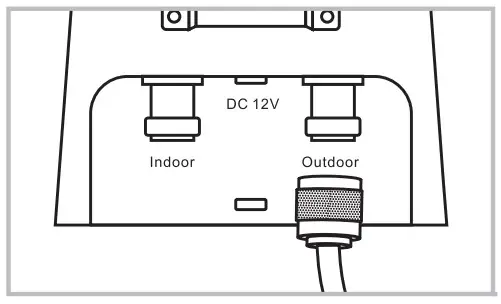 | Step 3 Connect the outdoor antenna Tips: The Outdoor antenna screws firmly into the port labeled Outdoor. |
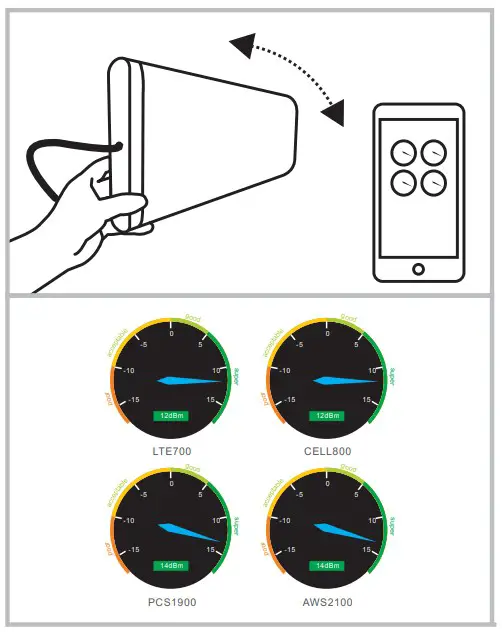 | Step 4 Use the gauges found in the Quick Setup guide to finding the best place to point your Outdoor antenna to achieve maximum gain. Tips: Move the antenna only about an inch at a time, then wait 4-5 seconds for the change to register on the App. DO NOT INSTALL AN OUTDOOR DIRECTIONAL ANTENNA IN THE CENTER OF YOUR ROOF. |
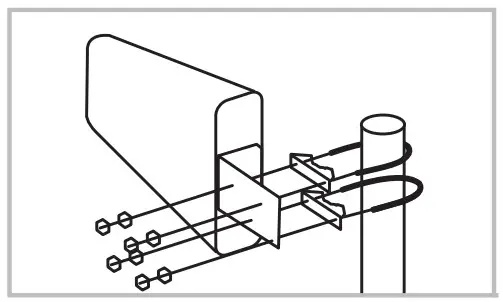 | Step 5 Mount Outdoor antenna in the position found to have the most power. Tips: Make sure that the drain hole in the plastic casing is facing the ground, and that the antenna itself is at least 20 feet higher in elevation than the location of your Indoor antenna. |
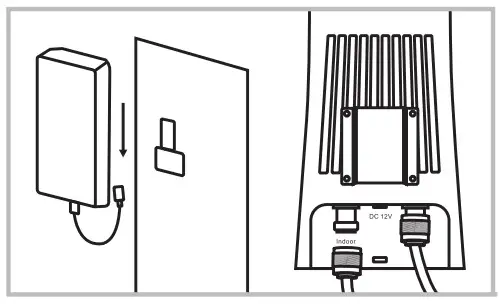 | Step 6 Connect the Indoor Antenna to the Indoor antenna port Mount your Indoor antenna facing 180 degrees from the direction your Outdoor antenna is pointing, and 20 feet lower in elevation Tips’ If trying to make up the separation horizontally, be aware that at least 3 times more distance is needed than when separating vertically. |
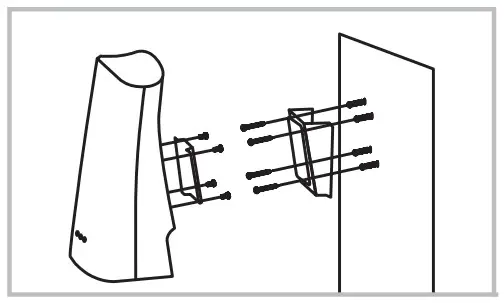 | Step 7 Mount your booster up and out of reach children or pets. If you encounter issues with installation please see the “Troubleshooting” section of the User Manual. |