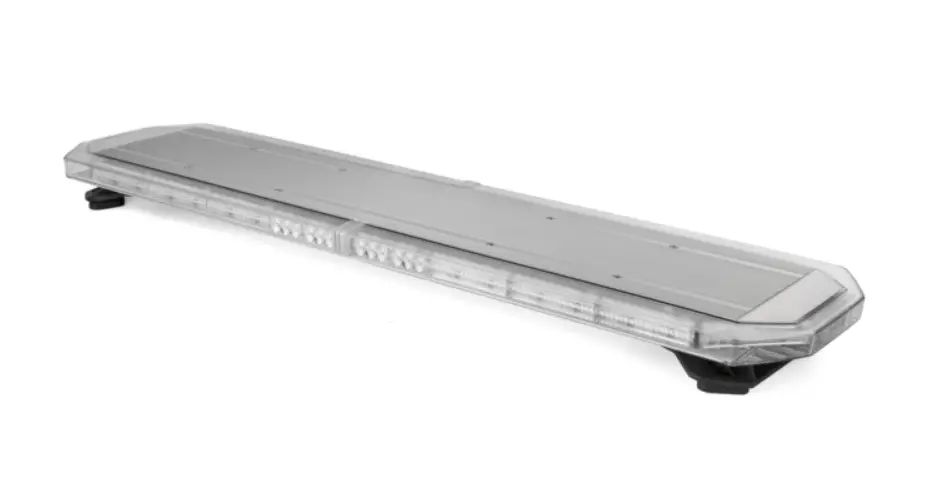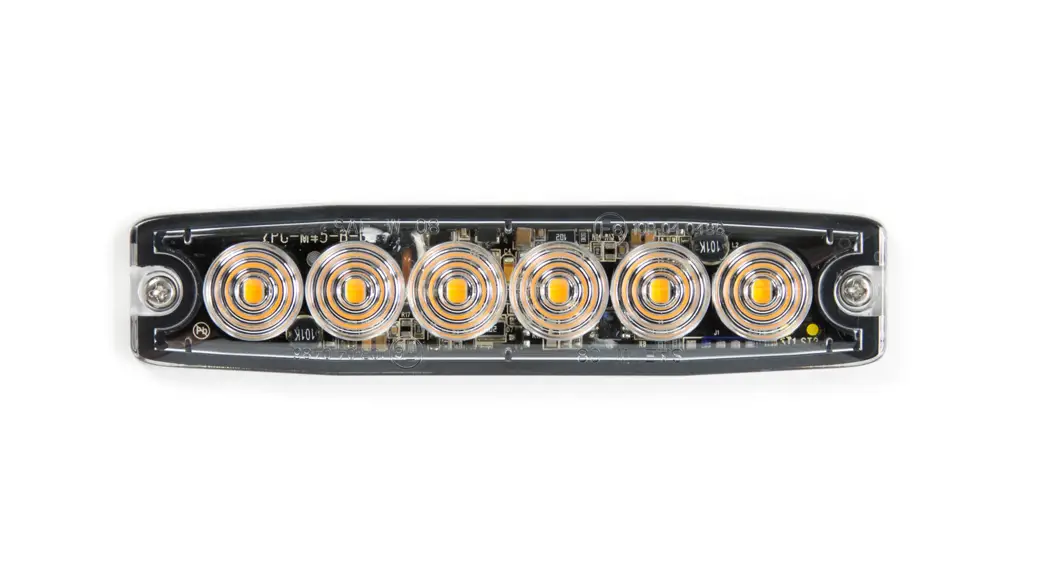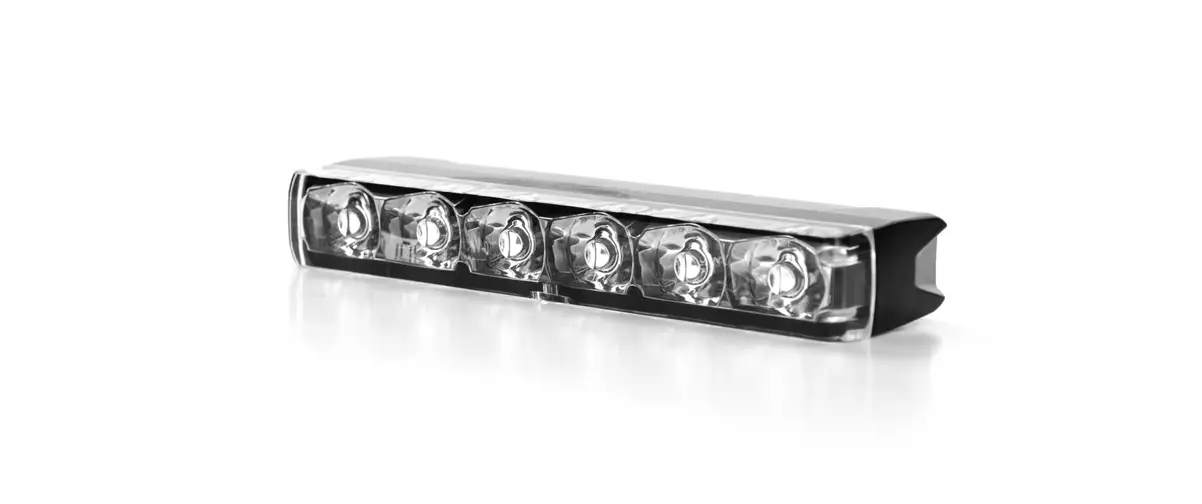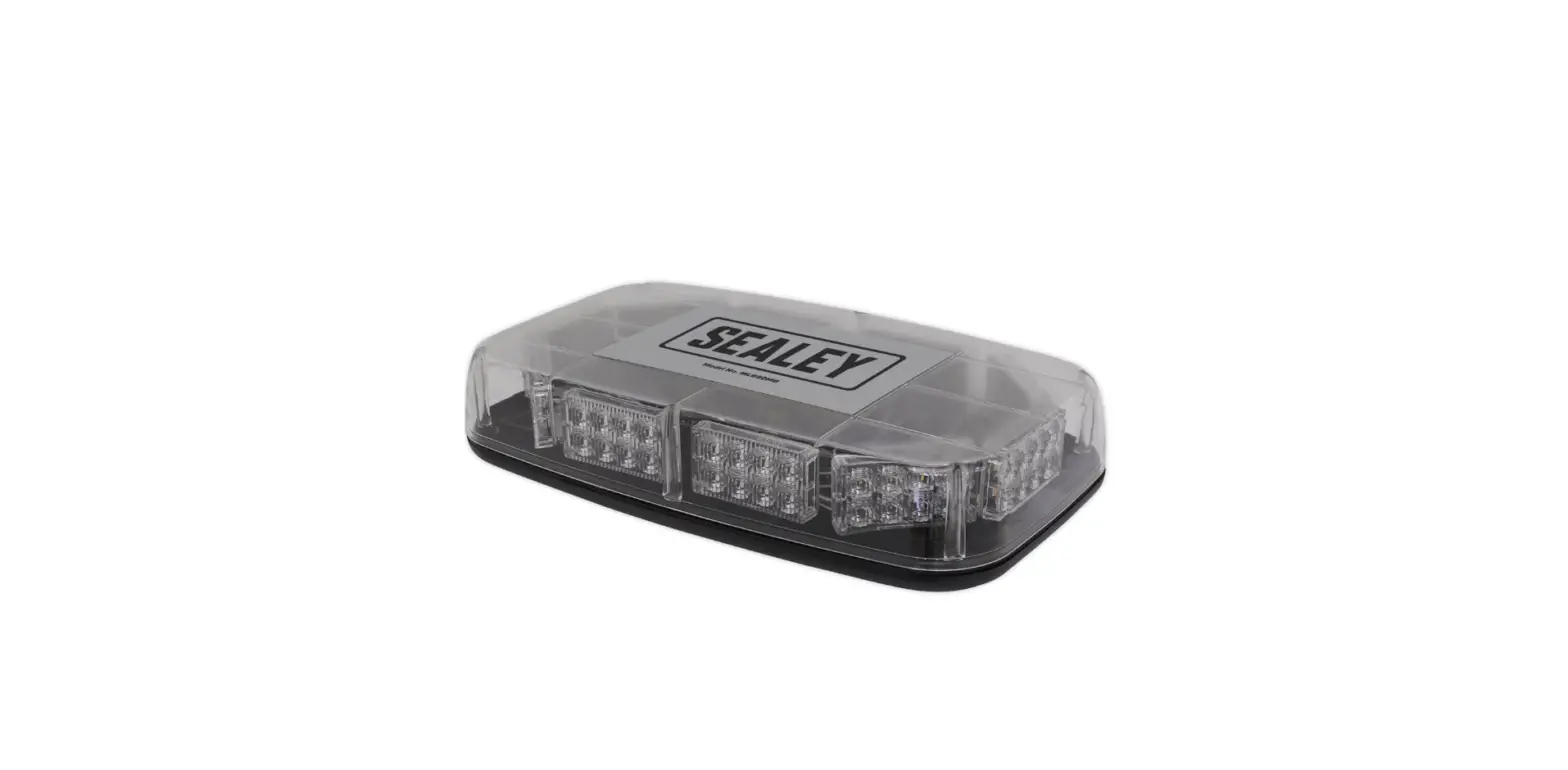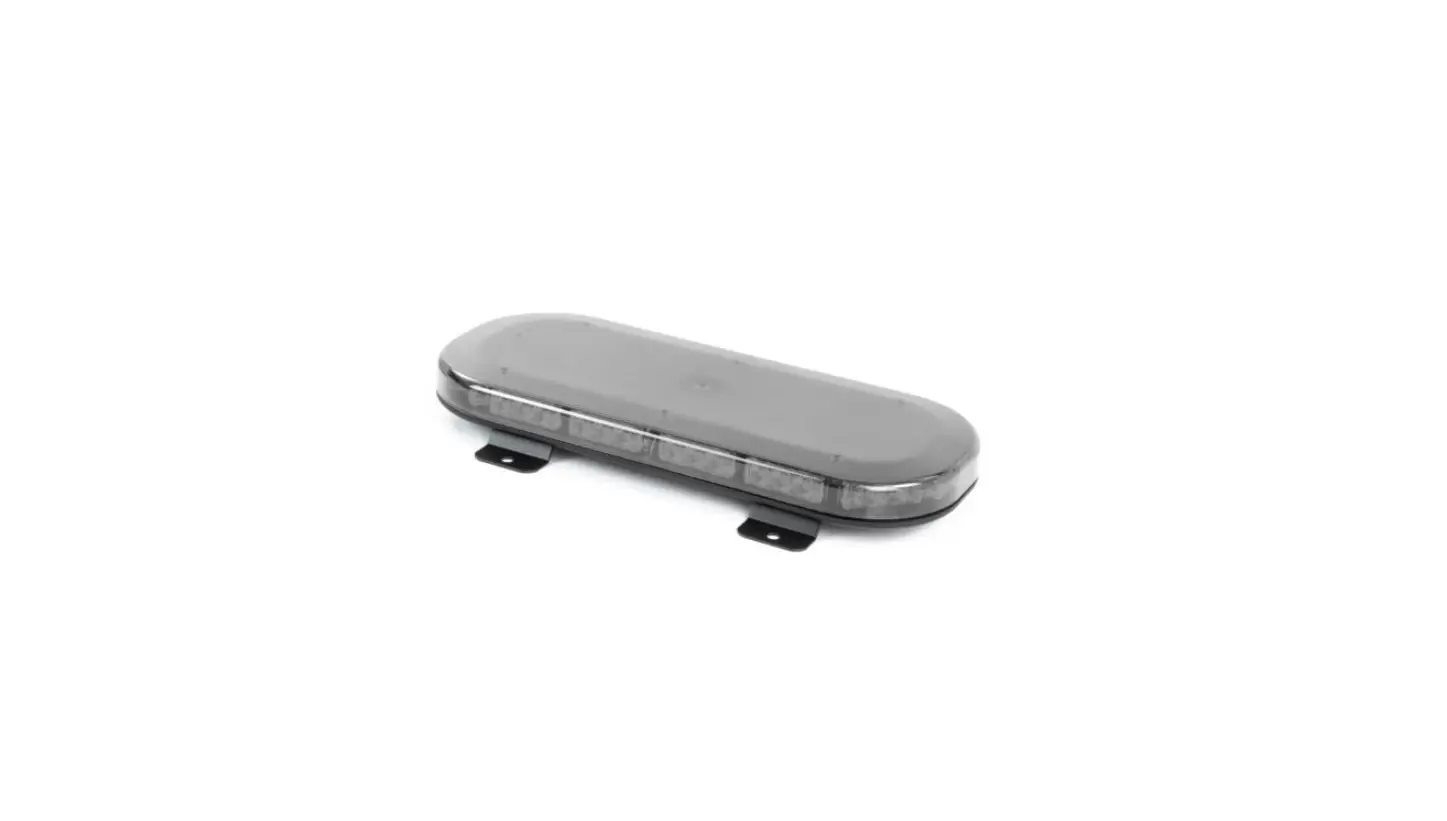

Cell2 Microbar EX Mini LED Lightbars
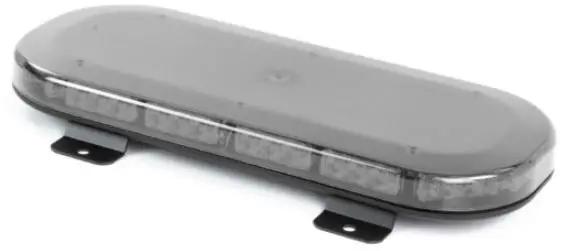
Overview
WARNING:
Do not look directly into LEDs while in operation; may cause momentary blindness and/or eye damage.
FLASH PATTERNS
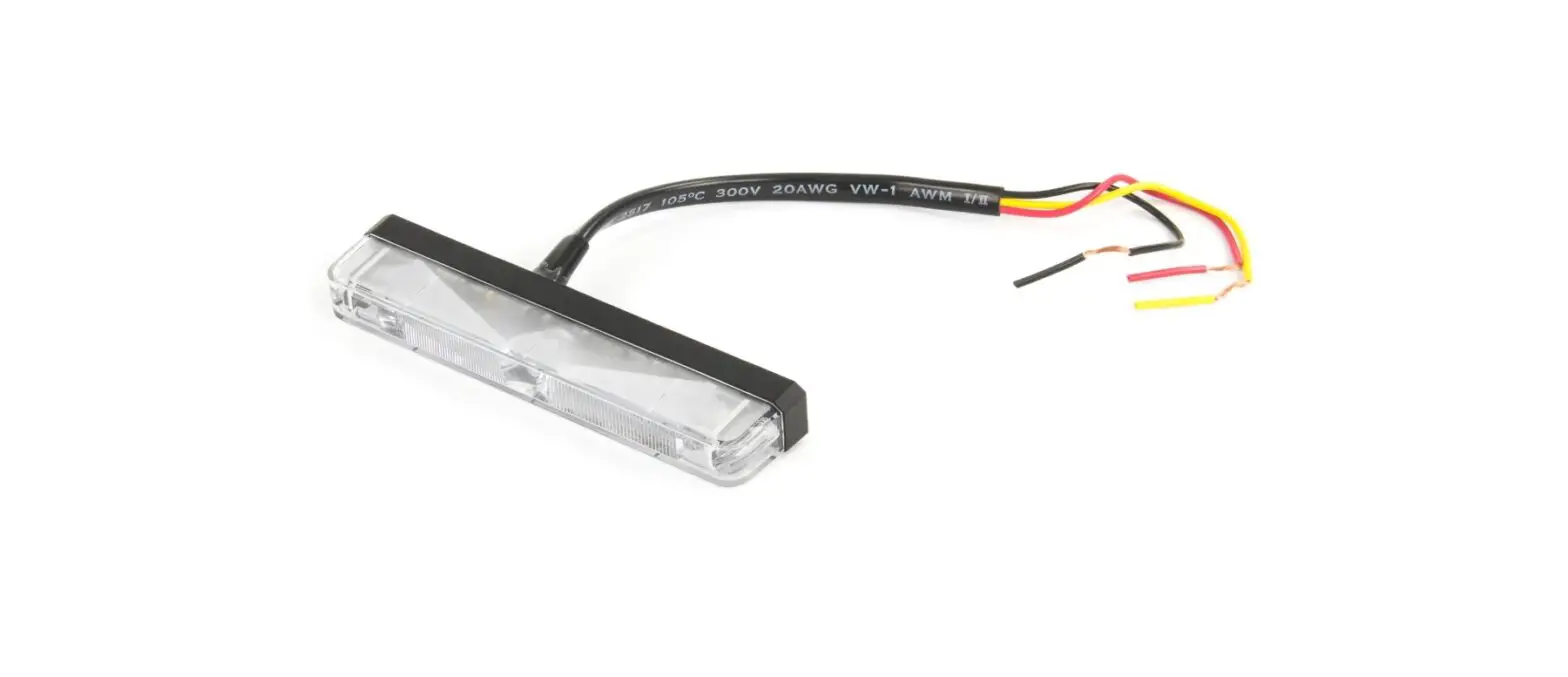
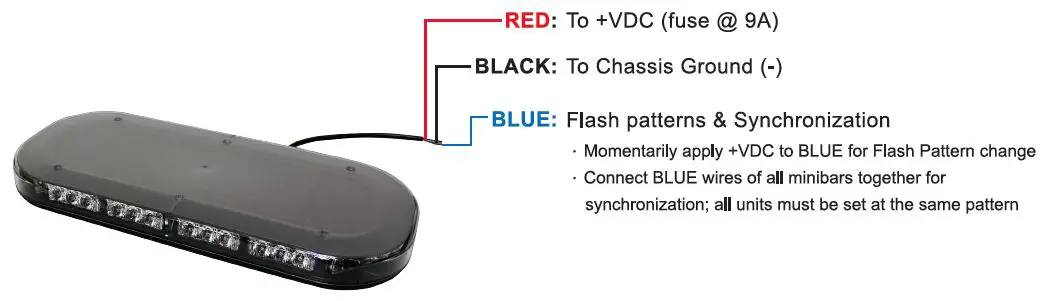
Momentarily apply +VDC to BLUE:
- Once for the next pattern
- Quickly 3 times for reset to FP#1
| FP# | Flash Patterns |
| 1 | Random |
| 2 | Rotating (slow) |
| 3 | Rotating (fast) |
| 4 | Single (split) |
| 5 | Double (split) |
| 6 | Quad (split) |
| 7 | Quint (split) |
| 8 | Mega (split) |
| 9 | Ultra (split) |
| 10 | Single-Quad (split) |
| 11 | Single H/L (split) |
| 12 | Single (all) |
| 13 | Double (all) |
| 14 | Quad (all) |
| 15 | Quint (all) |
| 16 | Mega (all) |
| 17 | Ultra (all) |
| 18 | Single-Quad (all) |
| 19 | Single H/L (all) |
| 20 | Steady Half |
| 21 | Single (2Hz) |
| 22 | Double (R65) |
| 23 | Triple (2Hz) |
| 24 | Quad (2Hz) |
SINGLE-BOLT MOUNT BRACKET
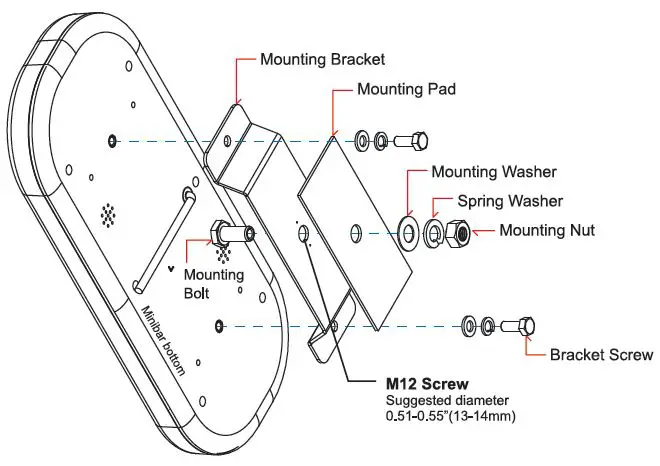
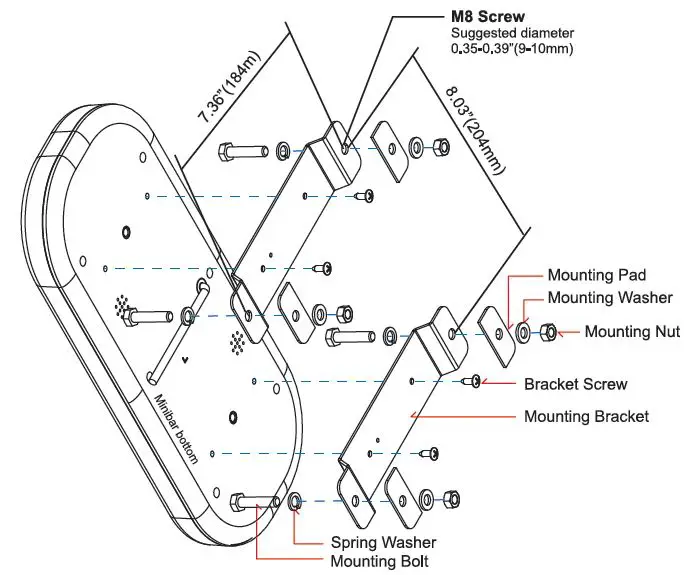
4-BOLT MOUNT BRACKETS
Model: with Dual button cigar plug.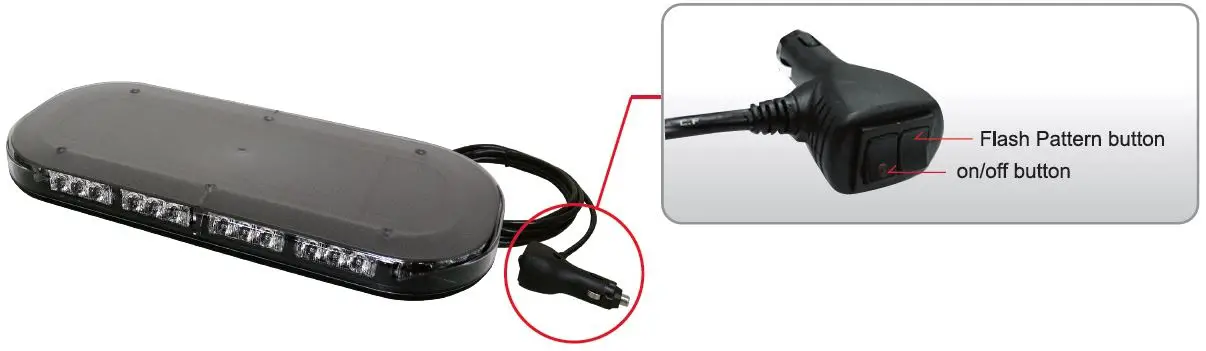
WARNING:
It is not recommended to use magnetically mounted warning devices on vehicles in motion. Usage is the sole risk and responsibility of the user.
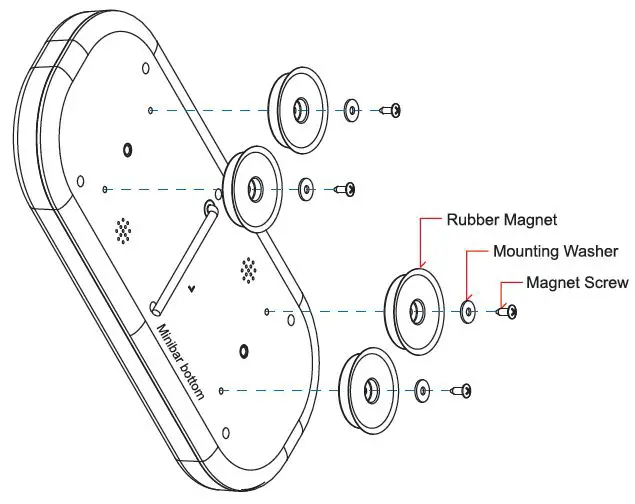
MAGNET MOUNT