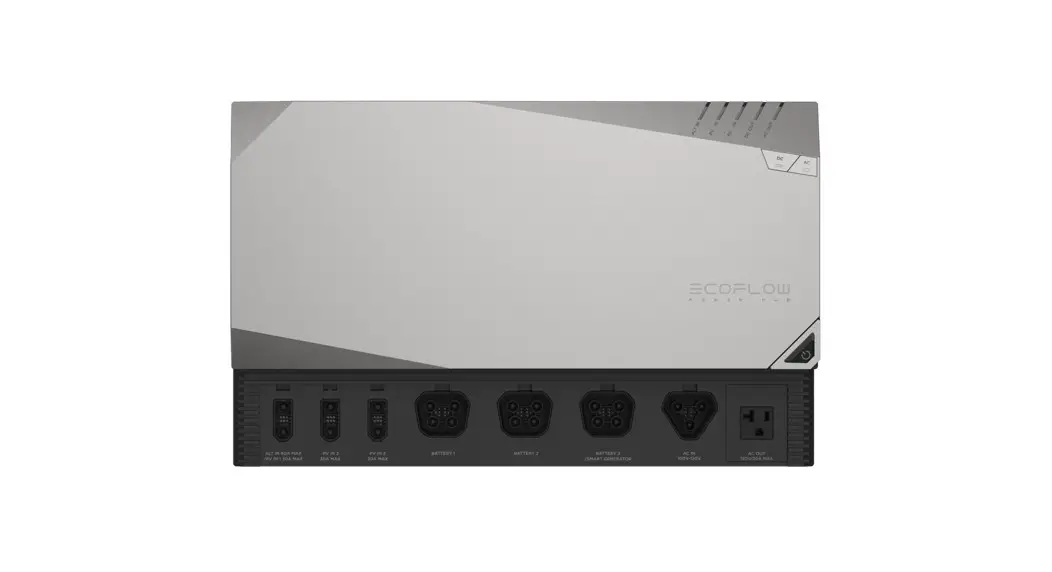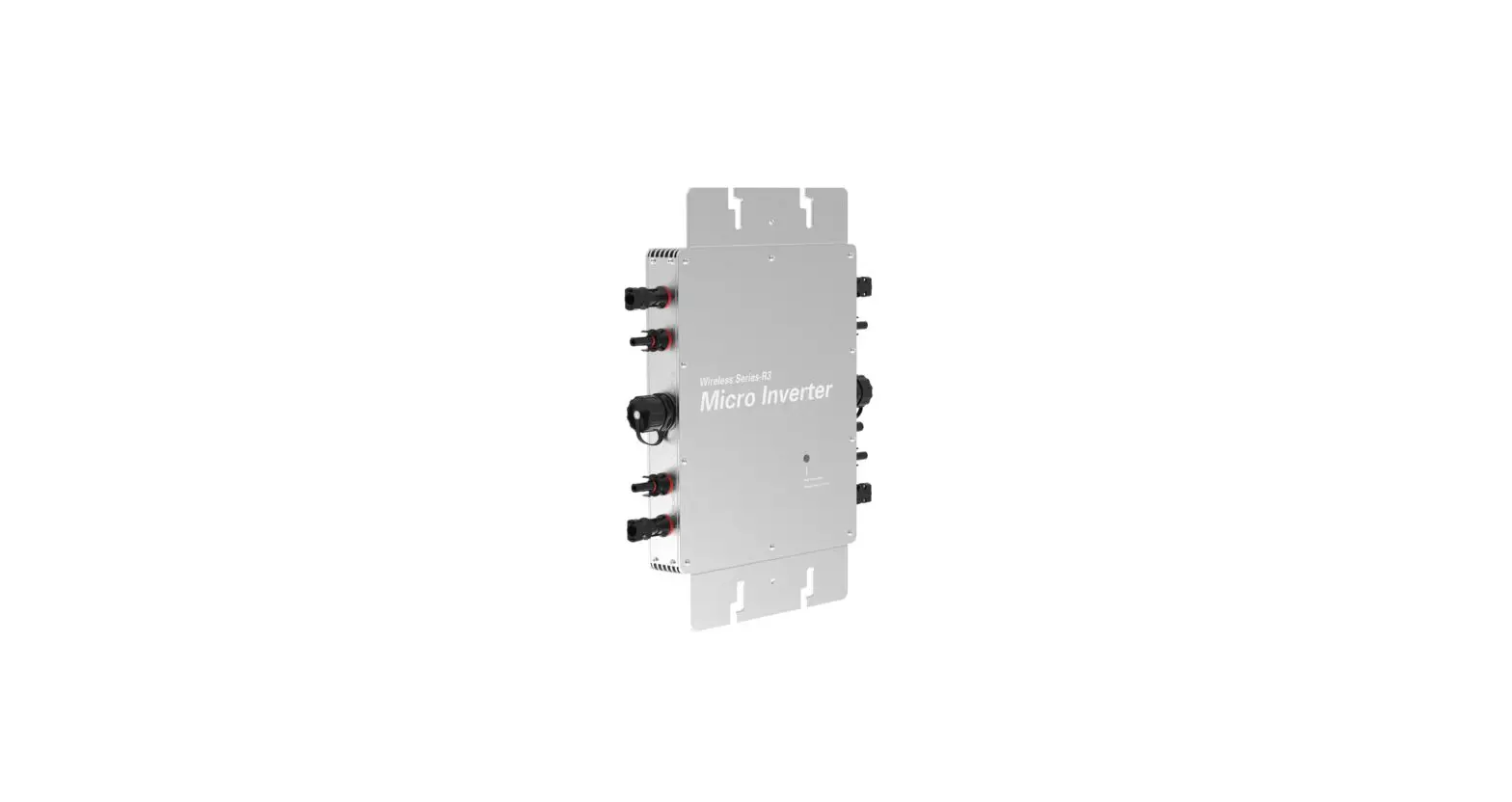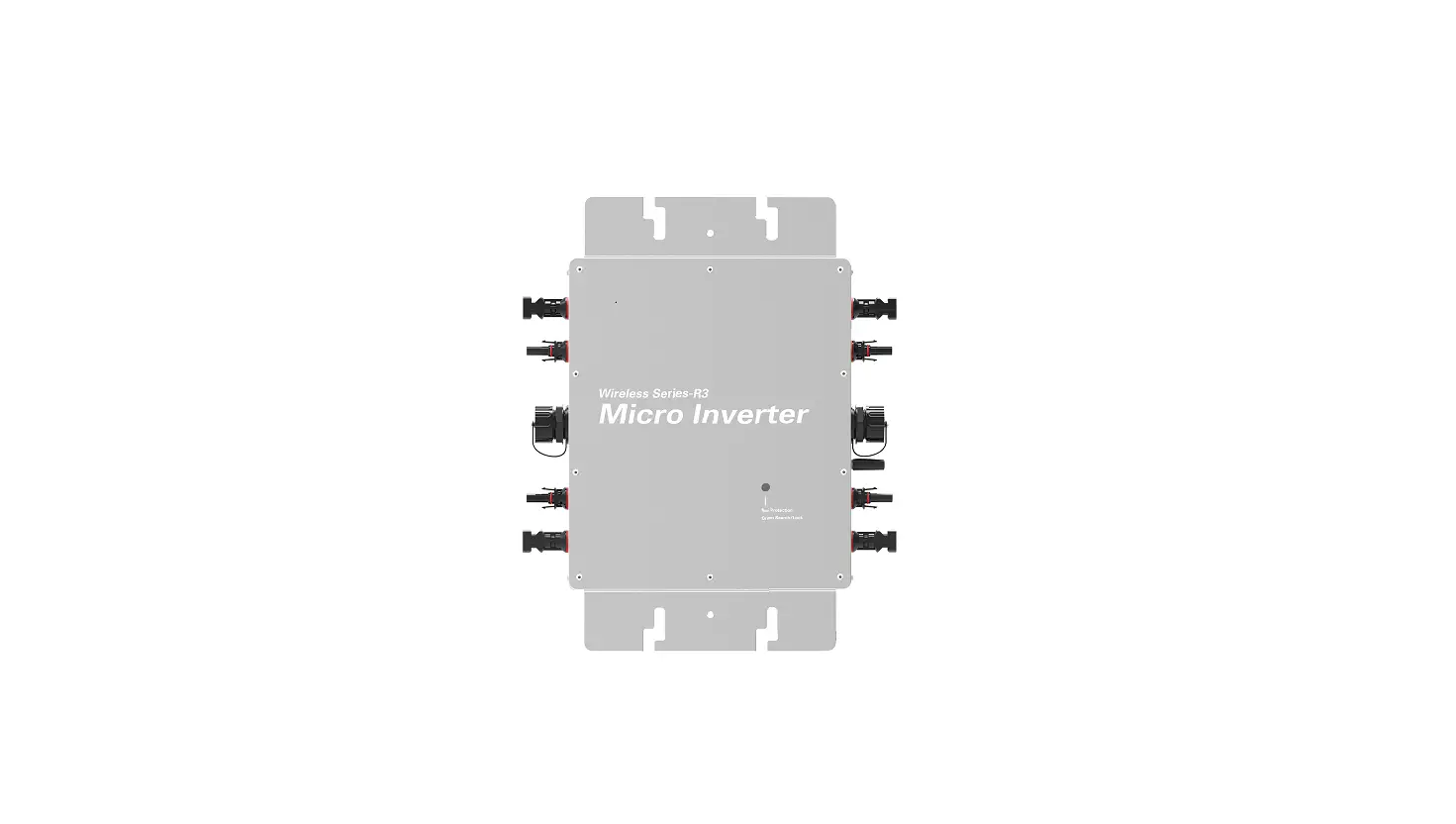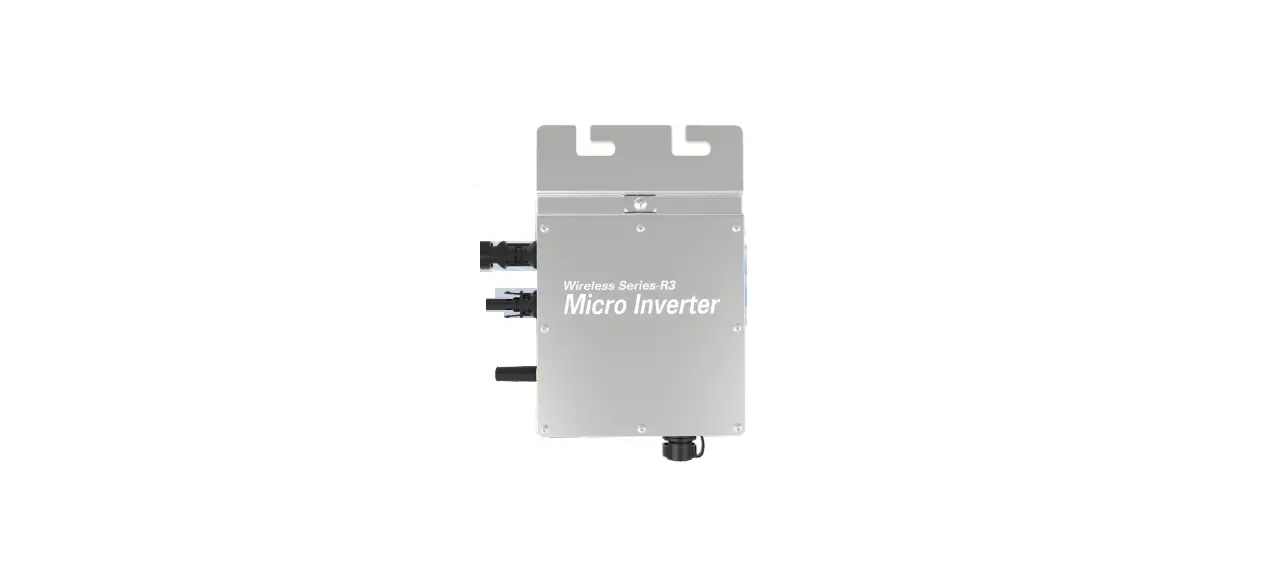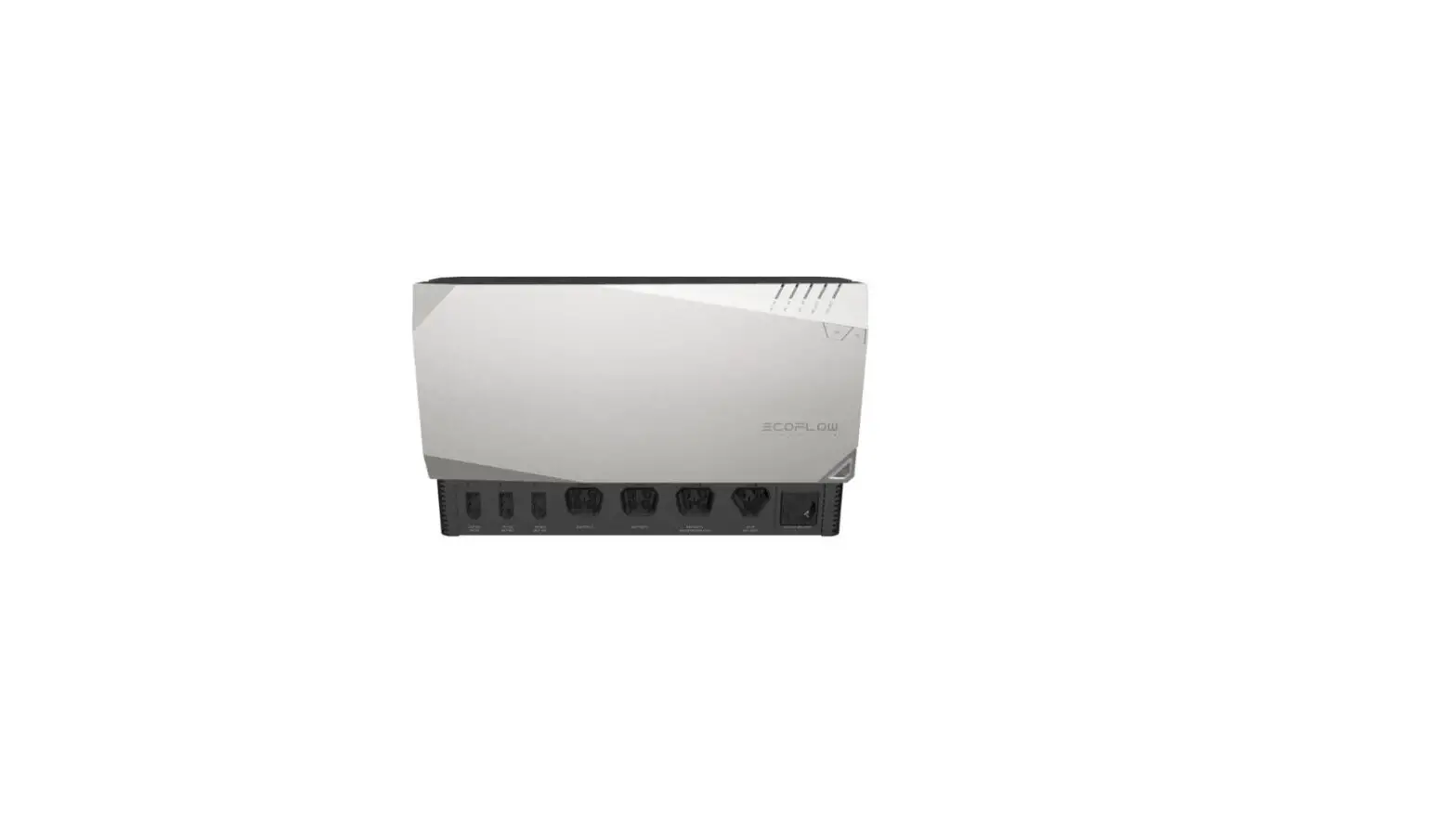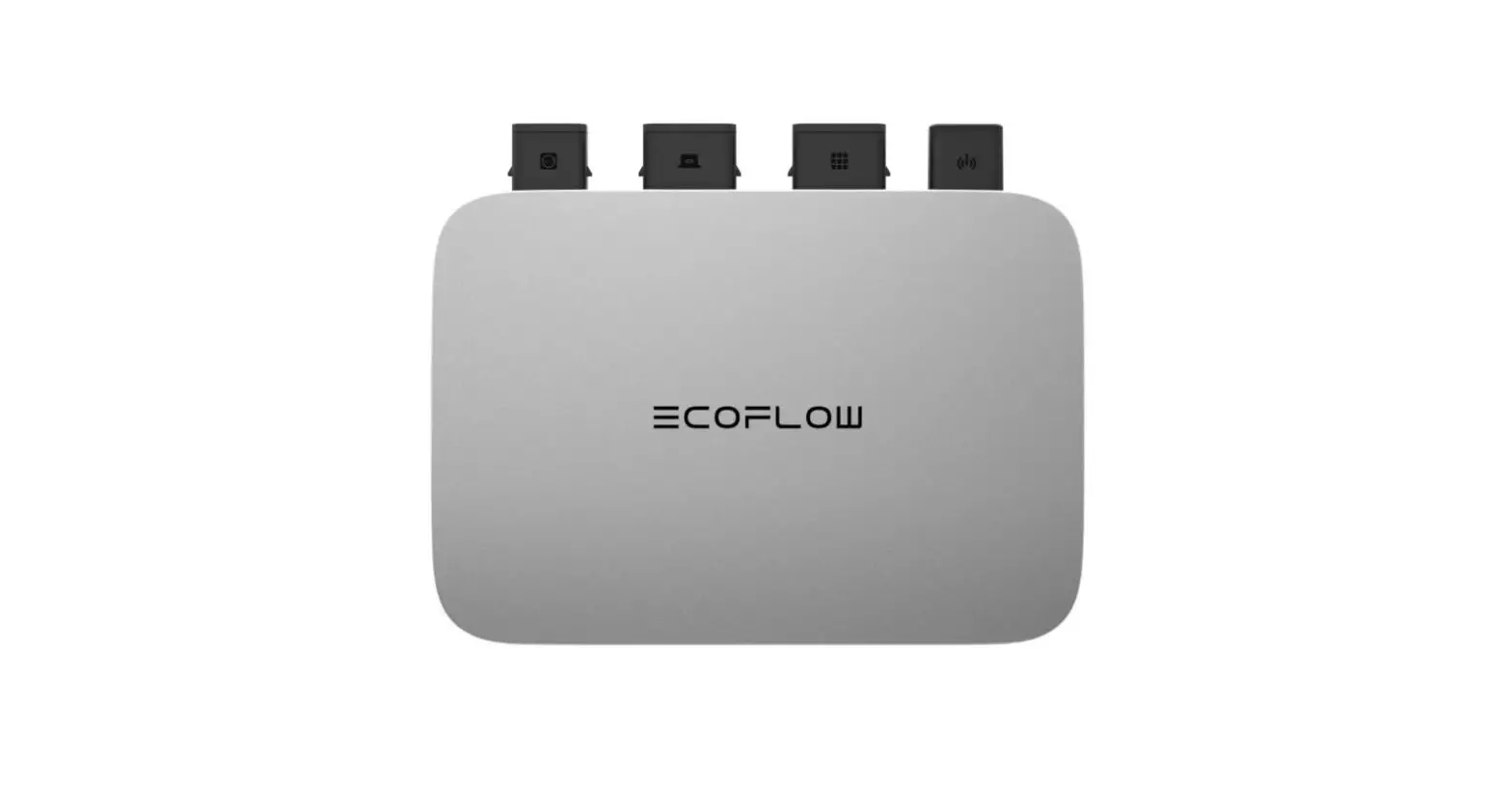
ECOFLOW EFWN511B PowerStream Microinverter Instruction Manual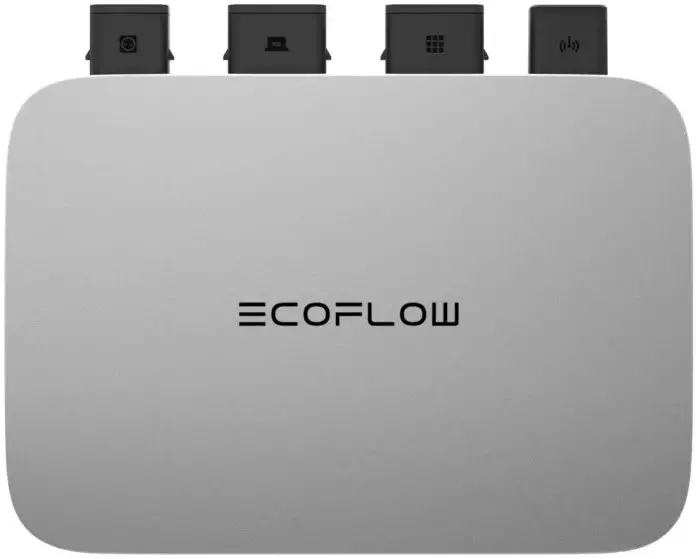
For more details, please scan the QR code or visit: https://www.ecoflow.com/support/download/ powerstream-microinverter
Disclaimer
Read this document carefully before using the product to ensure that you completely understand the product and can correctly use it. After reading this document, keep it properly for future reference. Improper use of this product may cause serious injury to yourself or others, or cause product damage and property loss. Once you use this product, it is deemed that you understand, approve and accept all the terms and content in this document. EcoFlow is not liable for any loss caused by the user’s failure to use this product in compliance with this document.
In compliance with laws and regulations, EcoFlow reserves the right to final interpretation of this document and all documents related to this product. This document is subject to changes (updates, revisions, or termination) without prior notice. Please visit EcoFlow’s official website to obtain the latest product information.

Hereby, EcoFlow Inc. declares that EcoFlow PowerStream Microinverter is in compliance with Directive 2014/53/EU. The full text of the EU declaration of conformity is available at the following internet addresses:
http://www.ecoflow.com/eu/eu-compliance
http://www.ecoflow.com/de/eu-compliance
http://www.ecoflow.com/fr/eu-compliance

The Bluetooth® word mark and logos are registered trademarks owned by Bluetooth SIG, Inc. and any use of such marks by EcoFlow Inc. is under license. Other trademarks and trade names are those of their respective owners.
The crossed-out wheeled bin indicates that the electrical and electronic (EE) product should not be discarded as unsorted waste but must be sent to separate collection facilities for recovery and recycling.

Hereby, EcoFlow Inc. declares that EcoFlow PowerStream Microinverter is in compliance with Radio Equipment Regulations 2017. The full text of the UKCA declaration of conformity is available at the following internet address: http://www.ecoflow.com/uk/eu-compliance
Specifications
General Info
| Model | EFWN511/EFWN511B |
| Dimension | 242×169×33 (mm) |
| Weight | Approximately 3 kg |
PV port
| Operating voltage | 11 – 55 Vd.c. |
| Maximum input voltage | 55 Vd.c. |
| Maximum input current | 13 A |
| Initial input voltage | 15 Vd.c. |
| Anti-reverse connectionprotection | Supported |
| Overvoltage | Ⅱ |
| Max. PV short circuit current (Isc PV) | 14 A |
| Max. inverter backfeed current to the array | 0 A |
BAT / DC port
| Discharging mode | |
| Discharging input voltage | 11 -15 Vd.c. , 40 – 59 Vd.c. |
| Maximum input current | 13 A |
| Maximum input voltage | 59 Vd.c. |
Charging mode
| Charging voltage | 30 – 58 Vd.c. |
| Maximum charging current | 13 A |
| Rated charging voltage | 48 Vd.c. |
| Overvoltage | Ⅱ |
| Battery input short circuit current rating | 20 A |
AC port
| Output voltage | 220/230/240 Va.c. |
| Output frequency | 50 Hz |
| Output power factor | ±0.8 ~ 1 |
| Maximum output current | EFWN511: 3.7 AEFWN511B: 2.8 A |
| THDI | <=3%@100% load |
| Maximum output fault current | 18.4 A |
| Maximum output overcurrent protection | 4 A |
| Overvoltage | Ⅲ |
Others
| Placed | Indoors or outdoors |
| Pollution degree | PD3 |
| Ingress Protection rating | IP67 |
| Operating temperature | -40 °C to 50 °C (-40 °F to122 °F) |
| Humidity | 0 % to 100 % |
| Altitude | ≤2000 m (6562 ft.) |
| Wet location | Yes |
| Type of inverter | Isolated |
| Protective class | 1 |
| Wi-Fi (2.4G) | Frequency range:20M: 2412 – 2472 MHz /40M: 2422- 2462 MHzMaximum output power: ≤20 dBm |
| Bluetooth® | Frequency range:2402-2480MHzMaximum output power: ≤20 dBm |
For updated parameters, please go to our website to download the latest user manual.
Safety Instructions
General requirements
- Please carefully read the documents before installing, operating or maintaining the equipment. The documents are subject to change due to product updates or other reasons.
- Do not put heavy objects on the equipment.
- Ensure that all cables and connectors are intact and dry before connecting to prevent electric shocks.
- Use insulation tools or wear personal protective equipment when you install or operate the equipment.
- Do not install or operate the equipment in extreme weather events such as lightning, snow, heavy rain, strong wind and so on.
- Do not damage, smear or rip off any warning labels on the equipment.
- Do not hit, pull, drag, squeeze or step on the equipment, or throw it into the fire, as there is risk of explosion.
- After installing, please clean the remains of the installation, such as boxes, clipped cable ties, ripped insulation materials, etc.
- Do not modify or repair the equipment, please contact our customer service or qualified personnel if necessary.
- Use tools and the equipment correctly to prevent personal injuries and product damage.
- Understand the components and function of the grid-tied PV power system. Make sure that all electrical connections, and voltage and frequency at the connection point meet the local microinverter grid-tie requirements and electrical standards.
- Make sure the screws are tightened to the specified torque during installation (M5*12: 30 Kgf*cm; ST5*12: 45 Kgf*cm; M6*20: 90 Kgf*cm).
- Make sure that the ground wire is tightly connected. The line diameter of ground wire should be ≥ 4 mm².
- It is strongly recommended to install an overcurrent circuit breaker between the equipment and the grid.
- The enclosure of the equipment may get more than 70 °C (158 °F) while in use. Do not touch it before it cools down. Also, always keep the equipment out of reach of children and pets.
- The installation location should be convenient for you to put out the connectors.
- Before you pull out the AC (or battery) connector from the microinverter, disconnect the cable from the AC socket (or battery’s) end.
- All operations including installation and maintenance, should be carried out by qualified personnel. This device is not intended for persons with reduced physical, sensory or mental capabilities or lack of experience and knowledge or people unfamiliar with these instructions.
- Personnel who plan to install or operate the product should receive training about electricity, understand all necessary safety precautions, and be able to perform all installations and operations correctly following local regulation.
- It is strongly recommended that you ask a professional or a well-trained electrician to check or adapt the installation. Only qualified personnel can replace the product or its components (including software).
Environment requirements
- Make sure the equipment is installed, operated or stored in a well ventilated place.
- Do not install or operate the equipment near flammable, explosive, corrosive, caustic or moist sources.
- Do not expose the equipment to strong electromagnetic fields to avoid radio interference
Explanation of symbols

Danger Do not damage, smear or cover any warning lables on the equipment. All labels must be visible after installation.
| Symbol | Explanation | Symbol | Explanation |
 | Refer to the operation instructions | 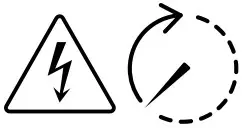 | Caution, risk of electric shock; energy storage timed discharge |
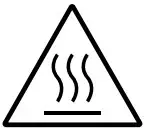 | Caution, hot surface |  | Protective conductor terminal |
| Caution, risk of danger |  | Ingress Protection rating |

 error
error KONFORMITÄTSERKLÄRUNG | EcoFlow DE