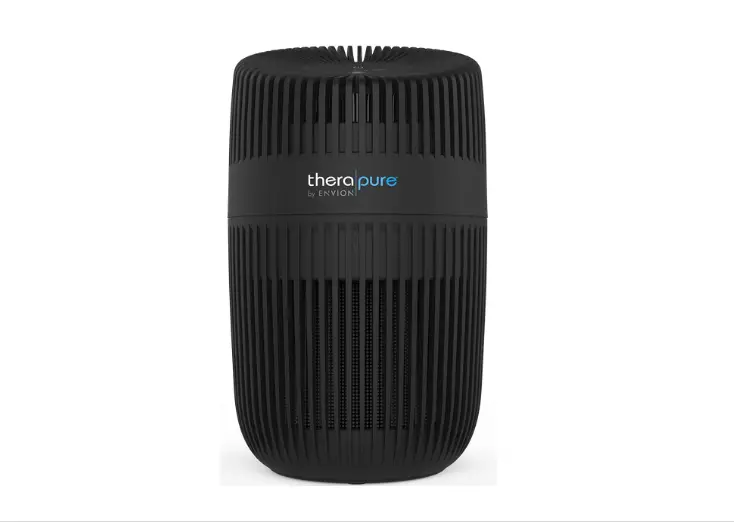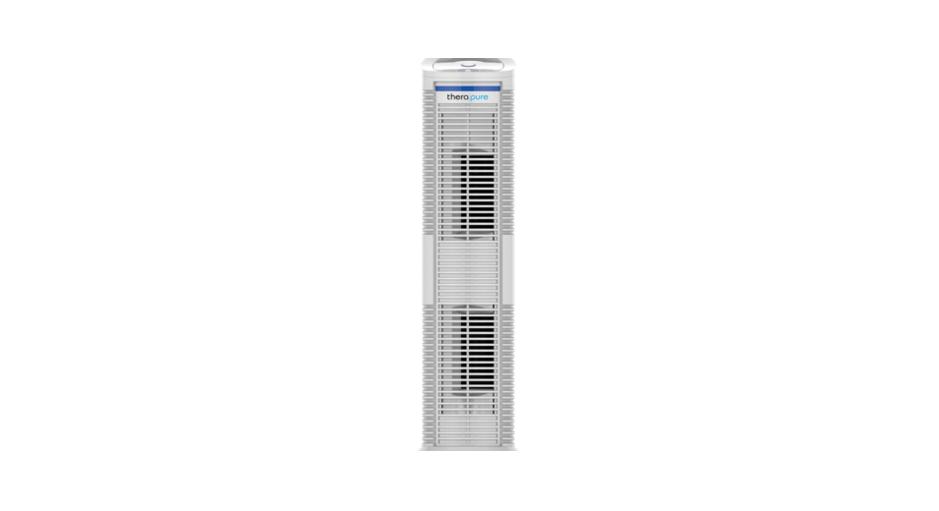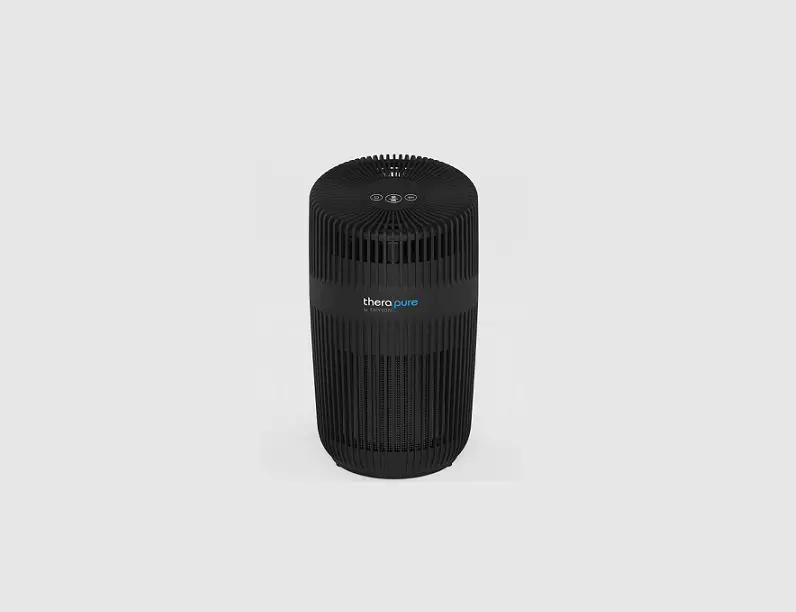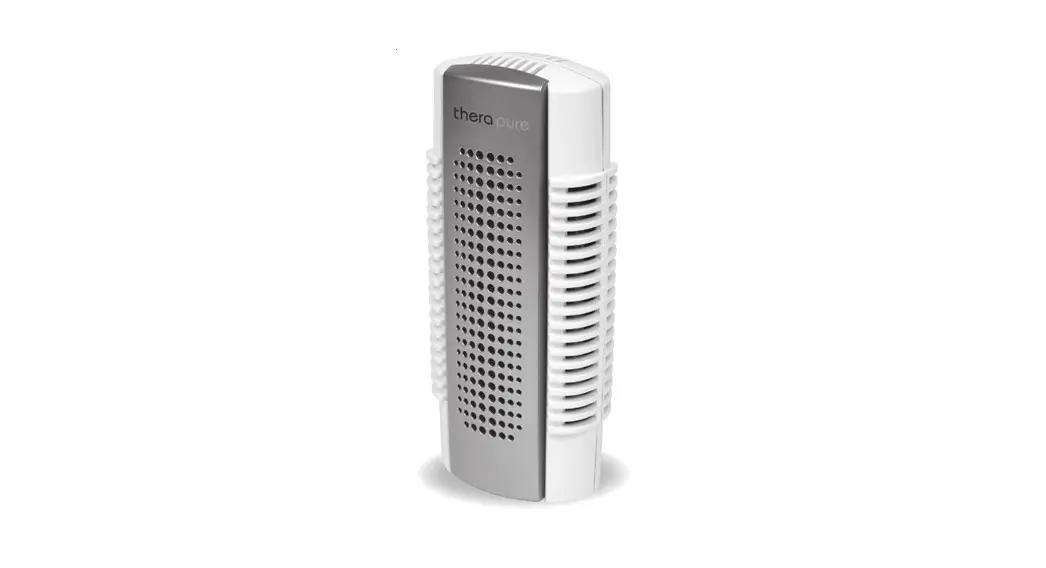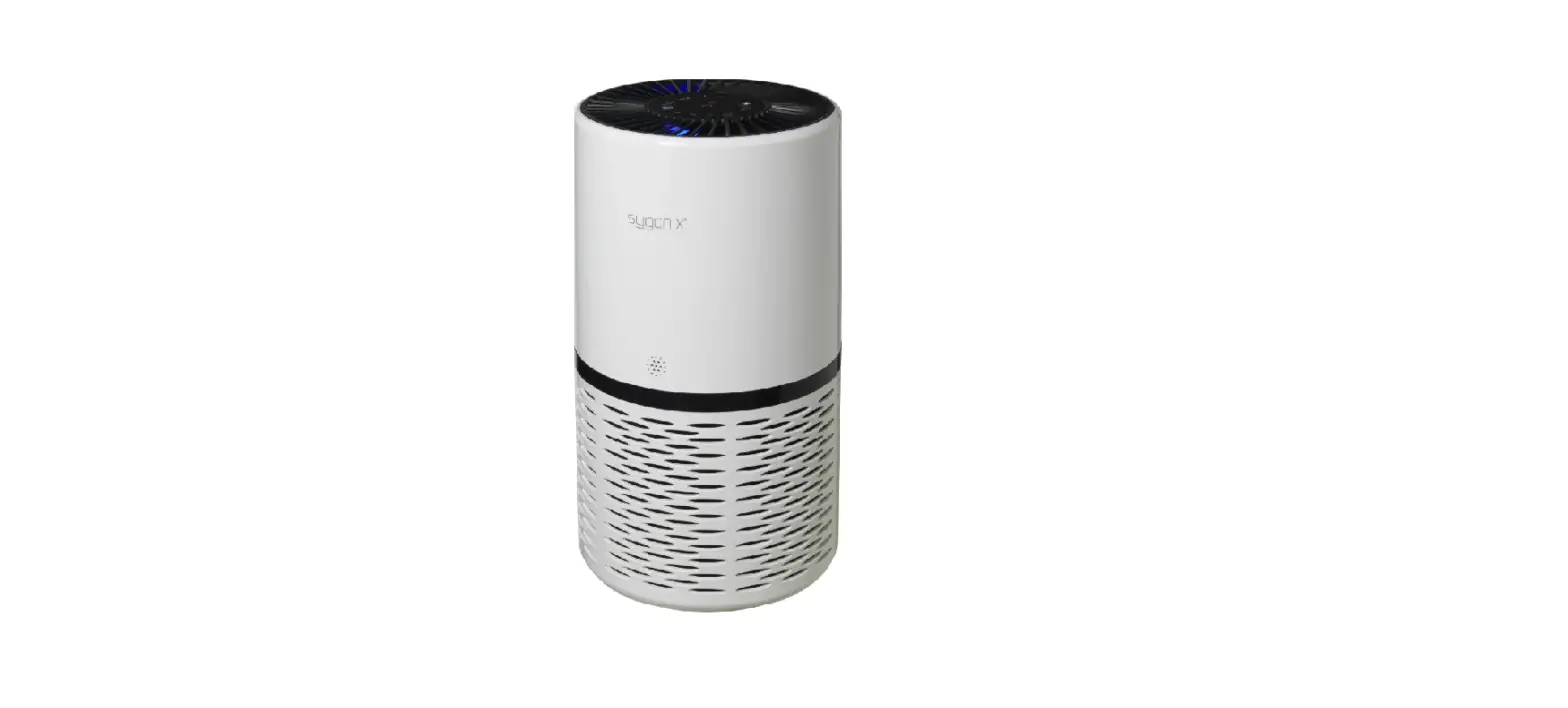

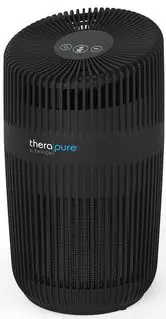
therapure TP150 Desktop Purifier with UV
WARNING
- EN Always observe all safety notes (included separately in delivery).
TECHNICAL DATA
- Mains voltage: 120 V ~ 60 Hz
- Power consumption Standby: 0.5 W
- Min – Max: 1 – 9 W
- Operation noise: level 48 dB(A)
- CADR: (Dust / Smoke / Pollen) 39 cfm (66 m3/h) / 31 cfm (53 m3/h) / 32 cfm (54 m3/h)
- Dimensions: L × W × H 6.4 × 6.4 × 40.9 in (162 × 162 × 276 mm)
- Weight: (empty) 2.5 lbs (1.15 kg)
INTRODUCTION
Thank you for purchasing the Therapure® TP150 air purifier. With UV light and filtration to clean the air, the Therapure® TP150 air purifier will greatly im-prove the quality of the air in your home, office, or other environments. Once you’ve experienced the purity of Therapure® TP150 air, visit us at our web-site to find out more ways to improve the quality of your air and your life with our premium products and upgrades. Please be sure to read the follow-ing instructions carefully to ensure optimal perfor-mance and safety.
SCOPE OF DELIVERY
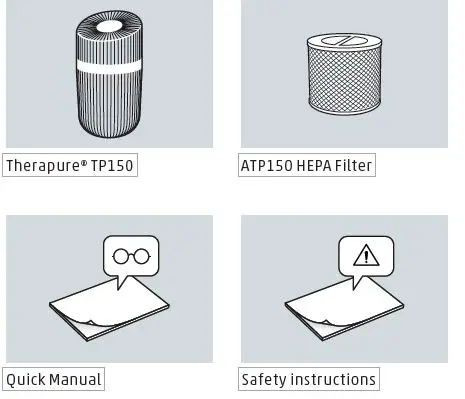
OVERVIEW AND PART NAMES
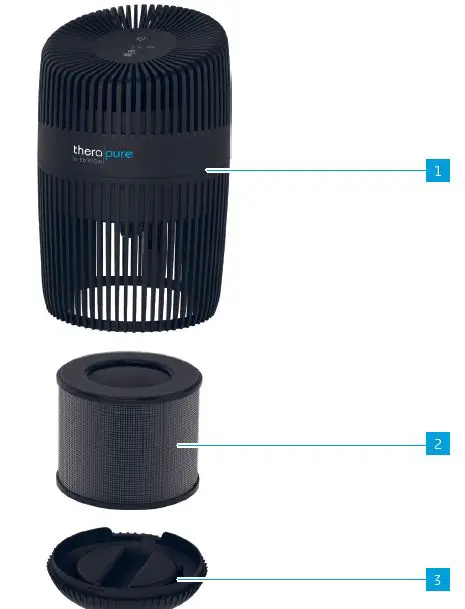
- Therapure TP150
- Filter & Prefi lter
- Bottom Cover
STARTING UP
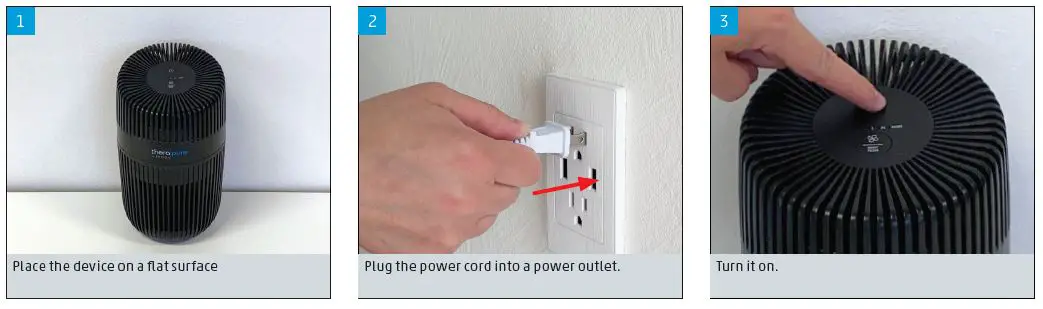
- Place the device on a flat surface
- Plug the power cord into a power outlet.
- Turn it on.
SYMBOLS AND DISPLAYS
Power Button: Switch the appliance on and off
Fan Level / Filter Reset Button: Tapping once switches the fan levels L and H Hold for 3 sec. to reset the filter light
CLEANING AND MAINTENANCE
CARE INSTRUCTIONS
- Stagnant water can impair cleanliness and lead to unpleasant odors. This means regular maintenance and cleaning is necessary to ensure clean and unim-paired operation.
- Recommended cleaning and maintenance intervals vary depending on air quality, water quality and operating time.
WARNING
- Do not use alcohol or corrosive cleaning agents for cleaning.
- Always unplug the appliance from the power outlet before cleaning.

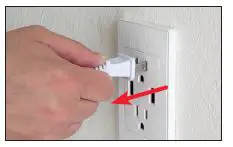
FILTER COMPARTMENT
Use a soft, damp cloth to clean the exterior.
- Place your device upside down.
- Turn the bottom cover anti-clockwise until it un-locks.

- Remove the filter.
- Use a dry soft towel to clean the filter compart-ment.
- Place the filter back in the device and lock the bottom cover. Cleaning the Filter and Pre-Filter
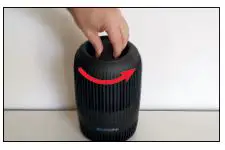
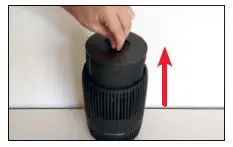
After removing the combination Filter and Pre-Fil-ter from the device it can be cleaned with a vacuum cleaner and/or with a dry soft towel.
REPLACING THE FILTER
The filter should be replaced after the filter light turns on. After replacing the filter press the Reset Filter button for 3 seconds to reset the filter re-minder.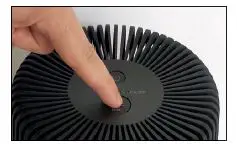
E N V I O N is a registered trademark of B O N E C O AG, Switzerland
B O N E C O North America Corp. 15821 Ventura Blvd., Encino, CA 91436