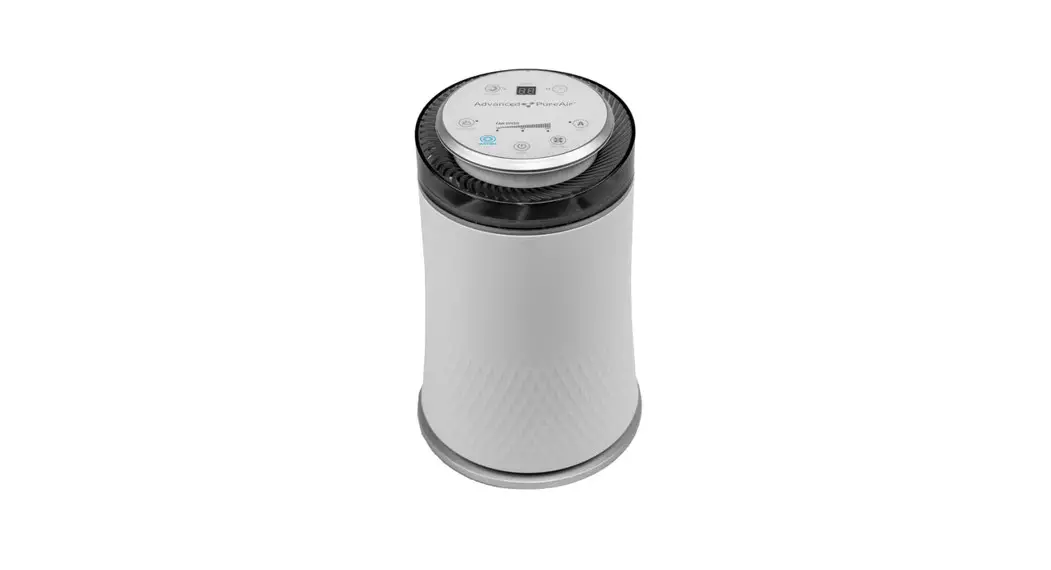
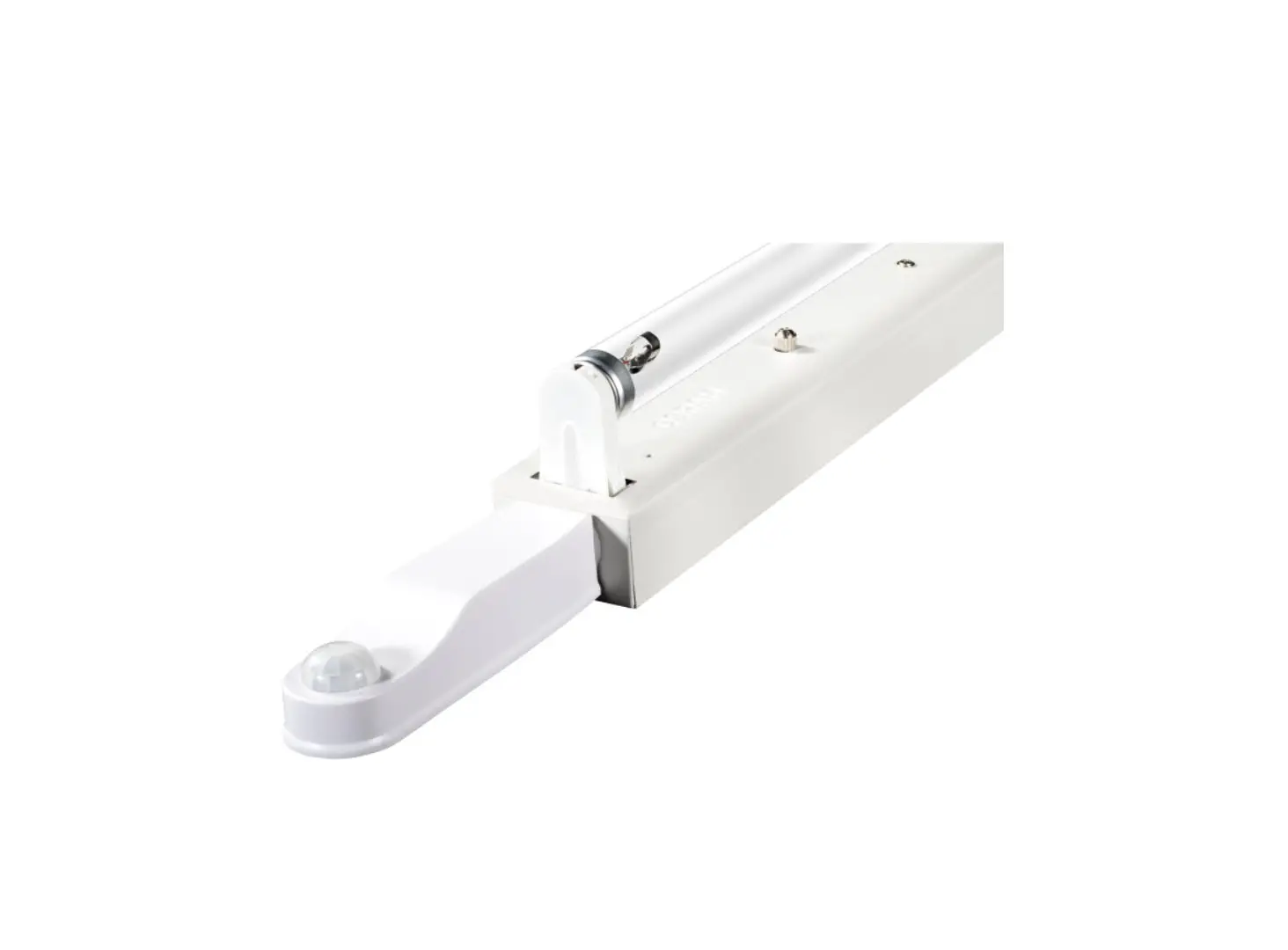
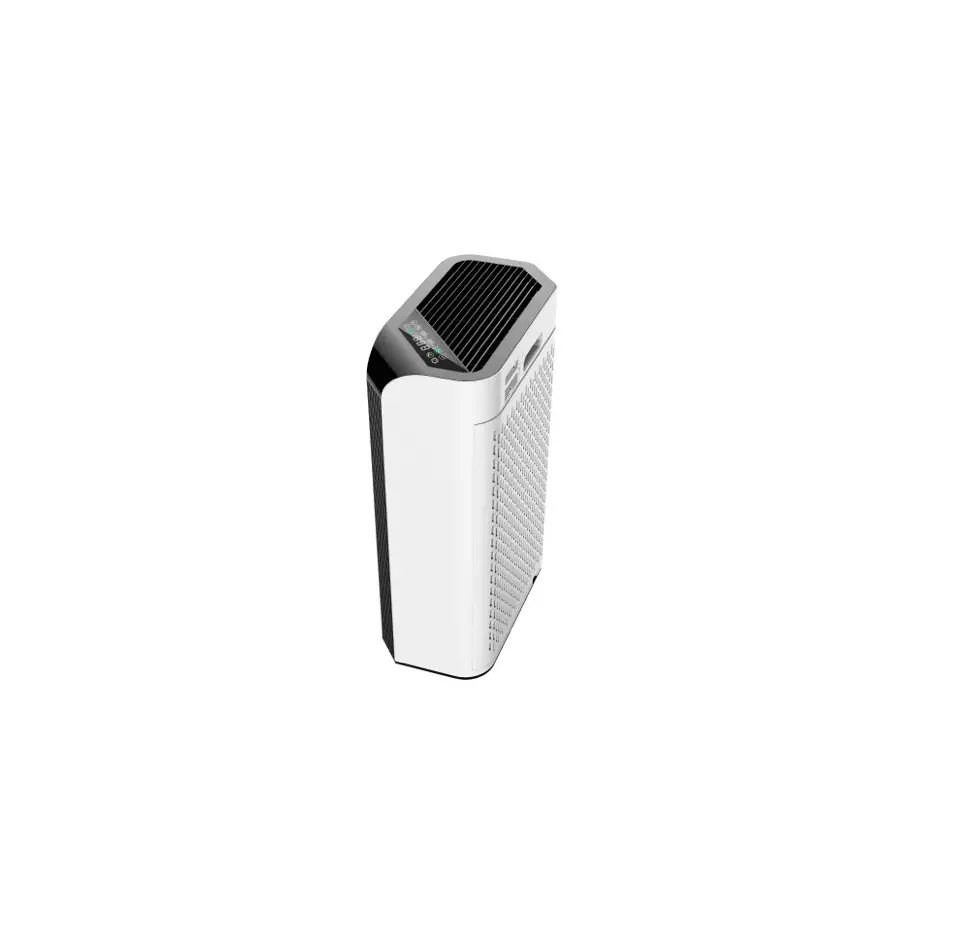
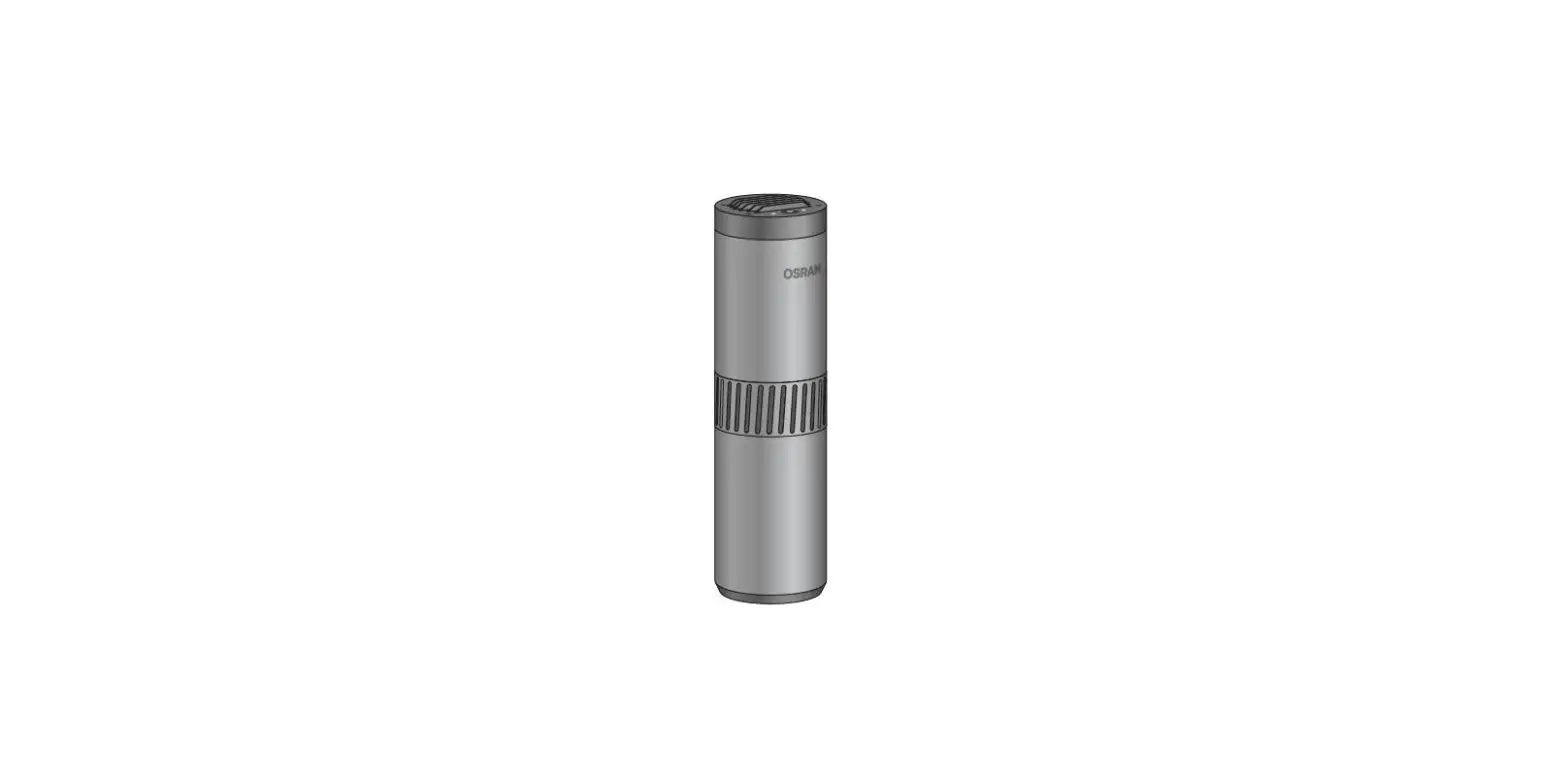
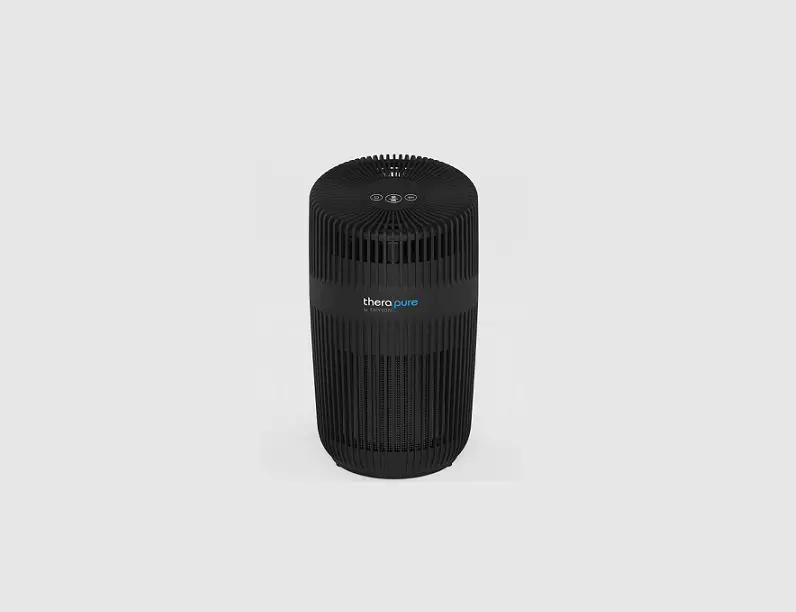
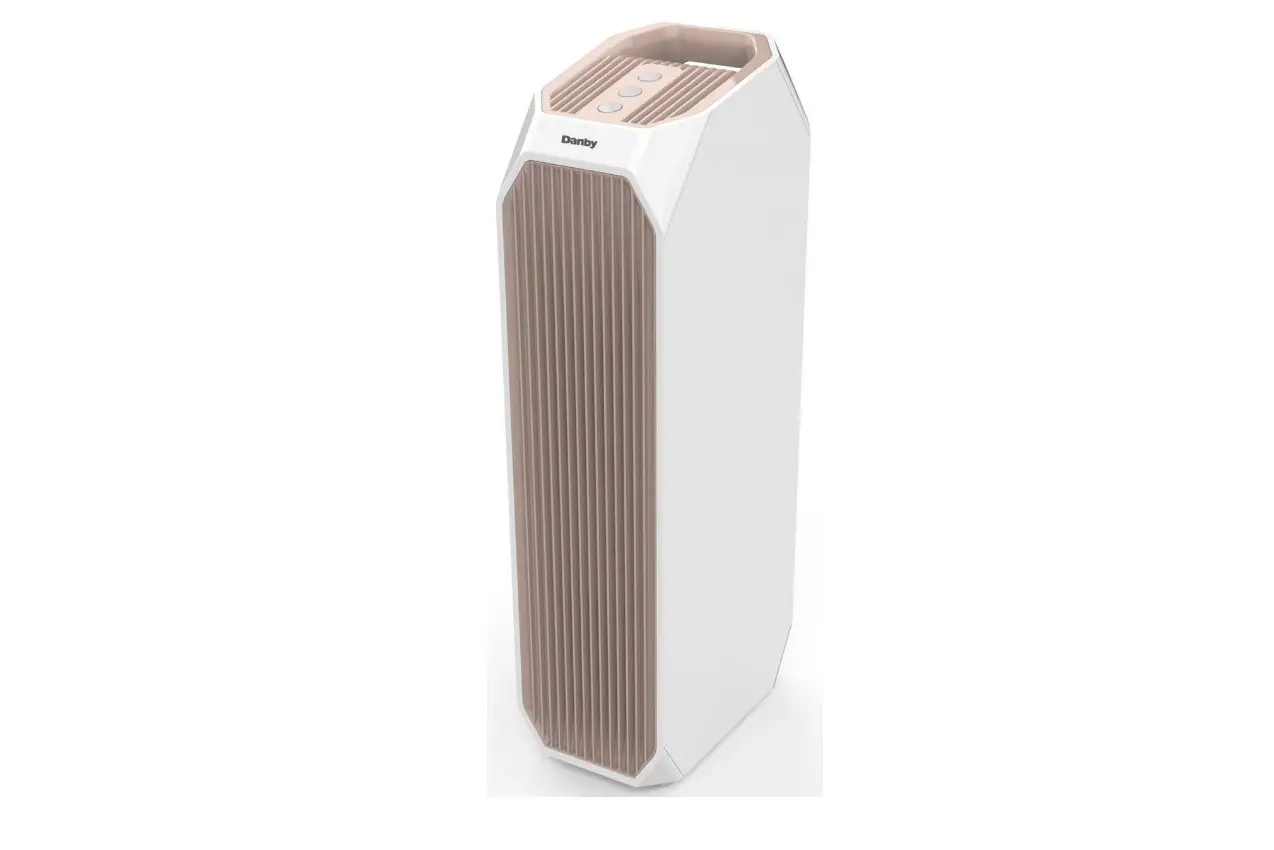
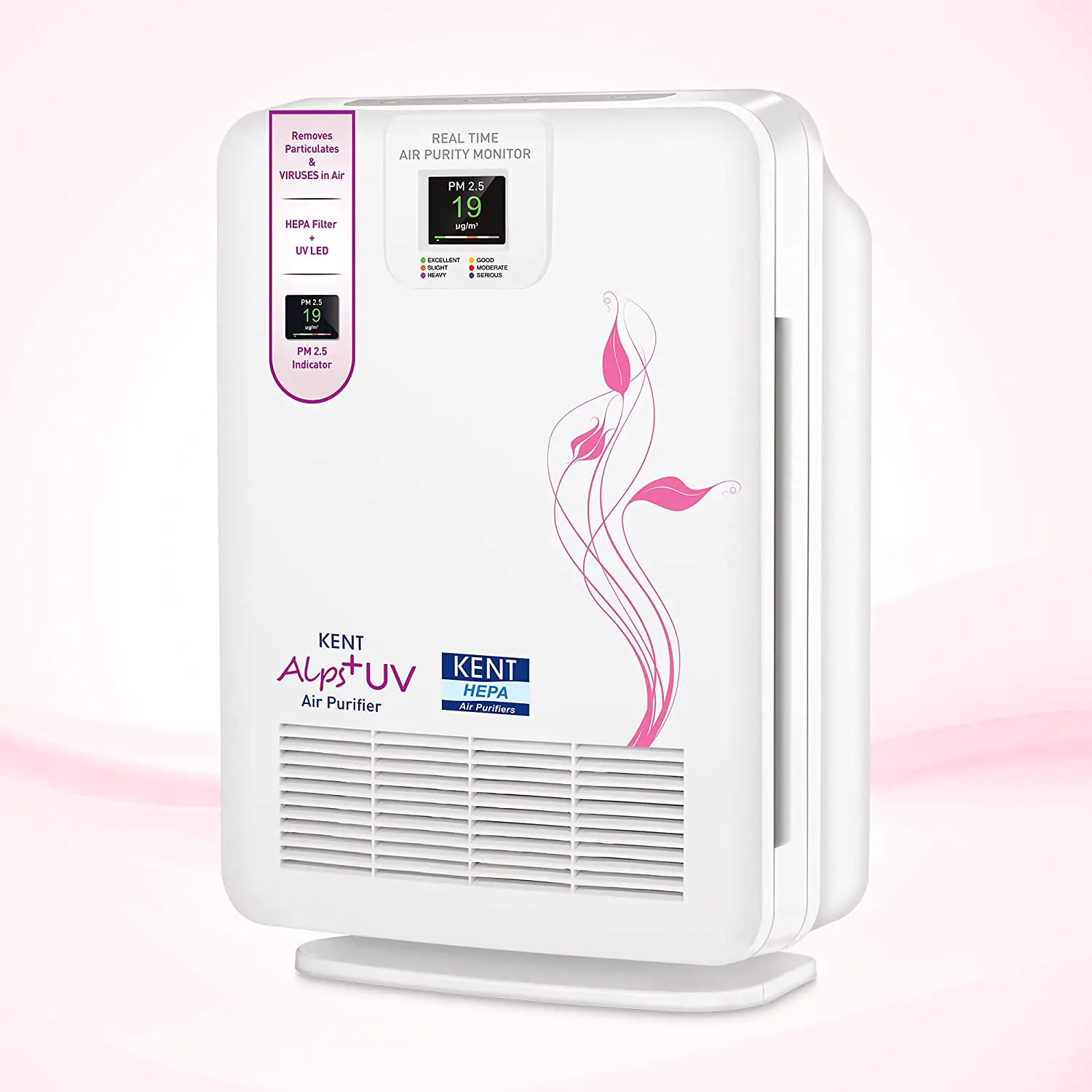
PR05 UV Air and Surface Purifier
Product Information
| Product Name | BSG PR05, PR10, PR20, PR30 |
|---|---|
| Manufacturer | Biozone Scientific Group |
| Contact Information (Americas) | 9561 Satellite Boulevard, Ste 300, Orlando, Florida, 32837 United States of America Phone: +1 (407) 876 2000 |
| Contact Information (Europe) | Keble House, Southernhay Gardens, Exeter, Devon EX1 1NT Phone: +44 (0) 333 577 6111 |
| Website | www.bsg-uv.com |
Product Usage Instructions
Contents Checklist
Inside the shipping box you should find:
- If any of these items are missing, please notify BSG by calling
the nearest office.
Inspection Checklist
Check for shipping damage. If unit appears damaged, do not plug
it in or attempt to use it. Report immediately to freight carrier
and notify BSG for inspection and repair.
Power and Lamp Life RESET
- The ON/OFF button switches the device:
- ON – Standard Mode (Unit power on, light indicators on)
- ON – Night Mode (Unit power on, Power Indicator LED
intermittently Flashes green) - OFF (Unit power off)
- The Power light shows whether the device is powered and
operating normally and also indicates when the accumulated lamp
life reaches 8,760 hours (1 year) and needs replacement. The Power
LED has the following modes:- Steady green: normal operation
- Green flash: night mode
- Steady red: replace lamp
- Flashing red: contact BSG for service
- Whenever a new UV lamp is installed, the Lamp Life RESET button
MUST be pressed to reset the timer within the microcontroller to
8,760 hours. The timer will only register lamp life while the unit
is powered on.- When the new UV lamp is installed correctly and Lamp Life RESET
is pressed, the Power light will flash 2 times in red color then
turn to green color and begin to operate normally. - If the red light keeps flashing, it indicates that the Lamp
Life RESET button has not been pressed. Re-install the UV lamp and
press the Lamp Life RESET button until the Power light turns to
green color.
- When the new UV lamp is installed correctly and Lamp Life RESET
- The ON/OFF button controls the cycle of the operation. The
control sequence is in the following manner:- ON – Standard Mode
- ON – Night Mode
- OFF (Continuous Loop)
- OFF
- ON – Night Mode
- ON – Standard Mode
Timer
- The timer light indicates the four preset timer options (ON, 2,
4 and 8 hours). When the indicator light is in the ON setting, the
unit will operate continuously until it is turned off by the user.
(Switching ON the unit with 2 hours preselected accesses a test
mode and the unit will turn off after 2 minutes.) - The TIMER button sets the operating period. Once the preset
time is reached, the unit will turn off automatically. The control
sequence is in the following manner:- ON
- 2hrs
- 4hrs
- 8hrs (Continuous Loop)
- 8hrs
- 4hrs
- 2hrs
- ON
Fan Speed
- The FAN SPEED button controls the fan speed which in turn
controls the flow of Purifying Plasma. The control sequence is in
the following manner:- LOW
- MED
- HIGH (Continuous Loop)
- HIGH
- MED
- LOW
- The fan speed is shown by the indicator light in different
positions (LOW, MED and HIGH).
Range Specifications
Typical air change rates for existing homes average between 1
and 2 per hour. Newer homes with tighter construction may have an
air change rate of less than .5 per hour. Public buildings and
spaces generally have more than 6 air changes per hour. Your BSG PR
unit will be most effective if used in appropriate spaces.
OWNER’S MANUAL BSG PR05, PR10, PR20, PR30
BEFORE USE
BEFORE USE
Biozone Scientific Group
contact information
Americas
9561 Satellite Boulevard, Ste 300, Orlando, Florida, 32837 United States of America Phone: +1 (407) 876 2000
Europe Keble House, Southernhay Gardens, Exeter, Devon EX1 1NT Phone: +44 (0) 333 577 6111
www.bsg-uv.com
Contents Checklist Inside the shipping box you should find:
· Your new BSG PR air purifier. · Remote Control with batteries. · AC/DC power cord. · Owner’s Guide with Warranty Conditions. · Warranty card (USA only).
If any of these items are missing, please notify BSG by calling the nearest office.
Inspection Checklist Check for shipping damage. If unit appears damaged, do not plug it in or attempt to use it. Report immediately to freight carrier and notify BSG.
Safety · Do not look directly at the UV lamp when lit. · Do not open the back cover of your unit without first unplugging the power cord. · Do not place your unit so airflow to the fan is blocked. This may cause the fan to
break or other damage. · If your unit falls into water, do not reach into the water. Unplug the
unit immediately. · Do not operate your unit if it has a damaged cord or plug. · Do not place cord near heated surfaces. · If your unit has been damaged, dropped or submerged in water, please call BSG
for inspection and repair.
Operation Features · UV Lamp Life Monitor · 4-Level Time Selection · 3-Level Fan Speed · Portable Infrared Remote Controller (range up to 19 feet / 6 meters)
2
O P E R AT I O N
Power and “Lamp Life” RESET
1. The ON/OFF button switches the device: a. ON – Standard Mode (Unit power on, light indicators on)
b. ON – Night Mode (Unit power on, Power Indicator LED intermittently Flashes green)
c. OFF (Unit power off)
2. The Power light shows whether the device is powered and operating normally and also indicates when the accumulated lamp life reaches 8,760 hours (1 year) and needs replacement. The Power LED has the following modes: Steady green: normal operation Green flash: night mode Steady red: replace lamp Flashing red: contact BSG for service
3. Whenever a new UV lamp is installed, the “Lamp Life” RESET button MUST be pressed to reset the timer within the microcontroller to 8,760 hours. The timer will only register lamp life while the unit is powered on. a. When the new UV lamp is installed correctly and “Lamp Life” RESET is pressed, the Power light will flash 2 times in red color then turn to green color and begin to operate normally.
b. If the red light keeps flashing, it indicates that the “Lamp Life” RESET button has not been pressed. Re-install the UV lamp and press the “Lamp Life” RESET button until the Power light turns to green color.
4. The ON/OFF button controls the cycle of the operation. The control sequence is in the following manner:
ON – Standard Mode
ON – Night Mode
OFF
(Continuous Loop)
OFF
ON – Night Mode
ON – Standard Mode
3
O P E R AT I O N
TIMER 1. The timer light indicates the four preset timer options (ON, 2, 4 and 8 hours). When
the indicator light is in the ON setting, the unit will operate continuously until it is turned off by the user. (Switching ON the unit with “2” hours preselected accesses a test mode and the unit will turn off after 2 minutes.) 2. The TIMER button sets the operating period. Once the preset time is reached, the unit will turn off automatically. The control sequence is in the following manner:
ON 2hrs 4hrs 8hrs
(Continuous Loop)
8hrs 4hrs 2hrs ON
FAN SPEED 1. The FAN SPEED button controls the fan speed which in turn controls the flow of
Purifying Plasma. The control sequence is in the following manner:
LOW
MED
HIGH
(Continuous Loop)
HIGH
MED
LOW
2. The fan speed is shown by the indicator light in different positions (LOW, MED and HIGH).
Range Specifications Typical air change rates for existing homes average between 1 and 2 per hour. Newer homes with tighter construction may have an air change rate of less than .5 per hour. Public buildings and spaces generally have more than 6 air changes per hour. Your BSG PR unit will be most effective if used in appropriate spaces.
Minimum Suggested Area (assumes 8ft / 2.5m celiings)
PR05
PR10
PR20
PR30
0 115ft2 / 11m2 300ft2 / 28m2 477ft2 / 45m2
1060ft2 / 99m2
1 84ft2 / 8m2
216ft2 / 20 m2 345ft2 / 32m2
839ft2 / 78m2
2 66ft2 / 7m2
168ft2 / 16m2
265ft2 / 25m2
589ft2 / 55m2
4 44ft2 / 5m2 115ft2 / 11m2
186ft2 / 18m2
415ft2 / 39m2
6 35ft2 / 4m2 88ft2 / 9m2
142ft2 / 14m2
316ft2 / 29m2
8 27ft2 / 3m2
71ft2 / 7m2
115ft2 / 11m2
257ft2 / 24m2
Air conditioning systems provide air circulation, not necessarily ventilation. 4
Air Ventilations Per Hour
O P E R AT I O N
Installation Instructions Optimum results can be achieved if you: · Place your unit as high as possible. · Place your unit near an air duct or fan for maximum circulation. · Place your unit in a heavy traffic or odorous area, i.e., smoking room, kitchen, near
litter box, etc. · Do not place your unit directly in the face of a person or pet. · Do not place your unit so airflow to the fan is blocked. · Do not place your unit on a metal surface.
4in / 10cm
4in / 10cm
at least 6ft / 2m
Outflow Inflow
On Shelf
at least 6ft / 2m
Outflow Inflow
Wall Mount
5
MAINTENANCE
BSG PR units require only a minimal amount of maintenance. We suggest you open your unit and clean the UV lamp and the case periodically with a soft cloth and alcohol. Make sure the power cord is unplugged before attempting to open the case. Failure to keep the lamp and the interior clean will hinder the purifying ability of your unit.
UV LAMP
CONNECTOR
4X
REMOVE SCREWS
UV Lamp Replacement After approximately one year of continuous use, the UV lamps will lose their effectiveness and need to be replaced (even though the lamps may still appear to be functioning). To replace the lamp: 1. Turn the unit off. 2. Unplug the power cord from the electrical outlet. 3. Unscrew the back panel of the unit. The UV lamp is mounted on this panel. 4. Gently lift the lamp out of the clamps. 5. Locate the lamp socket and pull this off the end of the lamp. 6. Replace with new BSG lamp (use of any other lamp will void warranty). 7. Close and screw the back panel in place. 8. Plug the power cord back into the electrical outlet. 9. Press the “Lamp Life” RESET button and then turn the unit on. (Power LED will
return to green color indicating normal operation.) 10. The UV Lamp contains small traces of mercury. Dispose of the old lamp in
accordance with local hazardous material disposal laws.
Replacement Parts Contact your sales representative for replacement of lamps and other components. Use of parts other than those supplied by the original manufacturer will void warranty.
UV Lamp for model PR05: UV Lamp for model PR10: UV Lamp for model PR20: UV Lamp for model PR30:
BSG Lamp #10-08010 BSG Lamp #10-08025 BSG Lamp #10-08050 BSG Lamp #10-08100
6
TROUBLESHOOTING
Troubleshooting
1. Power light not lit.
Check the following: – is the unit turned on? – is the unit plugged in? – is the electrical outlet working?
2. Lamp indicator light not lit. Check the following: – is the unit turned on and the fan working? – is the lamp connector securely attached? – is it time to replace the lamp? (See “Maintenance” section)
3. Low air flow.
Check the following: – is the fan input or output obstructed?
4. Power Light Flashes Red
Check the following: – Electrical Fault, Service Required – Unplug the unit from the electrical outlet for 10
seconds and then plug into outlet again. – If Power LED continues to flash RED, replace lamp or
contact BSG for service
Specifications
Purification Method: Treatment Area: Ozone Output:
Ion Generation: Control Panel Indication:
Timer Control: Fan Control: Lamp Life Monitor: Remote Control: Remote Control Distance: Materials: Power Cord: Electrical Input: Certifications: Manufacturer’s Part Number:
Photoplasma / Photochemistry (See “Range Specifications” section) Accumulation will not exceed 0.04 ppm when used according to recommendations. (See “Range Specifications” section) Photo ionization of negative ions A) Power indicator light B) Timer indicator light C) Fan Speed indicator light D) UV Lamp indicator light [Continuous] or [ 2], [4] or [8] hour Low Fan / Med Fan / High Fan 8,760 Hours Infra Red 3-Key Remote Control 19 ft / 6 m maximum ASA, Aluminum Composite AC / DC transformer, “B” type – center pin “+” 12V DC Wall Adapter: UL, CE, CSA; Ballast: TÜV; Lamp: CE PR05, PR10, PR20, PR30
7
WARRANTY
Warranty Activation Process: · BSG offers a 1-Year Warranty on BSG products. · Warranty coverage begins on the purchase date. · Registration card must be filled out completely and returned within 10 days of purchase to activate warranty (for USA only.)
Warranty conditions: · BSG guarantees the appliance against defects in material and workmanship under normal use and appropriate voltage for one year from the date of purchase. · Warranty is not applicable to an appliance that has been tampered with or altered in any way or which has been subjected to misuse, abnormal voltage input, power interruption, electric shock, negligence or accident, force majeure or act of God, or whose serial number has been altered, effaced or removed. · Warranty does not cover failures due to improper or unreasonable usage or maintenance of the product or damages due to accident, improper packing, unauthorized tampering, alteration or modification as determined by BSG. · Warranty does not cover the repair of the interior or the exterior finish of the casing, control plate or knobs, accessories, or consumable parts of the said appliance. · Warranty does not cover replacement lamps. BSG lamps are covered by a 1-Year Prorated Warranty. · Warranty will cover any repairs or replacements of any defective parts. Defective parts that have been replaced become BSG property. · Warranty does not cover transportation or shipping costs to or from our repair facilities. · Warranty is valid only if BSG replacement lamps and parts are used. · Product will be repaired or replaced at the sole discretion of BSG engineers. · The provisions of this warranty are in lieu of any other written warranty, whether expressed or implied, written or oral, including any warranty of merchantability or fitness for a particular purpose. The manufacturer’s maximum liability shall not exceed the actual purchase price paid by you for the product. In no event shall the manufacturer be liable for special, incidental, consequential or indirect damages.
Warranty return process: 1. Contact your sales representative or the nearest office for specific return instructions and to receive your RMA (return authorization) number. Any return not labeled with an RMA number will be systematically refused. 2. Pack the product in its original box and in the same manner you received it or as similar as possible. Label the outside of the box with your RMA number. 3. Return the product with proof of purchase. Any return not including a proof a purchase will be systematically refused. 4. Label and ship the unit, freight prepaid to the address provided with your RMA number.
8
Biozone Scientific Group Ltd, 2022: All rights reserved
PR-901 PR-05-10-20-30
User Guide_ V1_EN
 BSG-UV - UV Disinfection for Air and Water