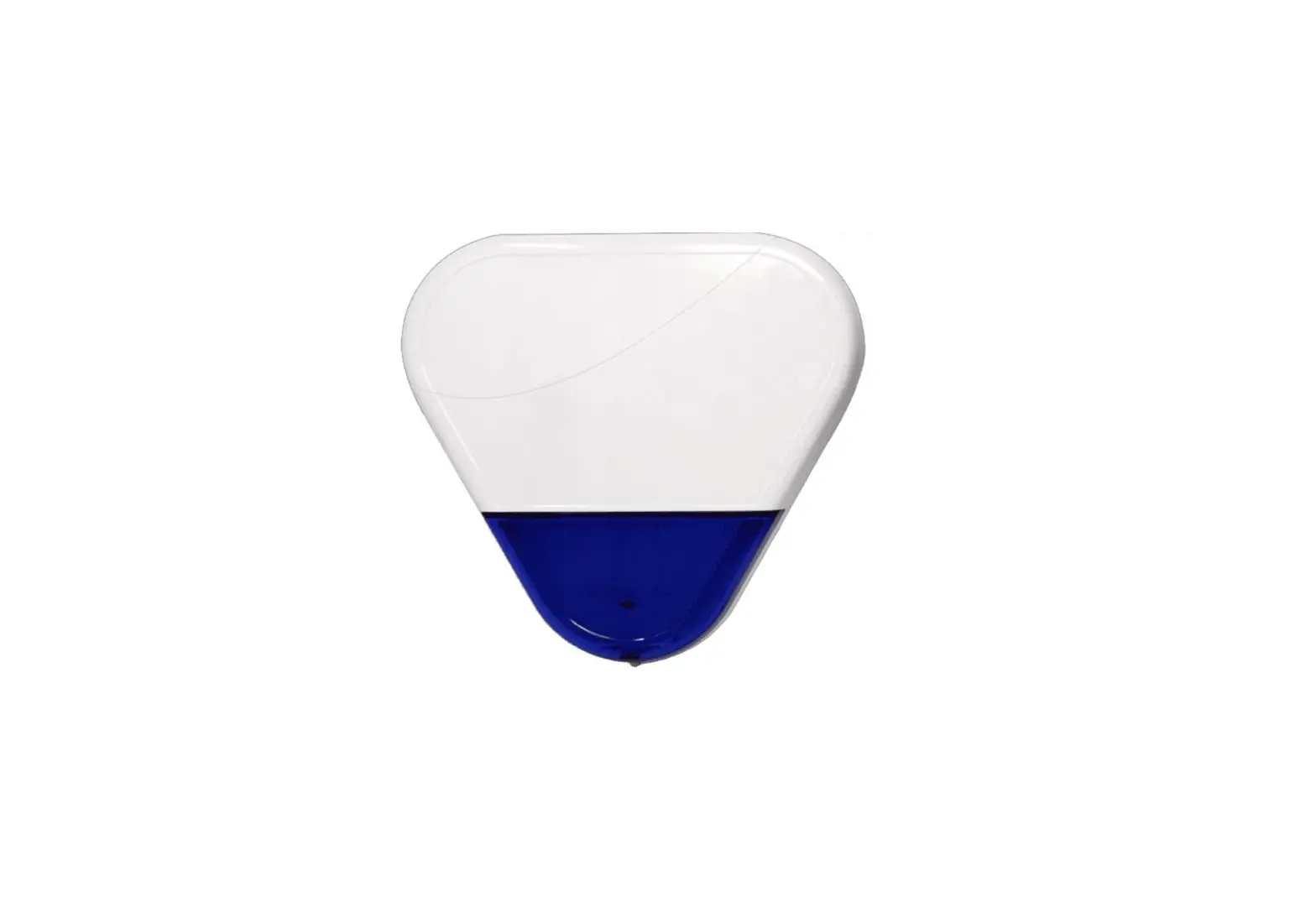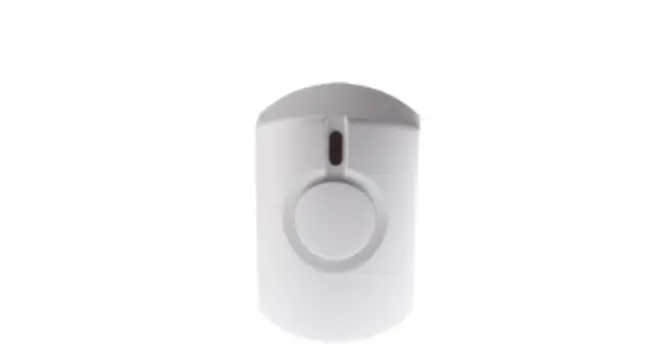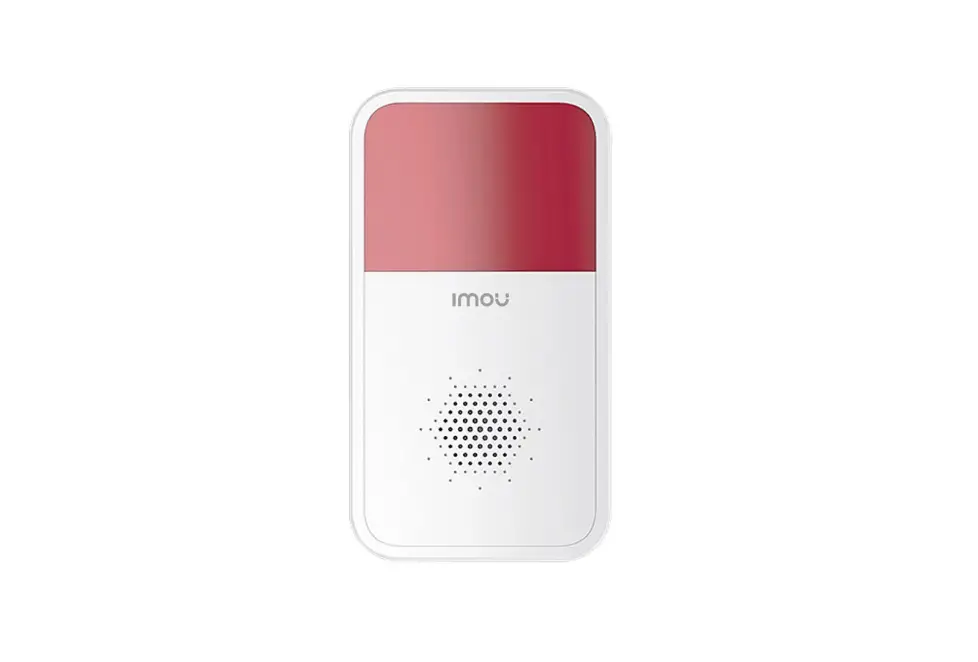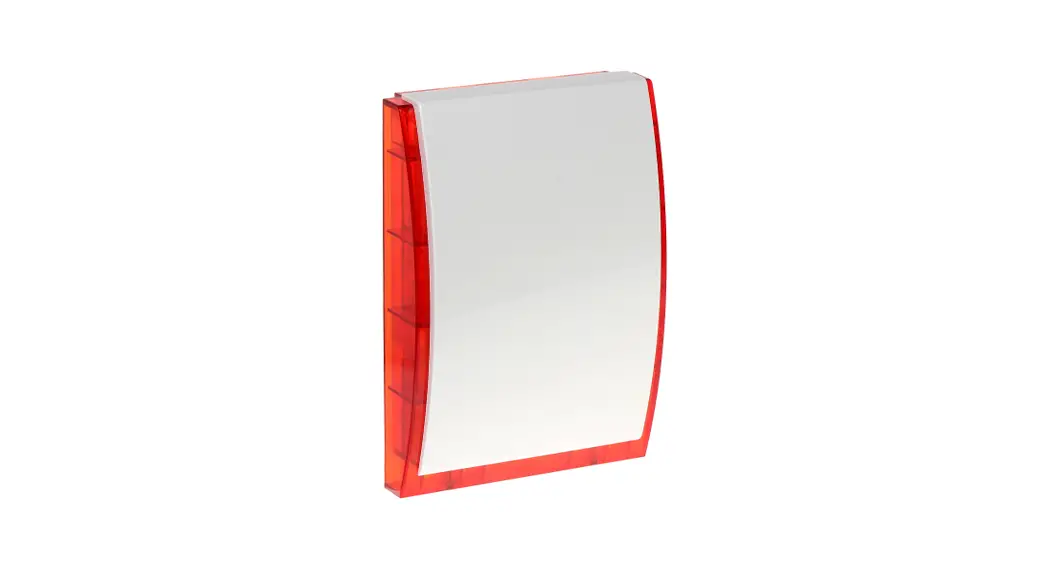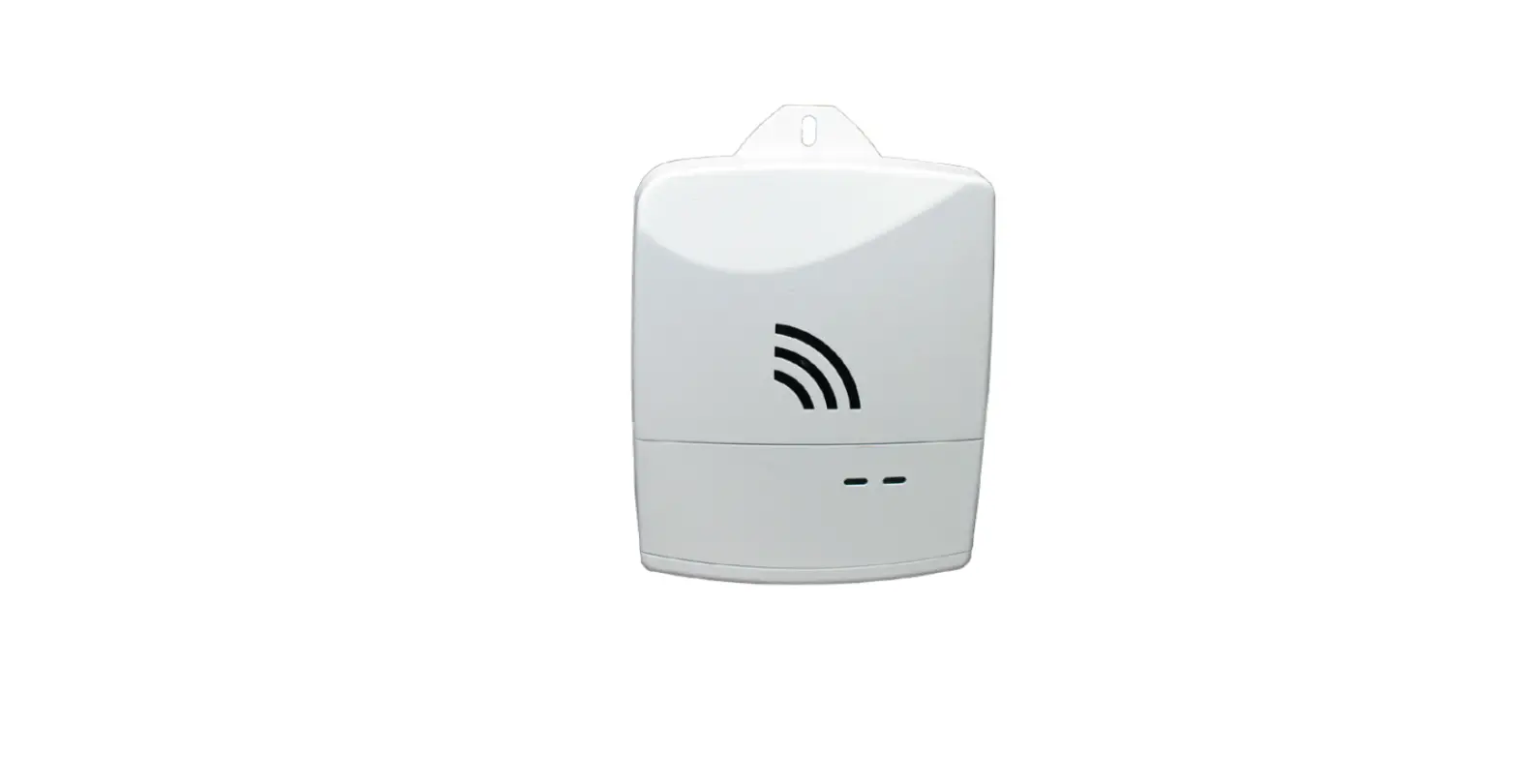

alula RE616 Wireless Siren Connect+ Encrypted
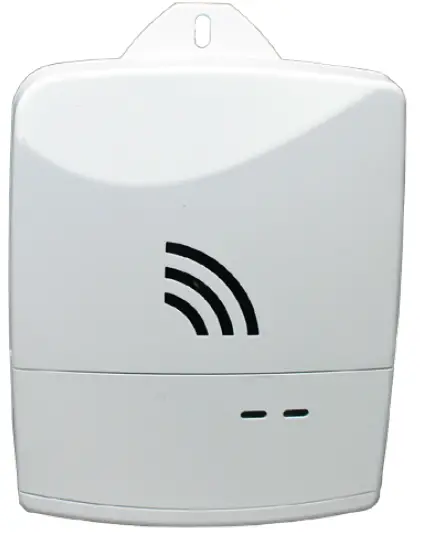
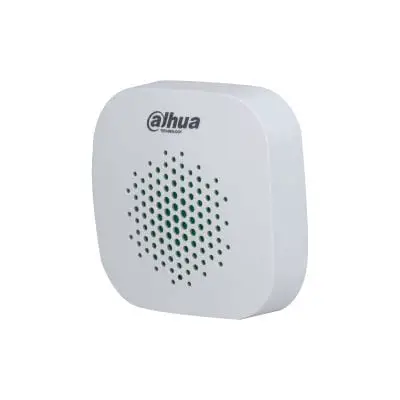
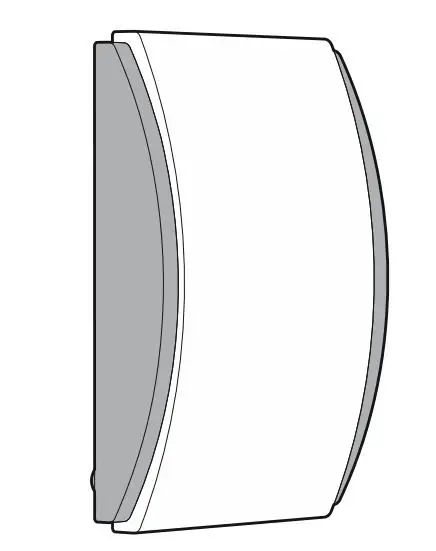
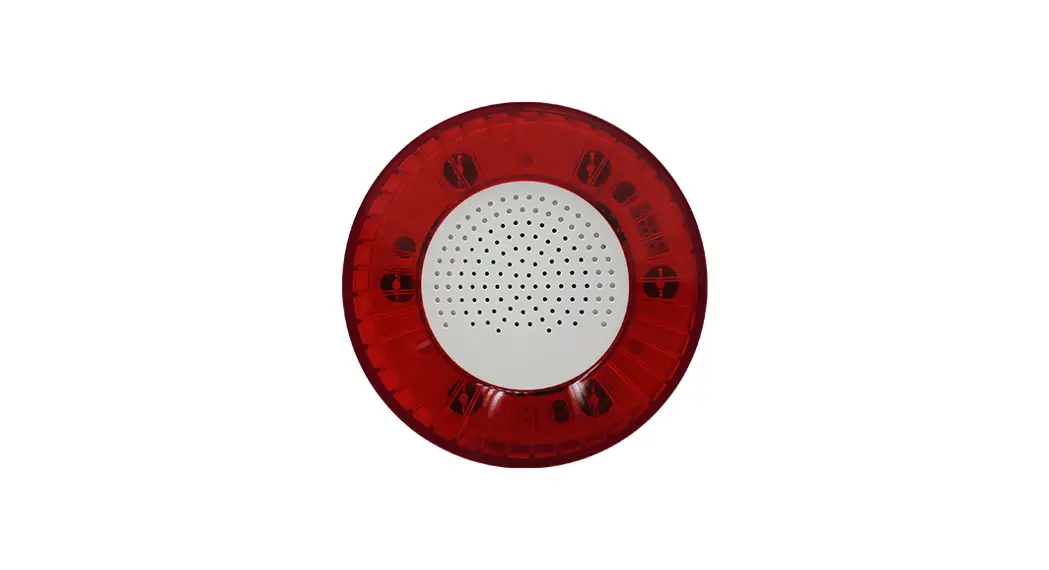
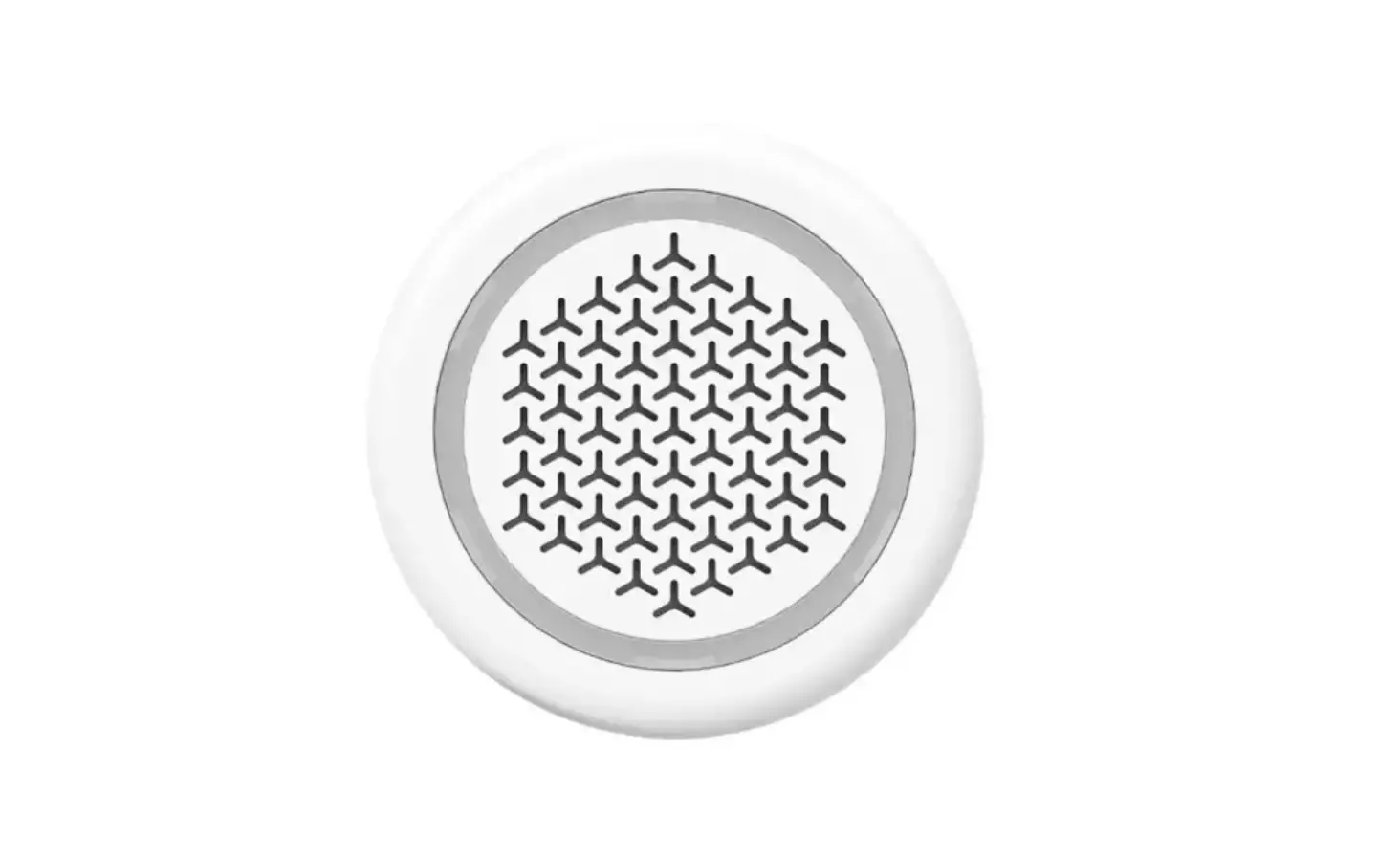
The RE616 Wireless Siren is an auditory warning device that produces high volume warning sounds and low volume notification sounds
Features
- Siren cadence synchronized to panel
- 85 dBA minimum at 1m
- LEDs follow arming status and trouble conditions from panel
Sounds a high volume warning for burglary, smoke and carbon monoxide alarm conditions. Low-volume notification sounds are made for auxiliary alarm, status, and trouble conditions.
The siren will tamper when the cover is opened. The siren will follow the panel’s alarm pattern and will chime when the panel chimes. Status beeps and volume are adjustable through the Connect+ Installer application or in the AlulaConnect™ portal.
To control chime and status beeps, adjust DIP switch 2.
- Up position: status beeps and sensor chime are disabled
- Down position: status beeps and sensor chime are enabled
Note: siren does not support the panel’s Chime Volume High setting
Enroll by placing the panel into wireless enrollment mode and then pulling the battery tab, or by inserting the battery. Alternatively, move DIP switch 1 to the ON position. After enrolling the siren, take the panel out of wireless enrollment mode. Close the battery cover. The blue LED should be solid and the panel will beep when the siren is enrolled successfully.
- Once the siren is properly enrolled, test functionality in a desired location.
- The panel supports up to eight RE616 sirens at one time.
To replace the batteries, pull the battery cover off the front of the siren to expose the battery compartment.
Optional screw mounting can be done by securing the siren to a surface with the outlet plate mounting screw.
Troubleshooting
| Symptom | Status | Possible Solution |
| Blue LED blinks slowly | Not enrolled | Enroll siren into panel |
| Blue LED is off | Loss of AC Power to Panel | Ensure panel is plugged in |
| Orange LED is on | Cover tamper on siren is open | Close the siren’s cover |
| Orange LED is on | Loss of AC Power to Siren | Ensure the siren is plugged into the outlet |
| Orange LED is on | Trouble condition somewhere on the system | Enter the dealer portal and check the specific trouble condition |
| Red LED is on | Panel is armed | |
| Blue LED is on | System is okay | |
| Blue LED blinks quickly | Siren receiving trans- missions from the panel | |
| Green LED blinks | Zone is open on panel |
Specifications
| Physical | |
| Housing Dimensions Weight with Batteries Mounting Hardware | 3.4 x 4 x 1.3 inches (8.6 x 10.2 x 3.3 centimeters) 4.7 ounces (133 grams) Outlet plate mounting screw (break off mounting tab in Canada) |
| Environmental | |
| Operating Temperature Maximum Humidity | 32°F to 120°F (0°C to 49°C) 85% non-condensing relative humidity |
| Sensor Specifications | |
| Frequency Replacement Battery Backup Battery Life Battery Voltage Current Draw Sounder Loudness Shortest ON pulse Shortest OFF pulse Electrical Connection Transmitted Indications | 433 MHz One Panasonic CR123A 48 hours cumulative, non rechargeable 3.0 VDC (nominal) 25mA (nominal) 85 dBA, minimum at 1m 250 ms 250 ms US 2-prong electrical outlet blades Low Battery, Supervisions, Cover Tamper |
| Certification | |
| RE616 | FCC, IC |
Specifications subject to change without notice
FCC NOTICE
This device complies with Part 15 of the FCC rules. Operation is subject to the following two conditions:
- This device may not cause harmful interference.
- This device must accept any interference that may be received, including interference that may cause undesired operation. Changes or modifications not expressly approved by Alula could void the user’s authority to operate this equipment.
FCC ID: U5X-RE116
IC NOTICE
This device complies with Industry Canada license-exempt RSS standard(s). Operation is subject to the following two conditions:
- This device may not cause interference, and
- This device must accept any interference, including interference that may cause undesired operation of the device.
TRADEMARKS
Alula, Connect+, and AlulaConnect are trademarks owned by Alula Holdings, LLC. All trademarks, logos and brand names are the property of their respective owners. All company, product and service names used in this document are for identification purposes only. Use of these names, trademarks and brands does not imply endorsement
47-0051-08
REV C
2022-11-21
Tech Support Line
(888) 88-ALULA
(888) 882-5852
alula.com
 Professional Smart Security System | Home Security Dealer Program | Alula