 CHROMIUS
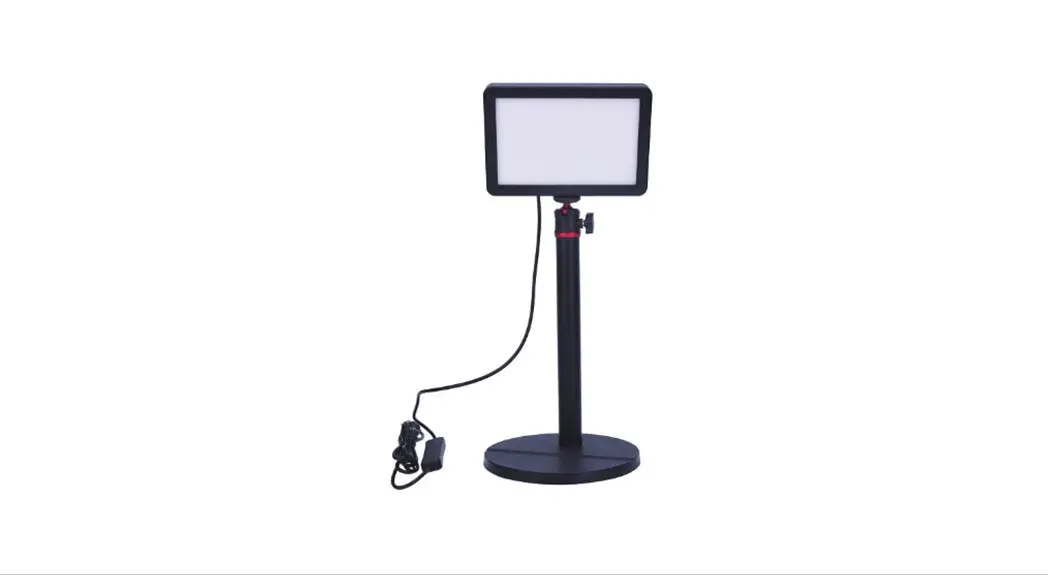
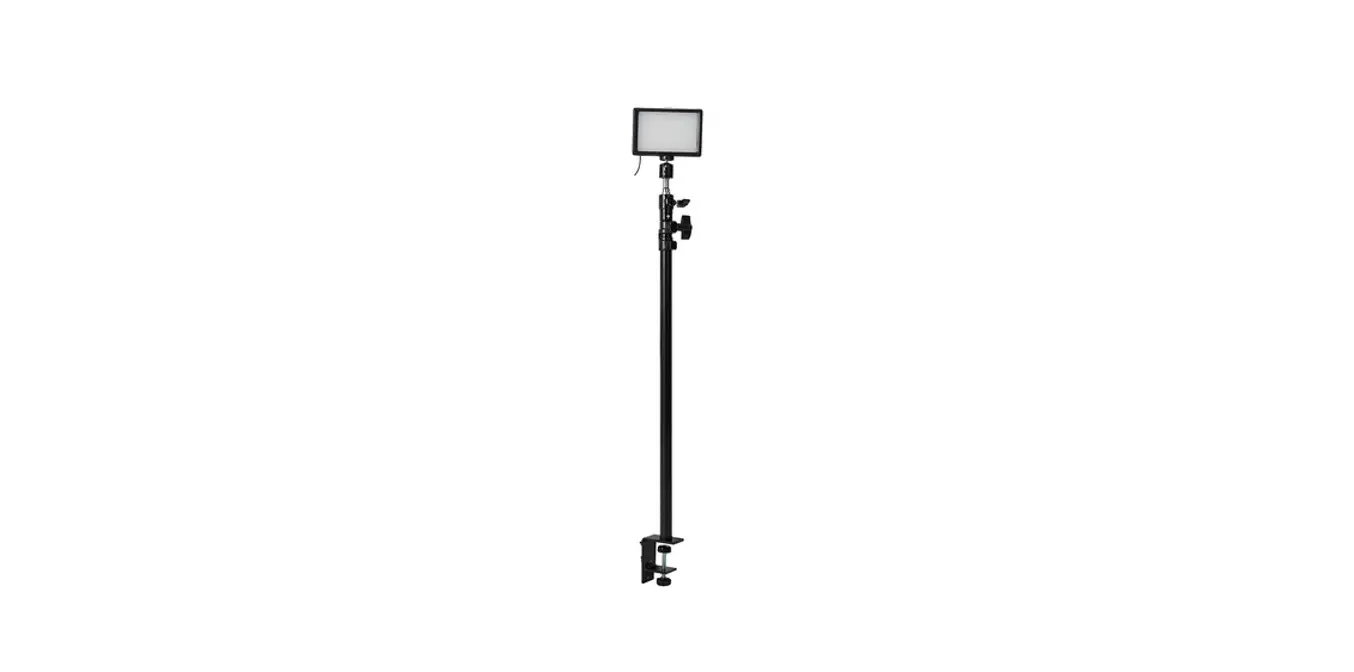
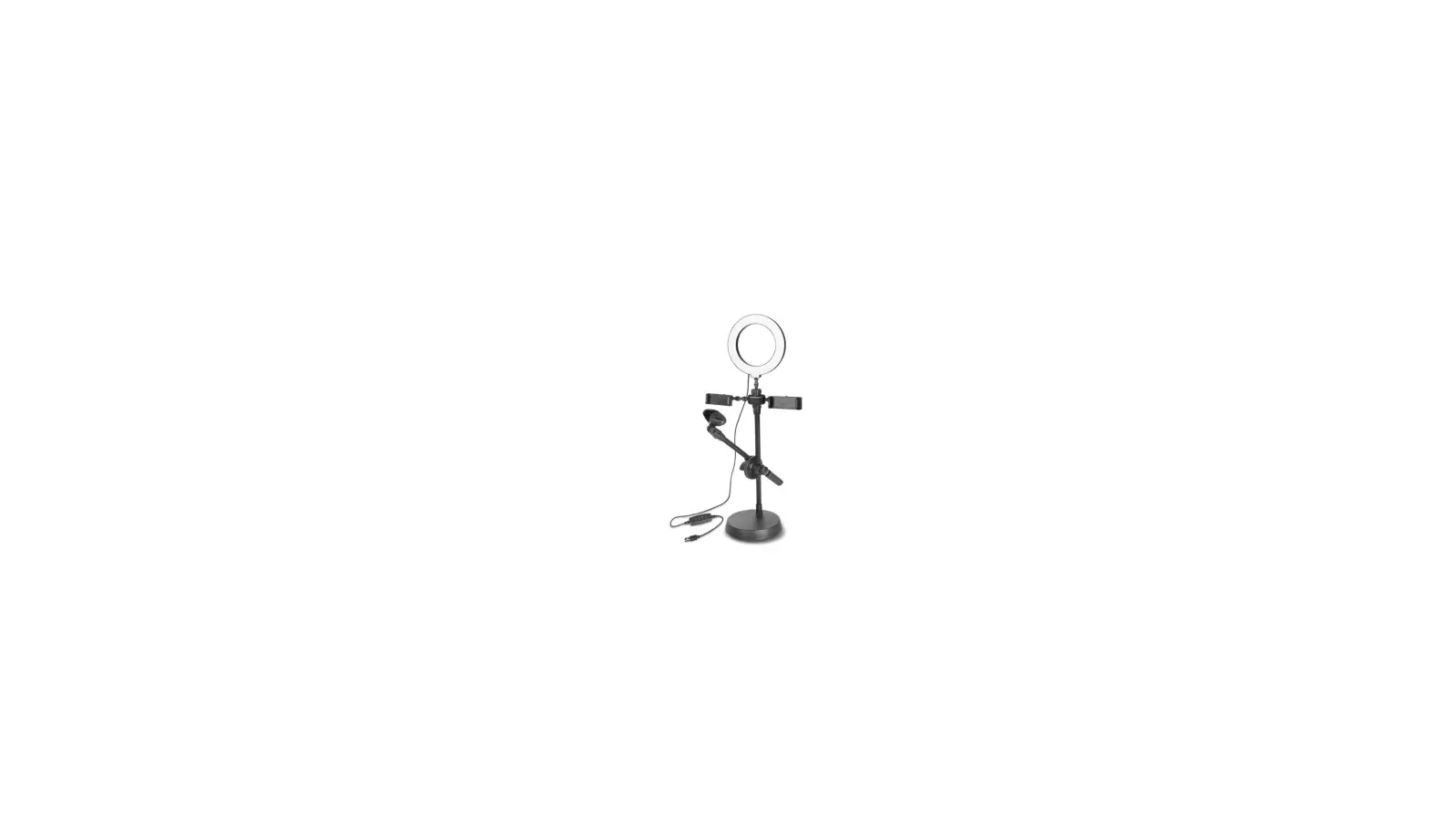
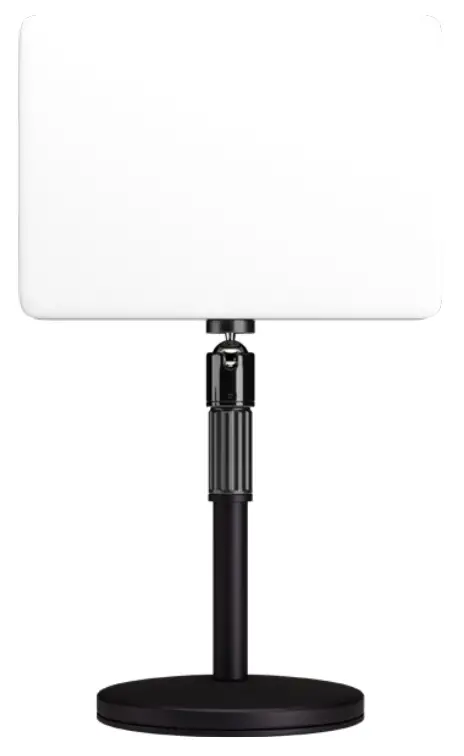
DESKTOP STREAMING LIGHT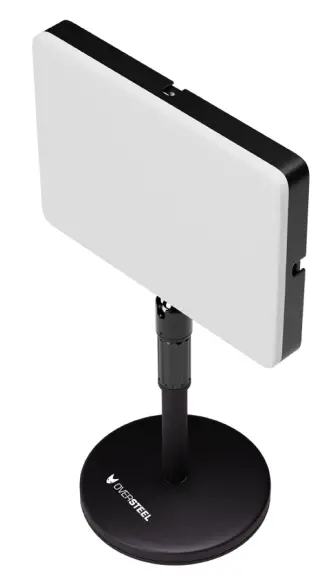
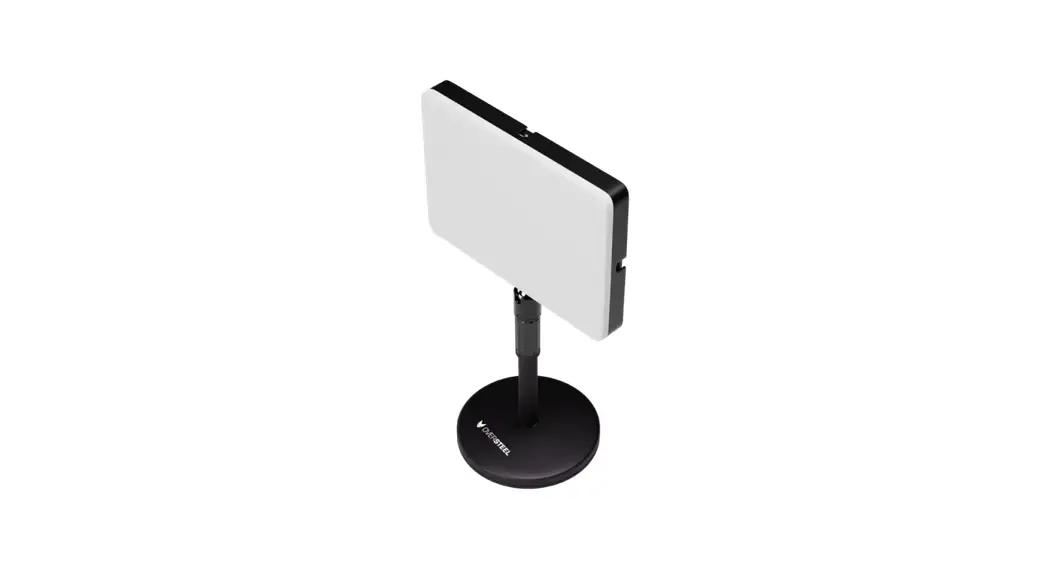
CHROMIUS Desktop Streaming Light
 Warning!
Only trained personnel may replace or repair components or elements of the product.
To avoid damage to property or personal injury, please read the enclosed manual carefully before proper assembly and installation.
Basic Parameters
| Lighting source | 120pcs 3000K 28355MD 120pcs 6000K 28355MD |
| Output Power | 45W |
| Lumen | 4800LM |
| Beam Angle | 180° |
| Color Rendering Index | >95RA |
| Input Voltage | AC110-245V |
| Lamp Body Size | L23*W16*H2.8 cm |
| Weight | 0.6 KG |
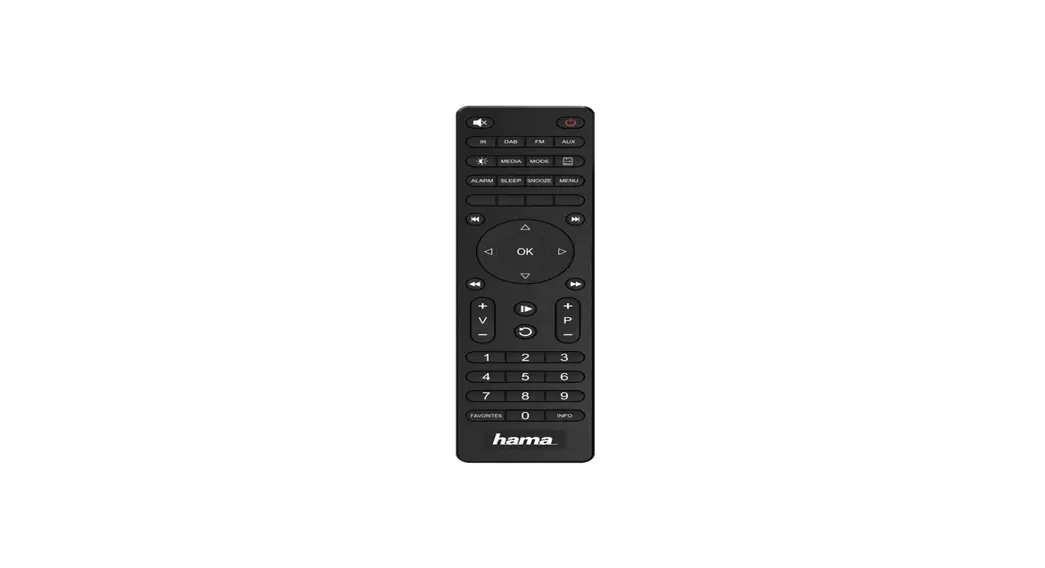
Remote Control Instructions
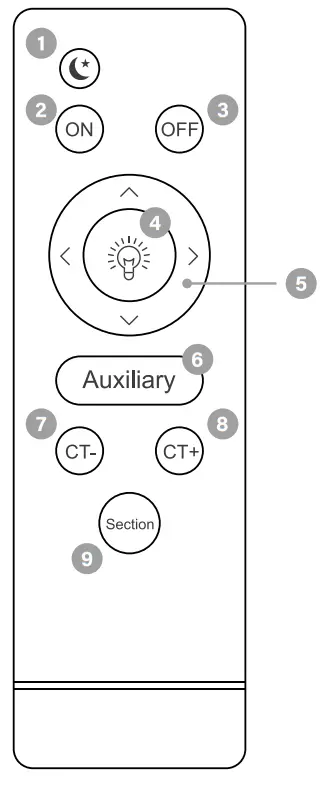
- Night light enable key (night light is enabled when the light is off)
- Power ON
- Power OFF
- Brightness enable key (this key enables the brightness control module)
- Up/right is the key to increase brightness Down/left is the brightness reduction key
- Maximum color temperature/brightness auxiliary key (press this button to achieve 100% brightness/color temperature)
- Reduce color temperature
- Enhanced color temperature
- Add three section color temperature adjustment button (yellow/white/neutral)
NEW ALTERNATIVE TECHNOLOGIES SL
Avda Incarnadine 105 P.I. Las Salinas
Ilhaam de Murcia 30840 SPAIN
B73869018
 Oversteel