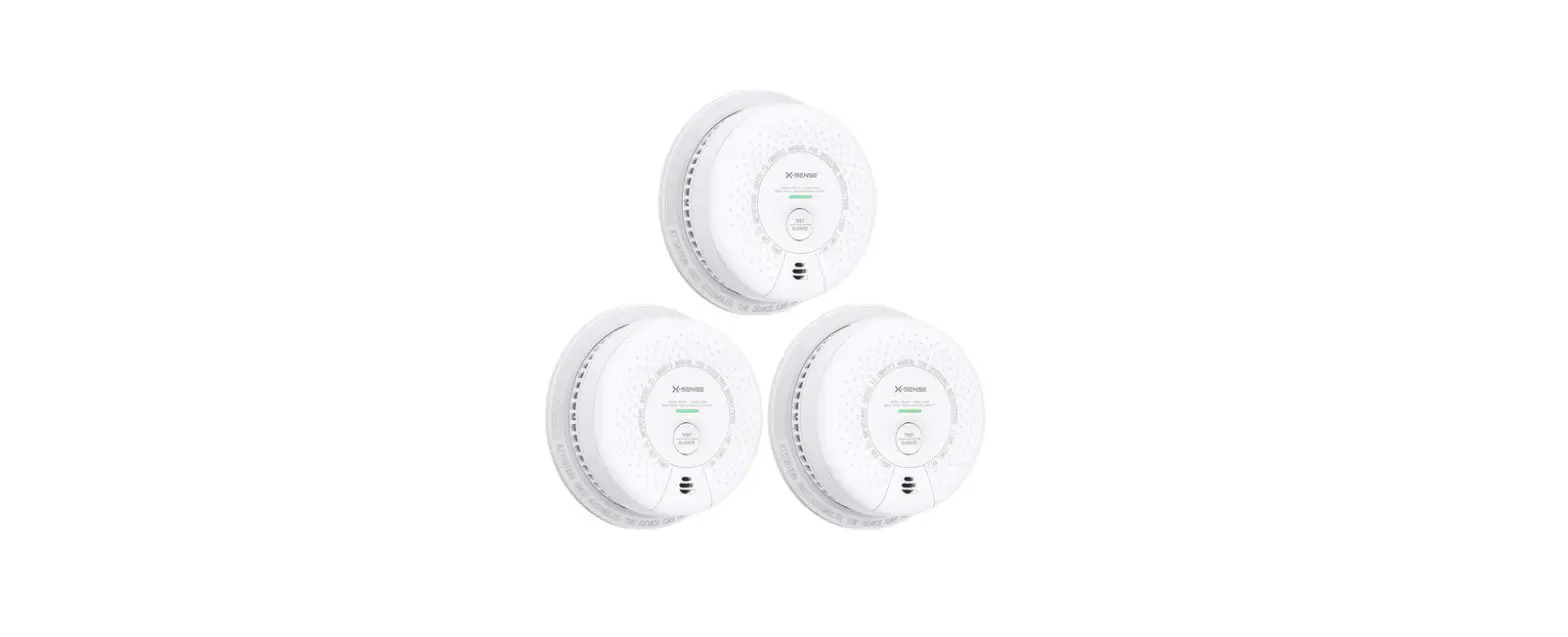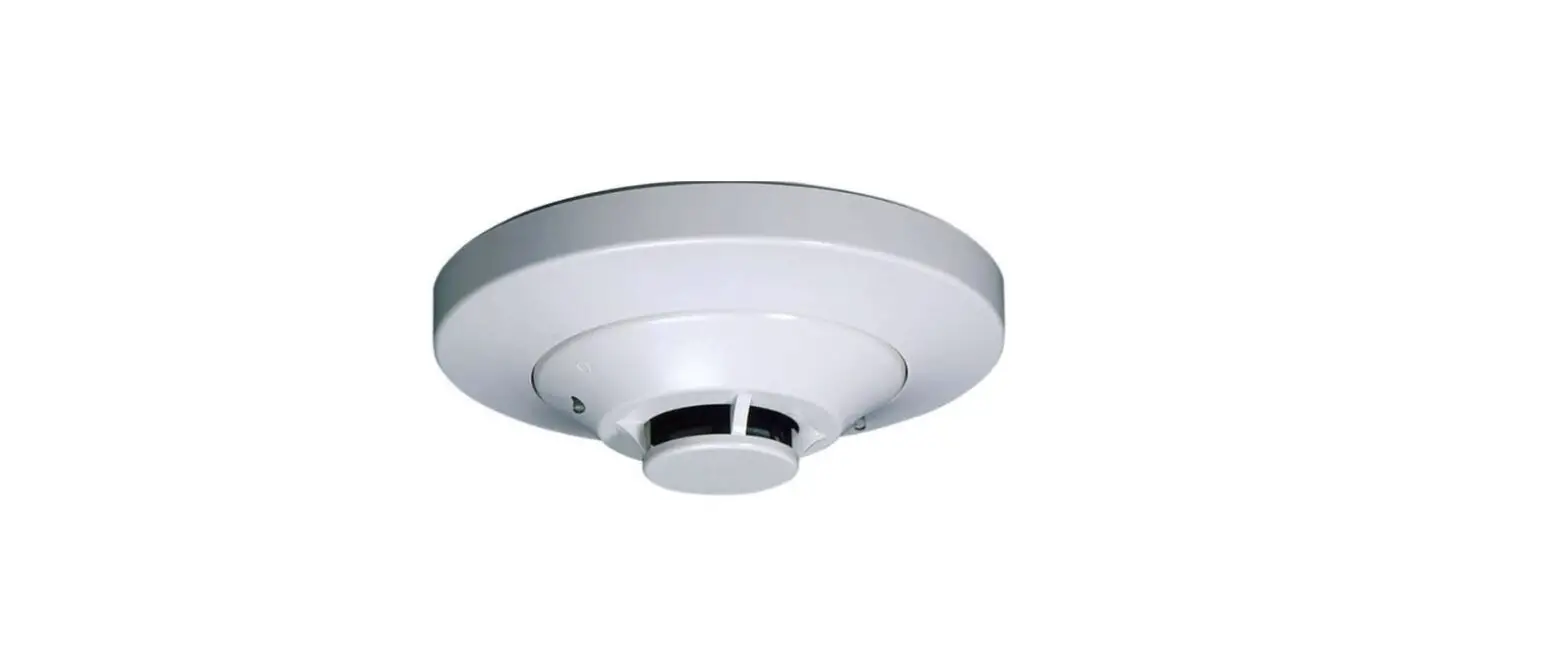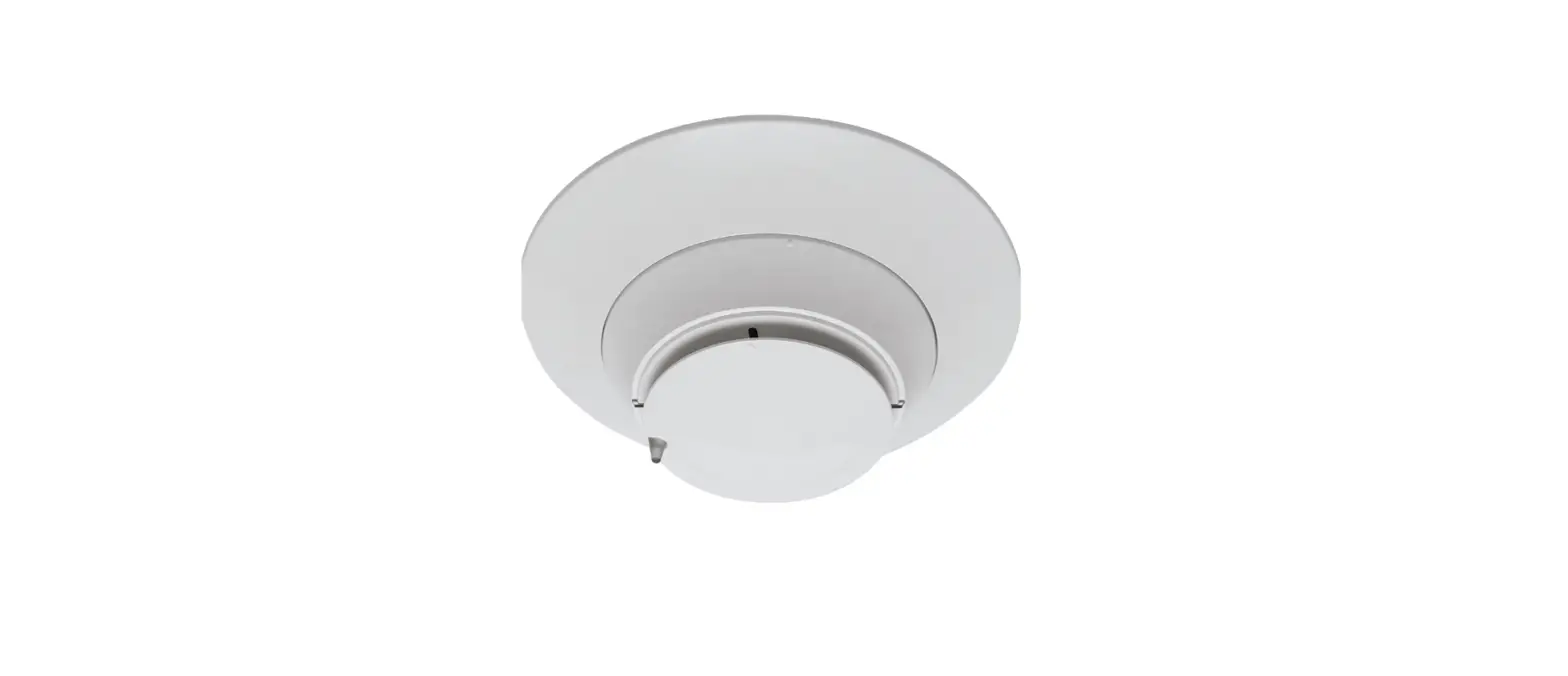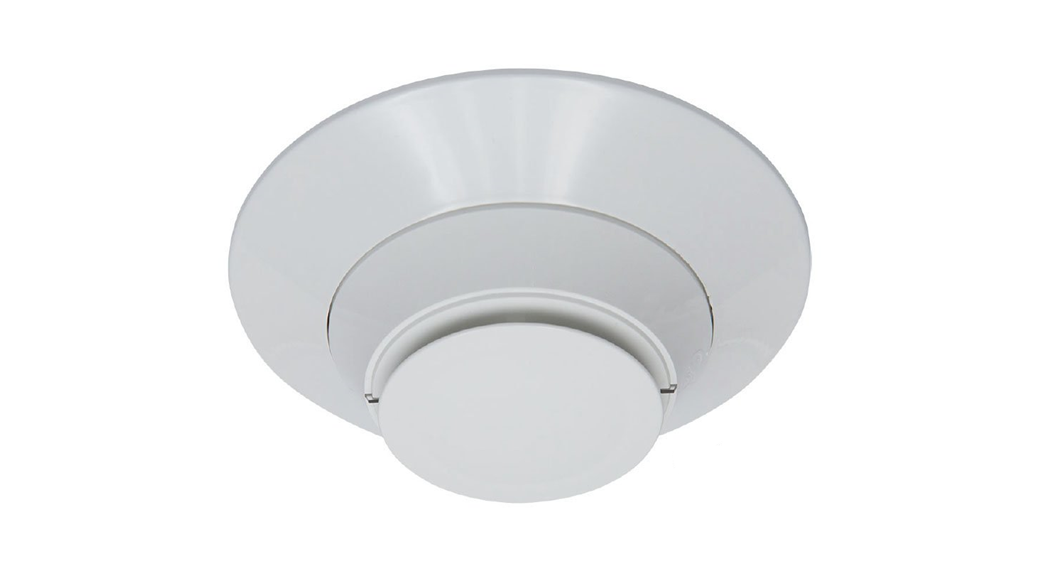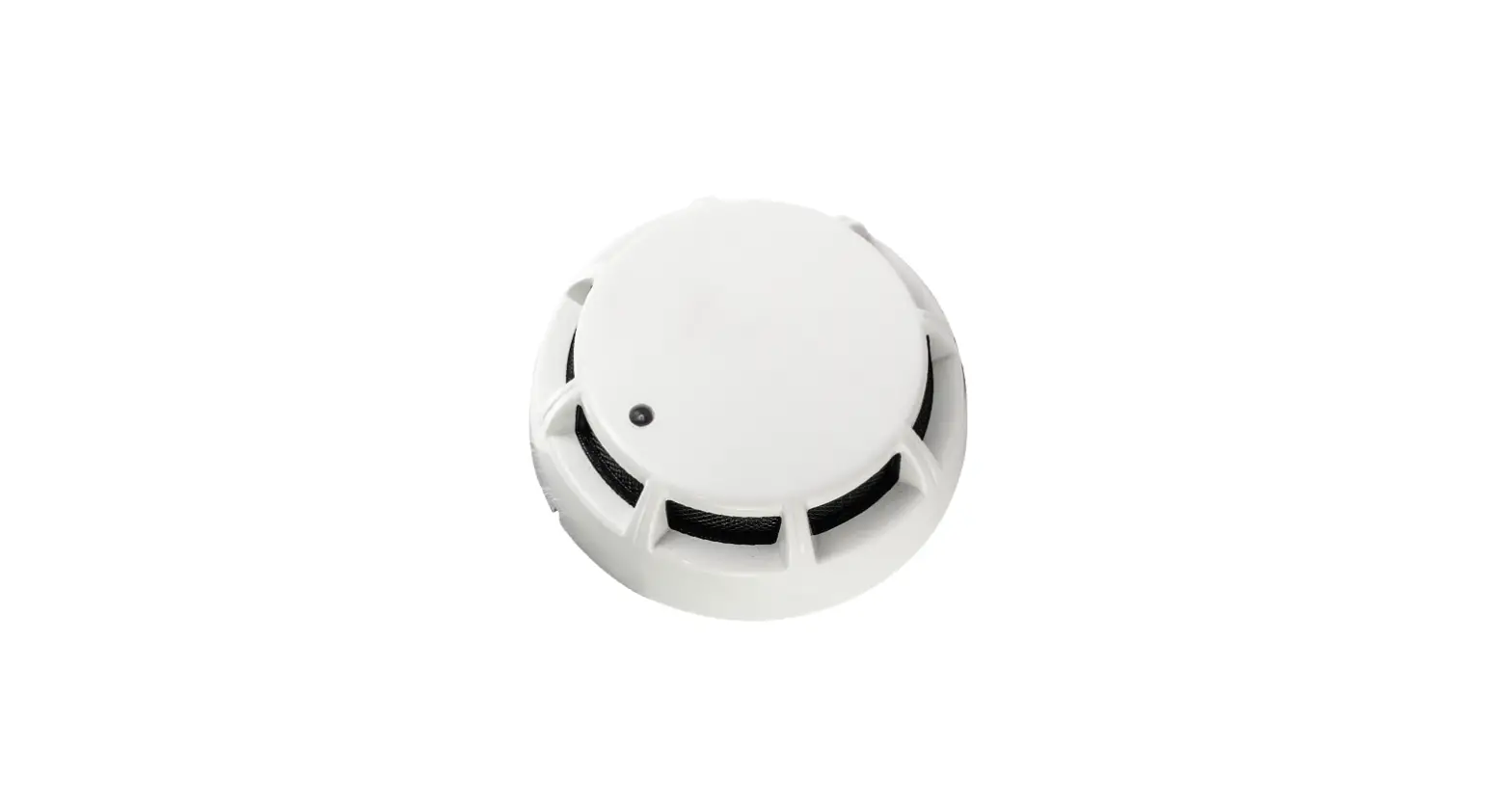
SALUS SD600 Smart Photoelectric Smoke Sensor User Guide
Introduction
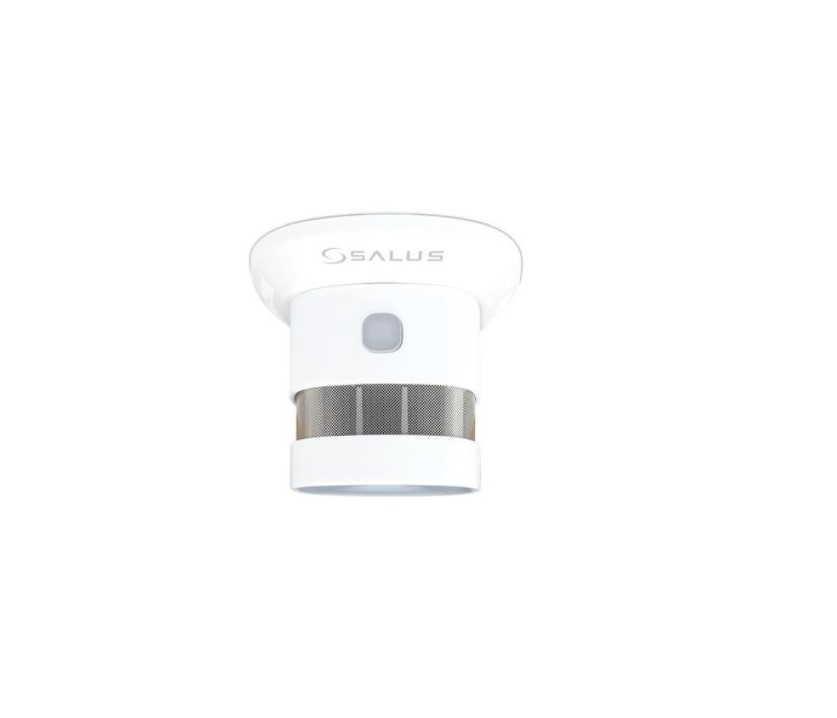
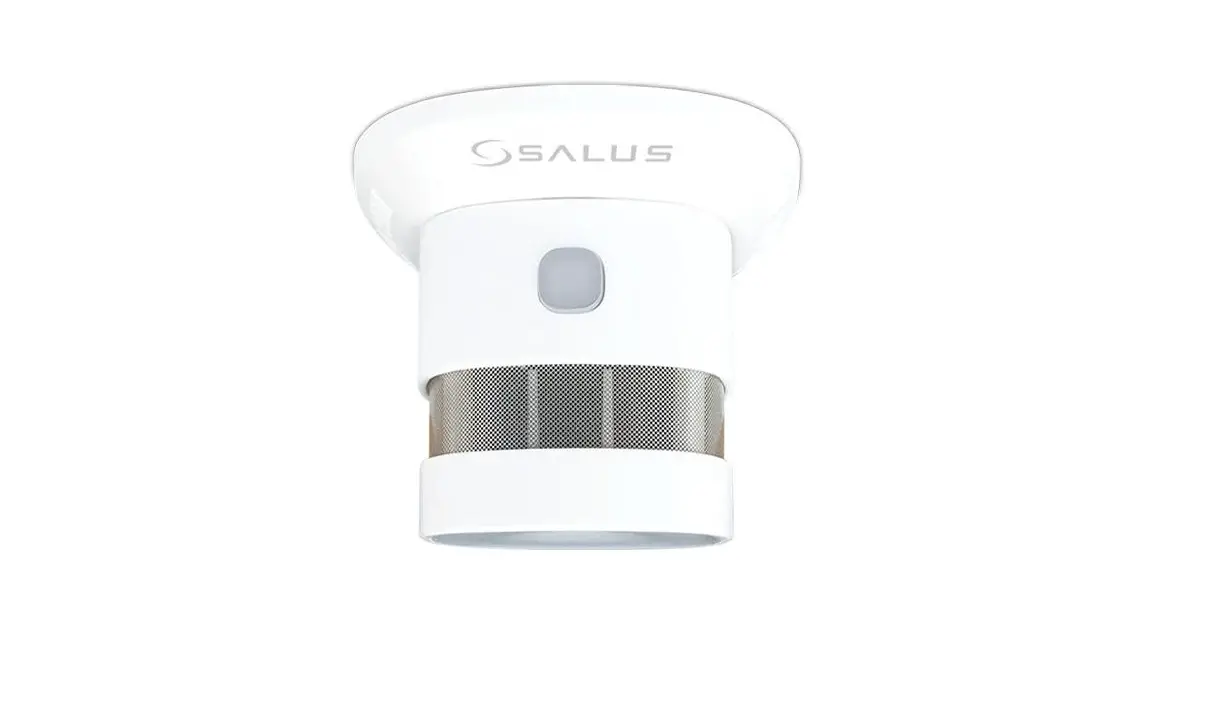
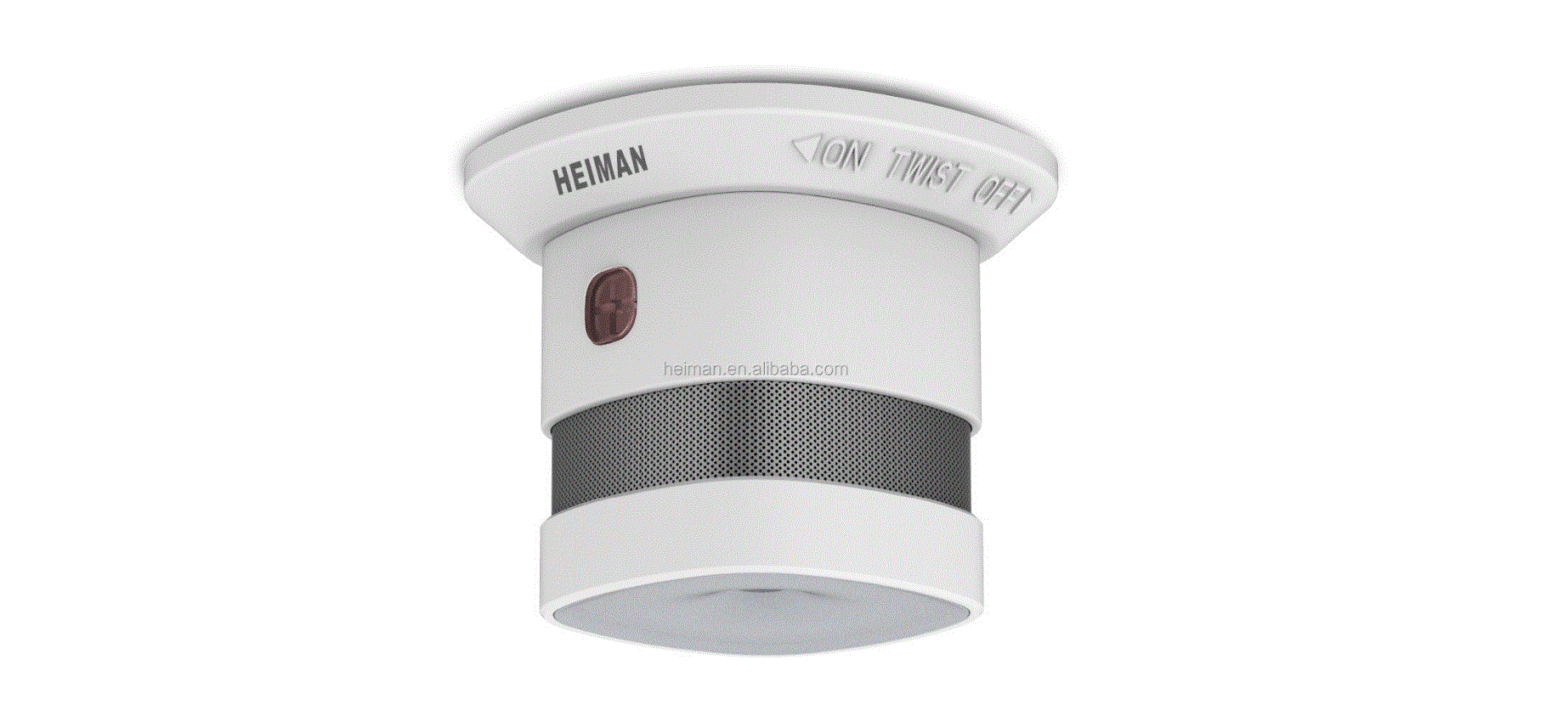
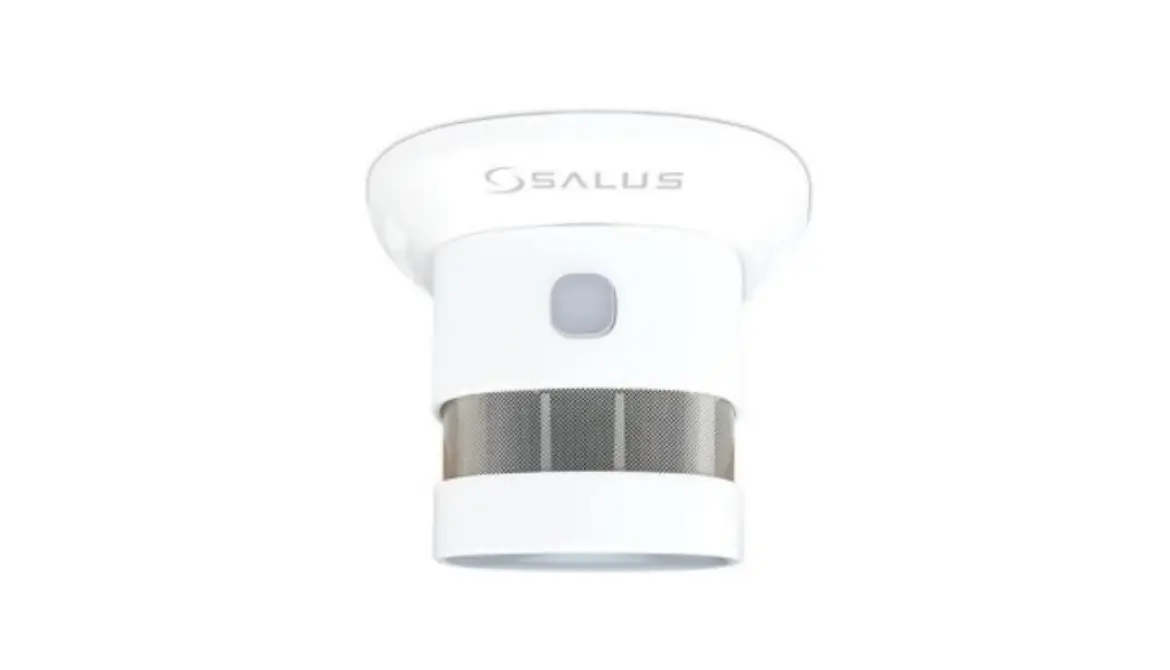
SD600 is a smart photoelectric smoke sensor, with ultra-low-power ZigBee wireless network technology design. It is capable of real-time detecting the presence of smoke. Once it detects danger of fire smoke, the red LED flashes rapidly and the sound alarm will alert you timely. For an internet connection (Online Mode), SD600 must be used with the Universal Gateway UG600/UGE600 and the SALUS Smart Home App. You can also use SD600 without an internet connection (Offline Mode).
Product Compliance
This product complies with the essential requirements and other relevant provisions of the following EU Directives: RED 2014/53/EU and RoHS 2011/65/EU. Full text of the EU Declaration of Conformity is available on www.saluslegal.com
2405-2480MHz; <14dBm
Safety Information
Use in accordance to national and EU regulations. Use the device as intended, keeping it in dry condition. Product for indoor use only. Installation must be carried out by a qualified person in accordance to national and EU regulations.
Warning
Do not install the smoke detector in places with high temperature, high humidity, high noise area or high frequency interference.
This product is a household smart smoke detector and it can trigger the flash and sound alarm when it detects smoke, but it cannot put out a fire.
Product Overview
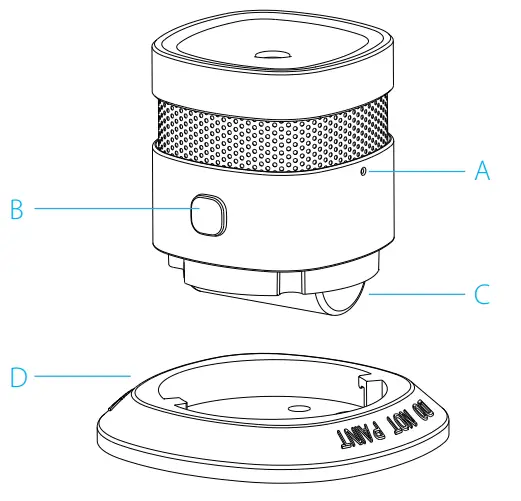
A: Network Button
B: Test / Mute Button
C: Battery
D: Bracket
Proper Placement
Flat Ceiling
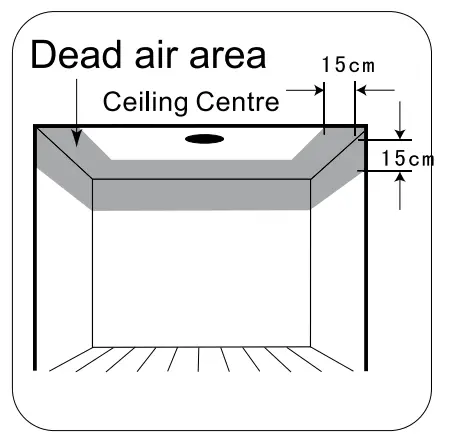
The preferred location to install the smoke detector is in the centre of the ceiling because smoke, heat and combustible products rise to the ceiling and will laterally spread. Keep at least 30 cm distance from lights and decorations and at least 15 cm distance from walls and corners
Sloping Ceiling
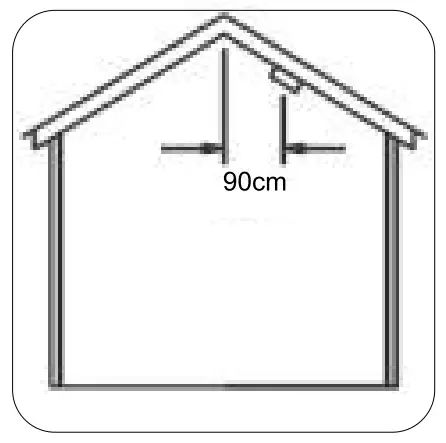
Please install the smoke detector at 90 cm horizontal distance from the ceiling top
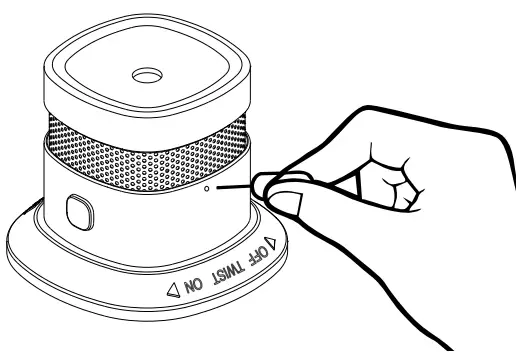
To set the device into pairing mode, press and hold the network button for 3 seconds.
To disconnect the device from the network, press and hold the network button for 5 seconds.
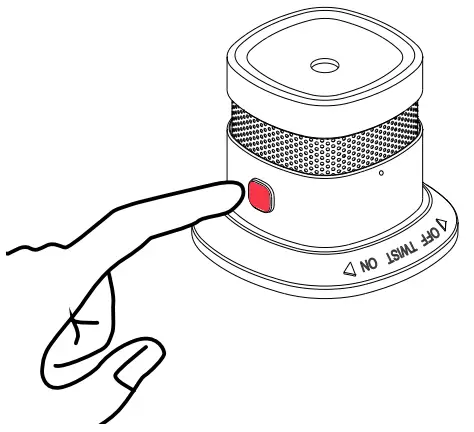
To test or to mute the alarm, press and hold the Test / Mute Button for 3 seconds.
LED Indication
| State | LED | Alarm Sound |
| Standby | Red LED flashes every 53 sec | N/A |
| Test | Red LED flashes quickly | rapid Di-Di-Di” |
| Alarm | Red LED flashes quickly | rapid “Di-Di-Dim |
| Mute | Red LED flashes every 10 sec | N/A |
| Low Power | Red ti.me LED flashed one | ‘Di” every 53 sec |
| Fault | Red LED flashed twice every 53 sec | “Di-Di” twice for every 53 sec |
| Pairing mode | Green LED flashes 5 times per sec | N/A |
| Pairing successful | Green LED solid for 3 sec | N/A |
| Pairing unsuccessful | Green LED flashes slowly (twice per sec) six times | N/A |
| Disconnect | Red LED turns on, then Green LED flashed slowly six times | N/A |
Installation
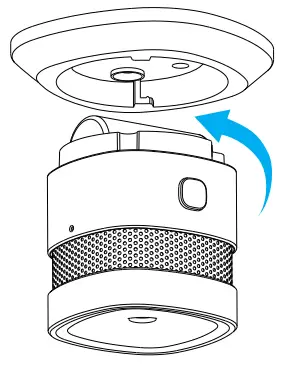
- Rotate the sensor anticlockwise to separate it from the bracket

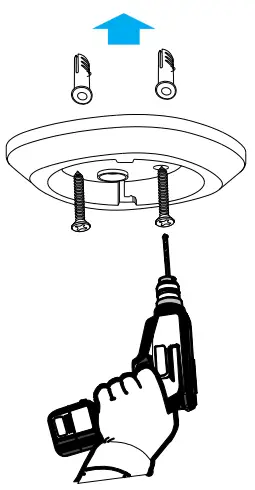
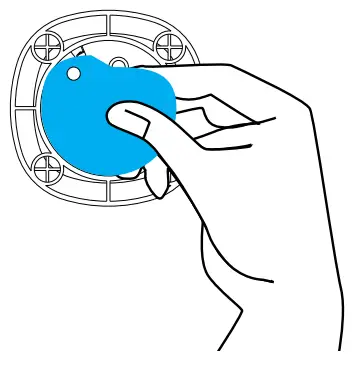
- Install the bracket using the screws or the provided double-sided tape.

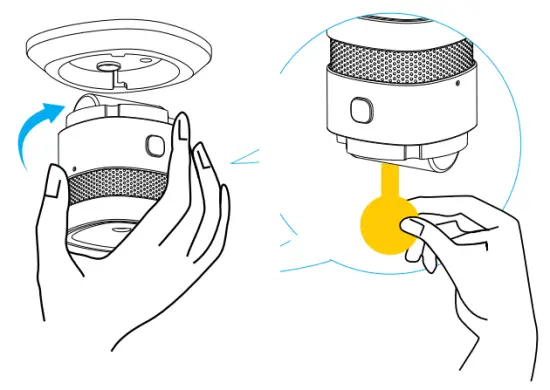
Remove the double-sided tape and stick the alarm into the ceiling.
- Remove the battery insulating strip to turn on the detector and rotate the sensor clockwise into the bracket.

App Pairing
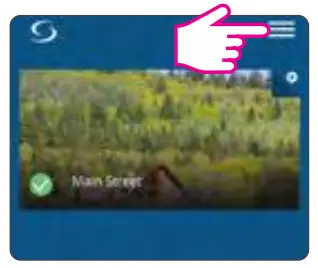
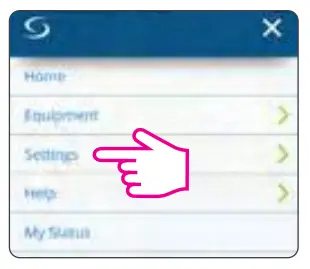
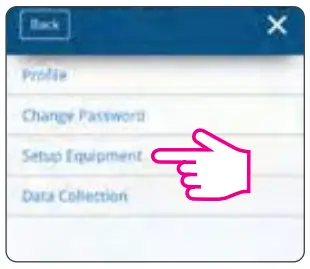
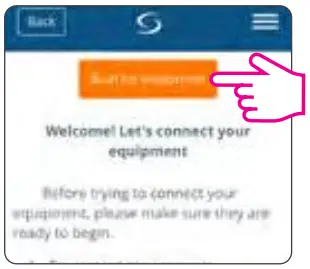
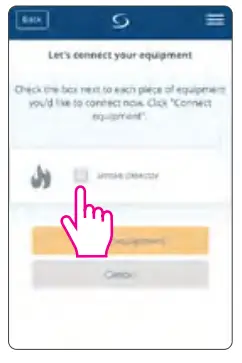
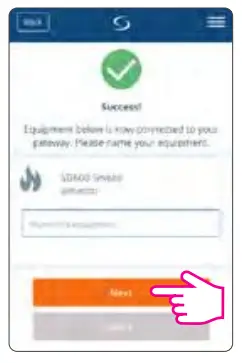
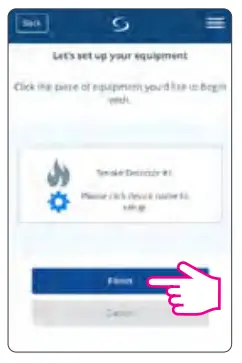
- Go to the App


- Press and hold the network button for 3 seconds



Dashboard display
No Smoke
Smoke
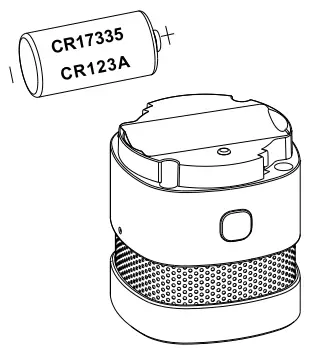
Battery replacement
Replace the battery following the correct polarity
SALUS CONTROLS DISTRIBUTOR:
QL CONTROLS Sp. z o.o.,
Sp. k.
ul. Rolna 4,
43-262 Kobielice,
Poland
Head Office:
SALUS Controls Plc
Units 8-10 Northfield
Business Park
Forge Way, Parkgate, Rotherham
S60 1SD, United Kingdom
T: +44 (0) 1226 323961
E: [email protected]
Computime: SALUS Controls is a member of the Computime Group
Maintaining a policy of continuous product development SALUS Controls plc reserve the right to change specification, design and materials of products listed in this brochure without prior notice.
 Salus – Smart Technology for your comfort
 Choose your country – Salus
 SALUS Controls - intelligent temperature control
 Salus – Smart Technology for your comfort