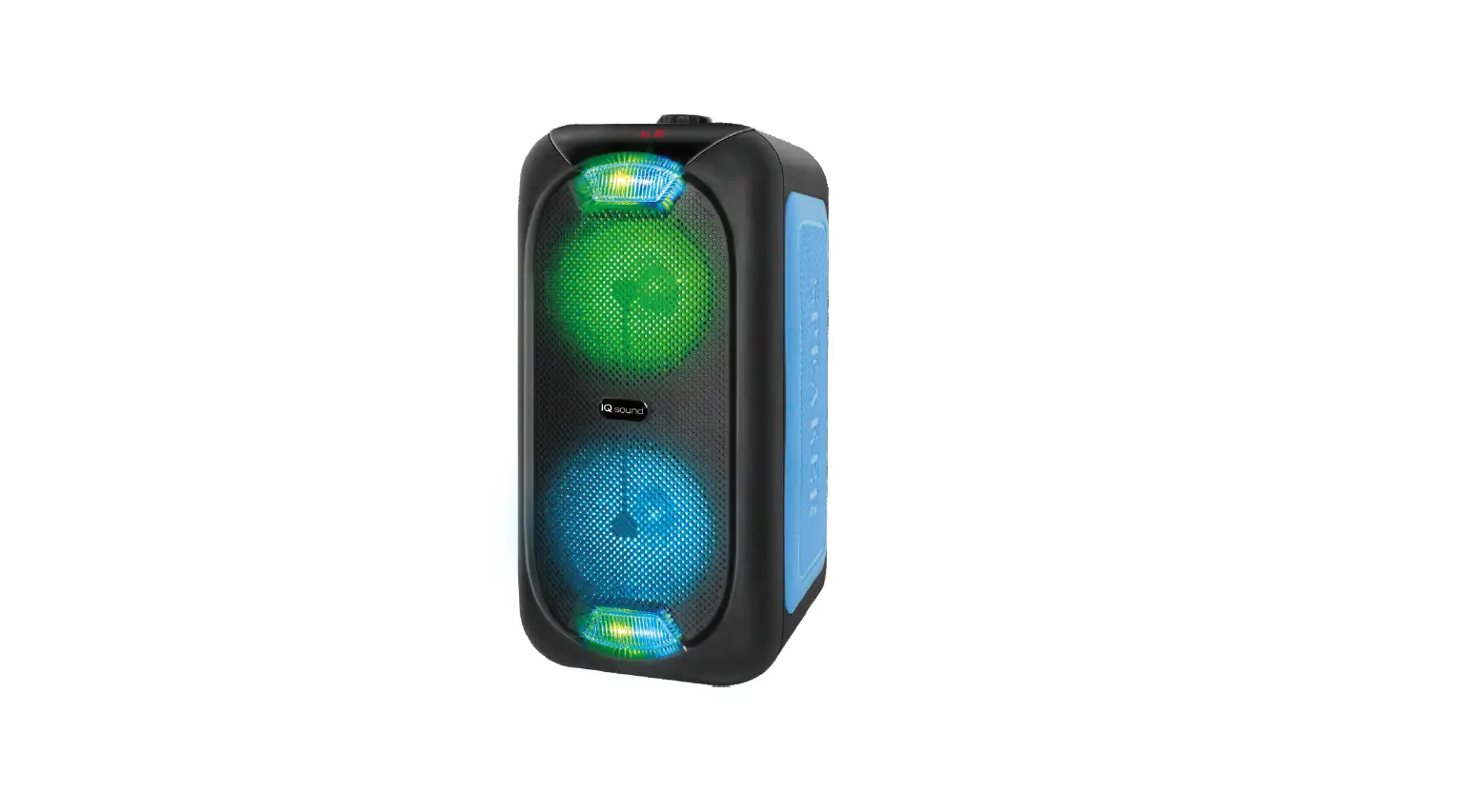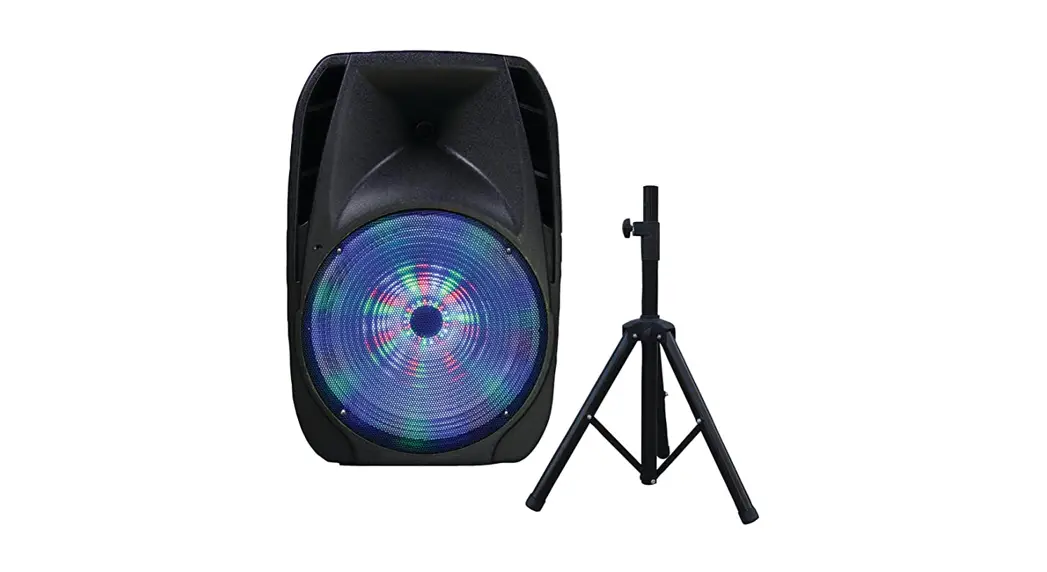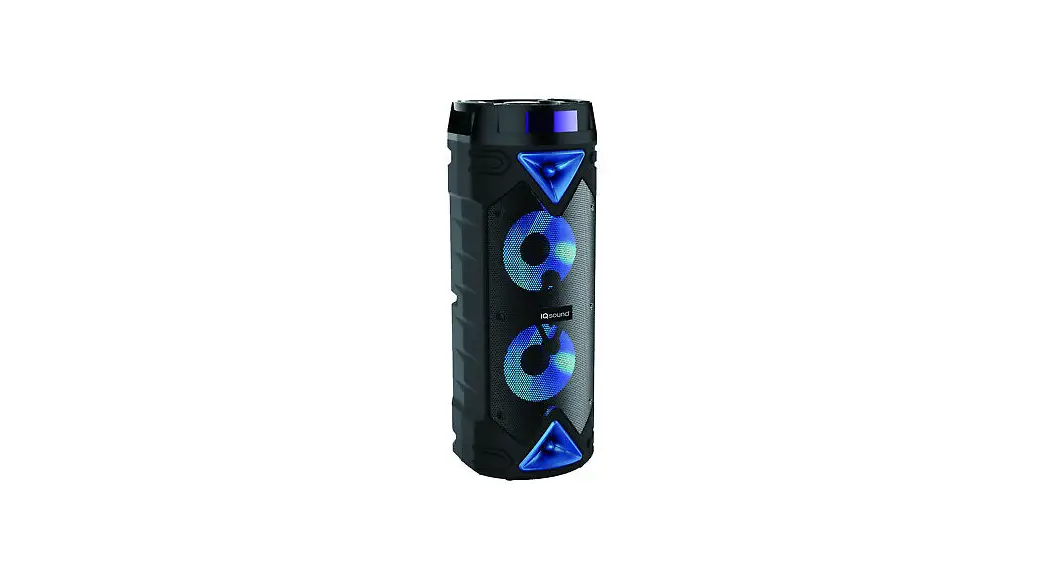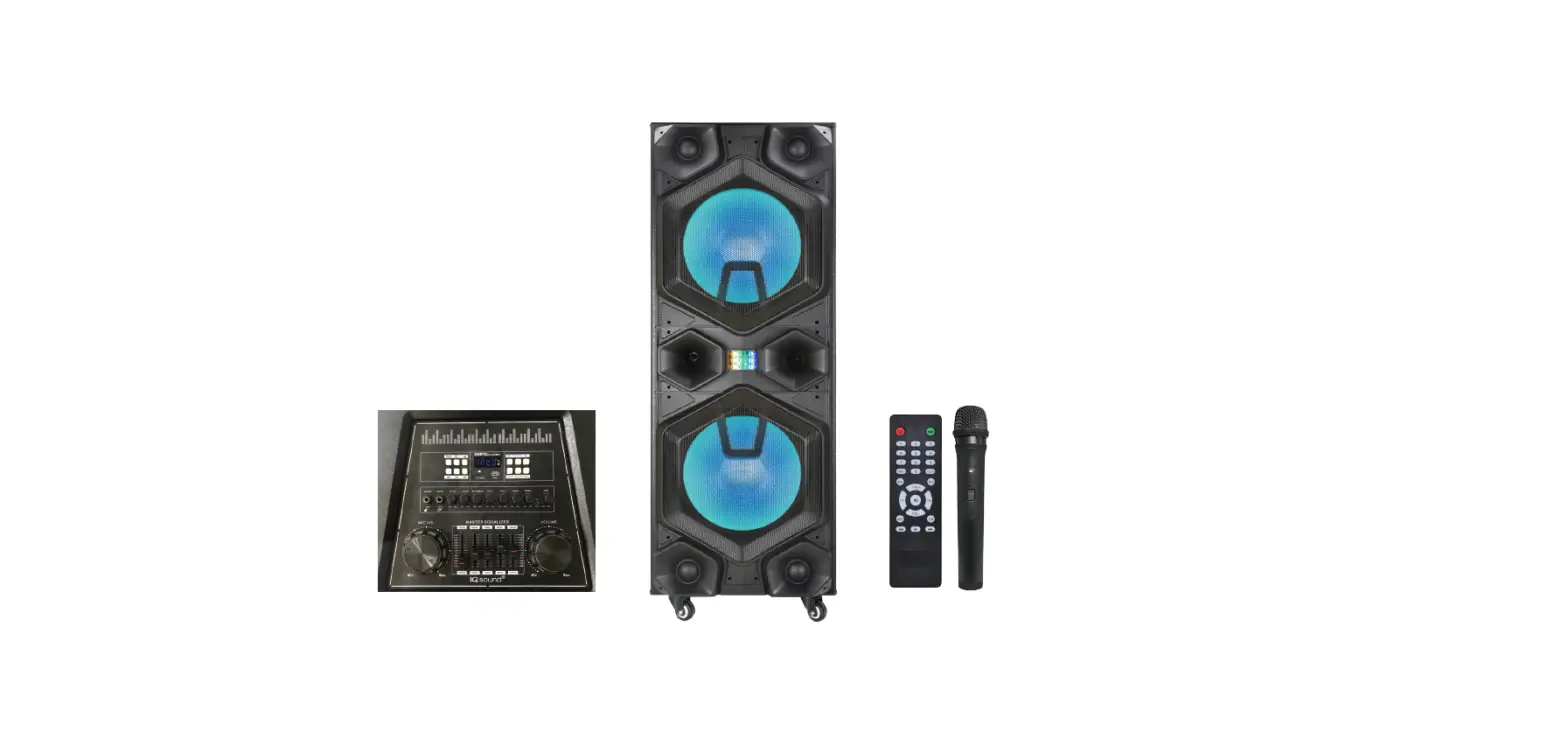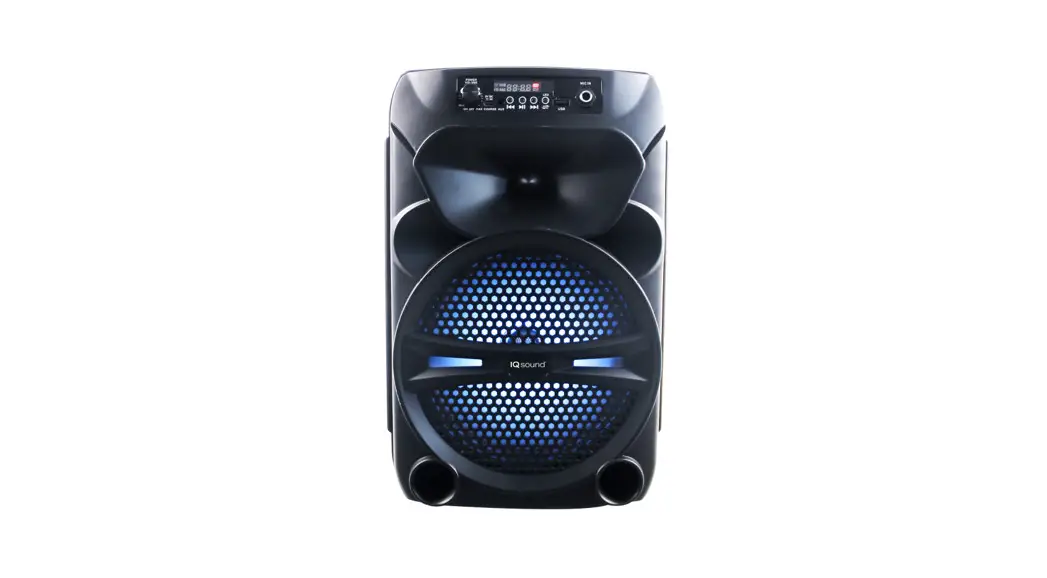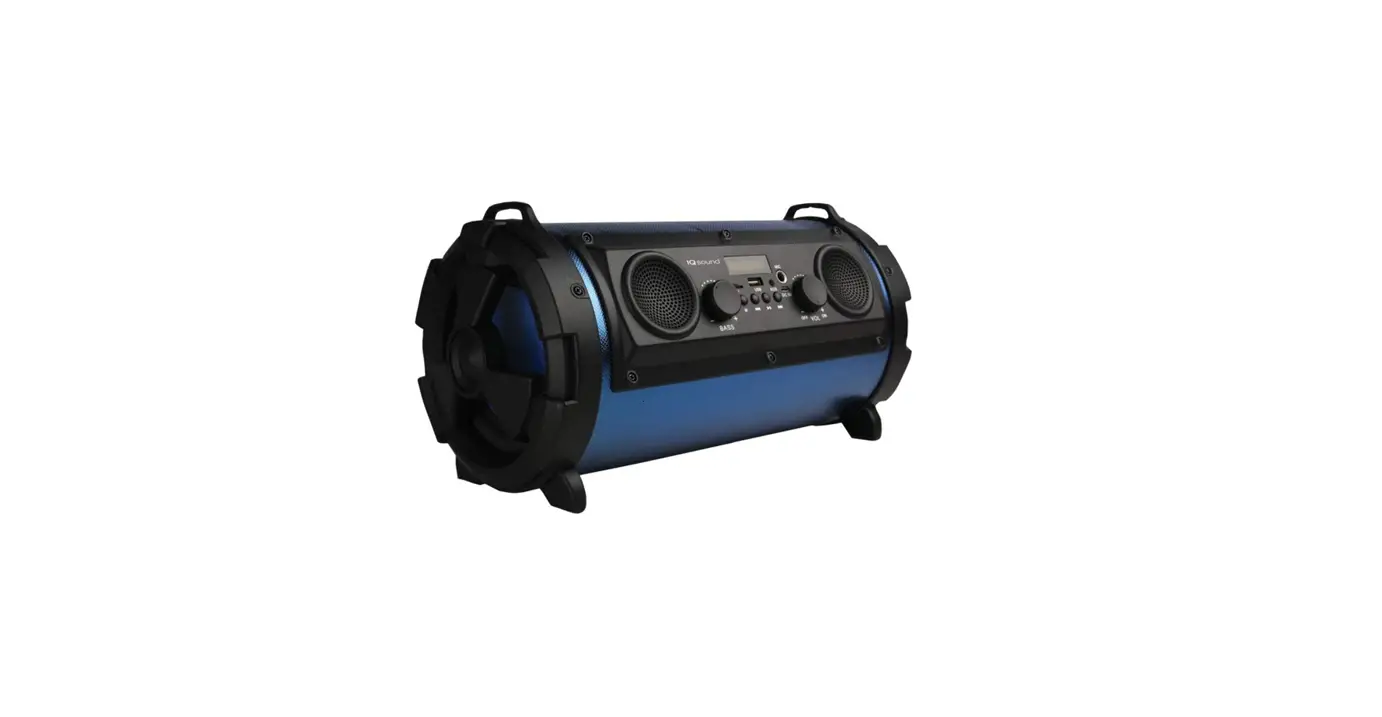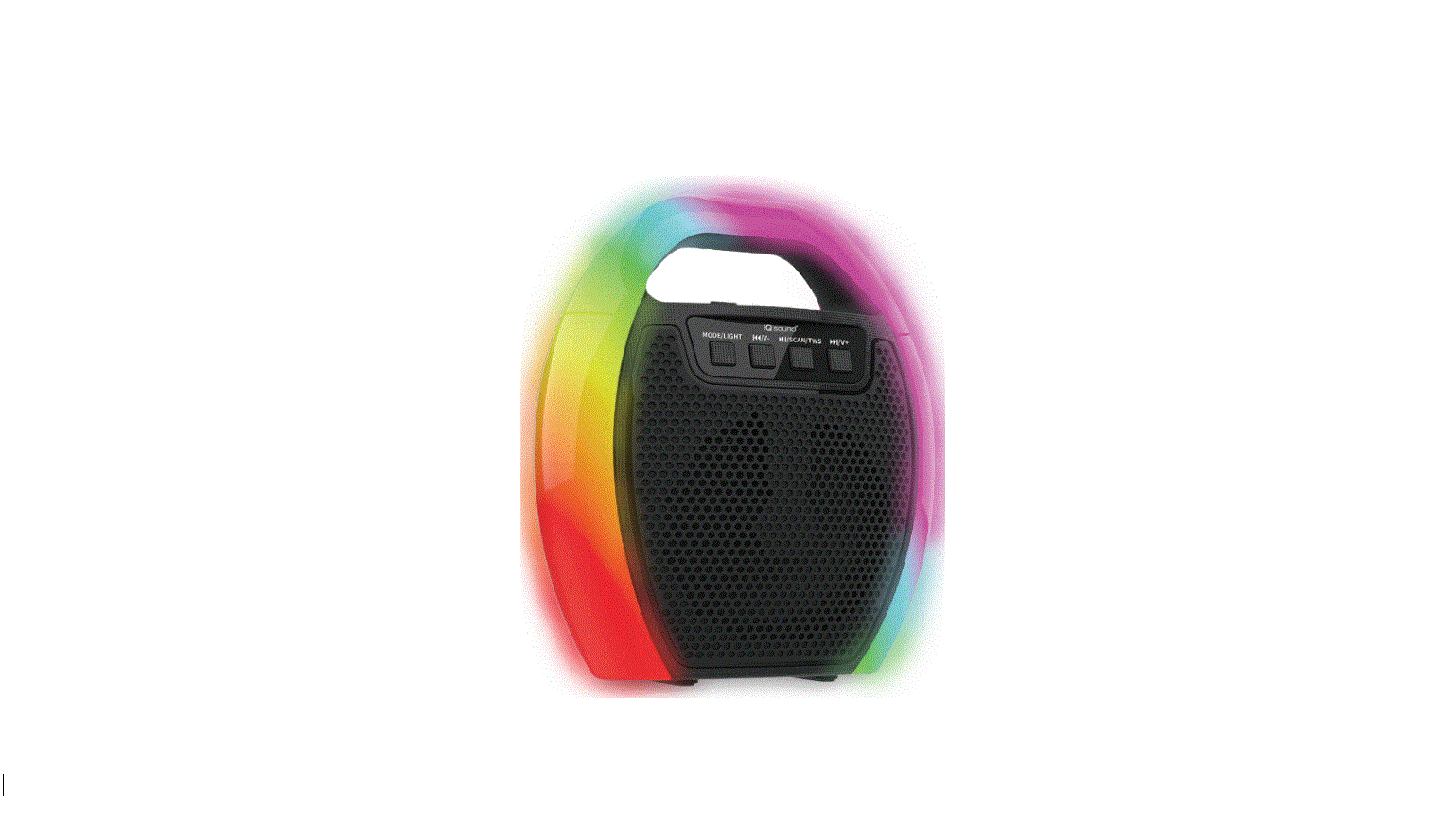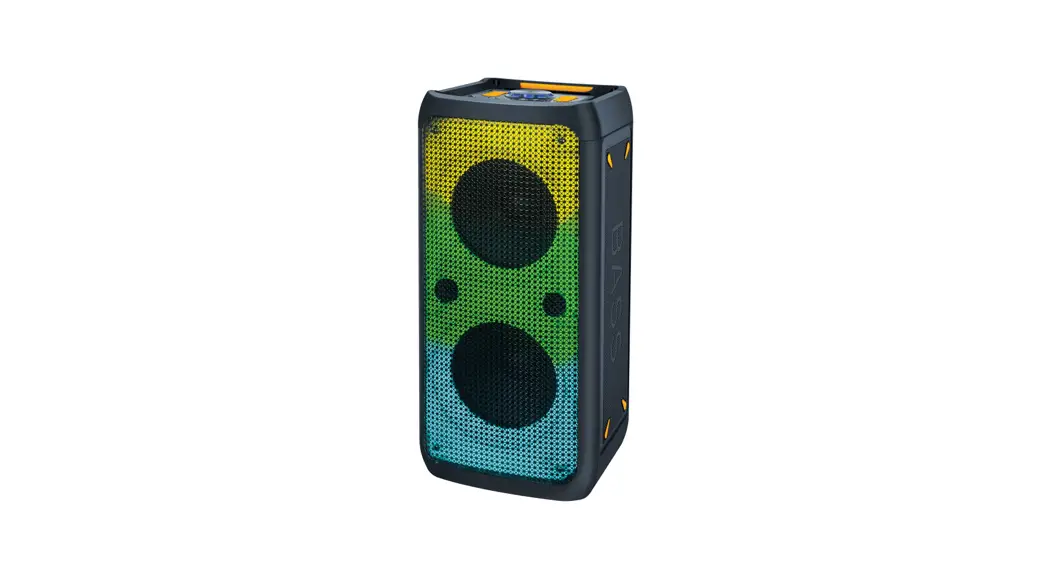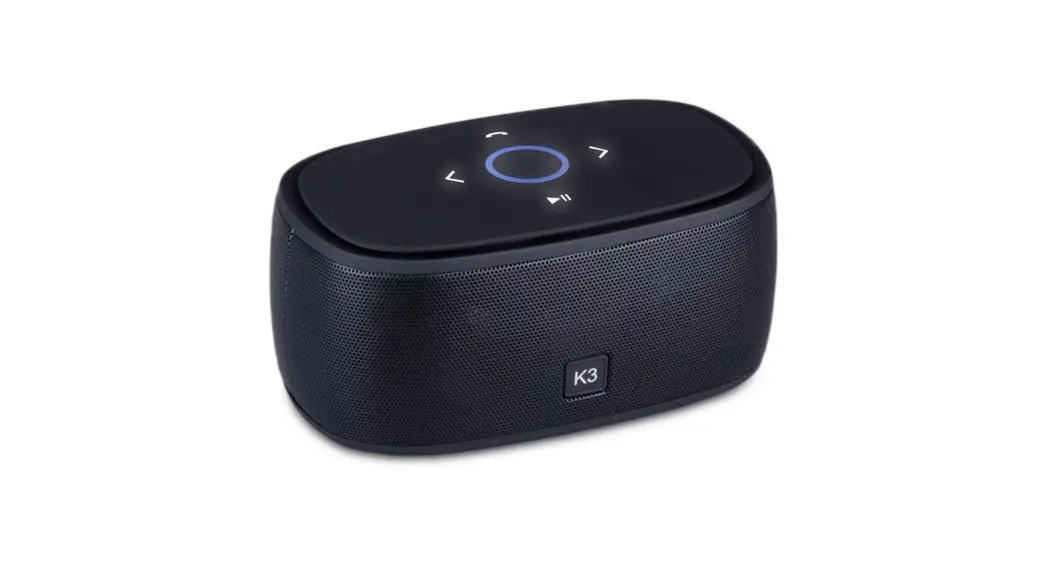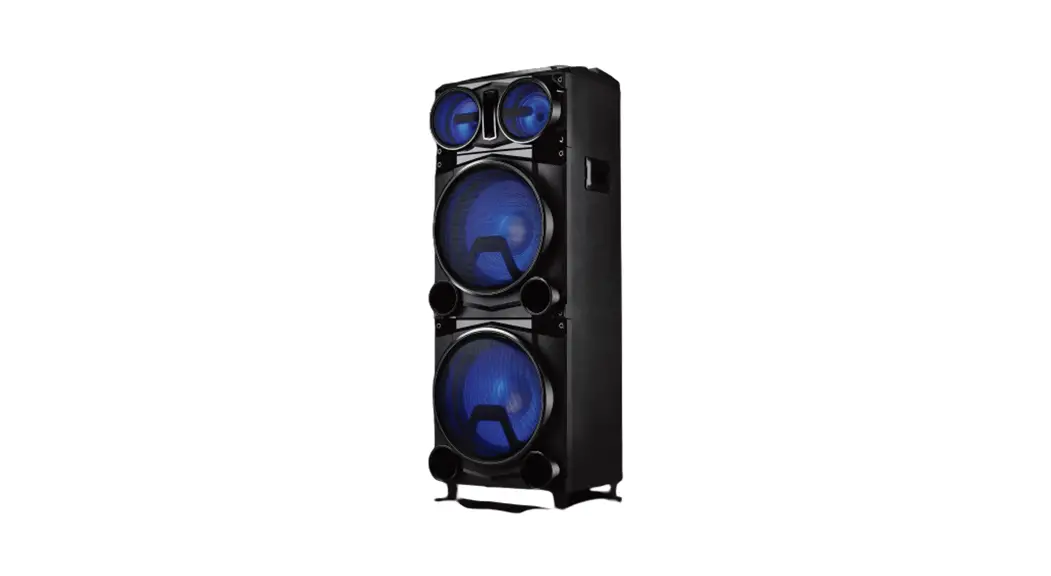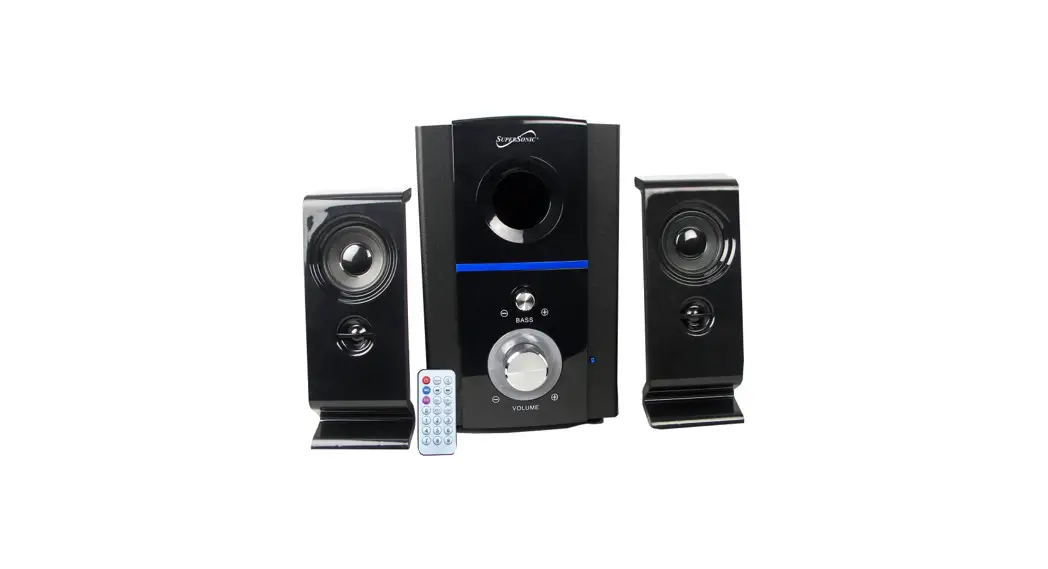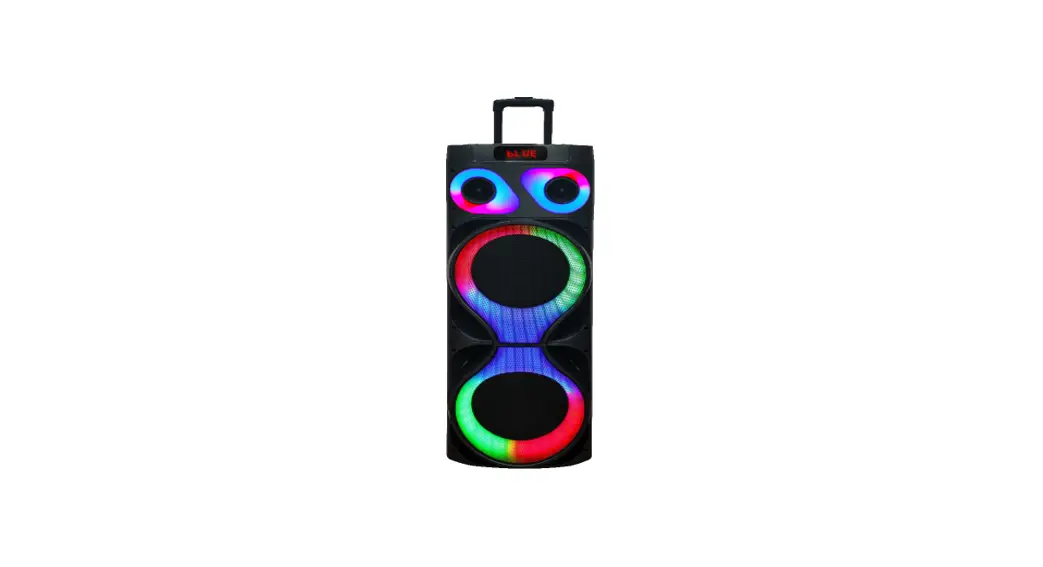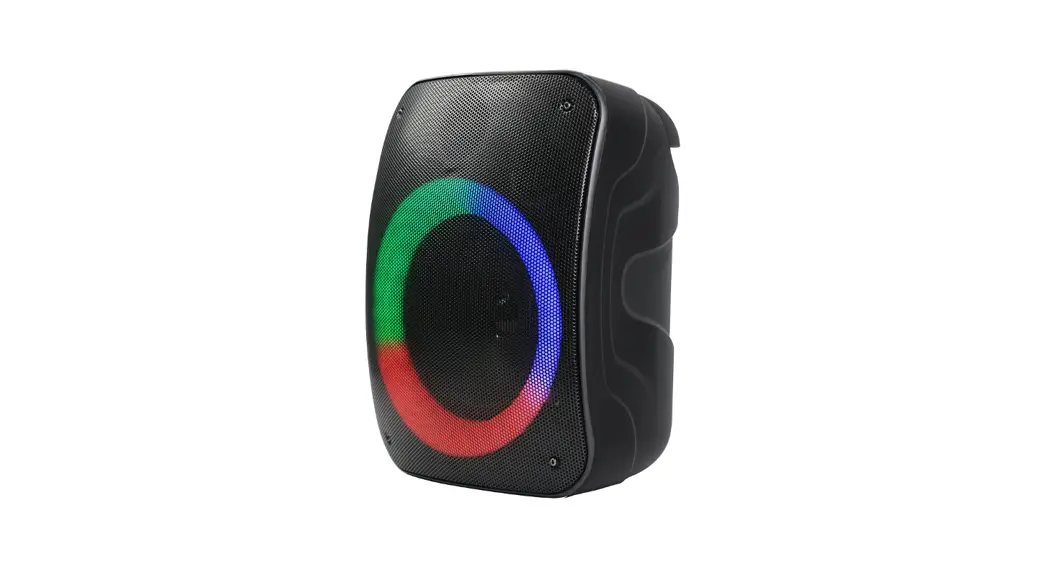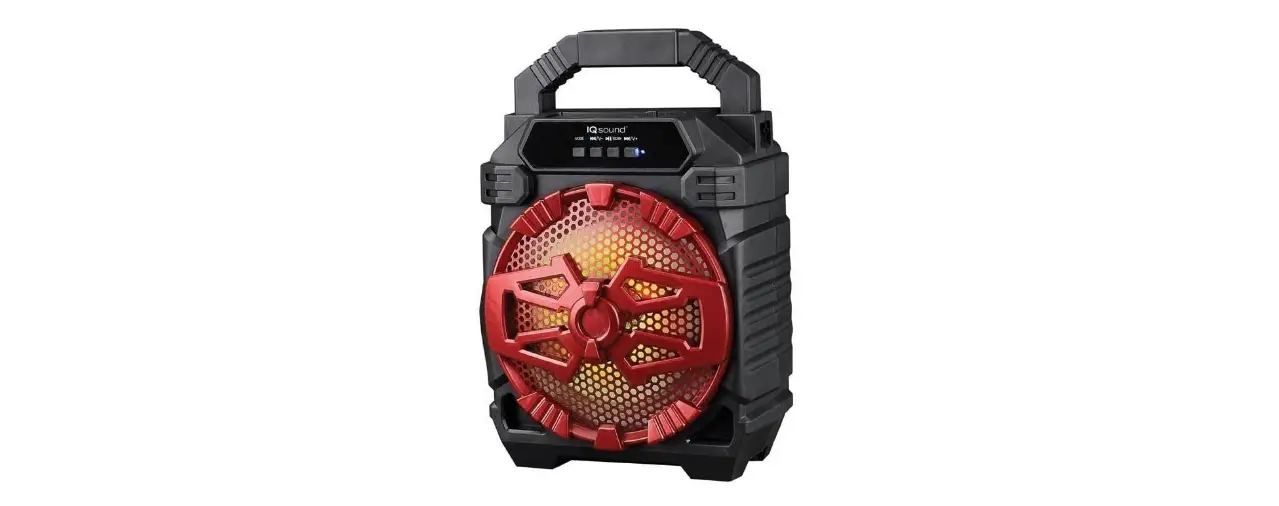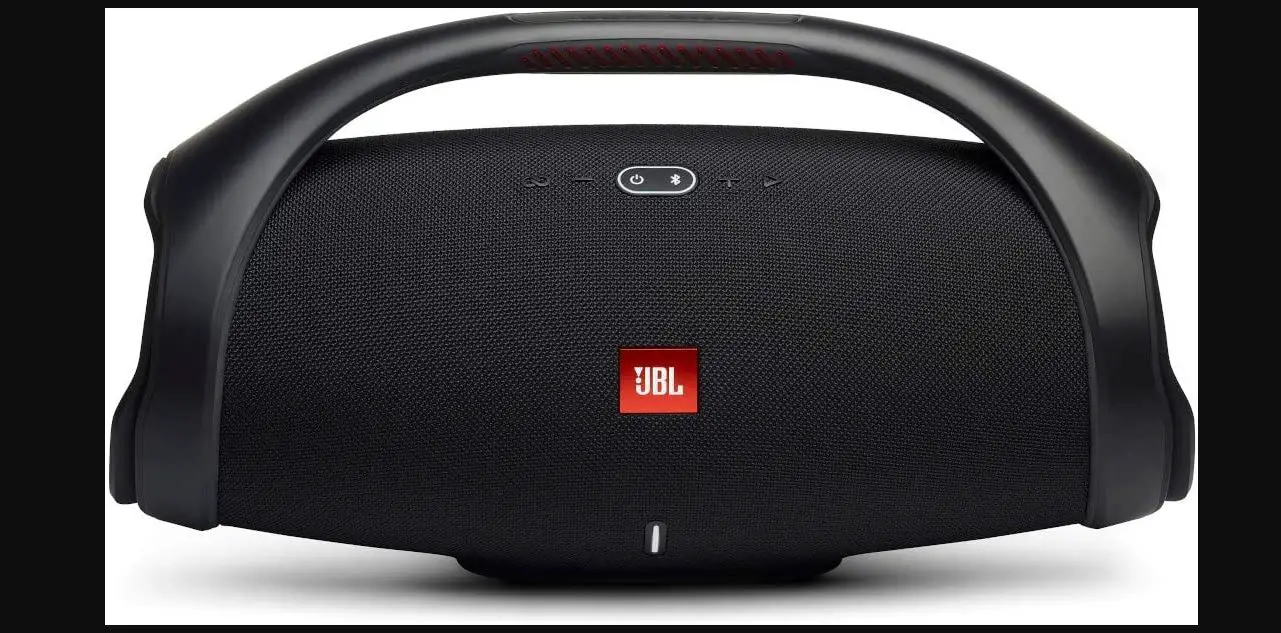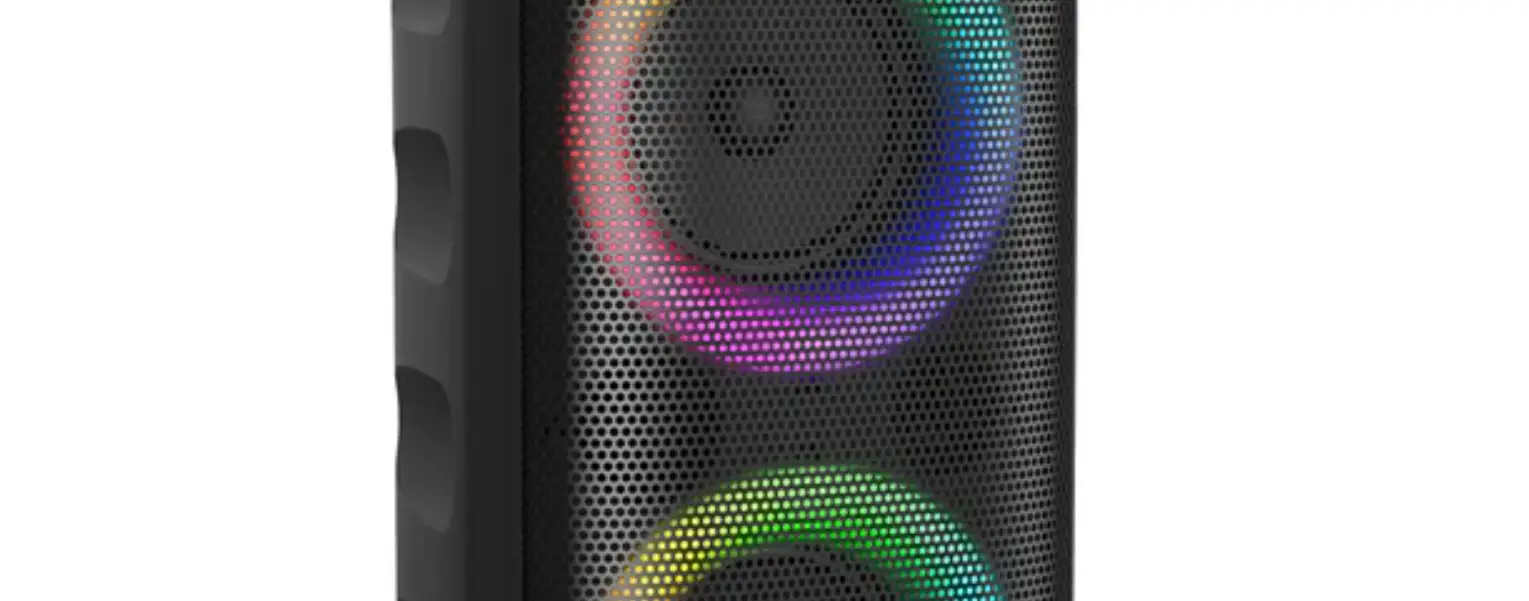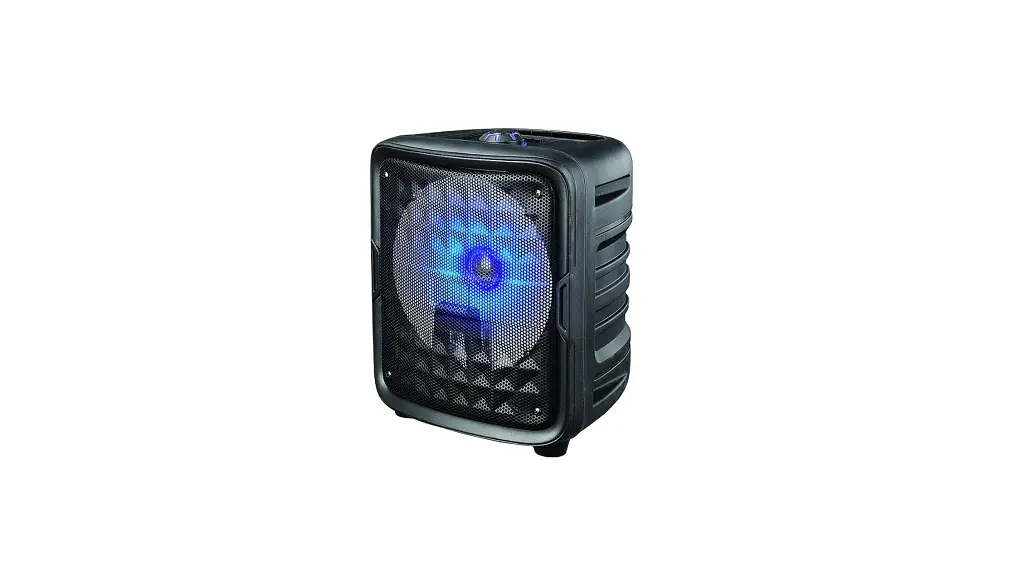

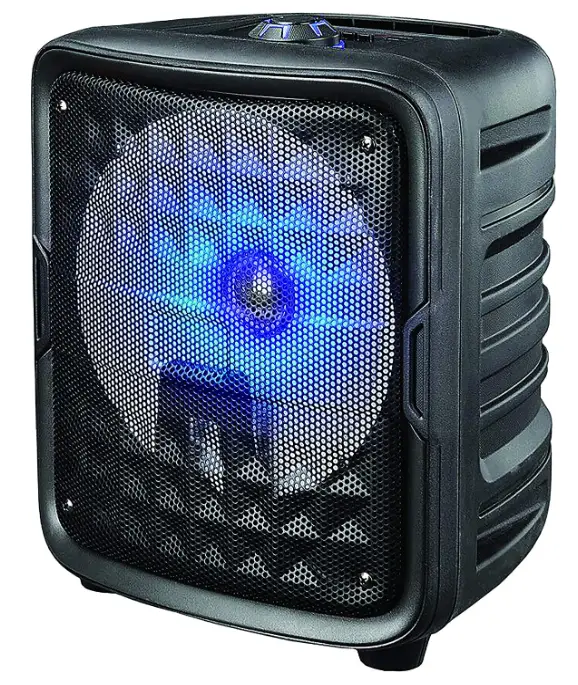
Supersonic IQ-6608DJBT Speaker with True Technology
Specification
- Speaker Type Satellite
- Model Number IQ-6608DJBT
- Connectivity Technology Bluetooth, USB
- Speaker Amplification Type Active
- Product Dimensions 5 x 13.8 x 10.4 inches
- Item Weight 94 pounds
- Batteries 1 Lithium Ion batteries required. (included)
- Color Black
- Features Rechargeable Lithium Battery (3.7V/1800mAh)
What’s In the Box
- Speaker & True Technology
Product Description
The Black Supersonic 8 In. Speaker with True Technology has a high-efficiency woofer. It’s built-in receiver allows you to wirelessly connect to your iPod, iPhone, , smartphone, and more. The micro SD and auxiliary inputs allow you to connect your non- external audio devices.
Legal Disclaimer
This product contains chemicals known to the State of California to cause cancer and birth defects or other reproductive harm.
Features
- 8 in. high-efficiency woofer
- True Wireless Stereo (TWS) allows user to connect 2 speakers via Bluetooth
- Built-in Bluetooth receiver
- Built-in Bluetooth receiver
- USB/micro SD and auxiliary inputs
- FM radio
- Rechargeable
- Volume control
- Microphone input
- Party speaker
Note: Products with electrical plugs are designed for use in the US. Outlets and voltage differ internationally and this product may require an adapter or converter for use in your destination. Please check compatibility before purchasing.
Safety Instructions
- Do not allow water to spill onto the surface or into the product.
- Do not detach the product without professional instruction.
- This product is not intended for use by children. please take care of the children. do not let them play with the product.
- If the product’s surface is damaged. or mechanical or electronic malfunction occurs. do not use the product. please contact our service center.
- Do not shake or turn the product upside down.
- Do not let the product be immersed in water.
- Keep the product in a dry and ventilate the place.
- Do not place heavy objects on the product.
How to Pair
- Open the Bluetooth Menu on the device you wish to pair.
- Some devices require you to select Search for devices or Add new device in order to create a Bluetooth pairing.
- Navigate to Bluetooth Mode by pressing the Button, if the speaker is not already in Bluetooth Mode.
Warranty & Support
If you’d like a copy of the manufacturer’s warranty for a product found on Amazon.com, you can contact the manufacturer directly or visit their website for more information. Manufacturer’s warranties may not apply in all cases, depending on factors like the use of the product, where the product was purchased, or who you purchased the product from. Please review the warranty carefully, and contact the manufacturer if you have any questions.
Frequently Asked Questions
You can start playing music from your phone once you locate the Bluetooth device and choose the connection after hearing the Bluetooth Mode warning tone.
How can I tell when the battery in my Supersonic Bluetooth speaker is full?
When your speaker is plugged in, a row of LED lights along the front turn on and stay lit while charging.
You can operate your Bluetooth speaker while it is charging without harming the battery. To check the battery life before using the speaker for the first time, completely charge it while it is off.
A brand-new Bluetooth speaker has a battery life of 10 to 20 hours when fully charged. While some devices only have a four-hour battery life, others may operate for up to 24 hours. What varies is the battery’s size.
The headset has to charge for at least 30 minutes before being used for the first time. The headset won’t sustain any damage if it is left in the charger after it has been fully charged.
Use your laptop, a power bank, a mobile charger, your smartphone, or another mobile device to charge your phone. The time has come to change your battery. Utilize A Wireless Charging Station To Charge. Charge Using a Wireless Charger of Your Own.
The fastest charging speeds and a portable power pack are your best bets. Fast charging can make up for a reduced battery life. This feature, which not all speakers have but is still quite useful, can revive a dead battery for a long enough period of time in just a half-hour or less.
Next, right-click on your Bluetooth device in the Device Manager box and choose Properties. 3. In the Properties window’s Power Management tab, uncheck the box next to Allow the computer to turn off this device to save energy.
Carefully inspect the fasteners and screws keeping the battery in place. use a screwdriver that is the correct size and shape to unscrew the battery. A Bluetooth speaker battery is frequently found in the bottom or rear of the speakers. Carefully remove the battery after unscrewing the screws holding it in place.
The internal battery of the Bluetooth® speaker requires three (3) hours to fully recharge from a dead battery.
The most important thing to remember is not to use water to clean your portable Bluetooth speaker. The internal parts of the wireless Bluetooth speaker can be damaged by liquids getting inside. A simple towel will do the trick to remove dirt and other debris.
Use the USB AC adaptor that came with your iPhone® or iPad® mobile device to charge your wireless speaker. It will depend on the features of the AC adapter whether it takes ten hours or more to fully charge the discharged battery.
Different Bluetooth speakers have different USB ports. Older portable Bluetooth speakers charge by micro USB connectors. Some individuals have replaced it with a USB Type-C charging port since it is faster.
Most wireless speakers use AC adapters to connect to regular power outlets or power strips. Some systems use rechargeable batteries in order to be “truly wireless,” although this feature needs repositioning and charging as regular duties in order to operate this kind of surround sound system.
Most typically used in devices like Bluetooth speakers, lithium-ion batteries combine dependability, safety, and efficiency. On a single charge, they can also provide the power needed to play audio for a number of hours.