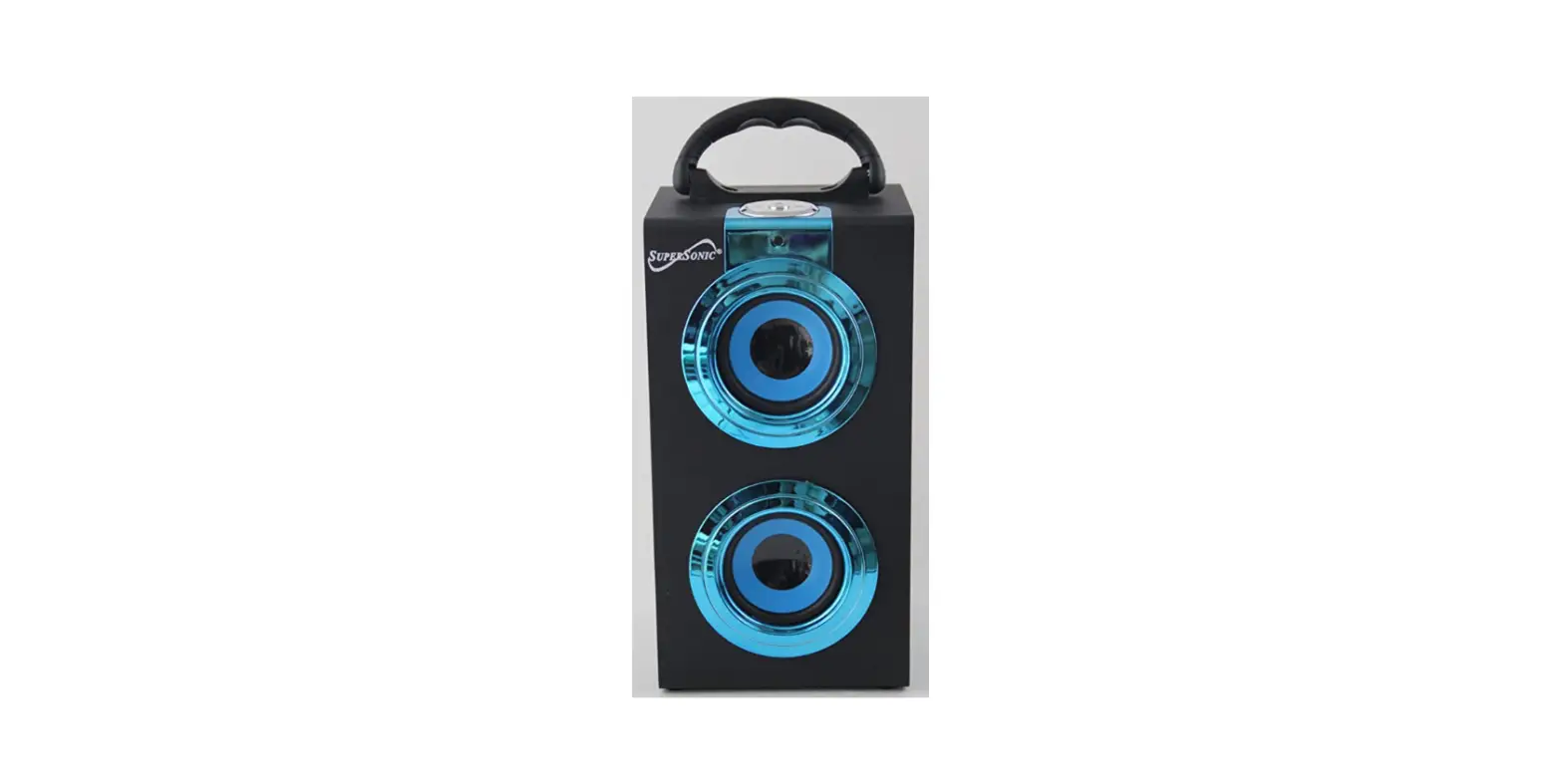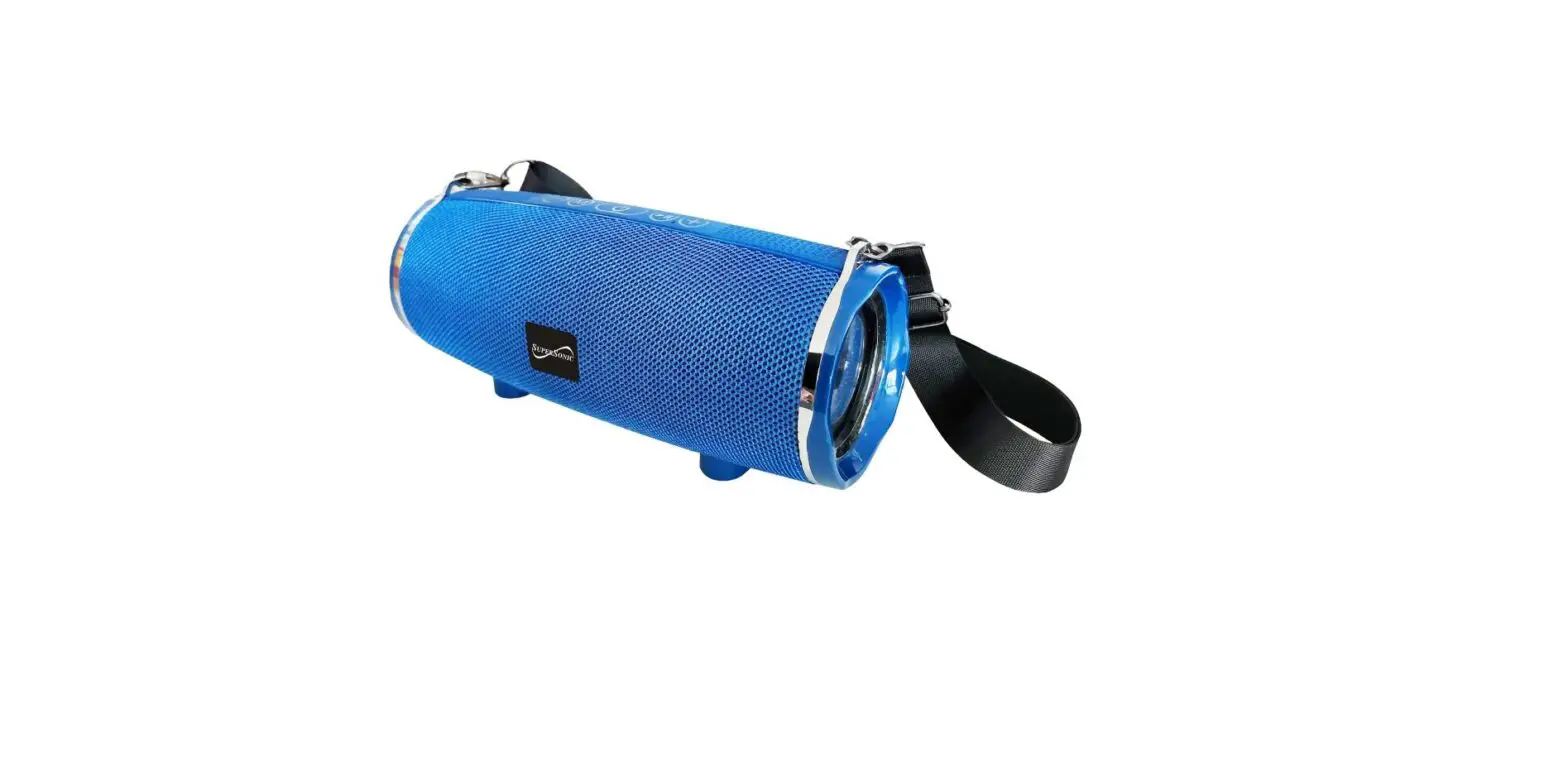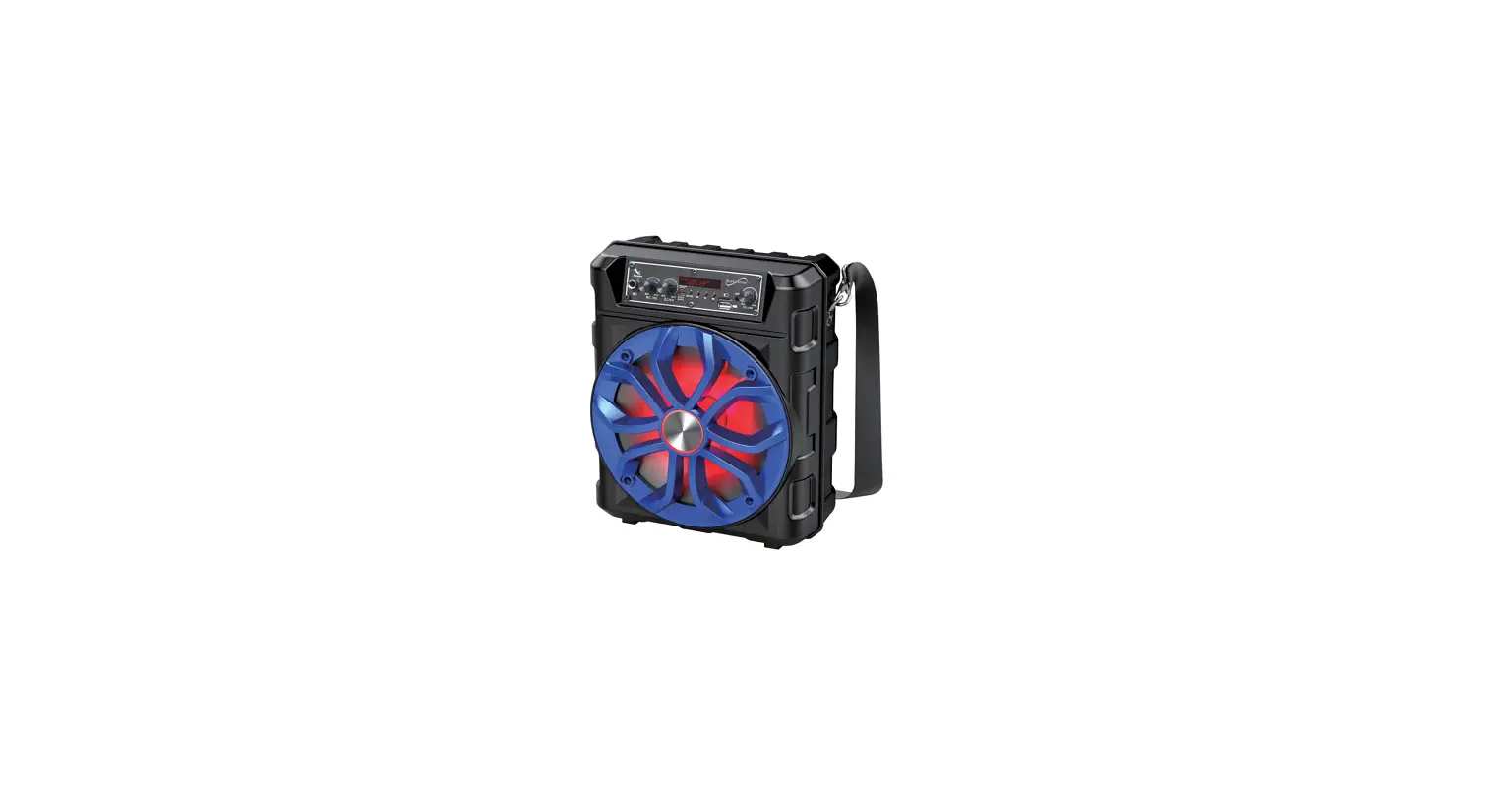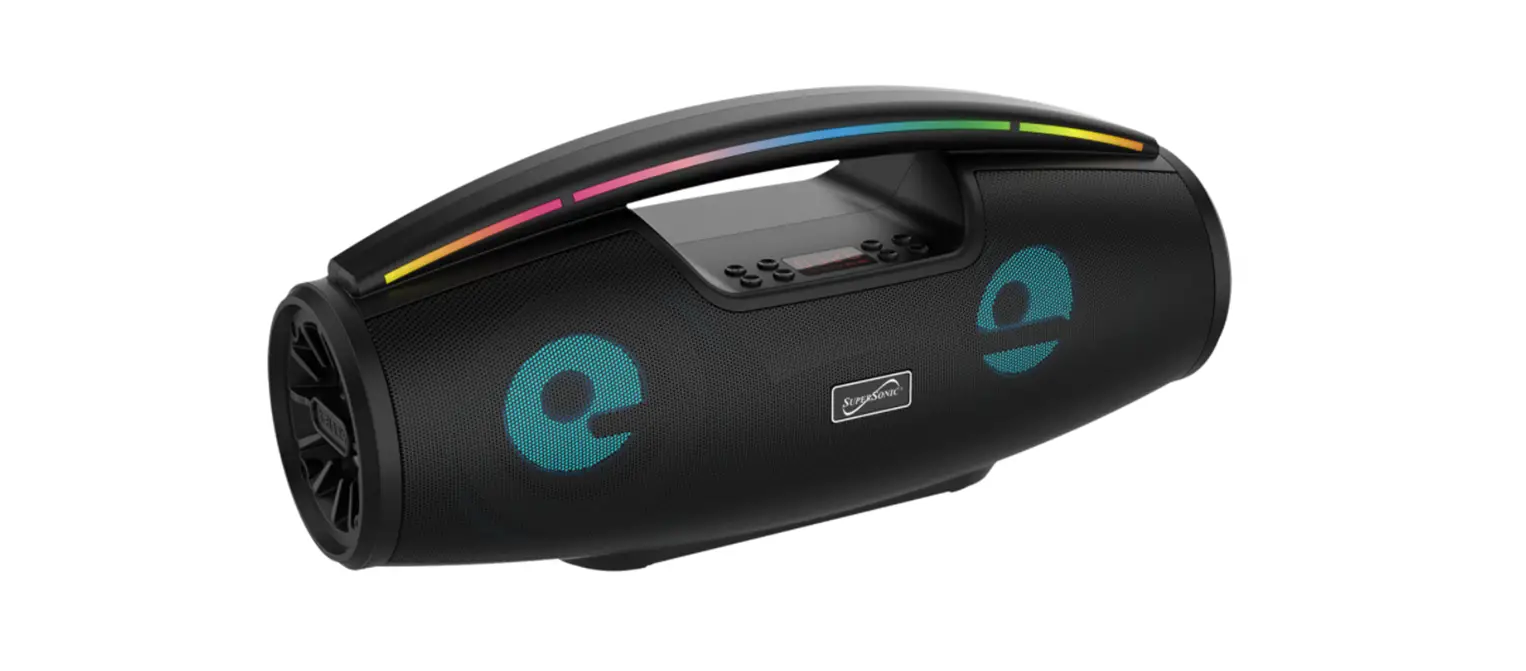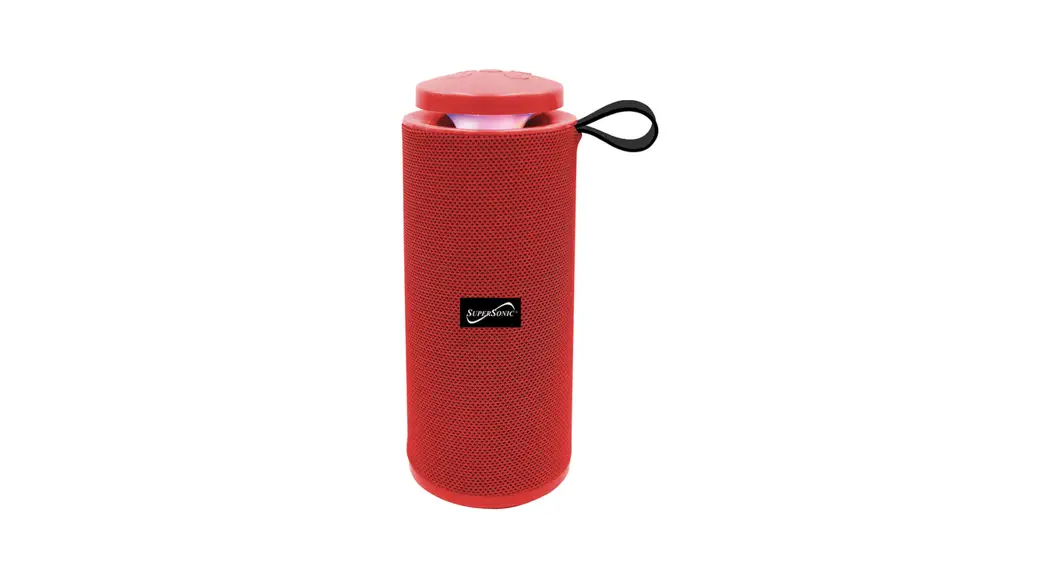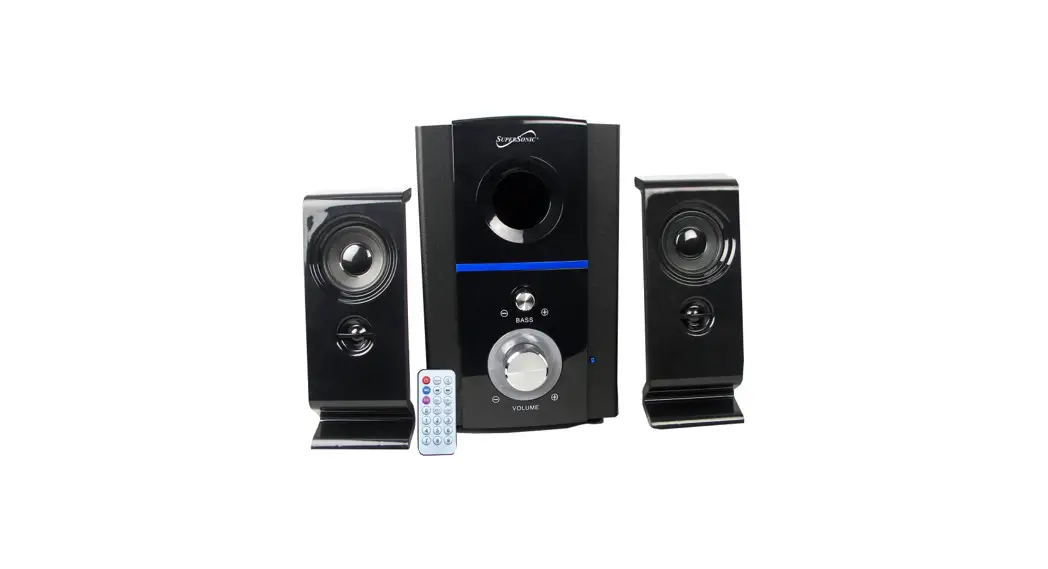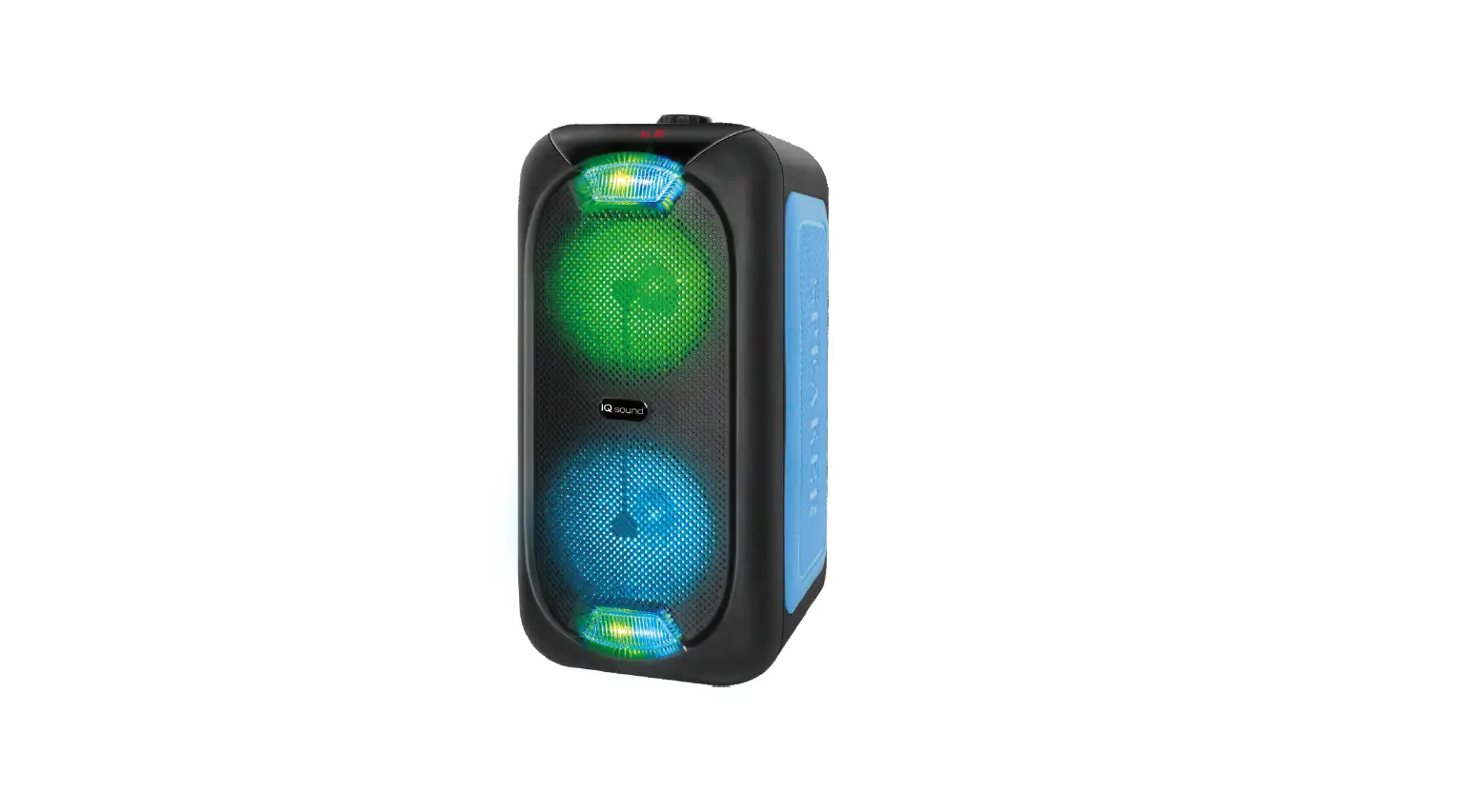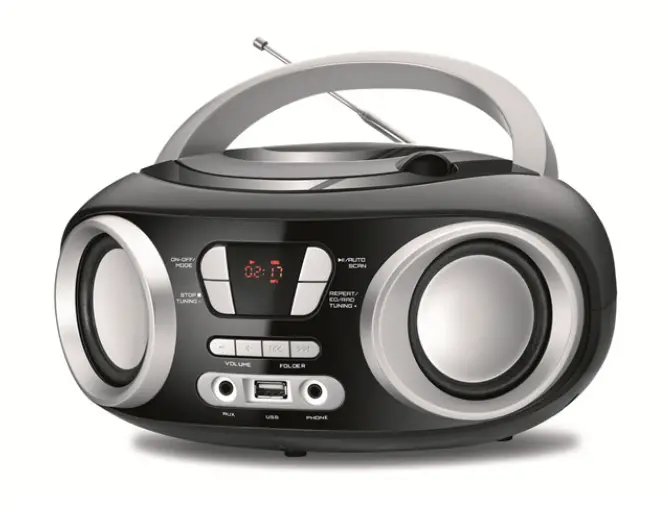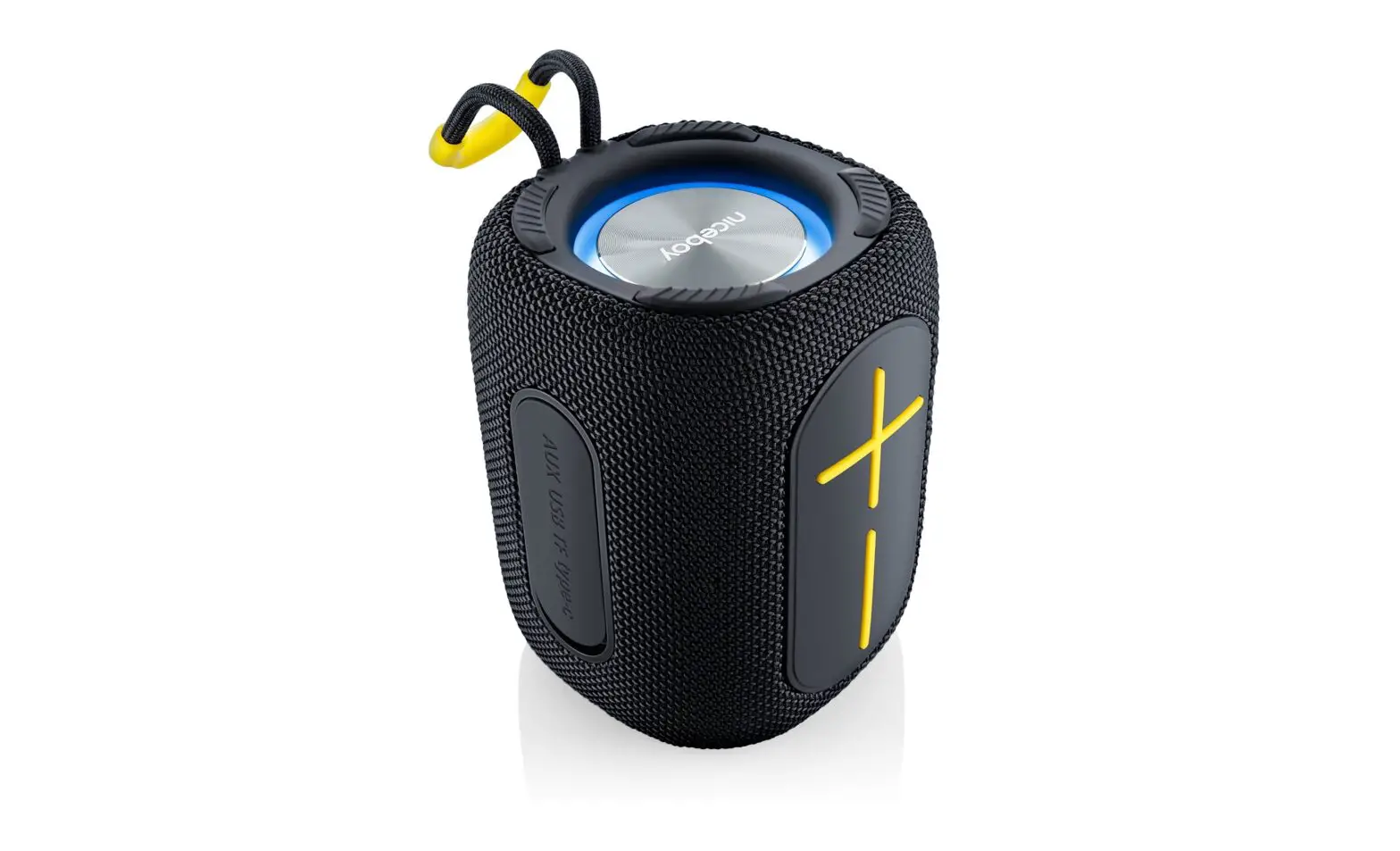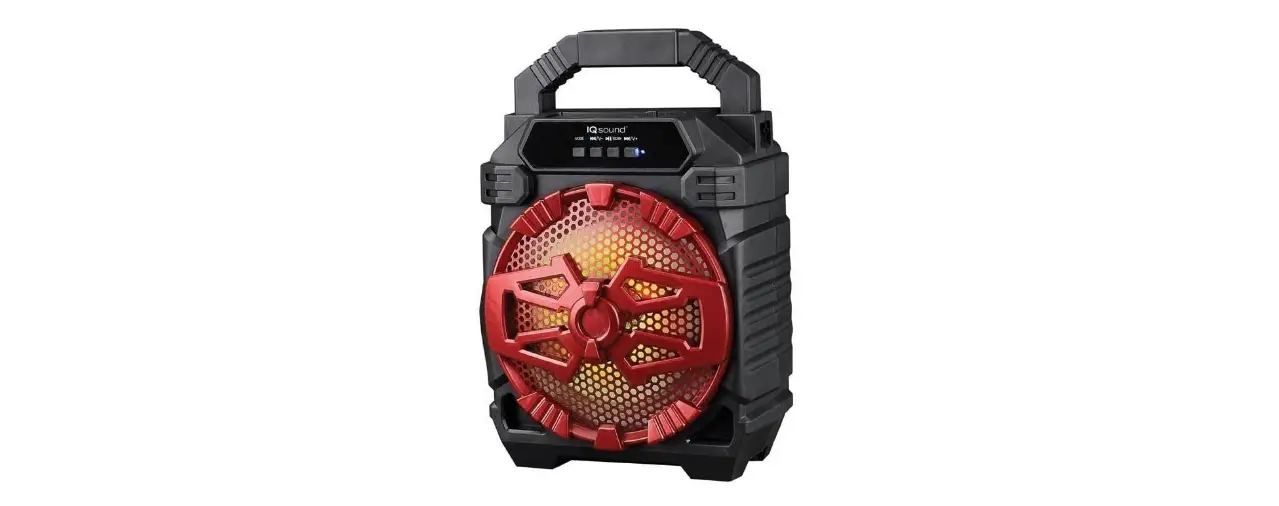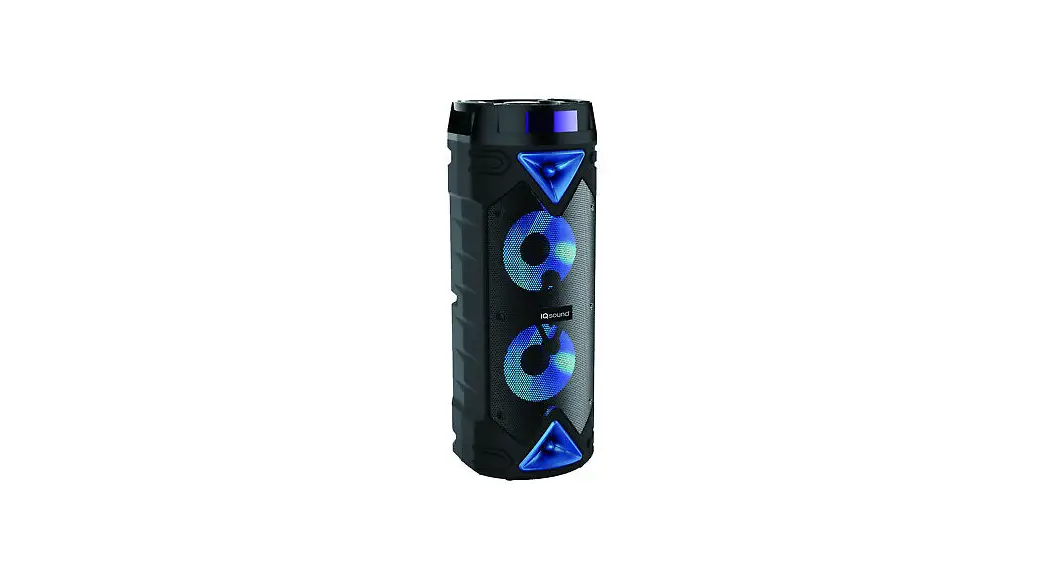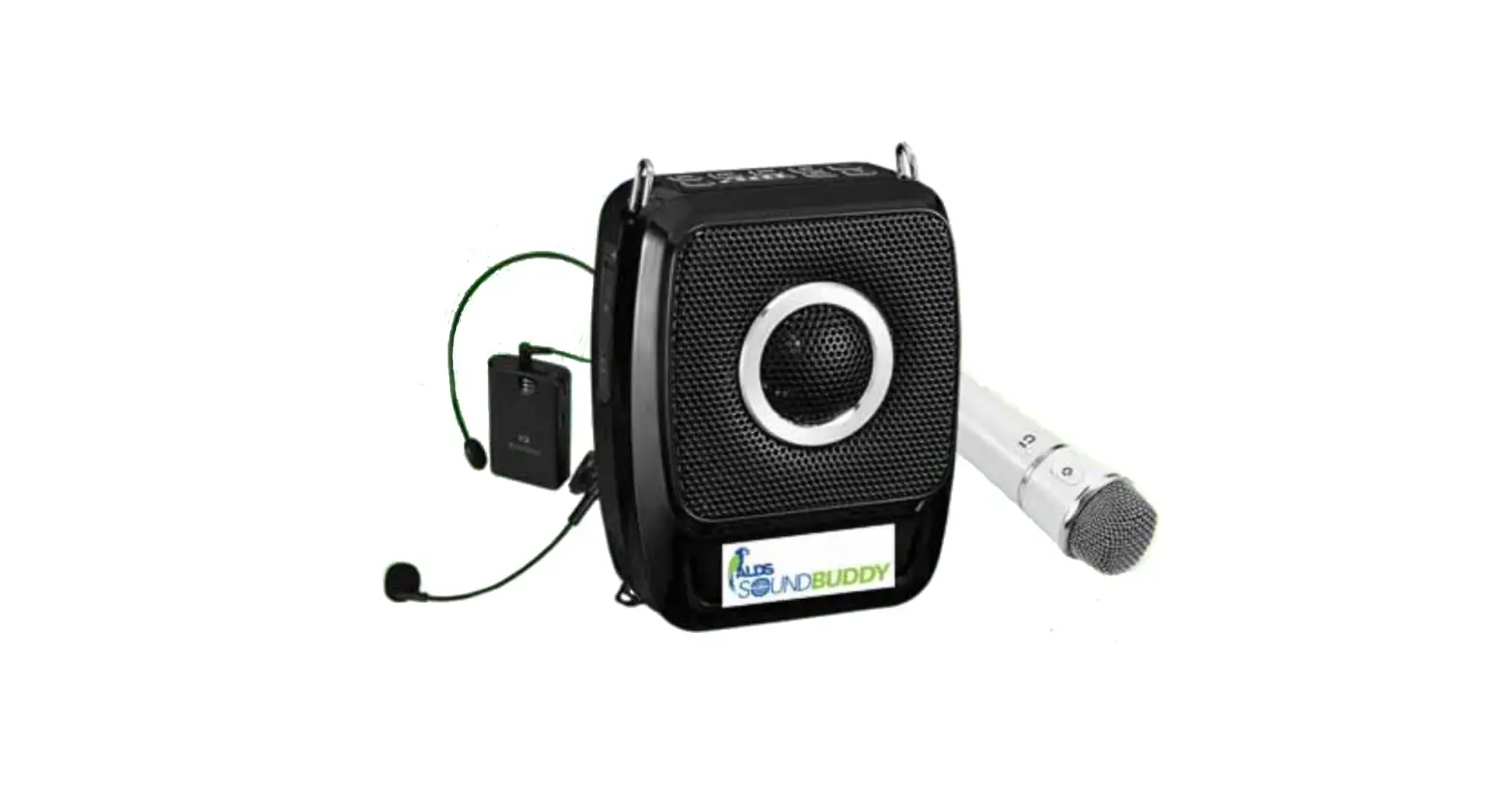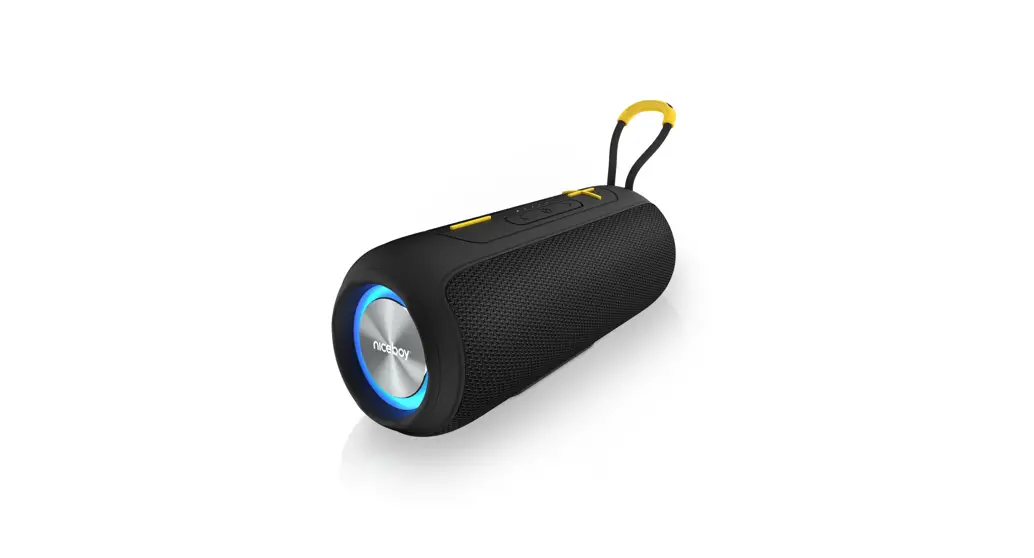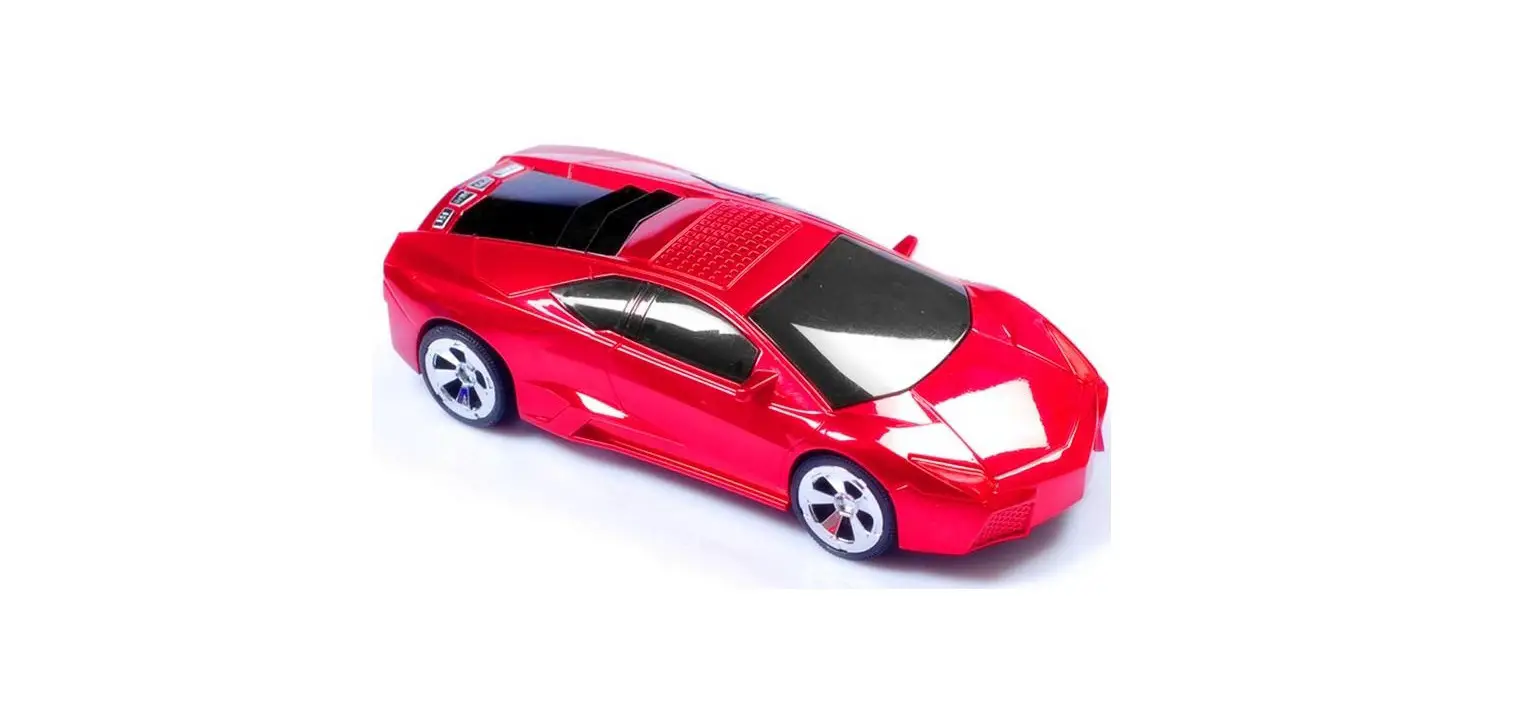

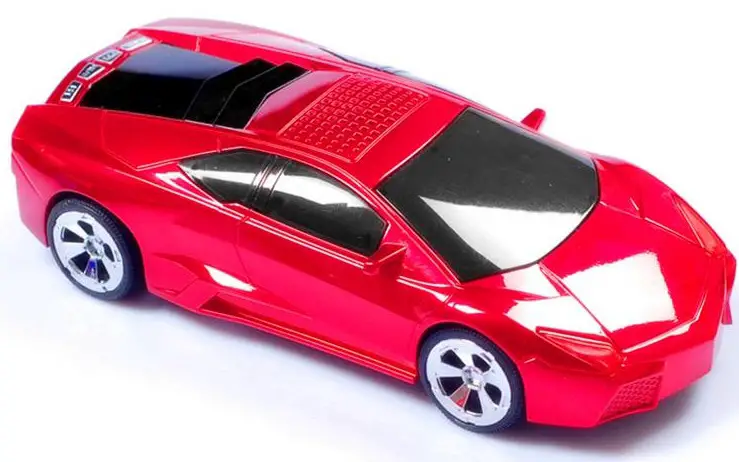
Supersonic SC1317RD Portable Speaker
Specifications
- Connectivity Technology: Auxiliary, USB
- Mounting Type: Freestanding
- Impedance: 4 Ohm
- Waterproof: FALSE
- Product Dimensions: 4 x 4 x 8 inches
- Item Weight: 12.8 ounces
- Item model number: SC1317RD
What’s in the box?
- Portable Speaker
Product Descriptions
Powered by a built-in rechargeable battery, the Supersonic speaker transmits crystal-clear sound from your audio device in a compact and highly portable form. Use the provided 3.5mm audio connection to connect the Supersonic to your audio player and listen to your favourite music for up to 2.5 hours, depending on volume. Using the small USB connector that is also included, the speaker instantly regains its original power within 3 hours. The Supersonic is the ideal speaker for listening to music wherever you are. Use it at home or take it to the office, campground, yard, beach, or gym!
Sound Settings
- By holding down the Power or Pairing button, you can put your Bluetooth device in pairing mode.
- iPhone Select Other devices from the Bluetooth menu in Settings. To connect, tap the gadget.
- Android Select Bluetooth under Settings > Connected Devices. After choosing Pair new device, tap the speaker’s name.
Features
Five Highlights of Bluetooth Speakers
- Flexible Portability There is many different sizes and designs of Bluetooth speakers.
- Water-Resistance.
- Battery charger.
- Visual Results
Frequently Asked Questions
The sound Hang on Bluetooth speaker allows you to carry your music wherever you go. Use a Bluetooth-capable device, such as a smartphone, tablet, MP3 player, laptop, or other gadget, to stream your favorite music wirelessly.
Connect the USB A end of the cable to a powered USB port on a laptop, computer, or USB power supply (not included). 4. The LED indication light on top of the speaker will turn orange. When the speaker is fully charged, the LED Page 6 indicator light will turn blue.
Bluetooth uses short-range radio waves, not an internet connection, to communicate. This means that Bluetooth can operate whenever two suitable devices are present without the requirement for a data plan or even a cellular connection.
Most Supersonic portable speakers use Bluetooth technology to wirelessly transfer music from another device, such as a laptop or smartphone. Benefits: The technology works with a range of mobile devices, including Android and Apple iPhone cellphones. The cost of Bluetooth speakers is typically lower than that of Wi-Fi speakers.
Connect the USB A end of the cable to a powered USB port on a laptop, computer, or USB power supply (not included). 4. The LED indication light on top of the speaker will turn orange. When the speaker is fully charged, the LED Page 6 indicator light will turn blue.
Any speaker with wattage between 150 and 500 is ideal for a wonderful music listening experience and is inexpensive. Every sound has a frequency, which indicates the sound’s high or low pitch.
Select the appropriate shape and size.
Wireless speakers might be large, boxy devices or small, cylindrical ones. They exist in all different sizes and designs. Some are made to be tough and waterproof, while others place a strong value on style and design. They may even resemble the airships of the 1920s.
Hard reset or Recovery mode for restoring SC1317RD SuperSonic in flight
1- First, completely shut off your SuperSonic SuperSonic SC1317RD.
2- Hold the power and volume down keys simultaneously for a few seconds on your Supersonic SC1317RD.
Release the buttons once the Supersonic logo appears.
On the device you want to pair, access the Bluetooth menu. For some devices, Bluetooth pairing requires you to either Search for devices or Add new device. If the speaker is not currently in Bluetooth Mode, go there by pushing the Button.
Make sure Bluetooth is activated.
• Find out the pairing method your device uses.
• Activate discoverable mode.
• Ensure that the two devices are sufficiently close to one another.
• Turn the gadgets on and off again.
• Eliminate previous Bluetooth connections.
Restart your Android device and look for updates if the loudspeaker isn’t working. Reset the sound preferences and turn off Bluetooth and Do Not Disturb. Remove the case, clean your speaker grills, launch Safe Mode, and reset your settings if the problem persists.
The speakers on your phone could be harmed if it were to fall into water. These events will take place. The speaker grills frequently become clogged with water, which stays there until it is forcibly evacuated. The overall listening experience is ruined by distorted sound produced by water-clogged speakers.
Utilizing the speakers at maximum volume shouldn’t harm them. The little speakers in a phone have a lot of distortion at high output levels, thus the audio will sound more pleasant and understandable at a lower volume setting.
Too loud music or audio playback can harm speakers by overheating the drivers or perhaps causing a mechanical failure of the driver suspension. A speaker’s driver coil will burn or melt if its maximum power rating is exceeded (by turning up the amplifier or volume control).
To drain the accumulated water within the speaker, place the speaker on a dry, soft cloth with the speaker section facing down. After that, dry the speaker at ambient temperature until no moisture is left.