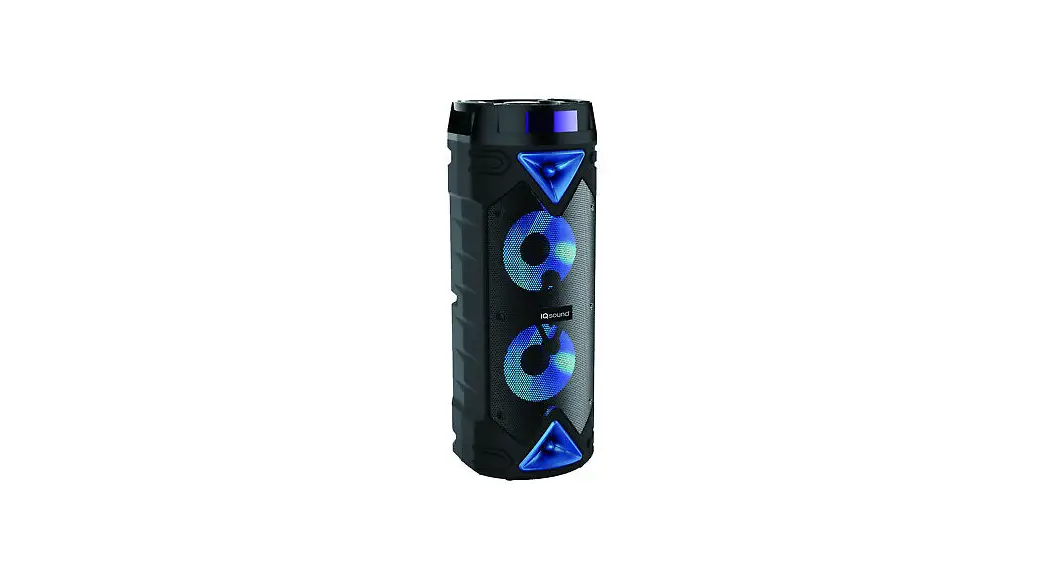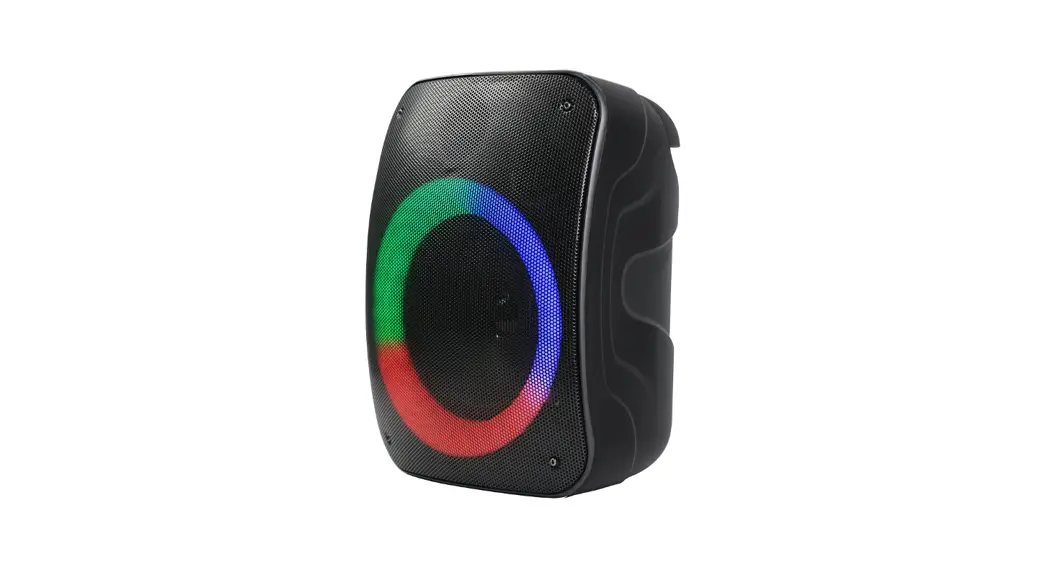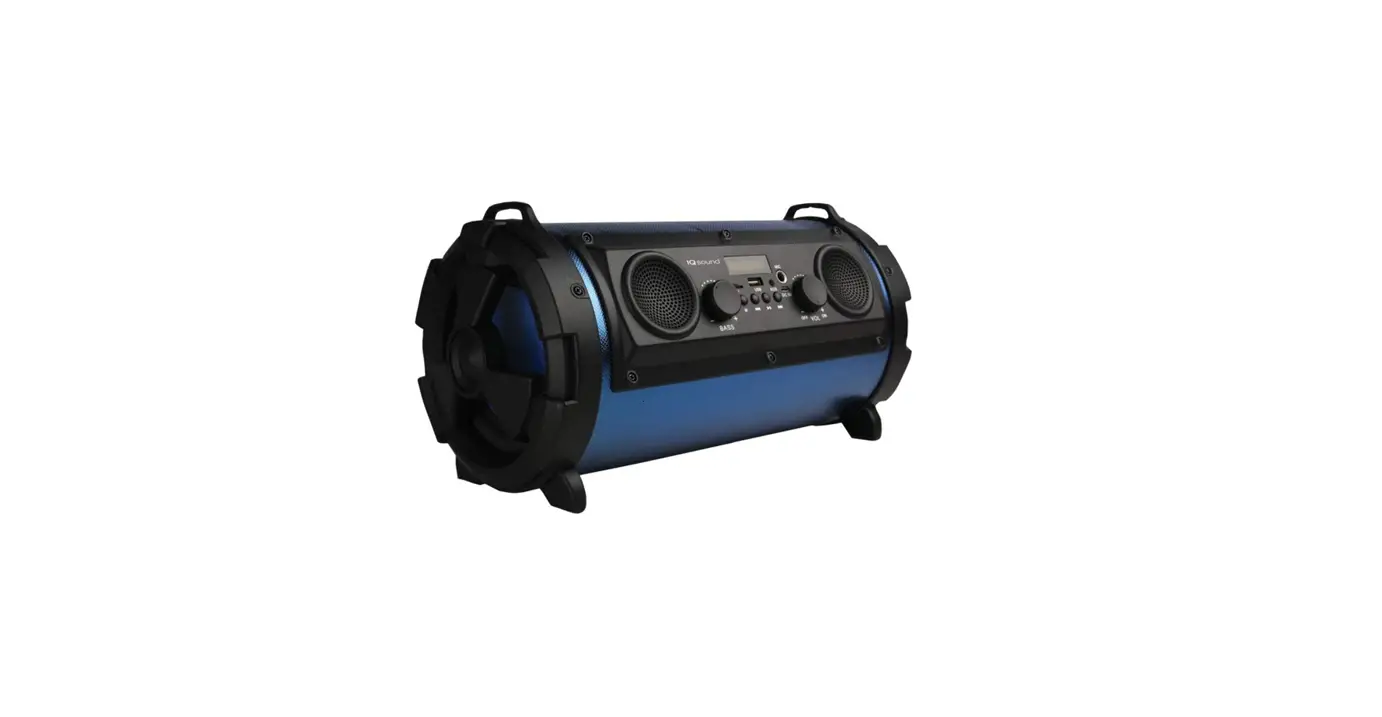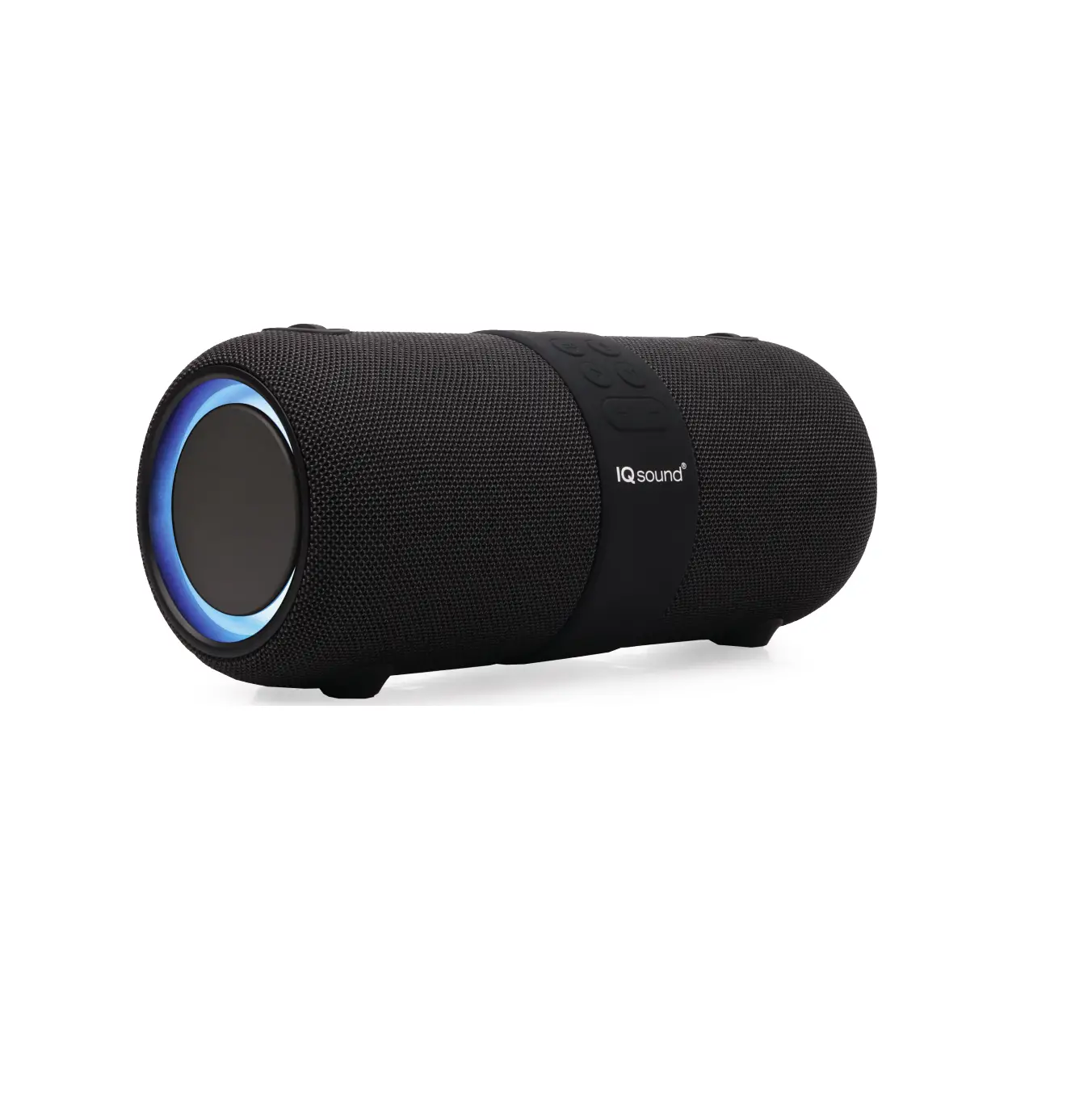


USER MANUAL
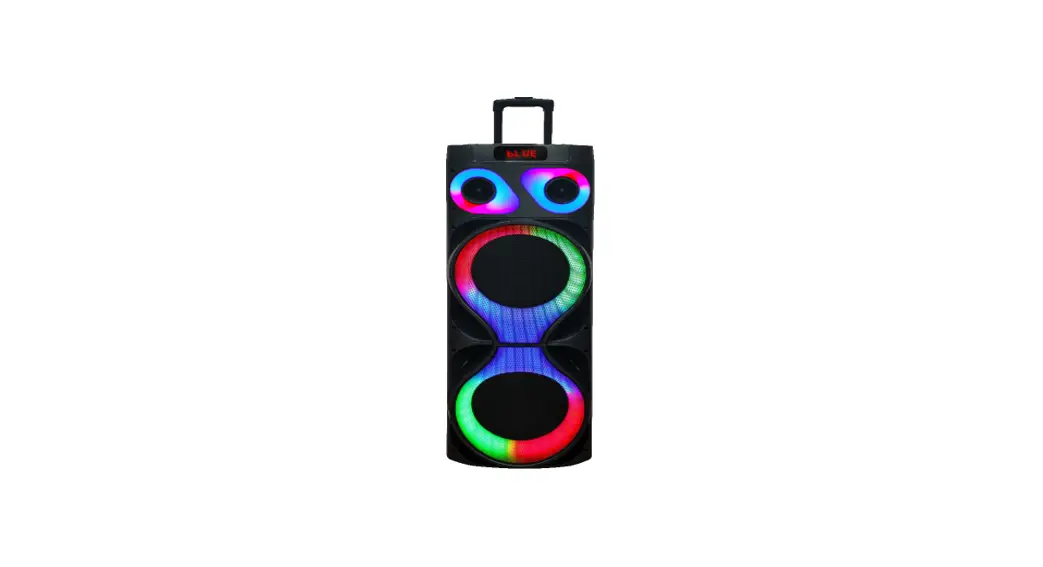
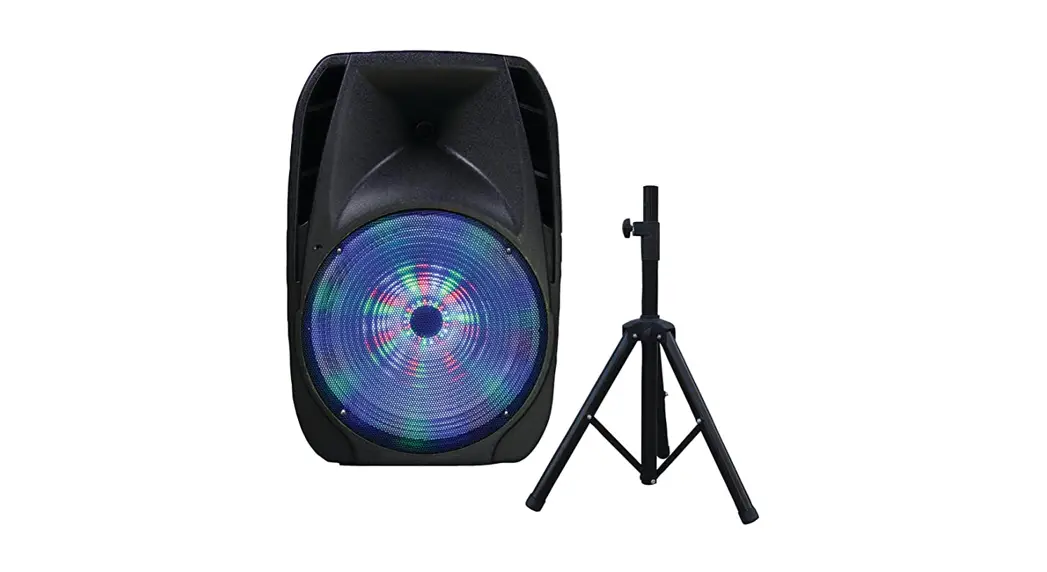
IQ-7515DJBT
MADE IN CHINA
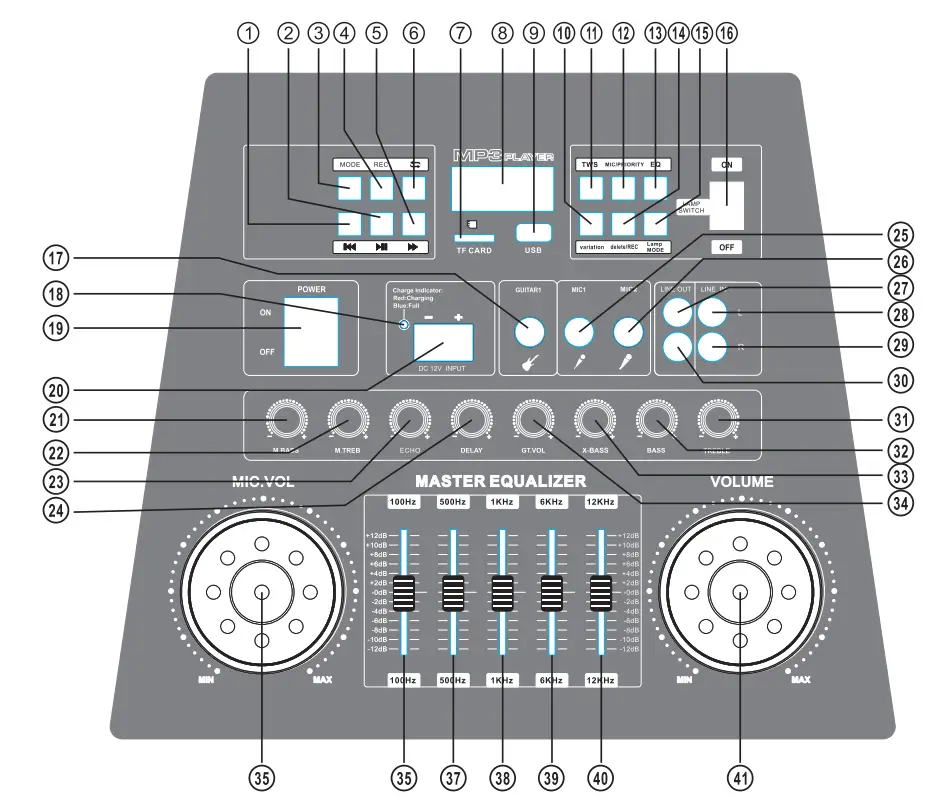
CONTROL PANEL
BACK PANEL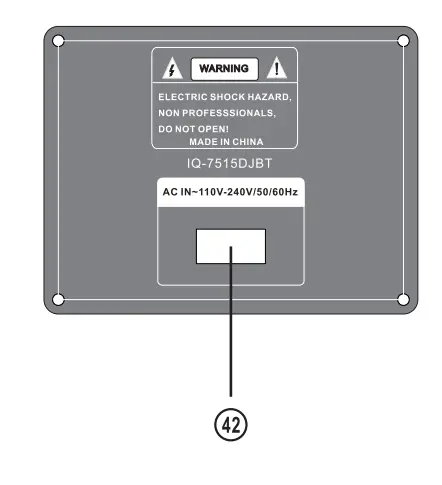
REMOTE CONTROL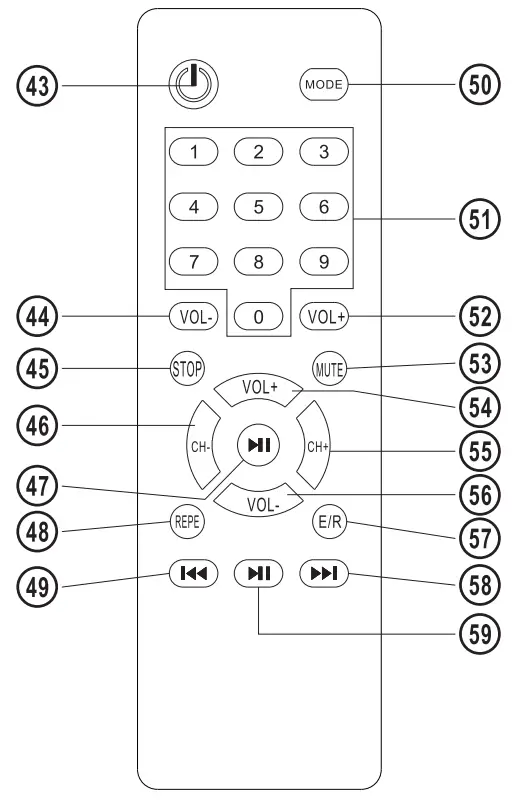
WELCOME TO BUY THE SERIES OF PROFESSIONAL STAGE SPEAKERS PRODUCED BY OUR COMPANY, THIS PRODUCT CAN PROVIDE YOU WITH GOOD SOUND QUALITY. PLEASE READ THIS MANUAL CAREFULLY BEFORE USING IT TO REACH ITS BEST PERFORMANCE AND AVOID UNNE MARY LOSSES. IF YOU HAVE ANY QUESTIONS, PLEASE ASK HELP FROM THE DEALER OR THE COMPANY DIRECTLY.
FUNCTION INSTRUCTION:
| 1.MP3 PLAY PREVIOUS SONE 2.MP3 PAUSE/PLAY 3. INPUT SELECTION MODE 4. RECORD FUNCTION 5.MP3 PLAY NEXT SONE 6.MP3 REPEAT ONE/ALL 7. TF CARD JACK 8.MP3 DIGITAL DISPLAY 9. USB CARDJACK 10. VARIATION SELECT 11. TRUE WIRELESS STEREO 12. MICROPHONE PRIORITY 13. EQUALIZER FUNCTION 14. RECORD DELETE 15. LAMP MODE 16. LAMP SWITCH 17. GUITAR INPUT JACK 18. CHARGE INDICATOR LED 19. POWER SWITCH 20. EXTERNAL 12V BATTERY 21. MICROPHONE BASS 22. MICROPHONE TREBLE 23. MICROPHONE ECHO 24. MICROPHONE DELAY 25.MICROPHONE1 INPUT 26.MICROPHONE2 INPUT 27. SIGNAL OUTPUT-L 28. SIGNAL INPUT-L 29. SIGNAL INPUT-R 30. SIGNAL OUTPUT-L | 31. MUSIC TREBLE 32. MUSIC BASS 33. MUSIC X-BASS 34. GUITAR INPUT 35. MICROPHONE VOLUME 36. MUSIC EQ 100Hz 37. MUSIC EQ 500Hz 38. MUSIC EQ 1KHz 39. MUSIC EQ 6KHz 40. MUSIC EQ 12KHz 41. MUSIC VOLUME 42. AC 115V VOLTAGE INPUT 43. REMOTE POWER BUTTON 44. MUSIC VOLUME- BUTTON 45.MP3 STOP BUTTON 46. CHANAL’S PREVIOUS BUTTON 47.PAUSE/PLAY BUTTON 48. REPEAT BUTTON 49. PREVIOUS BUTTON 50. INPUT SELECTION MODE BUTTON 51.0-9 DIGITAL BUTTON 52. MUSIC VOLUME+ BUTTON 53. MUTE BUTTON 54. MUSIC VOLUME+ BUTTON 55.CHANAL NEXT BUTTON 56. MUSIC VOLUME- BUTTON 57.EQUALIZER BUTTON 58. NEXT BUTTON 59. PAUSEIPLAY BUTTON |
| Output power (RMS) : Output impedance: SIN: Input sensitivity: Frequency response: Rating voltage: | 80W 4(ohm) 65d B 500mV 60Hz-18kHz —110V/220V 50/60Hz |
PRECAUTION
In order to prevent operating problems or serious damage to the device, please comply with the following remarks:
- Hold the electric outlet while pulling out the plug. Do not pull the wire.
- Operating audio appliances should be kept away from heating facilities.
- Do not attempt to fix or revise the circuit.
- Do not touch the internal parts, otherwise, electric shock or serious damage to the device might cause.
- Pull out the plug if not in use for long.
- Ensure the audio product is in a ventilated dry condition with about 20mm space around as for heating dispersion.
Warning: Do not expose this appliance to rain or moisture, and a vessel containing liquids, such as a cup, vase, is not supposed to be placed on or above the appliance.
TROUBLESHOOTING
| Symptom | Possible Problem | Solution |
| No Function Light & No Sound | 1. Plug is not well connected | Insert the plug into an electric outlet |
| 2. Speaker power button is not turned on | Turn on the button | |
| Function Light on but No Sound | 1. Cable misconnected | Turn off the power, check the input jack to ensure the proper audio signal is connected to the relevant input jack |
| 2. Audio signal is not transmitted to the speaker | Check all the speakers if there is an audio signal output | |
| If the problem exists after checking the related procedures above, please refer to the appointed service agent or professional technician to fix it. Do not attempt to open the cover, otherwise, we assume no responsibility. | ||
Bluetooth® is a trademark or registered trademark of Bluetooth SIG Inc. iBastek® is a trademark of Bastek Corp. All other trademarks are the property of their respective owners.
IMPORTANT SAFETY MEASURES
Before using this machine, please read all the safety and operating instructions, meanwhile, please observe all the indications about safe operating. This safety and operating instructions should be kept in a condition of consultation.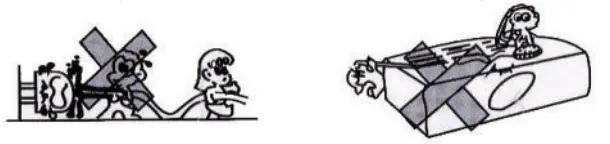
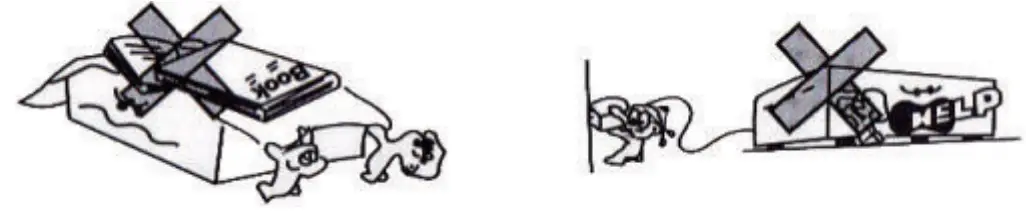
- Protection of electric power supply line: Be aware that the electric power supply line is not tramped, pressed by heavy objects. Pay special attention to the plug of the power supply line and outlet on the machine. DO NOT lengthen the electric shock, DO NOT pull or drag the power supply line.
- Ventilation: This set must be put in a ventilated place. DO NOT put the disk on it or cloth to cover it. The distance away from the wall should not be less than 10 centimeters. DO NOT put this set on the bed, sofa, carpet, or other objects with similar surfaces in case of good ventilation.
- Casing Dismantling: DO NOT dismantle the casing. If one touches the inner components, he will probably get a serious electric shock.
- Unusual smell: When you discover an unusual smell and smoke, cut power supplies immediately and pull out the plus from the outlet on the wall. Contact the sell shop or nearest repairing center.
Attention: This setting applies to AC 110V 50Hz-60Hz power supply. Use standard power supply. Please be sure of the correct power supply before using it.
FCC Statement
This device complies with part 15 of the FCC rules. Operation is subject to the following two conditions: (1) this device may not cause harmful interference, and (2) this device must accept any interference received, including interference that may cause undesired operation.
Changes or modifications not expressly approved by the party responsible for compliance could void the user’s authority to operate the equipment.
NOTE: This equipment has been tested and found to comply with the limits for a Class B digital device, pursuant to part 15 of the FCC Rules. These limits are designed to provide reasonable protection against harmful interference in a residential installation. This equipment generates uses and can radiate radio frequency energy and, if not installed and used in accordance with the instructions, may cause harmful interference to radio communications. However, there is no guarantee that interference will not occur in a particular installation. If this equipment does cause harmful interference to radio or television reception, which can be determined by turning the equipment off and on, the user is encouraged to try to correct the interference by one or more of the following measures:
- Reorient or relocate the receiving antenna.
- Increase the separation between the equipment and receiver.
- Connect the equipment into an outlet on a circuit different from that to which the receiver is connected.
- Consult the dealer or an experienced radio/TV technician for help.
The device has been evaluated to meet general RF exposure requirements. The device can be used in portable exposure conditions without restriction.