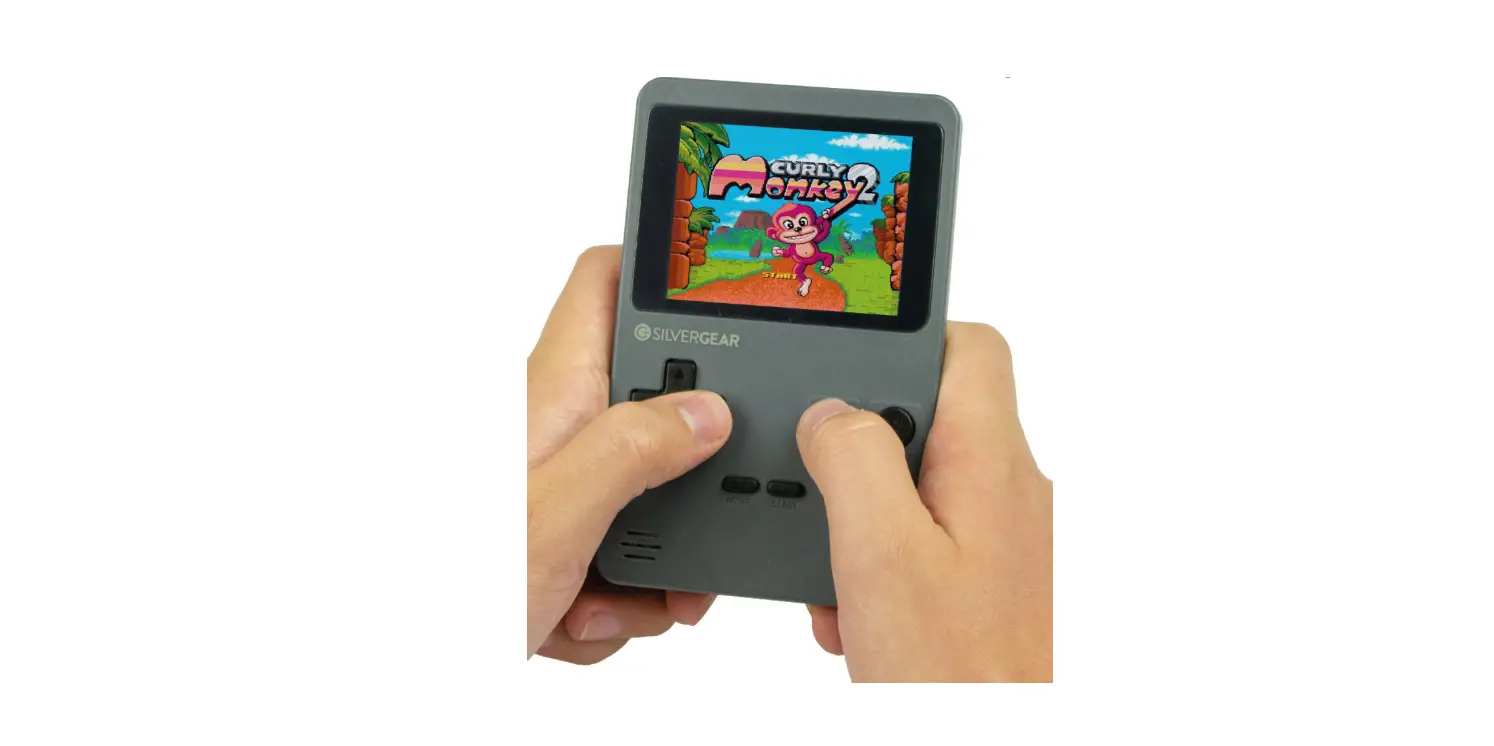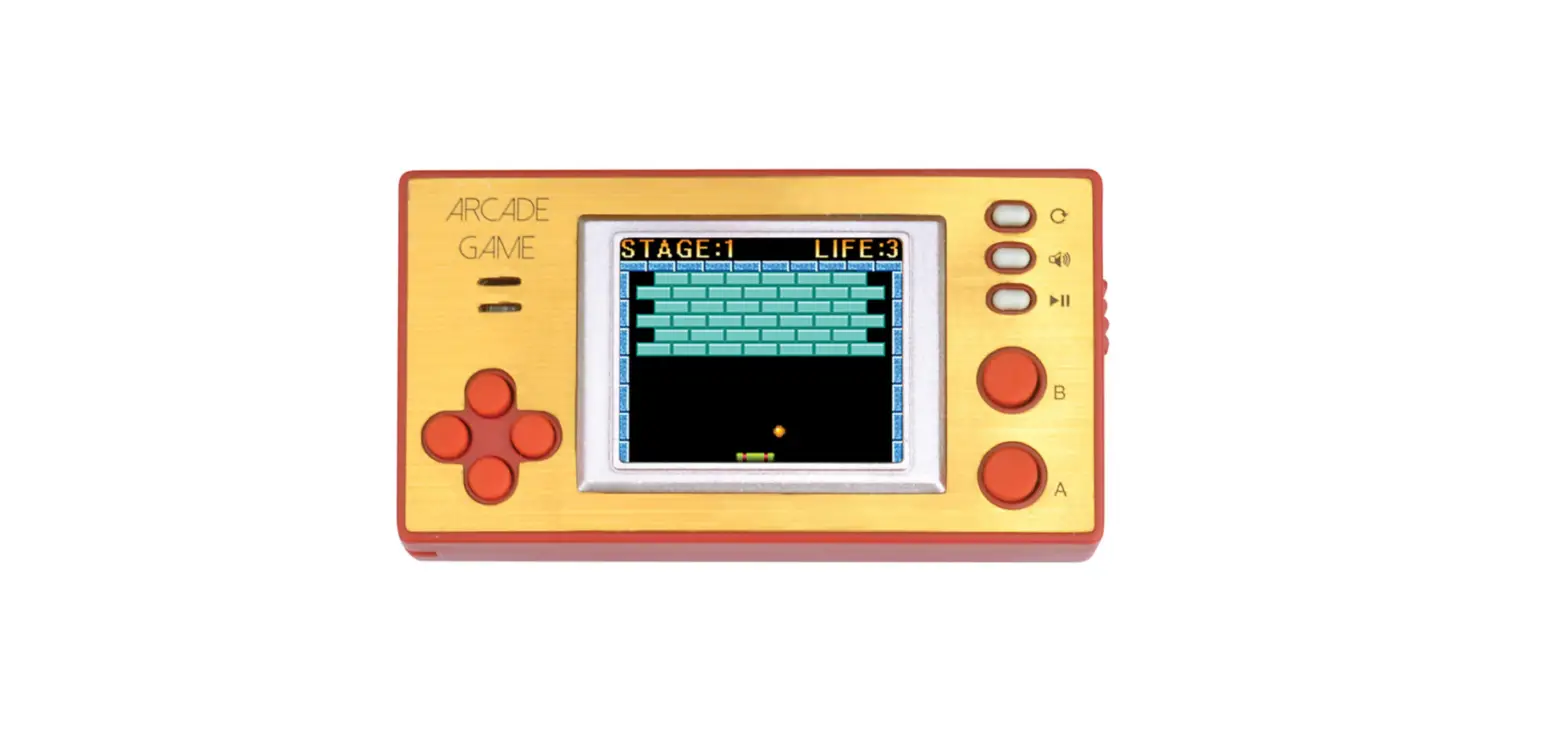

SILVERGEAR 1025 Arcade Game Portable Console
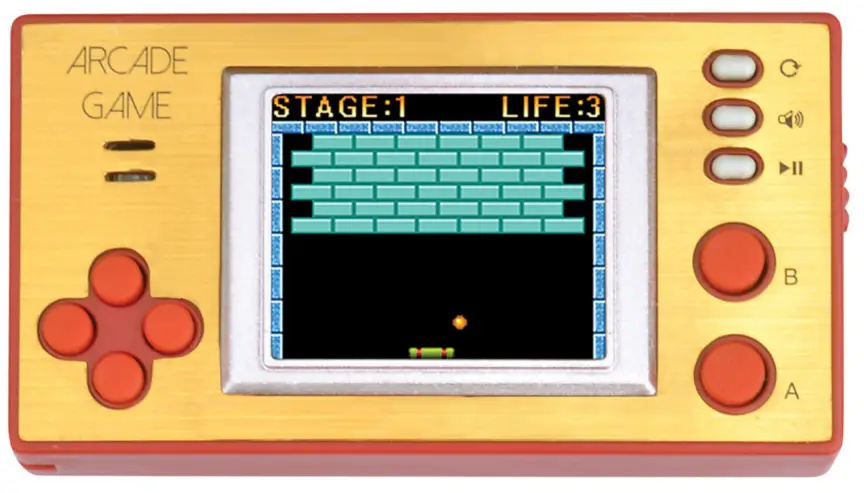
OVERVIEW
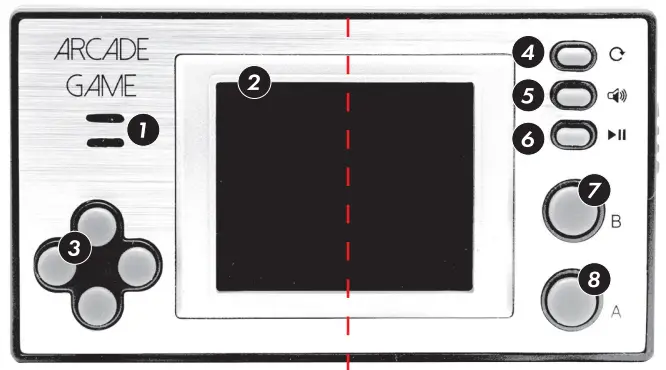
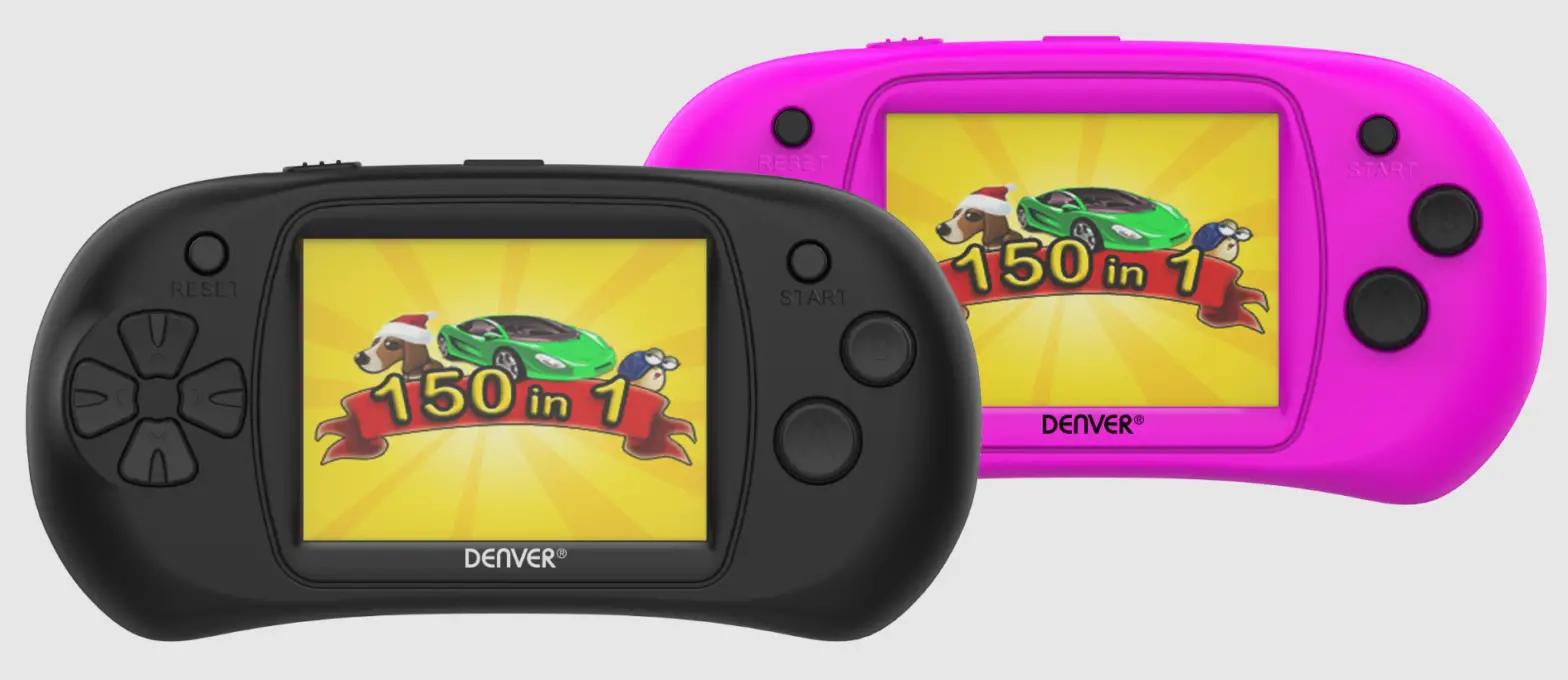
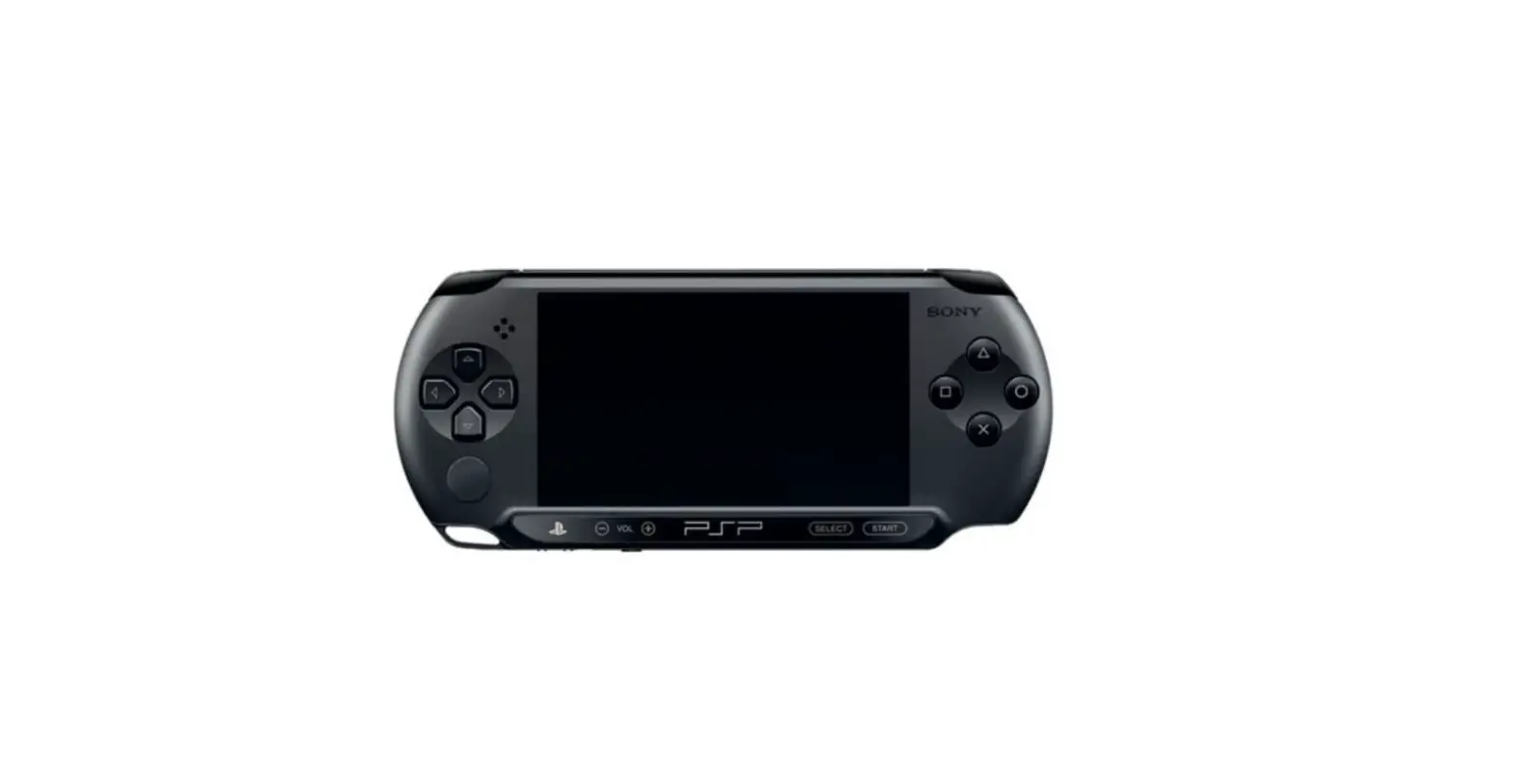
- Speaker
- LCD screen
- Direction pad
- Reset
- Volume
- Start
- Button B
- Button A
Specifications
| Dimension | 150x 80x 25 mm |
| Weight | 45.5 gr |
| lDC | High resolution LTP5 1,8″ |
| Power supply | 3x AAA {not included} |
Installing the batteries
The console requires a set of 3 AAA alkaline batteries. To insert the batteries, open the battery door0 and install the batteries with the posiHve (+} and negative (-} ends as shown in the battery compartment. Reinstall the “battery door”.
Battery cautions
IMPORTANT: Only adults should /re}place batteries.
- Do not attempt to recharge non-rechargeable batteries.
- Insert batteries as marked and always follow the toy’s and baHery manufacturer’s instructions.
- Use only the same or equivalent type of battery as recommended.
- Do not short-circuit the supply terminals.
- Do not mix old and new batteries.
- Do not mix different type• of batteries, such as alkaline, standard /carbon-zinc), rechargeable (nickel-cadmium).
- Always remove exhausted or dead batteries from the toy.
Remove batteries from the product before extended storage.
Trouble Shooting
No picture on the LCD screen
- Is the Game Console tu med on?
- Are the batteries properly installed?
- Check if the batteries are Rat or need replacing.
No game sound
Is the volume control too /ow, or off?
The picture on the LCD screen is too dark
Check if the batteries are Rat and need replacing.
fringes appear on LCD screen during broadcast ar the displayed picture is blinking ar distorted
- Check if the batteries are Rat and need replacing.
- Try pushing the reset button.
- Switch the Game Console off and try again.