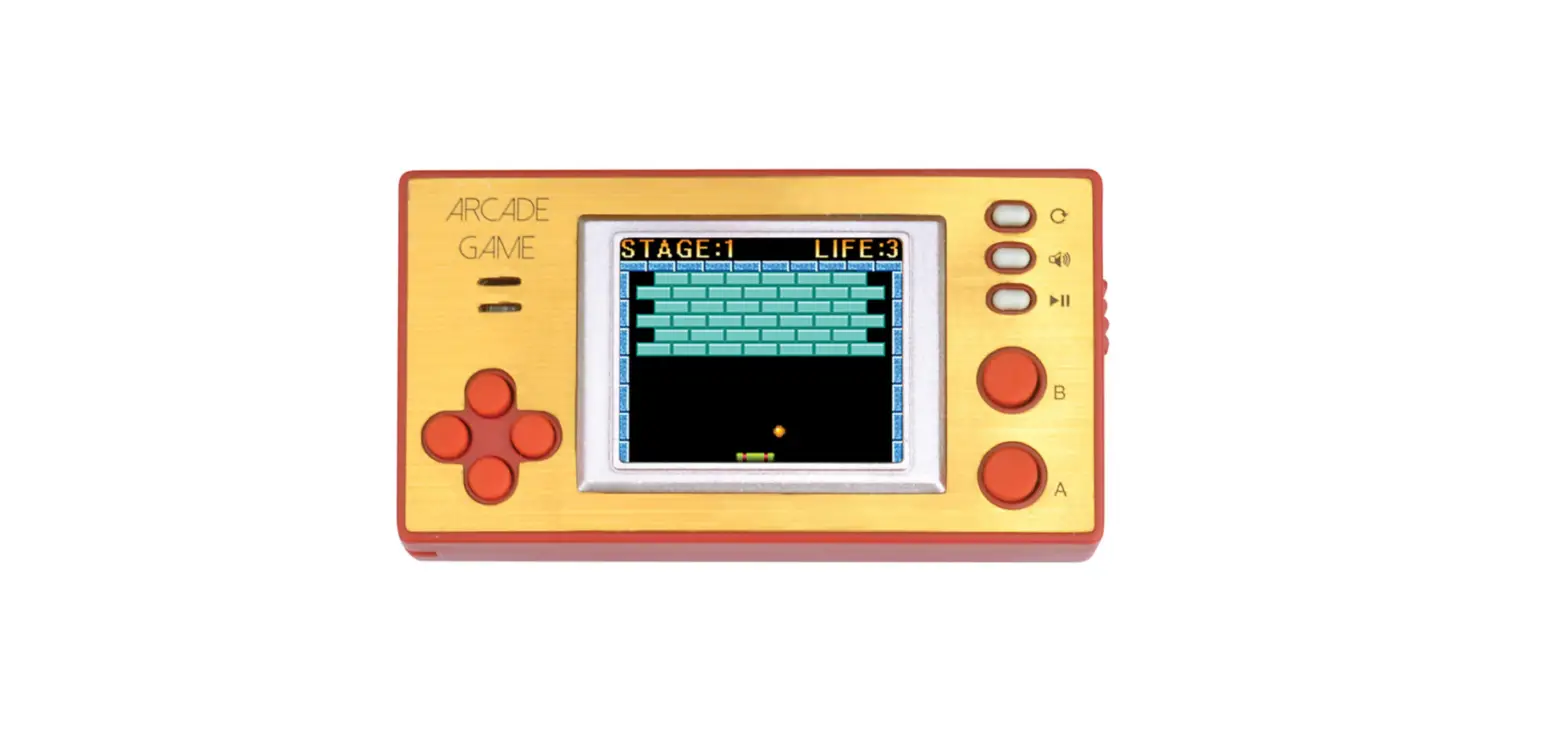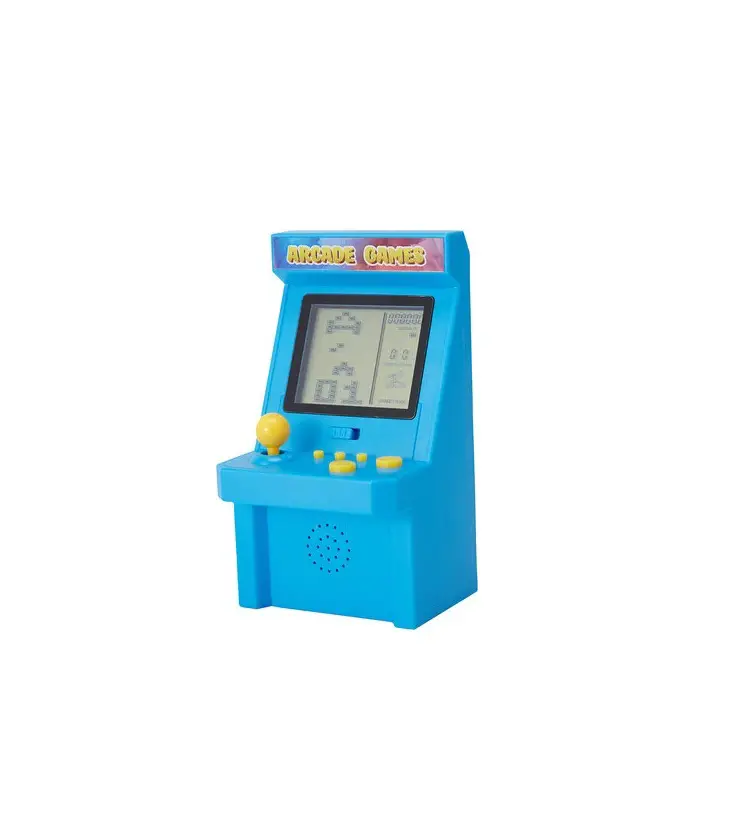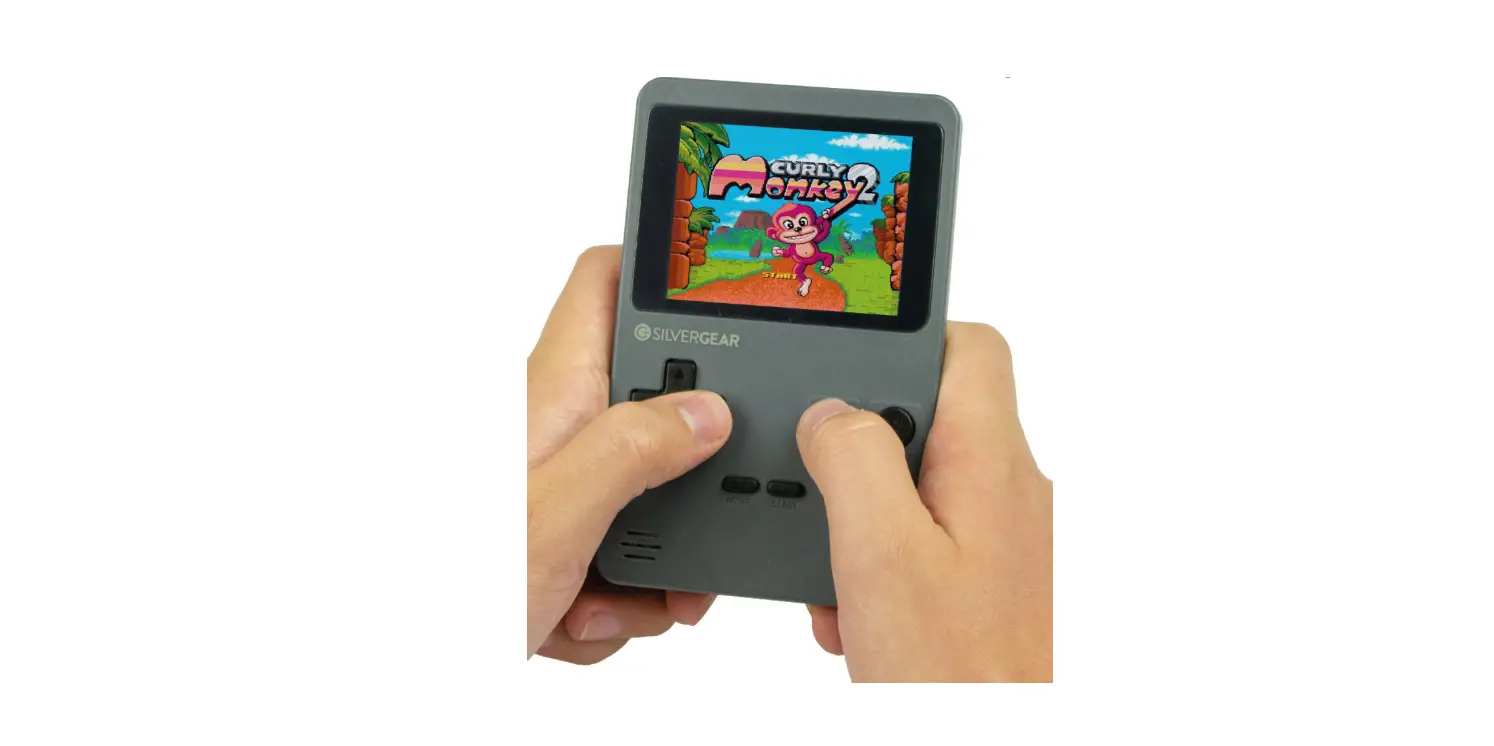

SILVERGEAR 1127 Mini Retro Arcade Spelcomputer
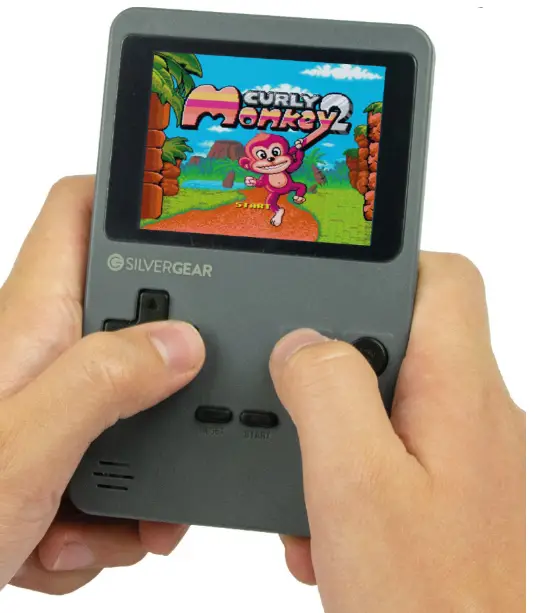
IMPORTANT: Only adults should replace batteries. Battery life is 3-4 hours. Varies between brand and quality.
- Do not attempt to recharge non-rechargeable
- Do not mix old and new batteries. Do not mix different batteries. types of batteries, such as alkaline, standard
- Insert batteries as marked and always follow the (carbon-zinc), rechargeable (nickel-cadmium). console manufacturer’s instructions.
- Always remove exhausted or dead batteries from the console.
- Use only the same or equivalent type of battery
- Remove batteries from the product before extended storage. as recommended.
- Do not short-circuit the supply terminals.
Thank you for purchasing the Retro Pocket Gamer.
Model specification
| Svstem | Flash | 128MB |
| CPU | FE03 | |
| Batteries | 4x AAA (not included) | 1.5V |
| Software | Game | 240 built inr;iames in 8bit |
| Console | TFT screen | High resolution LTPS 6×4.5cm |
| Size console | 12.5 x 8 x 2.3cm | |
| Weight | 92 gram |
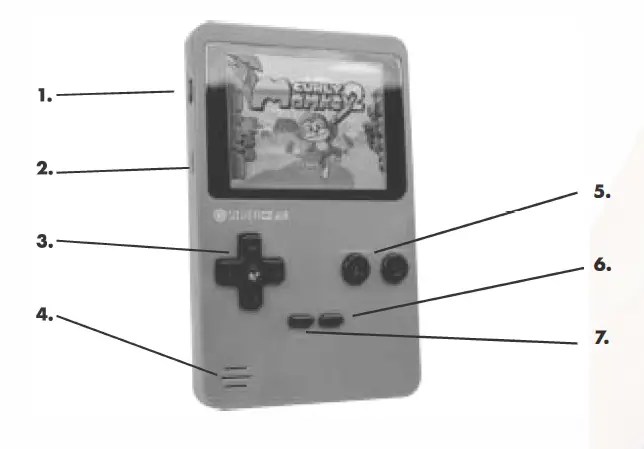
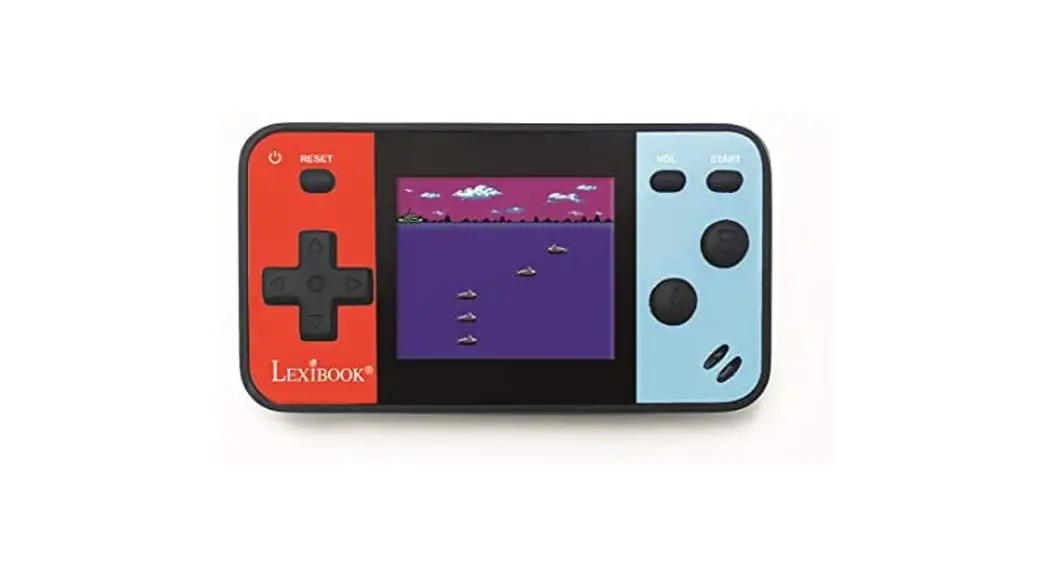
- Power: to turn on/off the console.
- Volume control: to adjust the volume.
- Direction keypad: Press the left, right, up, down for choosing the game.
- Built in sound system: Retro background sound and melodies.
- A/B button: Press A/B button lo confirm, to shoot and to jump during the gaming.
- Start button: to enter, start and pause during the game.
- Reset button: to reset games or lo reset the console.
IMPORTANT SAFETY INFORMATION: PLEASE READ BEFORE PLAYING
- Some people may experience epileptic seizures when viewing Aashing lights or patterns in our ordinary daily environment. For example, watching TV or playing video games.
- Anyone who has had a seizure, loss of awareness or other symptoms linked to an epileptic condition should consult a doctor before playing a video game.
- Stop playing and consult a doctor if you have or your child has any of the following symptoms:
- Convulsions
- Eye or muscle twitching loss of awareness
- Altered vision
- Involuntary movements
- Disorientation.
To reduce the likelihood of a seizure when playing video games:
- Sit or stand as far from the screen as possible.
- Play video games on the smallest available television screen.
- Do not play if you are tired or need sleep.
- Play in a well-lit room.
- Take rest for 20 minutes after l hour of continuous play.